


MarketGuard for Hypixel Skyblock Mod (26.2, 1.21.11) – Never Lose Coins To Auction

 0
0 

🌐 Read this article in your language! Choose your preferred language below.
Or pick the one you like:
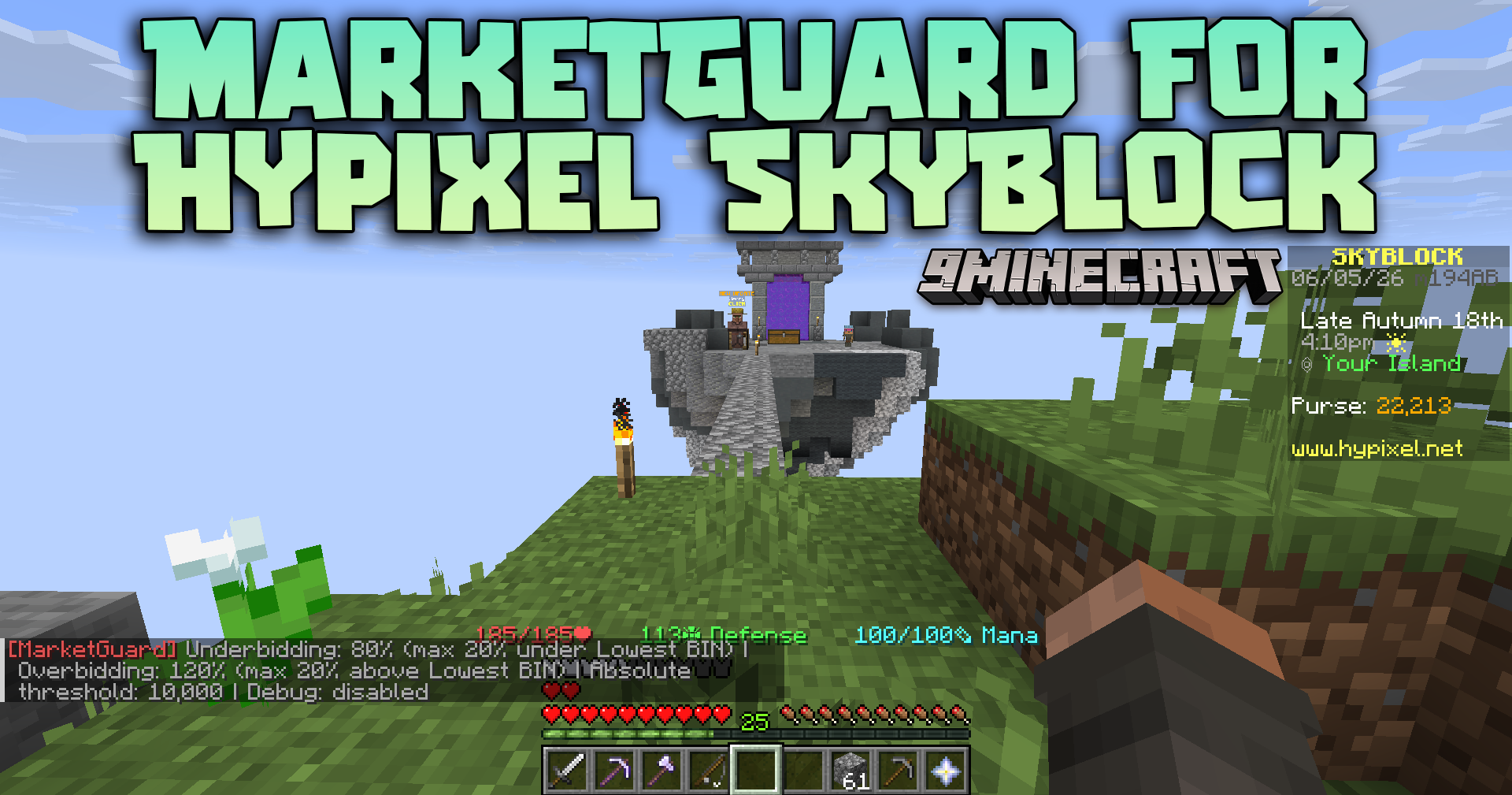
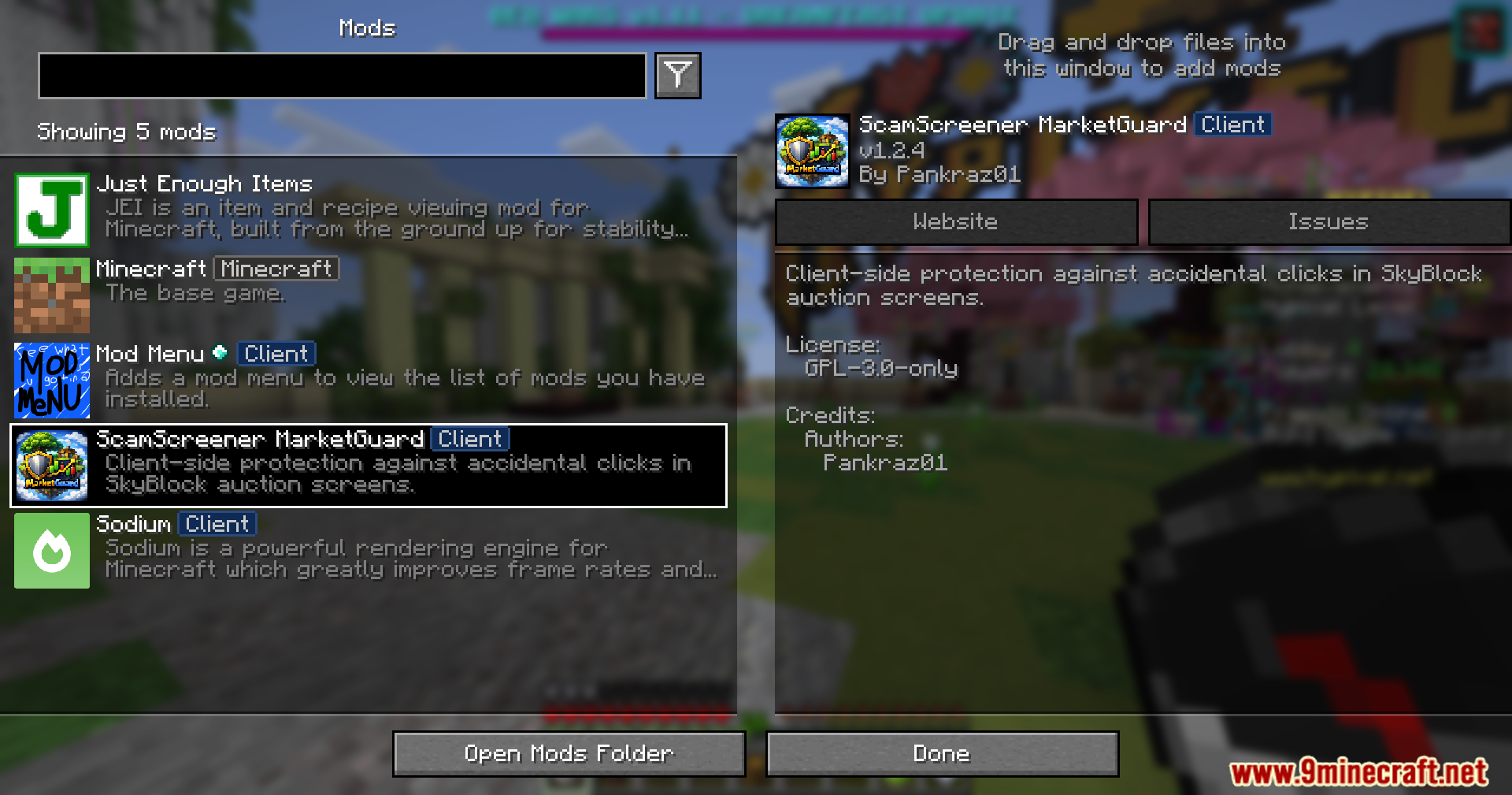
MarketGuard for Hypixel Skyblock Mod protects your hard-earned coins from accidental misclicks in the Auction House. It checks item prices before you buy or sell and stops you from making huge mistakes. If you accidentally type the wrong number or click on an overpriced item, this mod blocks the action to save your money.
Features:
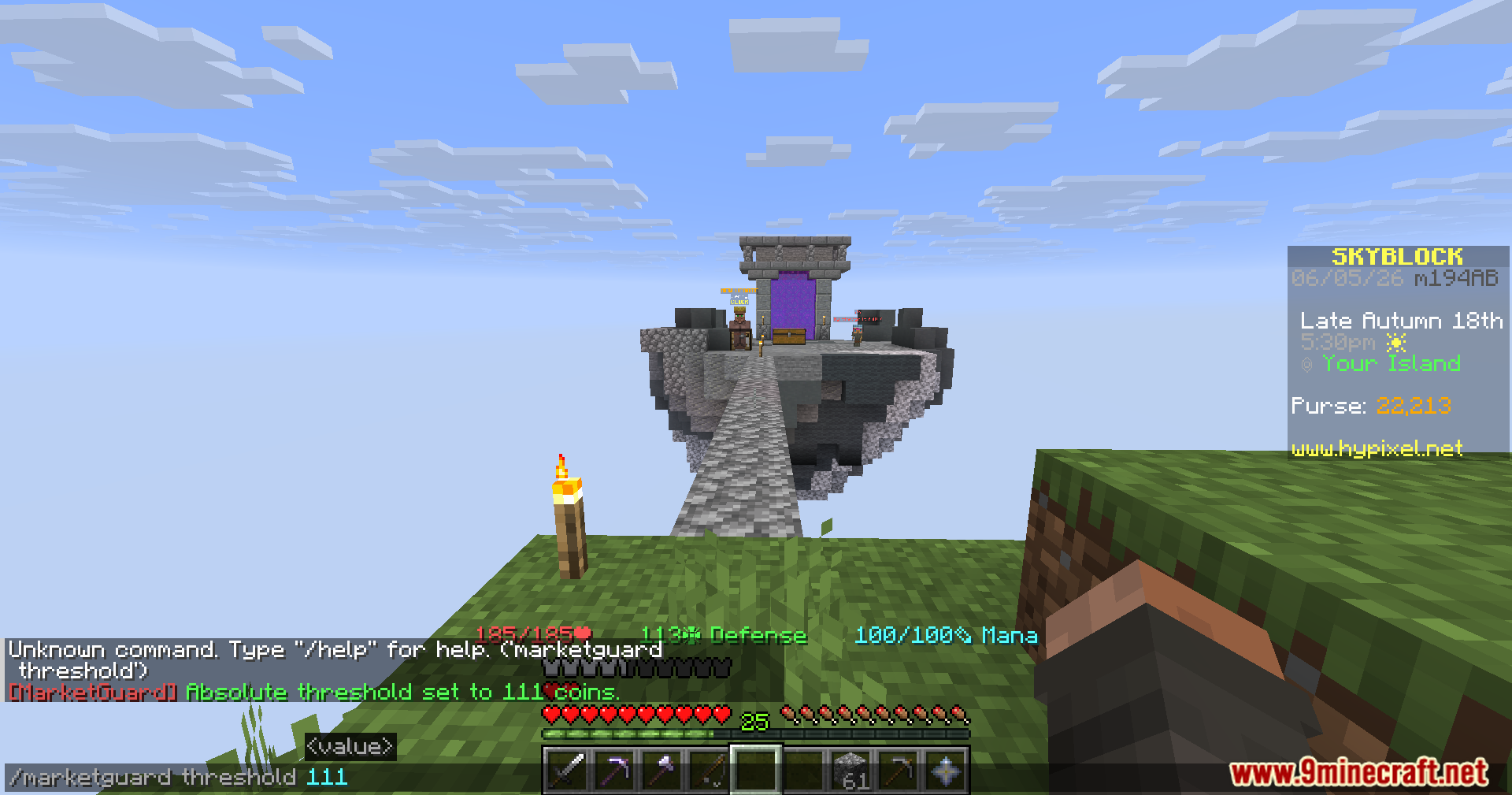
- Stops Underbidding: Blocks you from listing an item for way less than it is worth, which usually happens when you forget to type a zero.
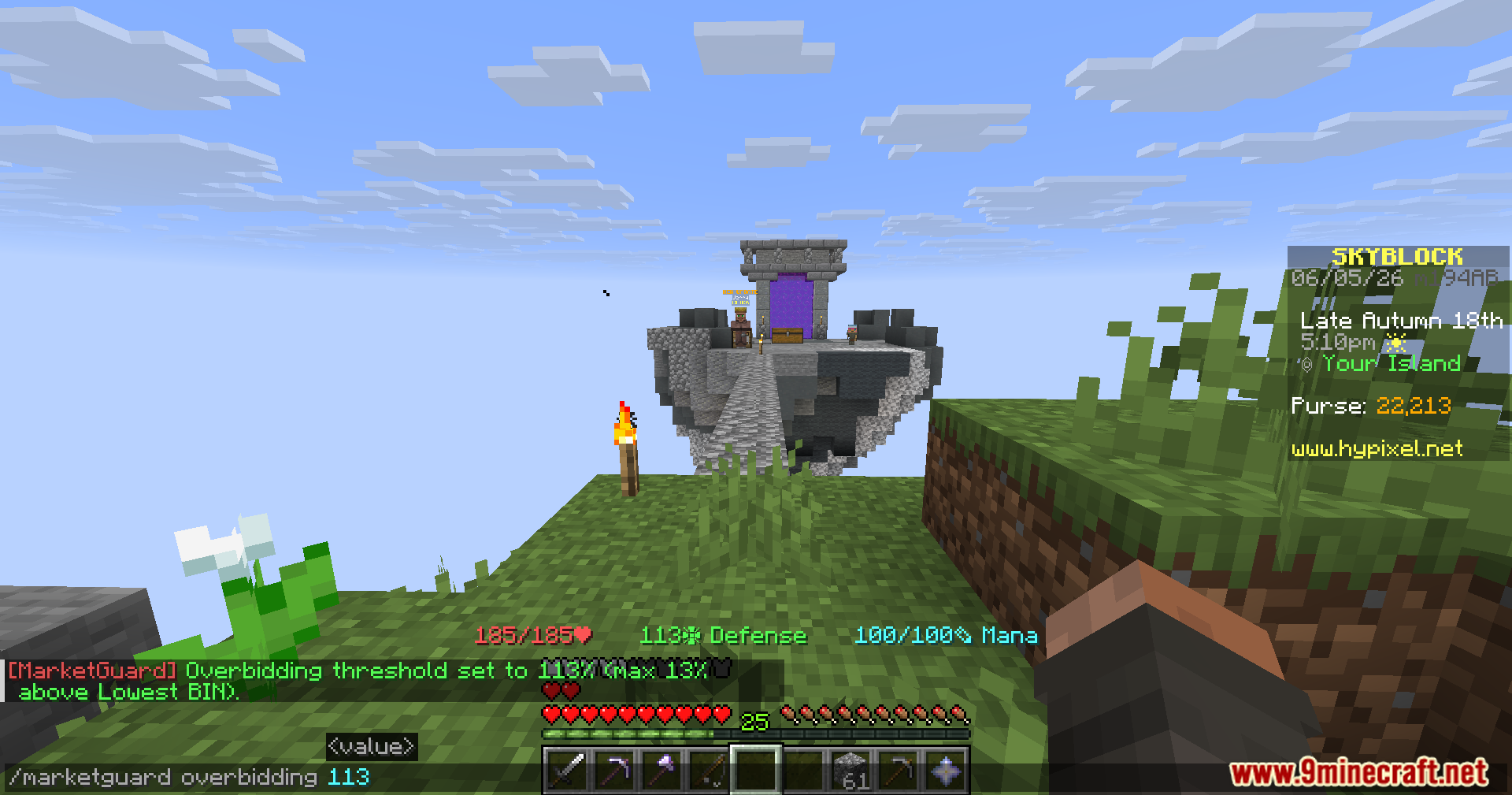
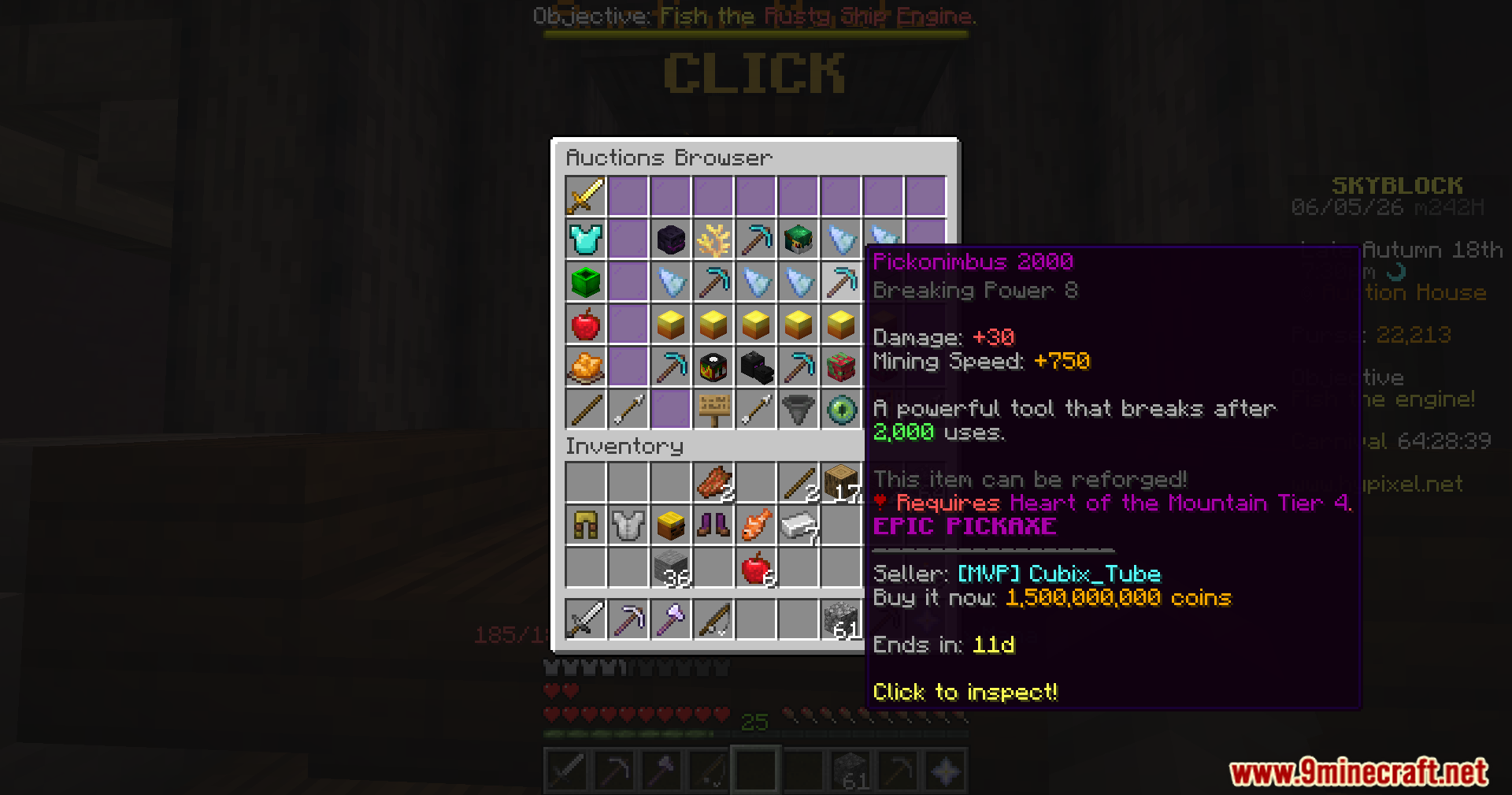
- Prevents Overbidding: Stops you from buying an item that costs way more than the normal market price.
- Bypass Option: Lets you click a few more times to force the purchase or sale if you actually want to do it.
- Shows a clear warning message in your chat with the item name and the exact price difference.
- Runs completely on your side, so you do not need to worry about server rules or other players.
- Pulls the lowest price data directly from the market to compare against your clicks.
- Blocks the click to keep you safe if the market price data is still loading or unavailable.
Commands:
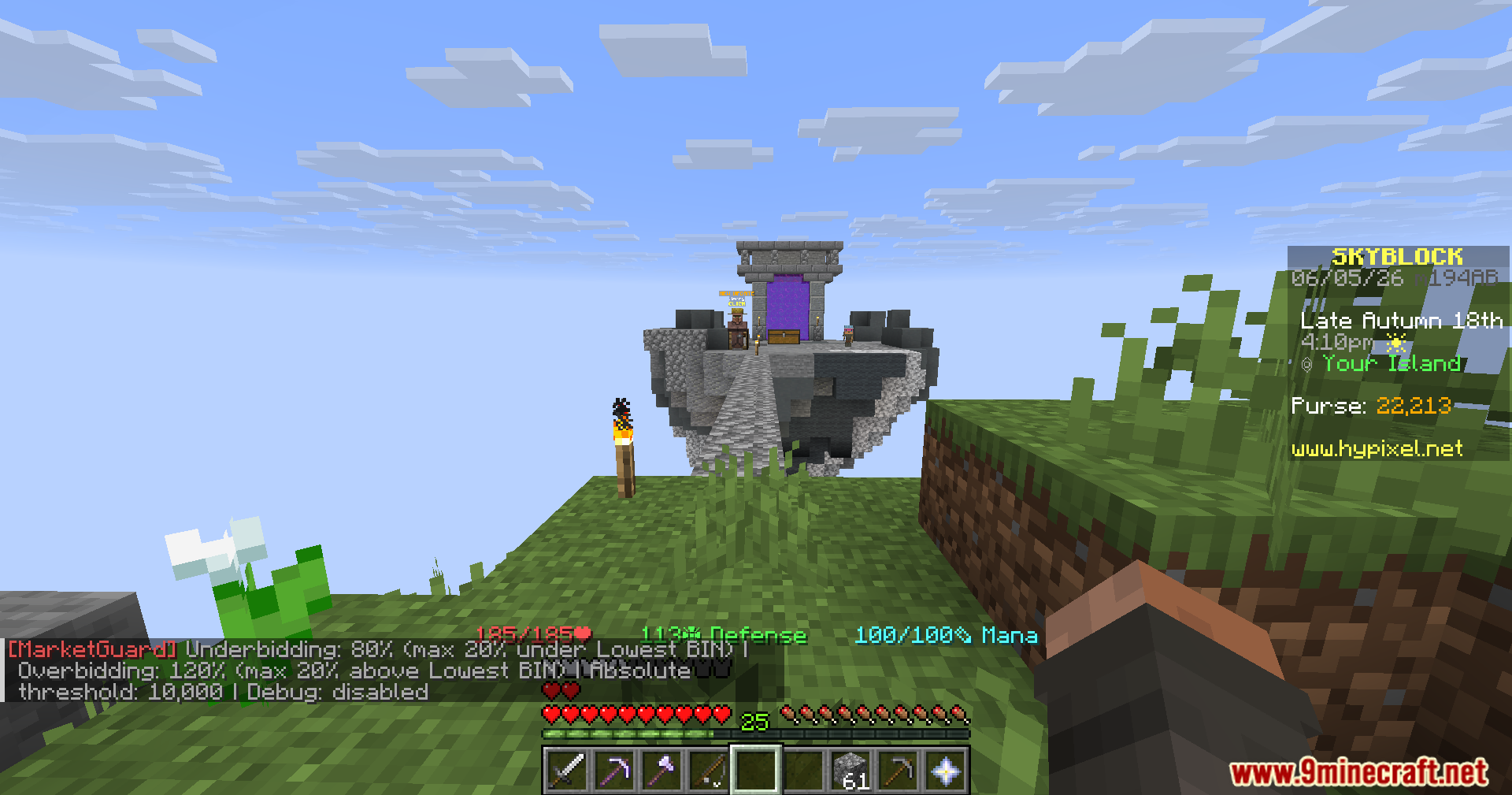
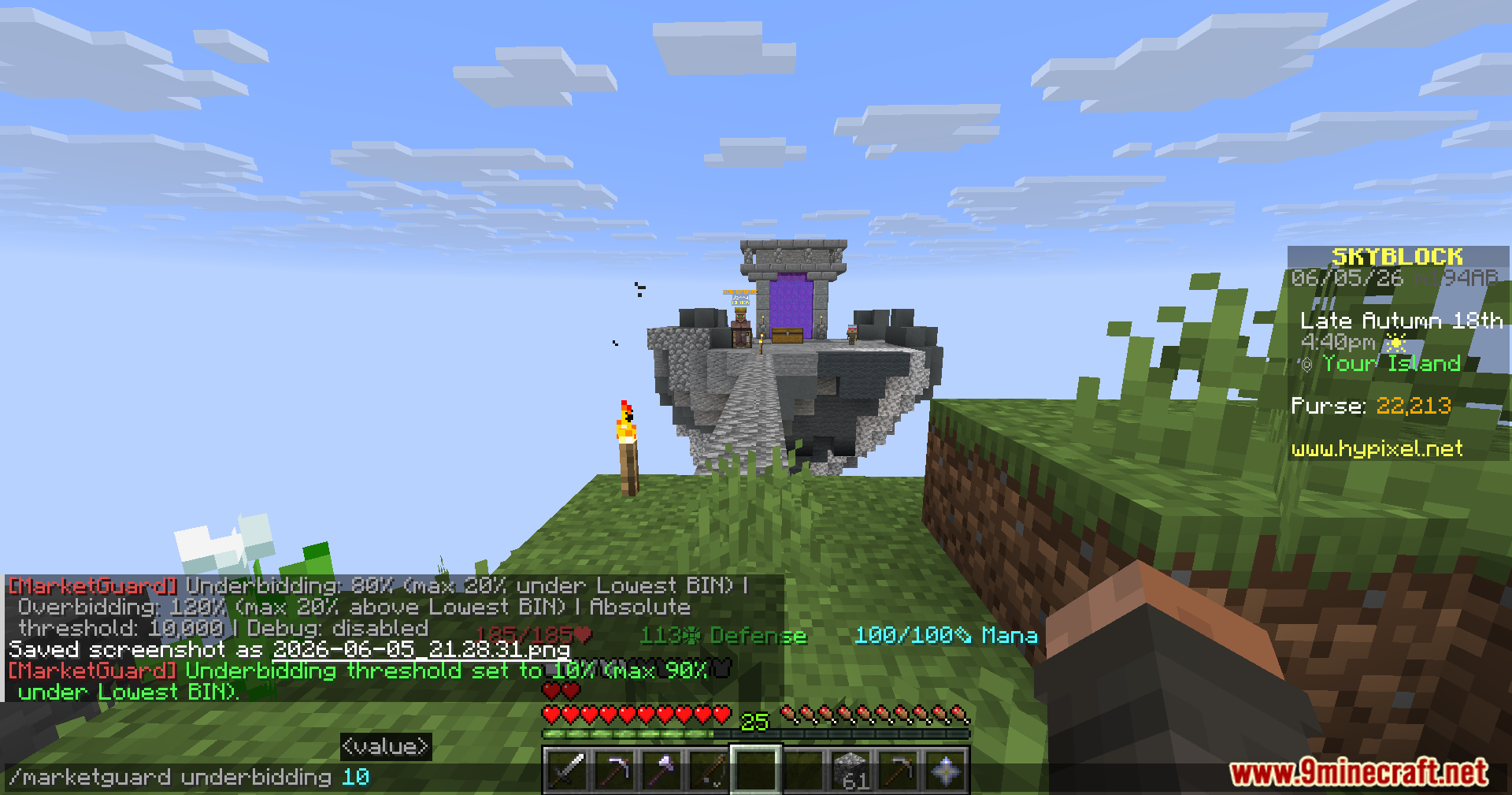
/marketguardor/mgopens the main settings./mg underbidding <0-100>sets the limit for selling items too cheap (default is 80)./mg overbidding <value 100 or higher>sets the limit for buying items too expensive (default is 120).
How to Use:
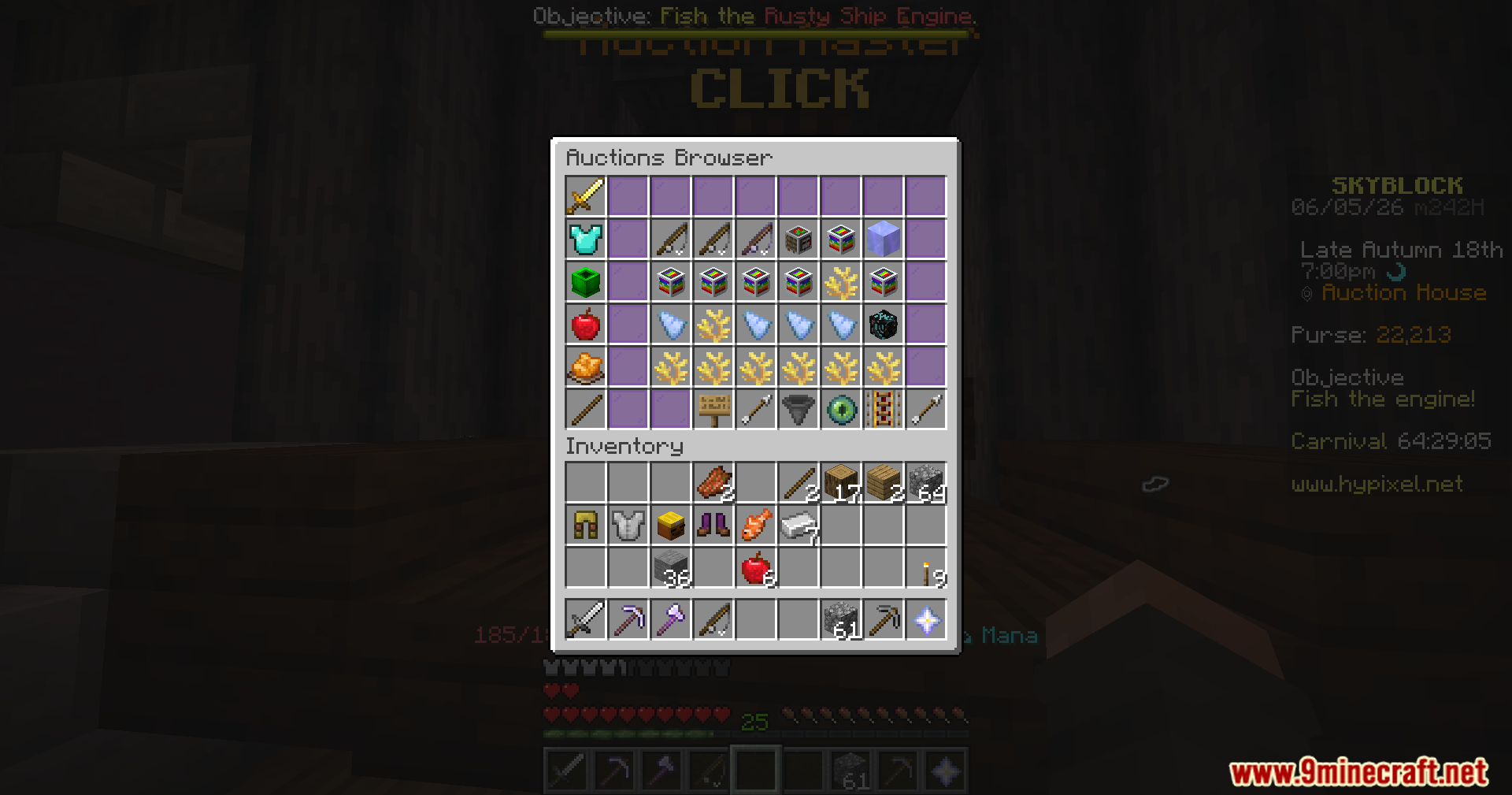
- Open the Auction House in Hypixel Skyblock.
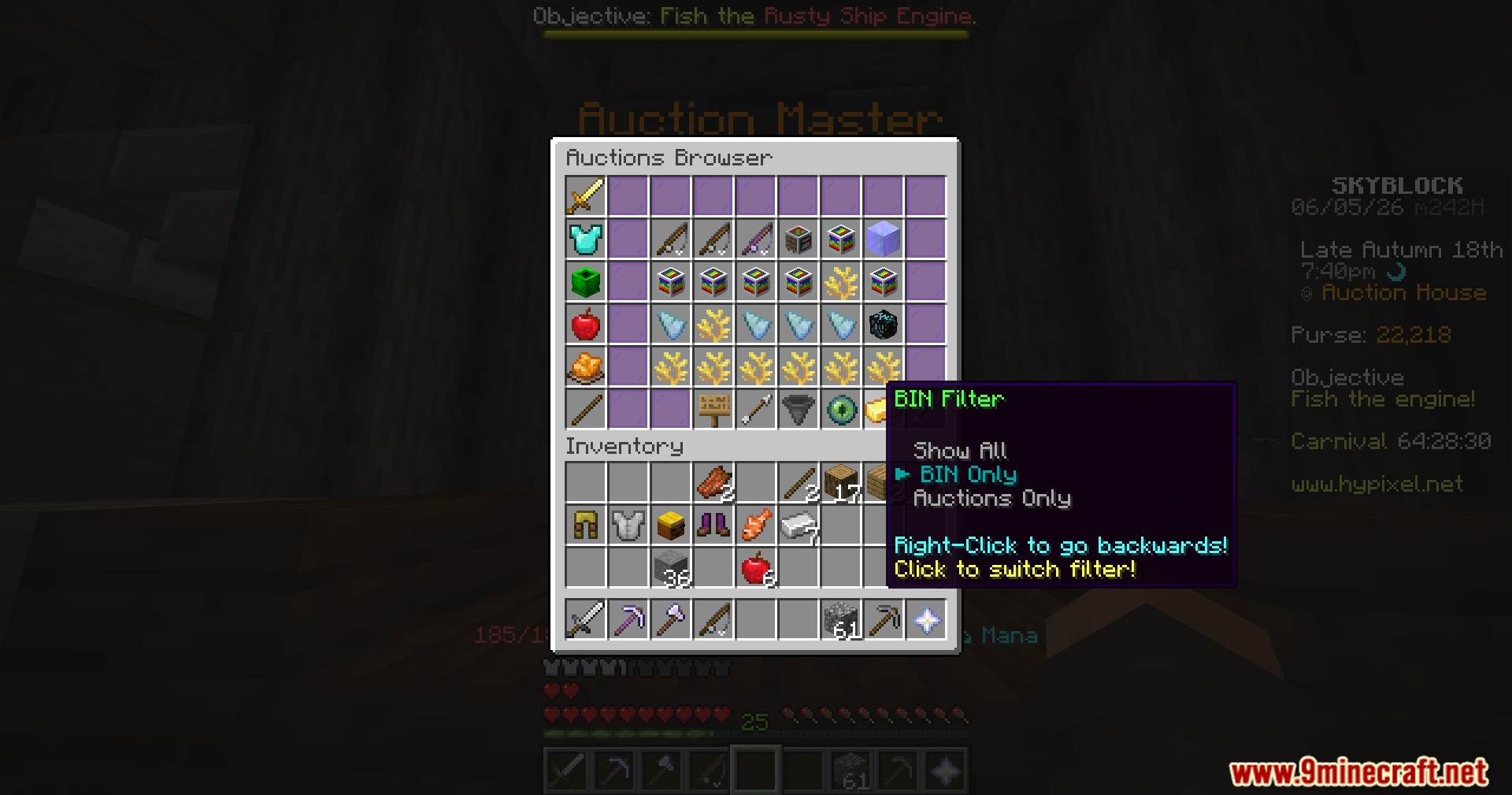
- Try to buy a Buy It Now (BIN) item or create a new BIN auction.
- If you type a price that is too high or too low, the click gets blocked automatically.
- Read the warning in your chat to see how far off your price is.
- Click the button a few more times if you still want to complete the action anyway.
Screenshots:
How to Install:
New to Minecraft? Follow our step-by-step guide to install Mods on your PC.View Guide
Requirements:


MarketGuard for Hypixel Skyblock Mod Download Links
For Minecraft 26.2
For Minecraft 26.1.2, 26.1.1, 26.1
For Minecraft 1.21.11
For Minecraft 1.21.10, 1.21.9
Click to rate this post!
[Total: 1 Average: 5]
You May Also Like


This post has no comments yet. Be the first — your comment will appear here.