
MC Java Safety Check Mod (1.21.1) – Protect Your Game From the Java4Shell
 0
 0

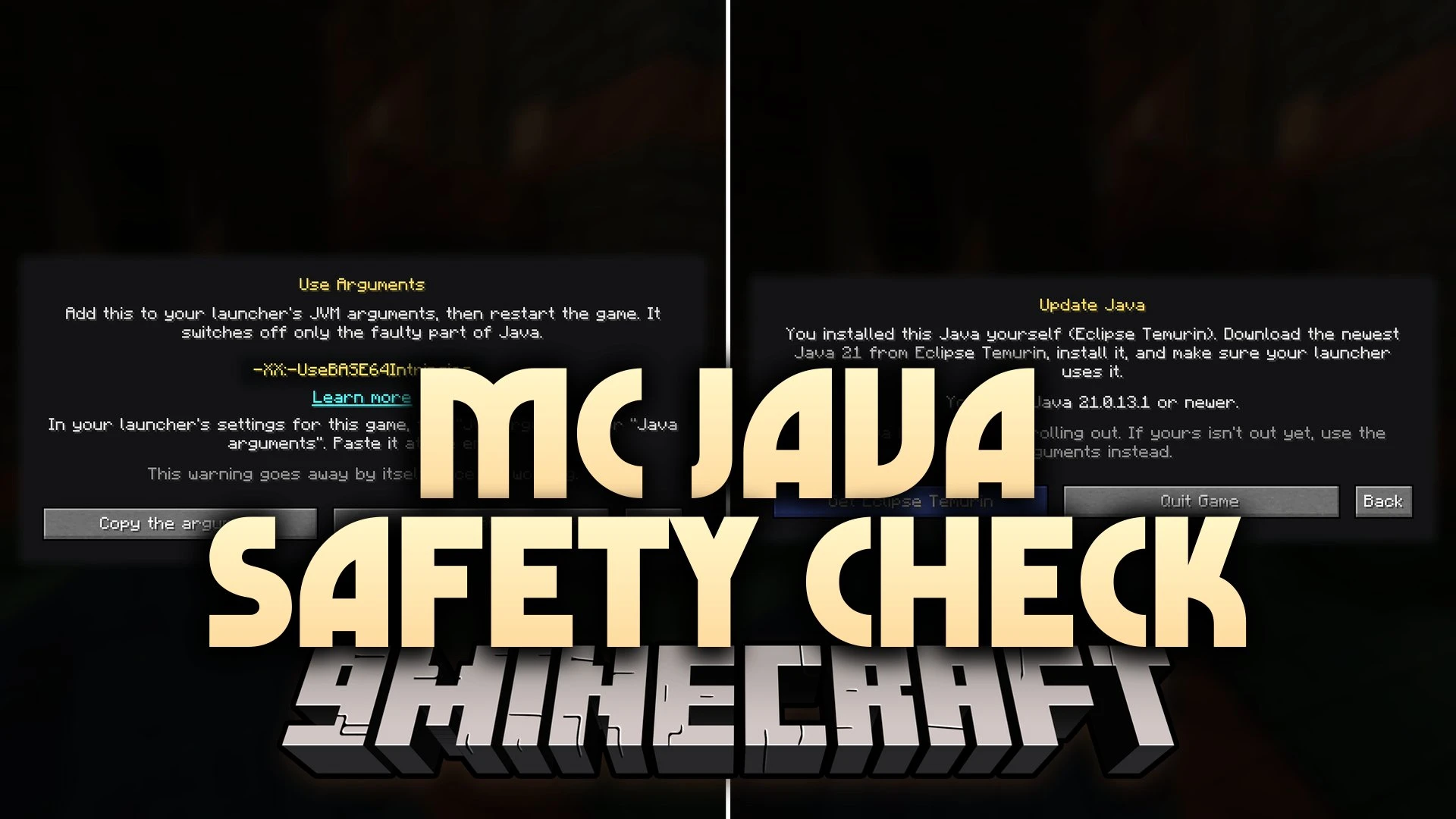
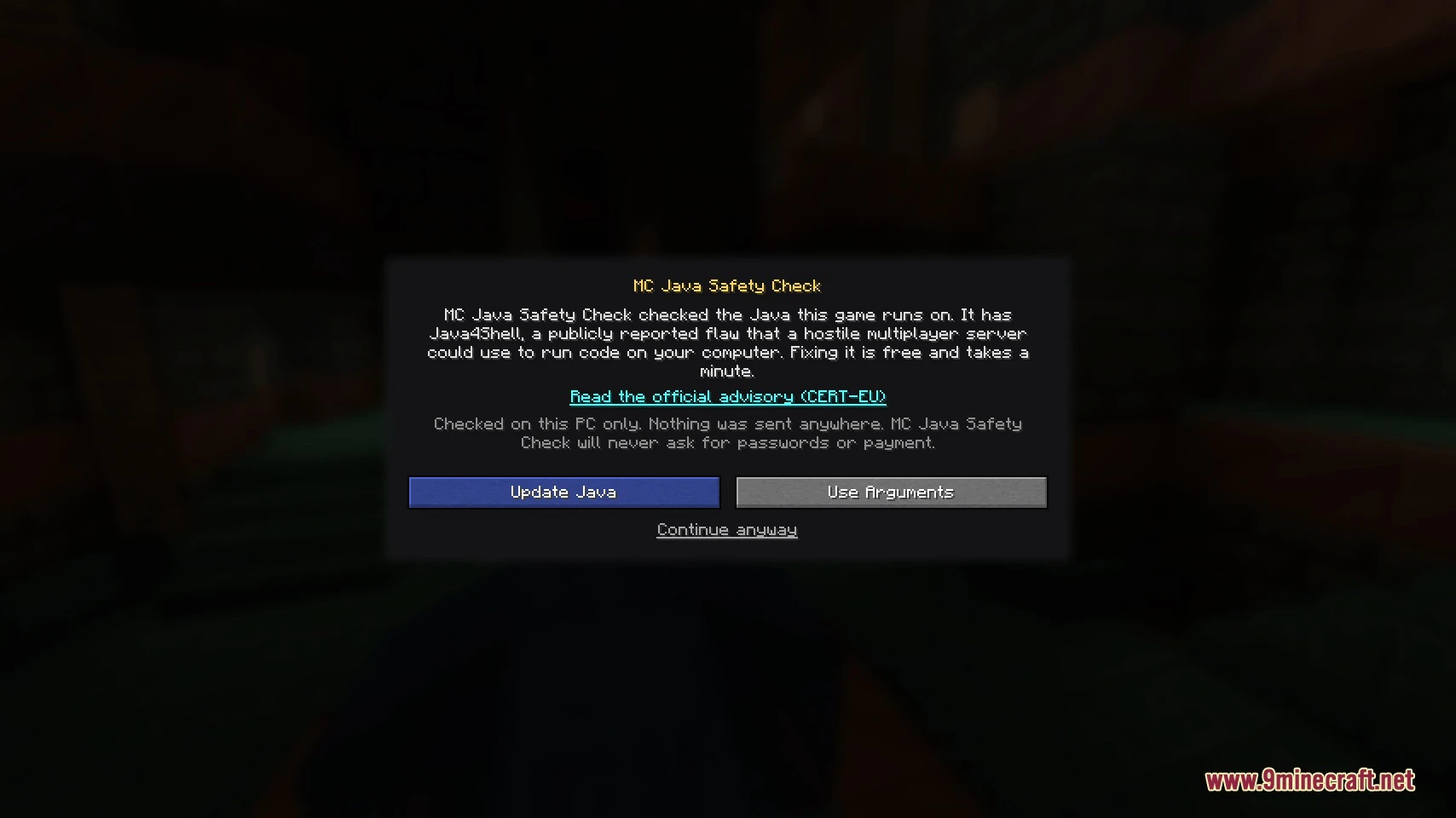
MC Java Safety Check Mod protects your game by checking if your Java version has the dangerous Java4Shell flaw (CVE-2026-114938). Because Minecraft reads Base64 data for player skins and server icons, a bad multiplayer server can use this flaw in newer Intel and AMD processors to crash your game or run unwanted code on your computer. The mod checks your system right on the title screen and only shows a warning card if your specific Java version and processor are at risk. It works completely offline on your PC without sending any data over the network, and you can run it on the client, the server, or inside the Dungeon Train modpack.
Features:
- Title Screen Warning Card: Shows an alert on the title screen only if your Java version is affected, explaining what was found and linking to the official CERT-EU security report.
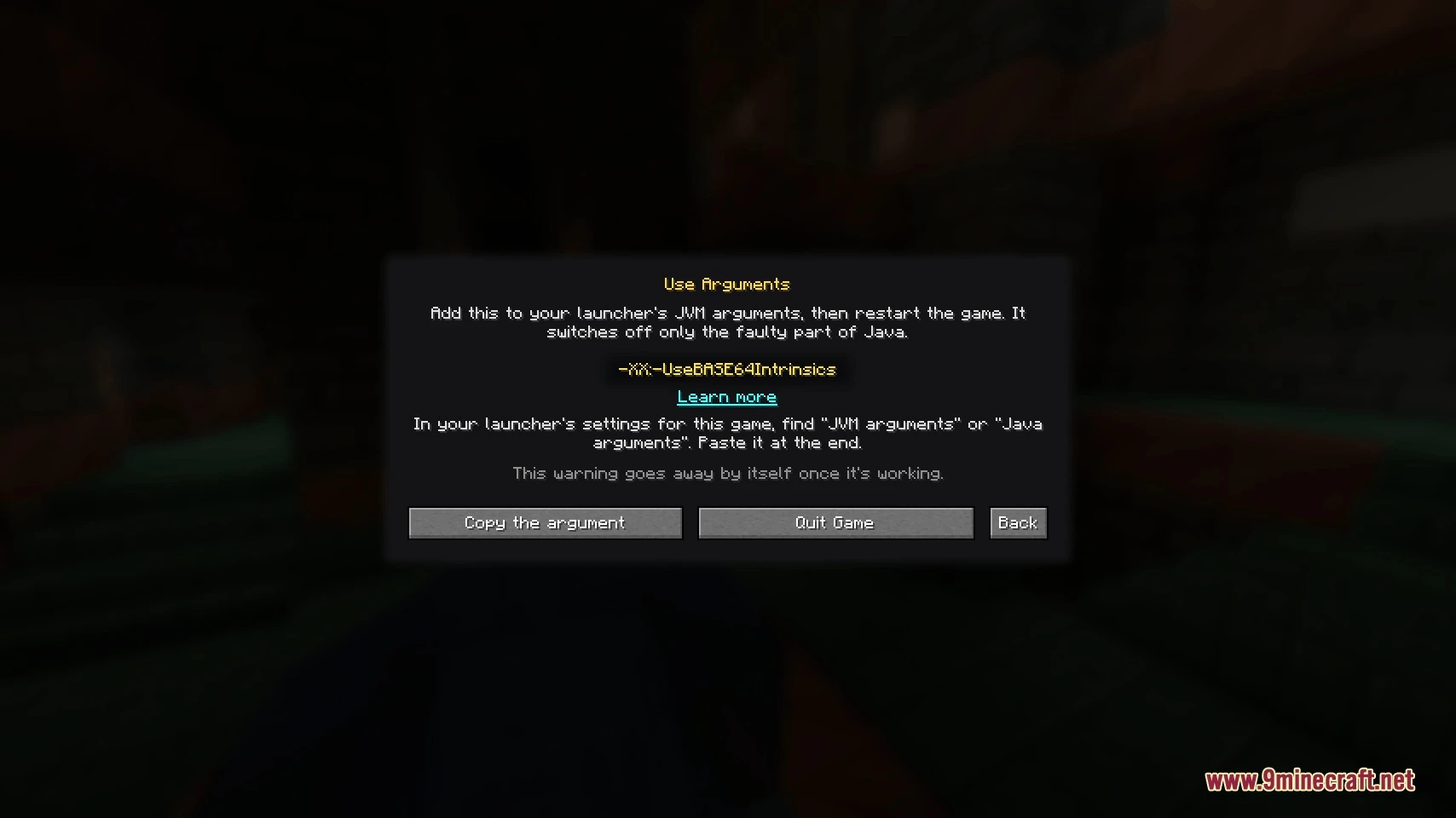
- Two Quick Fixes: Gives you clear instructions to either update your Java or copy a single JVM argument to turn off the broken part of Java.
- Local & Private Check: Reads only your Java version and settings on your own computer without sending anything over the internet, running test attacks, or asking for passwords.
- Checks if you meet all three risk conditions: an x86-64 processor with AVX-512, the default Base64 shortcut turned on, and an affected Java version (17.0.6 or newer, 21, 25, or 27, below versions 17.0.21.1, 21.0.13.1, 25.0.5.1, or 27.0.1.1).
- Stays hidden for players on Apple silicon, older processors, or already fixed Java versions.
- Stops showing the warning card automatically as soon as you apply one of the fixes.
- Includes a “Continue anyway” button that asks one more time, and a “Don’t show me again” option that remembers your choice for that specific Java build.
- Prints the same safety check results into the server log when a multiplayer server starts up, and writes
[MC Java Safety Check]inlatest.logso you can verify it is running. - Includes warning text in 22 different languages.
Configuration:
senderName: Located inconfig/mcjavasafetycheck-client.toml, this option lets a modpack display its own custom name on the warning card (such as “My Pack: Java Safety Check”).
How to Use:
- Launch the game and reach the title screen to let the mod check your Java version automatically.
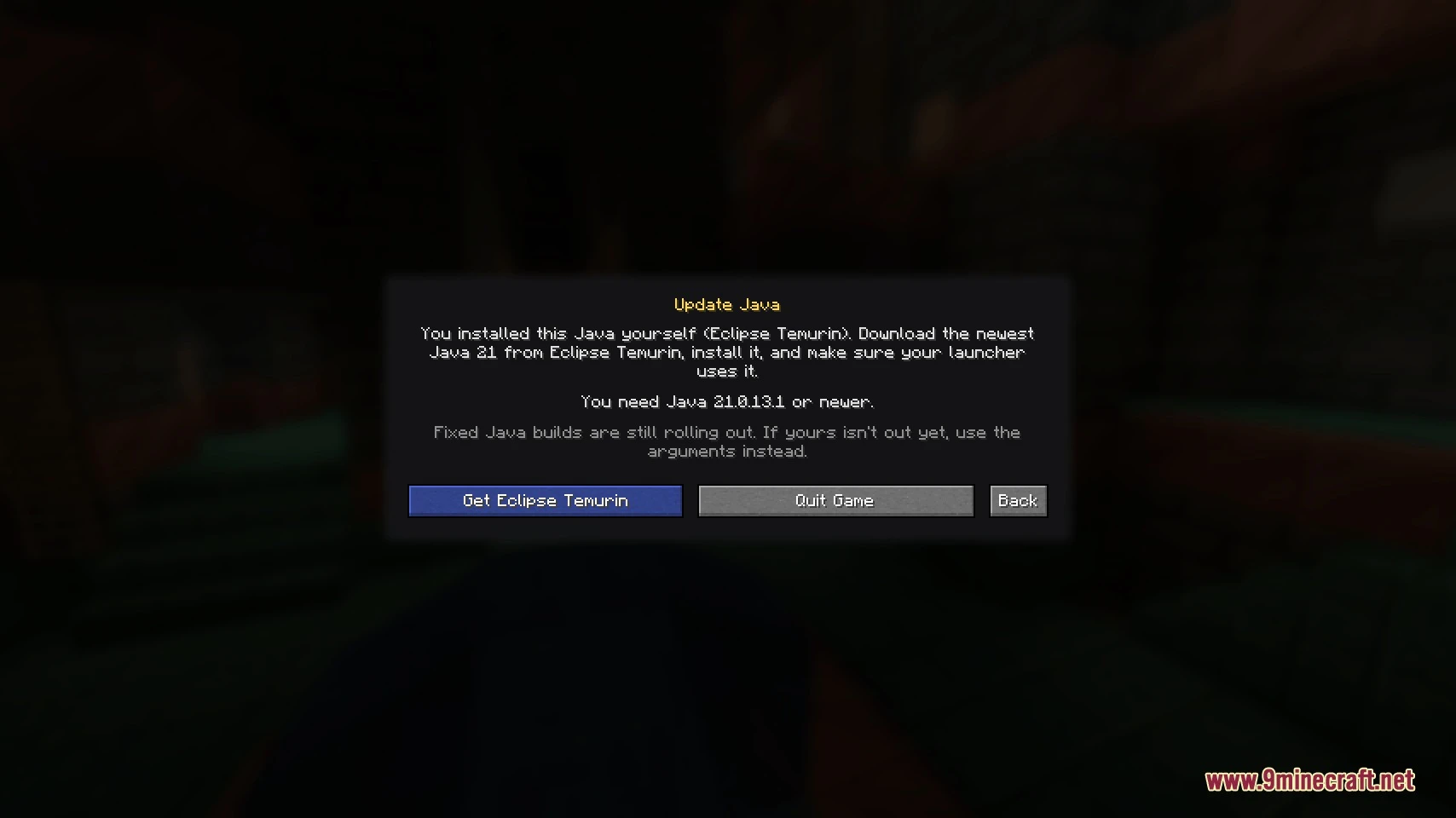
- If the warning card appears, choose the Update Java option to follow steps for your specific launcher: restart the Minecraft Launcher, CurseForge, or ATLauncher, re-download Java in the Modrinth App or Prism Launcher, or install a newer build from your Java vendor.
- Alternatively, select the Use Arguments option, click the Copy button to grab the
-XX:-UseBASE64IntrinsicsJVM argument, and paste it where your launcher keeps its arguments to switch off the faulty Base64 shortcut. - Restart your game after applying a fix; the warning card disappears on its own once your setup is safe.
Screenshots:
How to Install:
New to Minecraft? Follow our step-by-step guide to install Mods on your PC.View Guide
Requirements:

MC Java Safety Check Mod Download Links
For Minecraft 1.21.1, 1.21
How do you feel about quest books in modpacks?
3 responses · See the full results →
You May Also Like
Picked for this page
 Enderite Mod (26.3, 1.20.1) – Craft Overpowered Gear to Survive the Void
 World Handler – Command GUI Mod (1.21.11, 1.20.1) – Run Commands Fast
 More Chat History Mod (26.3, 1.20.1) – Review Missed Chats After Being AFK
 Chat Patches Mod (26.3, 1.20.1) – Keep Full Chat Logs Across Every World
 Adaptive Performance Tweaks Mod (26.3, 1.20.1) – Keep Busy Worlds Lag Free
 Boat Break Fix Mod (26.2, 1.20.1) – Survive Massive Boat Drops Every Time
 Ipla Mod (26.3, 1.20.1) – Place Any Item Anywhere
 Big Lost City Mod (26.1.2, 1.20.1) – Explore Abandoned Cities
 No Prying Eyes Mod (26.2, 1.20.1) – Secure Your Privacy and Block Chat Tracking
 TFC Gen Viewer by NotEnoughMail Mod (1.21.1, 1.20.1) – Find the Perfect
 Combat Ascended Fabric & Forge Mod (1.21.1, 1.20.1) – Master Timed Combos
 Packs & Pillagers Mod (26.3) – Play Survival Minecraft As a Stacklands Card Game
Most viewed in Mods over the last 7 days
 Ala Industrial Mod (26.3) – Run Electric Power Grids and Automated Factories
 PleasureCraft Mod (26.3, 1.21.1) – Jenny Mod Remake for Fabric
 Jennycraft Mod (26.3, 1.20.1) – Virtual Girlfriend in Minecraft
 Fapcraft Mod (26.3, 1.12.2) – Comprehensive and Detailed Content
 Jenny Mod (Fapcraft) Official Complete Guide – How to use, Tutorial
 Meteor Client Mod (26.3, 1.20.1) – Xray, HUD, Fly
 OptiFine HD (26.3, 1.20.1) – Run Faster, FPS Boost, Shaders Support
 BangCraft Mod (1.20.1) – Jenny, Ellie and Elliot
 Fabric Loader (26.3, 1.20.1) – Fabric Installer for All Minecraft Versions
 SeedCrackerX Mod (26.3, 1.20.1) – Find Any World Seed
 Patched Mod (26.3, 1.20.1) – Edit Game Files Without Breaking Packs
 CatLean Client Mod (26.2, 1.21.11) – ThunderHack Recode Alternatives
More from Mods
 The Star Wars Mod (26.2) – Wield Custom Lightsabers and Master the Force
 Voltforge Mod (1.21.1) – Build Massive Factories, Nuclear Reactors
 Mob Spawn Checker MSC Mod (1.21.1, 1.20.1) – Pinpoint Why Mobs Are Failing
 ChosenLib Mod (1.21.1) – Build New Fabric Projects Faster with Reusable Code
 SkillTreeCore Mod (1.20.1) – Core Library for Custom RPG Skill Tree Menus
 CRM Mod (26.1.2, 1.20.1) – OpenGL Rendering API for Easy Cross-Version Mod
 Cryptic Registry Mod (1.20.1) – Save Modpack Space and System Resources
 Create Warheads Mod (1.21.1) – Launch Nuclear Missiles and Defend Your Base
 Fake Presence Mod (26.3, 1.20.1) – Make Quiet Multiplayer Servers Look Busy
 Realistic Plumbing Mod (26.3) – Pump Real Water Through Pipes
 Lets Me Cooking Catch Mod (26.3, 1.20.1) – Capture Weakened Mobs
 The Curse of the Nether Mod (1.20.1) – Survive a Spreading Five-Phase Nether

This post has no comments yet. Be the first — your comment will appear here.