
Minecraft GUIAPI Plugin (1.20) – Replace Chest Menus With Real Draggable Game Windows
 1
 0

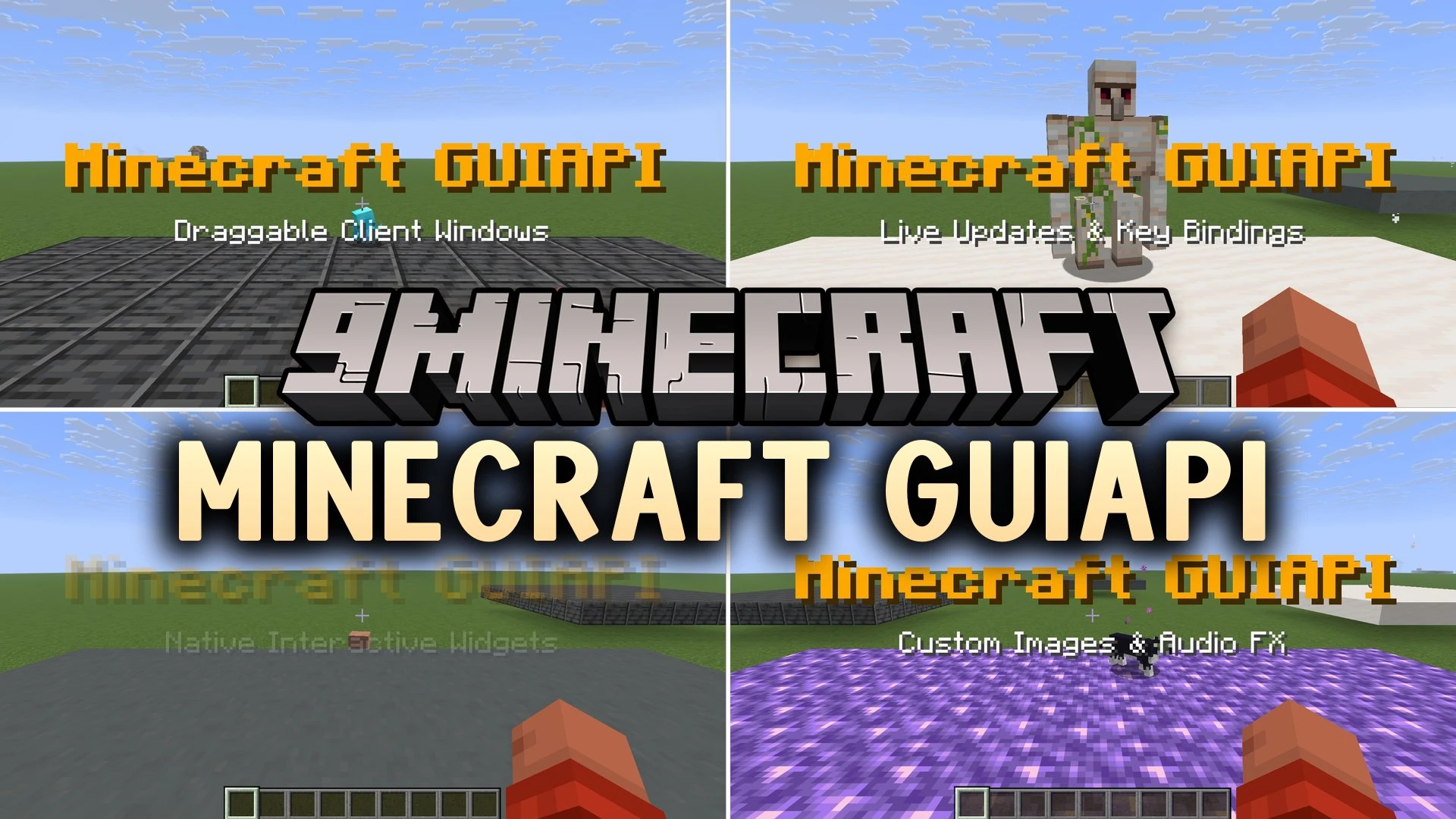
Minecraft GUIAPI Plugin lets Paper servers draw real draggable windows right inside each player’s game screen. This plugin packs in 11 native widgets, 7 runnable demo modules, runtime PNG images, OGG audio, custom fonts, and server-managed key bindings. Players move past basic chest menus and interact with buttons, sliders, dropdowns, checkboxes, and text boxes that send every click back to the server main thread. It pairs a Paper server core with a companion client mod that connects through a ready handshake, so servers know right away which players have the client ready.
Features:
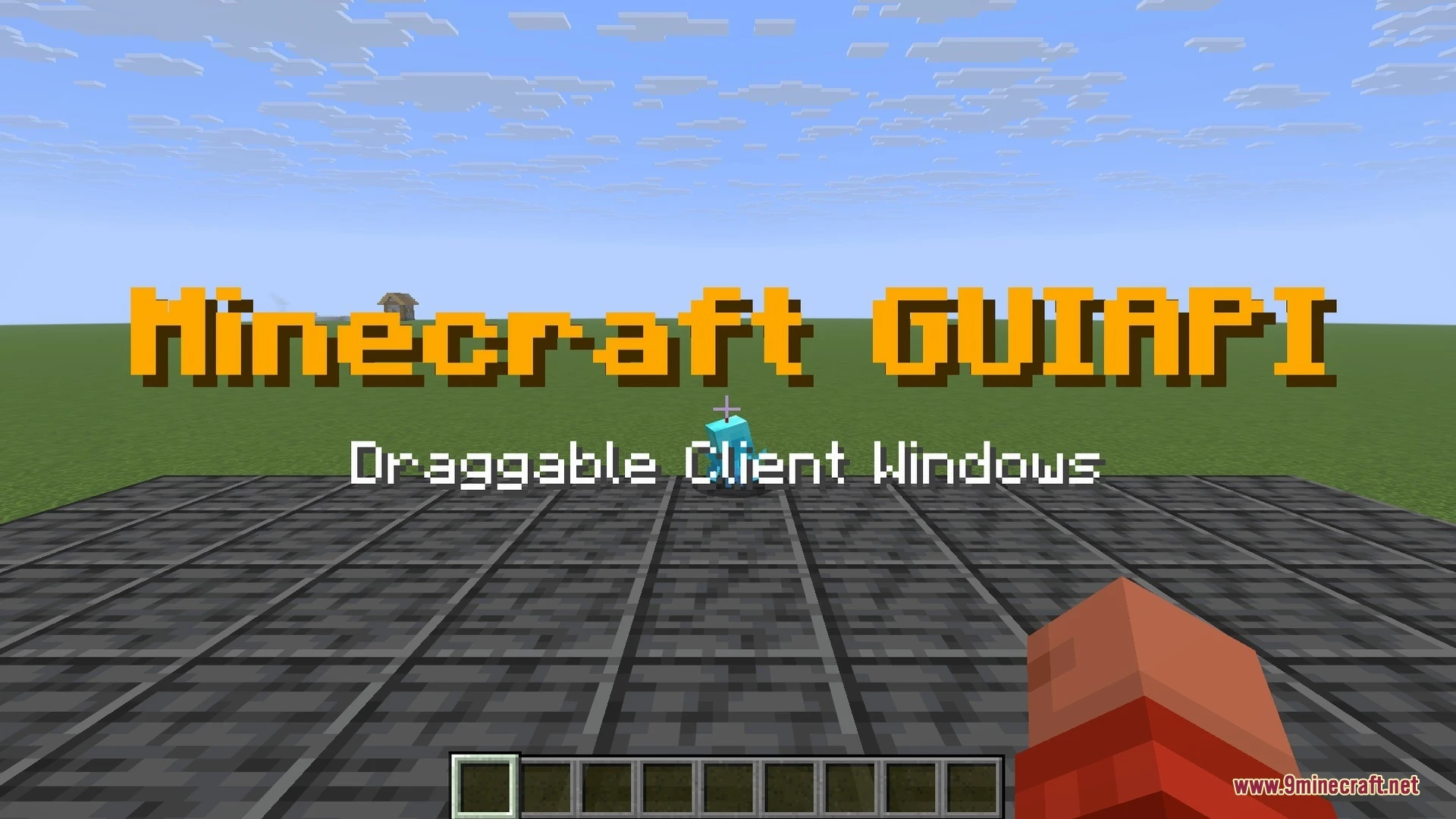
- Custom Client Windows: Draws standard windows, fullscreen screens, and stacked multi-window views with server-chosen backgrounds, borders, title bar colors, dragging, backdrop masking, focus ordering, and Escape key interception.
- Main-Thread Callbacks: Runs every widget click and input callback directly on the server main thread so Paper plugins call Bukkit API methods without extra thread code.
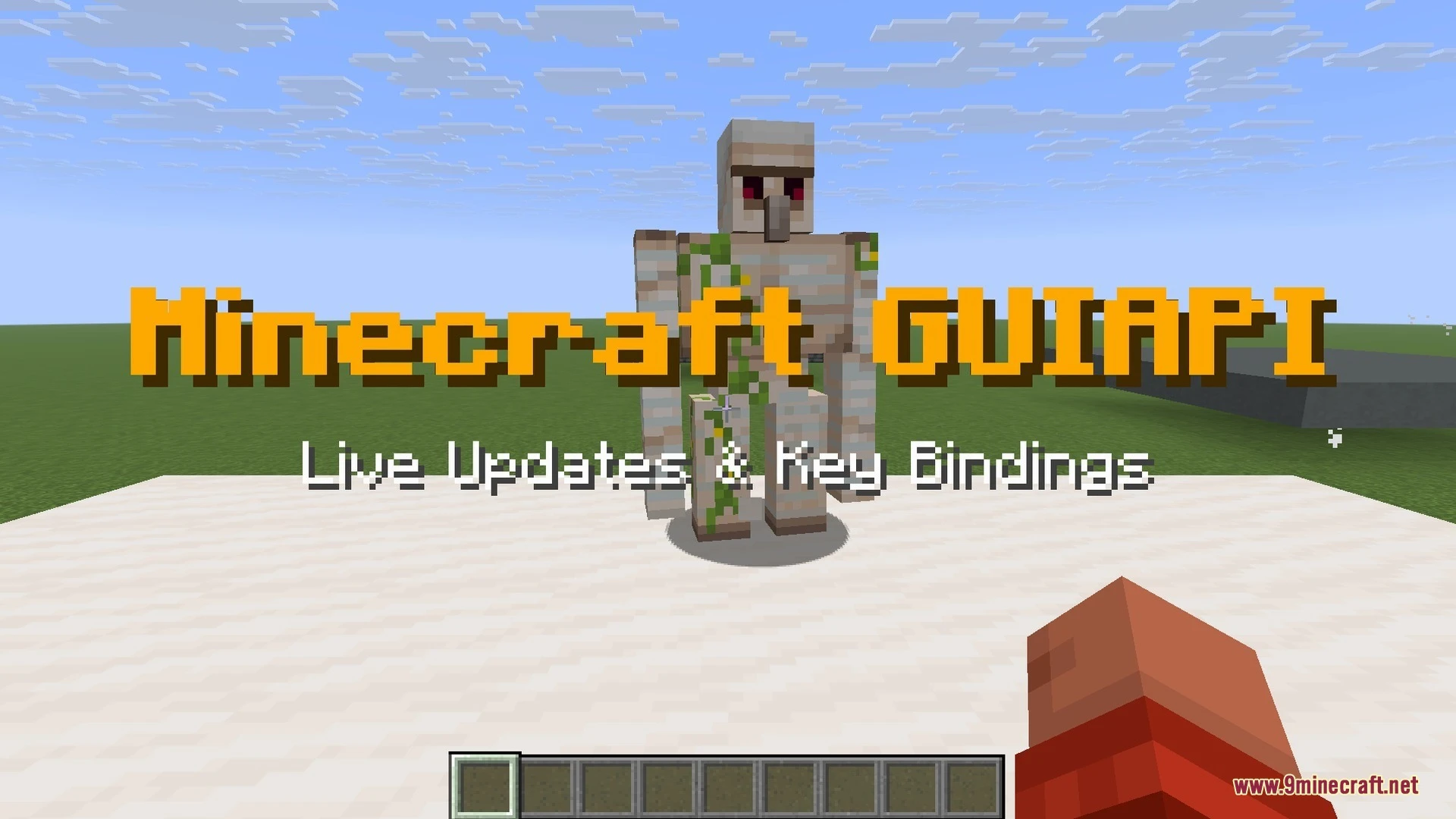
- Live Window Updates: Changes text, values, active selections, dropdown lists, and widget visibility on open screens through
updateWidgetwithout reopening the window. - Server and Player Keybinds: Uses
bindKeyfor server-bound shortcuts andregisterKeyfor player-rebindable shortcuts that show up under the GuiApi category in vanilla Controls with saved edits and conflict alerts. - Client Handshake Check: Pairs the Paper server core (linked via
depend: [GuiApi]) with a companion client mod and checks a ready handshake so servers can alert or block players who do not have it. - Sends window data over the
guiapi:mainplugin messaging channel, splitting payloads over 16 KiB and rebuilding messages up to 4 MiB while resyncing keybinds and cached images on join. - Ships new protocol attributes as optional fields so older clients skip unknown settings without crashing, and exposes
api.clientVersion(player)for client checks.
11 Native Widgets:
- Text labels: displays custom text inside any window.
- Panels: groups and frames other widgets cleanly.
- Buttons: triggers server callbacks on click.
- Checkboxes: toggles options on and off with instant server feedback.
- Radio buttons: lets players pick a single choice from a group.
- Sliders: adjusts numeric values smoothly by dragging.
- Scrollbars: scrolls long menus and lists inside compact frames.
- Dropdown menus: picks one option from a collapsible list.
- Text inputs: collects typed text directly from players.
- Images: renders server-registered PNG graphics inside windows.
- Item displays: shows Minecraft items with counts, enchantment glint, and tooltips.
Layout, Audio, and Font Tools:
- Percentage layouts and negative margins: keeps fullscreen screens lined up across different display sizes.
- Proportional scaling and horizontal drag groups: resizes content cleanly and lets grouped items drag side by side.
- Position tween animations: moves widgets smoothly between positions inside open windows.
- Runtime PNG and OGG packing: registers images and sounds from the server and bundles them into a client resource pack automatically, with playback by ID, looping background music, and volume control.
- Custom window fonts: sets specific fonts per window, including
guiapi:sysfontfor Windows system fonts.
Runnable Example Plugins:
gui-demo-paper: runnable demo plugin where you press N in-game to browse 11 widget demos.gui-auction-paper: runnable auction example plugin.gui-menu-paper: runnable menu example plugin.gui-admin-paper: runnable admin example plugin.gui-kittens-paper: runnable kittens example plugin.gui-poster-paper: runnable poster example plugin.gui-reward-paper: runnable reward example plugin.
How to Use:
- Make sure joining players run the companion client mod alongside the Paper server plugin so the automatic ready handshake connects over the
guiapi:mainchannel. - Add
depend: [GuiApi]to any Paper plugin that builds windows through the Bukkit API, then useupdateWidget,bindKey, andregisterKeyfor live updates and shortcuts. - Add the included
gui-demo-paperexample plugin to your server and press N in-game to open and test all 11 widget demos. - Open vanilla Controls in-game and scroll to the GuiApi category to rebind any server-registered shortcuts; changes save automatically and flag conflicts.
- Drag open windows across the screen, interact with buttons, sliders, checkboxes, dropdowns, or text inputs, and press Esc to close standard windows unless the server intercepts the Escape key.
Screenshots:
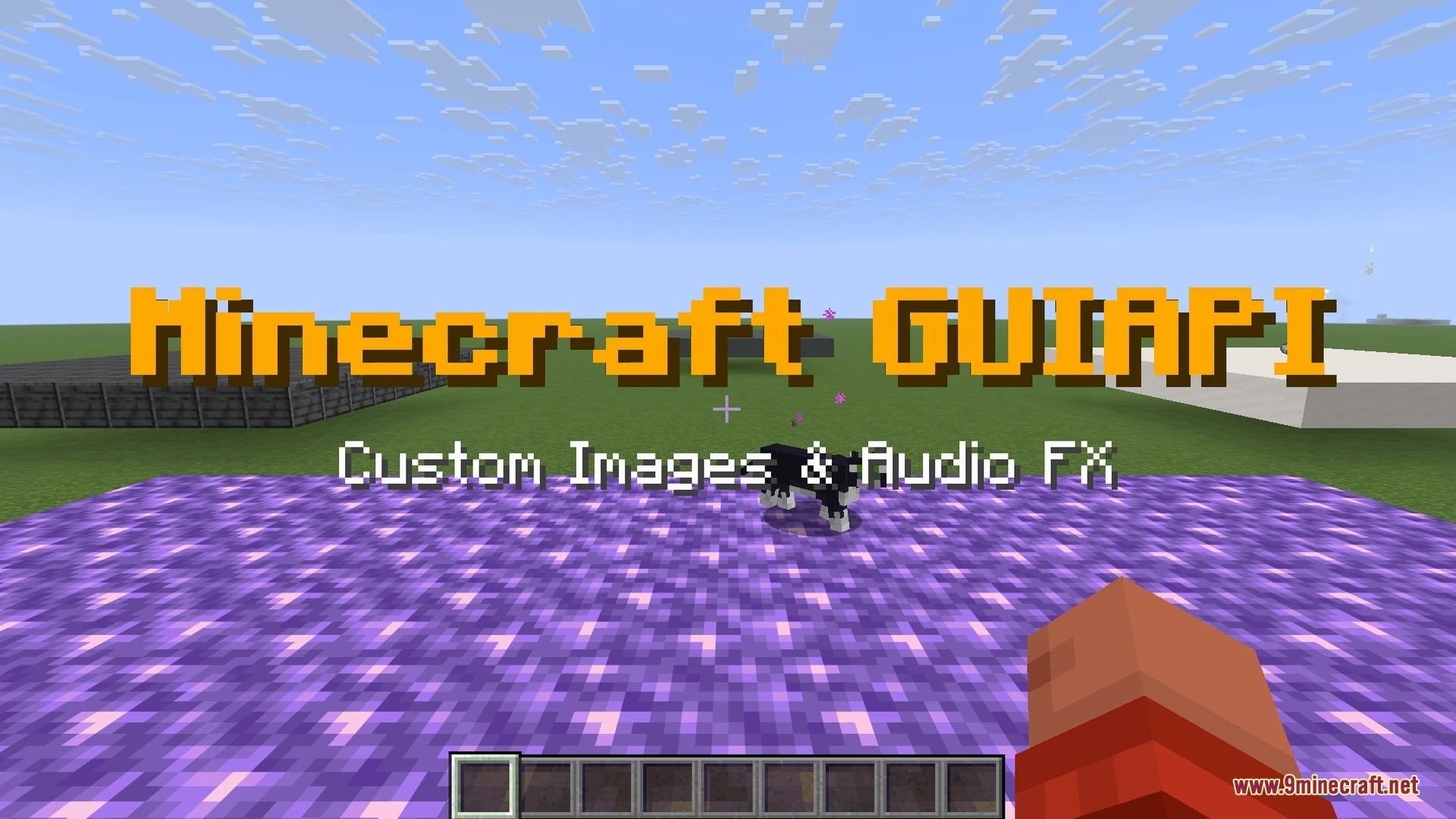
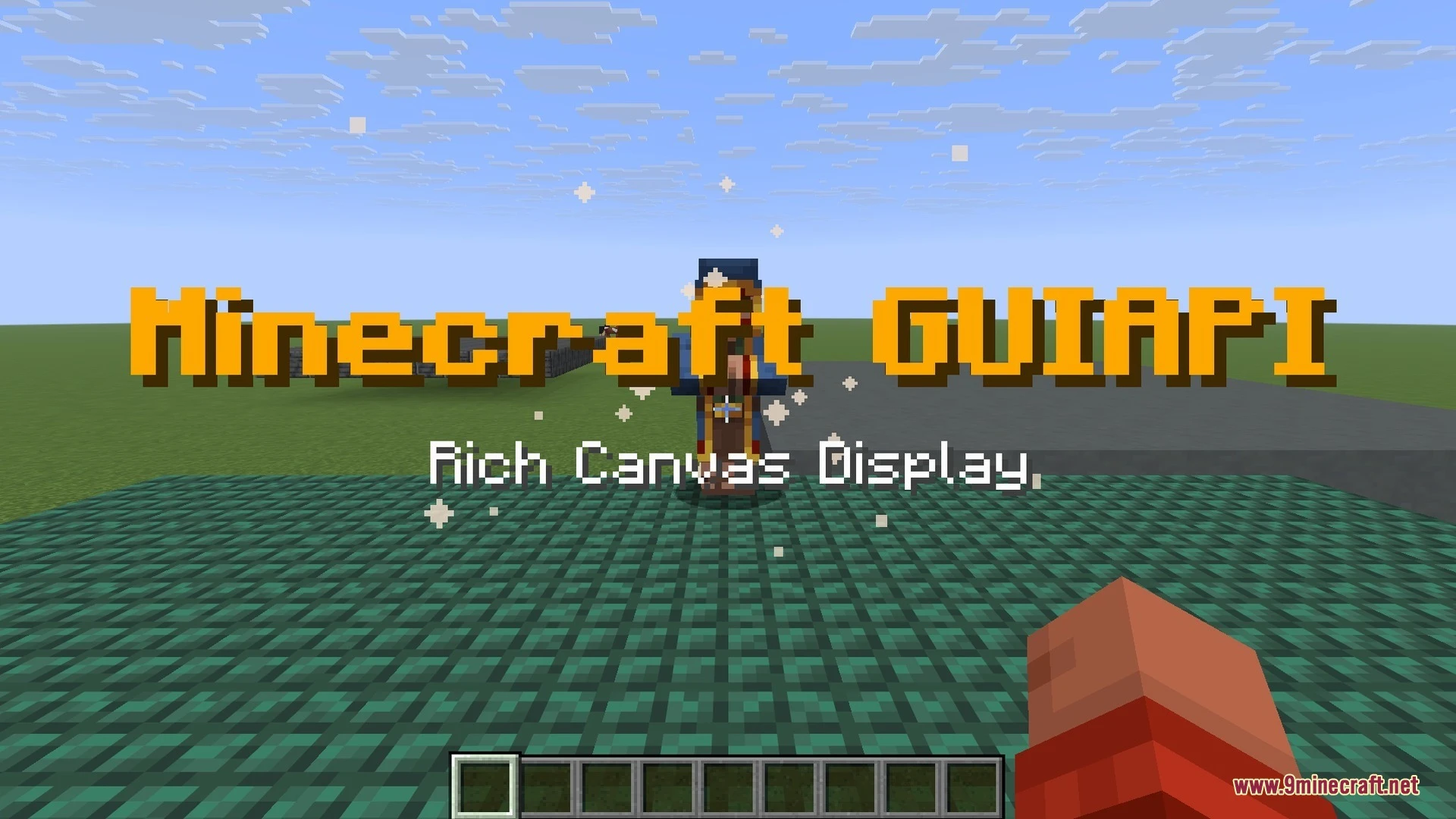
How to Install:
New to Minecraft? Follow our step-by-step guide to install Plugins on your PC.View Guide
Minecraft GUIAPI Plugin Download Links
For Minecraft 1.20
Do you enjoy playing on cross-play servers that connect Java and Bedrock players together?
0 responses · See the full results →
You May Also Like
Picked for this page
 ViaVersion Plugin (26.3, 1.20.1) – Keep Your Community Together Across Updates
 Orebfuscator Plugin (26.1.2, 1.20.1) – Stop Cheaters From Stealing Hidden Ores
 TAB Plugin (26.3, 1.20.1) – Spot Friends and Ranks at a Glance
 Chunky Border Plugin (26.3, 1.20.1) – Keep Your Community Close
 Easier Recipes Plugin (26.3, 1.21.1) – Skip Tedious Grinding for Rare Survival
 Windfall AntiCheat Plugin (26.2, 1.8) – Keep Every Fight Fair for Honest Players
 Better Jails Plugin (26.2, 1.20.1) – Lock Up Rulebreakers So Everyone Else
 Parkour Pro Lite Create Awesome Parkours in Minutes Plugin (26.3, 1.20.1)
 Set Homes Two Plugin (26.2, 1.20.1) – Give Players a Safe Way Back
 Banana SMP Plugin (1.21.11, 1.21.1) – Trade on the Auction House and Battle
 Effect Lib Plugin (1.21.11, 1.20.1) – Fill Your Server with Flashy Visual
 R Authorization Plugin (26.2, 1.20.1) – Stop Account Thieves From Ruining
Most viewed in Plugins over the last 7 days
 WorldEdit Plugin (1.21.11, 1.20.1) – Easy In-Game Minecraft Map Editor
 Astro Powers Plugin (26.3, 1.21.1) – Unlockable Superpowers Spark Intense
 CustomAliases Plugin (1.20) – Turn Long Server Commands Into Quick Chat Shortcuts
 MCStat Plugin (1.20.4, 1.13) – Track Active Playtime and Spot Lag Before Players Quit
 Psycho1v1Rtp Plugin (1.21) – Queue Up for Instant 1v1 Duels Out in the Wild
 Christmas Season Plugin (26.3, 1.21.11) – Turn Worlds Into Snowy Wonderlands
 Ultimate Donut SMP Plugin (26.2, 1.21.11) – Everything Players Need to Trade
 Citizens Plugin (1.21.10, 1.20.1) – Talk to Living Characters
 Totem of Null Plugin (26.3, 1.21.1) – Prank Your Friends By Sending Them
 Raknetify2 Plugin (26.3) – Smoother Multiplayer Even When Packets Go Missing
 BedWars1058 Plugin (1.20.6, 1.20.1) – Play BedWars in Your Native Language
 Multiverse Netherportals Plugin (26.3, 1.20.1) – Fixes Portal Links Across Worlds
More from Plugins
 AfyBroker Plugin (1.19, 1.12.2) – Link Every Server So Your Network Feels Like One World
 SiegeWar Plugin (1.19) – Weekend Sieges Where Nations and Towns Fight for Glory
 ThJumpPads Plugin (1.8.8) – Launch Players Across Your Hub with One Step
 ScalaPluginLoader Plugin (1.13) – Bring Scala-Made Plugins to Your Players
 Zmusic Plugin (1.13) – Fill Your Server with Songs Players Pick Themselves
 CustomCrafting Plugin (26.3, 1.20.1) – Fresh Recipes That Keep Players Crafting
 Go Paint Advanced Plugin (26.3, 1.21.11) – Let Builders Paint Custom Landscapes
 Orbit S Kills Plugin (26.2, 1.20.1) – Give Players Classes, Races
 Donut Team Plugin (26.3, 1.20.1) – Turn Friend Groups Into Rival Teams
 Hyper Guard Plugin (26.3, 1.20.1) – Let Every Region Greet Players As They Walk
 Tracel Plugin (26.1) – Track Every Missing Item And Undo Grief Without Losing Builds
 Command API Plugin (26.2, 1.20.1) – Bring Modern Command UI to Server Plugins

This post has no comments yet. Be the first — your comment will appear here.