
Zmusic Plugin (1.13) – Fill Your Server with Songs Players Pick Themselves
 4
 0

Zmusic Plugin lets players search for songs and play them right inside Minecraft. It adds lyrics, playlists, and links to several music platforms. The plugin runs on Bukkit and Paper servers, and it also lists adapters for Folia, BungeeCord, and Velocity. Players pick a song from a short list of results, and the music starts.

Features:
- In-Game Music Search: Players search for songs from chat and get a list of recent results.
- Lyrics and Playlists: Shows song lyrics and keeps playlists so players can queue the music they like.
- Many Music Platforms: Players bind their own platform account and play songs from the platform they authorized.
- Playback Control: Gives players control over what is playing, and keeps the playback status in sync.
- Live Server Link: Connects to the ZMusic API in real time with a device token and syncs server, online player, and playback status.
- Remote Play and Stop: Admins can send play and stop commands to all servers, to chosen servers, or to chosen players through the API.
- Runs searches in the background, so the server does not freeze while players look for songs.
- Returns only short-lived song references in search results. The API checks the player account, region, membership rights, and song availability when the song plays.
- Works on Bukkit, Spigot, Paper, Folia, BungeeCord, and Velocity.
- Needs no Node.js or npm on the server.
- Does not include private interfaces of third-party music platforms. Music providers come from the ZMusic API after the player authorizes the matching platform.
Commands:
/zmusic account bind: links your music platform account to the plugin./zmusic search: searches for songs and shows a numbered list of results./zmusic play: plays a recent search result. Add the number of the result after the command.
Configuration:
config.toml: the main file where you set the API options and the plugin message channel.zmusic:packet: the plugin message channel. It is shared with the matching mod, so do not change it on only one side.
For live servers, use a secure websocket (wss) connection for the API link.
How to Use:
- Type
/zmusic account bindto link your music platform account. - Type
/zmusic searchto look for a song. - Check the numbered list of results in chat.
- Type
/zmusic playand add the number of the song you want to hear.
Screenshots:
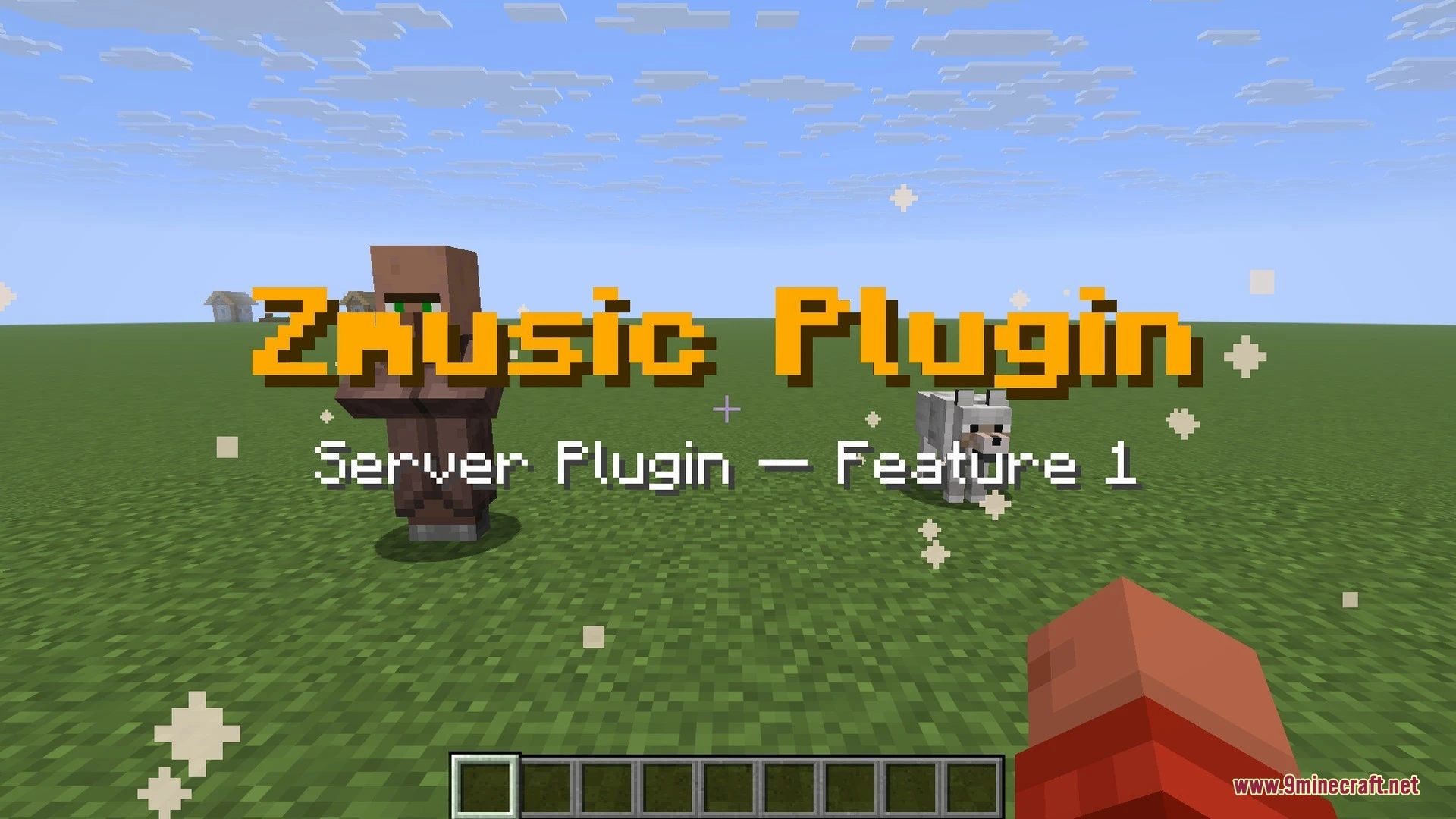
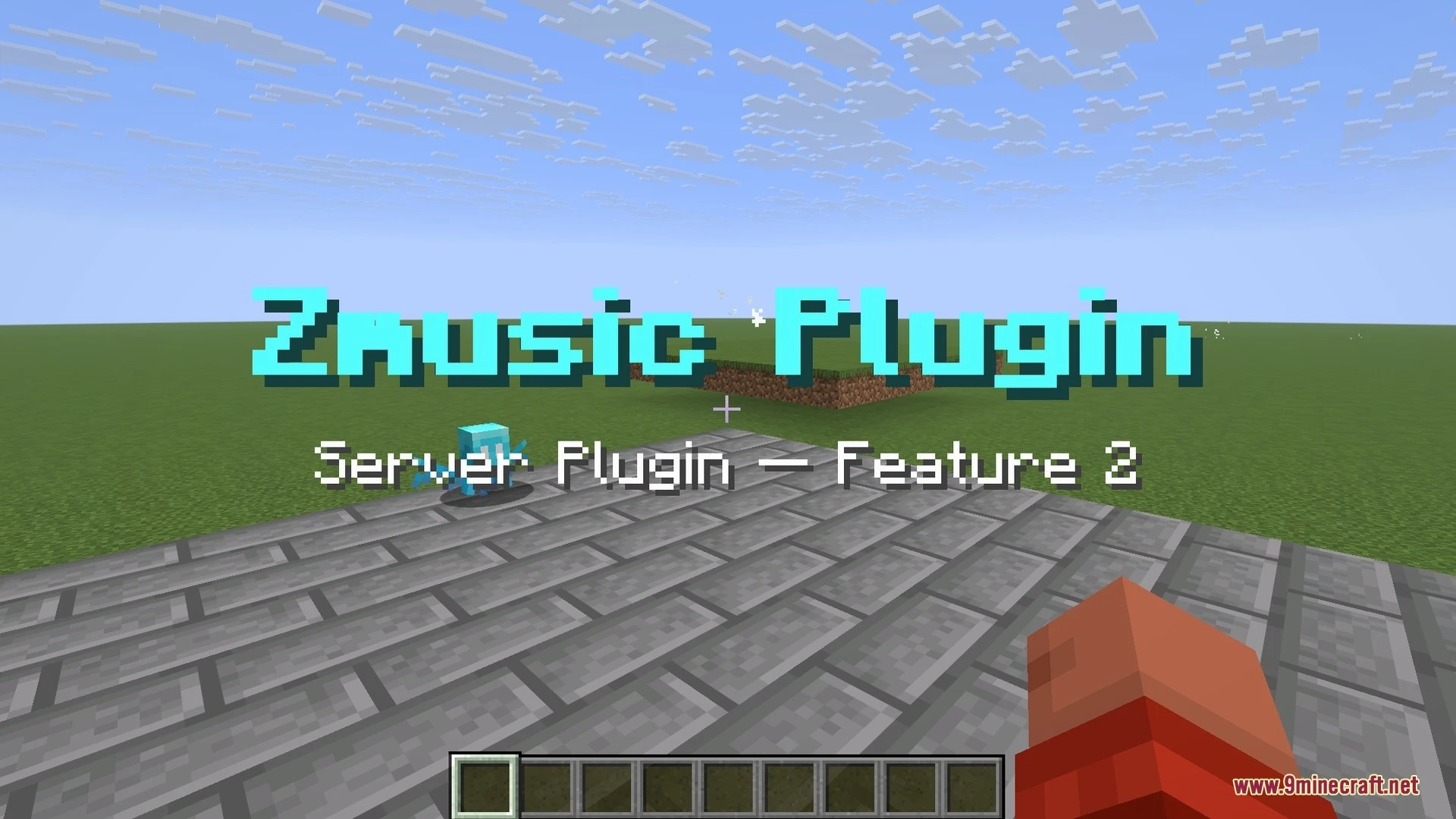


How to Install:
New to Minecraft? Follow our step-by-step guide to install Plugins on your PC.View Guide
Zmusic Plugin Download Links
For Minecraft 1.13
Click to rate this post!
[Total: 0 Average: 0]
You May Also Like
Picked for this page
 Loop Commands Plugin (1.12.2) – Automate Rewards So Players Stay Active
 Sign Shop Plugin (1.21.11, 1.20.1) – Create Player Markets Without Typing Long
 Hydration Vitality Plugin (26.2, 1.21.1) – Make Players Search for Clean Water
 Wormhole X Treme Plugin (26.3, 1.20.1) – Link Server Bases Instantly
 Fancy Npcs Plugin (26.3, 1.21.11) – Fill Empty Lobbies with Characters Players
 Beaconfly Plugin (1.21) – Give Survival Builders Flight Around Their Bases
 Ender Chest Vault Plugin (1.21.11, 1.21.1) – Give Players Enough Room
 Crack Shot Plugin (1.21.11, 1.21.1) – Turn Your Server Into a First-Person
 Lightning on Death Plugin (26.3, 1.21.1) – Every Death Gets a Dramatic Thunder
 My Command Plugin (1.21.4, 1.20.1) – Save Players Time with Custom Menus
 Join Book by Nis Plugin (1.21.11, 1.21.1) – Welcome New Players
 Genius Shop Plugin (26.2, 1.21.1) – A Busy Marketplace Where Players Trade
Most viewed in Plugins over the last 7 days
 WorldEdit Plugin (1.21.11, 1.20.1) – Easy In-Game Minecraft Map Editor
 Ultimate Donut SMP Plugin (26.2, 1.21.11) – Everything Players Need to Trade
 Grim Anticheat Plugin (26.3, 1.20.1) – Realtime Cheat Detection Plugin
 Challenges Plugin Like Basti GHG Plugin (26.3, 1.21.1)
 Dynmap 9minecraft Plugin (26.3) – A Live Google-Maps-Style View of Your Whole Server
 Economy Shop Sell Plugin (26.3, 1.21.1) – Turn Extra Loot Into Cash
 Citizens Plugin (1.21.10, 1.20.1) – The Best NPC Plugin
 ArmourShop Plugin (1.21.10) – Let Players Stand Out with Custom Armor Skins
 Oraxen Plugin (1.21.11, 1.20.1) – Transform Your Ideas into Custom Items And Blocks
 Swift Survival Teleports Plugin (1.21.11, 1.21.1) – Instant Travel That Keeps
 Better RTP Plugin (26.2, 1.21.11) – Safe Wilderness Teleports
 Multiverse Netherportals Plugin (26.3, 1.20.1) – Fixes Portal Links Across Worlds
More from Plugins
 Mythic Weapons Ultimate Plugin (26.3, 1.21.1) – Turn Survival Fights
 Ownership Tracker Plugin (1.21.11) – Expose Gear Thieves and Keep Player Loot
 Fish Rework Fishing Plugin (26.3, 1.21.1) – Turn Simple Fishing
 Mail Box Plugin (26.3, 1.21.1) – Exchange Letters and Deliver Gifts
 Silky Spawners X by Sir Meliodas Plugin (26.3, 1.21.11)
 Orbit S Kills Plugin (26.2, 1.20.1) – Give Players Classes, Races
 Donut Team Plugin (26.3, 1.20.1) – Turn Friend Groups Into Rival Teams
 Hyper Guard Plugin (26.3, 1.20.1) – Let Every Region Greet Players As They Walk
 God Hand Plugin (26.3) – A Giant Hand That Grabs, Slaps, and Guards Your Players
 Hyper Perms Plugin (26.3, 1.20.1) – Rank Ups That Reward Players the Moment
 Carry on Paper Plugin (26.3, 1.21.1) – Pick Up Chests and Mobs, Then Move Them
 Stellaria Plugin (26.3) – Chart Custom Constellations Together Under One Sky

This post has no comments yet. Be the first — your comment will appear here.