Minecraft Java Deobfuscation Tool (26.1, 1.20.1) – McDeob, Re-mapping, Unobfuscated
 4
4
 0
0
 4 hours ago
 Shane Bee Studios
Minecraft Java Deobfuscation Tool (26.1, 1.20.1) is a simple tool that helps you turn Minecraft’s hidden (obfuscated) code into readable code. It can also decompile the game into Java files so you can study how it works. Easy tool to read Minecraft code.
What it does:
- Downloads Minecraft
.jar(client or server) - Applies mappings to rename unreadable code
- Optionally decompiles into Java source files
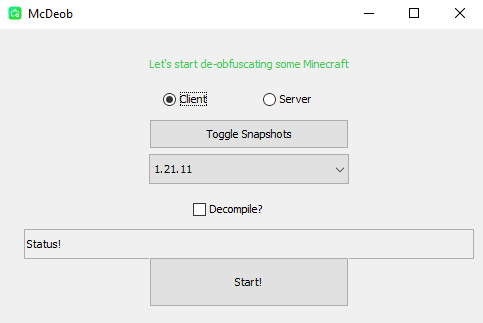
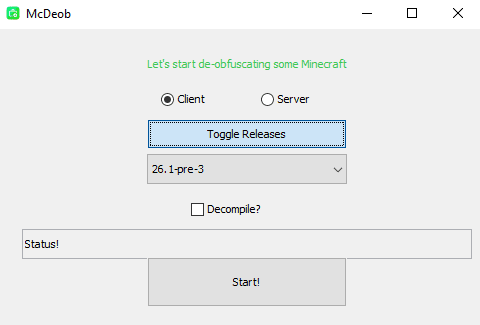
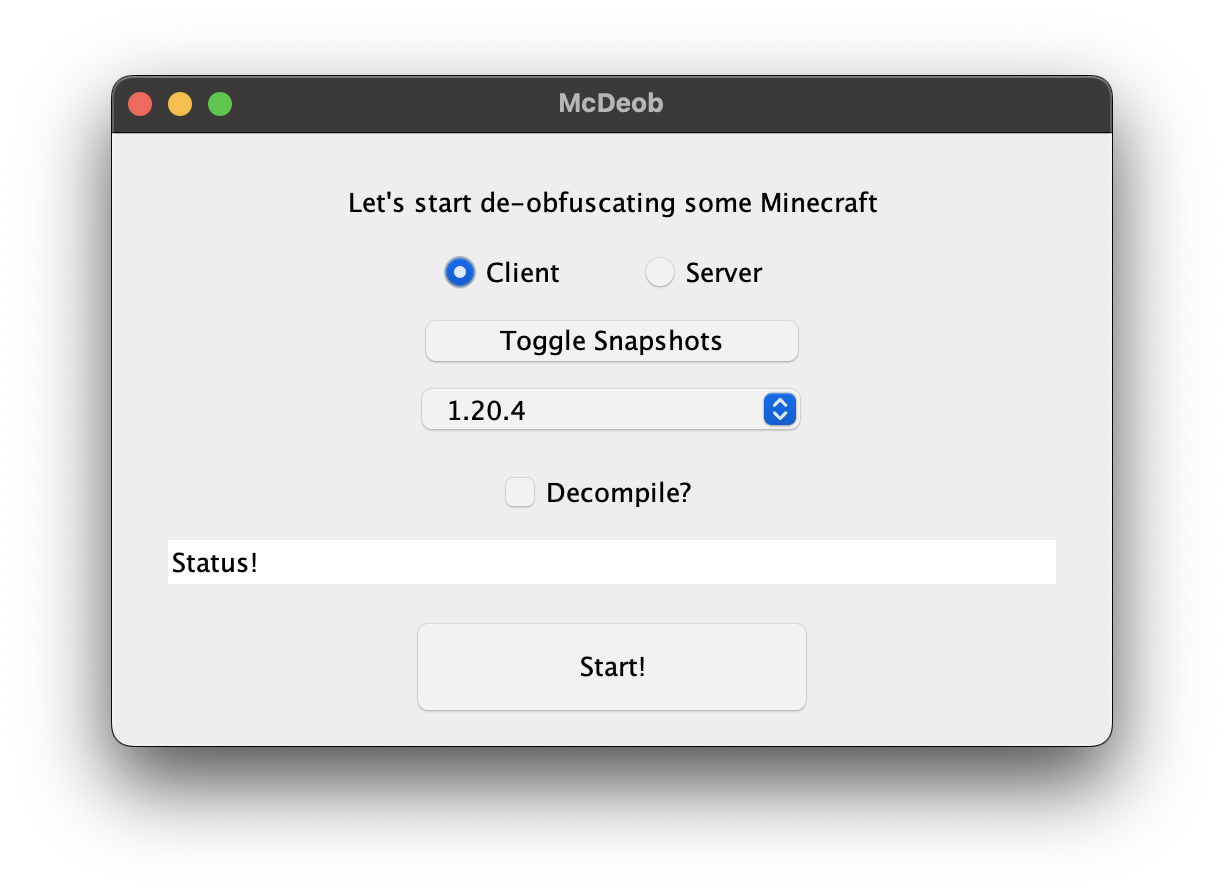
Screenshots:
How to use:
- Download the app (
.jarfor Windows/Linux,.dmgfor macOS) - Run it
- Select:
- Type:
clientorserver - Version: example
1.20.1 - Decompile: optional
- Type:
- Click Start and wait
Command line example
java -Xms3G -jar McDeob.jar -version 1.15.2 -type server -decompile
How it works
- Download
- Gets Minecraft jar + mappings
- Remap (De-obfuscate)
- Uses
SpecialSource - Takes ~6 seconds
- Uses
- Decompile (optional)
- Uses
FernFlower - Takes ~30 seconds to several minutes
- Uses
Output
- A
.zipfile containing readable Java code - Location:
- macOS:
/YourName/McDeob/ - Windows/Linux:
/deobf-work/
- macOS:
Supported versions
- 1.14.4+
- All versions (release + snapshot)
- Uses official Mojang mappings
- 1.13.2 and below
- Limited versions (1.7.10 → 1.13.2)
- Uses Searge mappings (less accurate)
About Minecraft deobfuscation:
- Old Minecraft code was obfuscated:
- Example:
CreeperEntity.explode()→a()
- Example:
- This was done to:
- Protect source code
- Make reverse engineering harder
- Tools like McDeob were used to make code readable again
Big change (2025+)
- New Minecraft versions (26.1+) are no longer obfuscated
- This means:
- No need for deobfuscation tools for new versions
- Code is already readable
- Modding becomes easier and faster
When should you use McDeob?
- Working with old Minecraft versions
- Learning how the game works
- Analyzing vanilla code for modding
Requirements
- Java 21+
- At least 3GB RAM (recommended)
Minecraft Java Deobfuscation Tool (26.1, 1.20.1) Download Links
All Platforms (Jar file): Download from Server 1 – Download from Server 2
macOS version (Dmg file): Download from Server 1 – Download from Server 2
Click to rate this post!
[Total: 0 Average: 0]
You May Also Like