
MineTogether Mod (26.3, 1.20.1) – Play Co-Op with One Click
 16,195
 0


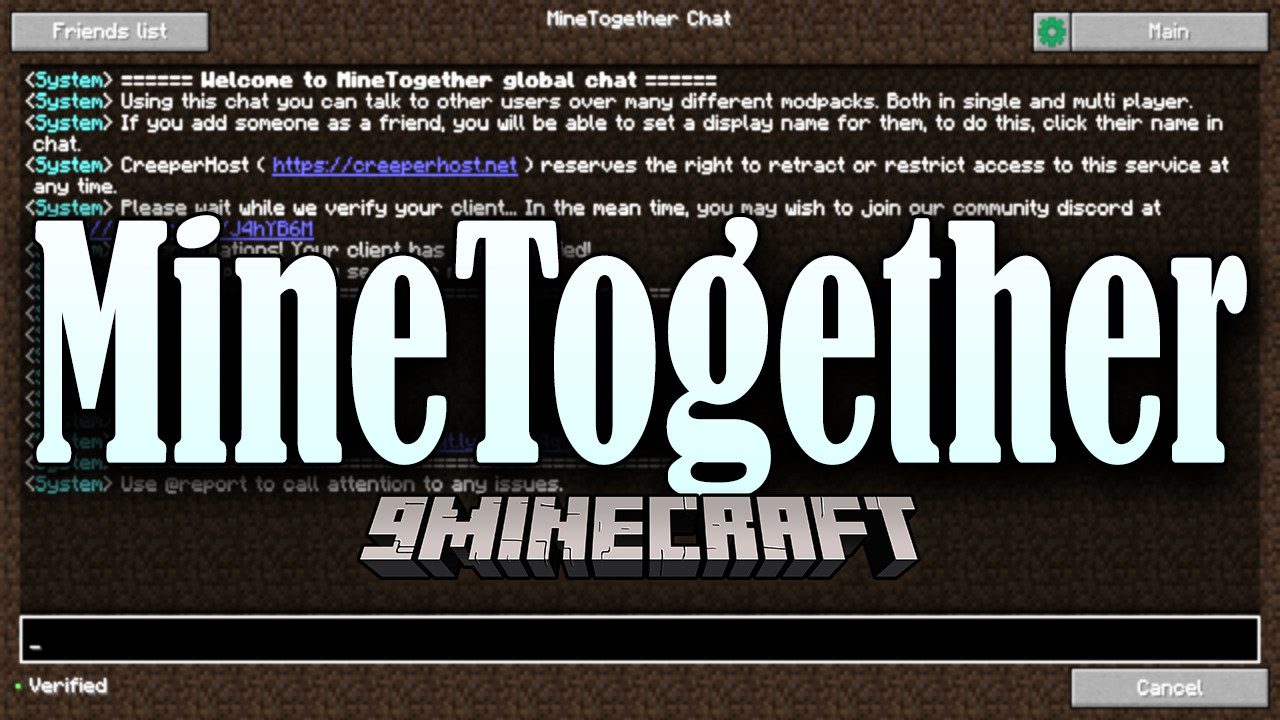
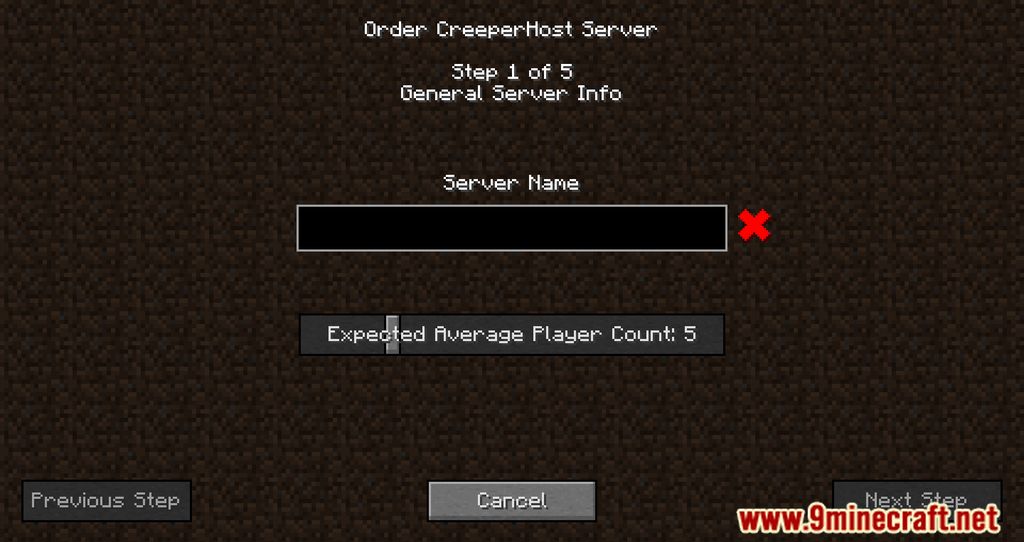
MineTogether Mod brings social chat, a friends list, and easy co-op multiplayer straight into Minecraft. You can talk with other players in global or group chat, send private messages, and join a friend’s world with a single click. Instead of port forwarding or changing router settings, the mod connects co-op games through a safe proxy tunnel that keeps your IP address private. It also lets you browse multiplayer servers, host private minigames, and pre-generate world chunks.
Features:
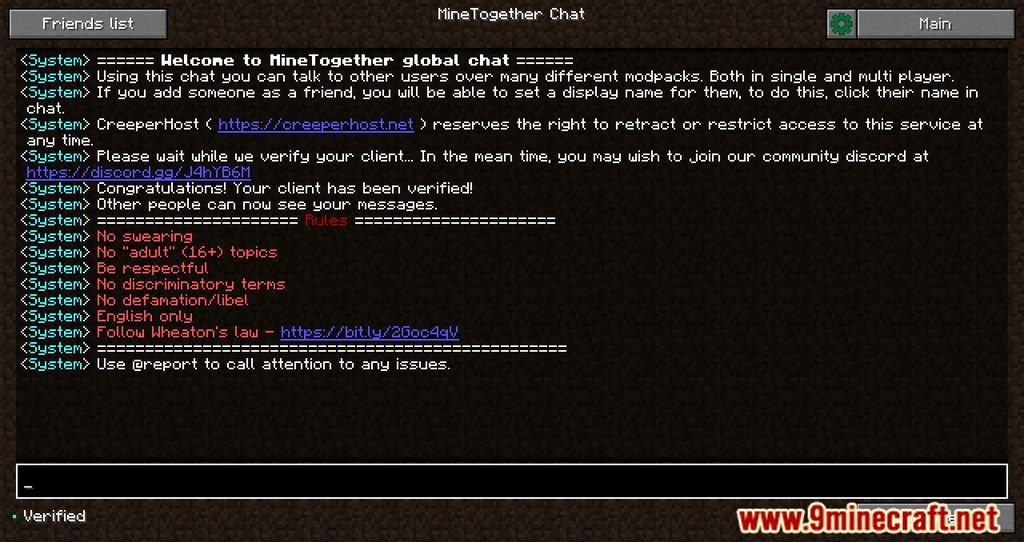
- Lets you talk in global and group chat to ask for help, share tips, and spot purple names for people playing the same modpack.
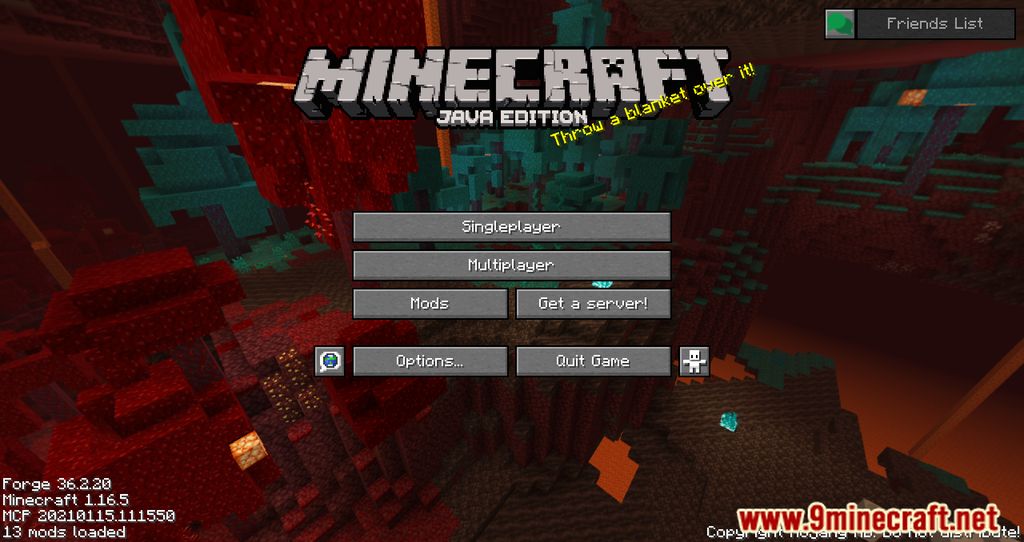
- Adds an in-game friends list and direct messages so you can add friends, chat privately, or mute unwanted players.
- Connects co-op worlds with click-to-join invites through an outbound proxy tunnel, with no port forwarding or router changes needed.
- Hides your real IP address during co-op sessions to protect your home network from DDoS attacks.
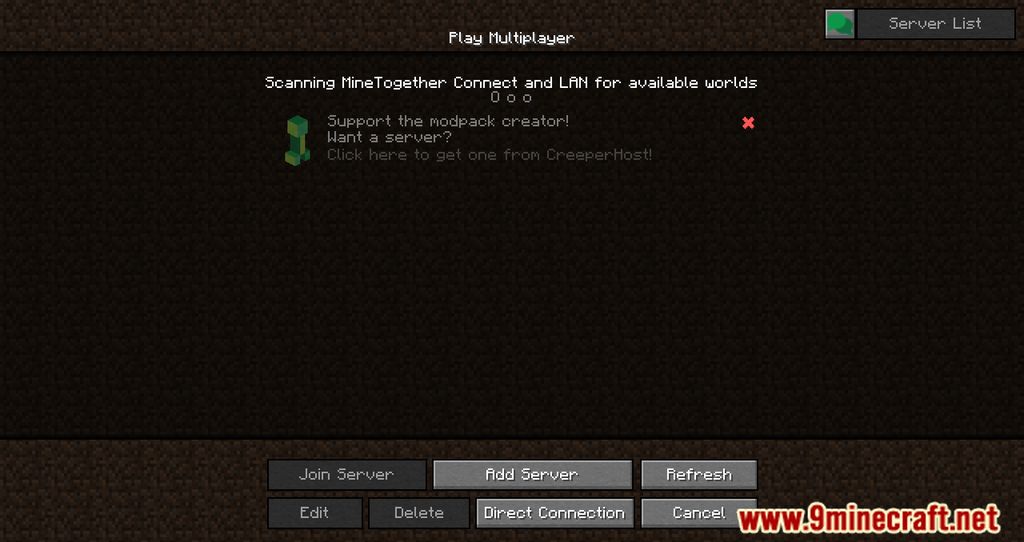
- Includes an optional server list to find public multiplayer communities and play private minigames with friends.
- Provides a world pre-generation helper command to pre-generate chunks.
- Supports sharing builds and screenshots directly in chat when paired with the separate BlockShot mod.
- Protects player privacy with an open-source client, anonymous player IDs, optional email login, and no hidden data collection.
Screenshots:
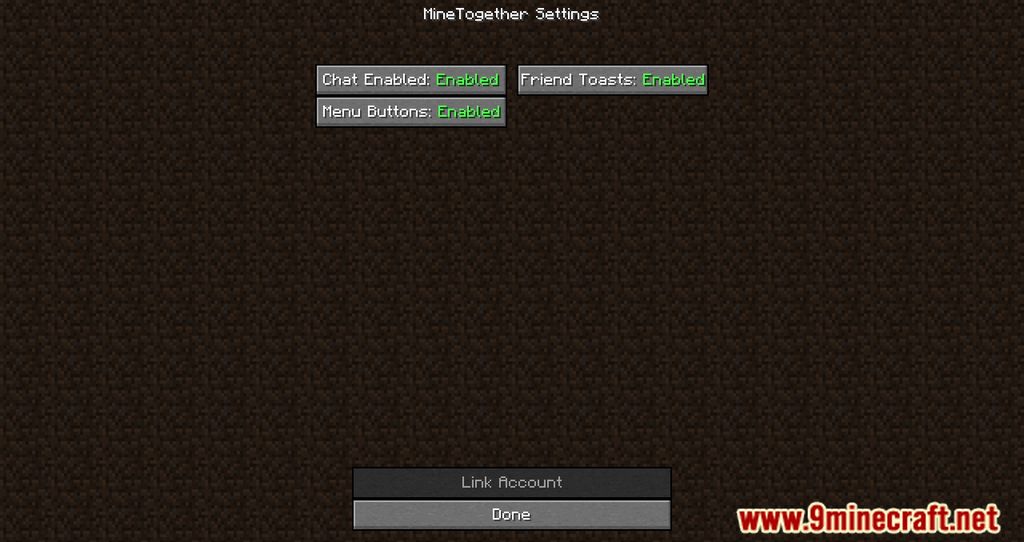
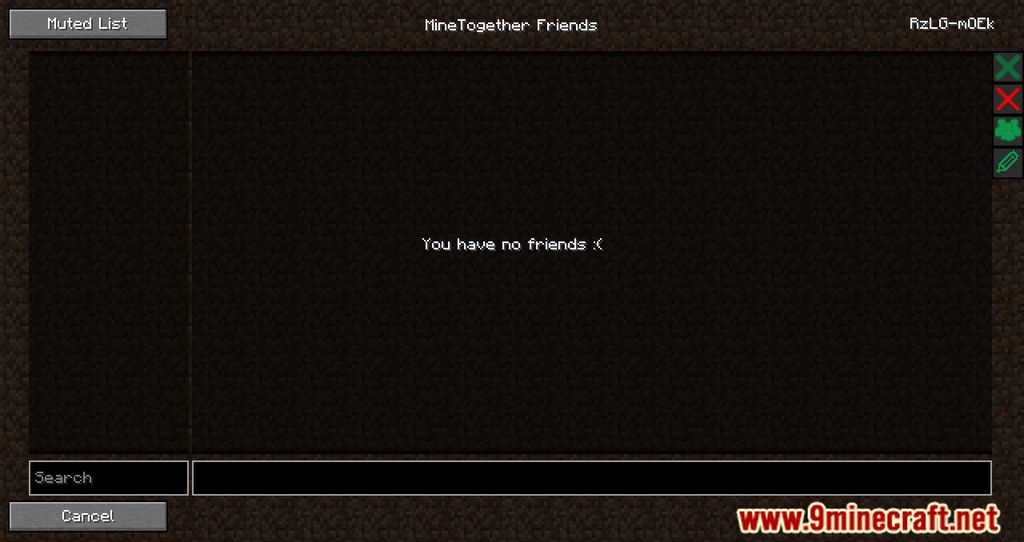
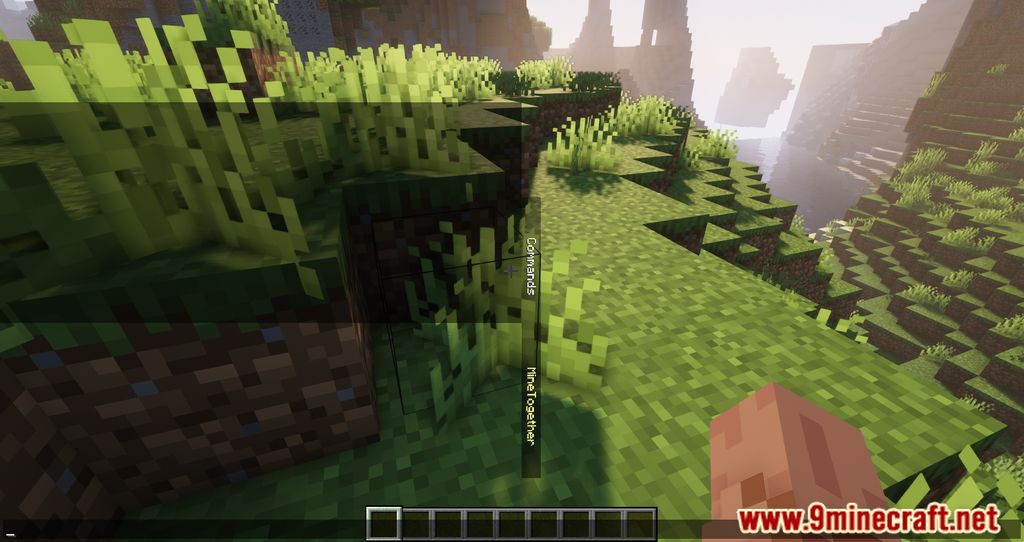

How to Install:
New to Minecraft? Follow our step-by-step guide to install Mods on your PC.View Guide
Requirements:



MineTogether Mod Download Links
For Minecraft 26.3
For Minecraft 26.2
For Minecraft 26.1.2, 26.1.1, 26.1
For Minecraft
1.21.11,
1.21.10,
1.21.9
All Versions Covered
1.21.11
1.21.10
1.21.9
1.21.8
1.21.7
1.21.6
1.21.5
1.21.4
1.21.1
1.21
All Versions Covered
1.21.11
1.21.10
1.21.9
1.21.8
1.21.7
1.21.6
1.21.5
1.21.4
1.21.1
1.21
For Minecraft 1.21.4
For Minecraft 1.21.3, 1.21.2
For Minecraft 1.20.4
For Minecraft 1.20.2
For Minecraft 1.20.1, 1.20
For Minecraft 1.19.2
For Minecraft 1.19
For Minecraft 1.18.2
For Minecraft 1.16.5
For Minecraft 1.15.2
For Minecraft 1.12.2
For Minecraft 1.8.9
For Minecraft 1.7.10
Click to rate this post!
[Total: 0 Average: 0]
You May Also Like
Picked for this page
 World Edit Mod (26.3, 1.20.1) – A Minecraft Map Editor
 JourneyMap Mod (26.3, 1.20.1) – Never Get Lost Exploring
 Indicatia Mod (26.3, 1.20.1) – Simple In-game Info and Utility
 Custom Crosshair Mod (26.3, 1.20.1) – Customize With New Shapes, Colors and Sizes
 TrashSlot Mod (26.3, 1.20.1) – Get Rid of Unwanted Items
 Set World Spawn Point Mod (26.3, 1.20.1) – Exact Spawn Location
 TNTUtils Mod (26.2, 1.20.1) – More Control Over Explosions
 Armor Stand Editor Mod (26.3, 1.20.1) – In-Game Editing Tool
 Vectorientation Mod (26.3, 1.20.1) – Improve Minecraft’s Visuals
 Crash Assistant Mod (26.3, 1.20.1) – Easily Debug Your Modpack
 Doctor Who: Weeping Angels Mod (1.21.11, 1.20.1) – Do Not Blink
 McMouser Mod (26.2, 1.20.1) – Resolving Mouse Woes On MacOS
Most viewed in Mods over the last 7 days
 Ala Industrial Mod (26.3) – Run Electric Power Grids and Automated Factories
 PleasureCraft Mod (26.3, 1.21.1) – Jenny Mod Remake for Fabric
 Jennycraft Mod (26.3, 1.20.1) – Virtual Girlfriend in Minecraft
 Fapcraft Mod (26.3, 1.12.2) – Comprehensive and Detailed Content
 Jenny Mod (Fapcraft) Official Complete Guide – How to use, Tutorial
 BangCraft Mod (1.20.1) – Jenny, Ellie and Elliot
 Fabric Loader (26.3, 1.20.1) – Fabric Installer for All Minecraft Versions
 Meteor Client Mod (26.3, 1.20.1) – Xray, HUD, Fly
 The Shooting Star Demo Mod (26.3, 1.20.1) – Vaporize Terrain From Orbit
 OptiFine HD (26.3, 1.20.1) – Run Faster, FPS Boost, Shaders Support
 Aristois Client Mod (1.21.4, 1.20.1) – World Class Minecraft Utility
 Prestige Client Mod (1.21.11, 1.21.4) – Powerful Ghost Features for Crystal & Sword PvP
More from Mods
 Fast Xp Mod (26.3, 1.21.1) – Faster XP Bottle Usage
 Cherry Villages Mot’s Structures Mod (26.3, 1.21.11) – Find Fresh Settlements
 XinexLib Mod (1.21.1) – Keep Your Ultreon Studios Mods Running
 Libvulpes – Fixed Mod (1.12.2) – Launch Rockets with Fewer Bugs
 Freelook Perspective Mod (26.3, 1.21.1) – Watch Your Back While Sprinting
 FAUNA Engine Mod (1.21.1, 1.20.1) – Powering Legendary Dragons
 Avali Nexus Mod (26.3) – Settle Frozen Frontiers with High-Tech Bird Tribes
 Orient’s Hotpot Chronicles Mod (1.20.1) – Boil Fresh Hotpot Meals Over Open Flames
 Far Lands Traveler Mod (26.1.2) – Survive the Long Trek to the Edge of the World
 Beli’s SkyLyrics Mod (1.21.11) – Sing Along to Desktop Tracks Projected in the Night Sky
 Explainstone and Songmelyn Mod (1.21.1) – Broadcast Custom Music Across Your Base
 Rockstar Shaders Mod (26.3) – Cast Ray-Traced Light Across Vast Distant Horizons

This post has no comments yet. Be the first — your comment will appear here.