


Mod Sets Mod (1.21.11, 1.20.1) – Enable or Disable Mods In-game
 479
479
 0
0


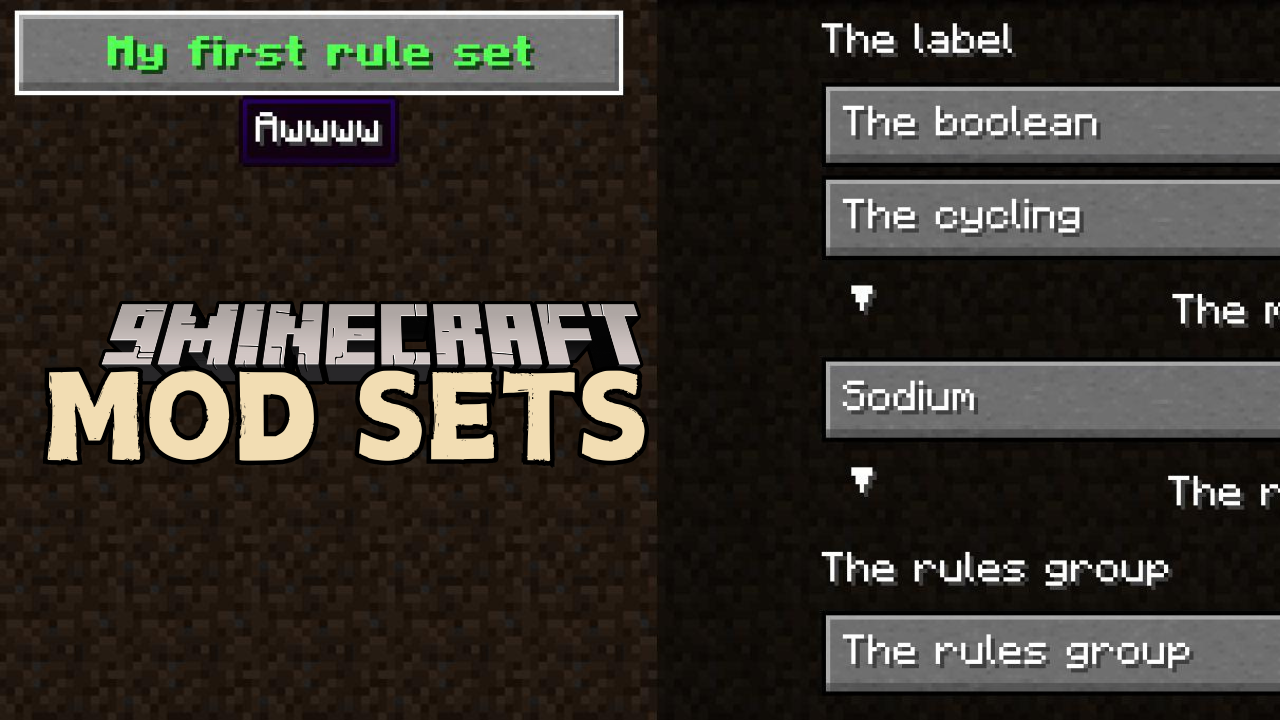
Mod Sets Mod makes managing your mods easier by letting you control which mods load through a simple in-game GUI. Perfect for modpacks and servers, this mod allows players and developers to customize their mod setup without manually adjusting files.
Features:
- Enable/Disable mods in-game using defined mod sets, subdirectory names, or mod IDs. (Requires restart)
- Config screen powered by YetAnotherConfigLib
- Custom mod loading rules for modpack developers to create more user-defined options
Usage:
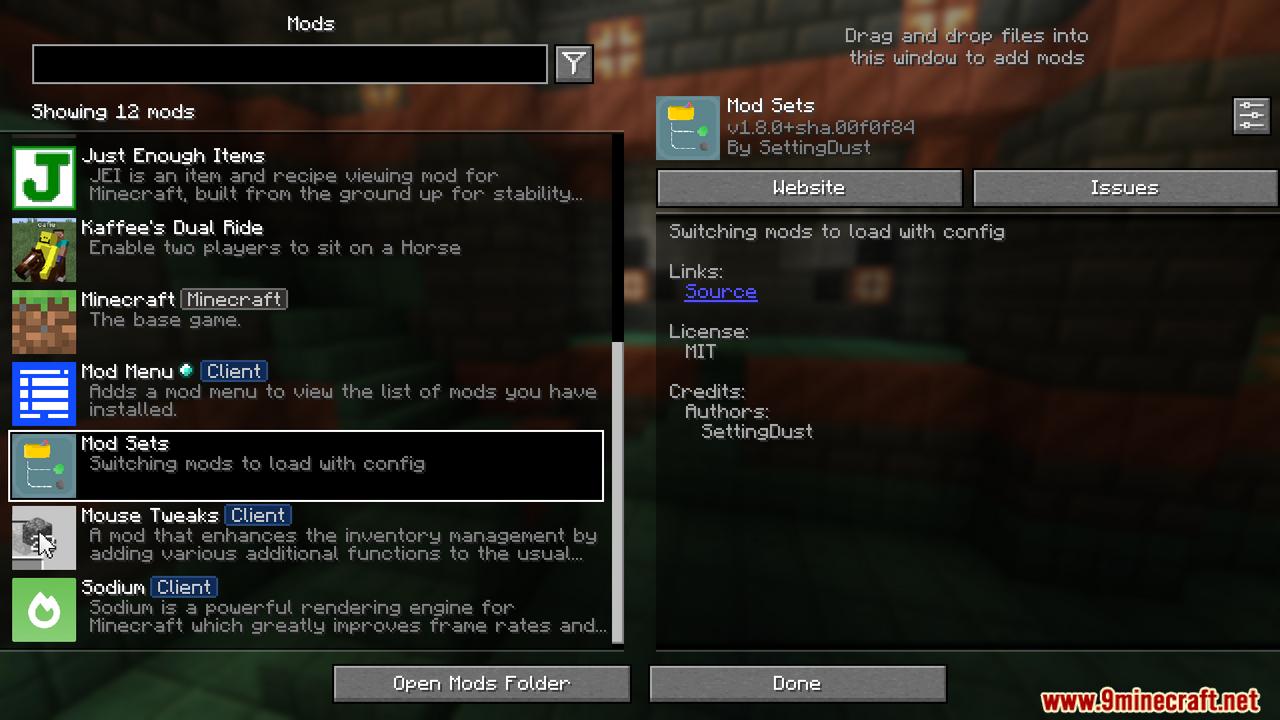
The rule files should be in config/modsets/rules as JSON. Add rules and access them via the Mod Menu.
Mod Set:
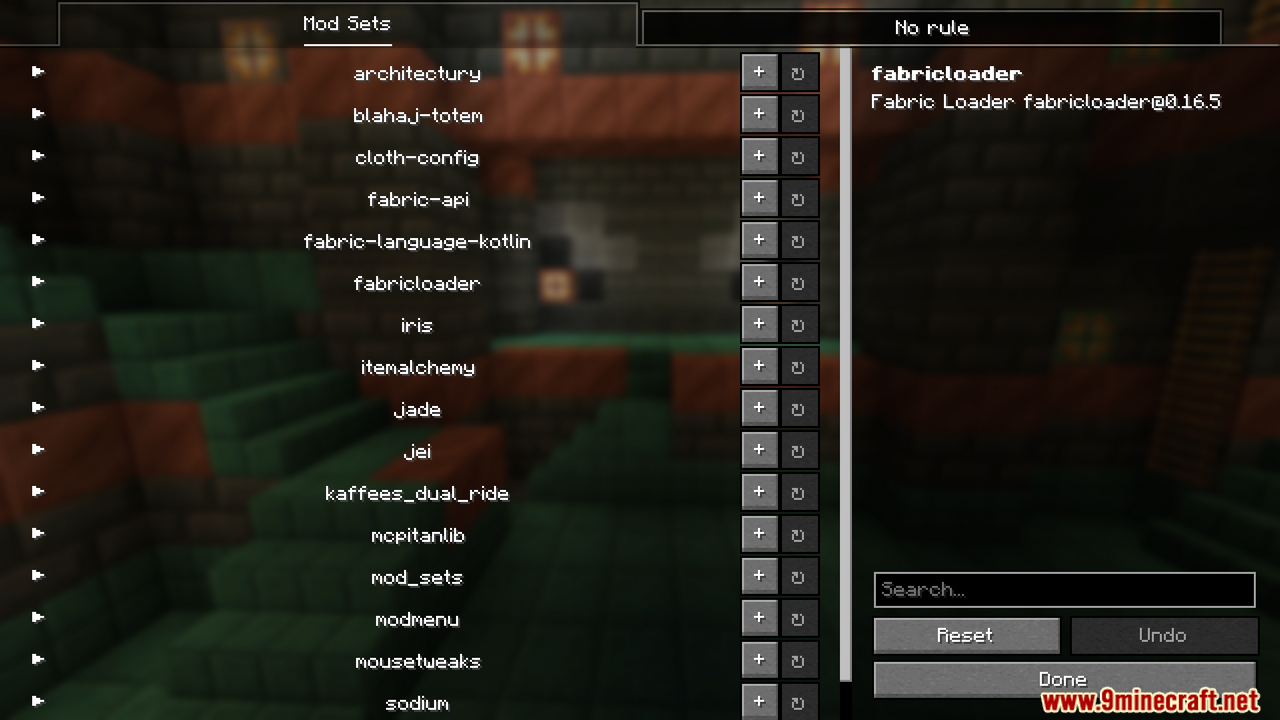
Defined in config/modsets/modsets.json. Each entry maps a string to a set of mod IDs. Subfolder names in the mods folder define mod sets; mod IDs will only contain themselves.
Note: Config-defined mod sets will override folders or mod IDs with the same name.
Example:
{
    "sodium": {
        "text": "Sodium",
        "description": "Performance: +++++",
        "mods": [
            "sodium",
            "indium"
        ]
    }
}
Rule:
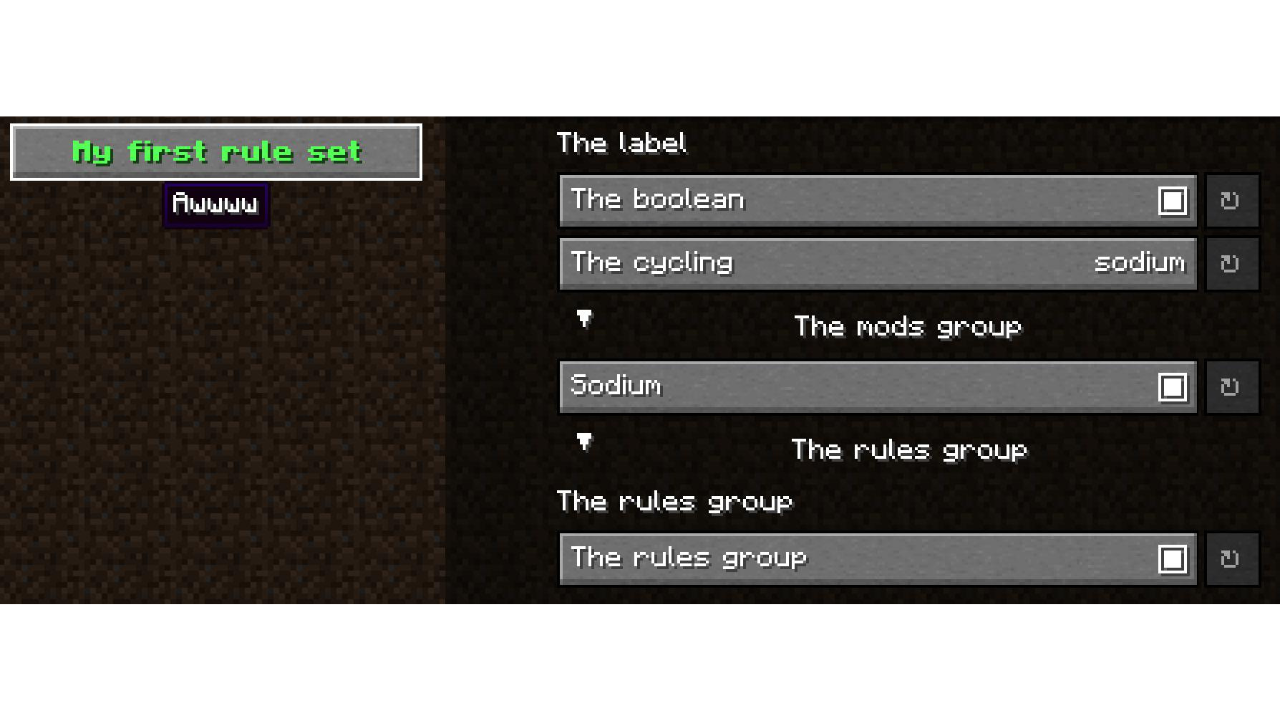
Each rule contains text, description, and a controller for the YACL interface.
{
    "text": {
        "text": "My first rule set",
        "bold": true,
        "color": "green"
    },
    "description": "Awwww",
    "rules": [
        {
            "text": "text",
            "description": "description",
            "controller": {
                "type": "type"
            }
        }
    ]
}
Controller Types:
- Label: Displays text on screen
{ "text": "The label", "description": "Text Text", "controller": { "type": "label" } } - Boolean: Switch a single mod set on/off
{ "text": "The boolean", "description": "Text Text", "controller": { "type": "boolean", "id": "sodium" } } - Cycling: Switch between mod sets (useful for conflicting mods)
{ "text": "The cycling", "description": "Text Text", "controller": { "type": "cycling", "ids": ["sodium","optifabric"] } } - Mods Group: Assign a boolean controller to every mod in a mod set
{ "text": "The mods group", "description": "Text Text", "controller": { "type": "mods_group", "collapsed": false, "ids": ["sodium","optifabric"] } } - Rules Group: Collapse multiple rules into a group
{
    "text": "The rules group",
    "description": "Text Text",
    "controller": {
        "type": "rules_group",
        "collapsed": true,
        "rules": [
            {"text": "text","description": "description","controller": {"type": "label"}},
            {"text": "text","description": "description","controller": {"type": "boolean","id": "sodium"}}
        ]
    }
}
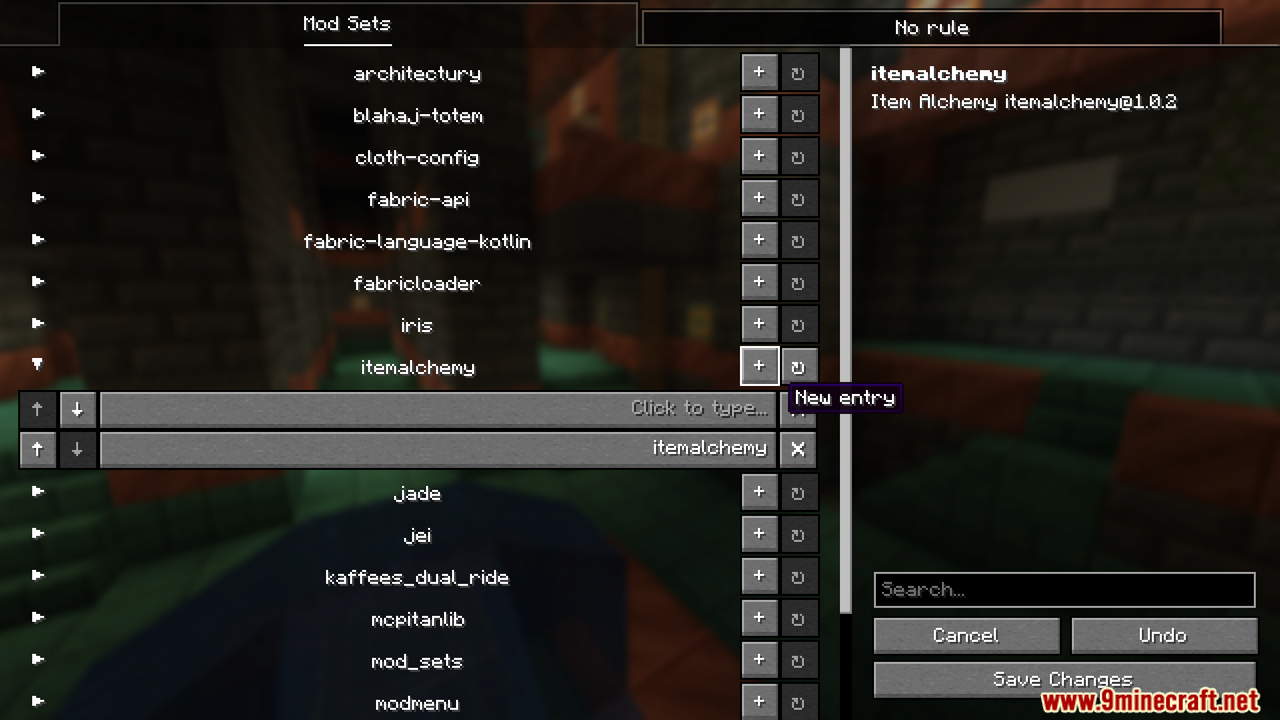
Screenshots:
How to Install:
New to Minecraft? Follow our step-by-step guide to install Mods on your PC.View Guide
Requirements:
 Fabric Language Kotlin Mod Required
 Preloading Tricks Mod Required


Mod Sets Mod Download Links
For All Versions From Minecraft 1.19.4 Minecraft 1.21.1
Forge/Fabric/Quilt Version: Download from Server 1 – Download from Server 2
For All Versions From Minecraft 1.19.4 Minecraft 1.21.10
Forge/Fabric/NeoForge Version: Download from Server 1 – Download from Server 2
For All Versions From Minecraft 1.19.4 Minecraft 1.21.11
Forge/Fabric/NeoForge Version: Download from Server 1 – Download from Server 2
For Minecraft 1.19.2
Fabric/Quilt Version: Download from Server 1 – Download from Server 2
You May Also Like













This post has no comments yet. Be the first — your comment will appear here.