
Mod Settings Mod (26.3, 1.21.1) – Manage All Mod Options From One Central Screen

 0


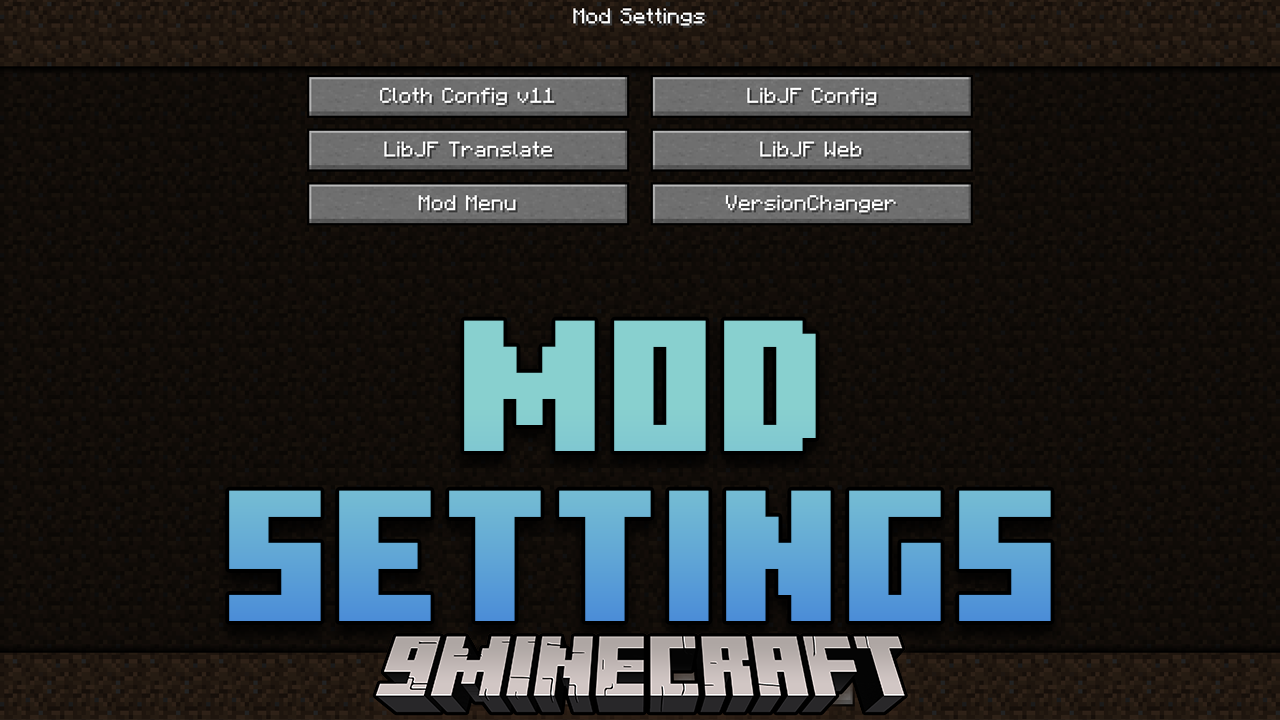
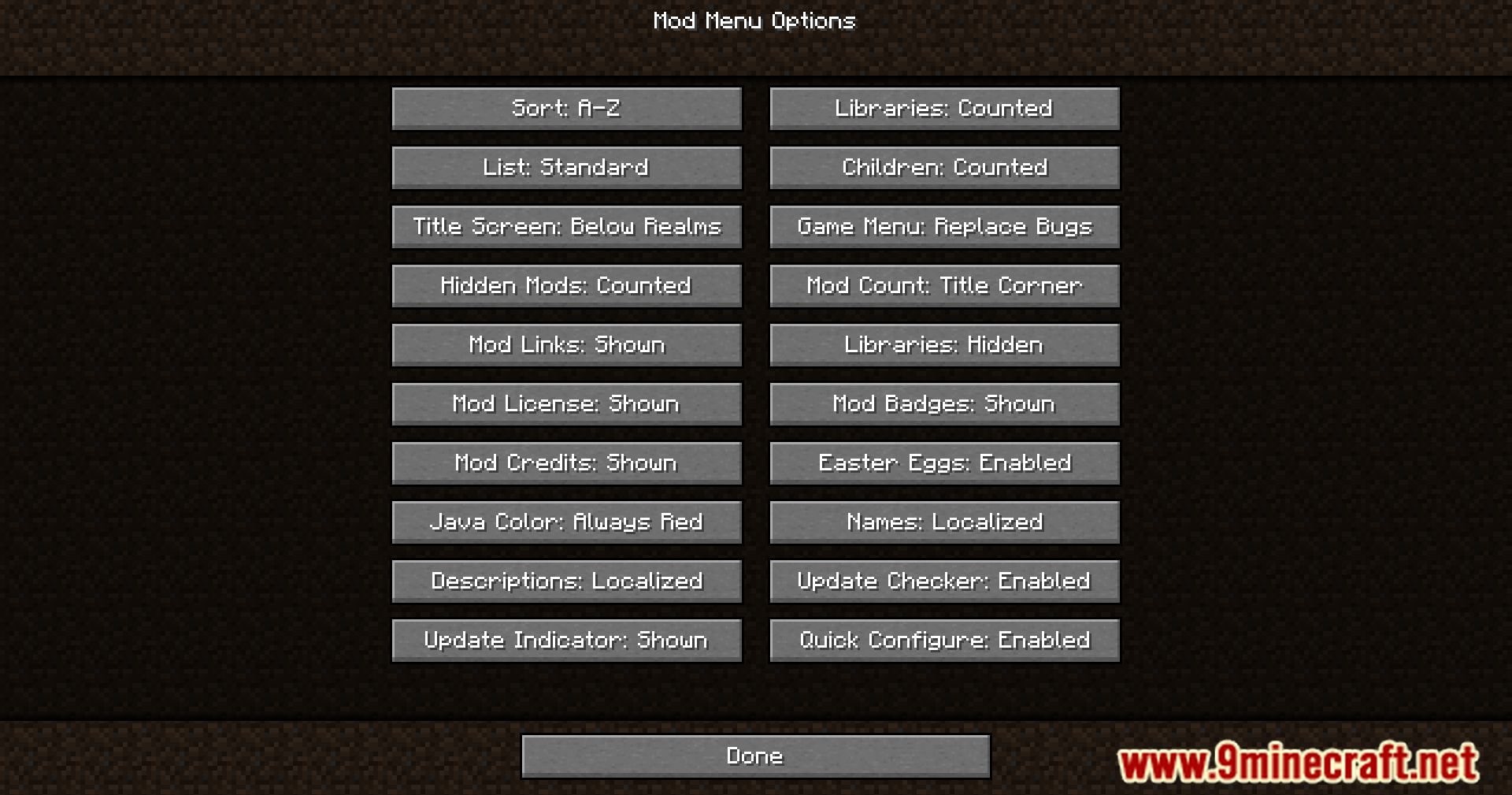
Mod Settings Mod brings a central configuration screen to Minecraft, making it simple to manage and adjust installed mods on Fabric. It creates a clean, vanilla-style menu that gathers all your mod settings in one place. You can open this screen directly with a single hotkey instead of digging through multiple lists.
Features:
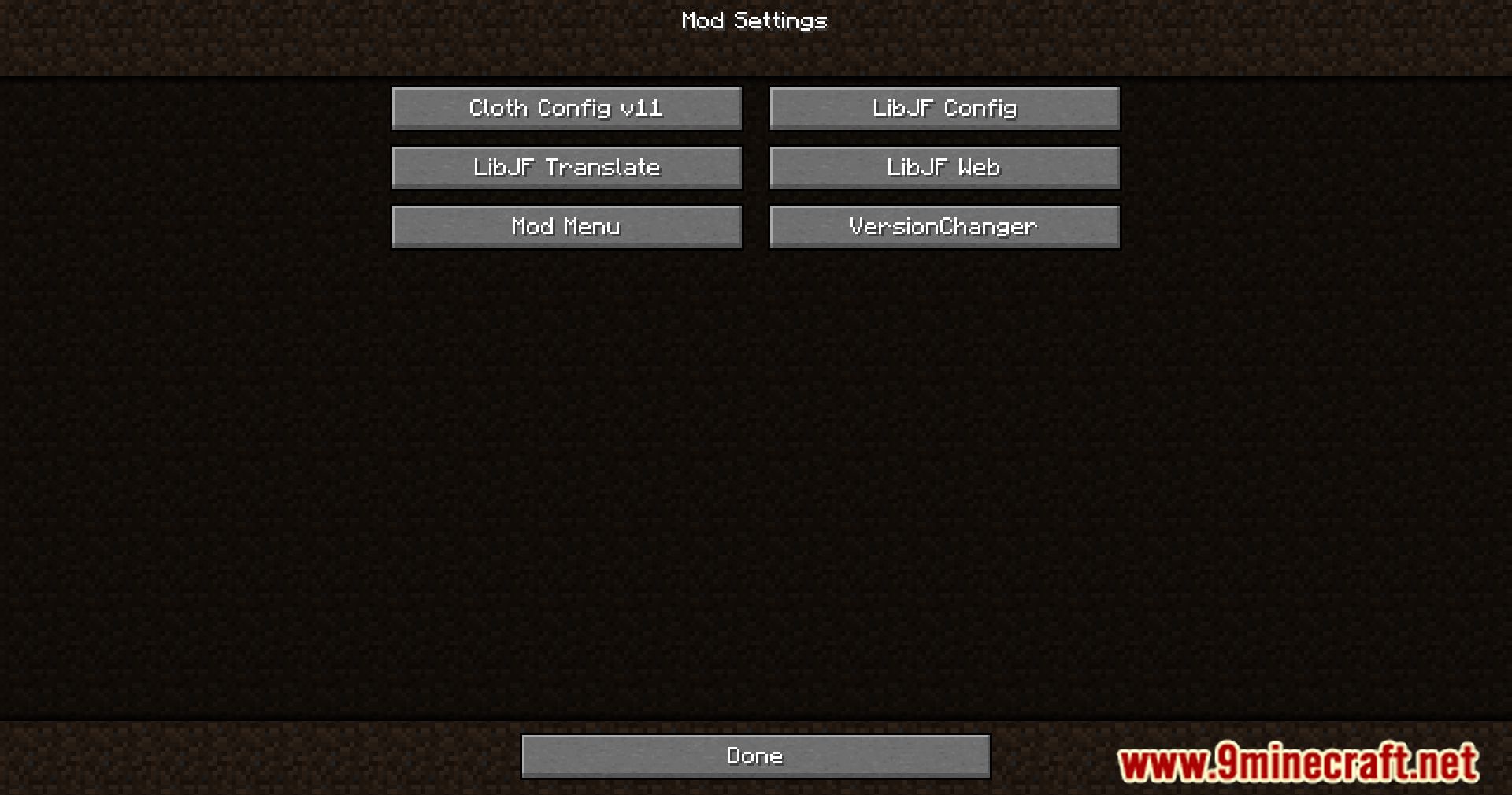
- Easy Access Configuration Screen: Combines all mod settings into one central menu so you can find and change options quickly.
- Vanilla-Style Interface: Matches the standard look and feel of Minecraft menus so it fits right into the game.
- Dedicated Hotkey: Opens the settings screen instantly with the
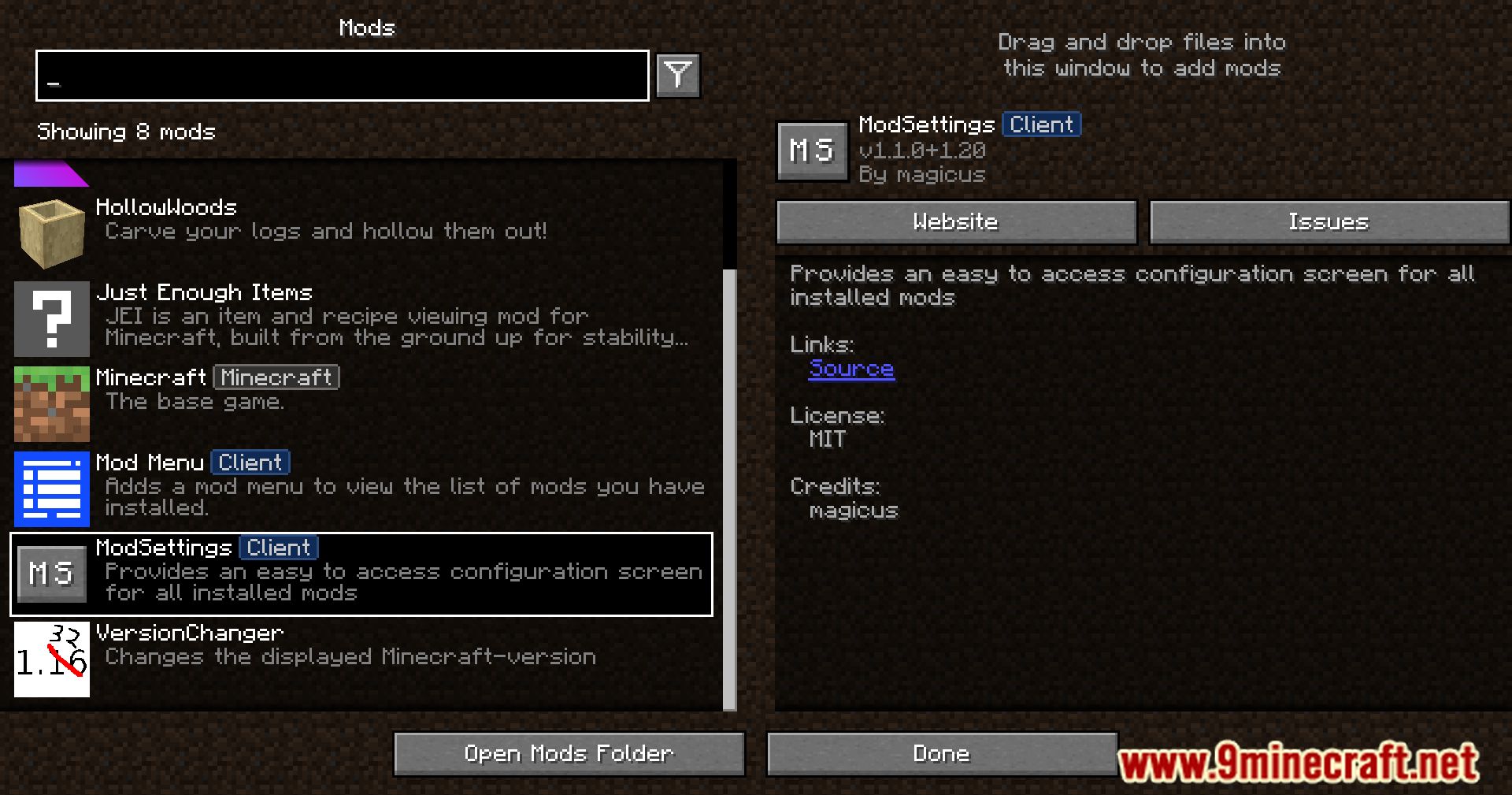
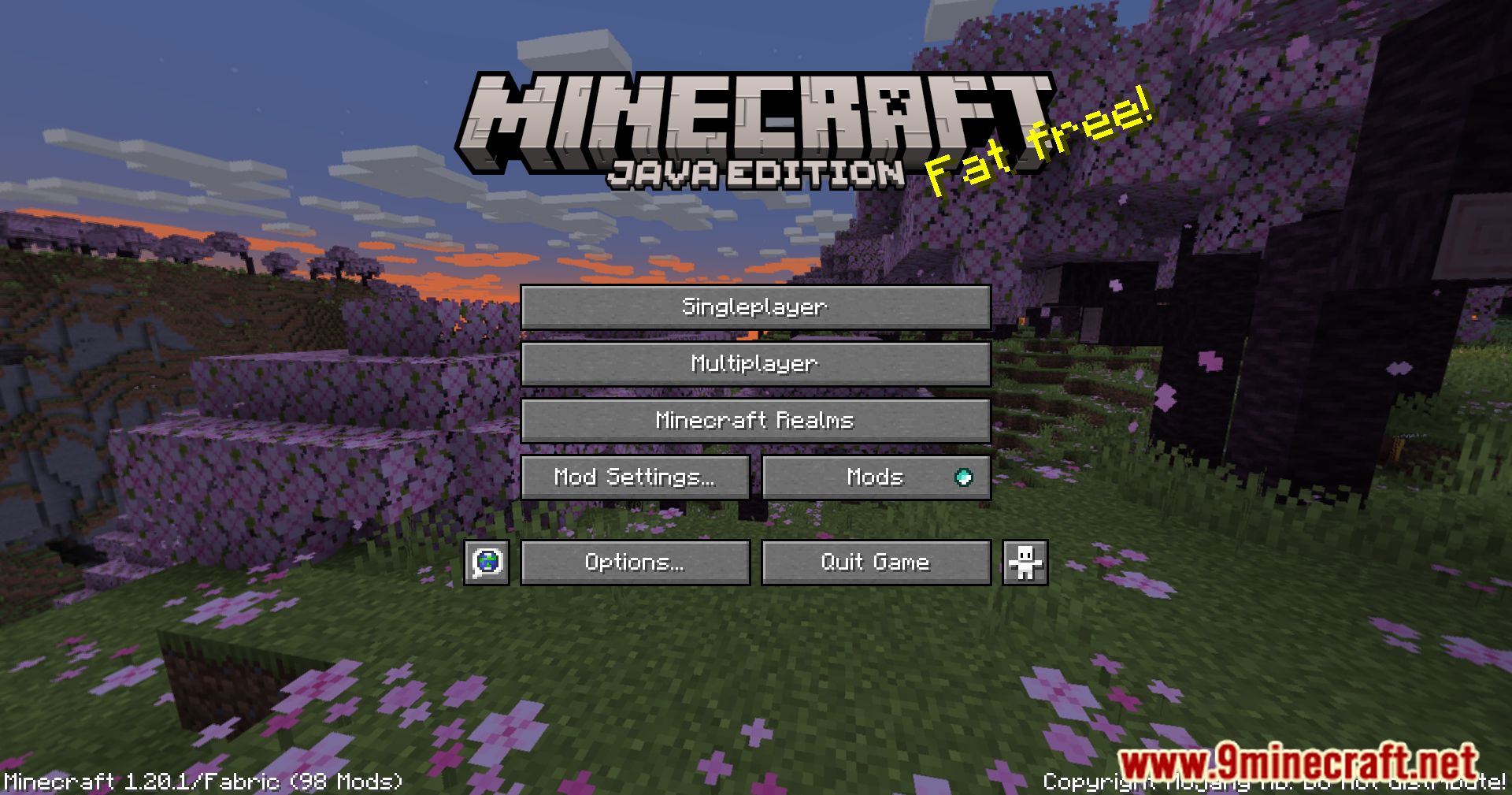
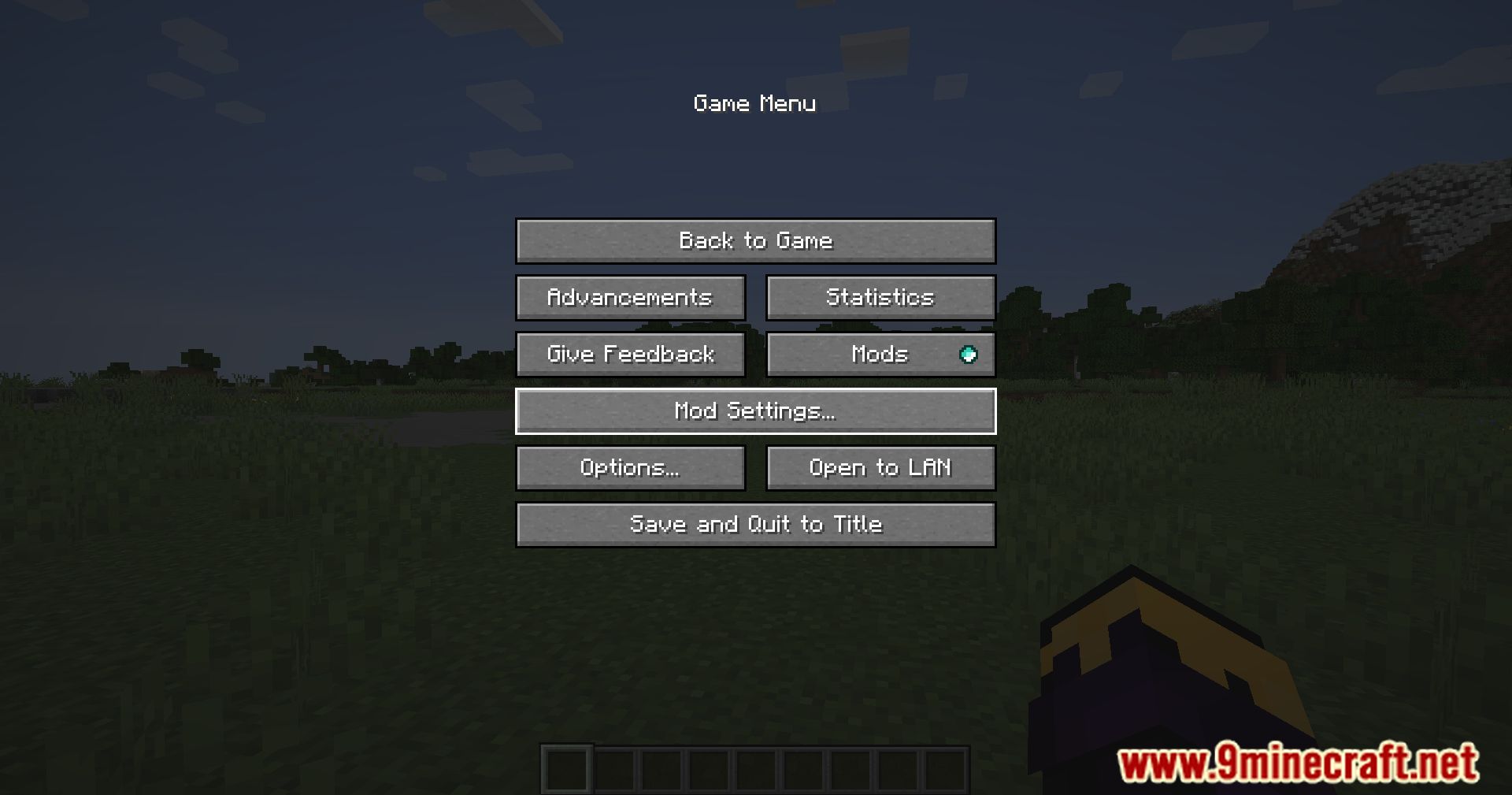
F6key by default, which you can change in the Key Binds menu. - Works together with Mod Menu if you have it installed, adding a quick settings button right next to the standard mod list.
- Displays all mods that support internal configuration while keeping unconfigurable mods hidden from the list.
How to Use:
- Install the Fabric loader and Fabric API along with this mod in your game directory.
- Press the F6 key while playing or from the title screen to open the main configuration menu.
- Click on any mod in the list to adjust its settings directly from the screen.
- Change the default hotkey in the normal Minecraft Key Binds options if you prefer a different key.
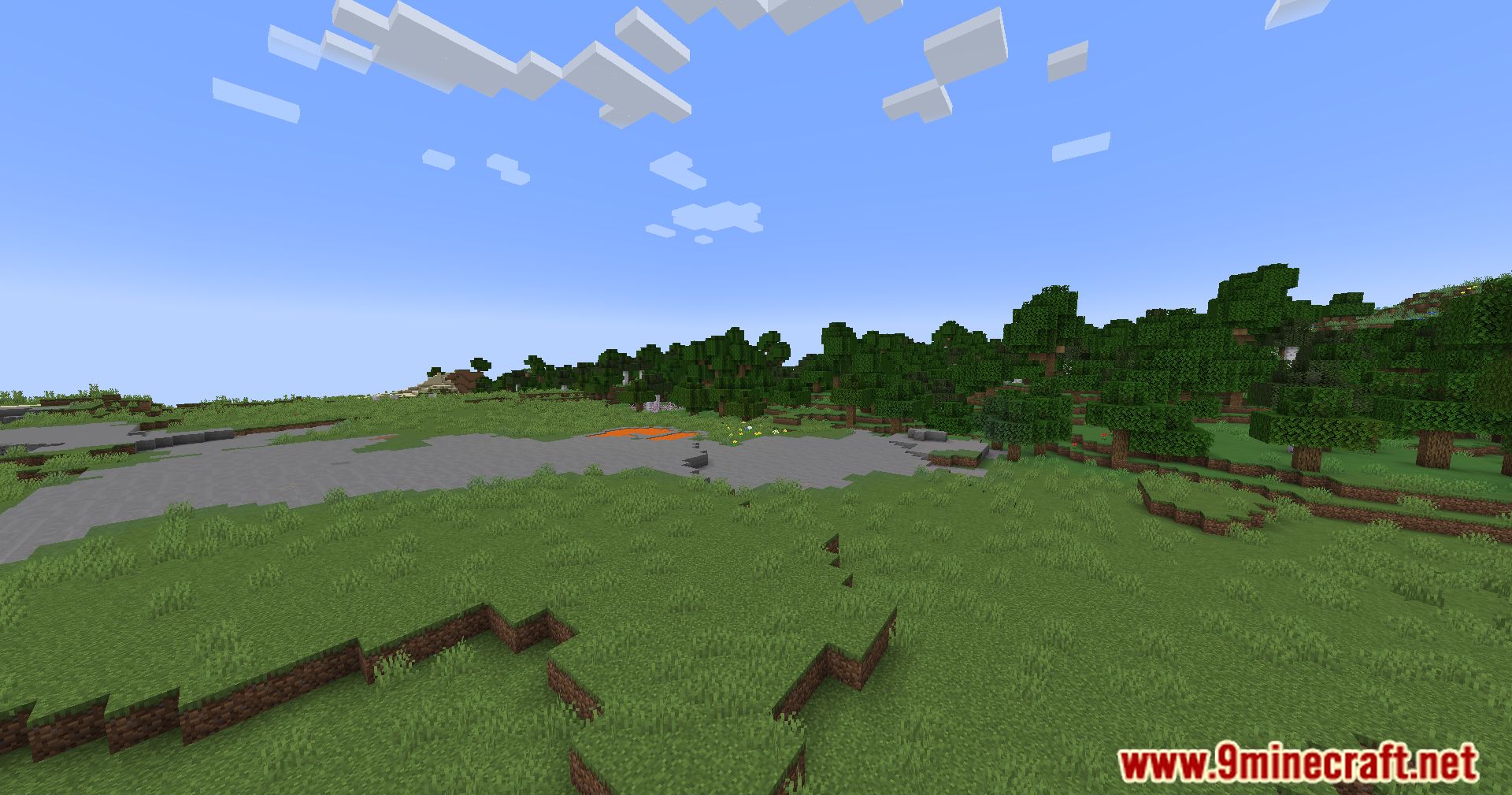
Screenshots:
How to Install:
New to Minecraft? Follow our step-by-step guide to install Mods on your PC.View Guide
Requirements:

Mod Settings Mod Download Links
For Minecraft 26.3
For Minecraft 26.2
For Minecraft 26.1.2, 26.1.1, 26.1
For Minecraft 1.21.11
For Minecraft 1.21.10, 1.21.9
For Minecraft
1.21.8,
1.21.7,
1.21.6
All Versions Covered
1.21.8
1.21.7
1.21.6
1.21.5
1.21.4
1.21.3
1.21.2
1.21.1
1.21
All Versions Covered
1.21.8
1.21.7
1.21.6
1.21.5
1.21.4
1.21.3
1.21.2
1.21.1
1.21
For Minecraft 1.21 –> 1.21.5
For Minecraft 1.20.5, 1.20.4, 1.20.3
For Minecraft 1.19.4
For Minecraft
1.19.3,
1.19.2,
1.19.1
All Versions Covered
1.19.3
1.19.2
1.19.1
1.19
All Versions Covered
1.19.3
1.19.2
1.19.1
1.19
For Minecraft 1.18.2, 1.18.1, 1.18
For Minecraft 1.17.1
Click to rate this post!
[Total: 1 Average: 2]
QUICK MINECRAFT SURVEY · ONE TAP
Mods & Modpacks
If you rent a paid server to play modded Minecraft with friends, how do you usually set it up?
1 responses · See the full results →
You May Also Like
Picked for this page
 Entity Culling Mod (26.3, 1.20.1) – Increase Your FPS
 Forge Config API Port Mod (26.3, 1.20.1) – Bring Forge Mods to Fabric
 Immersive Vehicles Mod (26.1.2, 1.20.1) – Planes, Automobiles with Realistic Physics
 Custom Crosshair Mod (26.3, 1.20.1) – Customize With New Shapes, Colors and Sizes
 Heaven Dimension Mod (26.2, 1.20.1) – Peaceful Dimension
 Click Through Plus Mod (26.3, 1.20.1) – Click Through Signs & Item Frames
 More Beautiful Stairs Mod (26.3, 1.20.1) – 100+ New Stairs!
 Armor Stand Editor Mod (26.3, 1.20.1) – In-Game Editing Tool
 Vectorientation Mod (26.3, 1.20.1) – Improve Minecraft’s Visuals
 No Nether Portal Overlay Mod (26.2, 1.20.1) – Overlay Removal
 Permanent Sponges Mod (26.3, 1.20.1) – Sponges to Keep an Area Permanently Dry
 Integrated Scripting Mod (26.3, 1.20.1) – Advanced Automation Made Simple
Most viewed in Mods over the last 7 days
 Ala Industrial Mod (26.3) – Run Electric Power Grids and Automated Factories
 PleasureCraft Mod (26.3, 1.21.1) – Jenny Mod Remake for Fabric
 Jennycraft Mod (26.3, 1.20.1) – Virtual Girlfriend in Minecraft
 Fapcraft Mod (26.3, 1.12.2) – Comprehensive and Detailed Content
 Jenny Mod (Fapcraft) Official Complete Guide – How to use, Tutorial
 BangCraft Mod (1.20.1) – Jenny, Ellie and Elliot
 Fabric Loader (26.3, 1.20.1) – Fabric Installer for All Minecraft Versions
 The Shooting Star Demo Mod (26.3, 1.20.1) – Vaporize Terrain From Orbit
 Meteor Client Mod (26.3, 1.20.1) – Xray, HUD, Fly
 OptiFine HD (26.3, 1.20.1) – Run Faster, FPS Boost, Shaders Support
 Aristois Client Mod (1.21.4, 1.20.1) – World Class Minecraft Utility
 Prestige Client Mod (1.21.11, 1.21.4) – Powerful Ghost Features for Crystal & Sword PvP
More from Mods
 Wireless Automate Mod (1.21.1) – Automate Base Logistics Without Messy Pipes
 Vaskars Opus Faction War Quests & Bosses Mod (1.21.11, 1.20.1)
 Multitools and More Mod (26.3, 1.20.1) – Clear Your Hotbar and Travel
 Luxium Let There Be Light Mod (1.20.1) – Stunning Lighting on Low-End Computers
 Soulscraft Tarnished Legacy Mod (1.21.1) – Hunt Relics to Forge Dark Fantasy
 Fetzi’s Displays Mod (26.1.2, 1.20.1) – Turn Rare Gear and Weapons
 Primal Plushies Paleo Pals Mod (1.21.1, 1.20.1) – Decorate Your Base
 Ipla Mod (26.3, 1.20.1) – Showcase Your Favorite Items
 MesdagPortLib Mod (1.20.1) – Run Modern Minecraft Mechanics on Older Versions
 Hellion’s API Mod (1.21.11, 1.21.1) – Play Hellion Series Addons Without Crashes
 Terrestria Mod (26.3, 1.20.1) – Highly Detailed Biomes
 Tre’s Tack Library Mod (1.20.1) – Outfit Your Horses with Fully Detailed Tack

This post has no comments yet. Be the first — your comment will appear here.