
Music Maker Mod (26.2, 1.20.1) – Write and Play Custom Songs in Game

 0


Music Maker Mod brings music sheets, playable instruments, music boxes, and metronomes to Minecraft so you can write and perform your own songs. It gives you a horizontal 8-octave sheet editor with tempos up to 3000 BPM, custom note lengths, and pitch or volume effects like glissando and crescendo. You can craft 13 instruments, discover a treasure instrument, and play extras like the Redstone Guitar, Bass Guitar, Oboe, and French Horn using your keyboard or a real MIDI device. You can also automate songs with redstone music boxes or use a metronome to start playing in sync with friends. The mod handles song data cleanly in multiplayer, so server lag does not break your rhythm during group concerts.
Features:
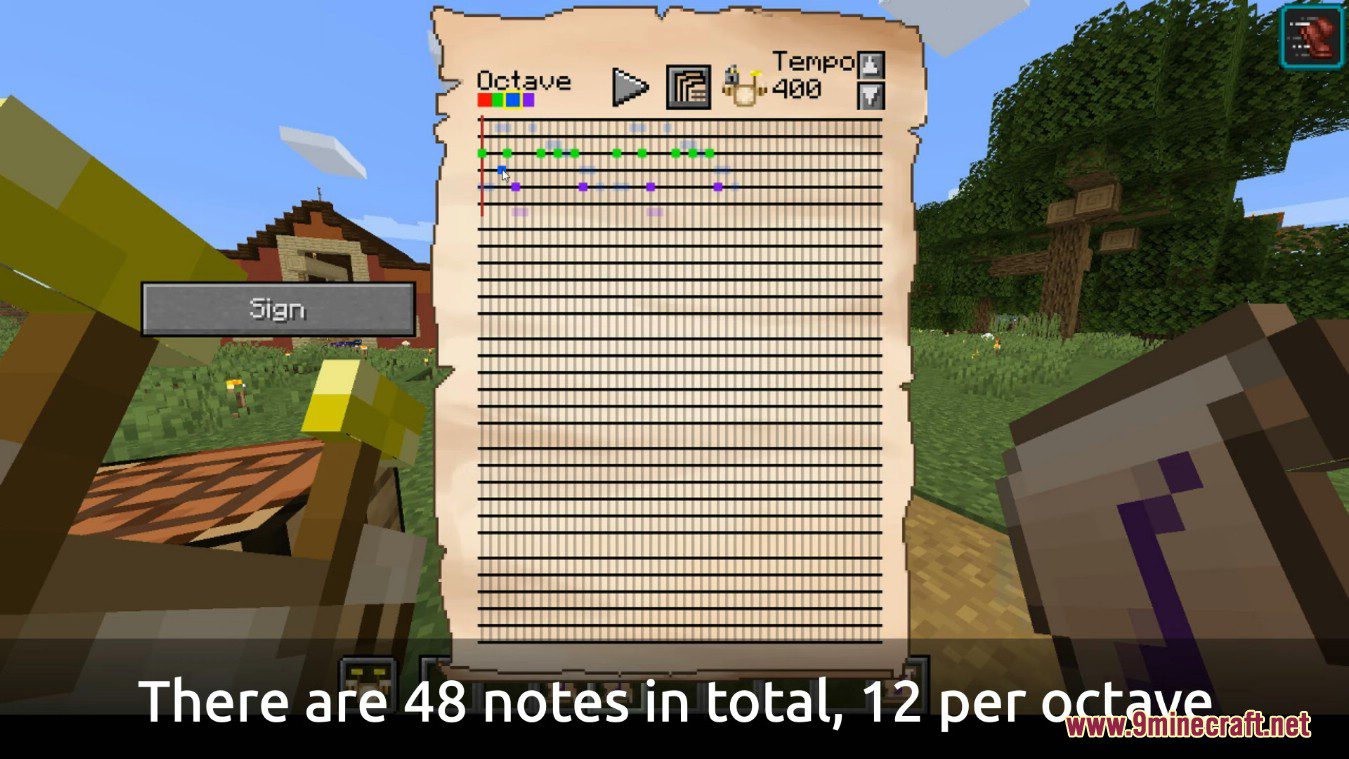
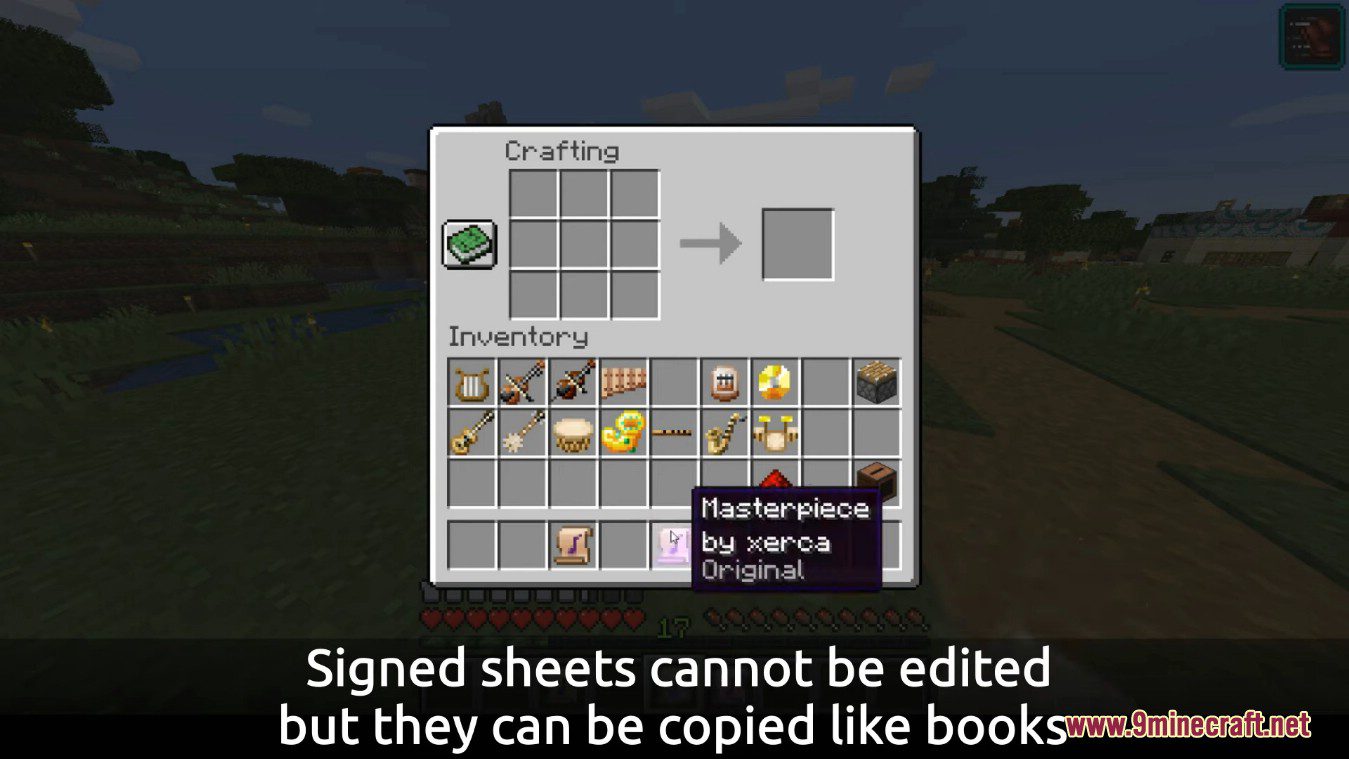
- Long Scrolling Music Sheets: Uses a horizontal scrolling editor that fits long songs on one sheet, following the 12-note chromatic scale across 8 octaves (not every instrument fits every octave).
- Playable Instruments: Adds 13 craftable instruments, 1 instrument found in treasure, the Redstone Guitar, Bass Guitar, Oboe, French Horn, and three more instruments.
- MIDI Device Support: Lets you plug in a real MIDI device to play instruments live or write and record songs straight inside the sheet editor.
- Lag-Free Multiplayer Playback: Handles song storage and network data smartly so tracks use fewer resources at any length and stay on beat without server lag.
- Offers fine tempo settings up to 3000 BPM for slow melodies or fast tracks.
- Opens an instrument playing menu where you can press multiple notes at the same time, and releasing a key stops the note.
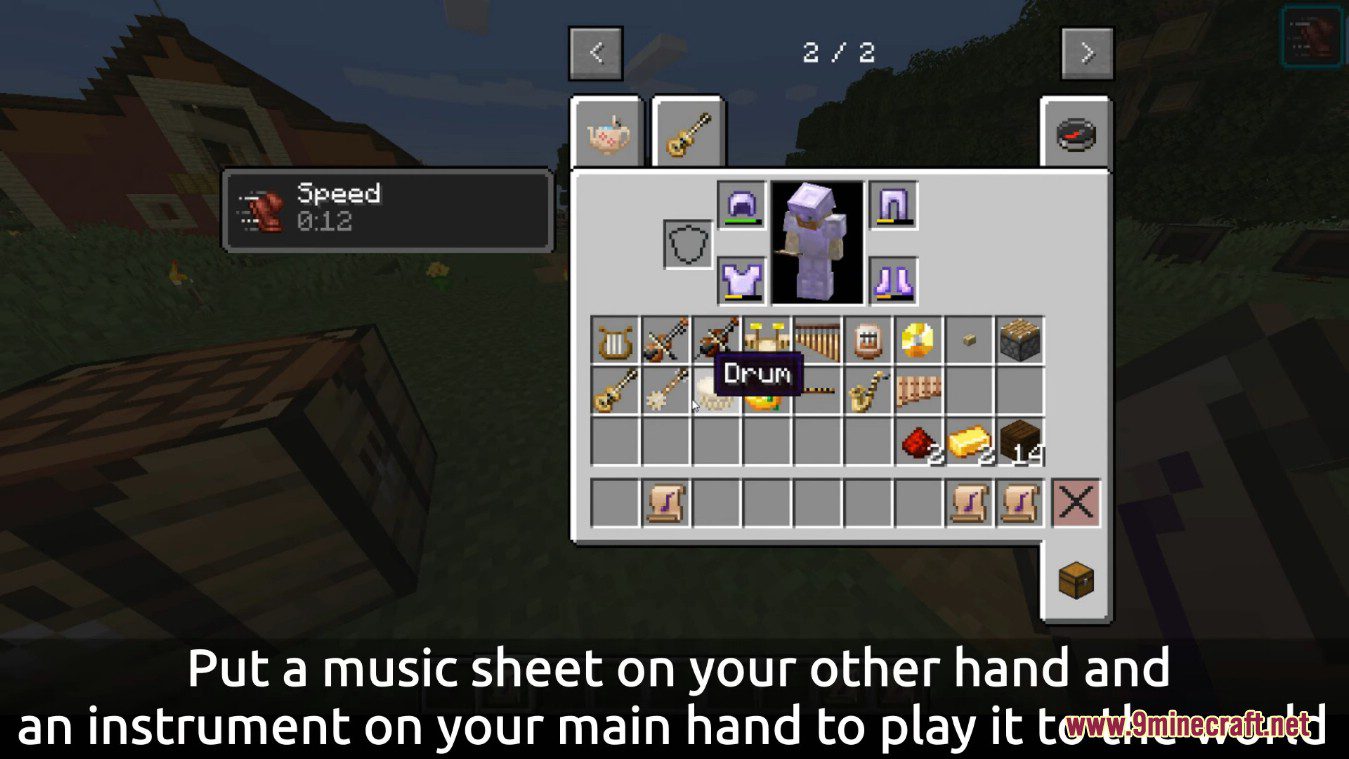
- Lets you hold a music sheet in your offhand while using an instrument to play the song out loud for everyone nearby.
- Supports converting MIDI files into in-game music sheets through an online converter tool.
- Automatically updates old music sheets to the new format when you load an older world (this change cannot be reversed, so back up your world first), while still letting you paste old copied songs or import old exported sheet files.
Music Sheet Editor Tools:
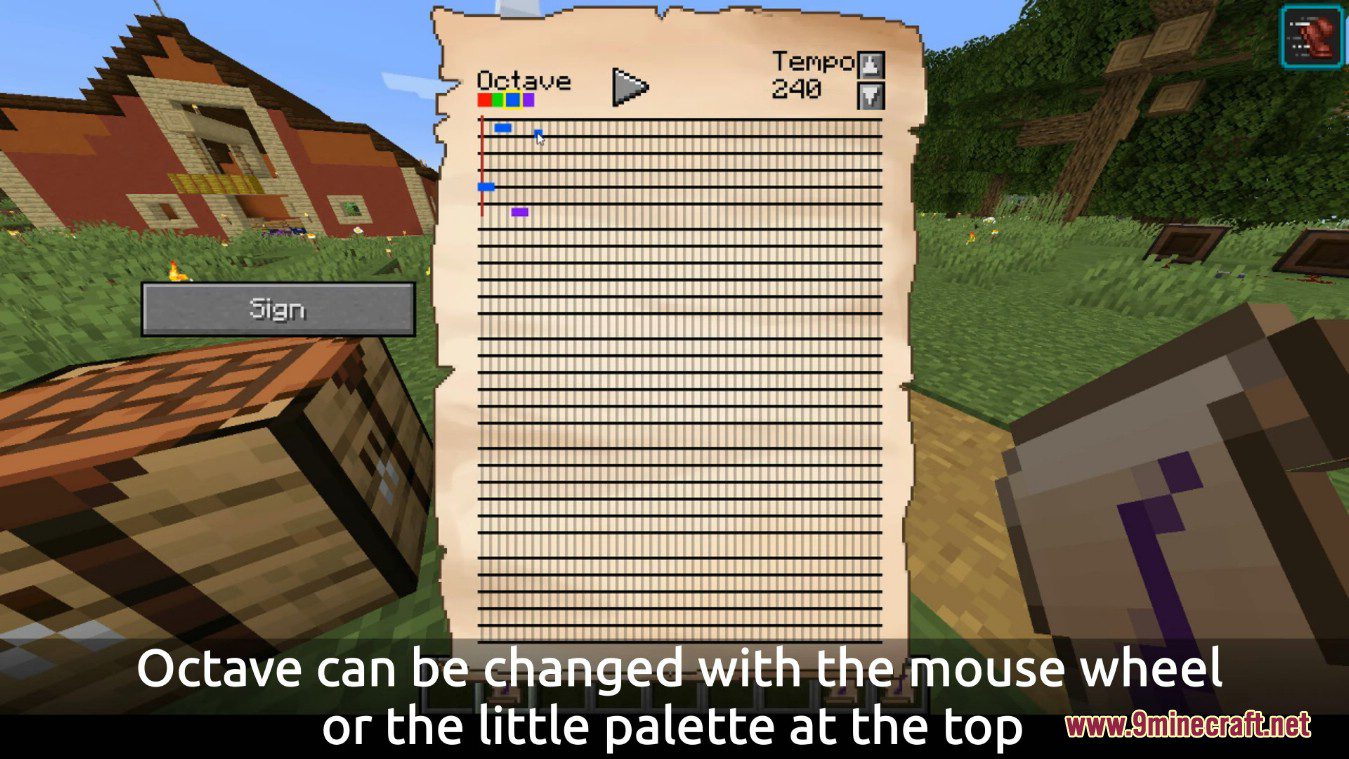
- Lets you place notes with your mouse or computer keyboard, including Space, Delete, and Backspace keys.
- Lets you drag the mouse to set custom note lengths, stack multiple notes on the same beat, and overlap notes of different lengths.
- Gives you separate volume controls for the whole sheet and for each single note.
- Includes glissando mode to add smooth pitch curves to notes.
- Adds crescendo and decrescendo tools to create gradual volume fades across groups of notes.
- Features a record button so you can record songs in real time with your keyboard or a MIDI device.
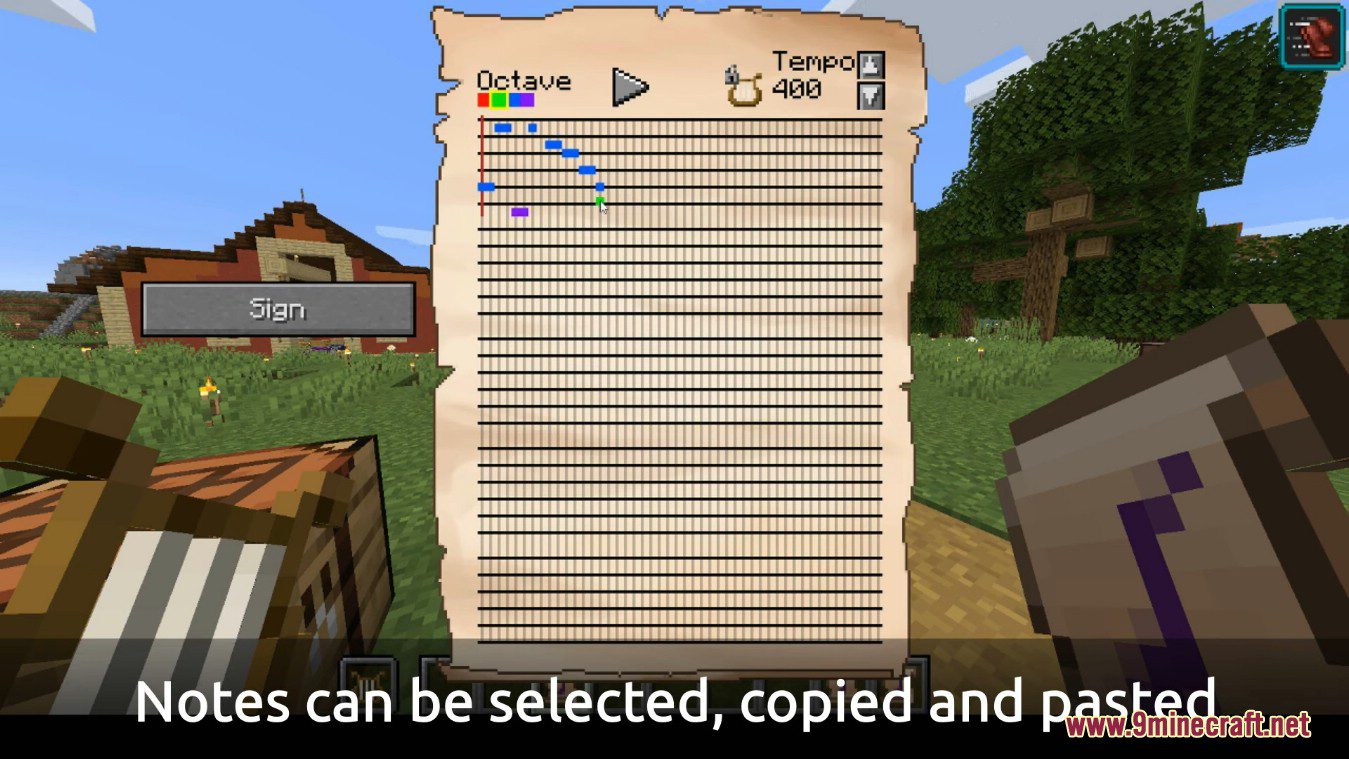
- Supports CTRL+Z to undo and CTRL+A, CTRL+C, and CTRL+V to select, copy, and paste notes between sheets or into outside text files for backups and sharing across worlds or servers.
- Shows a note’s real-life music notation name and lets you edit it when you middle-click the note.
- Includes customizable measure lines as a visual guide and a help button inside the sheet menu that explains controls and shortcuts.
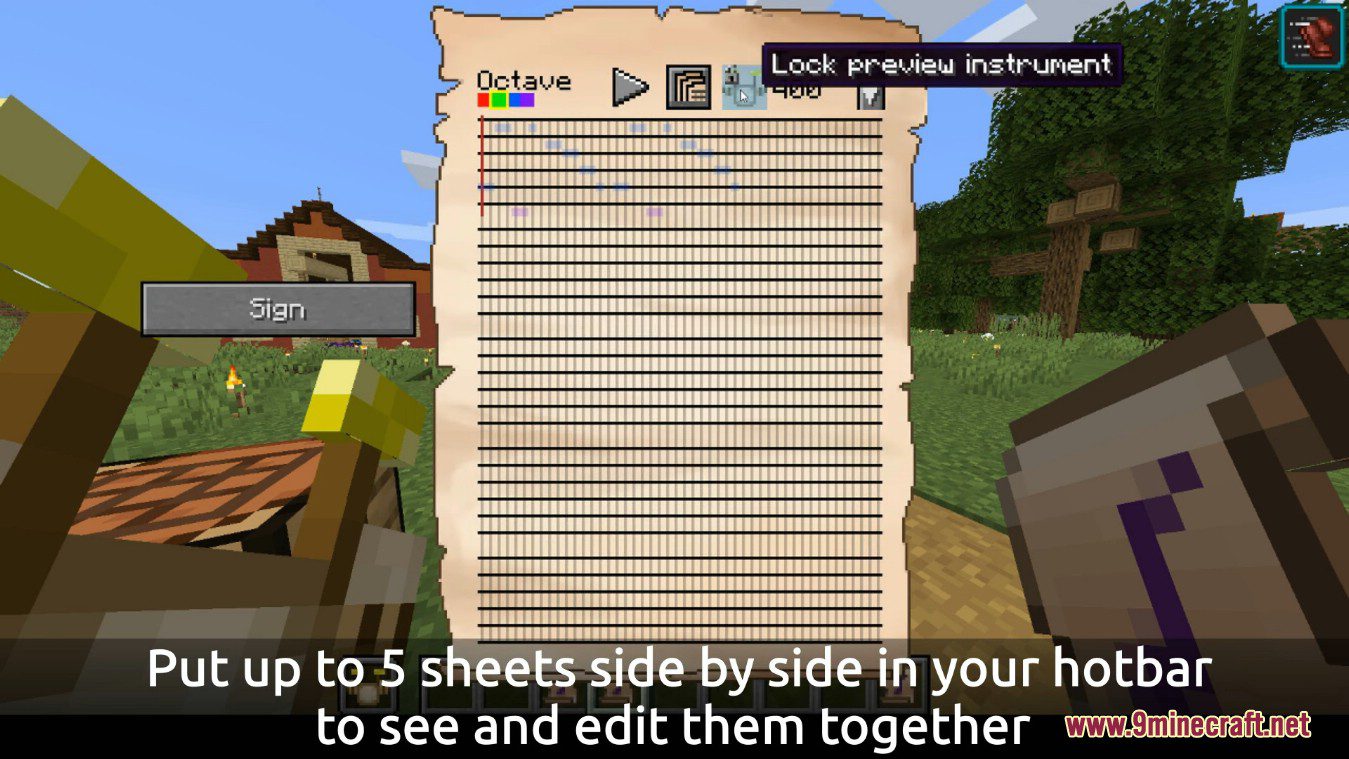
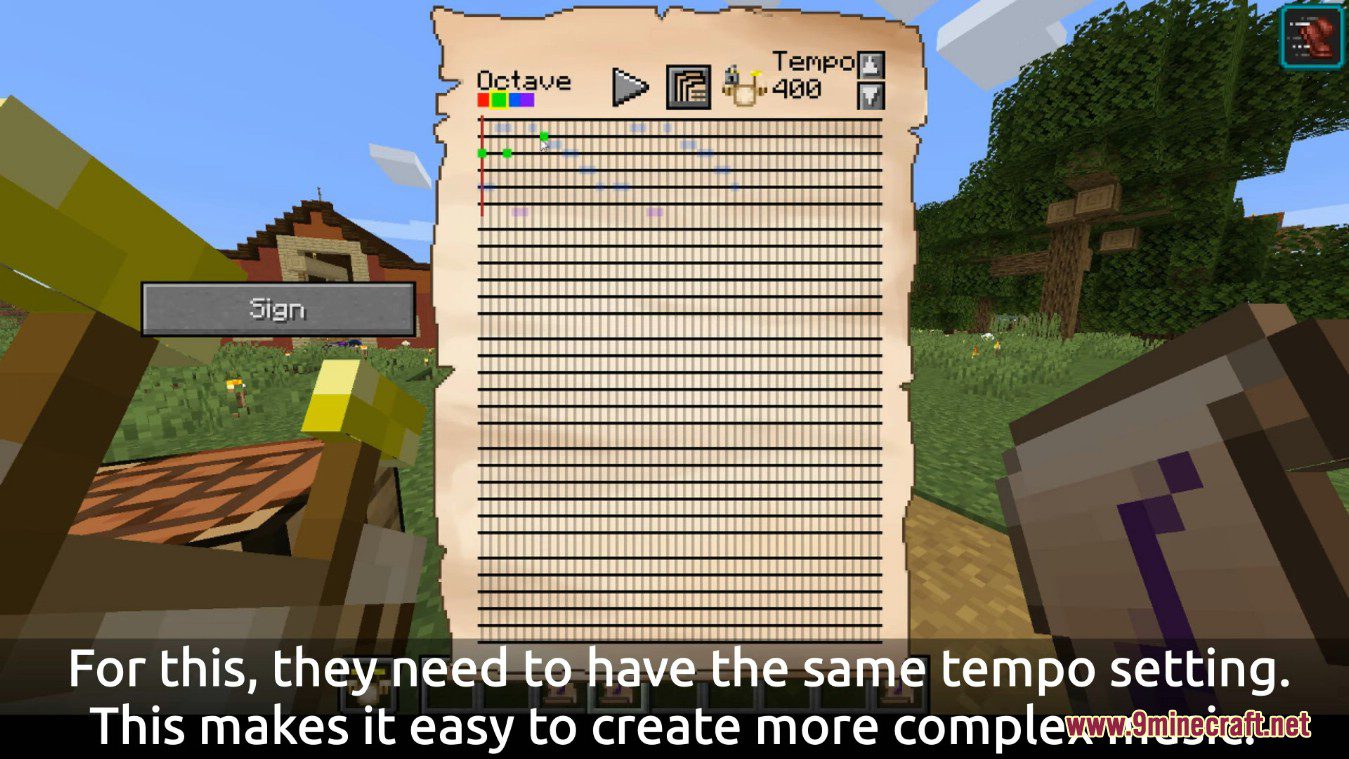
- Lets you keep up to 5 sheets in your hotbar to view and preview multiple music layers together, with a button to hide neighboring sheets whenever you want.
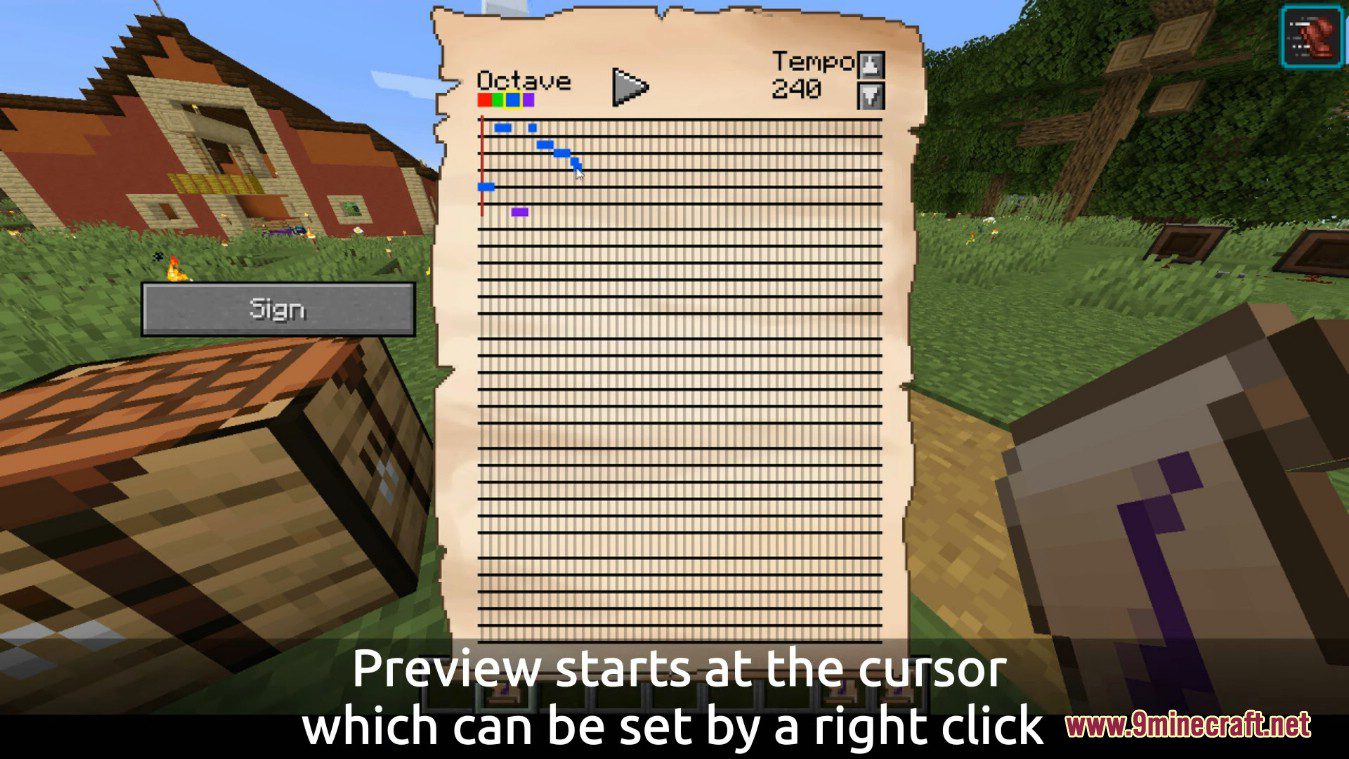
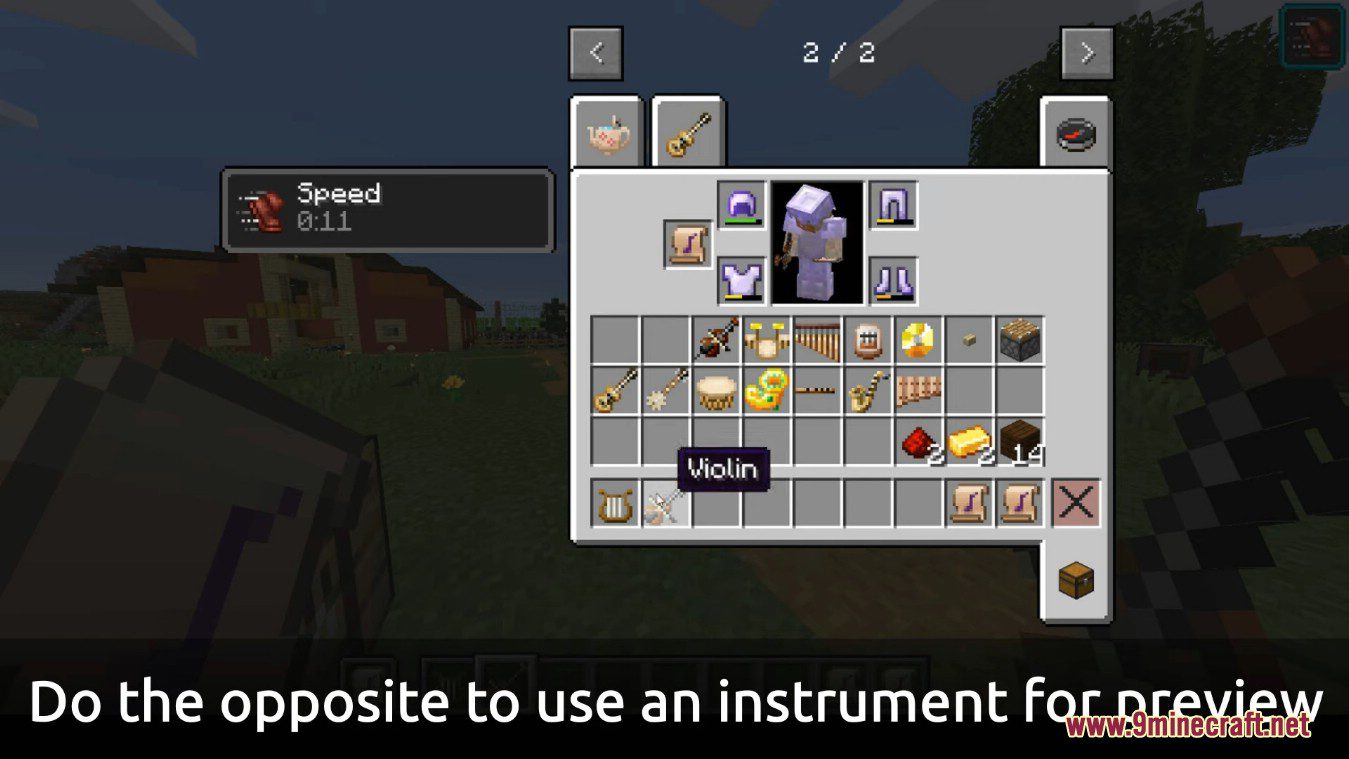
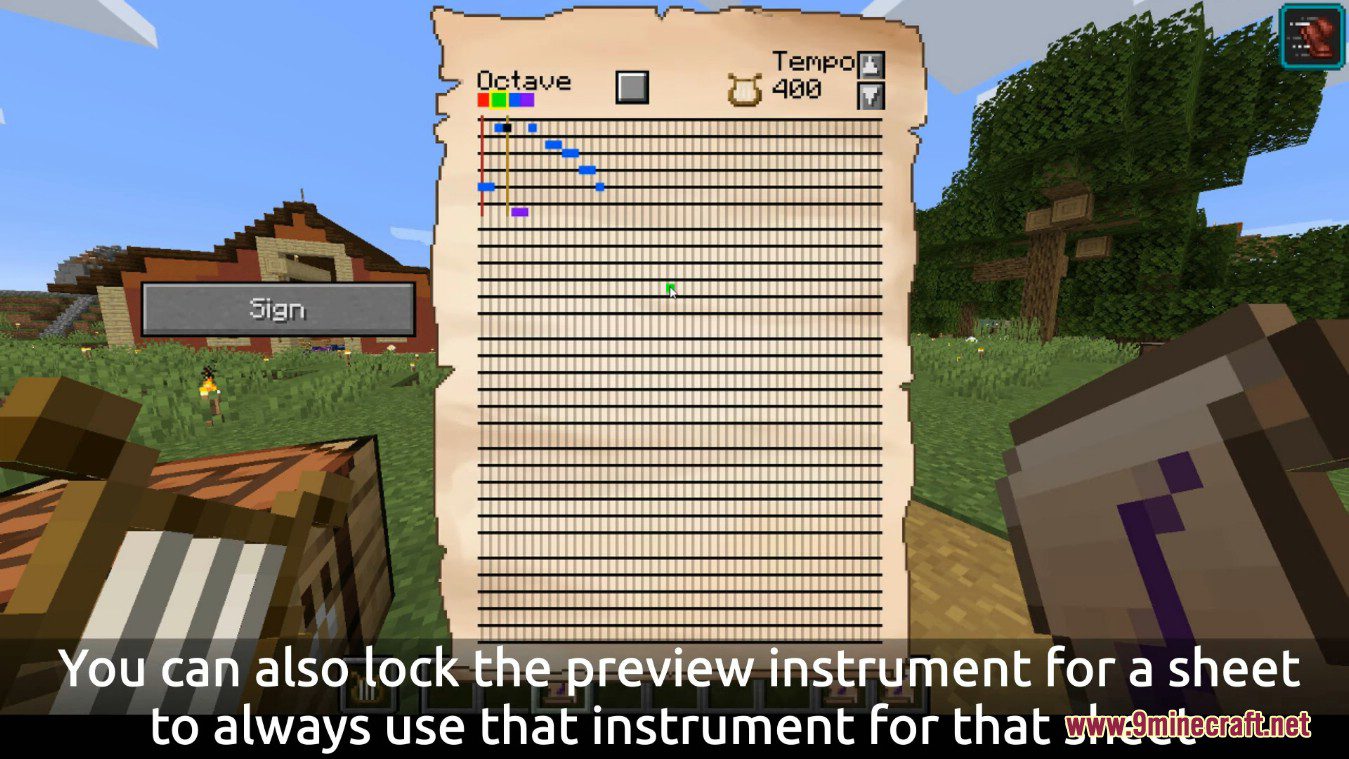
- Lets you preview a sheet with the instrument in your offhand, or lock an instrument to a sheet so it always previews with that sound even if your offhand item changes.
Redstone Music Devices:
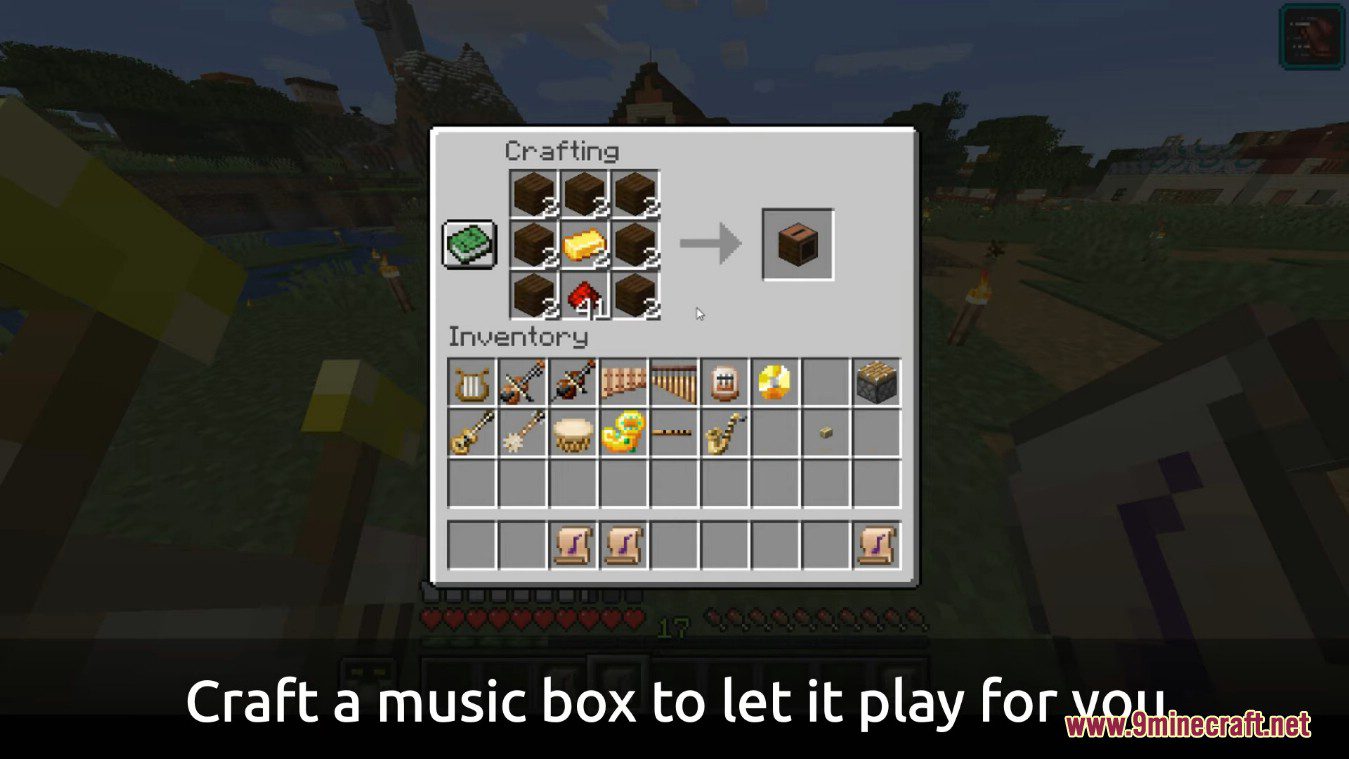
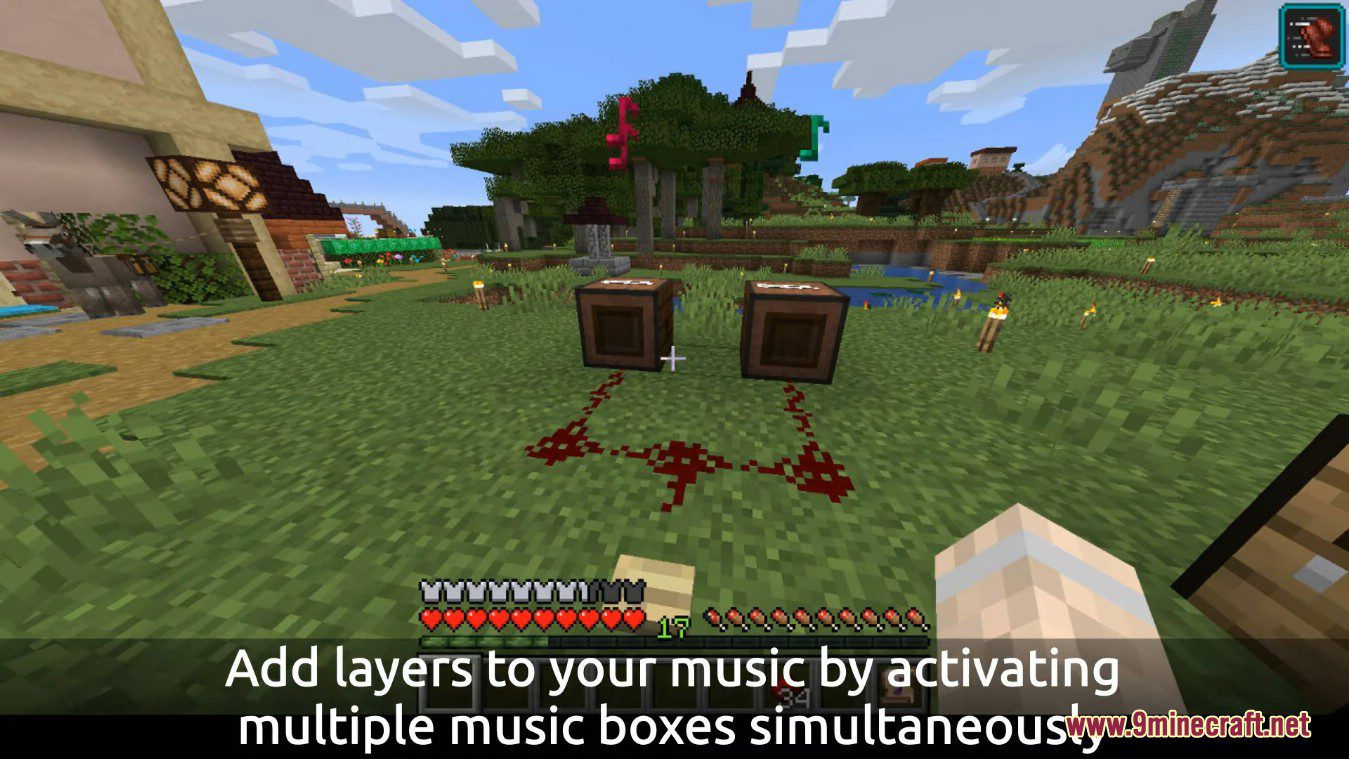
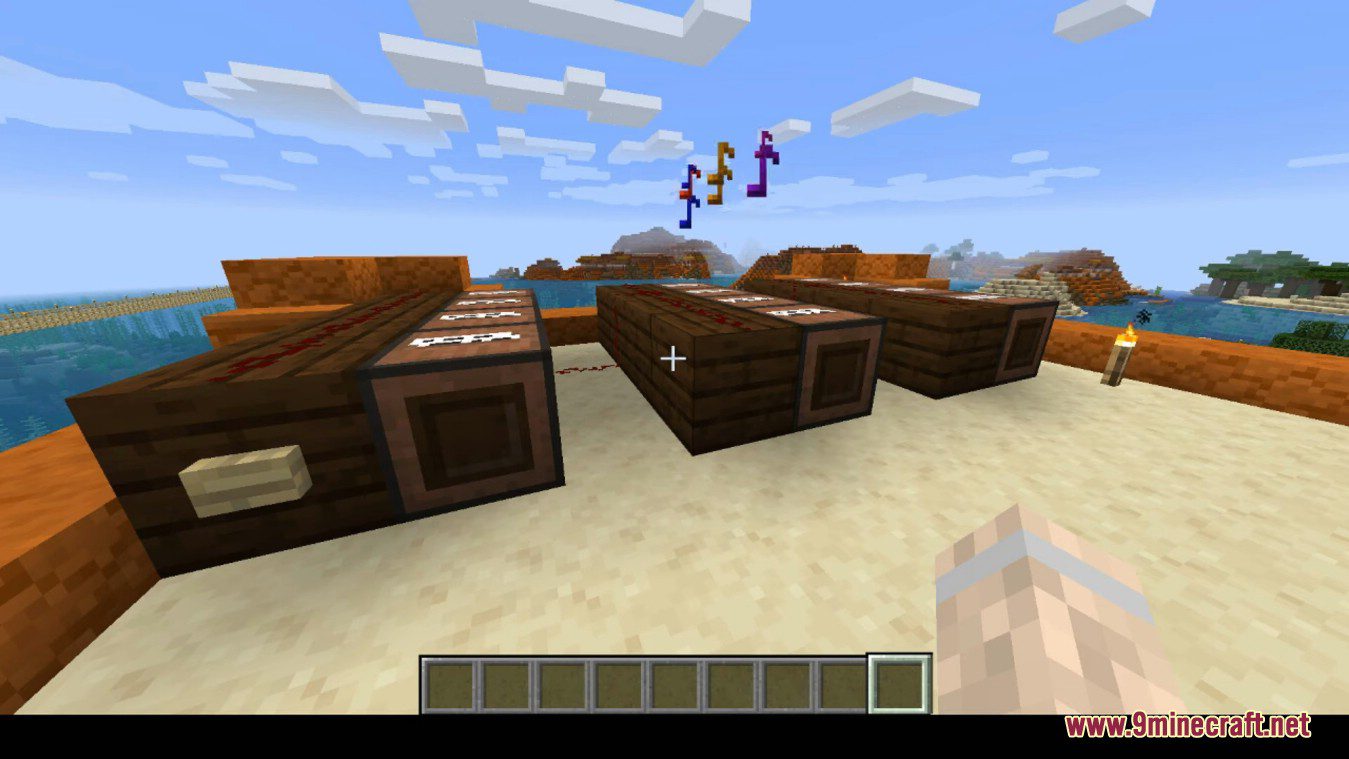
- Music Box: Holds one music sheet and one instrument, starts or stops playing when a redstone signal switches from off to on, and sends a 1-second redstone pulse from its right side when the song ends so you can chain tracks or trigger contraptions.
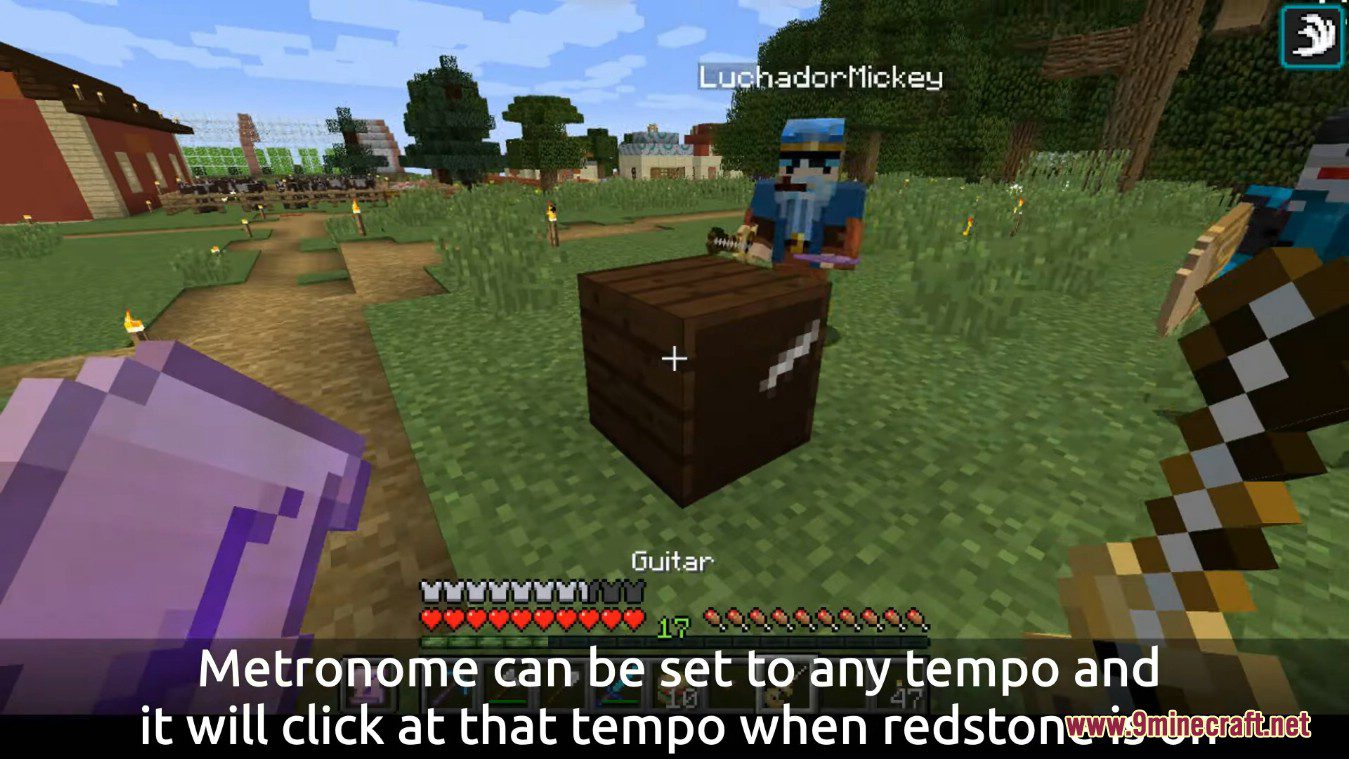
- Metronome: Gives a steady tick while powered by redstone, lets you set its speed by right-clicking it or using a music sheet on it, and starts all nearby players holding instruments and matching-tempo sheets playing in sync after four ticks.
How to Use:
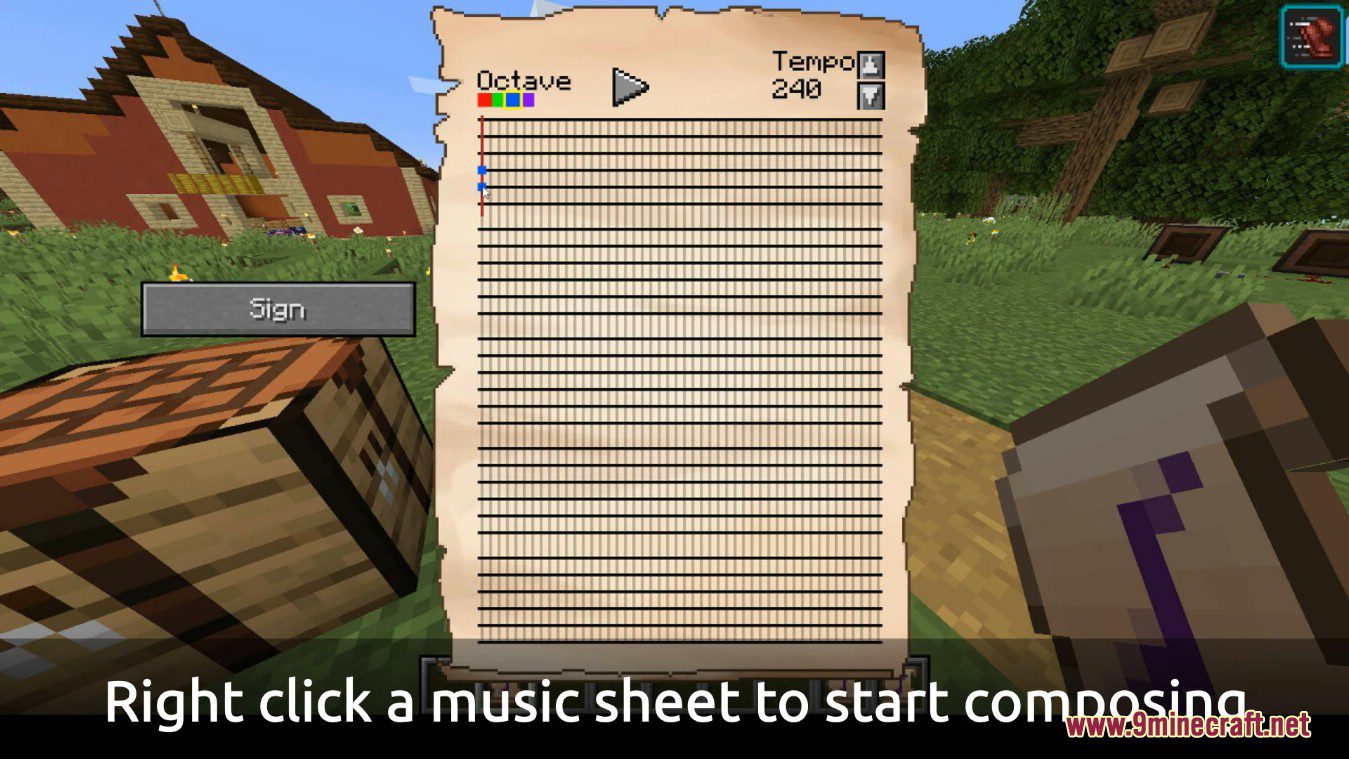
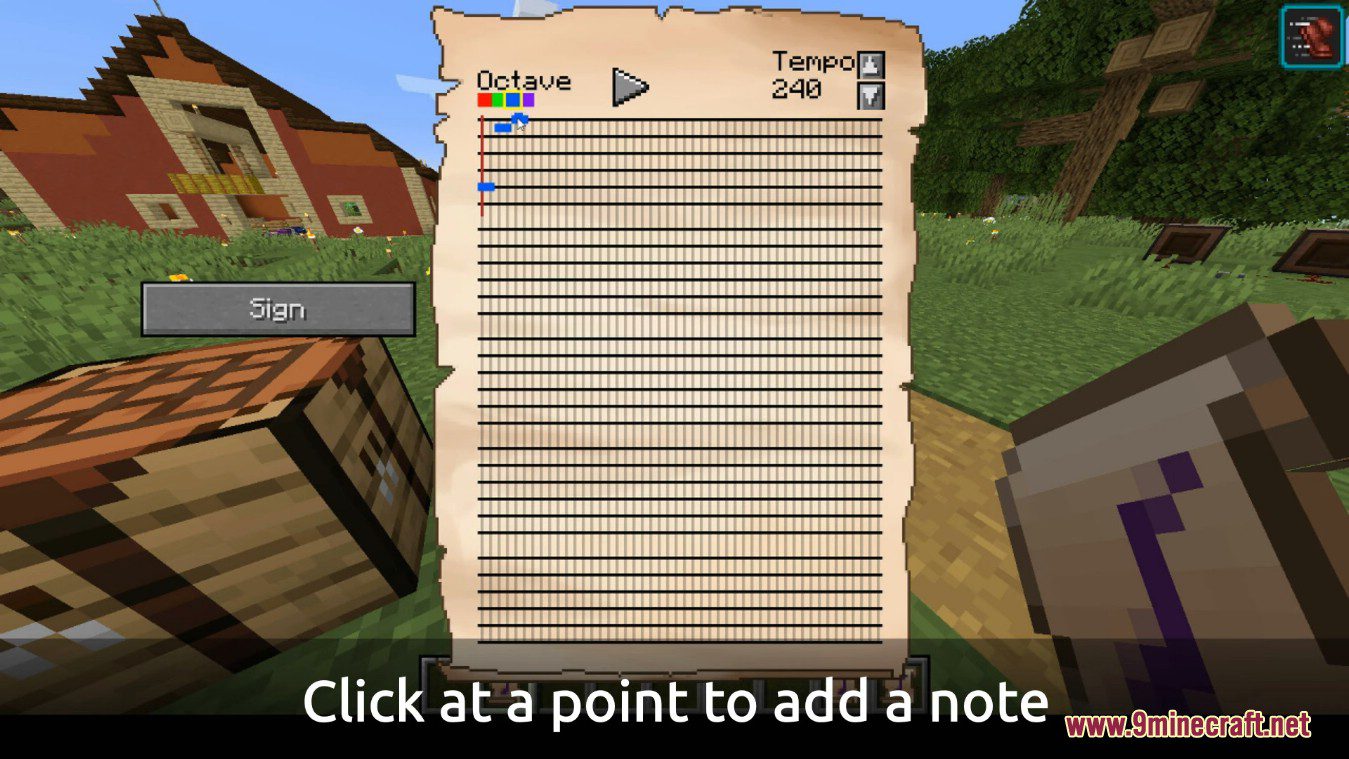
- Right-click a music sheet to open the editor, then click with your mouse or press keys on your keyboard to add notes; drag the mouse on a note to change how long it lasts.
- Use Space, Delete, and Backspace while editing, press CTRL+Z to undo mistakes, or use CTRL+A, CTRL+C, and CTRL+V to select, copy, and paste notes between sheets or text files.
- Middle-click any note on the sheet to see its real-life notation name and edit it, or click the help button in the menu to check all controls and shortcuts.
- Press G in the sheet menu to turn on glissando mode and add smooth pitch curves to your notes.
- Hold Shift and drag across notes in the sheet menu to create crescendo or decrescendo volume fades.
- Put up to 5 music sheets in your hotbar to see and preview multiple song layers at once, and click the toggle button that appears to hide neighboring sheets when you need a cleaner view.
- Hold an instrument in your offhand while editing a sheet to preview the song with that sound, or lock an instrument to the sheet so it always previews with that instrument.
- Plug in a MIDI device and right-click an instrument to play multiple notes live (letting go of a key stops the note), or click the record button in the sheet menu to record live with your keyboard or MIDI device.
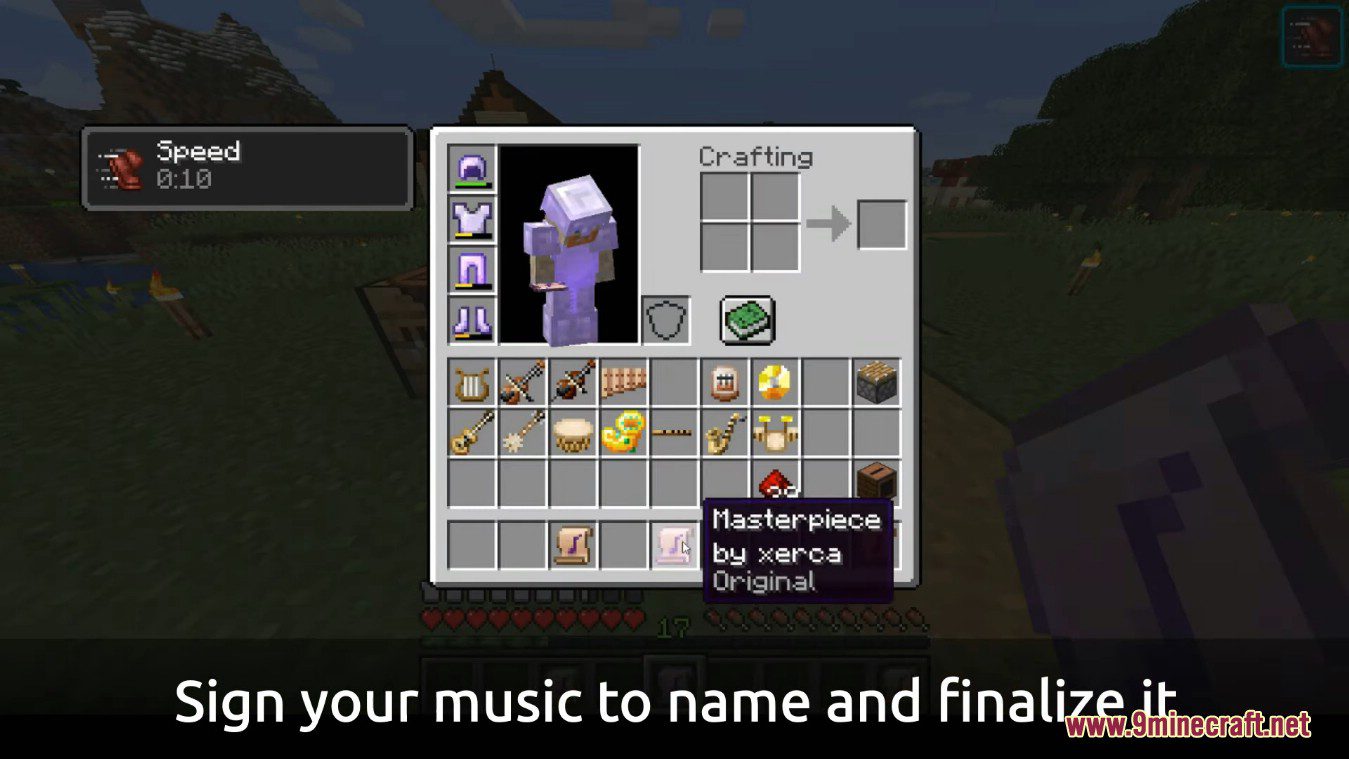
- Hold a finished music sheet in your offhand and use an instrument in your main hand to play the track out loud for nearby players.
- Place a music sheet and an instrument inside a music box, then send a redstone signal from off to on to start or stop the song; wire redstone to its right side to catch the 1-second end pulse and chain another song or trigger a machine.
- Power a metronome with redstone, right-click it (or use a music sheet on it) to match your song’s tempo, and gather nearby friends holding instruments and matching-tempo sheets so everyone begins playing together after four ticks.
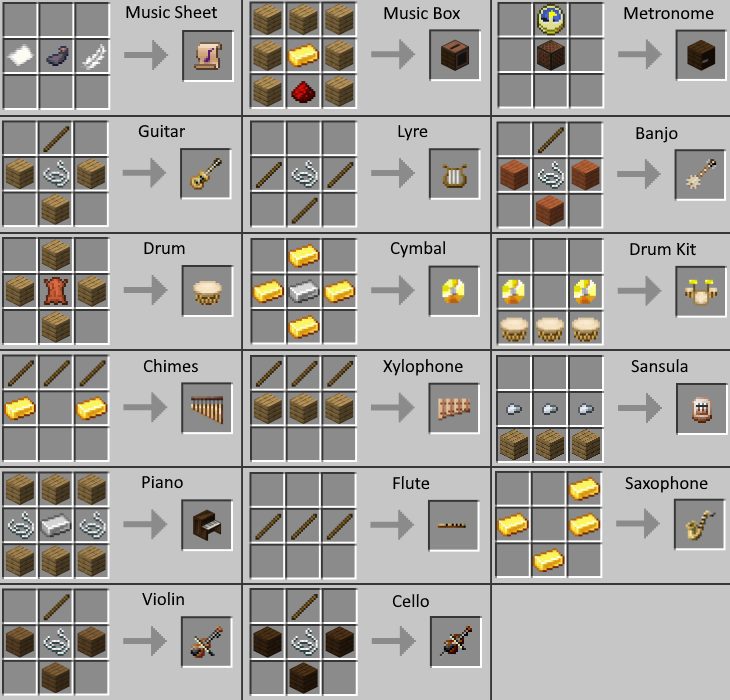
Crafting Recipes:
Screenshots:


How to Install:
New to Minecraft? Follow our step-by-step guide to install Mods on your PC.View Guide
Requirements:


Music Maker Mod Download Links
For Minecraft 26.2
For Minecraft 26.1.2, 26.1.1, 26.1
For Minecraft 1.21.11
For Minecraft 1.21.10, 1.21.9
For Minecraft 1.21.8, 1.21.7, 1.21.6
For Minecraft 1.21.5
For Minecraft 1.21.4
For Minecraft 1.21.1, 1.21
For Minecraft 1.20.6
For Minecraft 1.20.4
For Minecraft 1.20.2
For Minecraft 1.20.1, 1.20
For Minecraft 1.19.4
For Minecraft 1.19.3
For Minecraft 1.19.2, 1.19.1, 1.19
For Minecraft 1.18.2
For Minecraft 1.18.1
For Minecraft 1.17.1
For Minecraft 1.16.5
For Minecraft 1.15.2
For Minecraft 1.14.4
How much RAM do you usually allocate to a modded Minecraft profile?
31 responses · See the full results →
You May Also Like
Picked for this page
 Traveler’s Backpack Mod (26.3, 1.20.1) – A Mobile Base on Your Back
 Replay Mod (26.3, 1.20.1) – Record, Relive, Share Your Experience
 libIPN Mod (26.3, 1.20.1) – Library for mirinimi’s Mods
 Dynamic Crosshair Mod (26.3, 1.20.1) – Hides Or Changes The Crosshair
 Camera Utils Mod (26.3, 1.20.1) – Improved Camera Functionality
 TorchBow Mod (26.1.2, 1.20.1) – Lighting Your Way
 2032 World Height Mod (26.3, 1.20.1) – From Ground Level To Sky High
 Mini Effects Mod (26.1.2, 1.20.1) – Minimize The Effect HUD
 The Speedrunner Mod (26.3, 1.20.1) – Speedrun-Focused Gameplay Overhaul
 Doors Closed Mod (26.3, 1.20.1) – Villagers Always Close Doors
 Cryonic Config Mod (26.3, 1.20.1) – Helps Create and Manage Mod Settings
 No More Score Mod (1.21.11, 1.20.1) – Remove Score Points Displayed on Death Screen
Most viewed in Mods over the last 7 days
 Ala Industrial Mod (26.3) – Run Electric Power Grids and Automated Factories
 PleasureCraft Mod (26.3, 1.21.1) – Jenny Mod Remake for Fabric
 Jennycraft Mod (26.3, 1.20.1) – Virtual Girlfriend in Minecraft
 Fapcraft Mod (26.3, 1.12.2) – Comprehensive and Detailed Content
 Jenny Mod (Fapcraft) Official Complete Guide – How to use, Tutorial
 BangCraft Mod (1.20.1) – Jenny, Ellie and Elliot
 Fabric Loader (26.3, 1.20.1) – Fabric Installer for All Minecraft Versions
 The Shooting Star Demo Mod (26.3, 1.20.1) – Vaporize Terrain From Orbit
 Meteor Client Mod (26.3, 1.20.1) – Xray, HUD, Fly
 OptiFine HD (26.3, 1.20.1) – Run Faster, FPS Boost, Shaders Support
 Aristois Client Mod (1.21.4, 1.20.1) – World Class Minecraft Utility
 Prestige Client Mod (1.21.11, 1.21.4) – Powerful Ghost Features for Crystal & Sword PvP
More from Mods
 Villagers Plus Mod (26.3, 1.20.1) – Expanded Villager Types and Villages
 Ore Excavation 9minecraft Mod (26.3) – Mine Ores and Chop Trees in a Single Swing
 Dirigo Mod (26.1.2, 1.21.1) – Walk Across Nether Lava Seas and Automate Animal
 HandLib Mod (26.3, 1.21.1) – Keep Your Multiplayer World Stable
 Happy Ghasts Boost Mod (26.1.2, 1.20.1) – Fly Across Vast Distances at Top Speed
 LiquidBounce Client Mod (26.3, 1.20.1) – LiquidLauncher, A Free Client
 Create Hand Made Mod (1.21.1) – Craft Create Recipes By Hand in Your Workshop
 Seed Map for Xaero Mod (26.1) – See Rare Biomes and Dungeons Before You Travel
 MCPersist Mod (26.3) – Keep Your World Online for Friends Even After Logging Off
 Minecraft Java MCP Server Mod (1.21.11) – Command Your World Through External AI Tools
 Arcanism Mod (26.2) – Build Magic Factories and Program Custom Spells
 Archangel Client Mod (1.21.11) – Master Every PvP Duel with Clean Screen Stats

This post has no comments yet. Be the first — your comment will appear here.