
Music Triggers Mod (1.21.1, 1.20.1) – Play Your Own Soundtrack Across Any World
 2,038
 0


Music Triggers Mod lets you play your own songs in Minecraft during specific in-game events and actions. You can link custom audio tracks to 52 triggers, including entering a biome, hitting low health, changing the time of day, or switching game modes. This mod supports multiple audio channels so you can layer music together, and it works with OGG and other supported audio file formats. It also runs trigger checks on the server side for multiplayer servers and connects with 10 other mods like Serene Seasons, Enhanced Celestials, and Better Weather. The mod needs The Impossible Library as its only dependency to run.
Features:
- Plays custom songs during in-game events and actions, such as entering an area, defeating a mob, changing the time of day, hitting low health, switching game modes, or reaching a goal.
- Gives each of the 52 triggers a default priority value ranging from 0 to 4400.
- Supports multiple audio channels for layered music playback, and lets you pick a different song folder for each channel.
- Plays OGG audio files along with other supported music file formats.
- Calculates triggers on the server side so custom songs work smoothly on multiplayer servers.
- Includes debugging parameters to help you test, fix, and tune how your triggers work.
- Requires The Impossible Library as its only dependency.
Triggers and Default Priority Values:
adventure: default priority 0.creative: default priority 0.difficulty: default priority 0.gamestage: default priority 0.generic: default priority 0.loading: default priority 0.menu: default priority 0.spectator: default priority 0.dimension: default priority 100.season: default priority 200.statistic: default priority 300.pet: default priority 400.cloudy: default priority 500.biome: default priority 600.fishing: default priority 700.time: default priority 800.light: default priority 900.lightrain: default priority 1000.home: default priority 1100.elytra: default priority 1200.effect: default priority 1300.inventory: default priority 1400.riding: default priority 1500.acidrain: default priority 1600.starshower: default priority 1700.raining: default priority 1800.rainintensity: default priority 1900.snowing: default priority 2000.harvestmoon: default priority 2100.bluemoon: default priority 2200.moon: default priority 2300.storming: default priority 2400.bloodmoon: default priority 2500.blizzard: default priority 2600.hurricane: default priority 2700.sandstorm: default priority 2800.height: default priority 2900.tornado: default priority 3000.underwater: default priority 3100.structure: default priority 3200.zones: default priority 3300.blockentity: default priority 3400.advancement: default priority 3500.command: default priority 3600.gui: default priority 3700.mob: default priority 3800.pvp: default priority 3900.lowhp: default priority 4000.raid: default priority 4100.victory: default priority 4200.drowning: default priority 4300.dead: default priority 4400.
Compatible Mods:
- AtomicStryker’s Infernal Mobs
- Better Weather
- Bloodmoon
- Champions
- Dynamic Surroundings
- Enhanced Celestials
- Game Stages
- Nyx
- Serene Seasons
- Weather2
How to Use:
- Launch Minecraft once with Music Triggers Mod and The Impossible Library loaded so the game creates all required config files and folders.
- Place your OGG or other supported audio files into the
config/MusicTriggers/songsfolder, unless you set a different path for a specific audio channel. - Open the mod settings in-game and assign each file name to your chosen triggers without the
.oggextension so the song plays when that event occurs. - Use the debugging parameters whenever you need to test, troubleshoot, or adjust how your triggers work.
Screenshots:

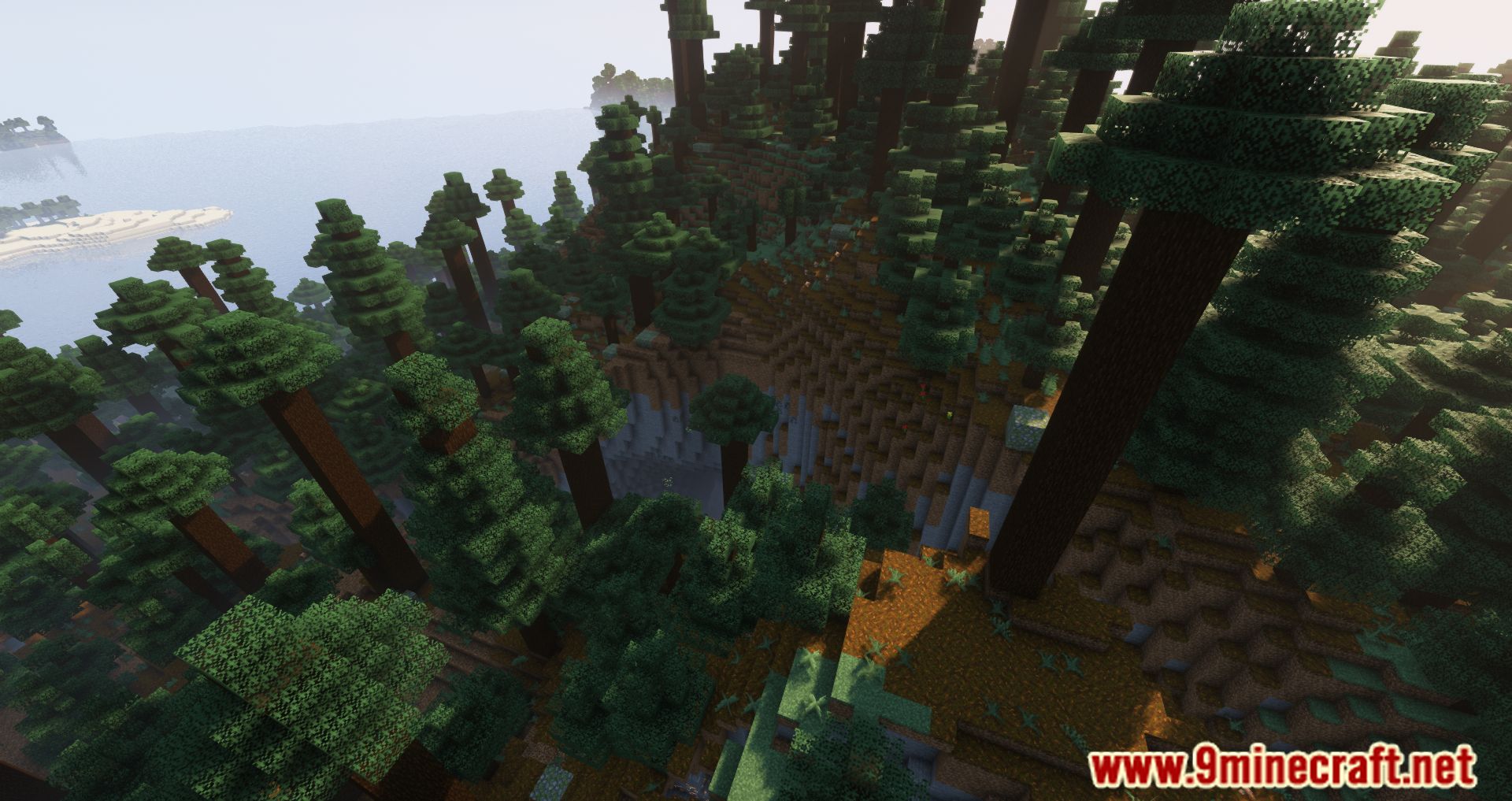
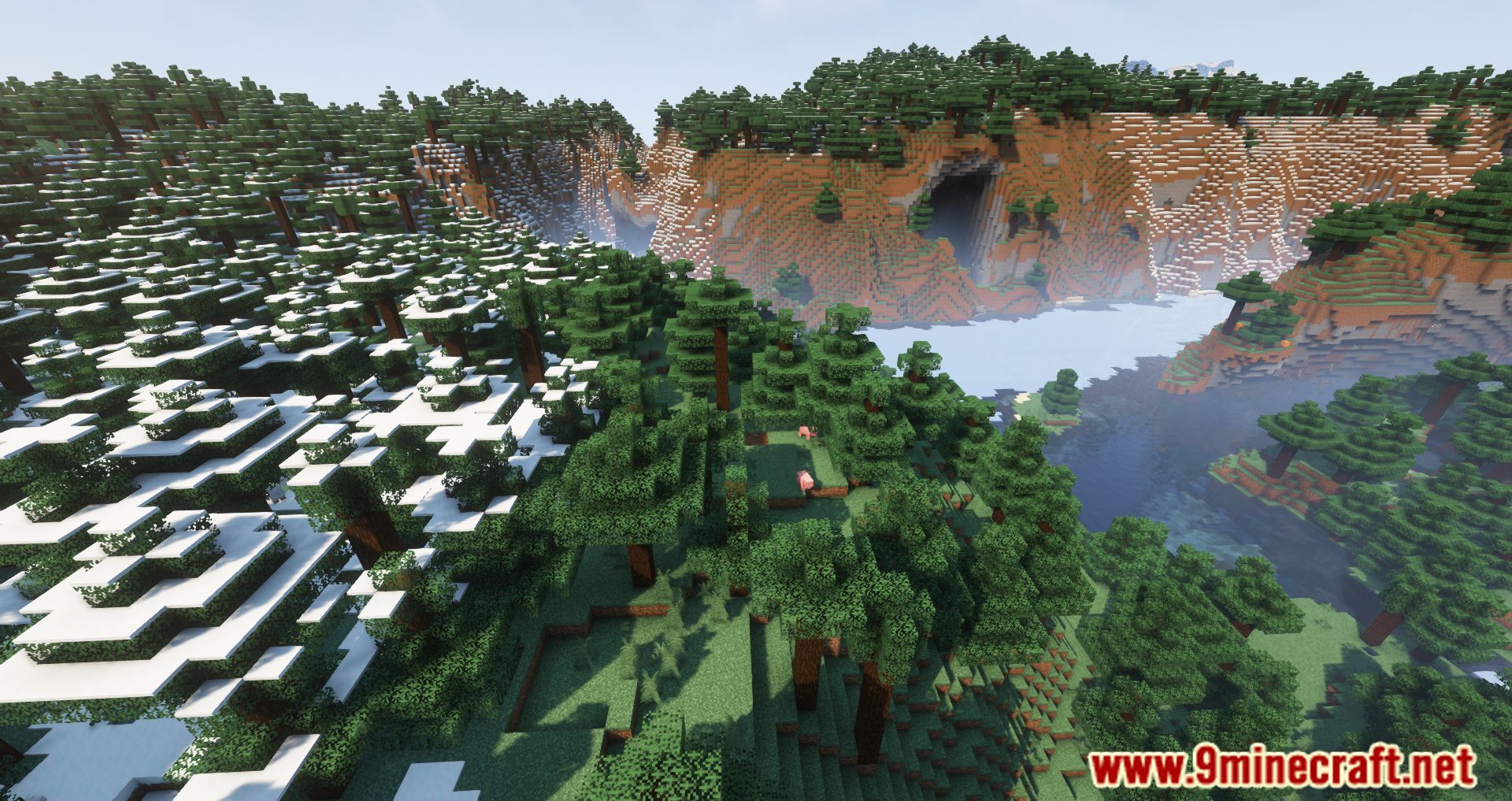


How to Install:
New to Minecraft? Follow our step-by-step guide to install Mods on your PC.View Guide
Music Triggers Mod Download Links
For All Versions from Minecraft 1.12.2 to Minecraft 1.21.1
Forge/Fabric/NeoForge/Quilt version: Download from Server 1 – Download from Server 2
For Minecraft 1.19.2
Forge version: Download from Server 1
Fabric version: Download from Server 1
For Minecraft 1.18.2
Forge version: Download from Server 1
Fabric version: Download from Server 1
For Minecraft 1.18.1
Forge version: Download from Server 1
Fabric version: Download from Server 1
For Minecraft 1.16.5
Forge version: Download from Server 1
You May Also Like
Picked for this page
 Traveler’s Backpack Mod (26.3, 1.20.1) – A Mobile Base on Your Back
 Weaker Spiderwebs Mod (26.3, 1.20.1) – Easier to Break Spiderwebs
 BiomeInfo Mod (26.3, 1.20.1) – Find Out Which Biome You’re In
 Everlasting Abilities Mod (26.3, 1.20.1) – Discover Abilities That Stick
 Portable Crafting Table Mod (26.3, 1.20.1) – Handheld Crafting Device
 2032 World Height Mod (26.3, 1.20.1) – From Ground Level To Sky High
 Difficulty Lock Mod (26.3, 1.20.1) – Set Default Difficulty
 The Speedrunner Mod (26.3, 1.20.1) – Speedrun-Focused Gameplay Overhaul
 Always Sprint Mod (26.3, 1.20.1) – Sprinting Is Always On
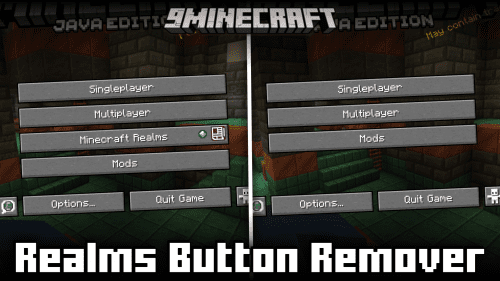 Realms Button Remover Mod (26.3, 1.20.1) – Removes The Realm Button From Main Menu
 Atmospherics Mod (26.3, 1.21.1) – Real-Time Biome Atmosphere Customization
 Insane’s Survival Overhaul Mod (1.21.1, 1.20.1) – A Survival Experience
Most viewed in Mods over the last 7 days
 Ala Industrial Mod (26.3) – Run Electric Power Grids and Automated Factories
 PleasureCraft Mod (26.3, 1.21.1) – Jenny Mod Remake for Fabric
 Jennycraft Mod (26.3, 1.20.1) – Virtual Girlfriend in Minecraft
 Fapcraft Mod (26.3, 1.12.2) – Comprehensive and Detailed Content
 Jenny Mod (Fapcraft) Official Complete Guide – How to use, Tutorial
 BangCraft Mod (1.20.1) – Jenny, Ellie and Elliot
 Fabric Loader (26.3, 1.20.1) – Fabric Installer for All Minecraft Versions
 The Shooting Star Demo Mod (26.3, 1.20.1) – Vaporize Terrain From Orbit
 Meteor Client Mod (26.3, 1.20.1) – Xray, HUD, Fly
 OptiFine HD (26.3, 1.20.1) – Run Faster, FPS Boost, Shaders Support
 Aristois Client Mod (1.21.4, 1.20.1) – World Class Minecraft Utility
 Prestige Client Mod (1.21.11, 1.21.4) – Powerful Ghost Features for Crystal & Sword PvP
More from Mods
 Paintings ++ 9minecraft Mod (26.3) – Pick the Exact Painting You Want
 owo-lib 9minecraft Mod (26.3) – Run Your Favorite Mods Without Errors
 Moonlight 9minecraft Lib (26.3, 26.2) – Run Complex Mods Without Errors
 Load My Tags 9minecraft Mod (26.3) – Mix Mods Without Breaking Recipes
 Kambrik 9minecraft Mod (26.3) – Run Kotlin Mods Without Game Lag
 Fast Paintings 9minecraft Mod (26.3, 26.2) – Place Wall Art Exactly Where You Want It
 Bonsai Trees 9minecraft Mod (26.3, 26.2) – Automate Wood Farming in Tiny Pots
 Enhanced Block Entities 9minecraft Mod (26.3) – Build Lag-Free Storage Rooms
 Better Nether 9minecraft Mod (26.3, 26.2) – Survive Forever in the Nether
 BCLib 9minecraft Mod (26.3, 26.2) – Power Custom Nether and End Overhauls
 ForgedLoaderAPI Mod (1.19.2, 1.18.2) – Bring Ported Fabric Creations
 Shield System Mod (1.21.1) – Tank Heavy Monster Hits Without Losing Hearts

This post has no comments yet. Be the first — your comment will appear here.