MyCommand Plugin (1.20.6, 1.20.1) – Make Your Own Customized Minecraft Commands

 0
0  June 15, 2024
MyCommand Plugin (1.20.6, 1.20.1) designed to enhance the functionality of Minecraft servers by allowing server administrators to create custom commands, scripts, and various interactive features. This plugin is ideal for servers looking to add unique commands and automated processes without needing extensive programming knowledge.
Features:
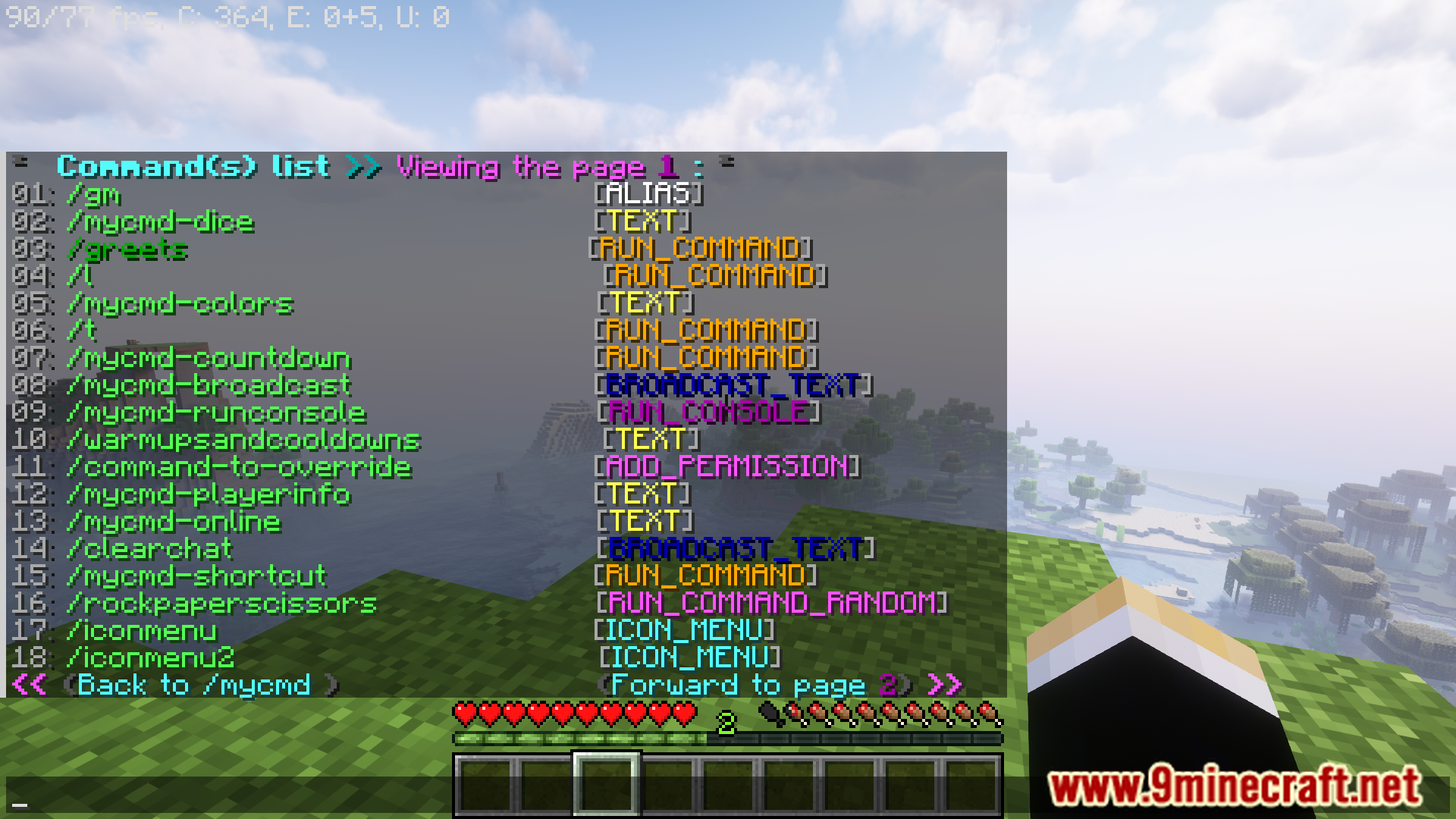
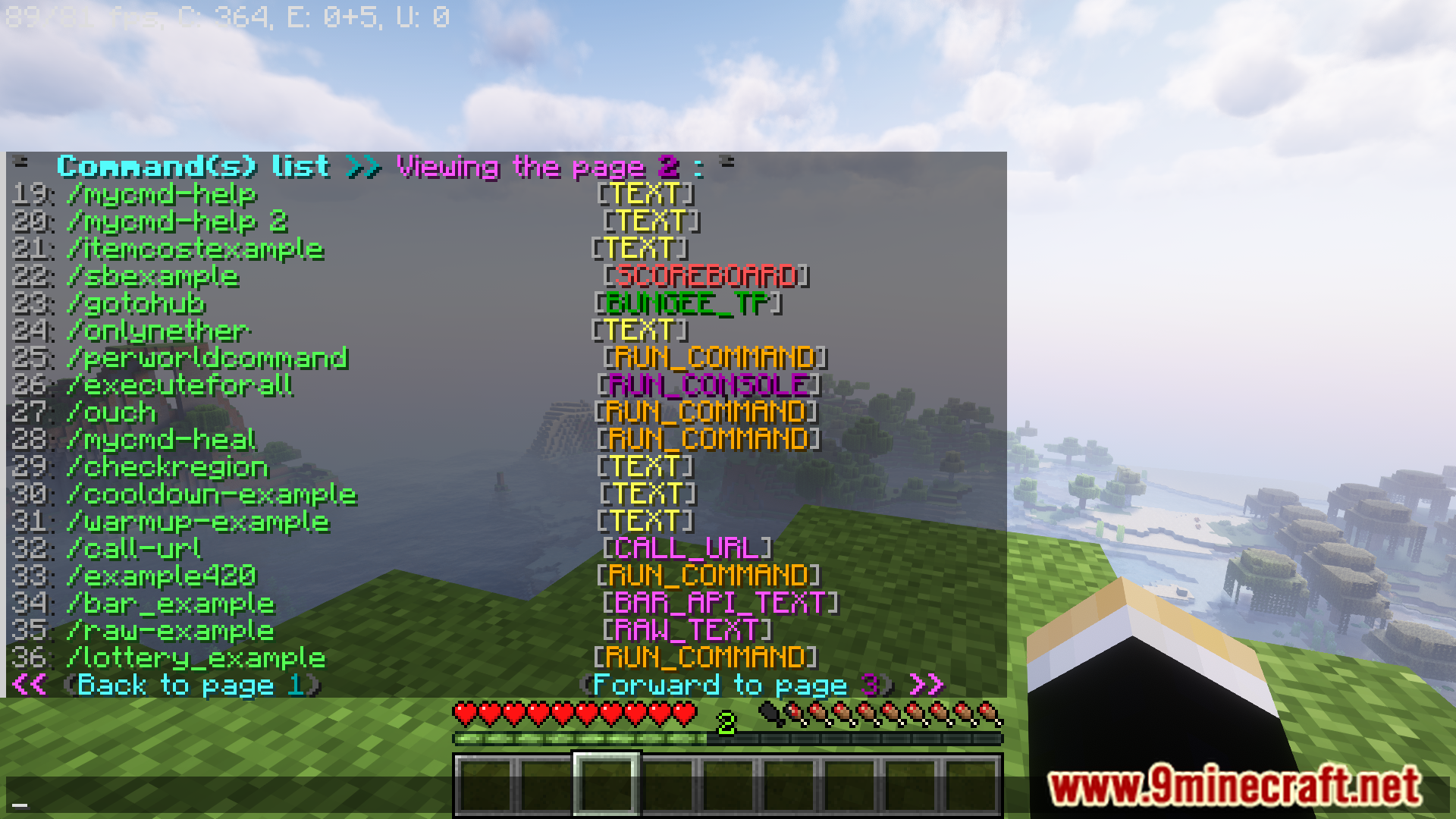
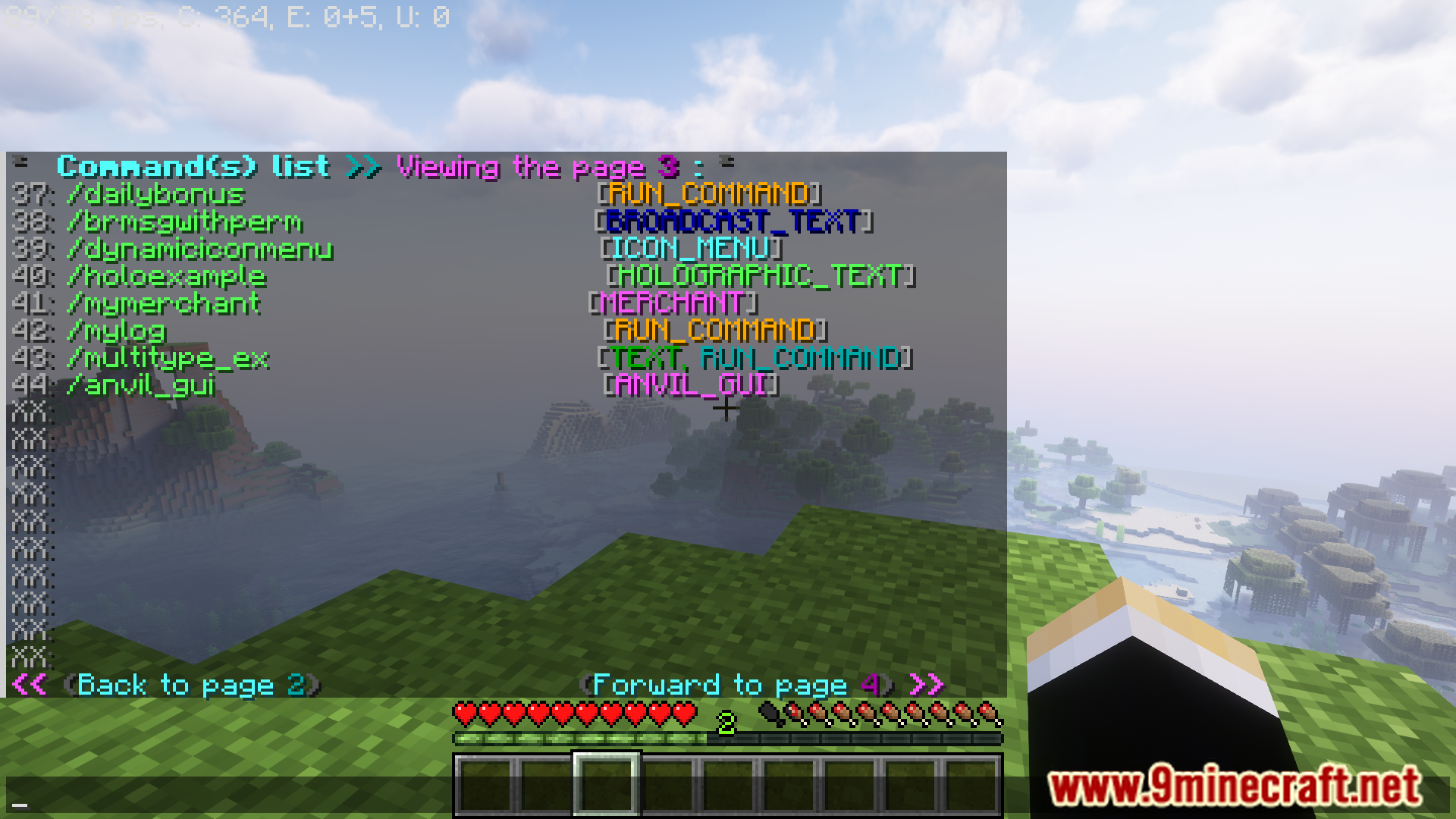
- Create an unlimited number of custom commands tailored to the specific needs of your server.
- Set up aliases for existing commands, making them easier for players to remember and use.
- Use variables to create dynamic commands that can interact with player data, such as player names, health, and other stats.
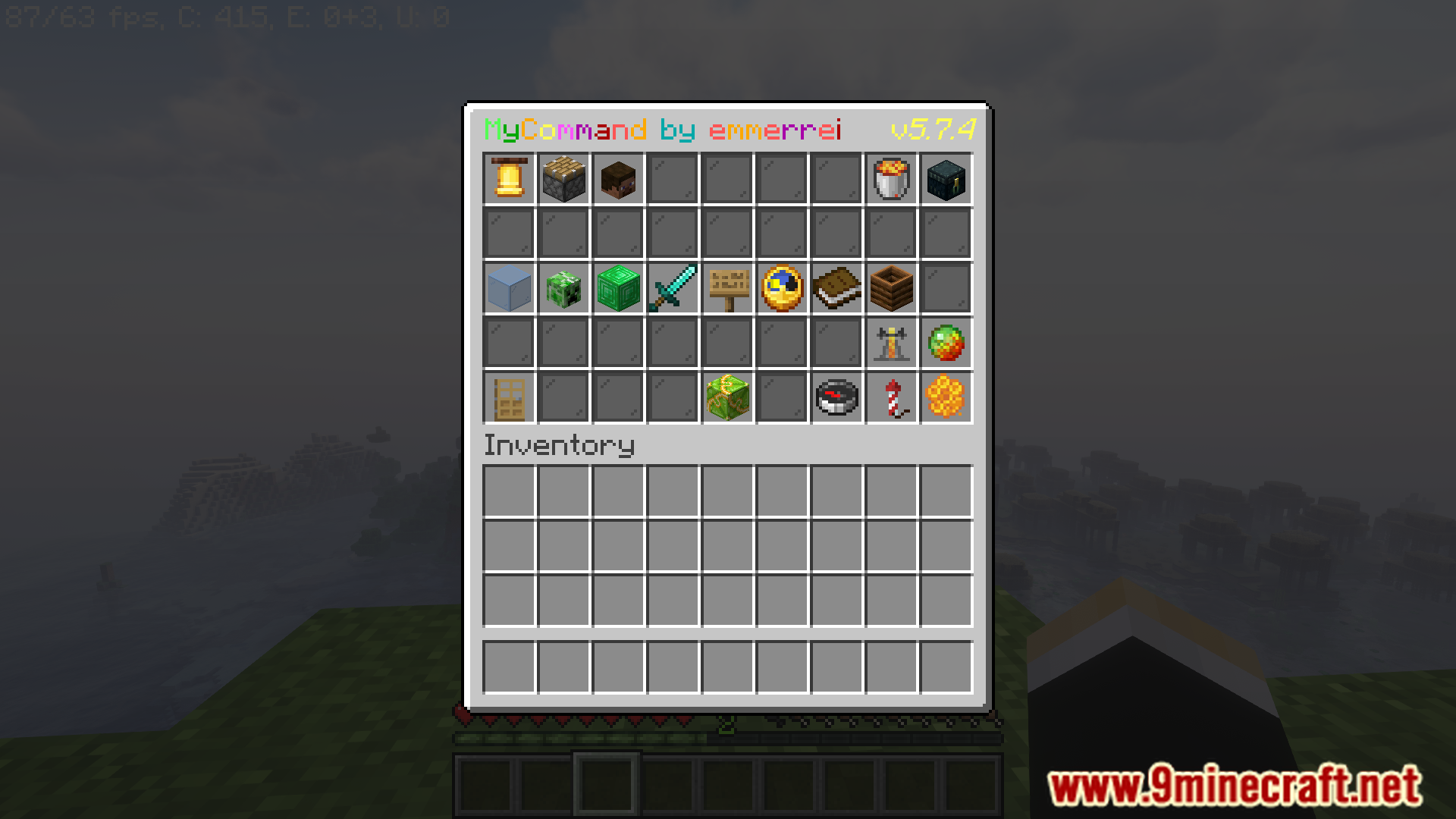
- Design custom graphical user interface (GUI) menus that players can interact with, enhancing the user experience.
- Write complex scripts to automate tasks and create advanced functionalities without needing deep coding knowledge.
- Integrate with popular permissions plugins to control command access based on player roles and ranks.
- Leverage placeholders to include real-time data in commands and messages.
- Support for multiple languages, making it accessible to a diverse player base.
- Set up commands to trigger on specific events, such as player login, logout, and other in-game activities.
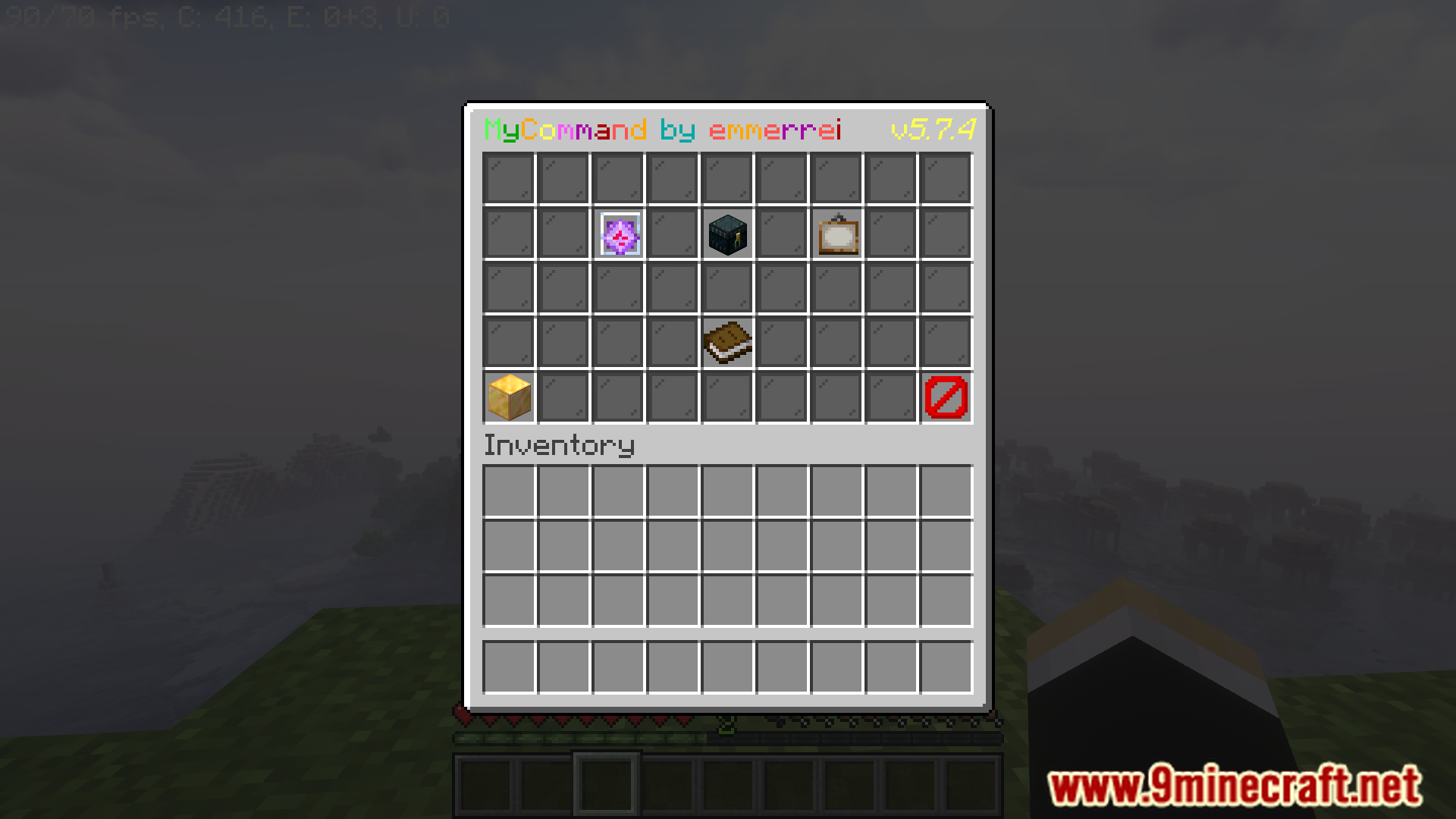
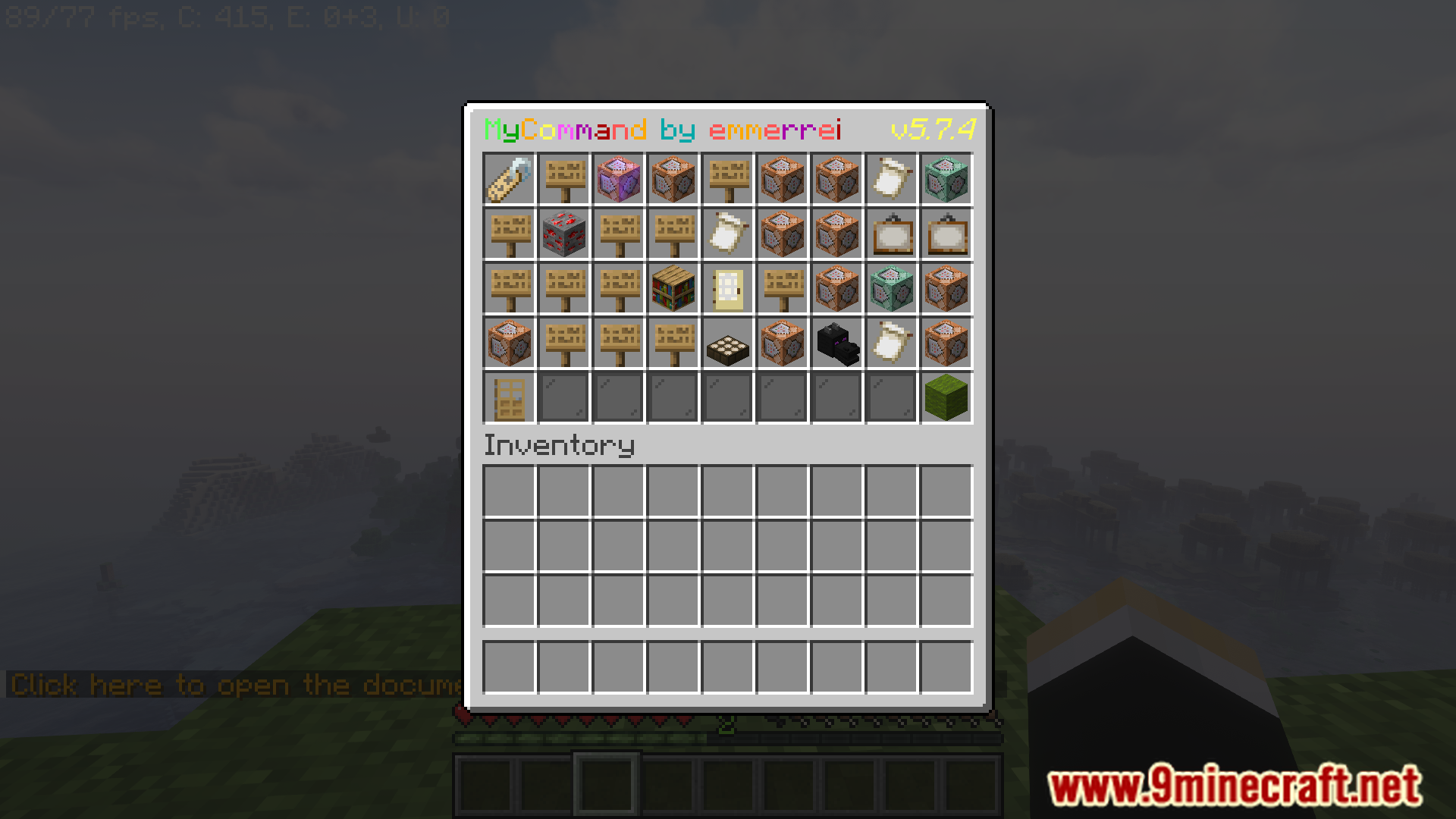
Screenshost:
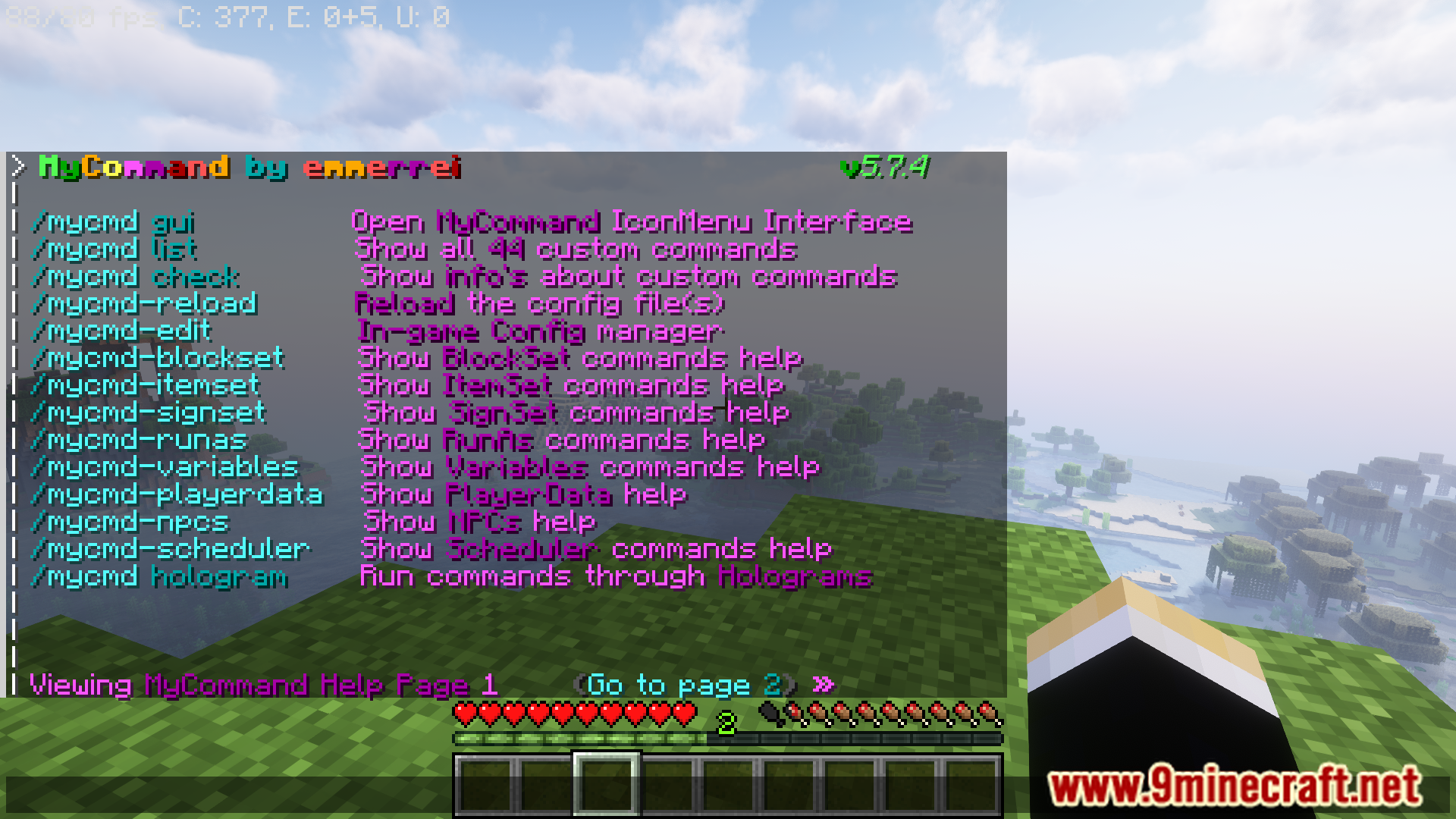
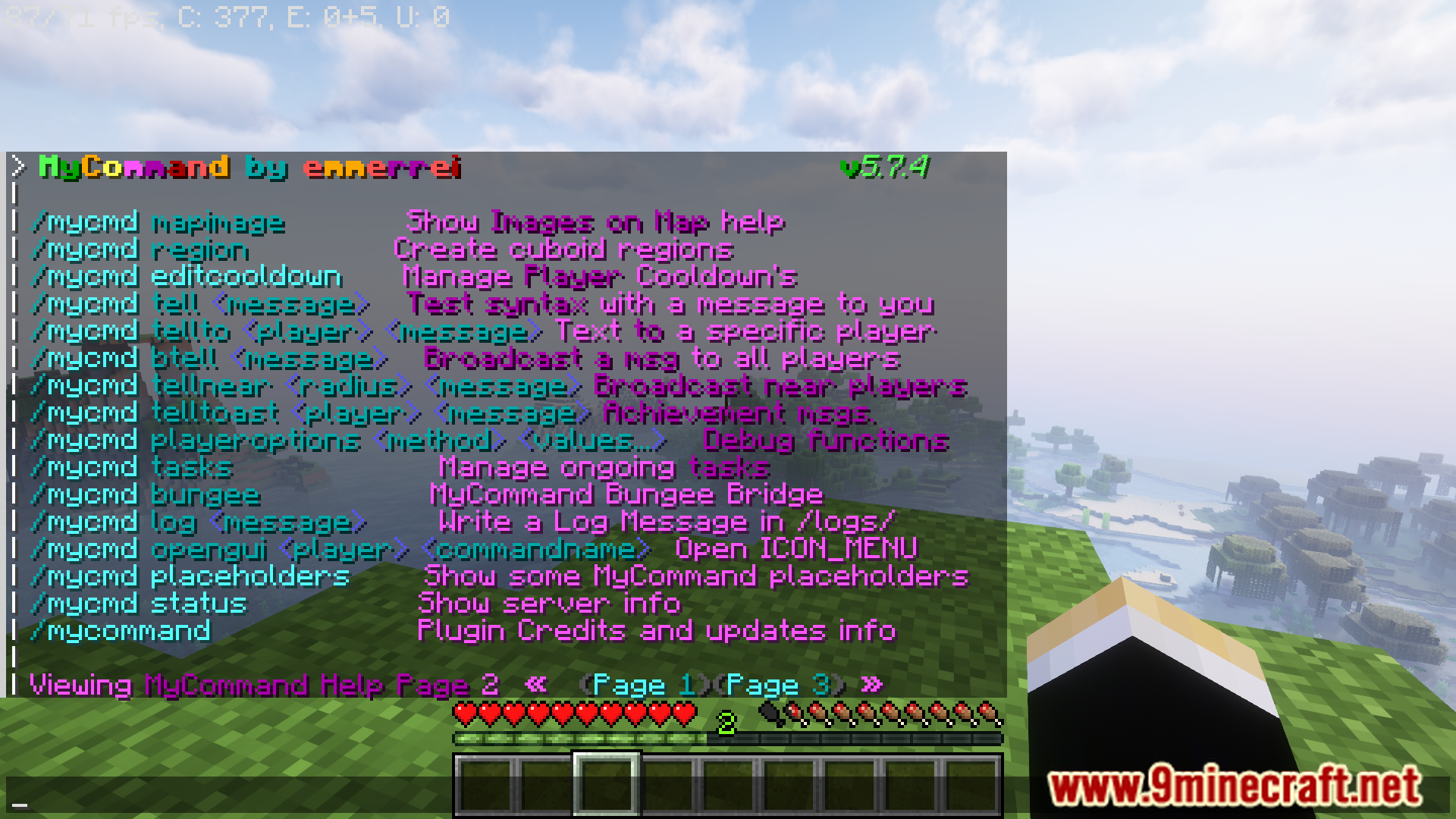
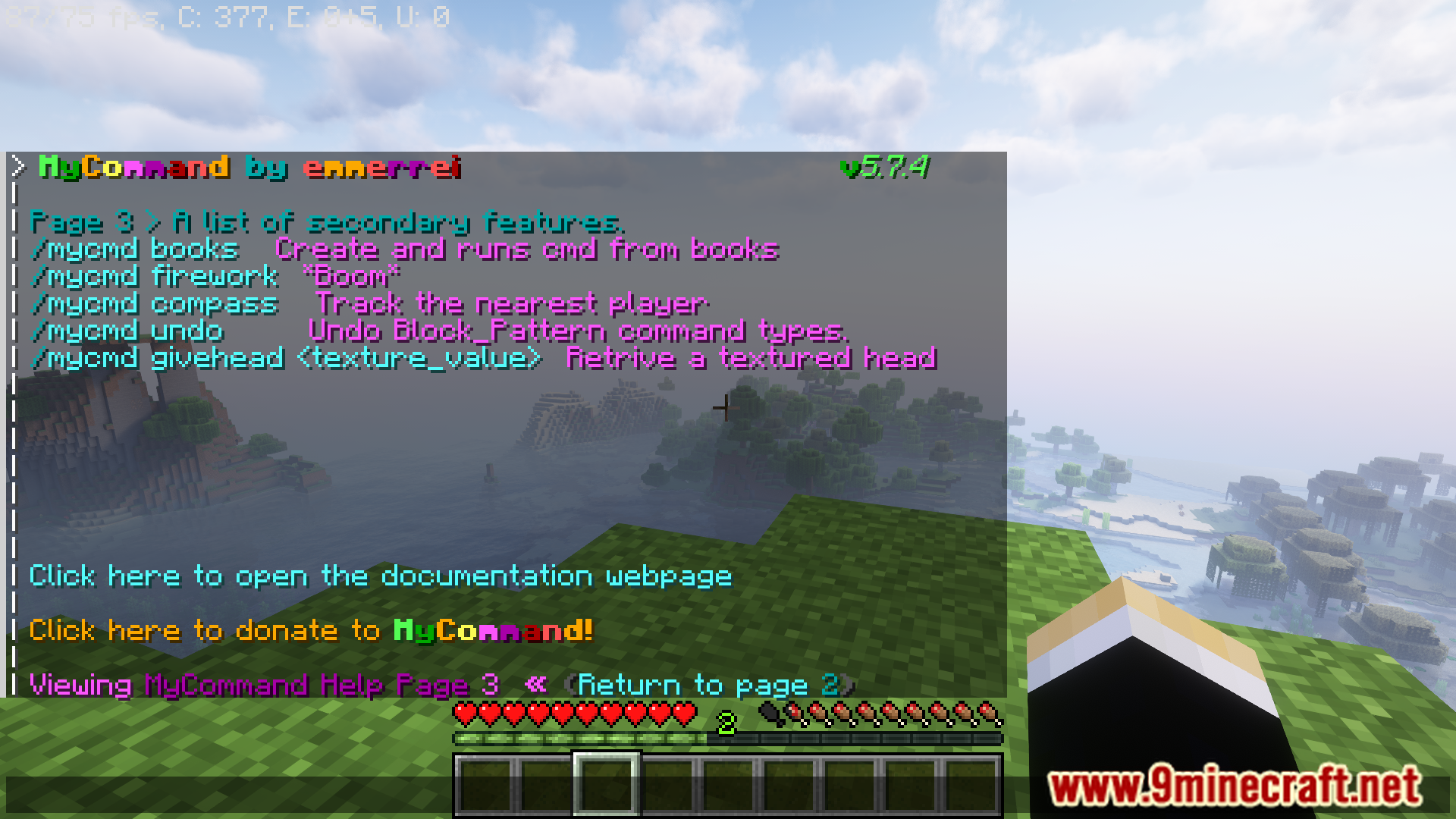
Commands:
MyCommand Main List :
| Commands | Description | Permission |
|---|---|---|
| /mycmd | Show this command list in the game | mycommand.mycmd |
| /mycmd list | Show all created custom commands | // |
| /mycmd check | Show info(s) about custom commands | // |
| /mycmd-reload | Reload the config file(s) | mycommand.reload |
| /mycmd-edit | In-game Config manager | mycommand.edit |
| /mycmd-blockset | Launch a command by block | mycommand.block.set |
| /mycmd-itemset | Launch a command by item | mycommand.item.set |
| /mycmd-runas | Run commands as someone else or console | mycommand.runas |
| /mycmd-scheduler | Scheduler commands. | mycommand.scheduler |
| /mycmd-variables | Make Custom variables | mycommand.variables |
| /mycmd-playerdata | Manage playerdata.yml | mycommand.playerdata |
| /mycmd-book or /mycmd book | Launch commands from book | mycommand.book |
| /mycmd-signs | Run(s) commands by signs. | mycommand.sign.set |
| /mycmd tell | Send a message to yourself (Testing purposes) | // |
| /mycmd btell | Send a broadcast message to all players. | // |
| /mycommand | Credits | mycommand.mycommand |
| /emptycommand | None | mycommand.emptycommand |
How to install:
- Please visit the following link for full instructions: How To Download & Install Spigot Plugins
- Don’t miss out today’s latest Minecraft Plugins
MyCommand Plugin (1.20.6, 1.20.1) Download Links
For All Versions from Minecraft 1.7 to Minecraft 1.20.6
Click to rate this post!
[Total: 4 Average: 5]
You May Also Like