


Neruina Mod (26.2, 1.20.1) – Say Goodbye to Game Crashes

 0
0 

🌐 Read this article in your language! Choose your preferred language below.
Or pick the one you like:
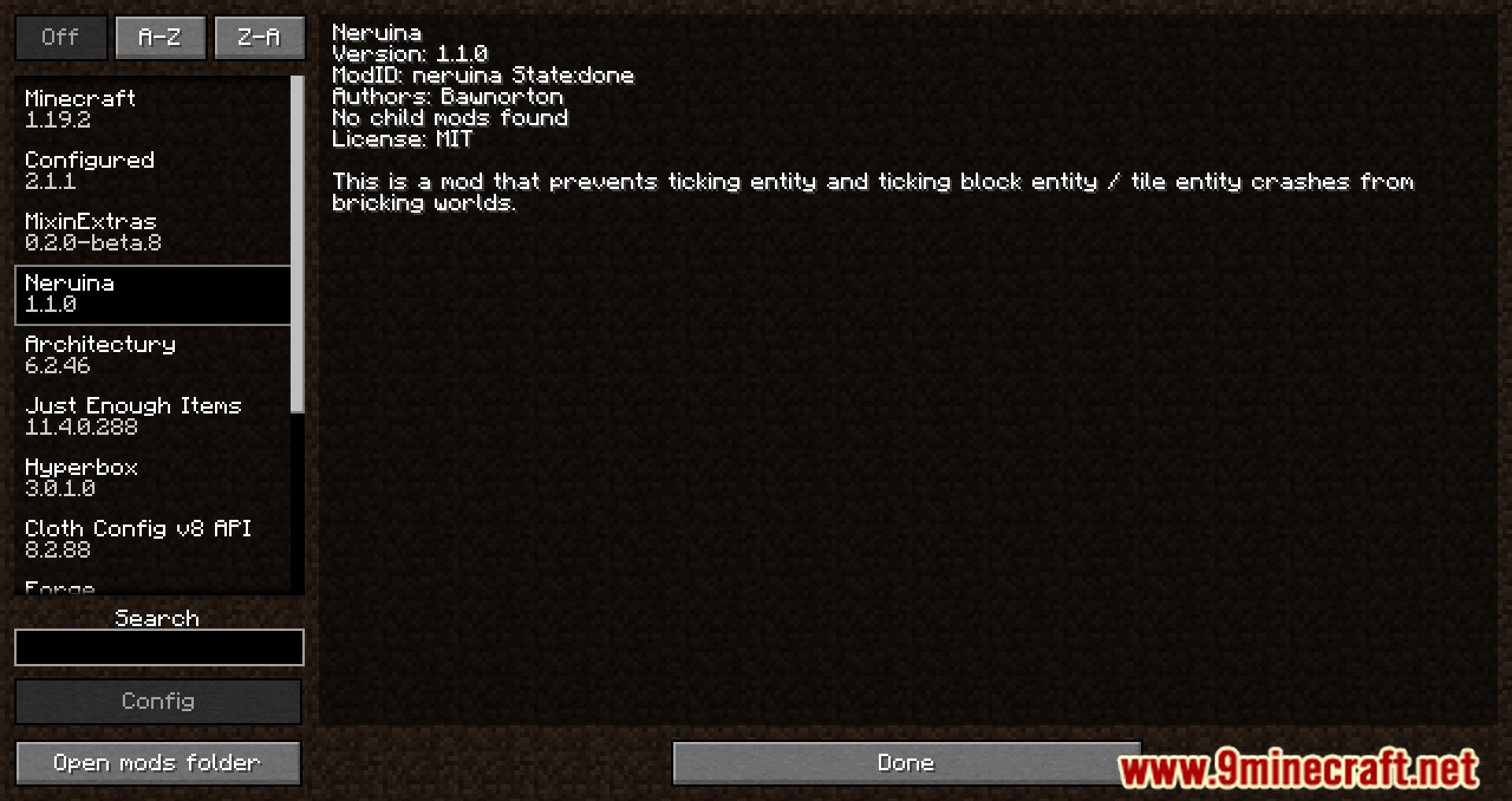
Neruina Mod prevents game crashes caused by ticking problems. When a block, mob, or item creates an error, this mod stops it from breaking your world. For example, a problematic mob will be suspended so the game can continue running. If a player is the source of the crash, they are kicked to keep the server stable for everyone else.
Features:
- Suspends any mob that causes a ticking crash. You can still interact with it but cannot attack it.
- Stops faulty blocks and block entities from ticking, but you can still access their inventories.
- Prevents items from causing crashes while in an inventory, but they can still be used in crafting recipes.
- Kicks a player from the game if their actions cause a ticking crash.
- Provides actions to manage issues, such as teleporting to the problem’s location or killing the mob.
- Lets you copy the crash information to your clipboard.
- Remembers all ticking issues even after the server restarts.
- Protects the server from becoming unusable by forcing a crash if too many errors happen too quickly, creating a detailed report.
Configuration:
- Log_level: Controls who receives broadcast messages about ticking issues. Options are ‘operators’ (default), ‘everyone’, or ‘disabled’.
- Ticking_exception_threshold: Sets the maximum number of errors allowed in a 5-minute window before the mod forces a crash to protect the server. The default is 10, and -1 disables it.
- Auto_kill_ticking_entities: If set to true, the mod will automatically kill and remove problematic entities instead of just suspending them. The default is false.
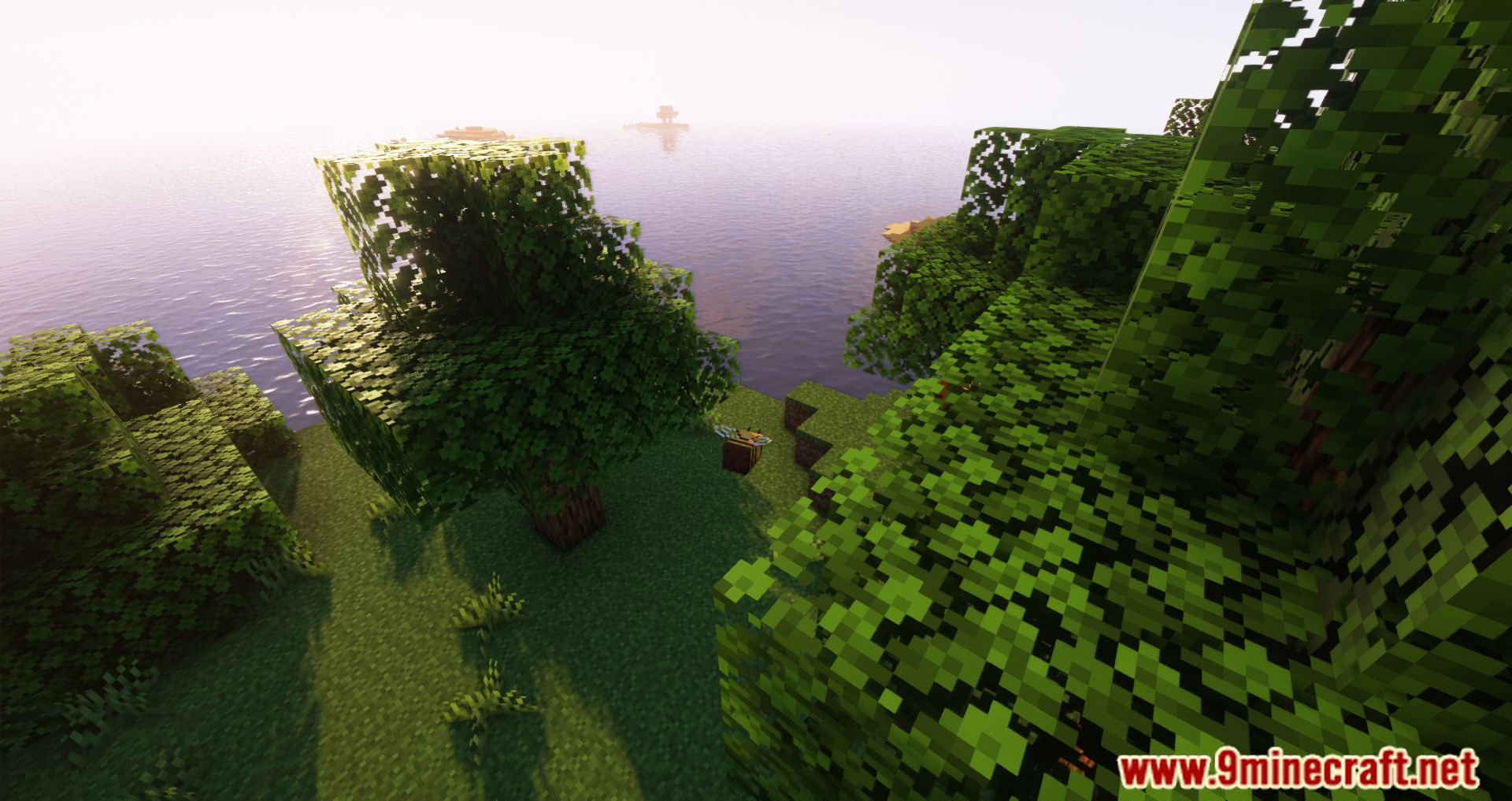
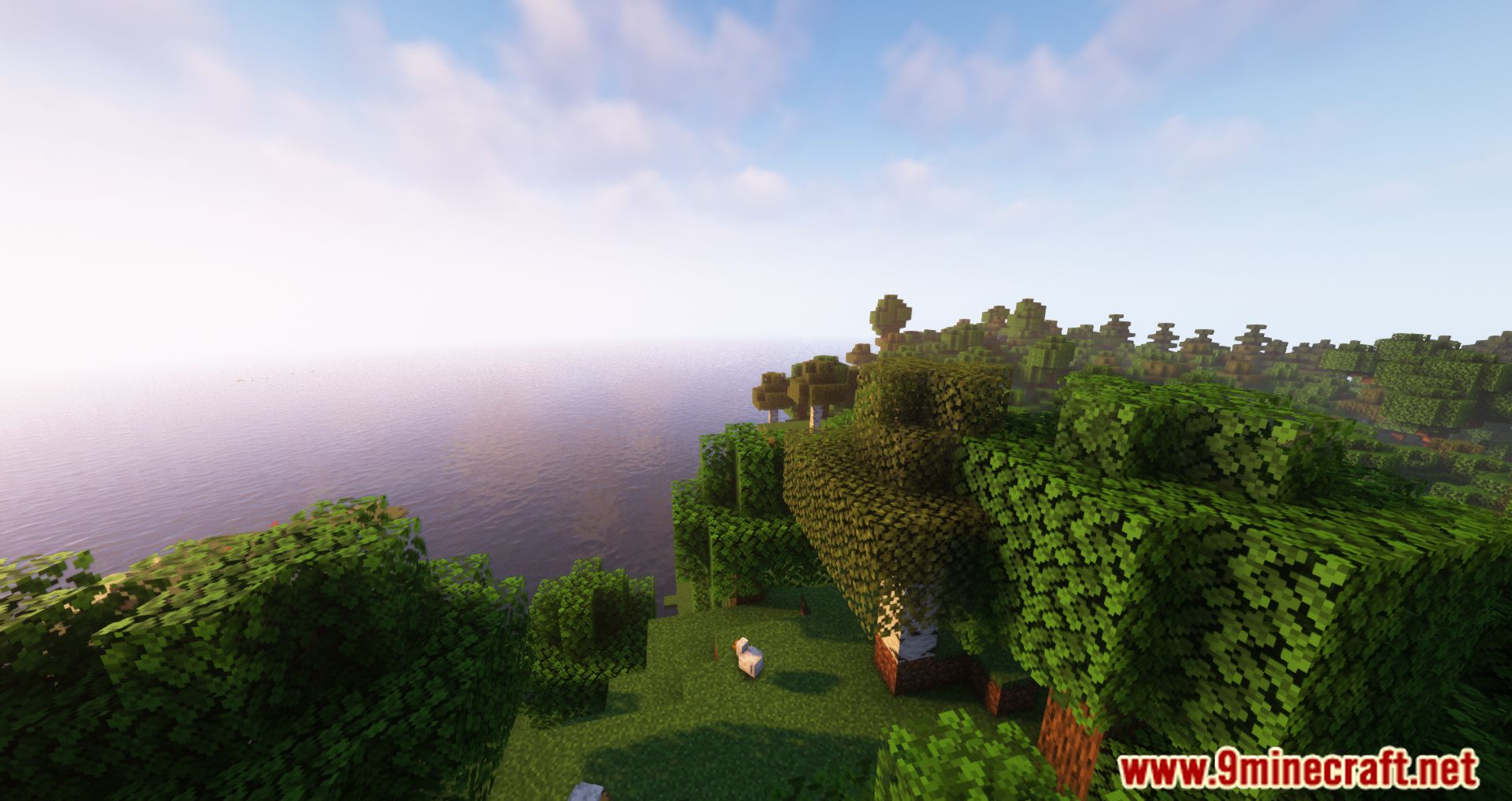
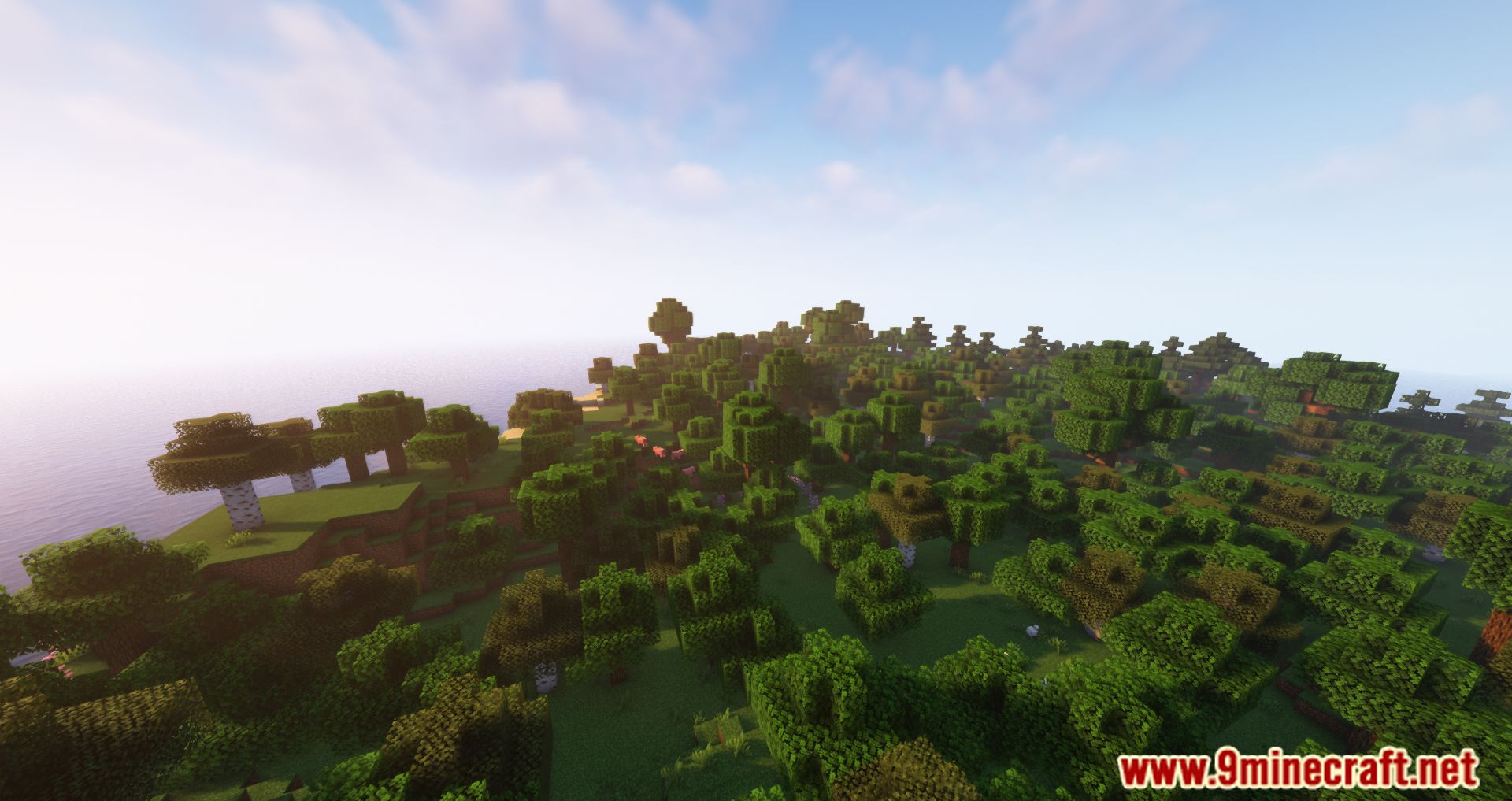
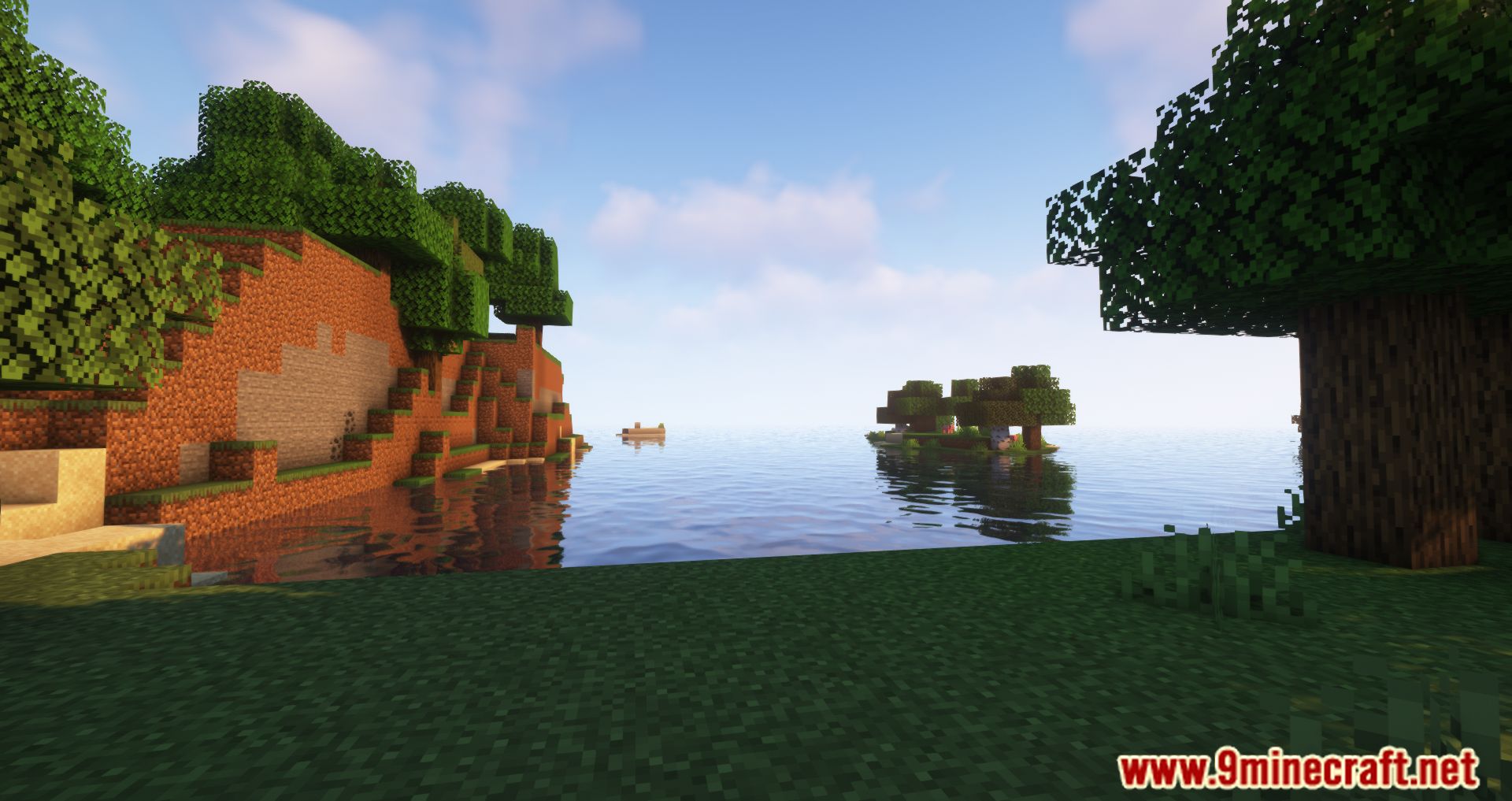
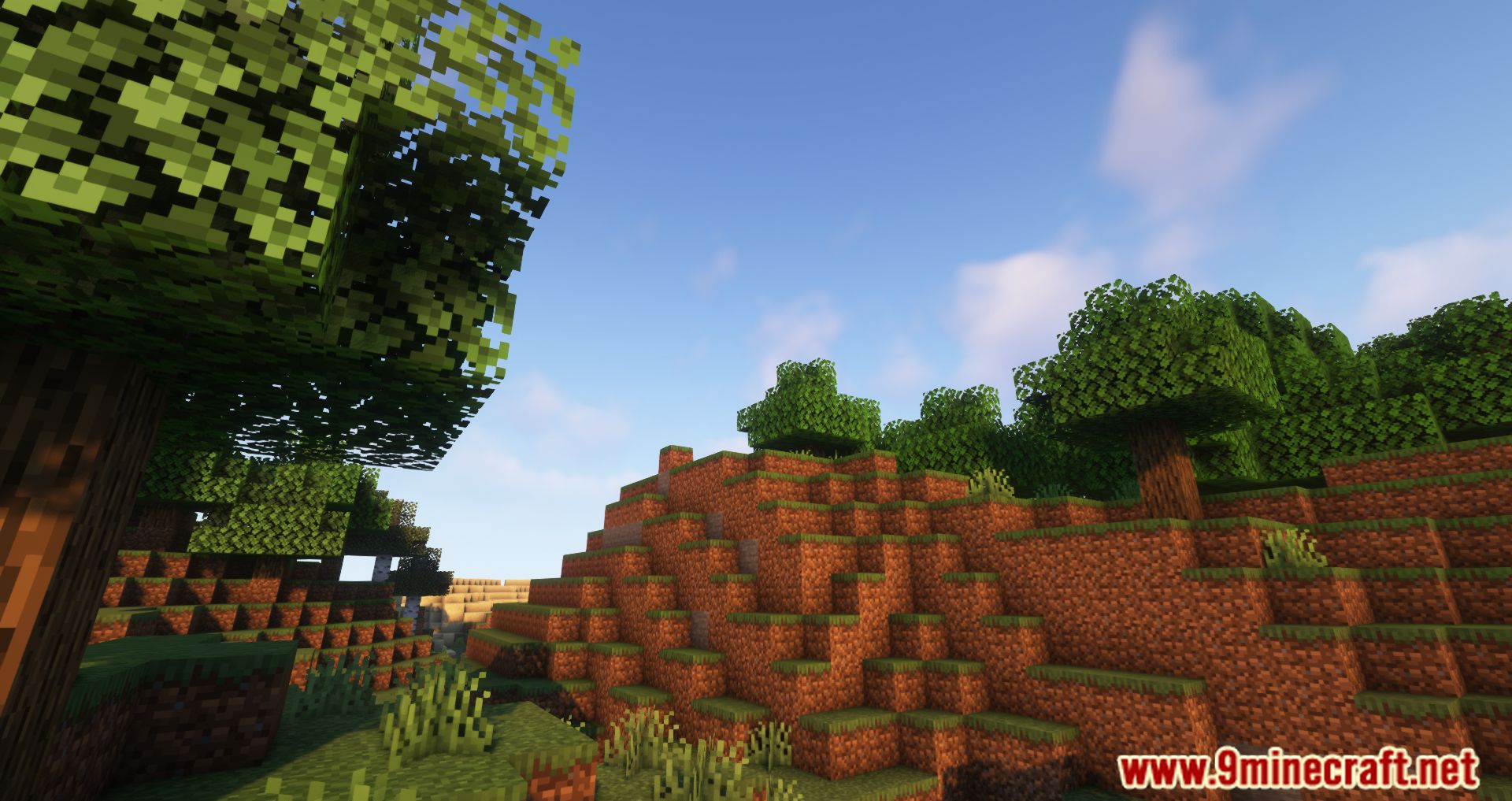
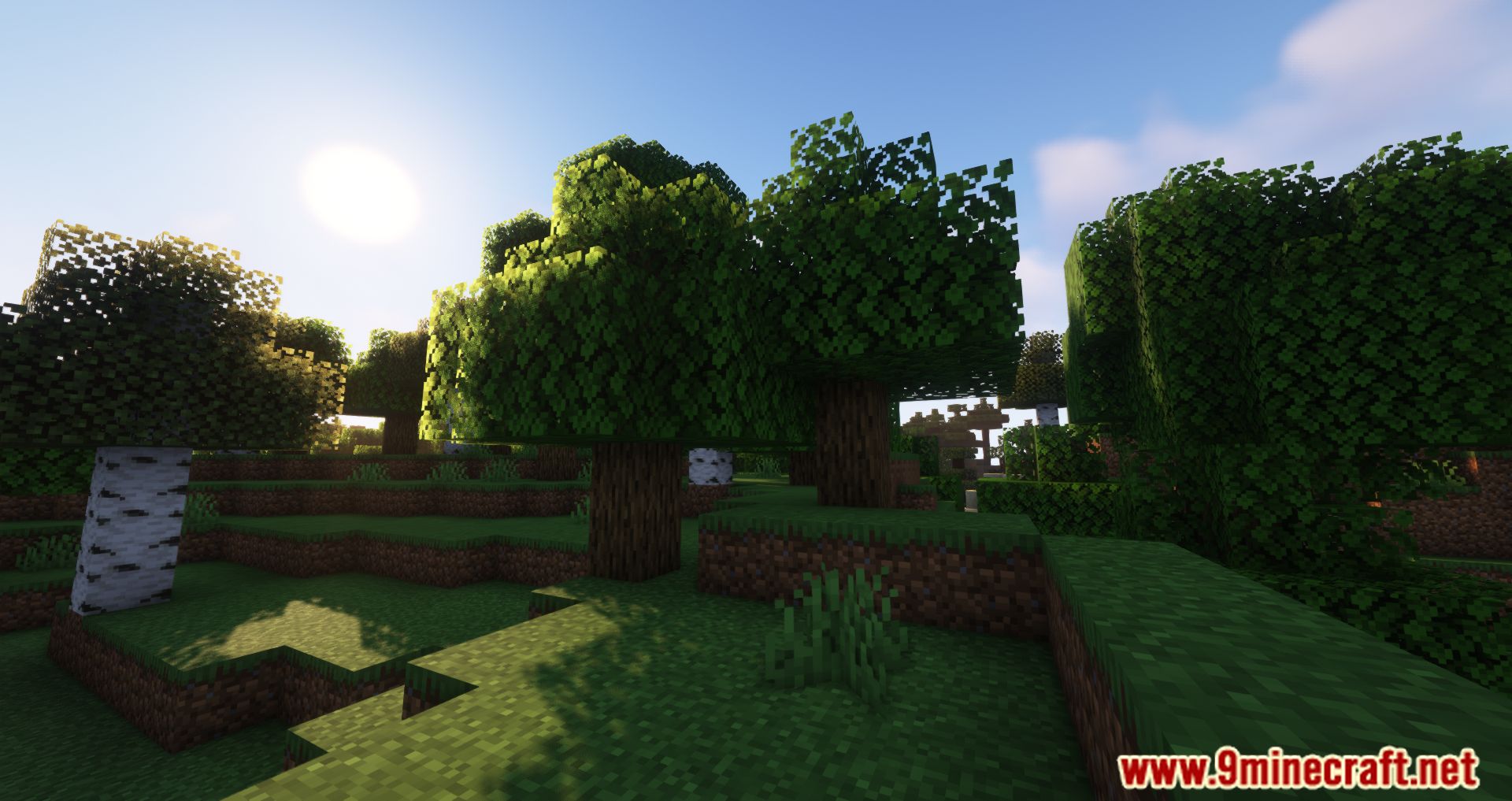
Screenshots:
How to Install:
New to Minecraft? Follow our step-by-step guide to install Mods on your PC.View Guide


Neruina Mod Download Links
For Minecraft 26.2
For Minecraft 26.1.2, 26.1.1, 26.1
For Minecraft 1.21.11
For Minecraft 1.21.10, 1.21.9
For Minecraft 1.21.8, 1.21.7, 1.21.6
For Minecraft 1.21.5
For Minecraft 1.21.4
For Minecraft 1.21.3, 1.21.2
For Minecraft 1.20.6
For Minecraft 1.20.1, 1.20
For Minecraft 1.19.4, 1.19.3
For Minecraft 1.19.2, 1.19.1, 1.19
For Minecraft 1.18.2
Click to rate this post!
[Total: 1 Average: 5]
You May Also Like



This post has no comments yet. Be the first — your comment will appear here.