


No Hand Shaders (26.2, 1.20.1) – Hides First Person Hand Models
 0
0
 0
0

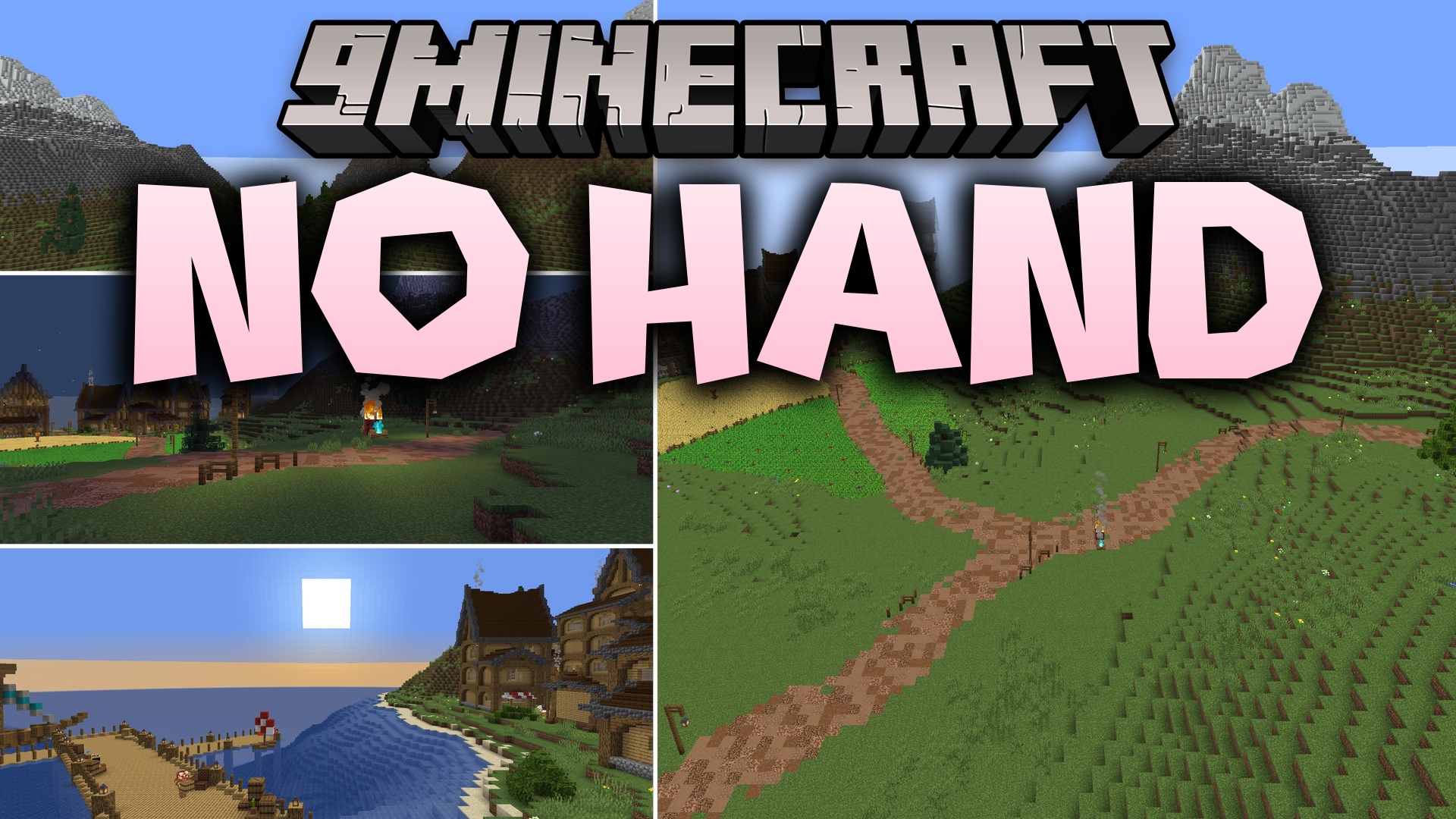
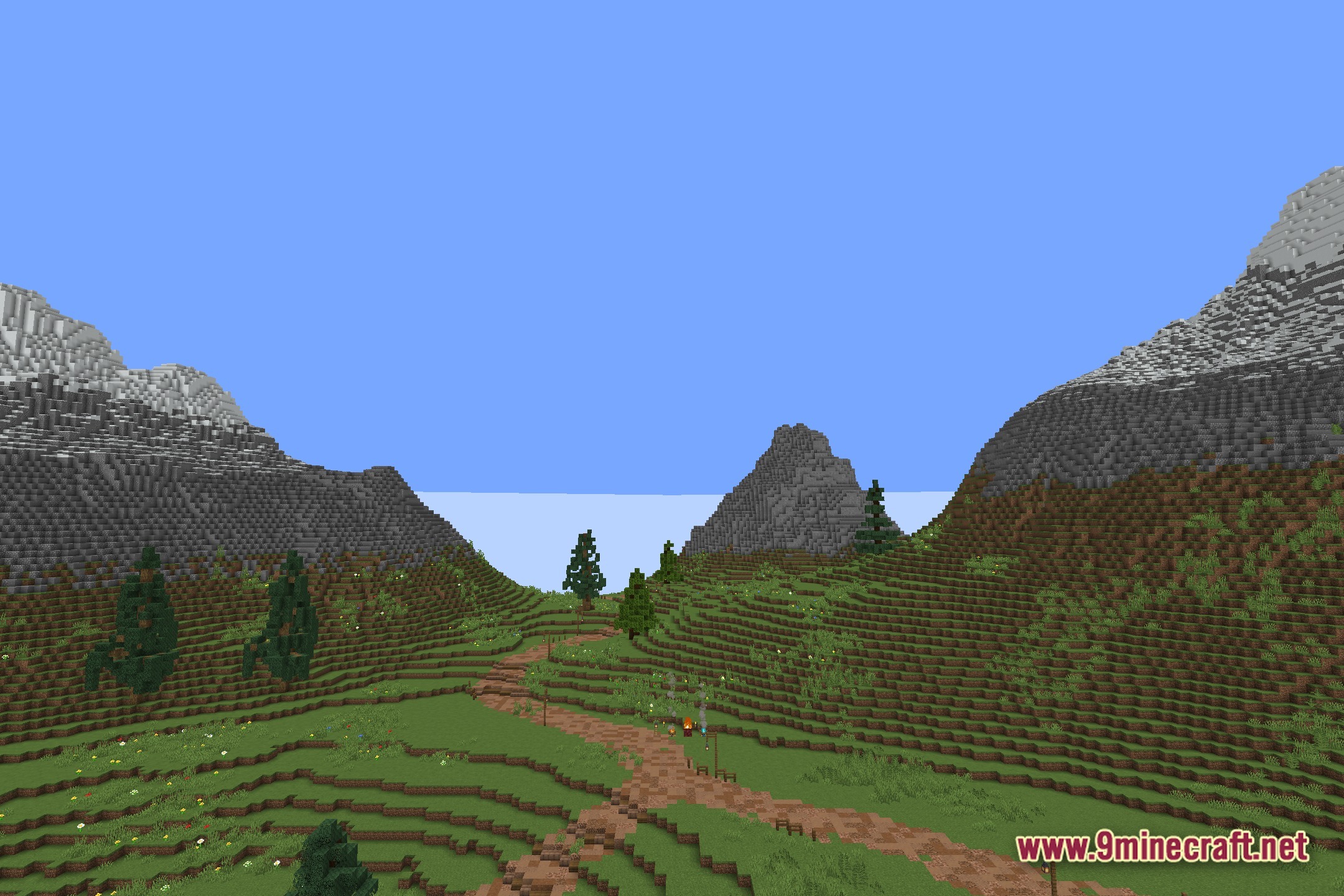
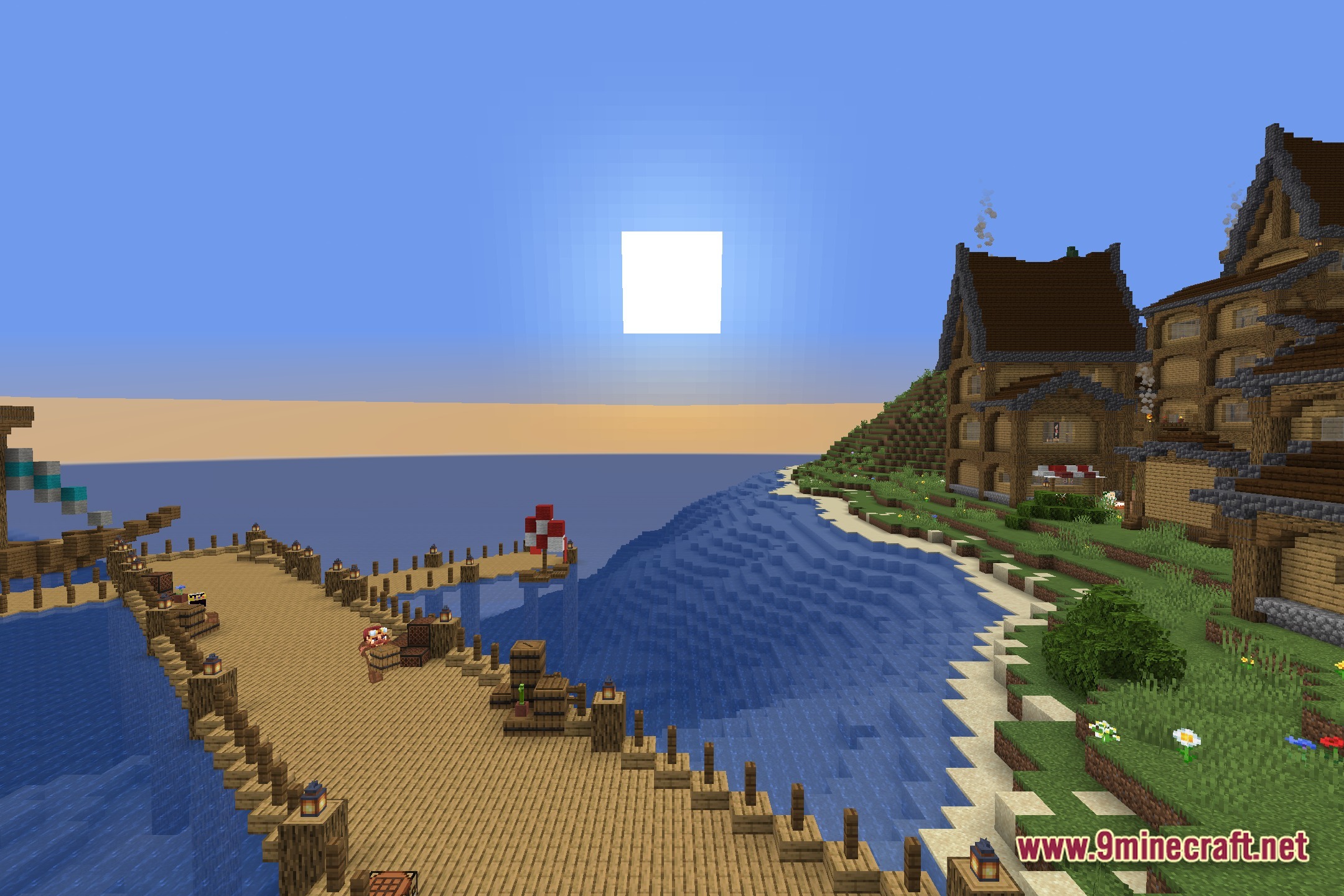
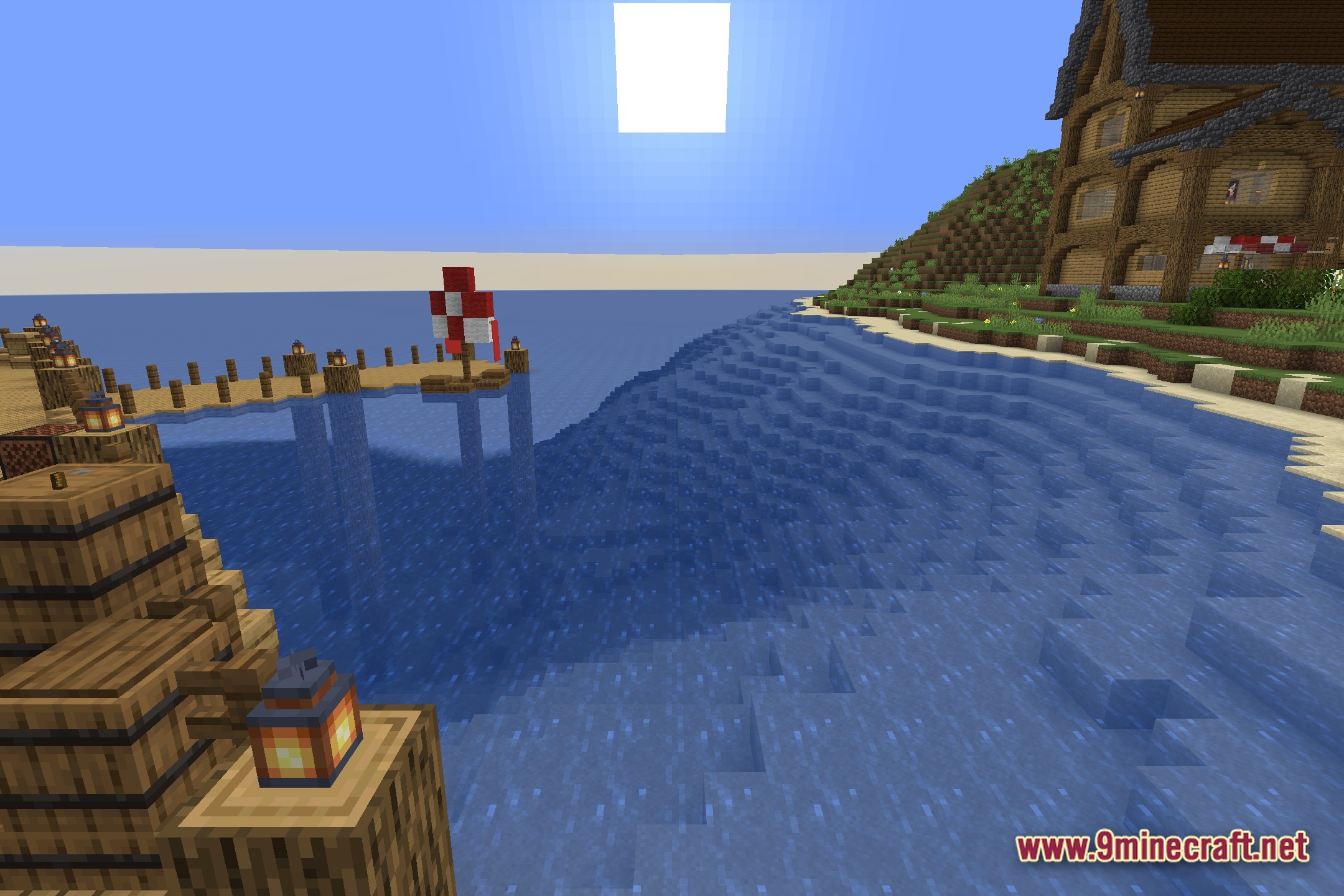
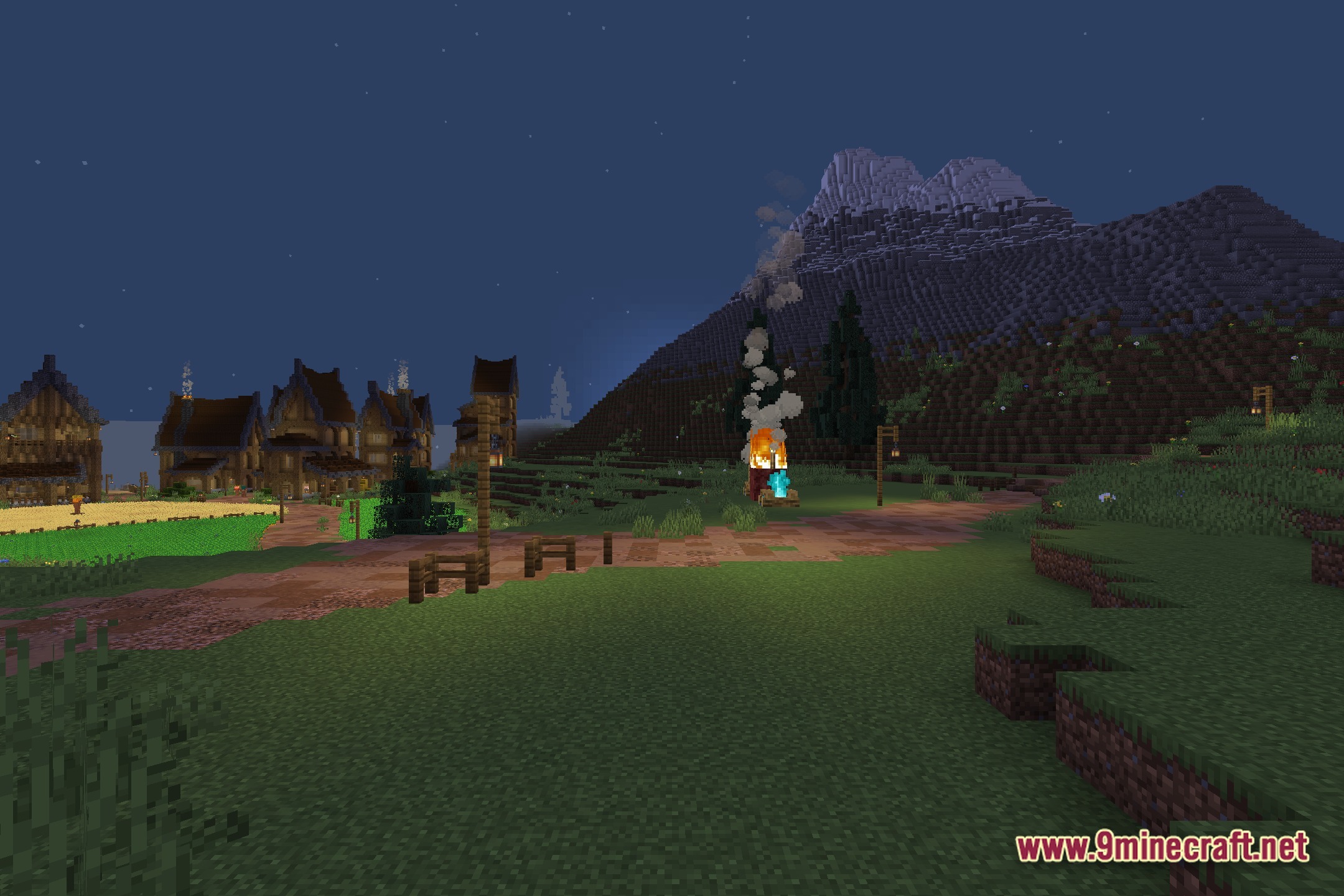
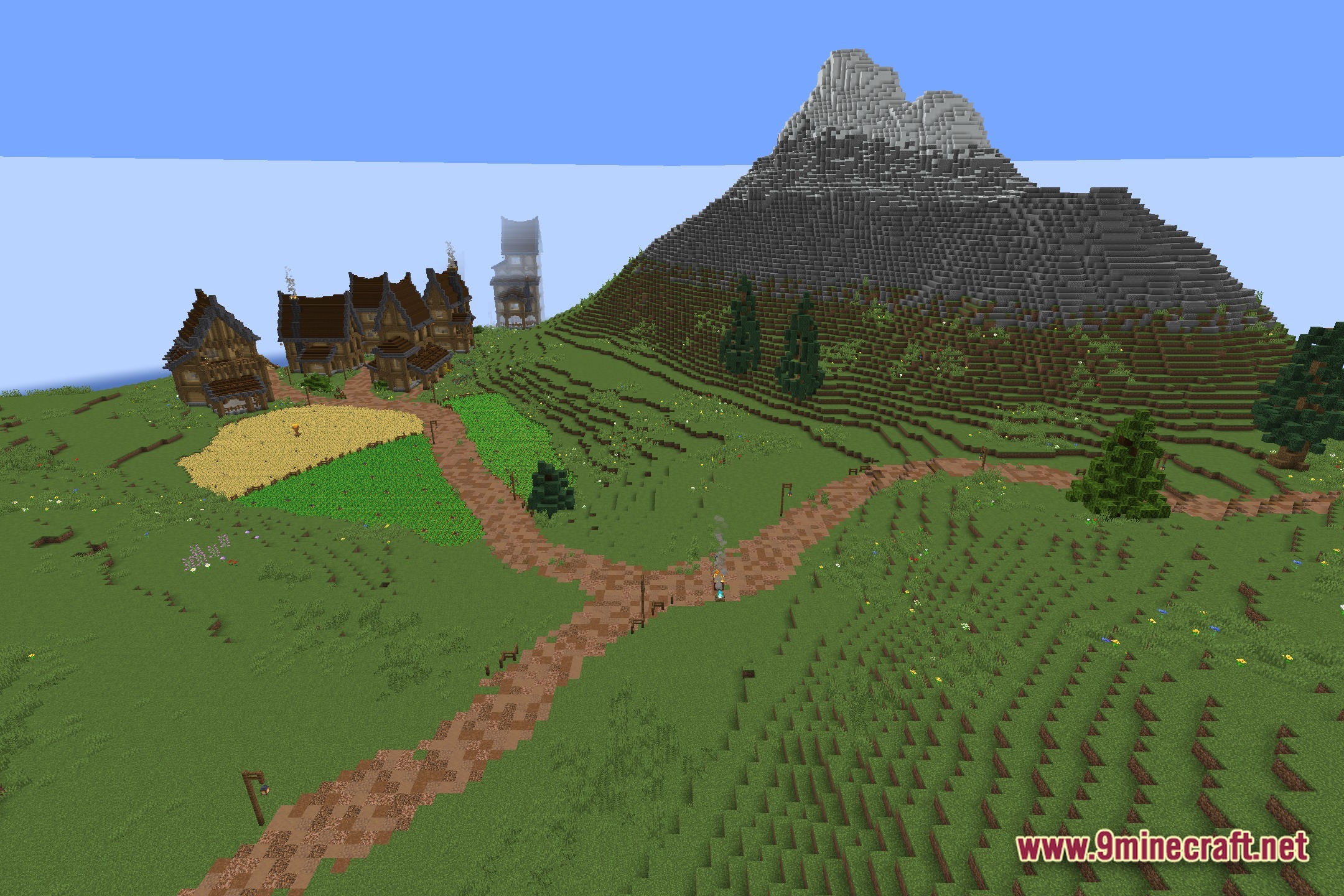
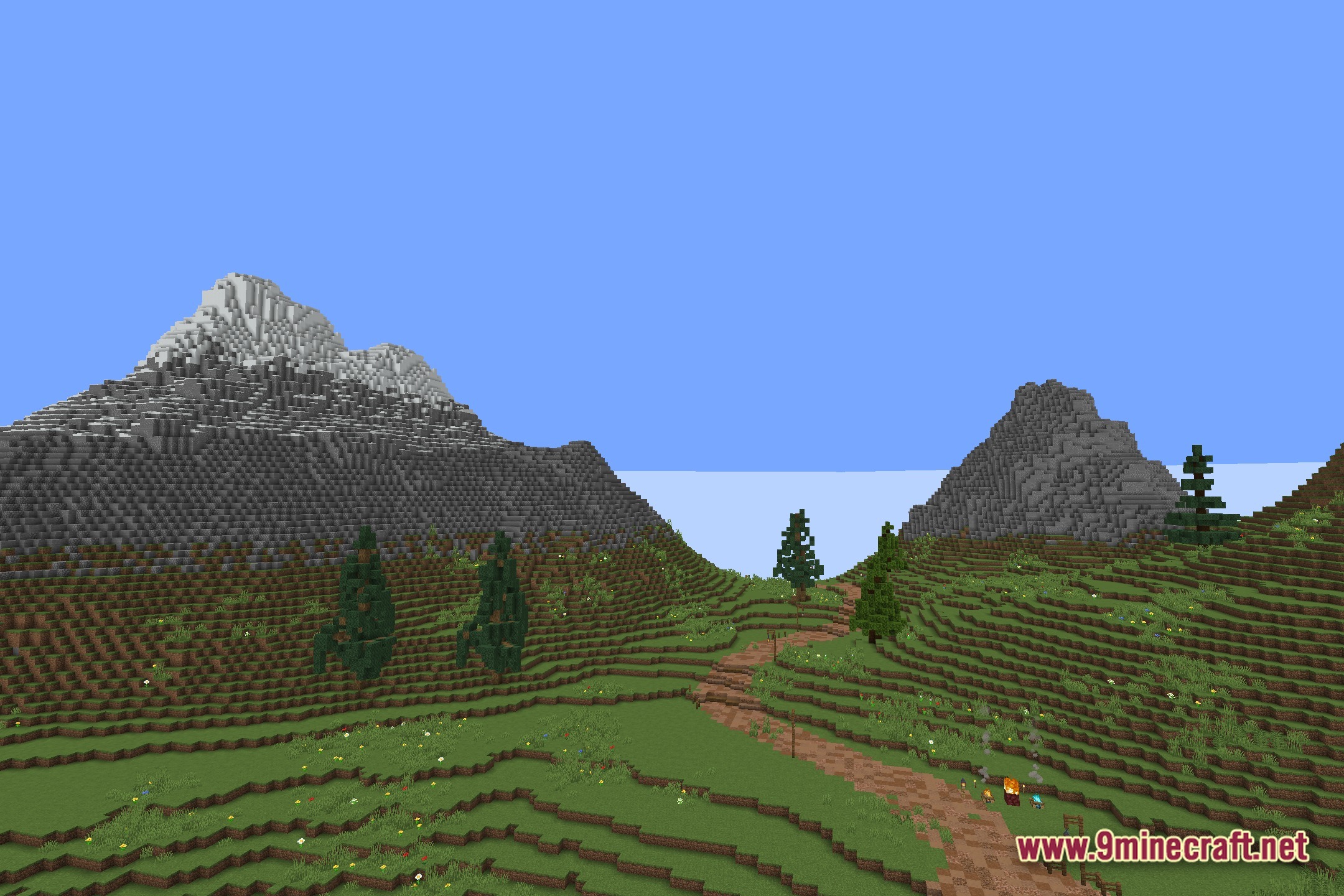
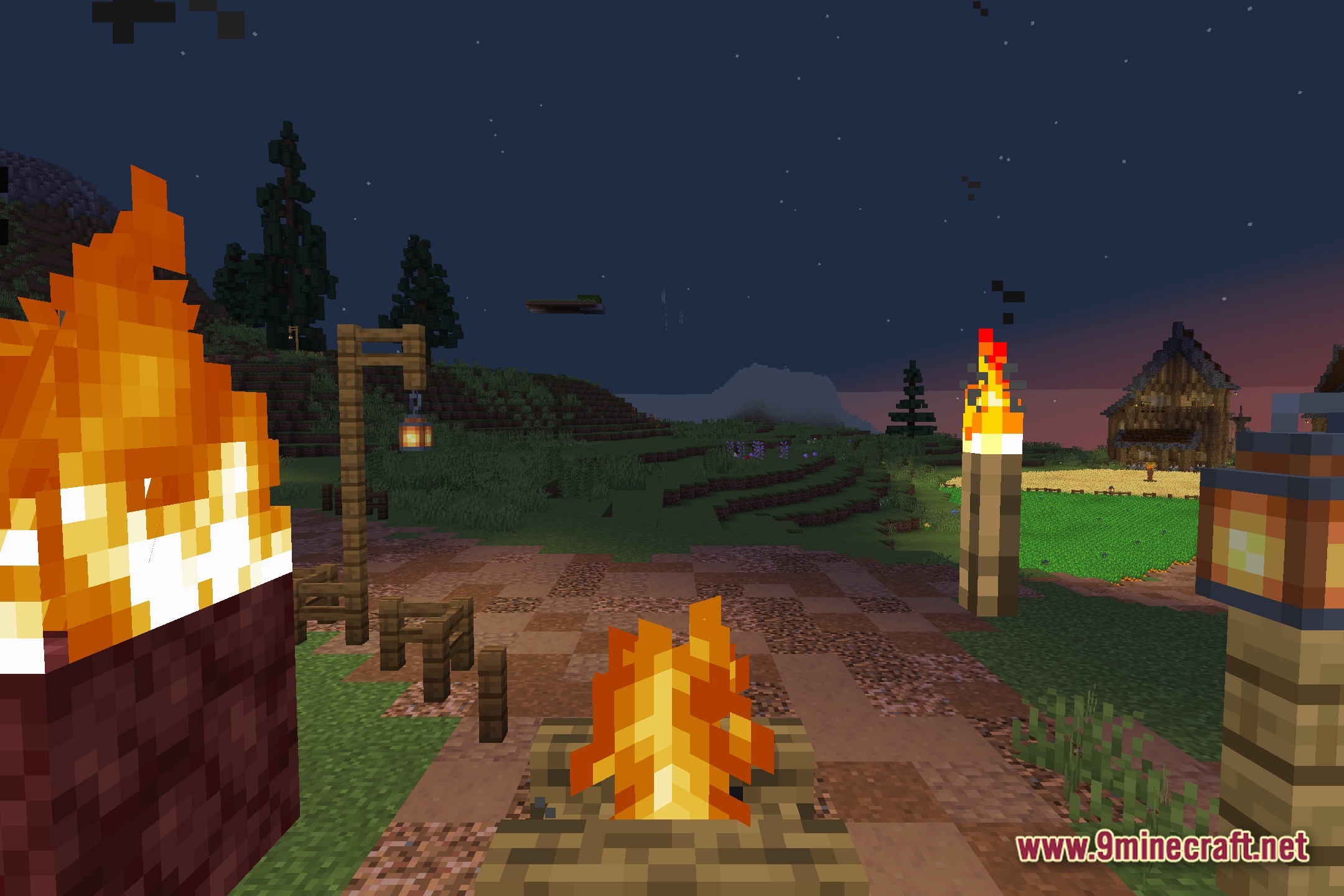
No Hand hides your character’s arm and items from your screen while you play in first-person mode. This shader gives you a clear view of the world without a giant blocky arm blocking your sight.
Features:
- Removes your hand and held items from the screen when you look through your character’s eyes.
- Gives you a clean and open look at the blocks and landscape ahead.
- Helps you take nice screenshots without switching camera views or dropping your tools.
- Keeps the normal vanilla lighting and colors of the game while making this one simple change.
- Runs easily on older computers because it only hides a part of your screen.
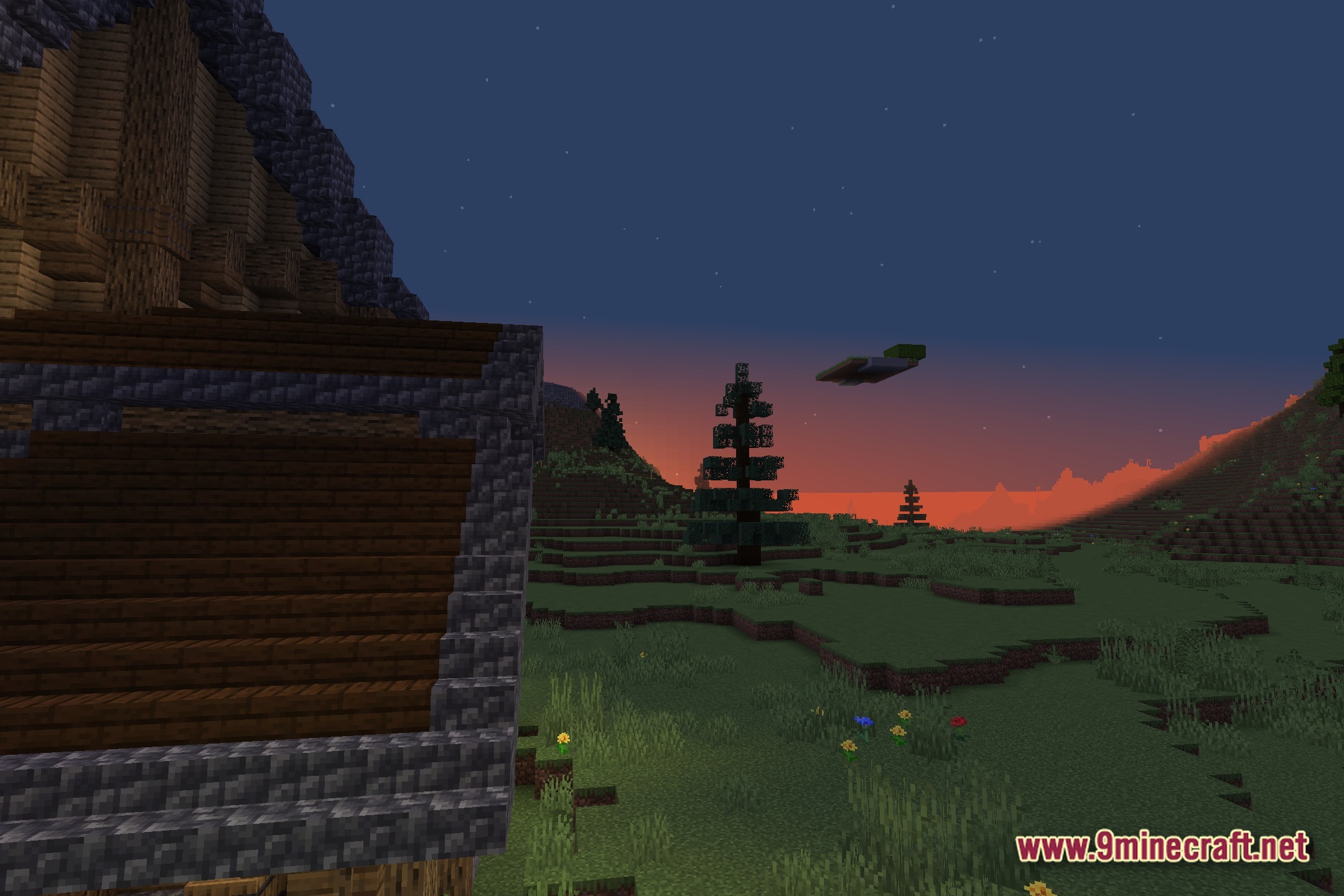
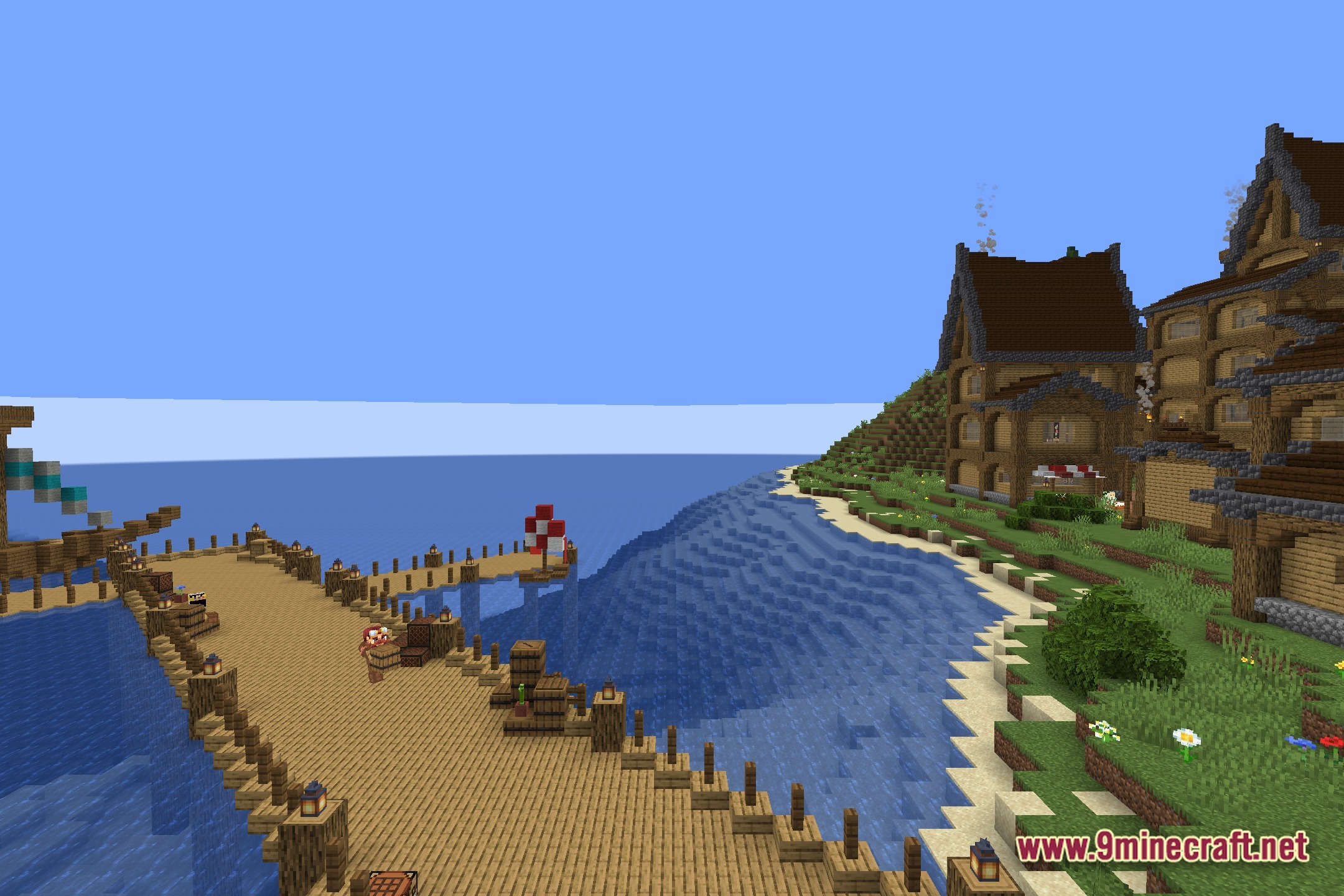
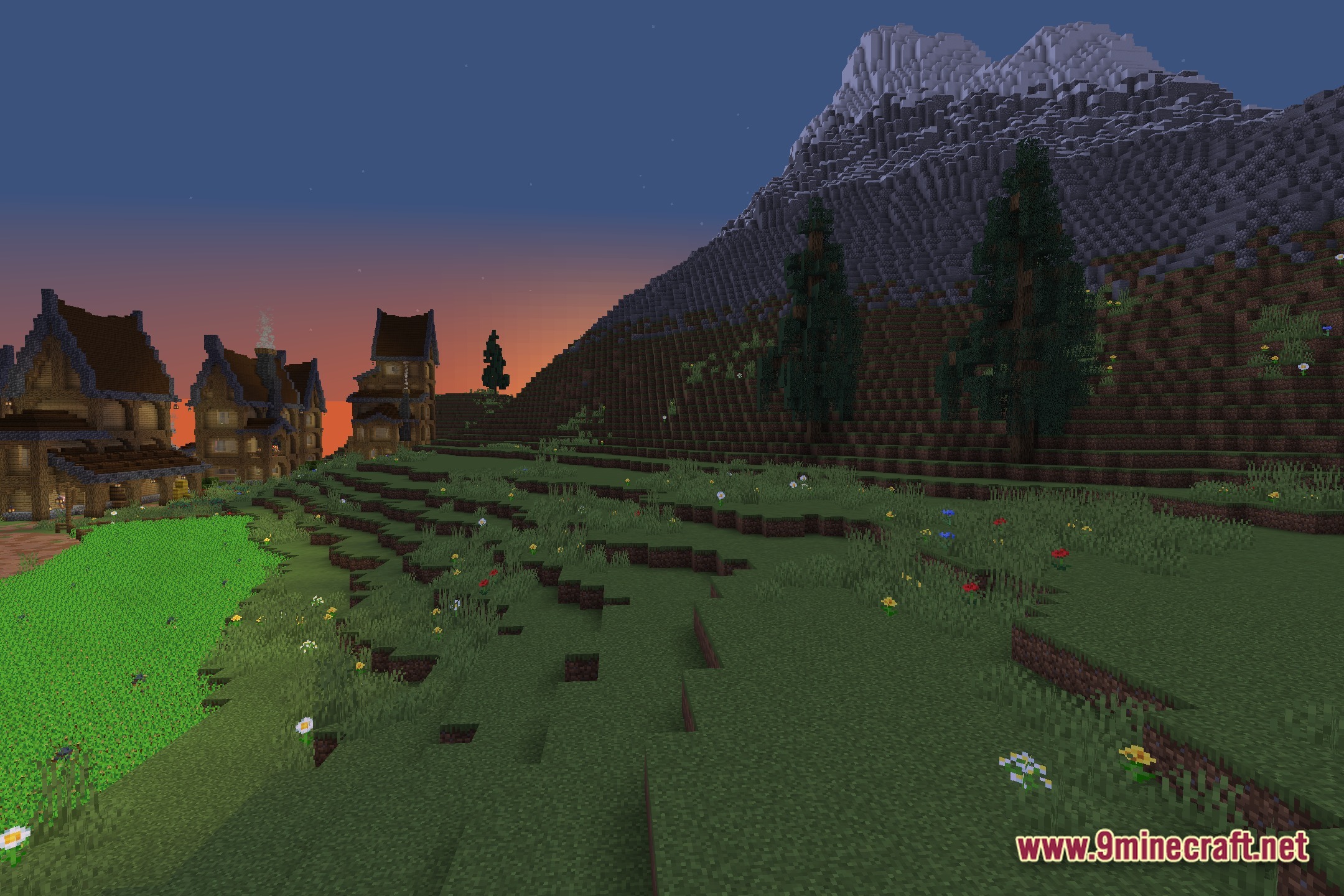
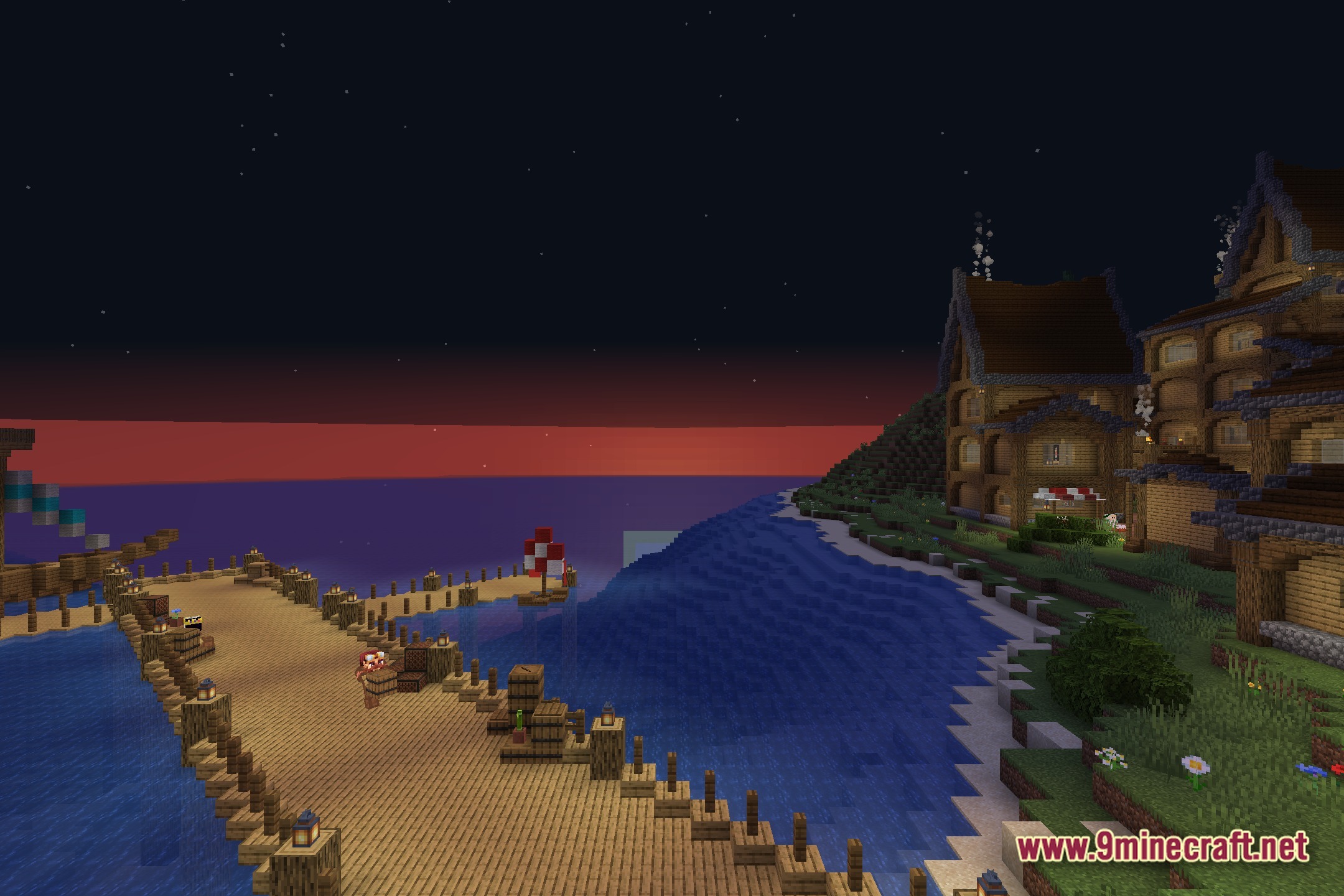
Screenshots:
How to Install:
New to Minecraft? Follow our step-by-step guide to install Shaders on your PC.View Guide
No Hand Shaders Download Links
Click to rate this post!
[Total: 0 Average: 0]
You May Also Like




This post has no comments yet. Be the first — your comment will appear here.