
No Startup Messages Please Mod (1.20.1) – Keep Your Chat Box Clean
 222
 0


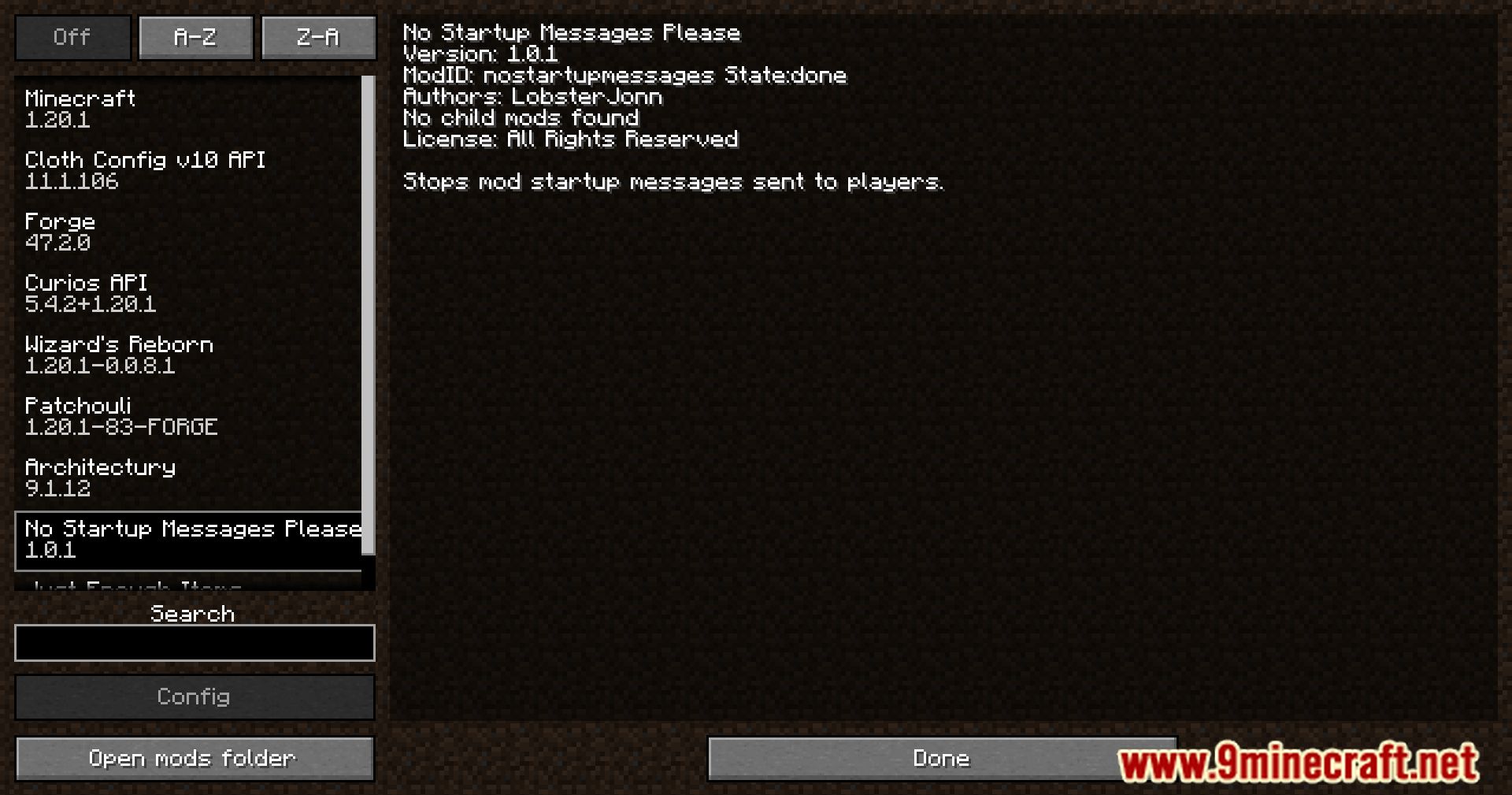
No Startup Messages Please Mod blocks unwanted chat messages so they do not show on your screen. This mod has a config file where you add parts of messages, and it stops any chat message that contains that text. By default, it hides startup chat messages from Railcraft Reborn and Ender IO. It can run on the client side only.
Features:
- Blocks specific chat messages from showing on your screen.
- Lets you add message parts to a config file so any chat message containing that part gets blocked.
- Hides startup chat messages from Railcraft Reborn and Ender IO by default.
- This mod can run on the client side only.
Configuration:
Lets you add custom message parts so any matching chat text gets stopped.
How to Use:
- Install the mod in your game directory.
- Open the configuration file in your config folder.
- Add the specific message parts or text lines you want to block into the config.
- Launch the game and enjoy a chat window free of unwanted startup text.
Screenshots:
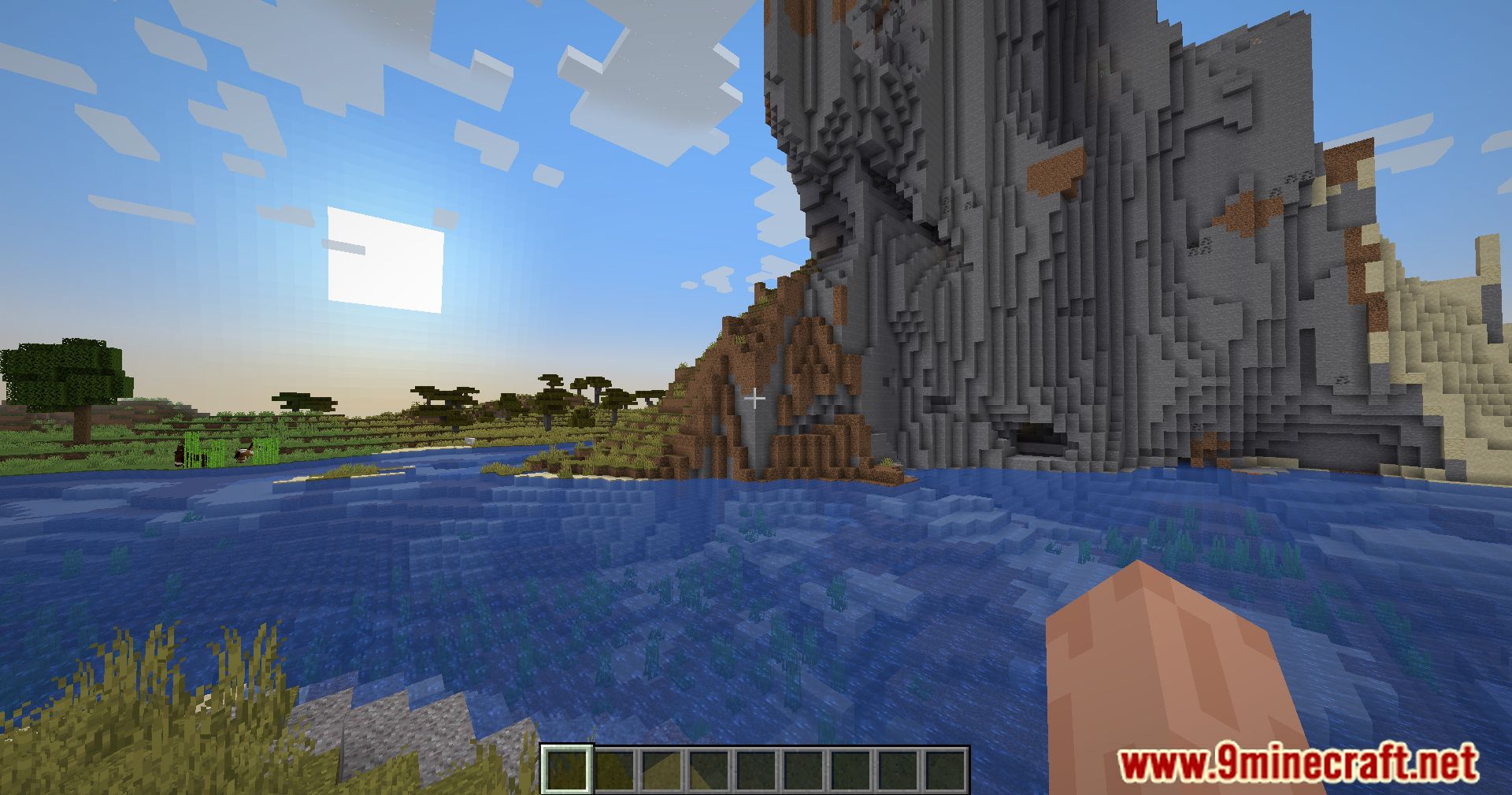
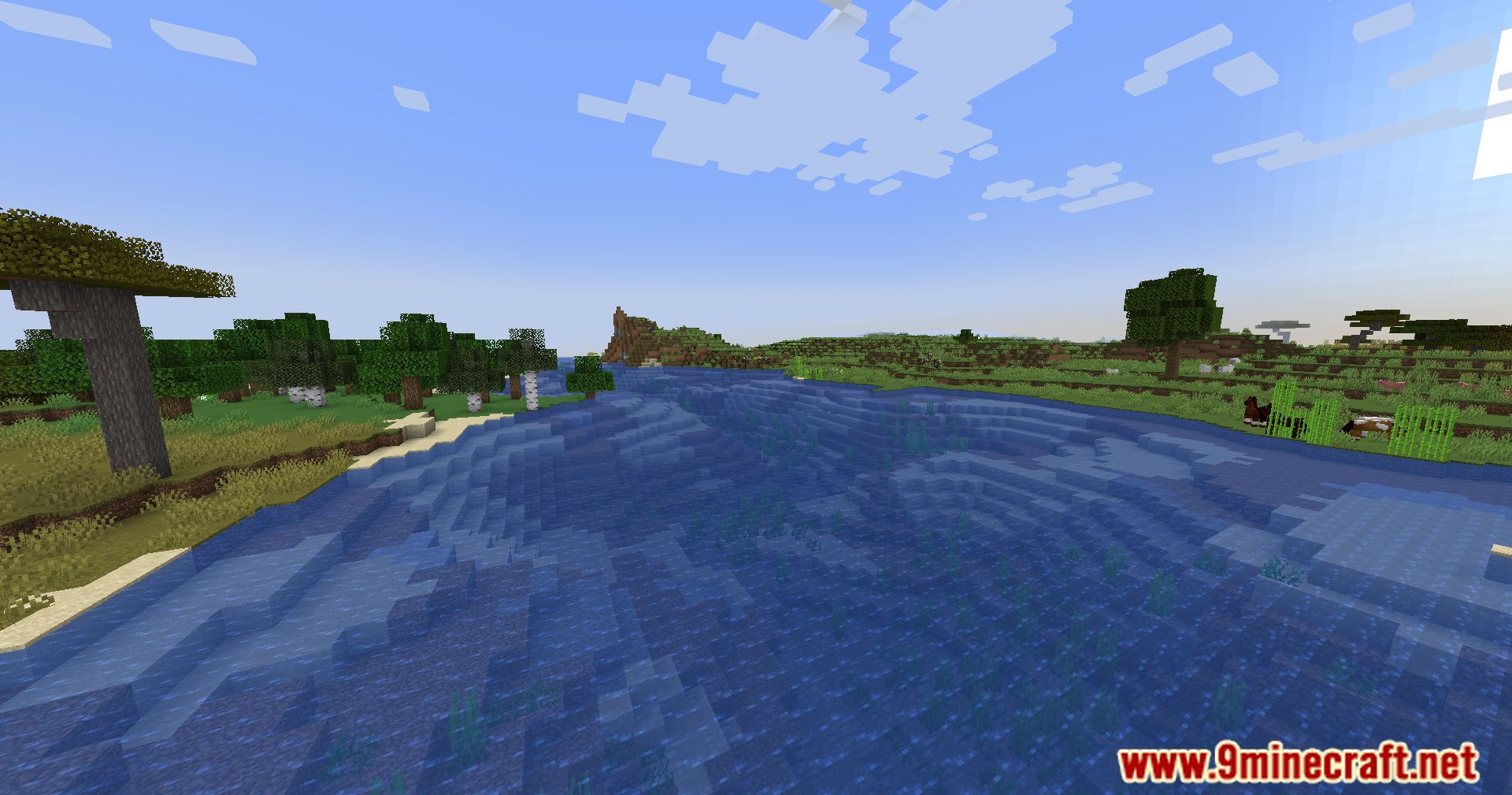
How to Install:
New to Minecraft? Follow our step-by-step guide to install Mods on your PC.View Guide
No Startup Messages Please Mod Download Links
For Minecraft 1.20.1
Forge/NeoForge Version: Download from Server 1 – Download from Server 2
Click to rate this post!
[Total: 0 Average: 0]
You May Also Like
Picked for this page
 Universal Enchants Mod (26.3, 1.20.1) – Better Enchantments
 Unlock All Recipes Mod (26.3, 1.21.1) – Automatically Grants You Every Recipe
 Skin Overrides Mod (26.3, 1.20.1) – Instantly Change Skins and Capes on Screen
 Particle Blocker Mod (26.1, 1.20.1) – Cleaner And Smoother
 Fire Client Mod (1.21.11) – Share Your Favorite Gear Kits with Friends
 Two Players One Horse Mod (1.21.4, 1.20.1) – Join The Ride
 ArchaicFix Mod (1.7.10) – Backport of Phosphor Mod for Old Version
 PictureSign Mod (1.21.11, 1.20.1) – How To Display GIFs And Videos On Signs
 Hopper The Hedgehog Mod (26.3, 1.20.1) – Speeds Up Item Transfer
 Kaleidoscope Tavern Mod (1.21.1, 1.20.1) – Drinks, Bar Blocks And Writable Boards
 Tactical Shield Overhaul Mod (26.3, 1.20.1) – Unique Shield Stats
 Fragmentum Mod (26.1.2, 1.20.1) – Base Module For Obscuria Mods
Most viewed in Mods over the last 7 days
 Ala Industrial Mod (26.3) – Run Electric Power Grids and Automated Factories
 PleasureCraft Mod (26.3, 1.21.1) – Jenny Mod Remake for Fabric
 Jennycraft Mod (26.3, 1.20.1) – Virtual Girlfriend in Minecraft
 Fapcraft Mod (26.3, 1.12.2) – Comprehensive and Detailed Content
 Jenny Mod (Fapcraft) Official Complete Guide – How to use, Tutorial
 BangCraft Mod (1.20.1) – Jenny, Ellie and Elliot
 Fabric Loader (26.3, 1.20.1) – Fabric Installer for All Minecraft Versions
 Meteor Client Mod (26.3, 1.20.1) – Xray, HUD, Fly
 OptiFine HD (26.3, 1.20.1) – Run Faster, FPS Boost, Shaders Support
 The Shooting Star Demo Mod (26.3, 1.20.1) – Vaporize Terrain From Orbit
 Aristois Client Mod (1.21.4, 1.20.1) – World Class Minecraft Utility
 SchnurriTV Mod (1.12.2) – Characters and Features
More from Mods
 Decoween Mod (1.21.1, 1.20.1) – Transform Ordinary Survival Bases
 Simply Light 9minecraft Mod (26.3) – Decorate Builds Without Torches
 Alex’s Caves Continued Mod (26.3, 1.20.1) – Conquer Six Massive Underground
 Anvil Uses Mod (26.3, 1.20.1) – Track Item Anvil Usage
 Animal Info Mod (26.3, 1.21.11) – Quick Stats For Your Animals
 Timber Tales Dynamic Tree System Mod (26.3, 1.20.1) – Watch Entire Trees Topple
 Gabou’s Libs Mod (26.3, 1.20.1) – Keep Custom Weather and Survival Mods Stable
 /Sit Mod (26.3, 1.21.1) – Make The Player Sit Down
 Arcane Redstone Dial Mod (26.3, 1.20.1) – Trigger Commands and Shortcuts
 The Graveyard Mod (26.3, 1.20.1) – Cemeteries in Minecraft
 Enhanced Overlay Mod (26.3, 1.21.11) – Remove Screen Clutter
 Flint Mod (1.21.11) – Run DiamondFire Community Addons Without Crashing

This post has no comments yet. Be the first — your comment will appear here.