
Non-RTX — RTX Pack Converter (26+, 1.21) – MCPE/Bedrock Shader
 0
 0

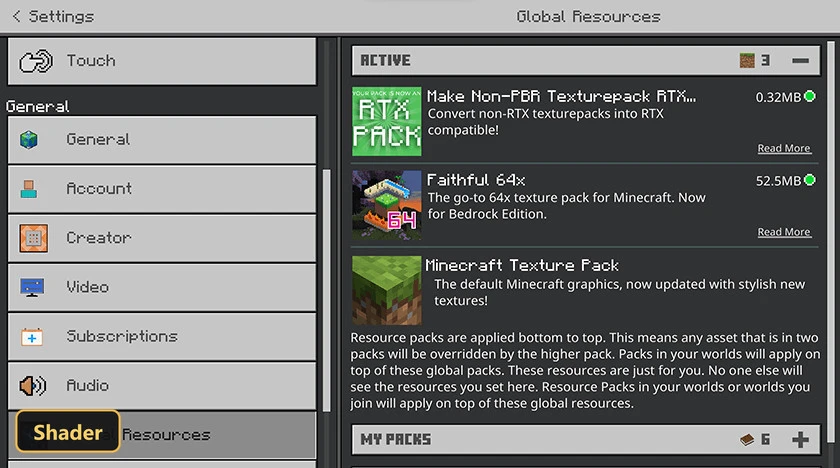
Ray tracing can be switched on for texture packs that never supported it with Non-RTX — RTX Pack Converter, a shader utility that makes the ray tracing option available in the video settings.
The converter must sit above the chosen non-RTX texture pack in the resource pack order, and players still need a compatible RTX graphics card. After the pack is applied, the option has to be turned on manually in the video settings. The converter does not generate Physically Based Rendering textures for the pack beneath it, because its only job is to allow the ray tracing setting itself. That extends ray tracing in Minecraft Bedrock to many existing packs not designed with it in mind.
Requirements:
- MCPE/Bedrock 1.16.21 – 1.21.111
all 46 versions
1.21.111, 1.21.101, 1.21.100, 1.21.94, 1.21.93, 1.21.92, 1.21.90, 1.21.82, 1.21.81, 1.21.80, 1.21.73, 1.21.72, 1.21.71, 1.21.70, 1.21.61, 1.21.60, 1.21.51, 1.21.50, 1.21.44, 1.21.43, 1.21.41, 1.21.40, 1.21.30, 1.21.21, 1.21.20, 1.21.2, 1.21, 1.20.80, 1.20.70, 1.20.60, 1.20.50, 1.20.40, 1.20.1, 1.20, 1.19.23, 1.19.20, 1.19.10, 1.19, 1.18.31, 1.18.30, 1.18.12, 1.18.10, 1.18.2, 1.18.1, 1.16.22, 1.16.21
How to Install:
New to Minecraft PE? Follow our step-by-step guide to install Shaders on your Mobile.View Guide
For MCPE/Bedrock 1.21+
You May Also Like
Picked for this page
 Newb X Stars Shader (1.26+) – Cosmic Skies and Soft Shadows
 BRDSP Shader (1.26+) – 10 Shaders in 1 Pack, Support RenderDragon
 PEYN Shader (1.26+) – MCPE/Bedrock
 Lunac 3D Shaders (1.26+) – Parallax POM and PBR Lighting on Mobile
 Complementary Vibrent Graphics Shader (1.21+) – MCPE/Bedrock
 Stair and Slab Carpets Addon (1.21, 1.20) – MCPE/Bedrock Mod
 Dawn Shader (1.21+) – MCPE/Bedrock
 Chroma Visuals Shader (26.x) – Clear Water Reflections and Soft Bloom on Bedrock
 BSL ZenXveda Shaders (26.x, 1.21) – Glassy Water and Glowing Ores
 Luvid Visuals Ultra Shader (26.x) – Volumetric Light Shafts and PBR Reflections
 Basic Glowing Ores Shader (26.x, 1.21) – Emissive PBR Ore Lighting for Bedrock
 Outlined Items Shader (26.x) – Crisp White Outlines for Sharp Item Visibility
Most viewed in Shaders over the last 7 days
 Poggy’s Luminous Dreams Shader (1.26+) – Render Dragon PBR Materials
 Mirai Shader (1.26+) – Sharp Water Reflections and Volumetric Clouds
 Best Minecraft PE Shader for 1.26+ – Realistic and Lightweight For Low-End Devices
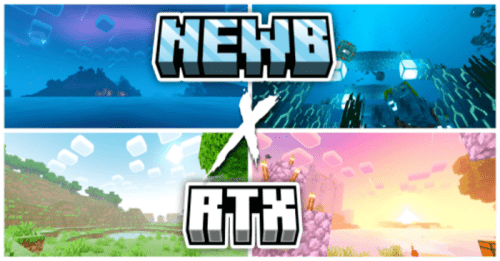 Newb X RTX Shader (1.26+) – Java Lighting and Water Waves
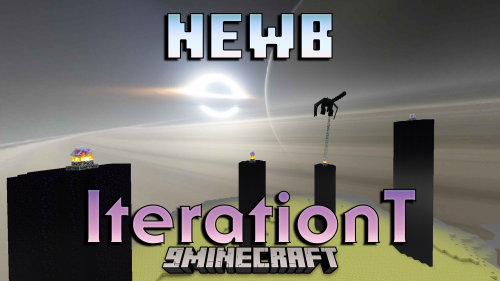 Newb X Iterationt Shader (1.26+) – Black Hole Skybox And Stylized Clouds
 Newb Resolute (26+, 1.21) – Colorful Aurora Skies and Water Caustics
 Better Render Dragon (1.26+) – Add Shaders Back To Minecraft
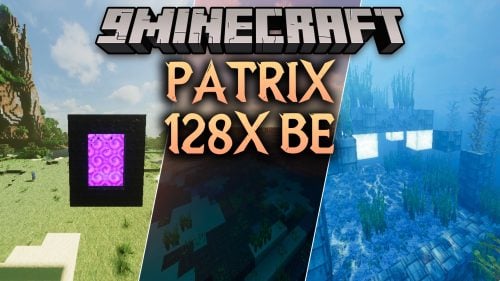 Patrix 128x BE Shader (26.x) – Detailed 128x Blocks with Smooth Bedrock Lighting
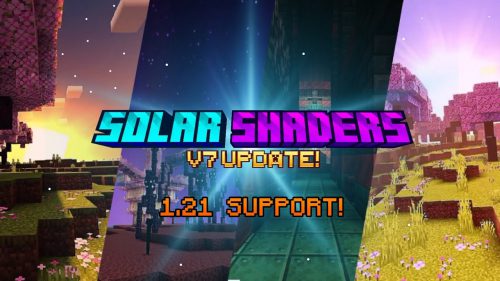 Solar Shader (1.26+) – Golden God Rays and PBR Sky
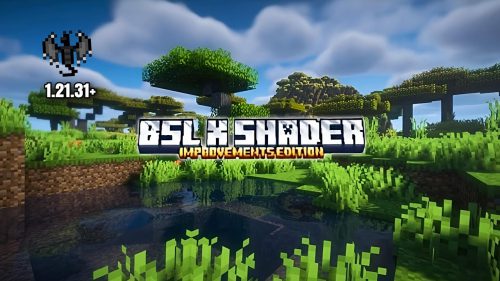 BSL X Improvement Shader (1.21.31+) – MCPE/Bedrock
 PandaMine’s Vibrant Visuals Unlocker (26+) – Enable Ray Tracing on Unsupported
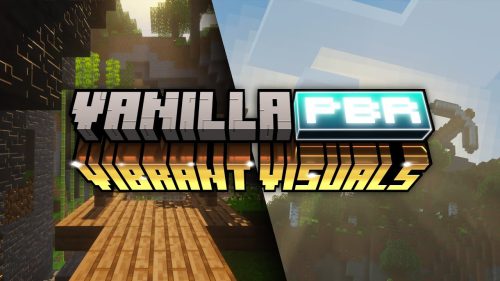 Vibrant Visuals Shader (1.26+) – Console-Grade Visuals Without RTX
More from Shaders
 BNS (26+, 1.18) – MCPE/Bedrock Shader
 Hyperest Graphic Pack (26+, 1.21) – MCPE/Bedrock Shader
 Ethereal (26+) – MCPE/Bedrock Shader
 Deferred Visual LST (26+, 1.21) – MCPE/Bedrock Shader
 Nexus Bound (26+, 1.21) – MCPE/Bedrock Shader
 Seraphic Deferred PBR Resurected (26+, 1.21) – MCPE/Bedrock Shader
 Winter Fog (26+, 1.21) – MCPE/Bedrock Shader
 Legacy Panorama with (26+, 1.21) – MCPE/Bedrock Shader
 Oceanic Graphics Special Revival Edition (26+, 1.21) – MCPE/Bedrock Shader
 Caves & Cliffs Part 2 Panorama with (26+, 1.21) – MCPE/Bedrock Shader
 Supplementary (26+, 1.21) – MCPE/Bedrock Shader
 Dynamic EndSky for Vibrant Visuals (26+, 1.21) – MCPE/Bedrock Shader

This post has no comments yet. Be the first — your comment will appear here.