


Nostalgia-Craft Resource Pack 1.11.2, 1.10.2
 653
653
 0
0

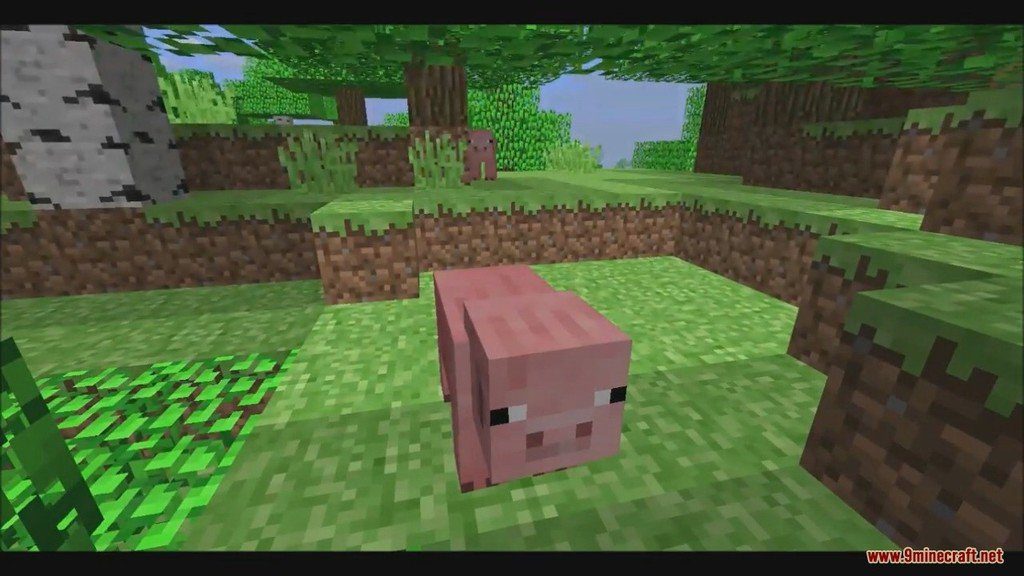
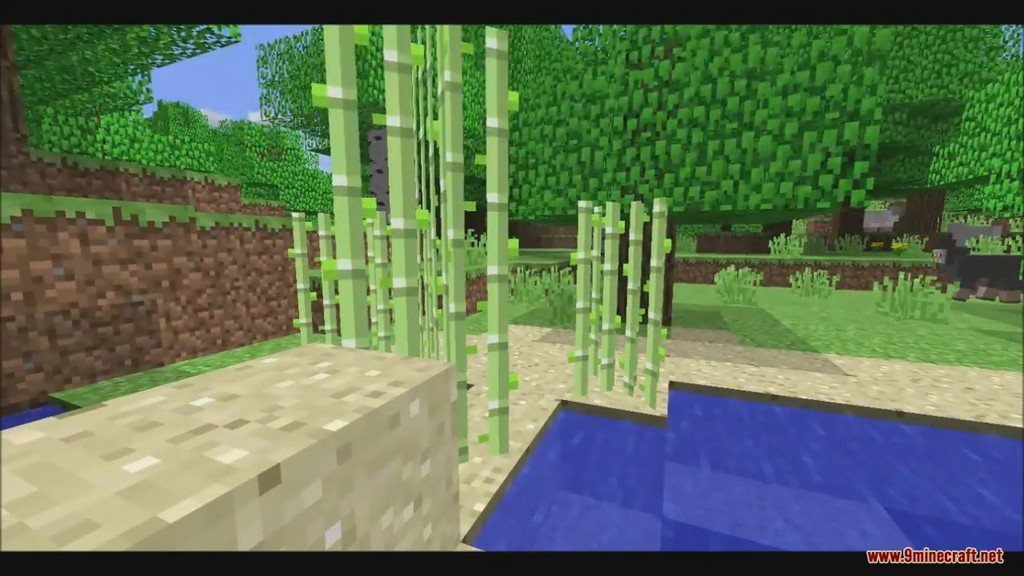
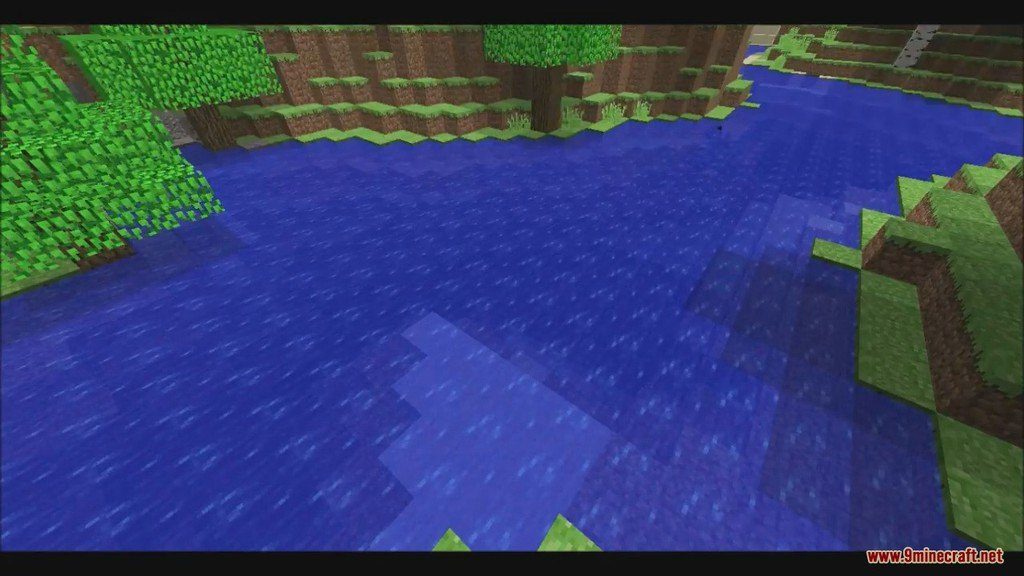
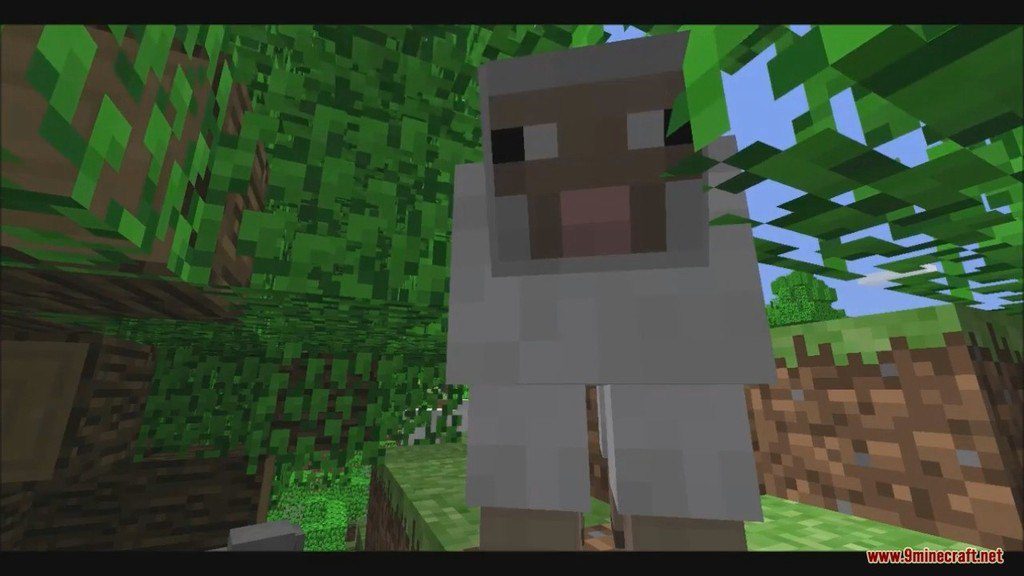
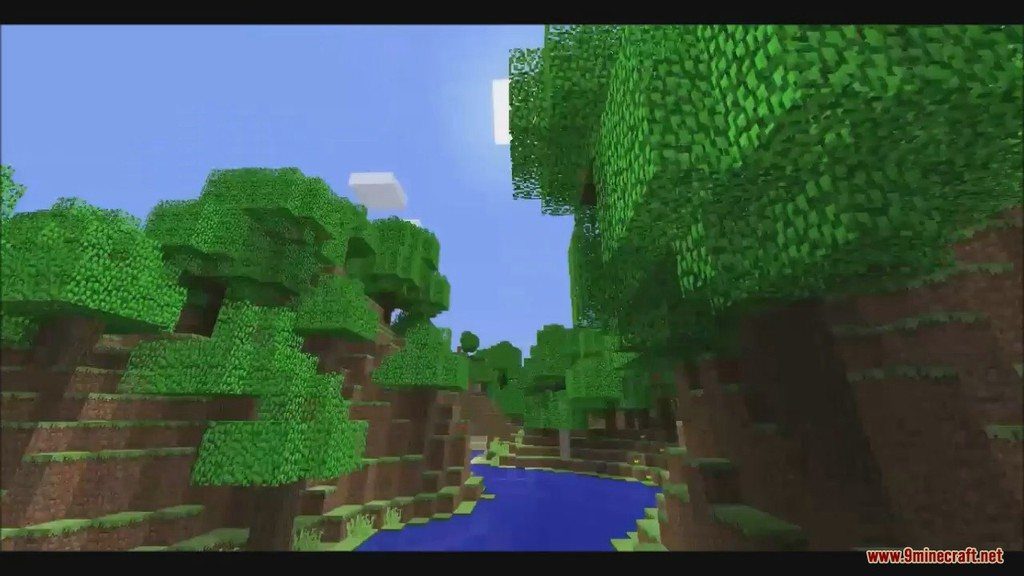
Nostalgia-Craft Resource Pack 1.11.2, 1.10.2 for Minecraft is a new texture pack using the textures from the old version. Don’t worry if you are a new player. You might not feel nostalgic as old players do, but hey, wouldn’t it be worth a try to see how Minecraft was like before.
🎛️ Compare Minecraft Shaders Side by Side →
Drag the slider across real in-game scenes — find YOUR perfect shader.
Screenshots:
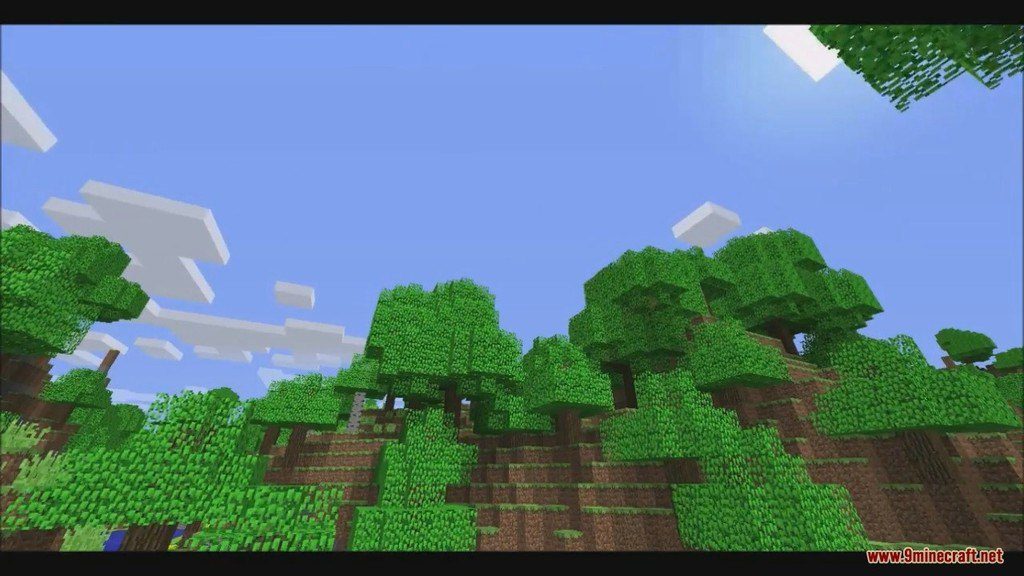
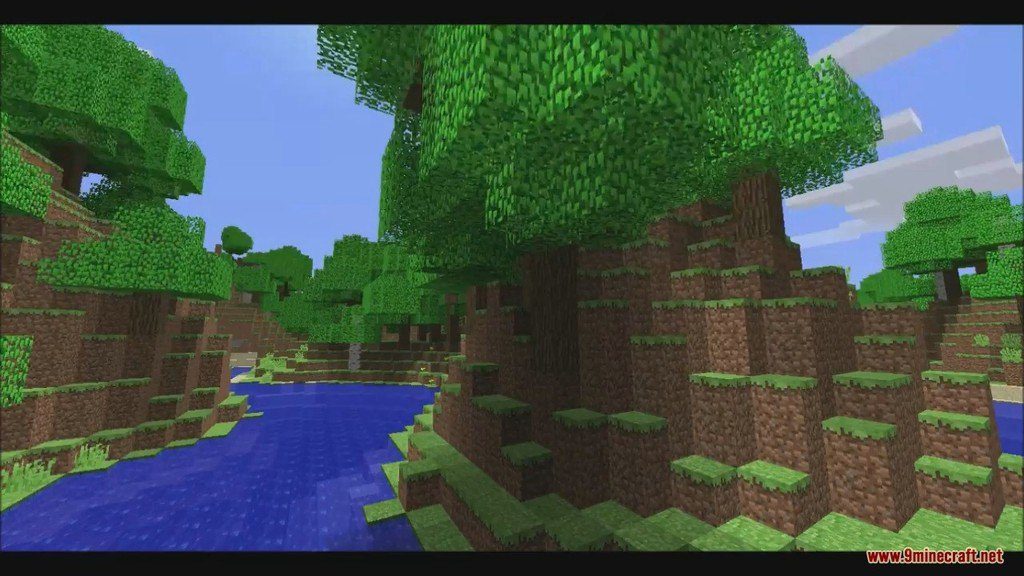
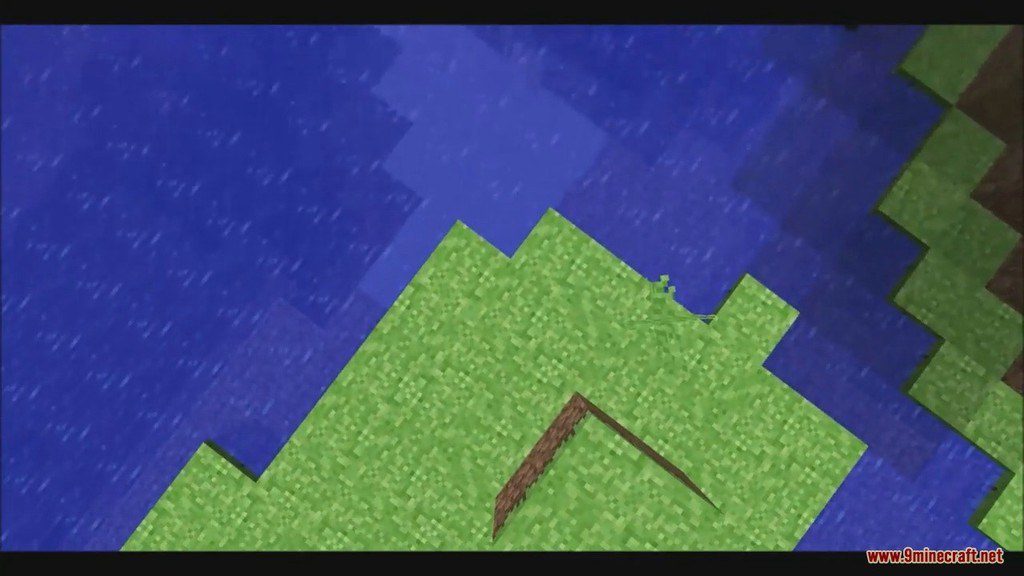
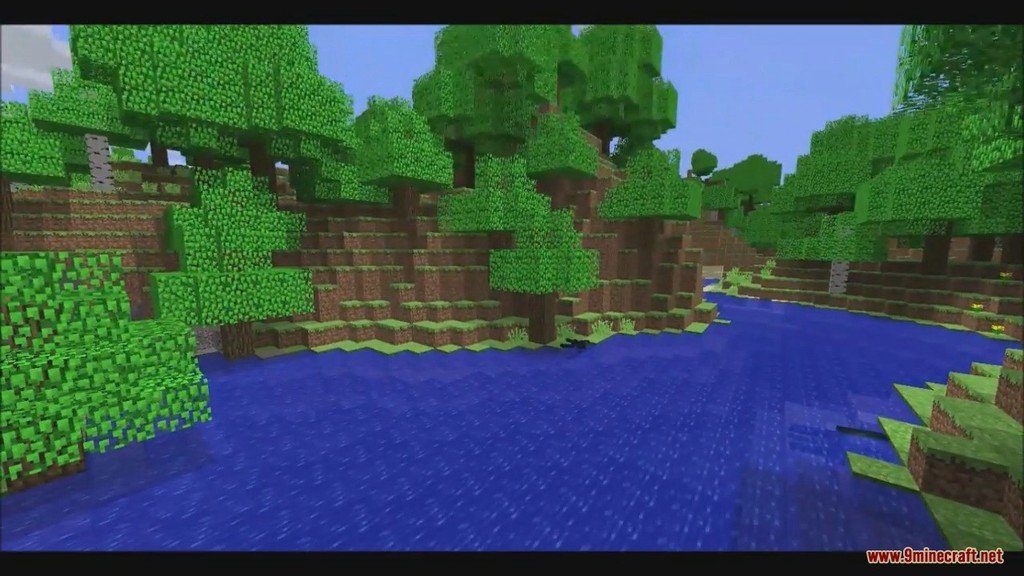
How to Install:
New to Minecraft? Follow our step-by-step guide to install Resource Packs on your PC.View Guide
Nostalgia-Craft Resource Pack 1.11.2, 1.10.2 Download Links
for Minecraft 1.11.2, 1.10.2
Click to rate this post!
[Total: 1 Average: 5]
You May Also Like

This post has no comments yet. Be the first — your comment will appear here.