
Nucleation Logo Schematic (1.12.x) – Giant 3D Nucleation Logo Build

 0


Nucleation Logo Schematic brings a massive 3D logo build into your Minecraft world. It recreates the symbol for the Nucleation library, which is the code behind the schemat.io website. You can paste this huge structure directly into your own maps to decorate your server or single-player world.
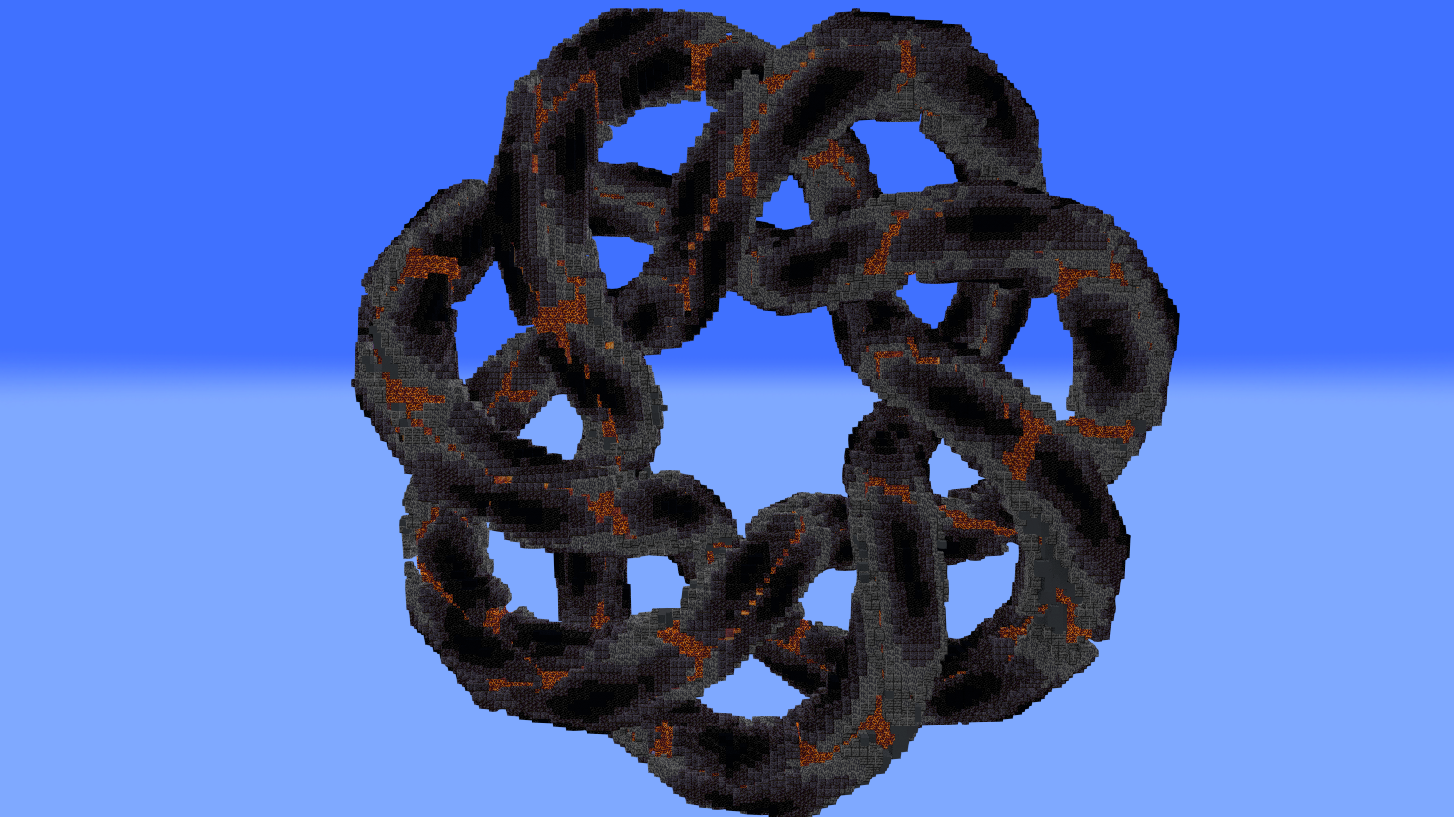
3D Preview & Editor:
Materials
11 types · 97,961 blocks
| Magma Block | 15,612 | Polished Blackstone | 14,252 | Blackstone | 14,107 | |||
| Orange Stained Glass | 13,755 | Red Stained Glass | 10,318 | Coal Block | 9,331 | |||
| Deepslate | 9,250 | Shroomlight | 4,097 | Polished Deepslate | 3,553 | |||
| Black Concrete | 3,097 | Gray Concrete | 589 | |||||
How to place this schematic
.schem This is a WorldEdit schematic. It pastes instantly on a server or single-player world that has WorldEdit (or FastAsyncWorldEdit).
| 1 | Install WorldEdit — as a plugin on the server, or as a mod for single player. |
| 2 | Drop the .schem file into plugins/WorldEdit/schematics (server) or config/worldedit/schematics (client). |
| 3 | Run //schem load <file name>. |
| 4 | Stand where you want it and run //paste. Add -a to skip air blocks. |
Features:
- Adds a giant 3D logo with dimensions of 118 by 121 by 46 blocks.
- Contains exactly 97,961 blocks to build a large and clear shape.
- Works completely in vanilla Minecraft without needing any extra mods to load the blocks.
- Lets you paste the structure into your world using standard schematic tools.
- Represents the official logo of the Nucleation programming library.
Schematic Specs:
 Minecraft1.12.x
 Dimensions118×121×46
 Total Blocks97,961
 Top Blocks Used
Magma Block 15,612Polished Blackstone 14,252Blackstone 14,107Orange Stained Glass 13,755Red Stained Glass 10,318
Nucleation Logo Schematic Download Links
For Minecraft 1.12.x
Click to rate this post!
[Total: 0 Average: 0]
You May Also Like
Picked for this page
 Fastest Kelp Farm Donut Smp Schematic (1.21.x) – Compact Redstone Kelp Farm Design
 Pokémon Temple Arena Japanese Litematica Schematic (1.21.x) – Large Asian Fortress With Fighting Rin
 Cactus Farm Schematic (1.21.x) – Compact Vertical Automatic Cactus Farm
 A Single Module of Cobble Farm Schematic (1.21.x) – Compact Vanilla Cobblestone Generator
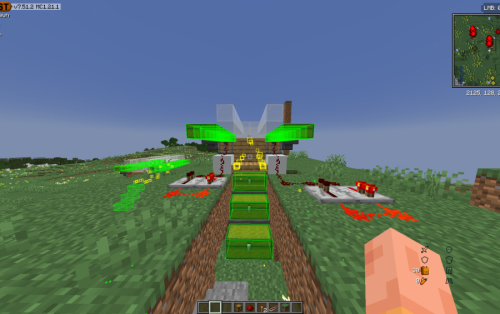 Bone Farm Schematic (1.21.x) – Quick And Easy Redstone Bone Farm
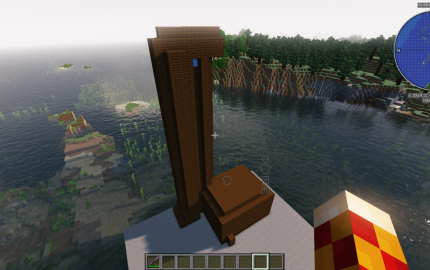 Twenture Emerald Spawner Farm Schematic (1.21.x) – Double Vindicator Spawner Emerald Farm Layout
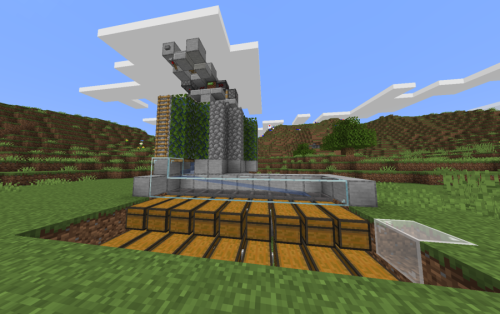 Cobblestone Generator Farm Schematic (1.21.x) – Small Vanilla Redstone Farm Build
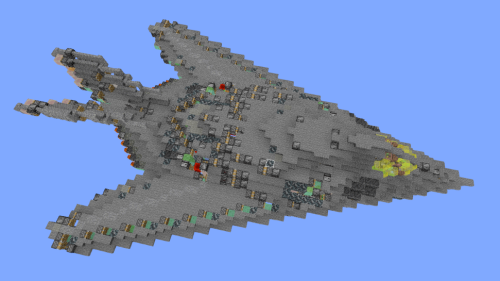 F 117 Nighthawk Schematic (1.21.x) – Redstone Flying Machine With TNT Cannons
 Lox V7.1 Fixed Schematic (1.21.x) – Large Vanilla Redstone Build For Multiplayer Servers
 Blacksmith Tower Schematic (1.20.x) – Tall Vanilla Building Blueprint For Villages
 Small House 11 Schematic (1.20.x) – Tall And Compact Vanilla Home Build
 Small House 10 Schematic (1.20.x) – A Compact Vanilla Home Blueprint For Players
Most viewed in Schematics over the last 7 days
 Fastest Bonemeal Farm Donut Smp Schematic (1.21.x) – Fast Redstone Bonemeal Farm Build
 KelpFarmV9.9 Schematic (1.21.x) – Compact And Simple Seaweed Farm Build
 64 Module Cobblestone Farm Schematic (1.21.x) – Massive Automated Stone Gathering Build
 Gold Farm Schematic (1.21.x) – Automatic Nether Roof Gold Farm
 Villager Trading Hall Schematic (1.21.x) – Modern Shop Build For 48 Villagers
 Bamboo Farm Schematic (1.21.x) – Small Automated Redstone Bamboo Farm
 Minutes End Base Before Spoke Null End Video Schematic (1.21.x) – Giant Unstable SMP End Base Schema
 Best Railgun Tp Trap on Donutsmp Schematic (1.21.x) – Unescapable Multiplayer Redstone Trap Build
 36 Module Cobble Farm 18m per Hour Donut SMP Schematic (1.21.x) – Massive Automated Stone Generator
 Bamboss V2 800k Bamboo per Hour Schematic (1.21.x) – High Speed Automated Bamboo Farm Schematic
 Donut Smp Stash and Regear Schematic (1.21.x) – Large Storage And Regear Room Build
- Fastest Kelp Farm Donut Smp Schematic (1.21.x) – Compact Redstone Kelp Farm Design
More from Schematics
 Big Warehouse Schematic (1.21.x) – Massive Medieval Storage Building for Survival
 Suncrest Spire Schematic (1.21.x) – Massive Ancient Desert Survival Base Build
 Super Smelter 64 Furnaces V1 Schematic (1.21.x) – Fast Minecart Smelting System for One Chunk
 Small Tree Schematic (1.21.x) – Clean and Detailed Mini Tree Build
 Minecraft Dark Unicorn Nether Portal Statue V03 Free Schem Schematic (1.19.x) – Giant Dark Unicorn N
 Ultra Compact Full Adder 2 Blocks Deep Using Only Redstone Torches and Dust 6x8x2 Schematic (1.21.x)
 Cargo Ship Free Schematic (1.21.x) – Detailed Cargo Ships for Harbor Builds
 Firstqualified’s Pot Farm Schematic (1.21.x) – Compact Redstone Potion Brewing System
 Survival Home Schematic (1.21.x) – Spacious Empty House For Survival Players
 SpicyT 1 Year Cake Schematic (1.21.x) – A Giant Spicy Birthday Cake Statue
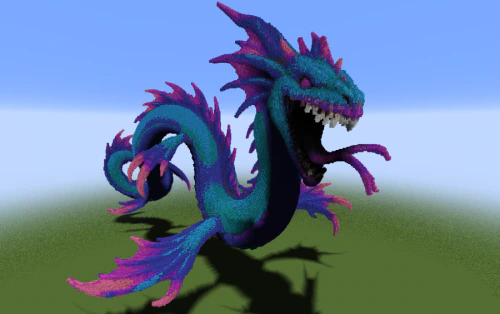 Free Neomarinus TheVividSeaDragon Schematic (1.19.x) – Massive Blue and Pink Sea Dragon Build
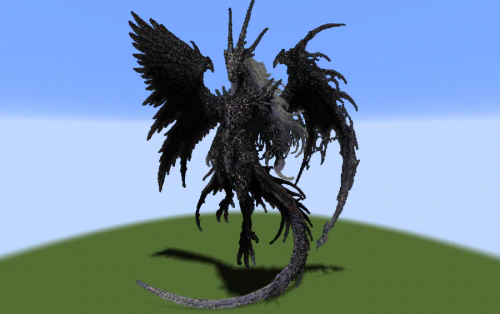 Free Noctiseraph the Fallen Twin Winged Dragon Schematic (1.19.x) – Massive Dark Fantasy Dragon Stat

This post has no comments yet. Be the first — your comment will appear here.