


Nyctography Mod (26.2, 1.21.1) – Leave Hidden Messages and Secret Codes
 13
13
 0
0


🌐 Good news — we've translated this article into other languages!
Or pick the one you like:
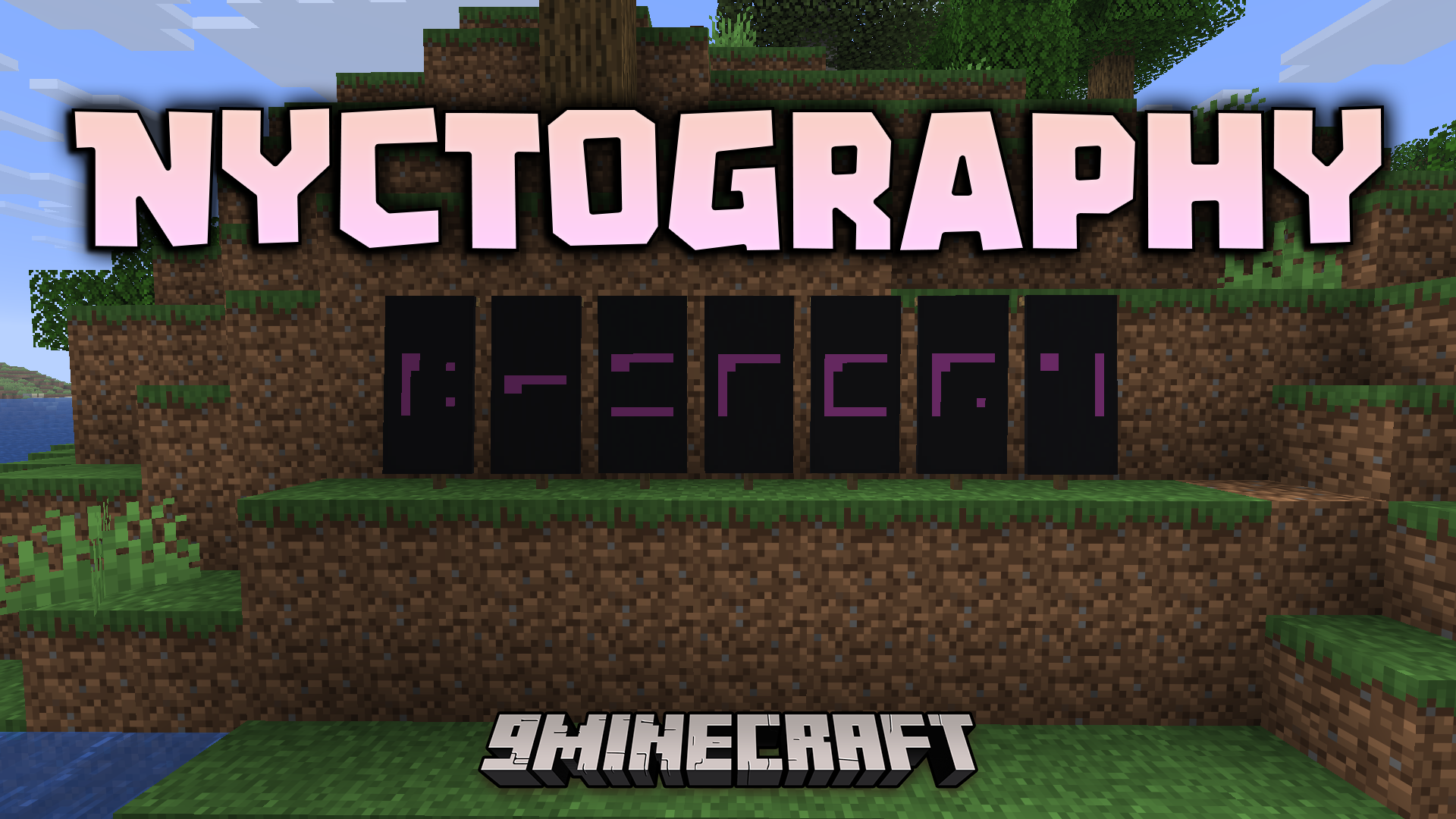
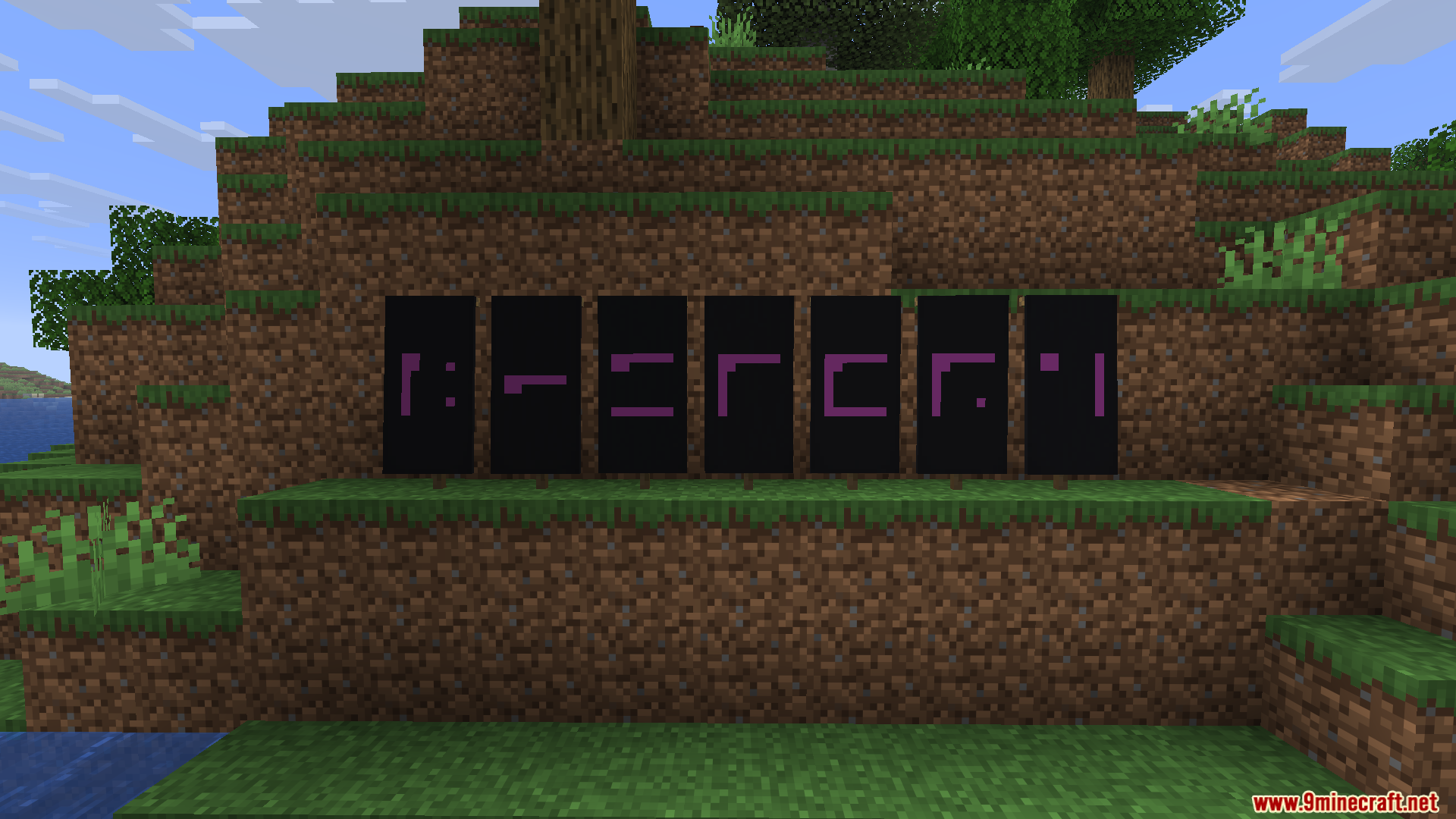
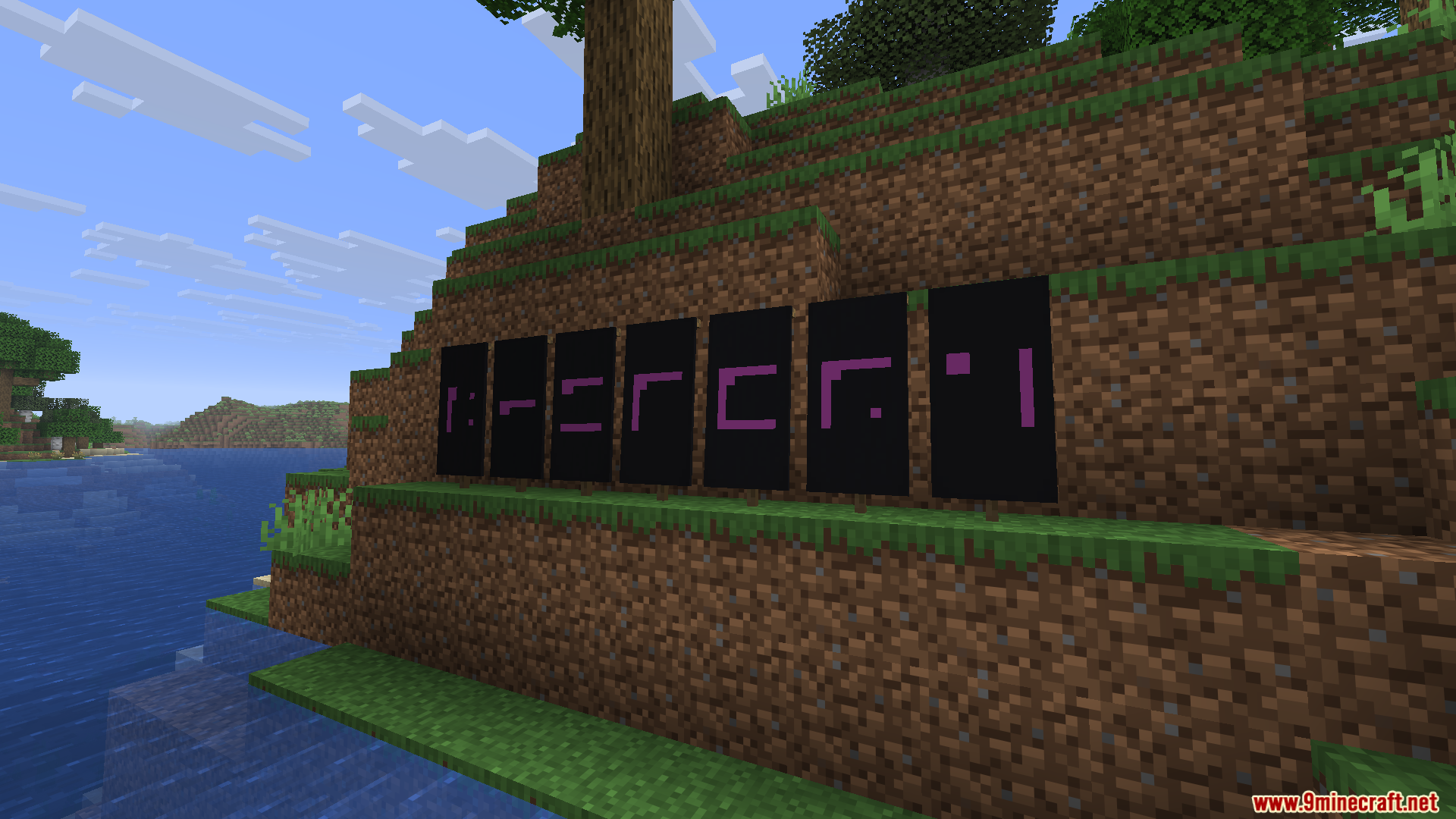
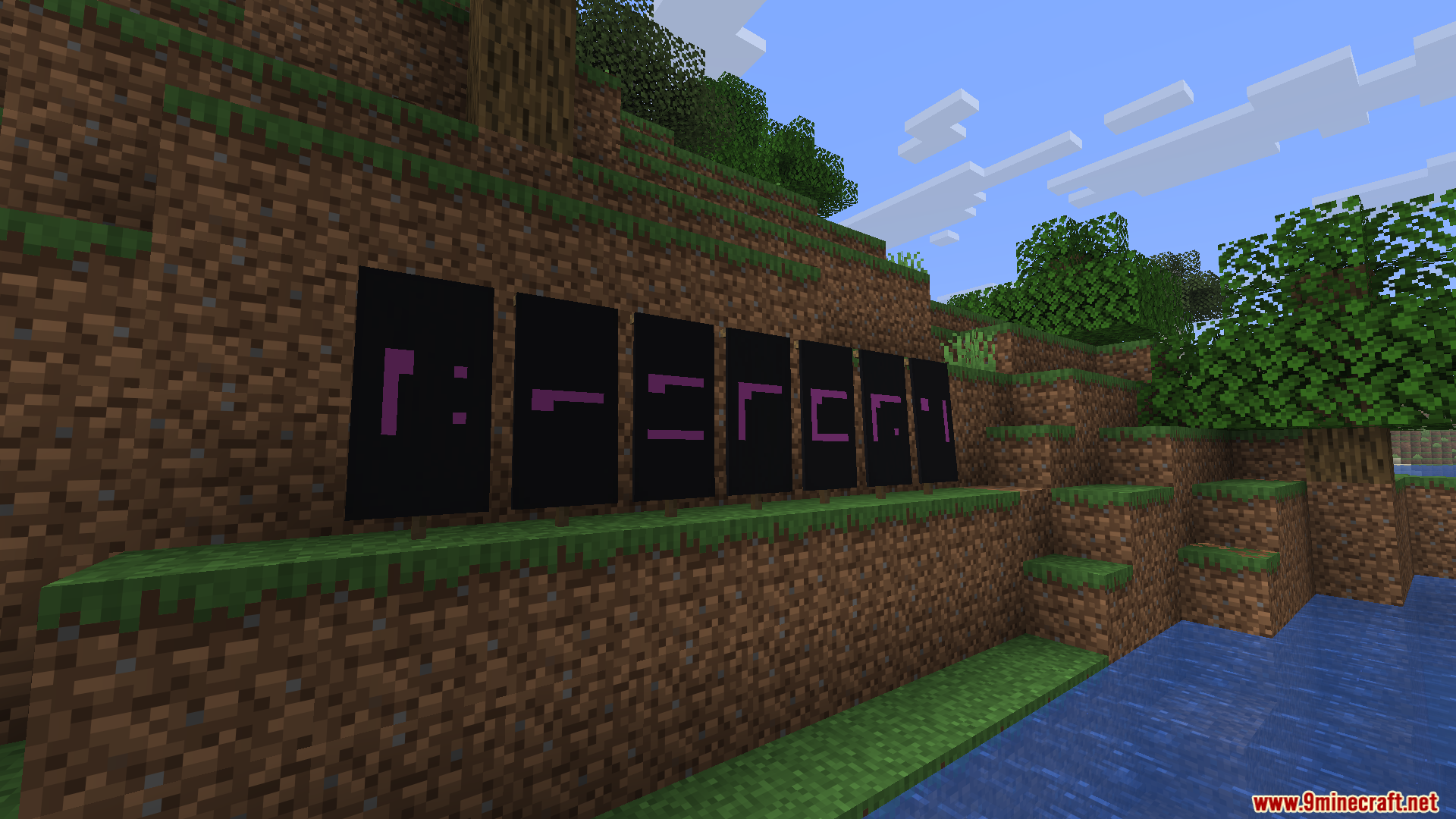
Nyctography Mod adds a secret writing system to your game. This mod brings a special font that replaces normal letters with dots and lines. You can use this hidden code on signs, inside books, in the chat, and on item tooltips. It also includes a special banner pattern so you can craft flags with these secret symbols. This system makes it fun to hide messages or create puzzles for your friends.
Features:
- Secret Font: Changes normal text into a system of dots and lines around a square.
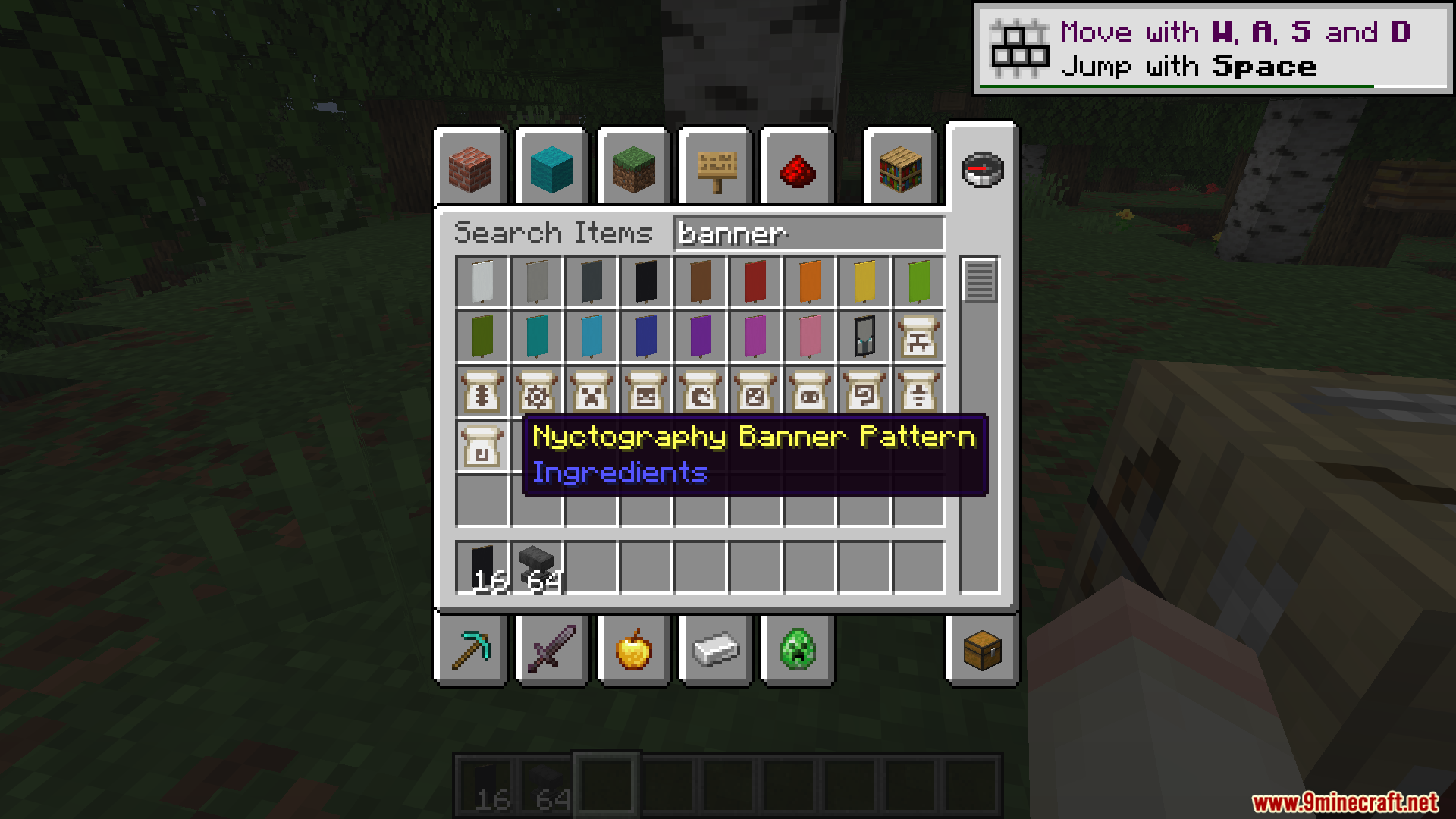
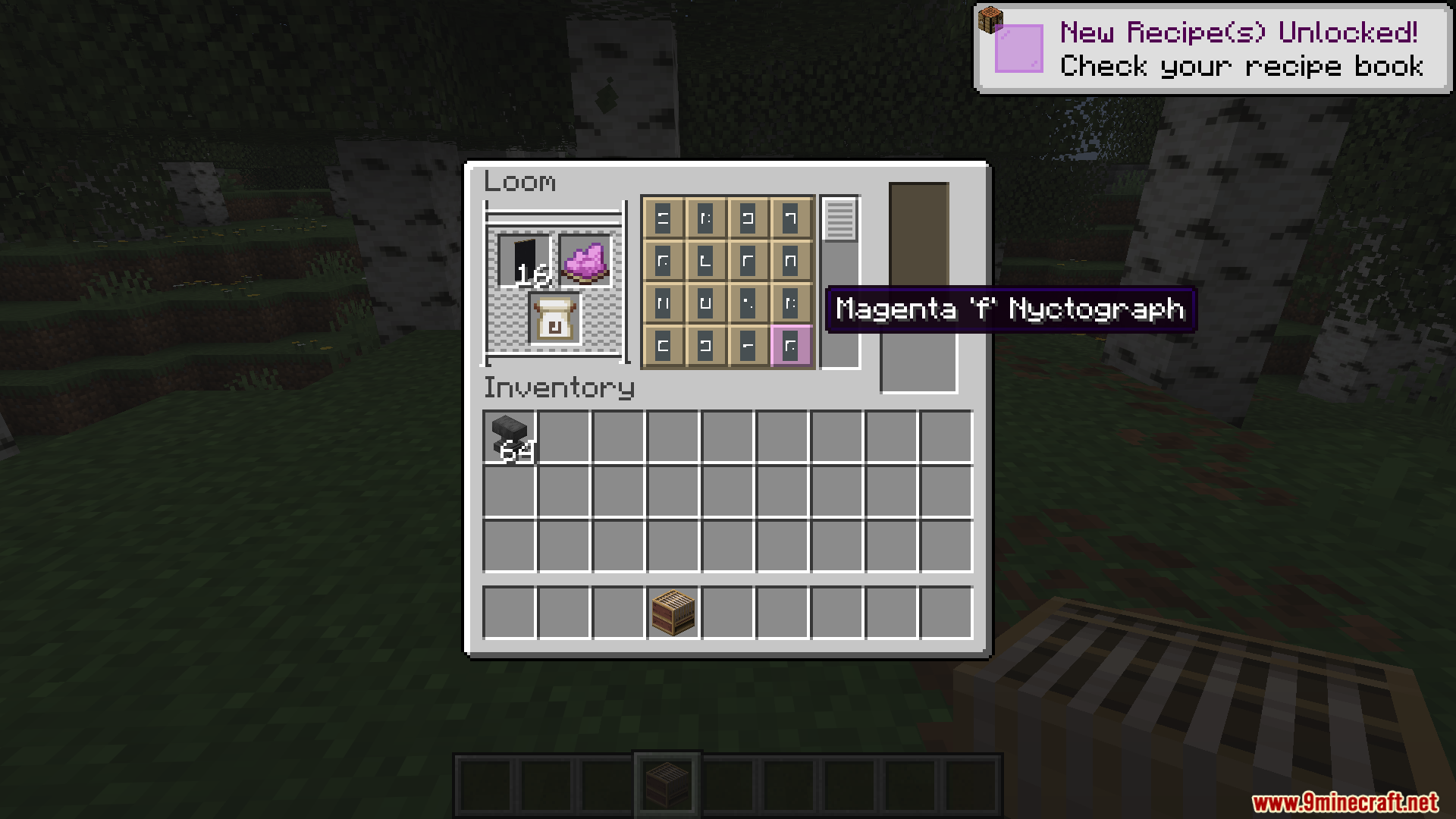
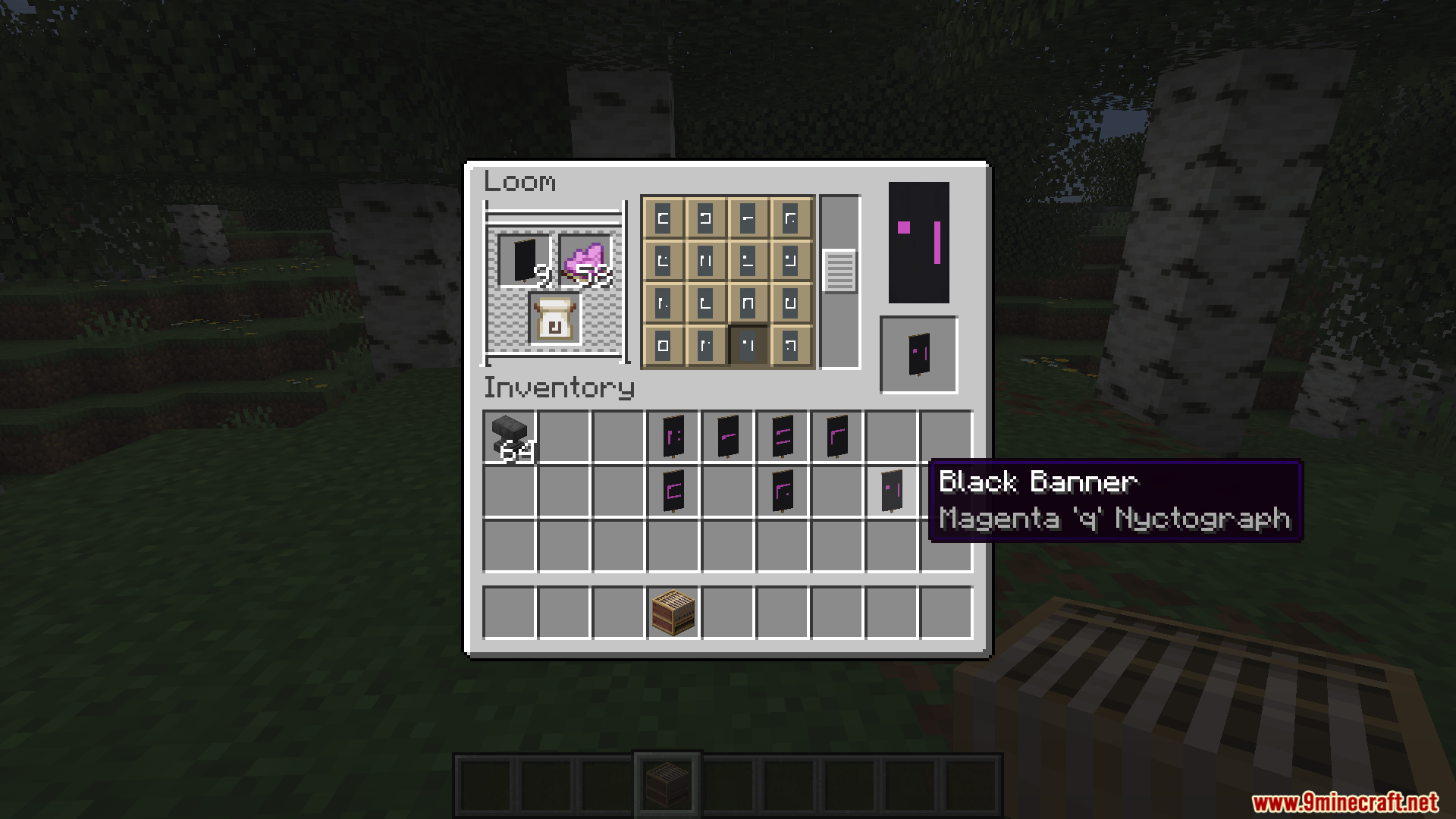
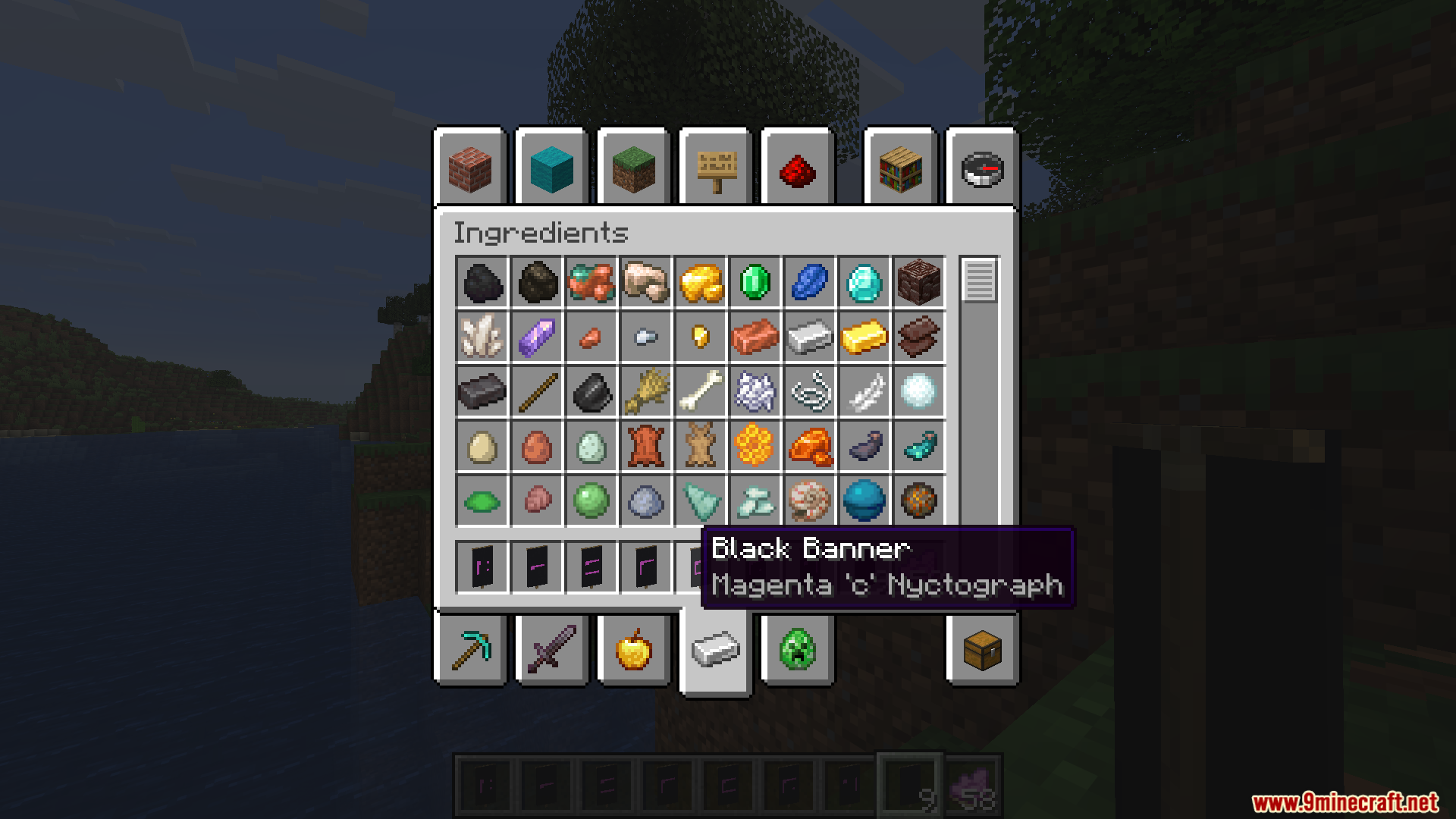
- Banner Patterns: Lets you craft special banners showing any character from the secret alphabet.
- Applies the new font to chat messages, books, signs, and item names.
- Replaces numbers with specific consonants to keep the secret code looking clean.
- Includes special symbols for common words to save space on your signs.
- Lets you buy the special banner pattern from wandering traders if you do not want to craft it.
How Numbers Work:
- The mod turns numbers into specific letters, like Z for 0 and B for 1.
- You need to read the consonants to figure out the exact number written in the code.
Special Characters:
- Use a dash (-) to write the word The.
- Use an ampersand (&) to write the word And.
- Type a hashtag (#) to show that the next symbols are numbers.
- Type an asterisk (*) to show that the next symbols are letters.
- Type an at symbol (@) to write a date.
Commands:
/give @a stone[custom_name='["",{"text":"Stone","font":"nyctography:nyctography",italic:false}]']– Gives a stone with a secret name./title @a title {"text":"Hello","font":"nyctography:nyctography"}– Shows a big secret message on the screen./bookshelf font say nyctography:nyctography <text_here>– Sends a chat message in the secret font./bookshelf font item nyctography:nyctography– Changes the name of the item you are holding./bookshelf font block nyctography:nyctography X Y Z– Changes the text on a block, like a sign or a chest.
How to Use:
- Craft the new banner pattern using paper and a dye, or find a wandering trader who sells it.
- Place the pattern in a Loom to print secret letters onto your banners.
- Use the commands listed above to change the font on signs, books, and chat messages.
- Memorize the dot and line shapes to read the hidden messages without help.
Screenshots:
How to Install:
New to Minecraft? Follow our step-by-step guide to install Mods on your PC.View Guide
Requirements:
 Fabric Loader Required
 Fabric API Required
 NeoForge Required
Quilt Loader Required
 Minecraft Forge Required
 Prickle Mod Required
Bookshelf Required
Nyctography Mod Download Links
For Minecraft 26.2
For Minecraft 26.1.2, 26.1.1, 26.1
For Minecraft 1.21.1, 1.21
Click to rate this post!
[Total: 0 Average: 0]
You May Also Like


This post has no comments yet. Be the first — your comment will appear here.