
Overlay Tweaks Mod (26.3, 1.20.1) – See Past Fire and Shields
 1,208
 0


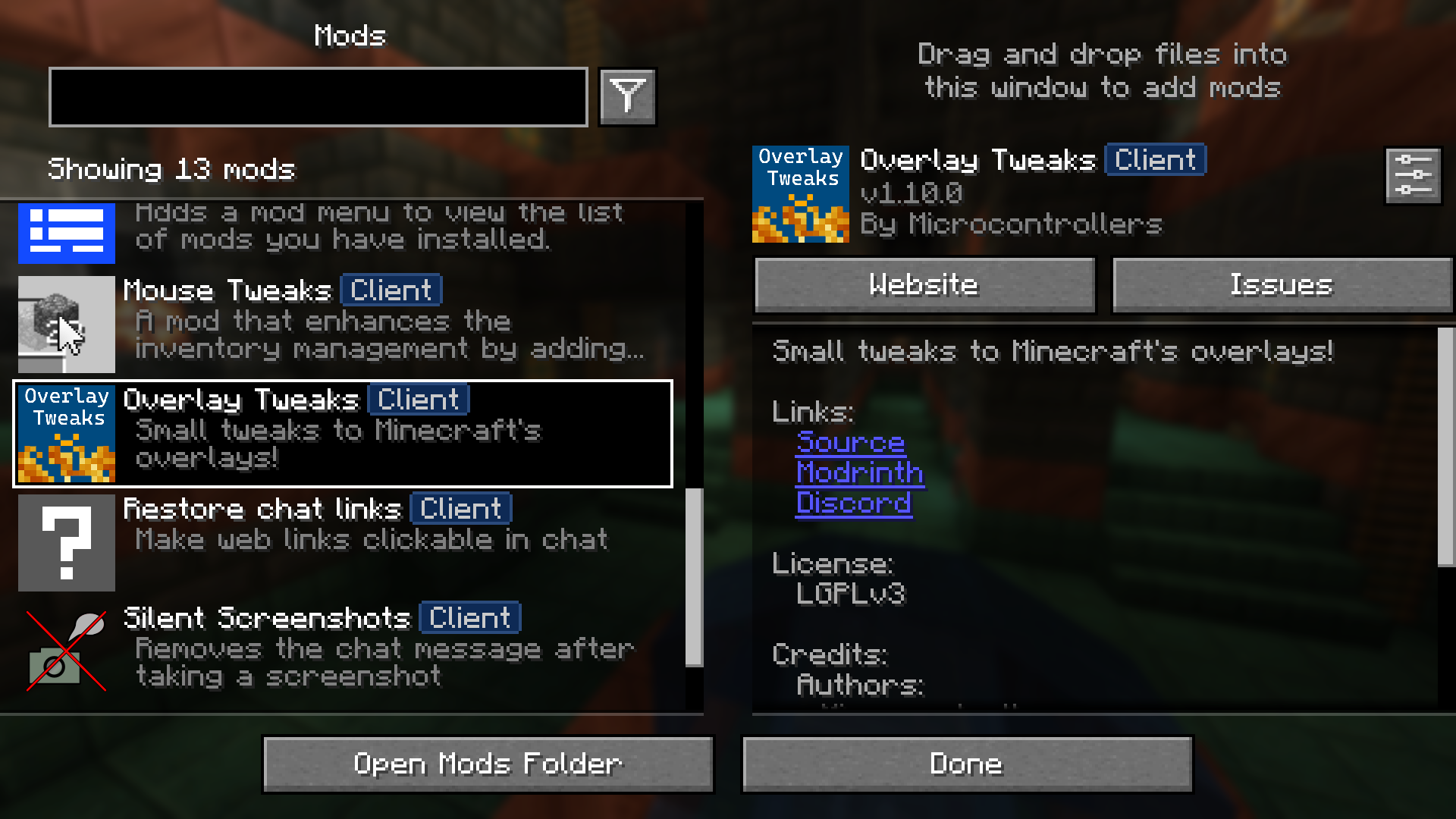
Overlay Tweaks Mod lets you change vanilla Minecraft overlays in small, easy ways. This quality-of-life mod gives you controls for container menus, your hand view, HUD parts, screen effects, and shield height. You can remove or fade overlays like water, fire, pumpkins, freezing, spyglasses, and portals to match how you play. It also works with Sinytra Connector.
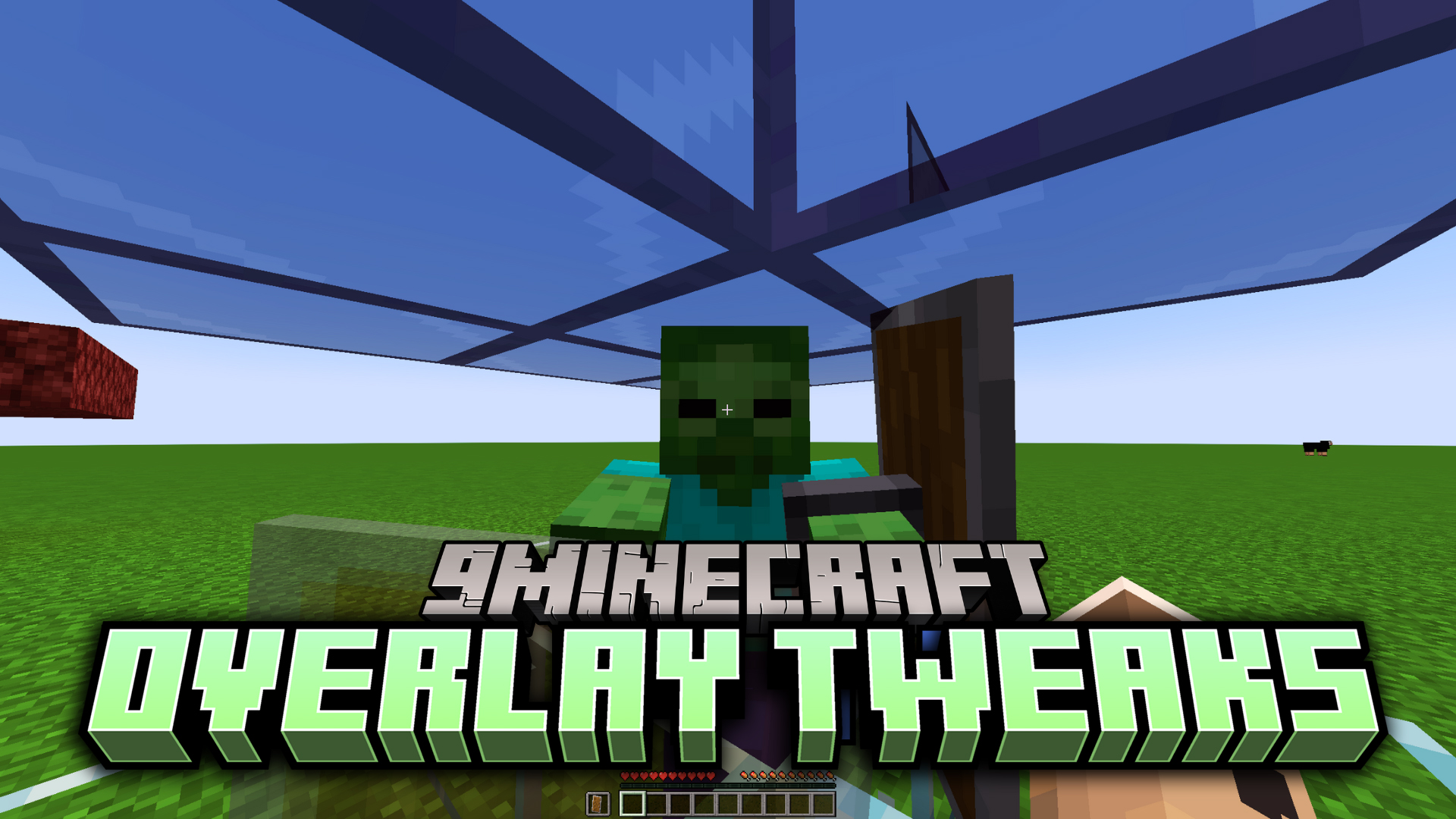
Features:
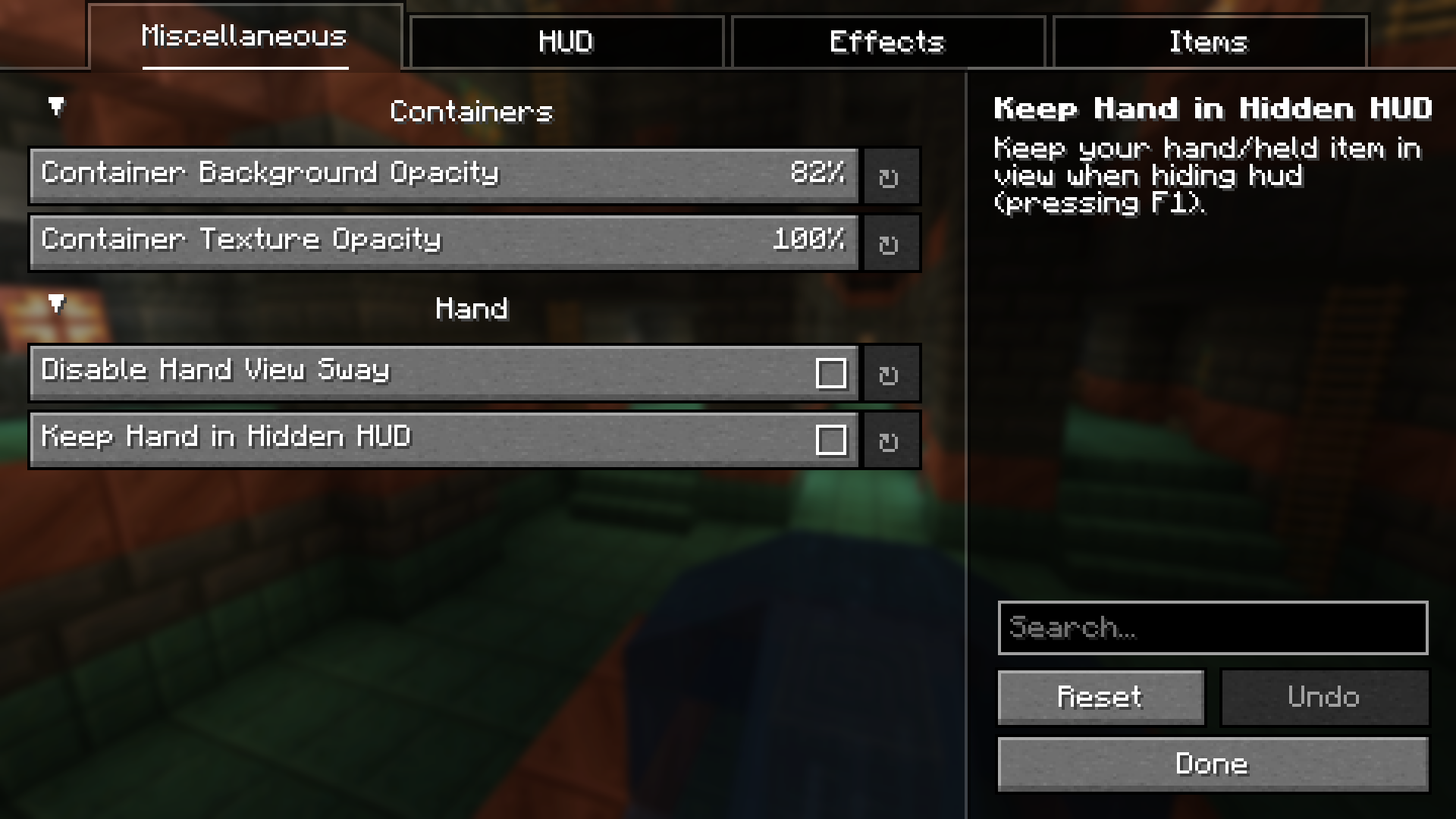
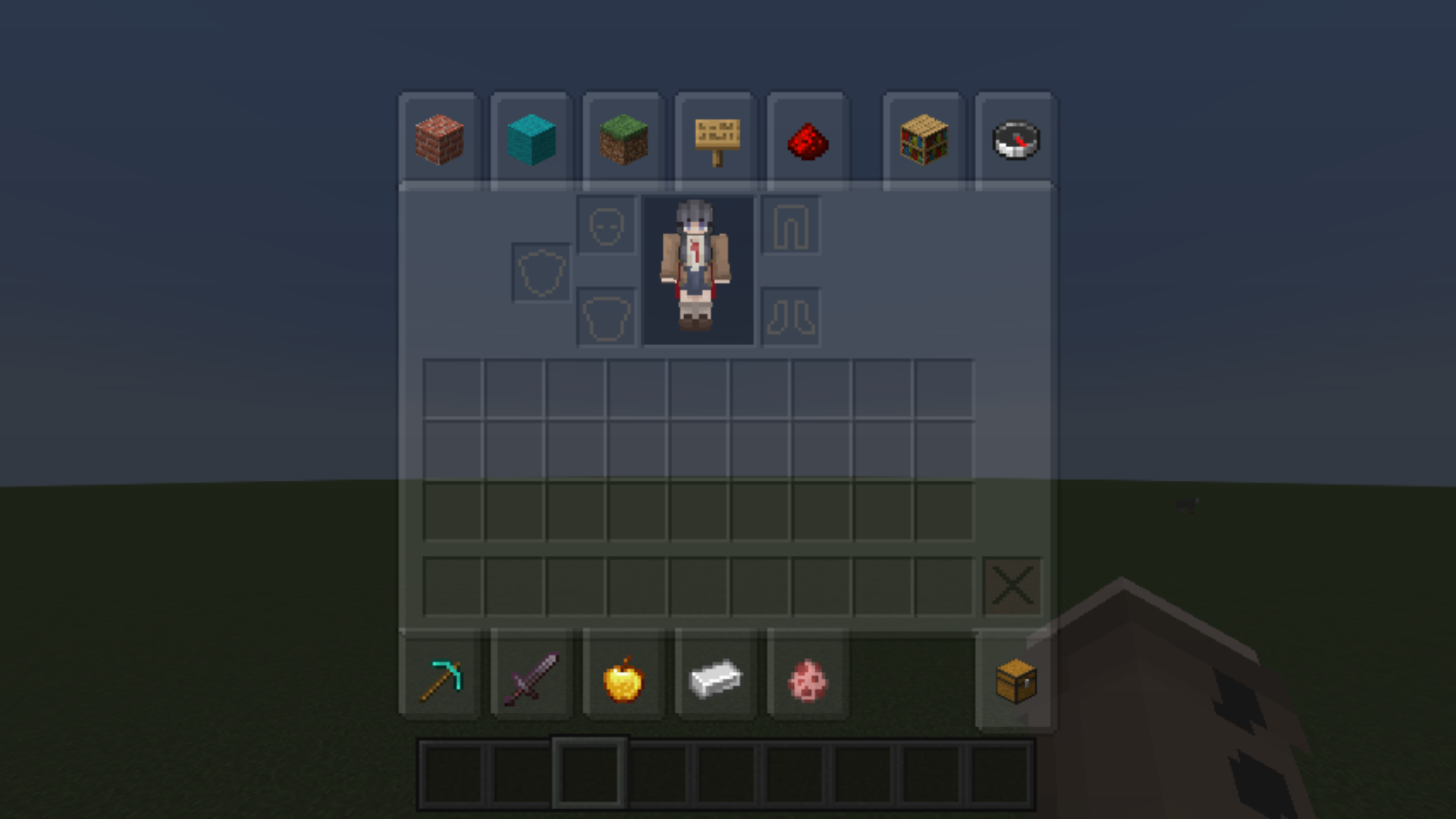
- Changes the background opacity of container menus.
- Changes the texture opacity of container screens.
- Keeps your hand visible even when you hide the HUD.
- Controls how clear your hand looks while you are invisible.
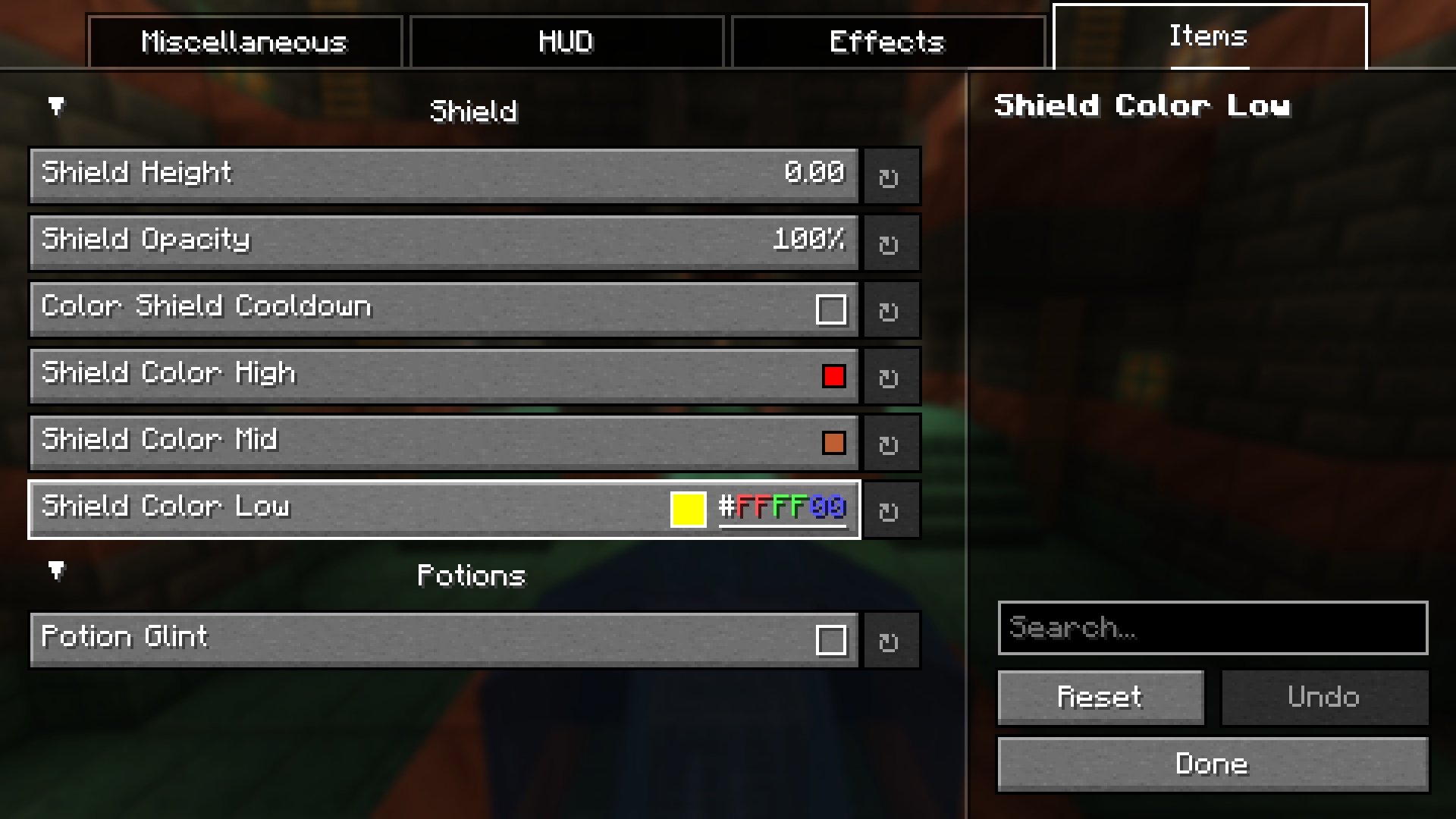
- Moves your shield higher or lower on the screen.
HUD Overlays:
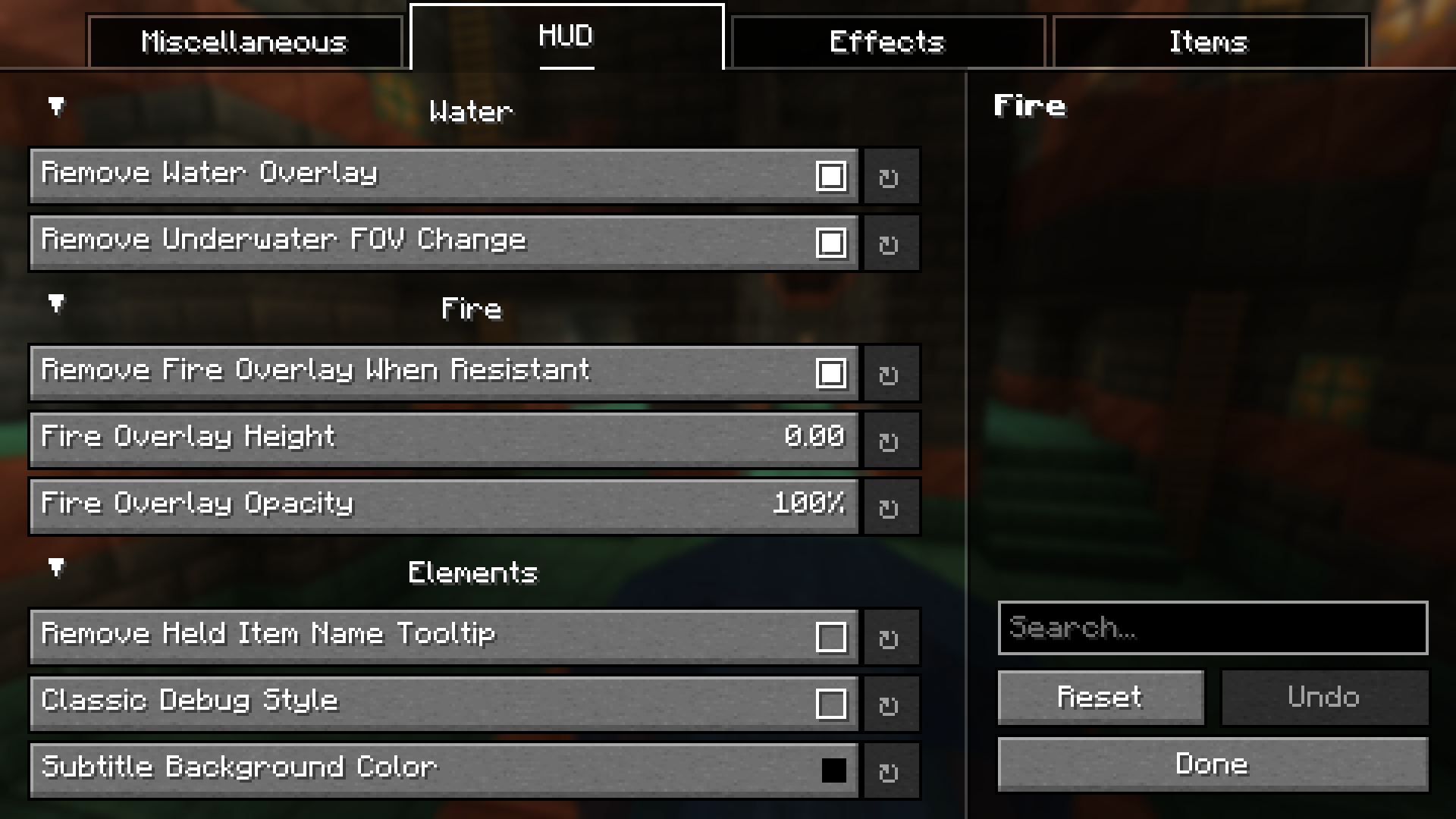
- Removes the water overlay when you are underwater.
- Stops your underwater field of view (FOV) from changing.
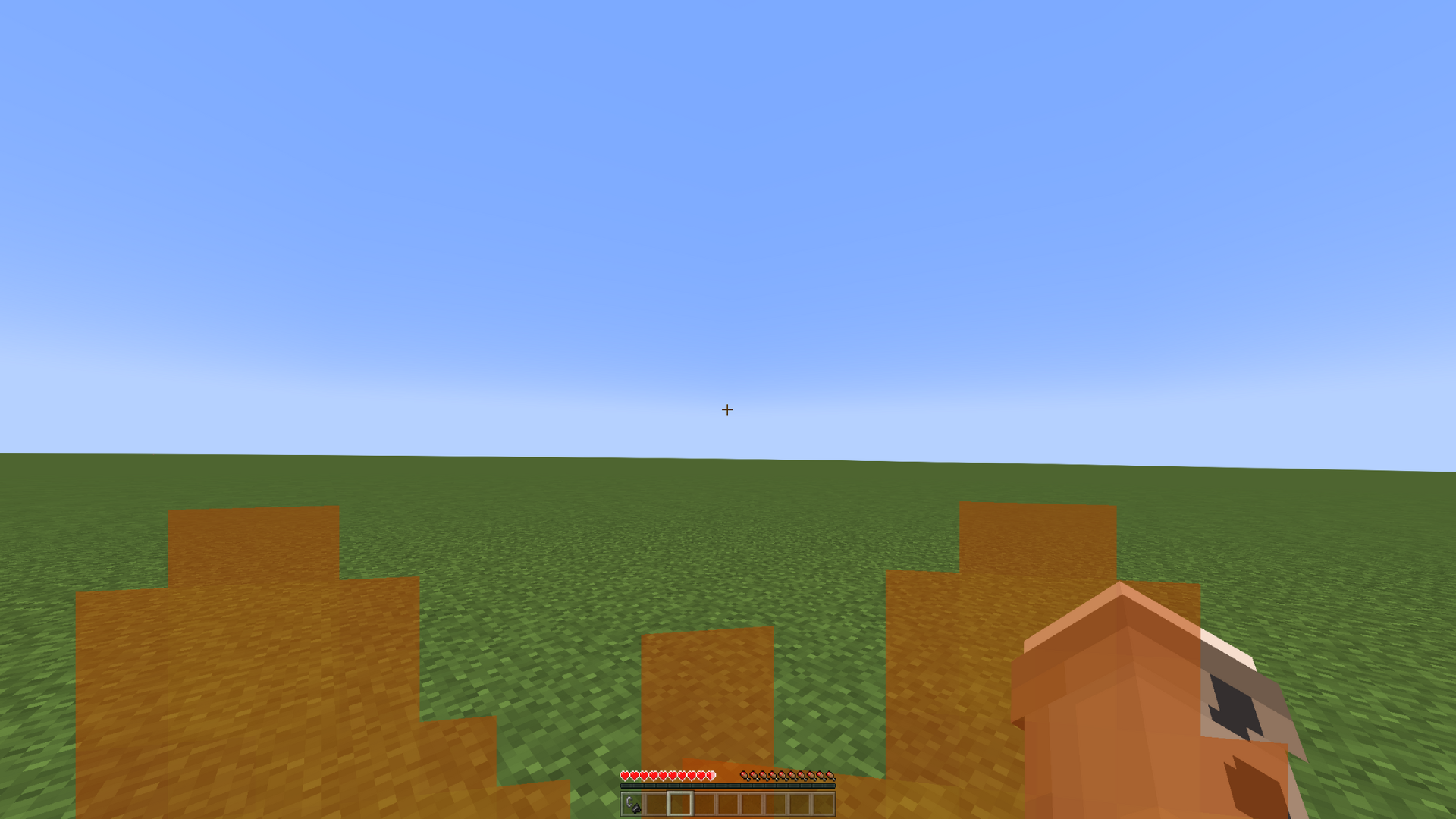
- Hides the fire overlay when you have Fire Resistance.
- Changes how high the fire overlay sits on your screen.
- Adjusts the opacity of the fire overlay.
- Removes the held item name tooltip from the screen.
- Lets you pick a custom background color for closed captions.
Screen & Effect Overlays:
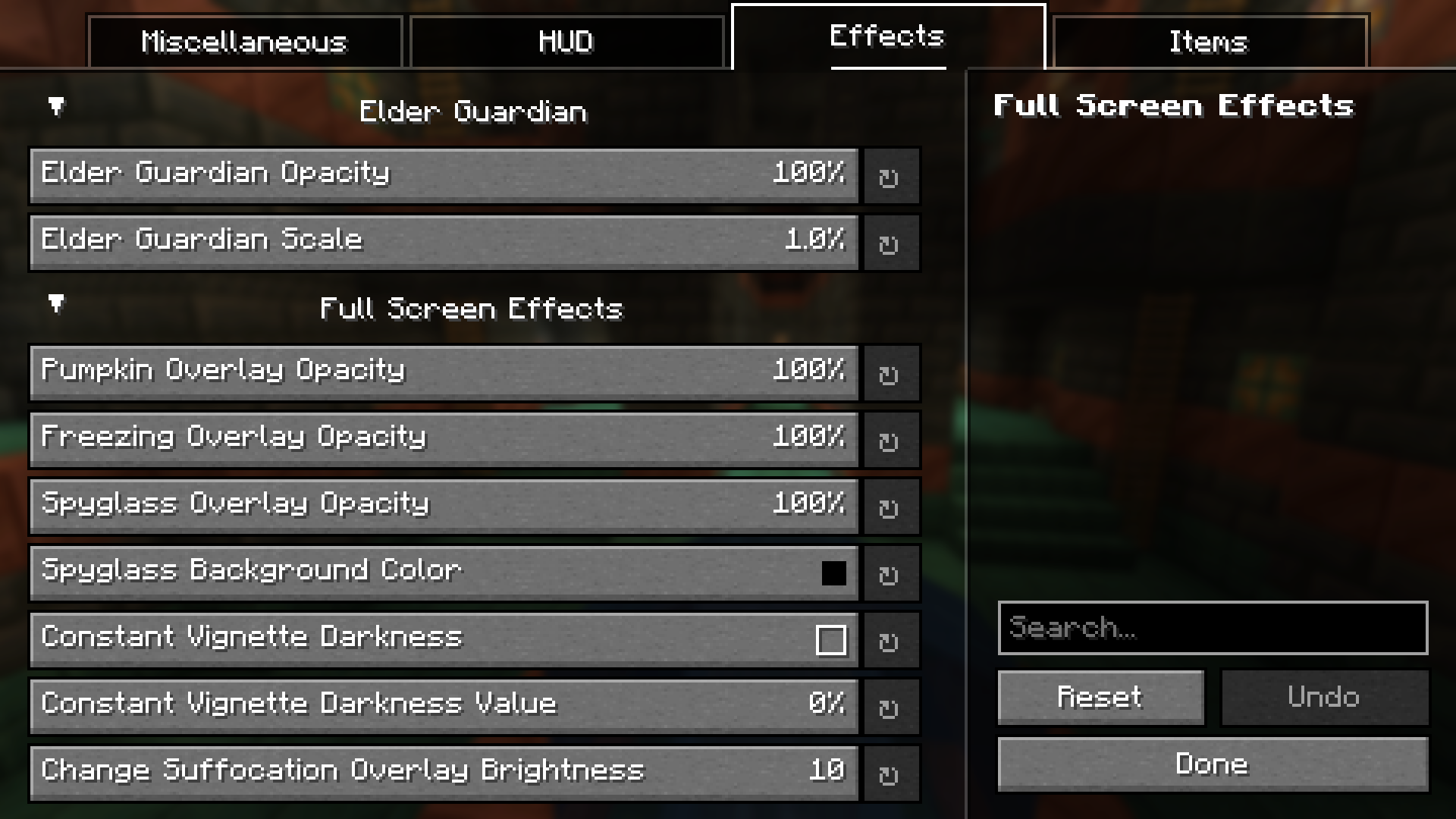
- Changes the opacity of the Elder Guardian effect.
- Changes the size of the Elder Guardian effect.
- Adjusts the opacity of the pumpkin overlay.
- Adjusts the opacity of the freezing overlay.
- Changes the opacity of the spyglass overlay.
- Lets you pick a custom background color for the spyglass view.
- Turns on constant vignette darkness.
- Lets you set a custom value for constant vignette darkness.
- Changes how bright the suffocation overlay looks.
- Adjusts the opacity of the portal overlay.
Screenshots:
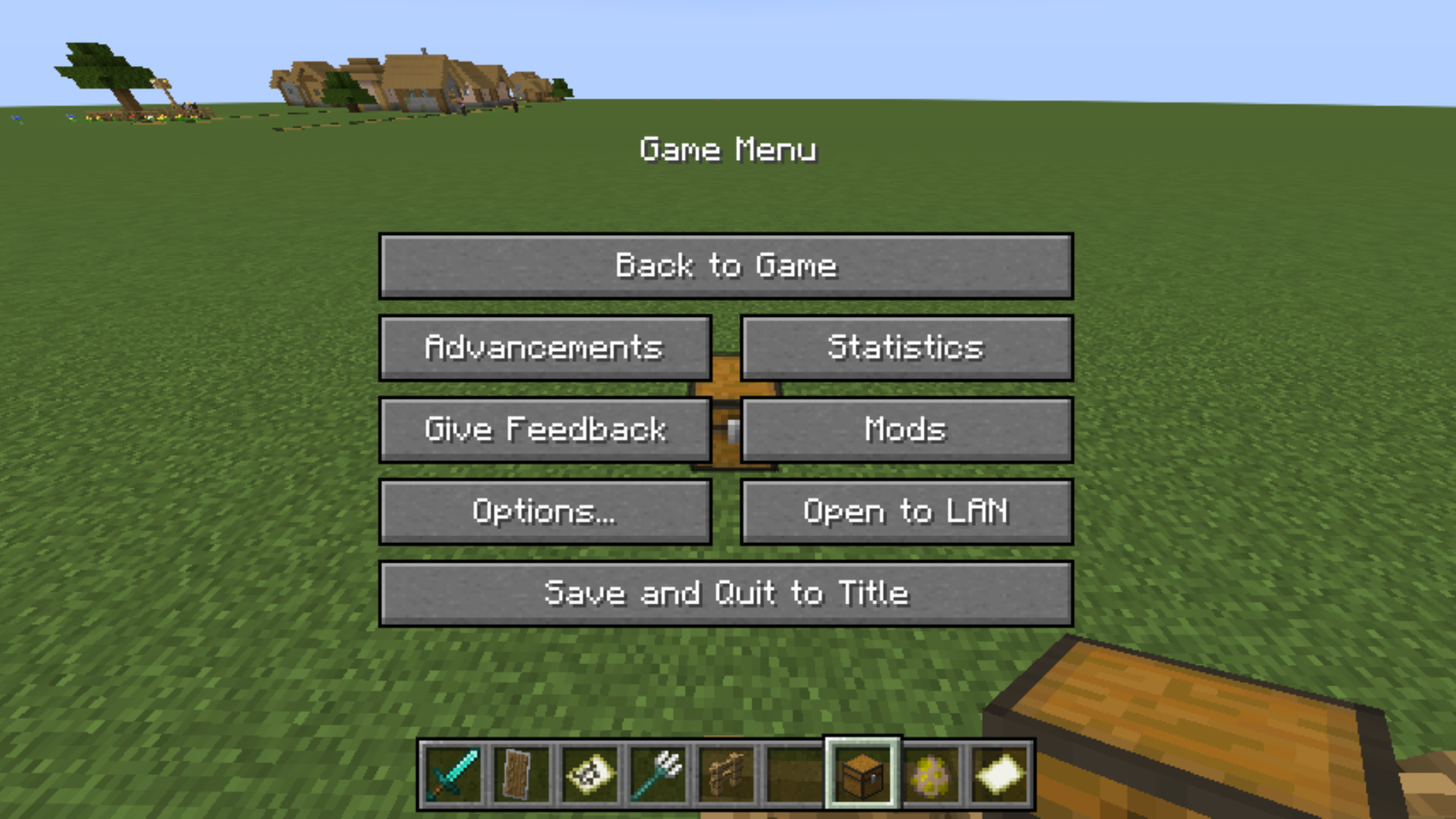
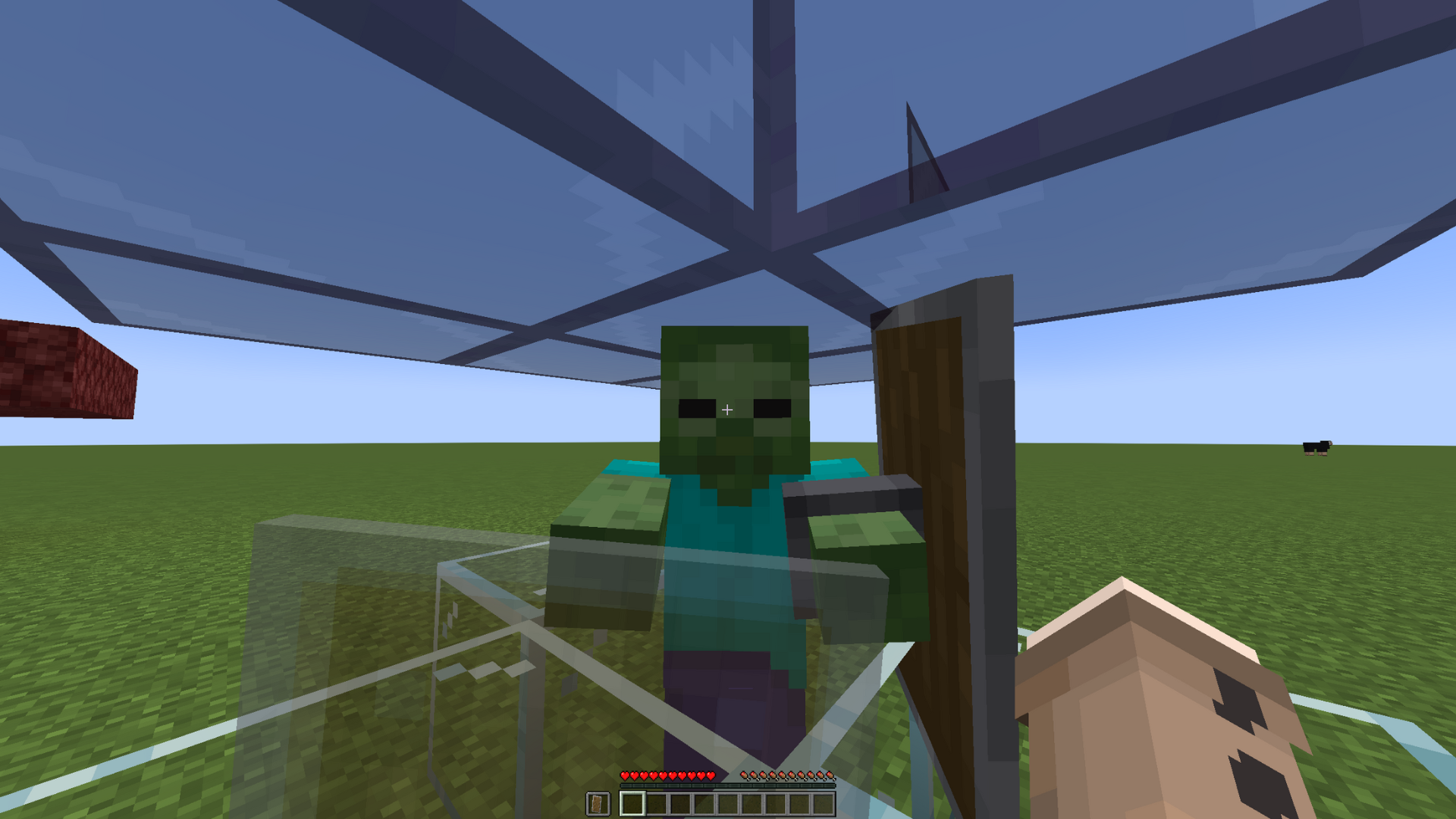
How to Install:
New to Minecraft? Follow our step-by-step guide to install Mods on your PC.View Guide
Requirements:
 Fabric Loader Required
 Fabric API Required
 Quilt Installer Required
 NeoForge Required
 Mod Menu Mod Required
YetAnotherConfigLib (YACL) Required
Overlay Tweaks Mod Download Links
For Minecraft 26.3
For Minecraft 26.2
For Minecraft 26.1.2, 26.1.1, 26.1
For Minecraft 1.21.11
For Minecraft 1.21.10, 1.21.9
For Minecraft 1.21.8, 1.21.7, 1.21.6
For Minecraft 1.21.5
For Minecraft 1.21.4
For Minecraft 1.21.3, 1.21.2
For Minecraft 1.21.1, 1.21
For Minecraft 1.20.6
For Minecraft 1.20.4
For Minecraft 1.20.2
For Minecraft 1.20.1, 1.20
For Minecraft 1.19.4
Click to rate this post!
[Total: 1 Average: 5]
QUICK MINECRAFT SURVEY · ONE TAP
Mods & Modpacks
What type of storage system do you look for first in a modded world?
1 responses · See the full results →
You May Also Like
Picked for this page
 Supplementaries Mod (1.21.1, 1.20.1) – A Plethora of New Blocks, Decorative
 ApexCore (26.3, 1.20.1) – Library for ApexStudio’s Mods
 Combat Hitboxes Mod (26.3, 1.20.1) – Enhance Debug Hitboxes
 Floralis Mod (26.2, 1.20.1) – 16 New Types of Flowers
 Health Levels Mod (26.2, 1.20.1) – Maximizing Experience Gains
 BanHammer Mod (26.3, 1.20.1) – Effortless Server Moderation
 Always Sprint Mod (26.3, 1.20.1) – Sprinting Is Always On
 QuickCraft Mod (26.1.2, 1.20.1) – Simplify Your Crafting Experience
 Crosshair Tweaks Mod (26.3, 1.20.1) – Tweak Crosshair Properties
 Toggle Scoreboard Mod (26.2, 1.20.1) – Keybind To Toggle Scoreboard Visibility
 Info Overlay Mod (26.3, 1.20.1) – Replace the Messy F3 Menu with a Clean HUD
 Hide Arrows Mod (26.3, 1.20.1) – Cleaner Combat Visuals
Most viewed in Mods over the last 7 days
 Ala Industrial Mod (26.3) – Run Electric Power Grids and Automated Factories
 PleasureCraft Mod (26.3, 1.21.1) – Jenny Mod Remake for Fabric
 Jennycraft Mod (26.3, 1.20.1) – Virtual Girlfriend in Minecraft
 Fapcraft Mod (26.3, 1.12.2) – Comprehensive and Detailed Content
 Jenny Mod (Fapcraft) Official Complete Guide – How to use, Tutorial
 BangCraft Mod (1.20.1) – Jenny, Ellie and Elliot
- Fabric Loader (26.3, 1.20.1) – Fabric Installer for All Minecraft Versions
 The Shooting Star Demo Mod (26.3, 1.20.1) – Vaporize Terrain From Orbit
 Meteor Client Mod (26.3, 1.20.1) – Xray, HUD, Fly
 OptiFine HD (26.3, 1.20.1) – Run Faster, FPS Boost, Shaders Support
 Aristois Client Mod (1.21.4, 1.20.1) – World Class Minecraft Utility
 Prestige Client Mod (1.21.11, 1.21.4) – Powerful Ghost Features for Crystal & Sword PvP
More from Mods
 Moonlight 9minecraft Lib (26.3, 26.2) – Run Complex Mods Without Errors
 Load My Tags 9minecraft Mod (26.3) – Mix Mods Without Breaking Recipes
 Kambrik 9minecraft Mod (26.3) – Run Kotlin Mods Without Game Lag
 Fast Paintings 9minecraft Mod (26.3, 26.2) – Place Wall Art Exactly Where You Want It
 Bonsai Trees 9minecraft Mod (26.3, 26.2) – Automate Wood Farming in Tiny Pots
 Enhanced Block Entities 9minecraft Mod (26.3) – Build Lag-Free Storage Rooms
 Better Nether 9minecraft Mod (26.3, 26.2) – Survive Forever in the Nether
 BCLib 9minecraft Mod (26.3, 26.2) – Power Custom Nether and End Overhauls
 ForgedLoaderAPI Mod (1.19.2, 1.18.2) – Bring Ported Fabric Creations
 Shield System Mod (1.21.1) – Tank Heavy Monster Hits Without Losing Hearts
 Shin’s Tensura Race Models Mod (1.19.2) – Play As Unique 3D Anime Race
 Offgrid Mod (26.3, 1.20.1) – Furnish Compact Interiors Without Strict Grid

This post has no comments yet. Be the first — your comment will appear here.