Poggy’s WAWLA Addon (1.20) – MCPE/Bedrock ToolTip Mod
 20,057
 0
0
 December 13, 2023
 XxPoggyisLitxX
Poggy’s WAWLA Addon or “What’s That? Addon” provides players with detailed information about blocks and entities in the game. This addon is especially useful for players who are using multiple add-ons or are new to the game.

Features:
- With “What’s That?”, players no longer need to memorize block and entity names or switch between the game and a wiki to learn more. Instead, they can simply hover their mouse cursor over a block or entity in the game to see a detailed tooltip. This tooltip contains information such as the block or entity’s name, ID, correct tool, health, and more.
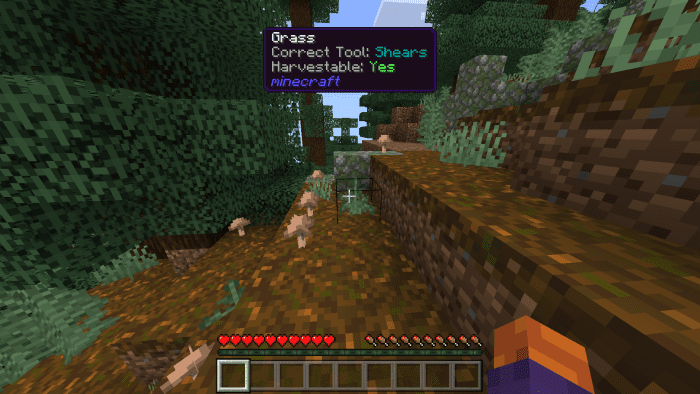
- This addon is especially useful for new players, or for players who want to quickly check information about a block or entity without leaving the game.
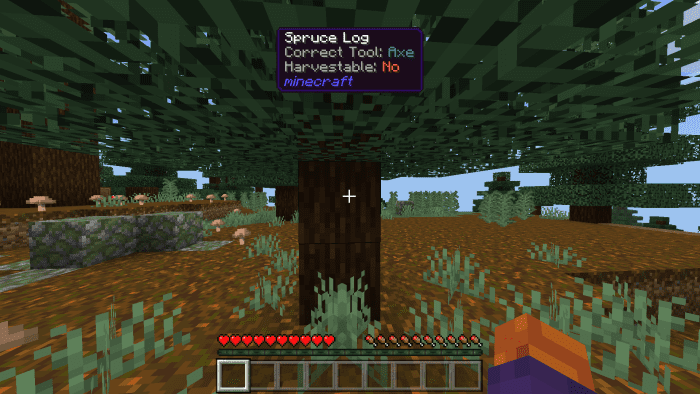
- This addon can provide info about blocks and entities from other addons and have the Add-ons’ ID appear with no user configs.
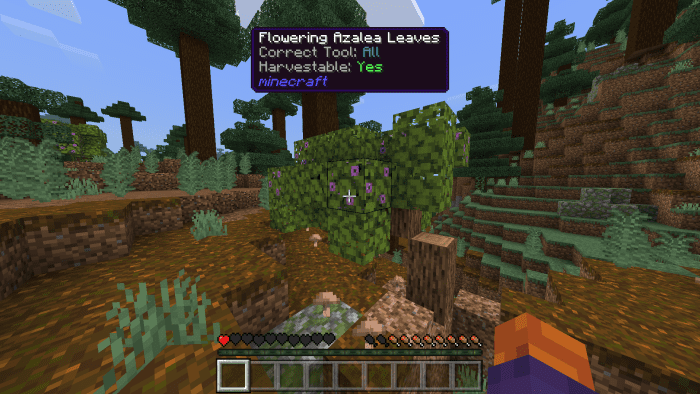
- With its intuitive and user-friendly design, “Poggy’s What’s That?” is the perfect addition to any Minecraft player’s toolkit, providing a wealth of information with just a glance, and in one place!
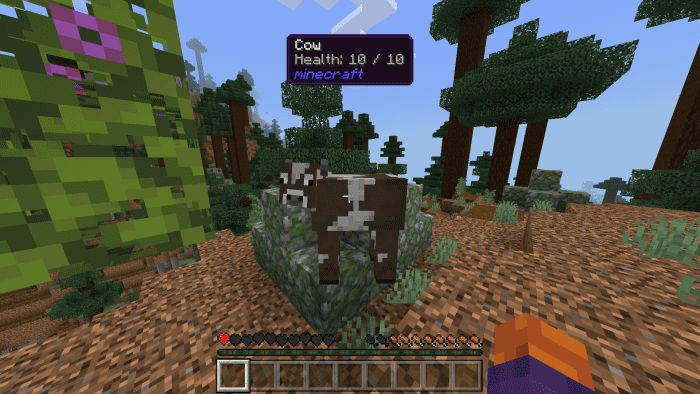
Installation Note:
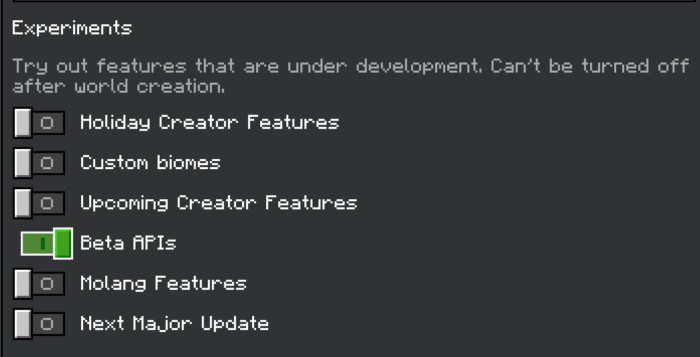
- Make sure you activated Beta APIs in the Experimental Gameplay:
How to install:
How To Install Mod / Addon on Minecraft PE
How To Install Texture Packs on Minecraft PE
How To Install Map on Minecraft PE
Poggy’s WAWLA Addon Download Links
For Minecraft PE/Bedrock 1.20
mcaddon: Download from server 1 – Download from server 2
Click to rate this post!
[Total: 3 Average: 4]
You May Also Like