
Potato Settings Mod (1.21.1, 1.20.1) – Boost FPS By Turning Off Laggy Particles
 6
 0

Potato Settings Mod lets you reduce or turn off particles, animations, and visual effects to boost your FPS. This client-side visual optimization mod lowers rendering overhead by giving you control over mob model movements, animated textures, and render distances for mobs and block entities. It even includes extra visual toggles for heavy tech mods like Create, Mekanism, and AE2. All settings only affect what you see on screen without changing machine simulation, mob AI, or server gameplay. It works right inside your Sodium or Embeddium video settings menu.

Features:
- Global Particle Controls: Changes global particle effects to Normal, Reduced, or Off, with new configs defaulting to Off.
- Modded Visual Toggles: Unlocks extra visual controls for installed tech mods, including Create, Mekanism, and AE2.
- Adjusts both particle and render distances for compatible mobs and block entities.
- Reduces or completely turns off model animations for animals and monsters.
- Pauses animated block textures across the world to save rendering power.
- Hides the first-person fire overlay from your screen.
- Controls kinetic animations from Create, such as rotating machine parts and scrolling belts.
- Keeps all changes purely visual on the client side, leaving machine logic, mob AI, and server behavior untouched.
How to Use:
- Make sure you have Sodium (on NeoForge) or Embeddium (on Forge) installed alongside the mod.
- Open the game menu and go to the Sodium or Embeddium video settings screen to find the new visual options.
- Toggle off particles, mob animations, kinetic parts, or overlays to lower rendering load and improve your frame rate.
How to Install:
New to Minecraft? Follow our step-by-step guide to install Mods on your PC.View Guide
Requirements:



Potato Settings Mod Download Links
For Minecraft 1.21.1, 1.21
For Minecraft 1.20.1, 1.20
Click to rate this post!
[Total: 0 Average: 0]
You May Also Like
Picked for this page
 LevelZ Mod (26.3, 1.20.1) – Earn Every Piece of Gear
 HCsCR Mod (26.1.2, 1.20.1) – Haram Clientside Crystal Remover
 Scaffolding Drops Nearby Mod (26.3, 1.20.1) – Collect Fallen Building Blocks
 No XP Anvils Mod (26.3, 1.20.1) – Repair Gear Forever Without Grinding
 Audio Hotkeys Mod (26.3, 1.20.1) – Control Game Sound Instantly
 Client Harvest Mod (26.2, 1.20.1) – Harvest Crops with a Single Click
 Shearable Vines Mod (26.3, 1.20.1) – Stop Plant Spread in Your Base
 Super Resolution Mod (26.3, 1.20.1) – Boosts Game FPS And Graphics
 Chat Highlighter Mod (26.3, 1.20.1) – Never Miss Important Server Messages Again
 Say Mod (1.21.11, 1.20.6) – Send Commands As Raw Text Messages
 Crystal Craft Cry Craft Mod (26.3, 1.20.1) – Mine Crystals and Trade
 Wilderness Truce Mod (26.2, 1.20.1) – Stop Wild Predators From Hunting Peaceful
Most viewed in Mods over the last 7 days
 Ala Industrial Mod (26.3) – Run Electric Power Grids and Automated Factories
 PleasureCraft Mod (26.3, 1.21.1) – Jenny Mod Remake for Fabric
 Jennycraft Mod (26.3, 1.20.1) – Virtual Girlfriend in Minecraft
 Fapcraft Mod (26.3, 1.12.2) – Comprehensive and Detailed Content
 Meteor Client Mod (26.3, 1.20.1) – Xray, HUD, Fly
 Jenny Mod (Fapcraft) Official Complete Guide – How to use, Tutorial
 OptiFine HD (26.3, 1.20.1) – Run Faster, FPS Boost, Shaders Support
 BangCraft Mod (1.20.1) – Jenny, Ellie and Elliot
 Fabric Loader (26.3, 1.20.1) – Fabric Installer for All Minecraft Versions
 CatLean Client Mod (26.2, 1.21.11) – ThunderHack Recode Alternatives
 Patched Mod (26.3, 1.20.1) – Edit Game Files Without Breaking Packs
 Baritone Client Mod (26.3, 1.20.1) – Autominer, Build with AI, Xray
More from Mods
 Subterranean Delights Mod (1.21.1) – Cook Delicious Meals From Mined Cave Ores
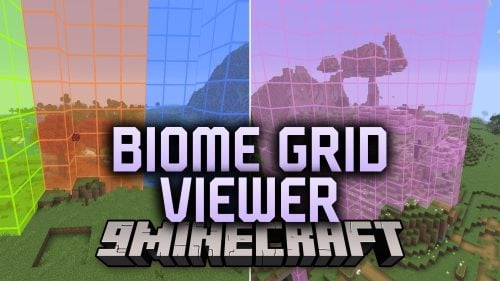 Biome Grid Viewer Mod (26.3) – Inspect Raw 4x4x4 Biome Voxels in Real Time
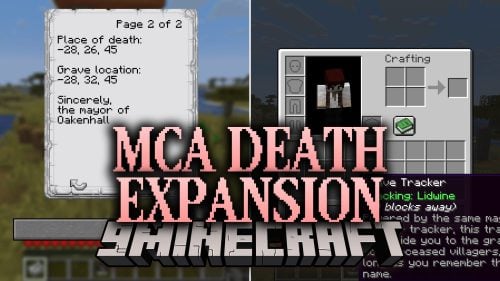 MCA Death Expansion Mod (26.2, 1.21.1) – Find Any Villager Tomb with Compasses
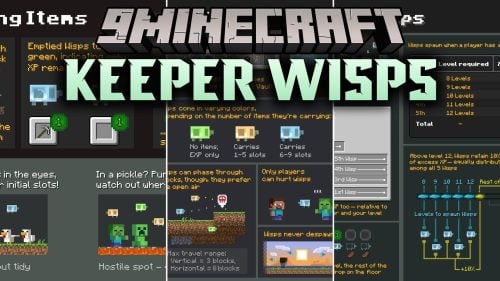 Keeper Wisps Mod (26.3, 1.20.1) – Reclaim Lost Items and XP After Dying
 Currents of Trade Mod (26.1.2, 1.20.1) – Automate Sea Trade with Cargo Ships
 Bubble World Hs Mod (26.3, 1.21.1) – Move Bedrock Blocks to Connect Safe Bubbles
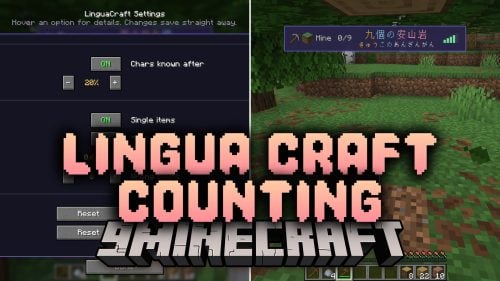 Lingua Craft Counting Mod (26.3, 1.20.1) – Hear Spoken Item Counts in Languages
 More Storage Stack Mod (26.3, 1.20.1) – Hold Thousands of Blocks Per Slot
 More Artifacts Mod (1.20.1) – Block Status Effects with Combined Curios Charms
 Kaleidoscope Interactive Kitchen Mod (1.20.1) – Stir Pots and Chop Ingredients
 Fallen Gems & Affixes Mod (1.21.1, 1.20.1) – Craft Godlike Apotheosis Gear
 One Survival Island Mod (26.1.2, 1.20.1) – Stranded on One Island in Deep Seas

This post has no comments yet. Be the first — your comment will appear here.