


Questlog Mod (1.21.1, 1.20.1) – Design Custom Quests and Track Your Adventures
 11
11
 0
0


🌐 Good news — we've translated this article into other languages!
Or pick the one you like:
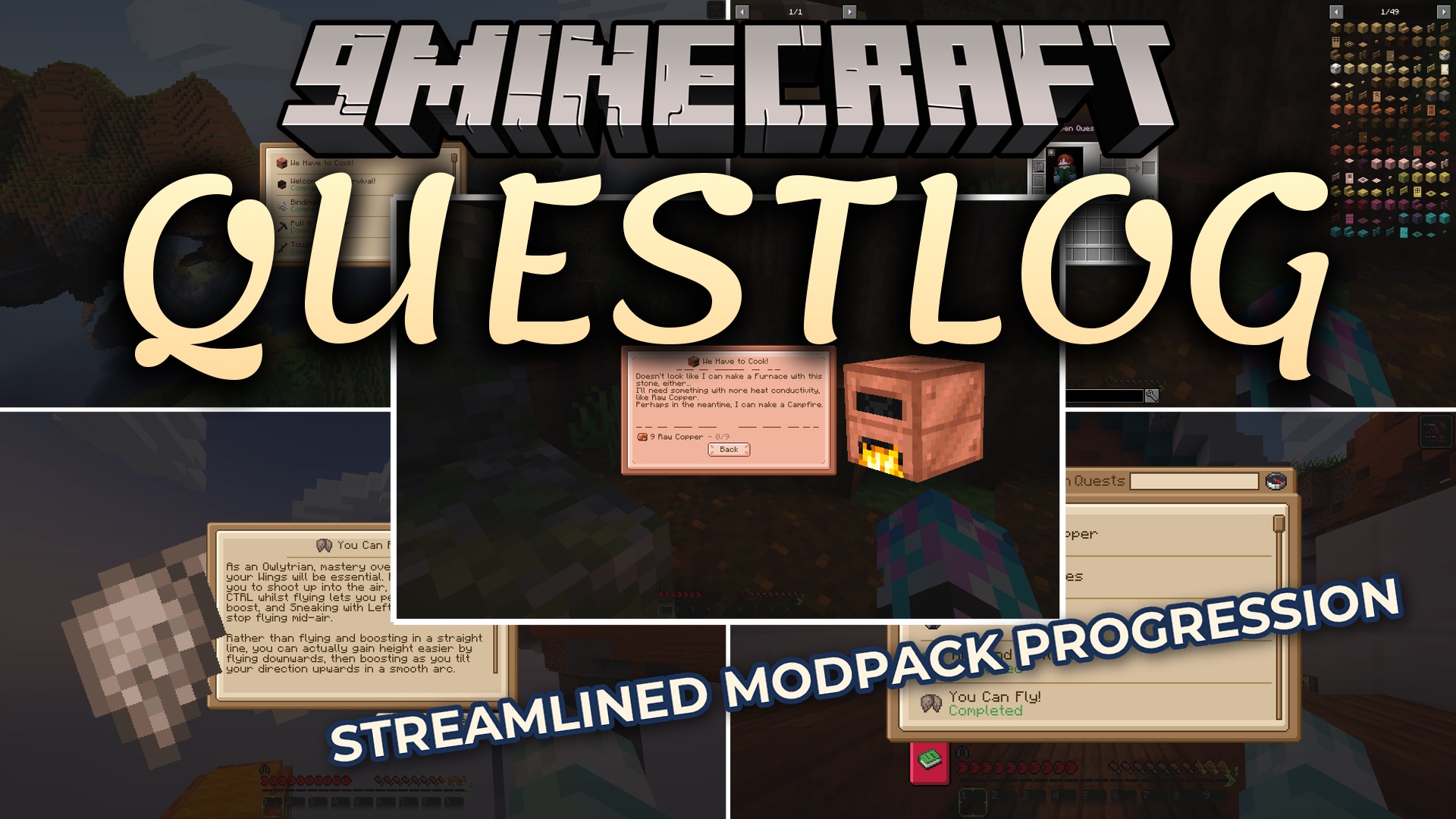
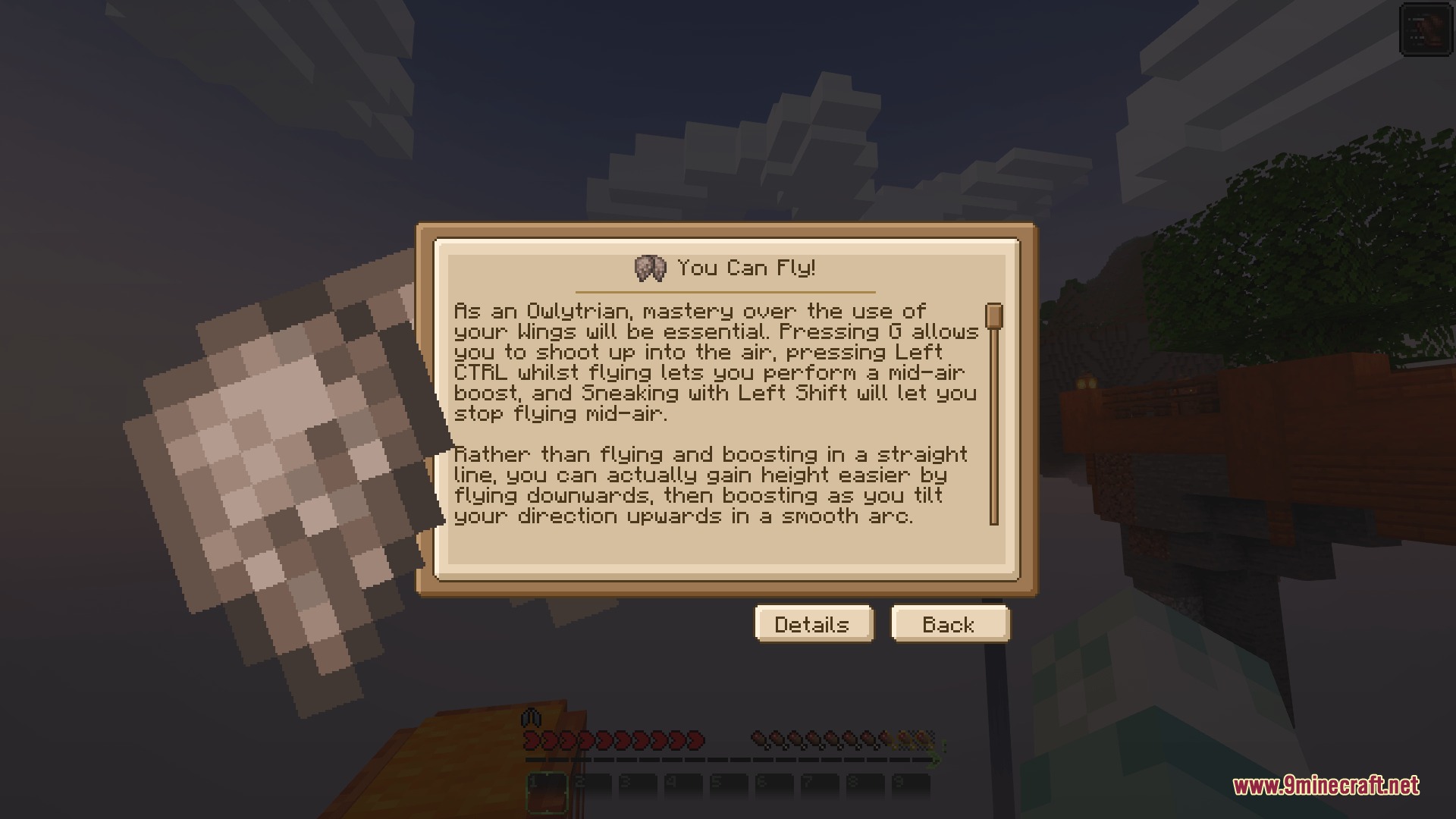
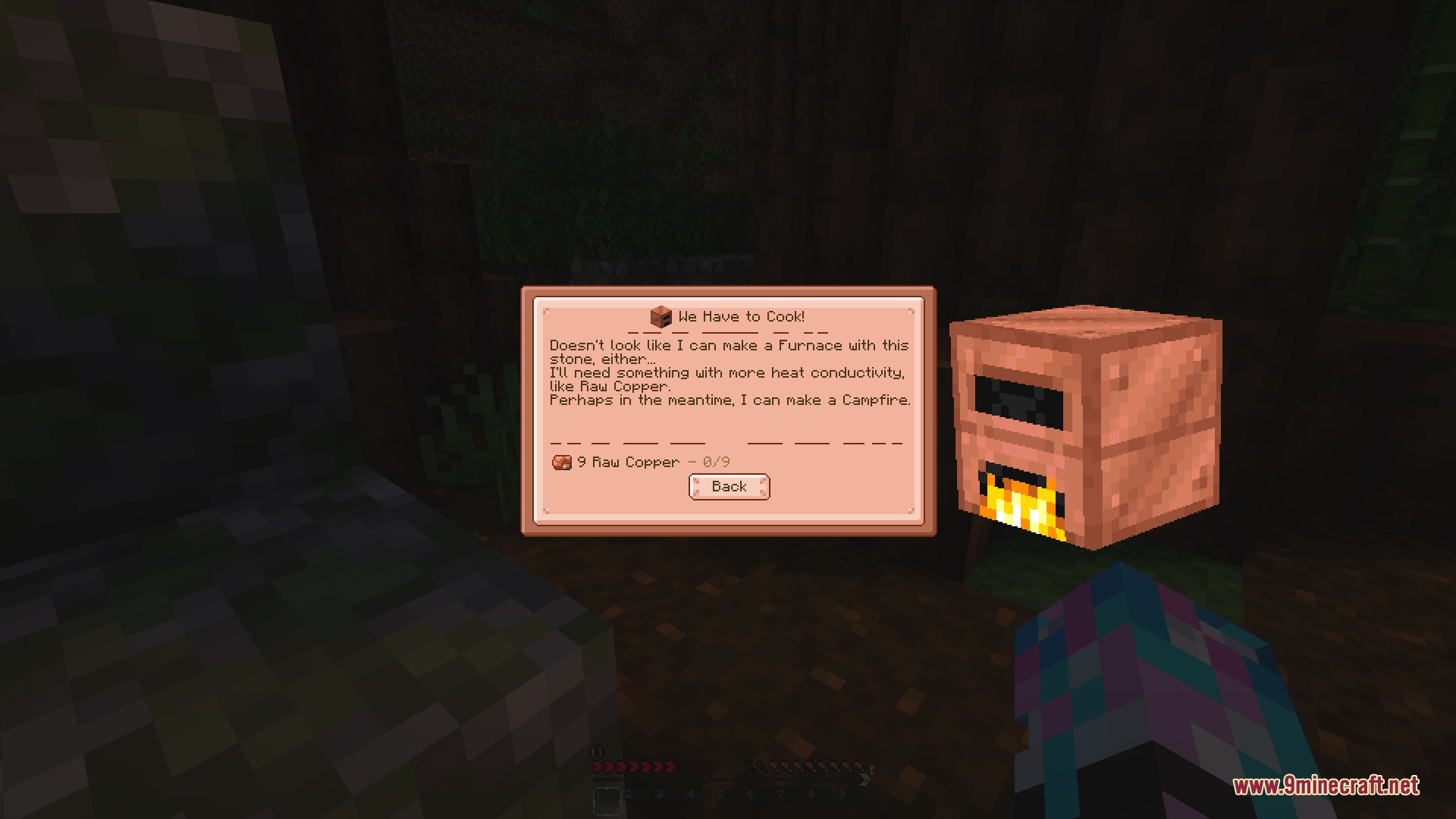
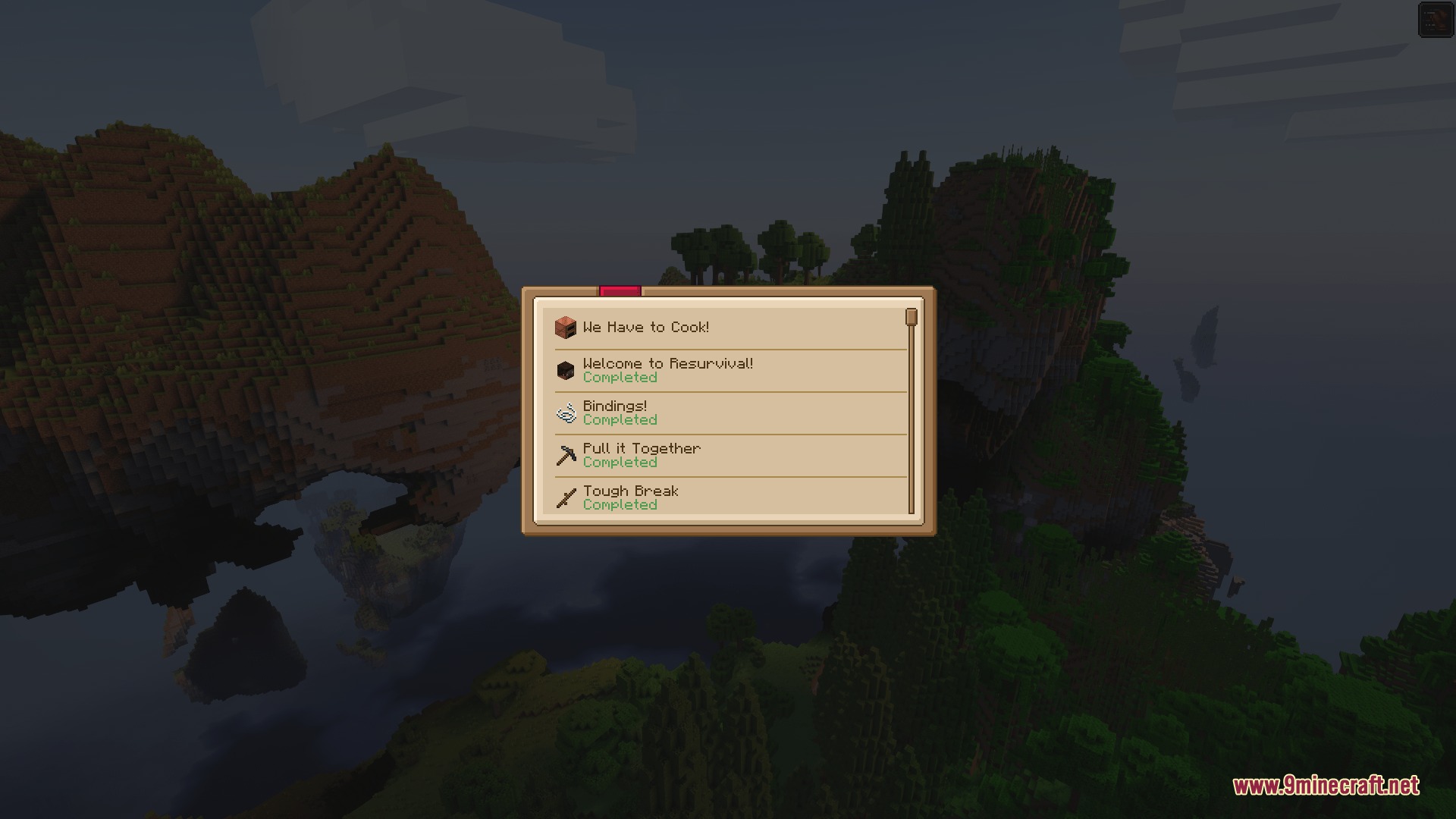
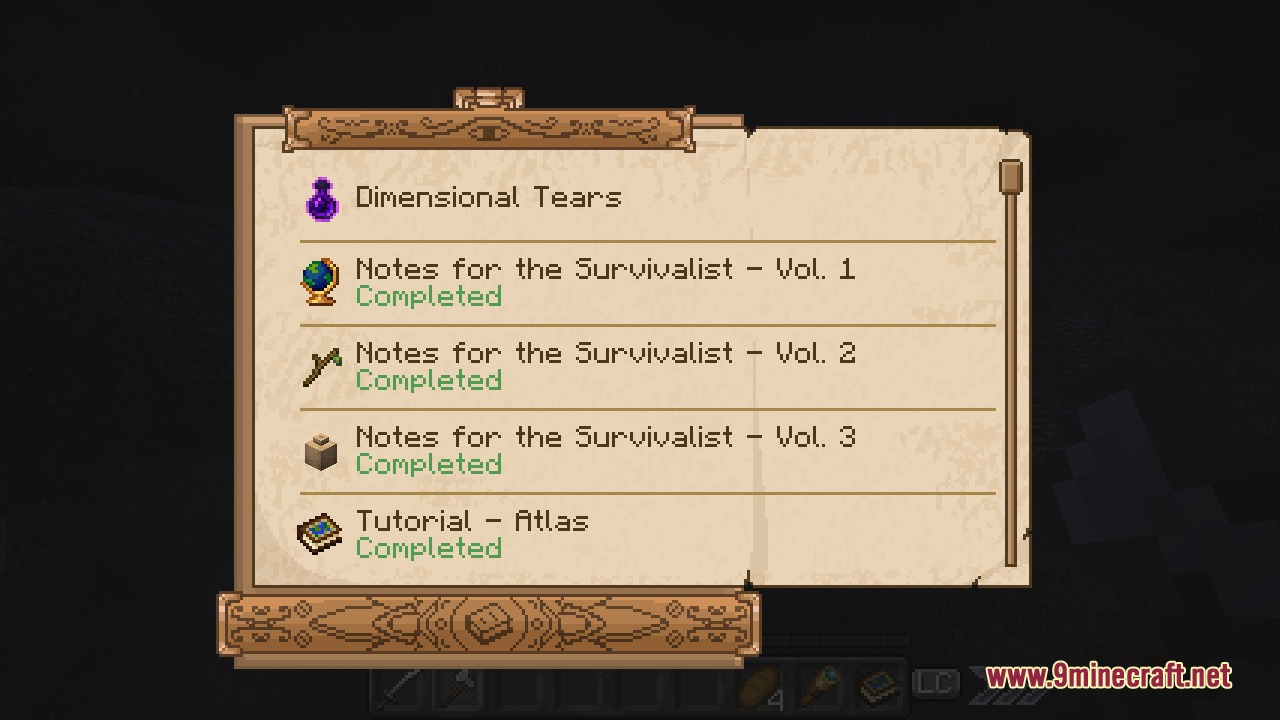
Questlog Mod gives you a simple way to add custom quests to your Minecraft world. Instead of showing big, complicated menus, it puts all your tasks into a neat little book format. When you finish a goal, a small badge pops up on your screen to let you know. This system makes tracking goals feel much more natural while you play. You can write your own stories and challenges from scratch.
Features:
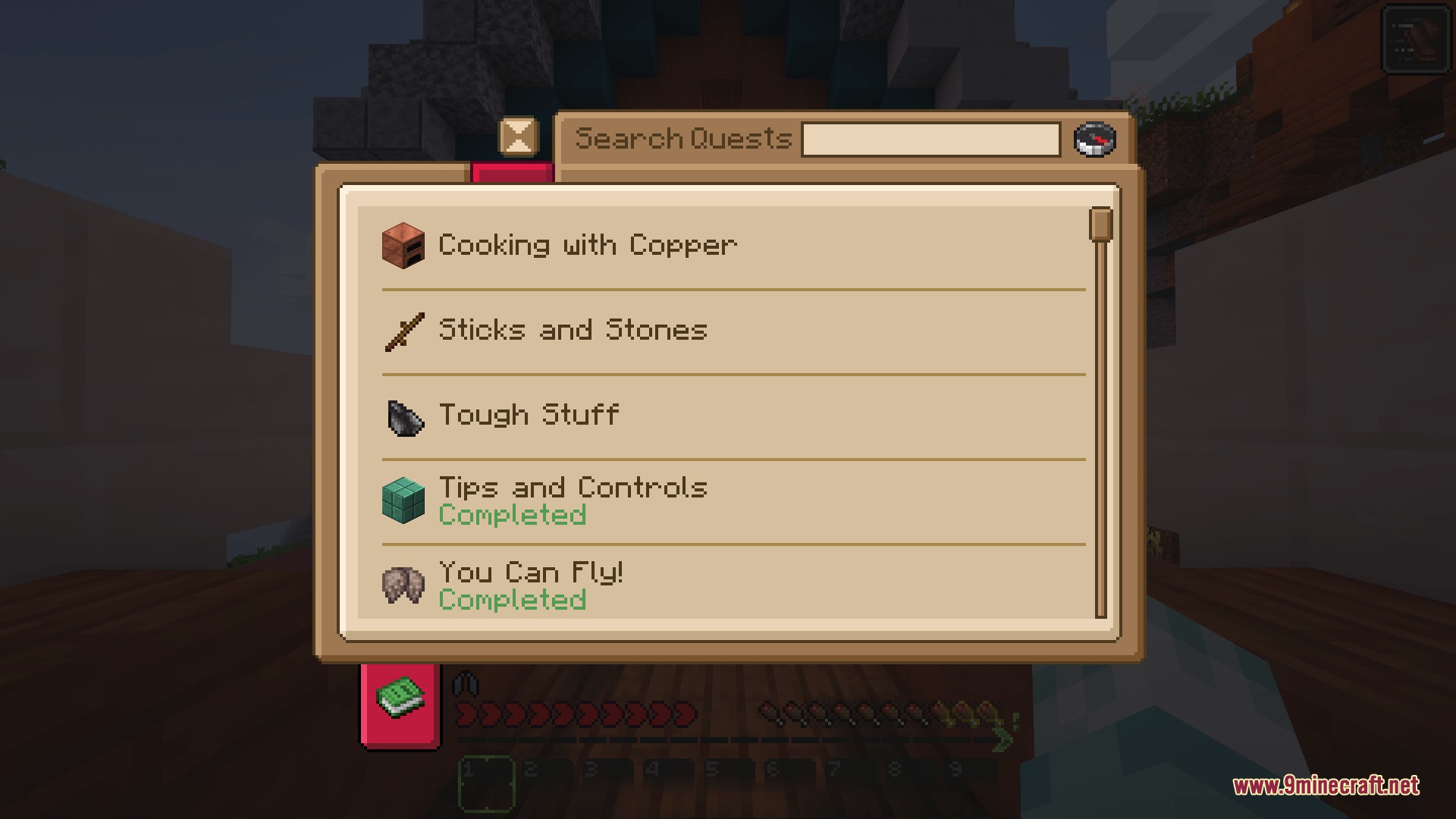
- Presents quests in a simple checklist style instead of confusing spreadsheets.
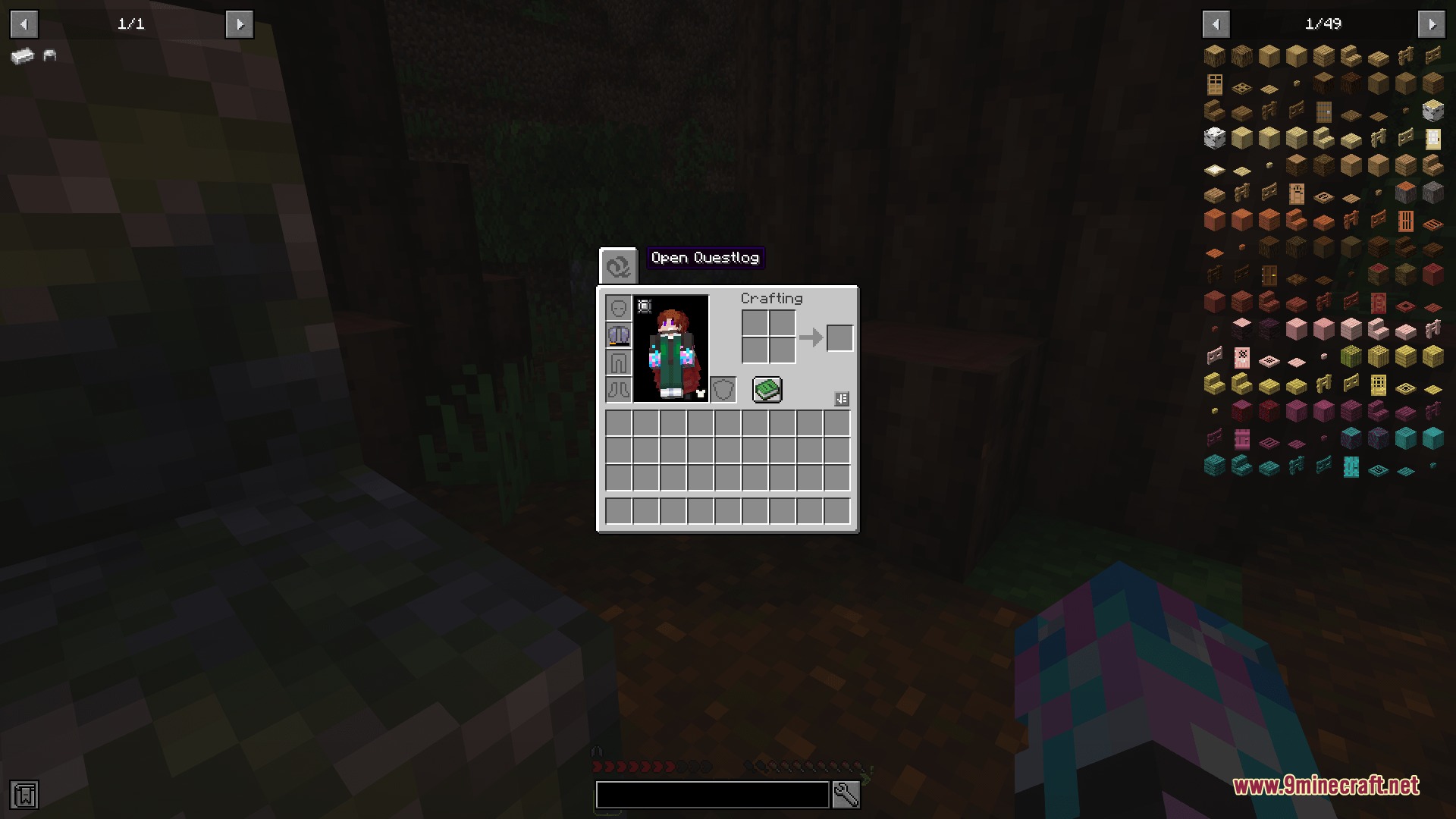
- Shows notification badges right in your inventory menu when you unlock something new.
- Pops up important messages directly on your screen so you never miss a goal.
- Lets you change how the menus and alerts look using standard resource packs.
- Starts completely empty so you can build your own custom adventures from the ground up.
- Stores all your custom data in simple JSON files inside your game folder.
Commands:
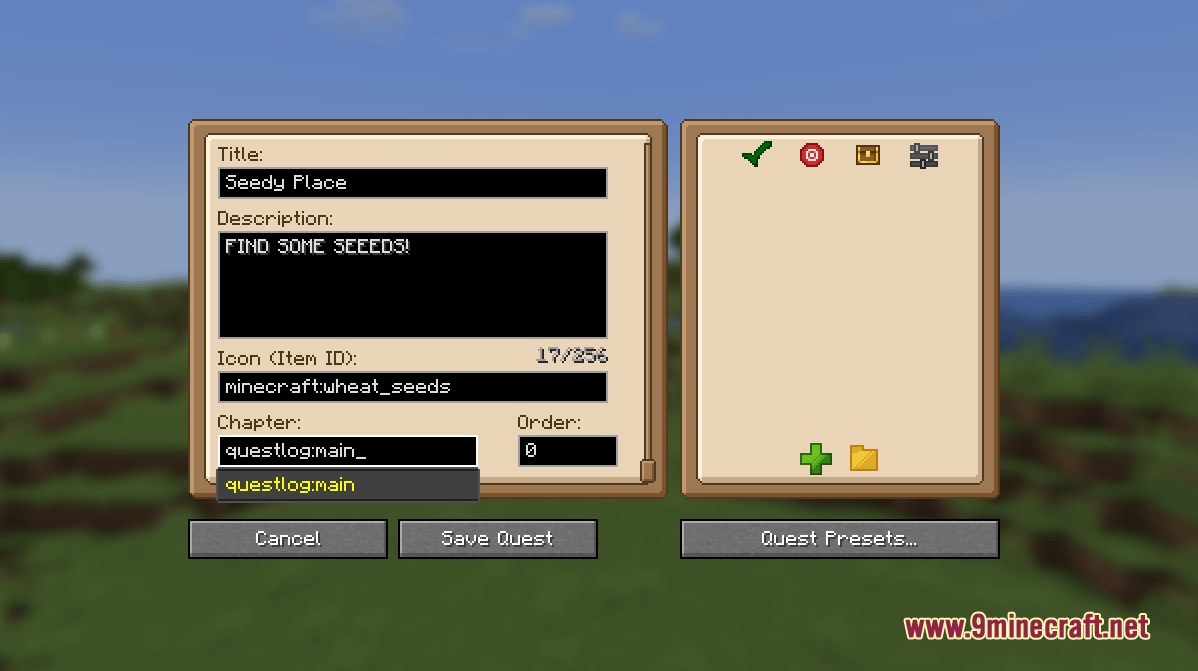
/ql edit_mode: opens the menu to start creating and testing your own tasks.
How to Use:
- Type /ql edit_mode in the chat to open the main editor menu.
- Use the built-in presets to quickly set up your first few tasks.
- Write your custom JSON files and put them in the questlog folder to save your progress.
Screenshots:
How to Install:
New to Minecraft? Follow our step-by-step guide to install Mods on your PC.View Guide




Questlog Mod Download Links
For Minecraft 1.21.1, 1.21
For Minecraft 1.20.1, 1.20
Click to rate this post!
[Total: 0 Average: 0]
You May Also Like











This post has no comments yet. Be the first — your comment will appear here.