
Recipe Cooldown Mod (26.3, 1.20.1) – Keep Multiplayer Crafting Lag-Free

 0


Recipe Cooldown Mod stops server lag by adding a delay to crafting recipe book requests. In normal multiplayer gameplay, clicking an item in the recipe book sends a packet asking the server to autofill crafting slots, which malicious players can spam with auto-clickers to crash or freeze the world. This mod blocks that exploit by enforcing a brief wait time between each recipe request. It keeps multiplayer servers responsive and stable without changing how regular crafting feels.
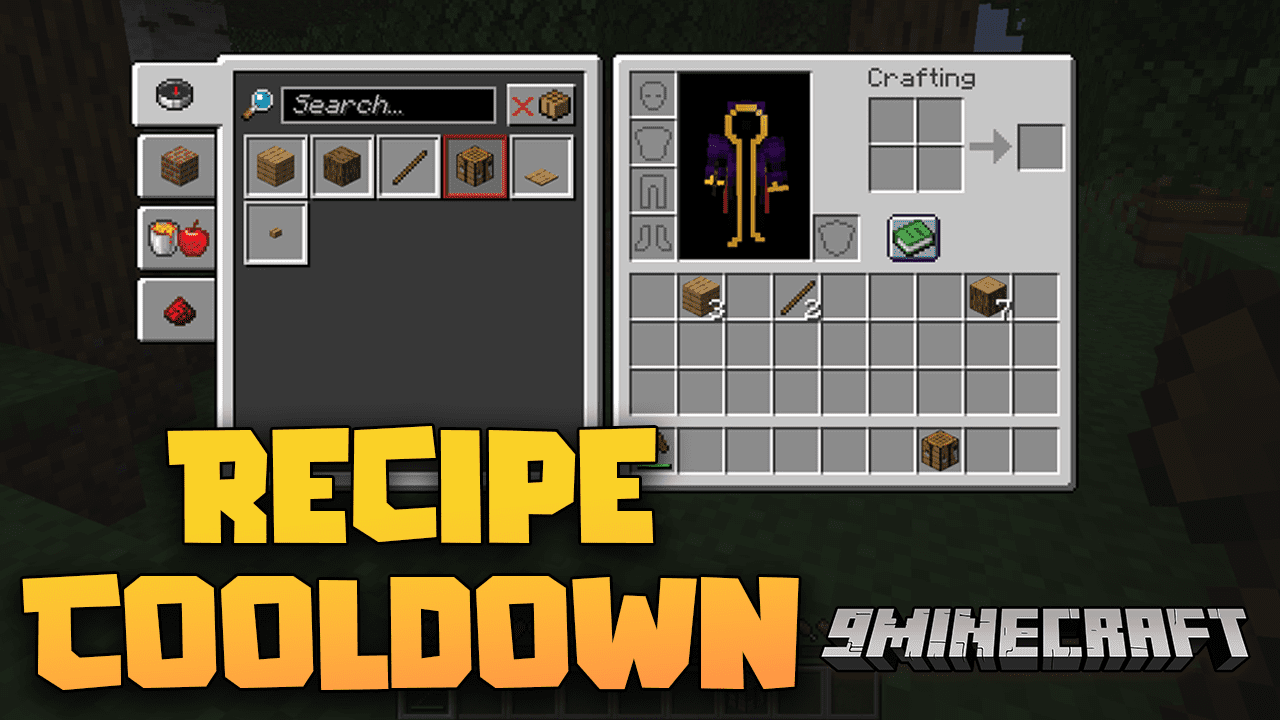
Features:
- Packet Rate Limiting: Enforces a cooldown timer on recipe book interactions to prevent packet flood exploits.
- Default Protection: Sets a default timeout of 50 milliseconds (one game tick) between recipe requests.
- Prevents auto-clickers and spam tools from overwhelming the server thread through crafting menus.
- Maintains smooth server performance and tick rates in multiplayer environments.
- Operates seamlessly in the background without disturbing normal inventory crafting.
Commands:
/recipecooldown_config: Opens the live server configuration settings when the QoMC mod is installed.
Configuration:
config/recipecooldown.toml: Edits cooldown values for newer releases, applying changes after a server restart.config/recipe_cooldown.cfg: Edits the timeout number in milliseconds for older releases, applying changes after a server restart.
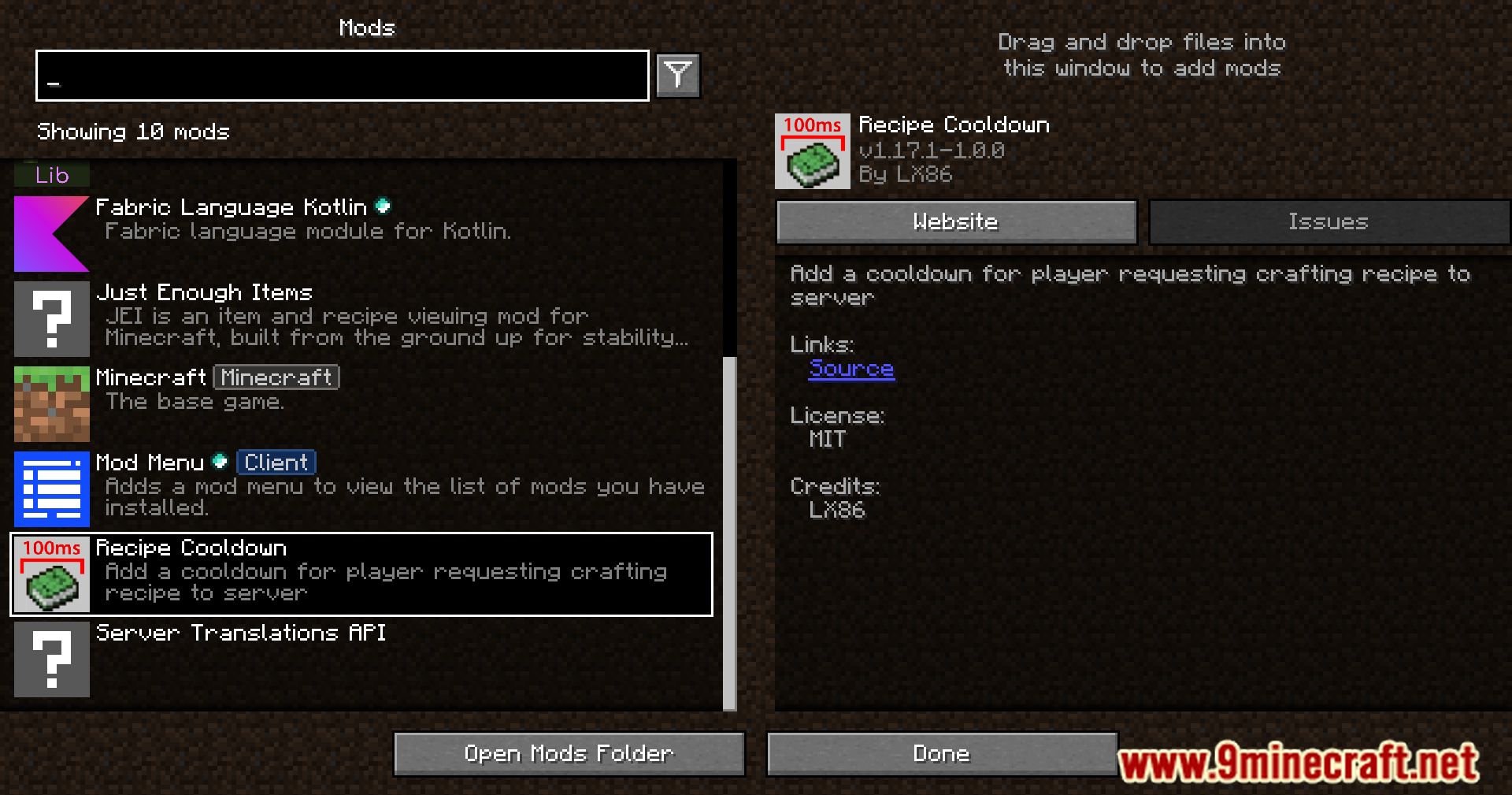
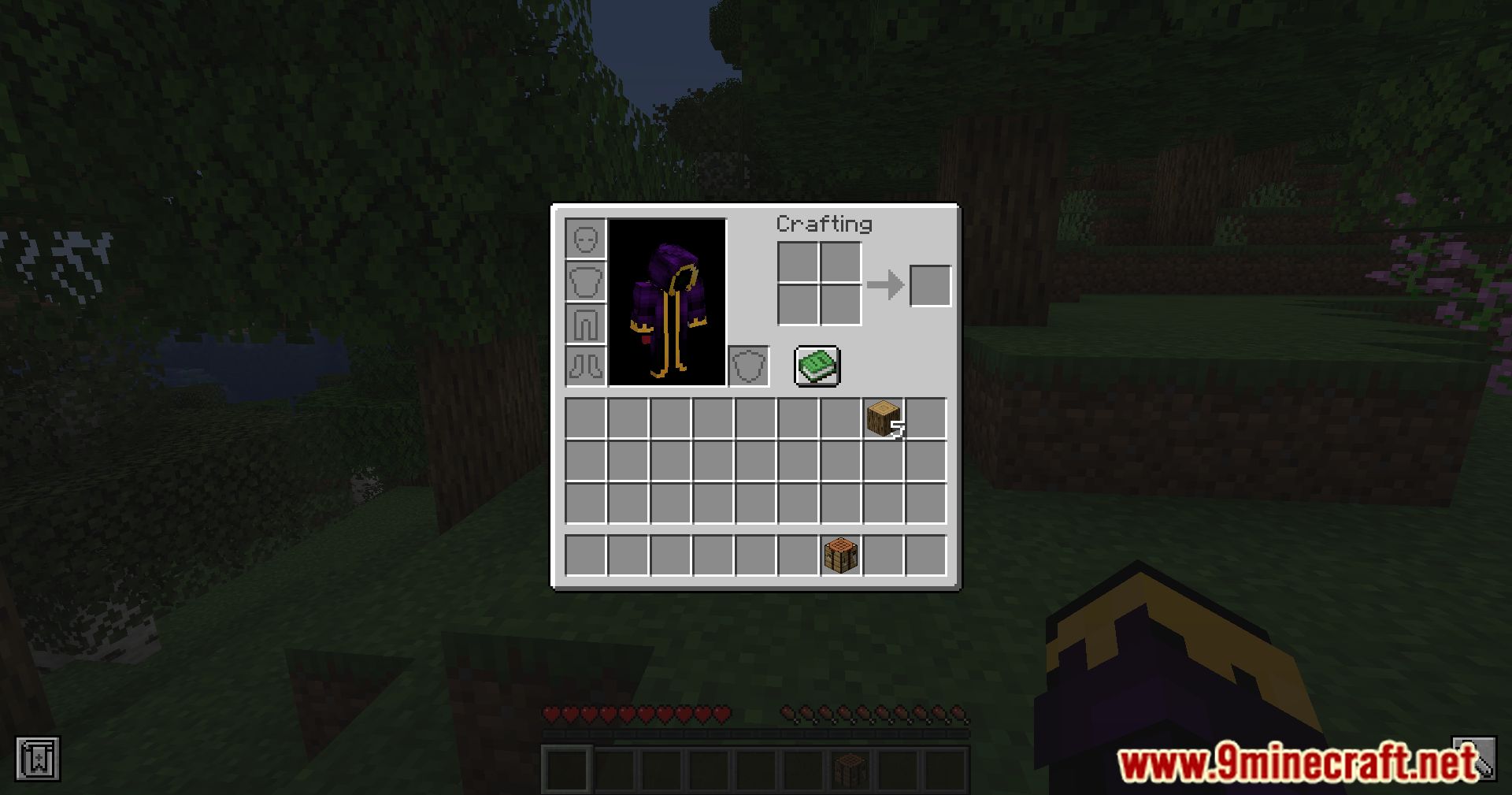
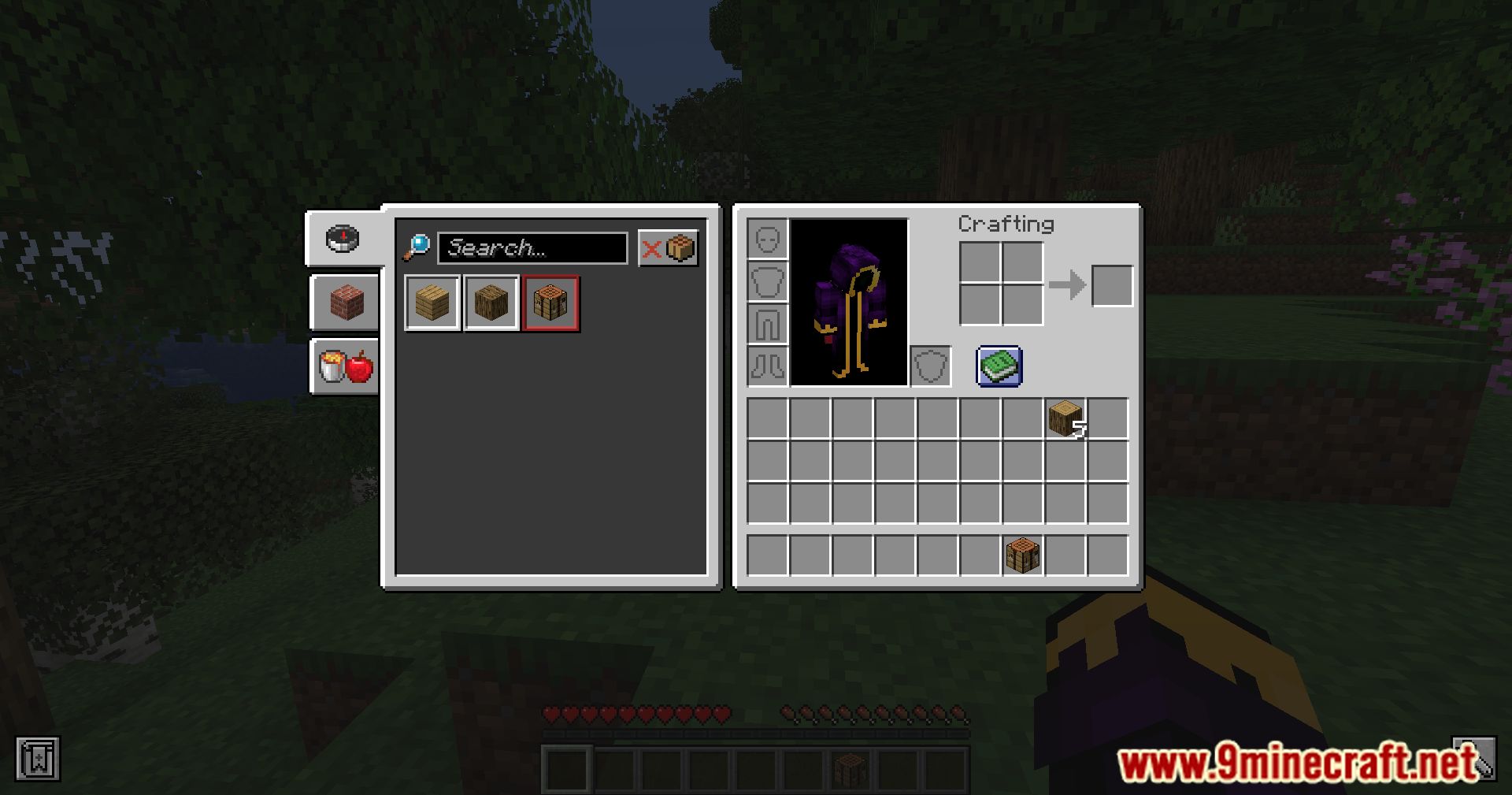
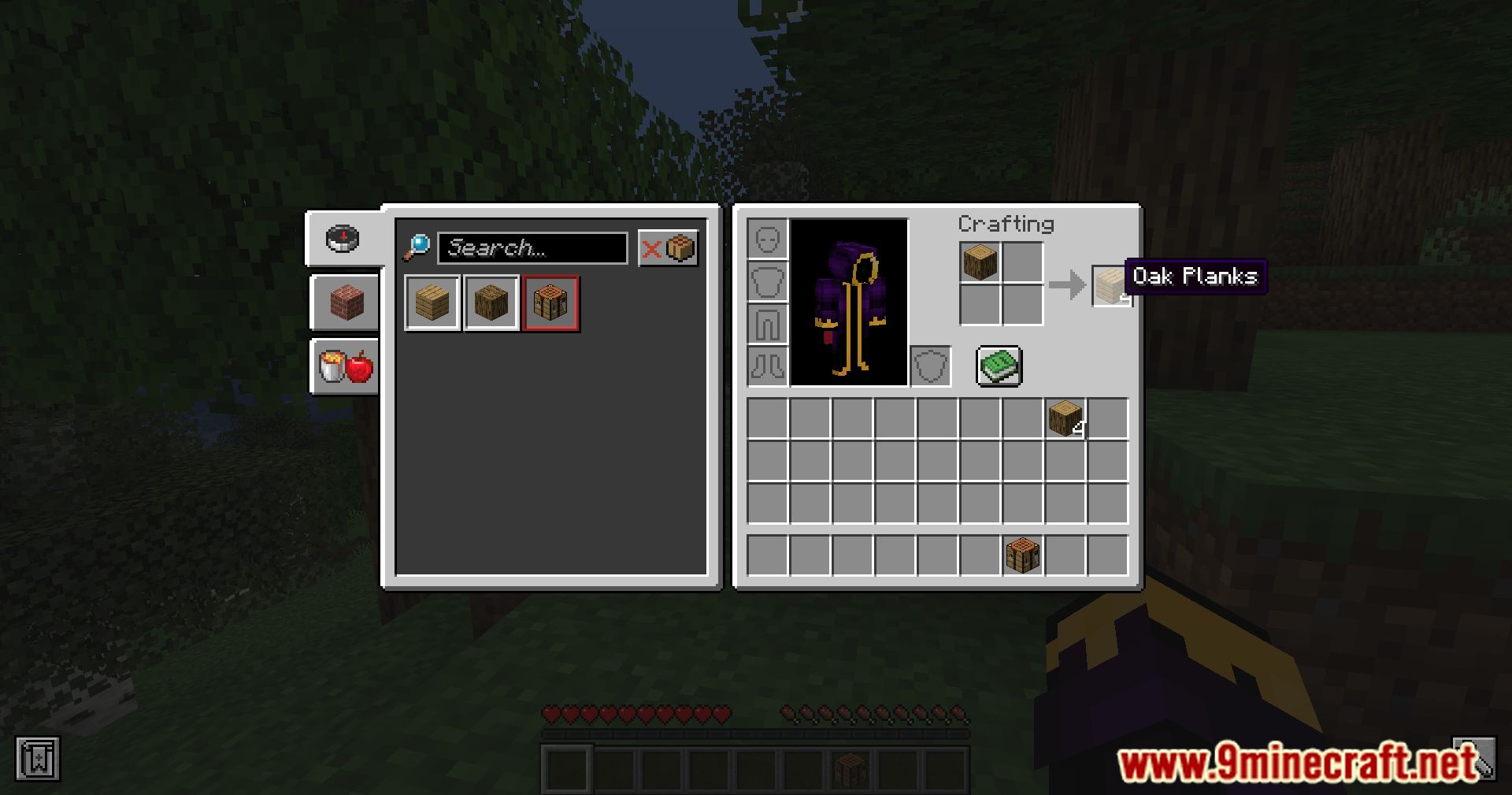
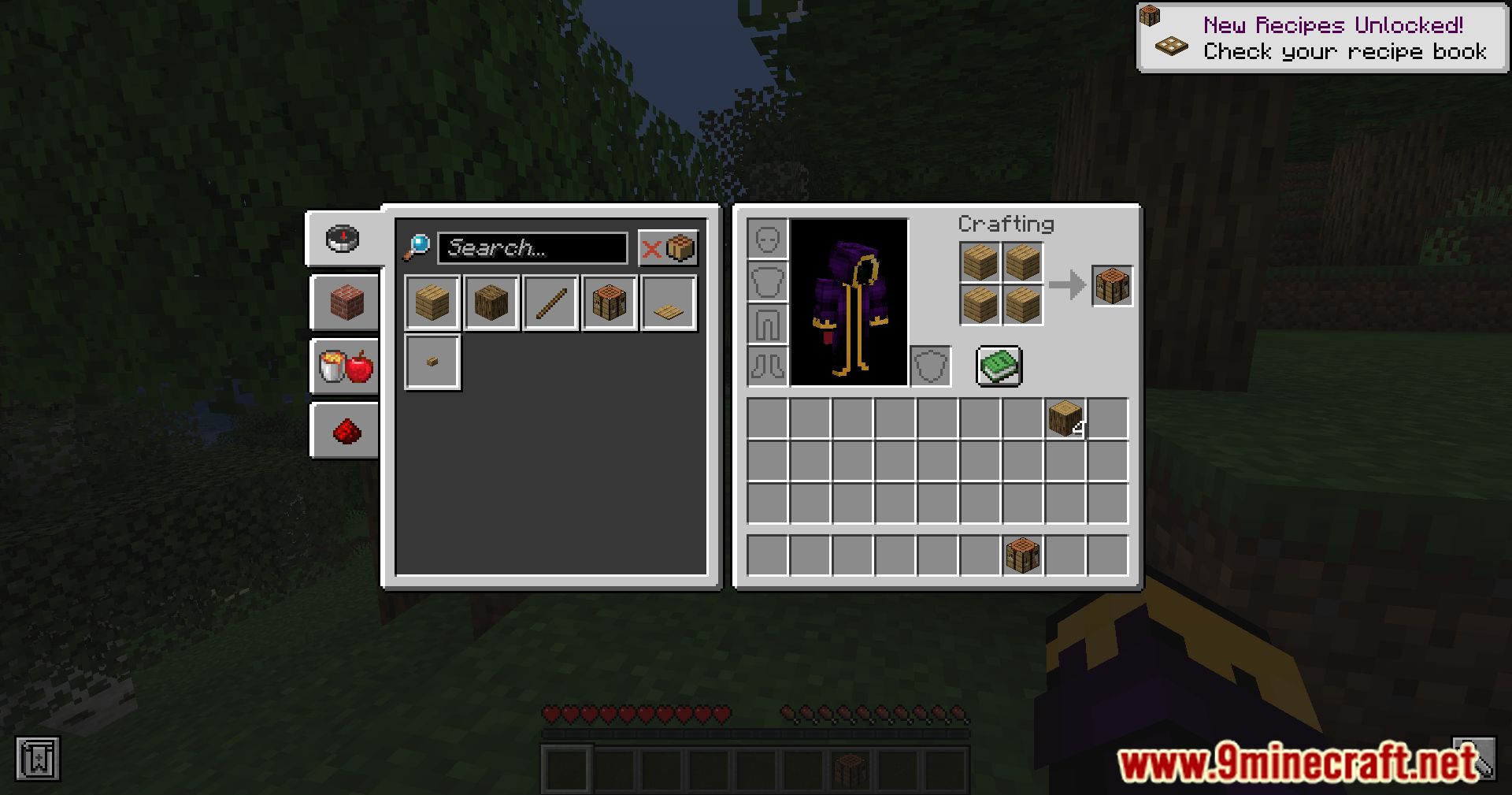
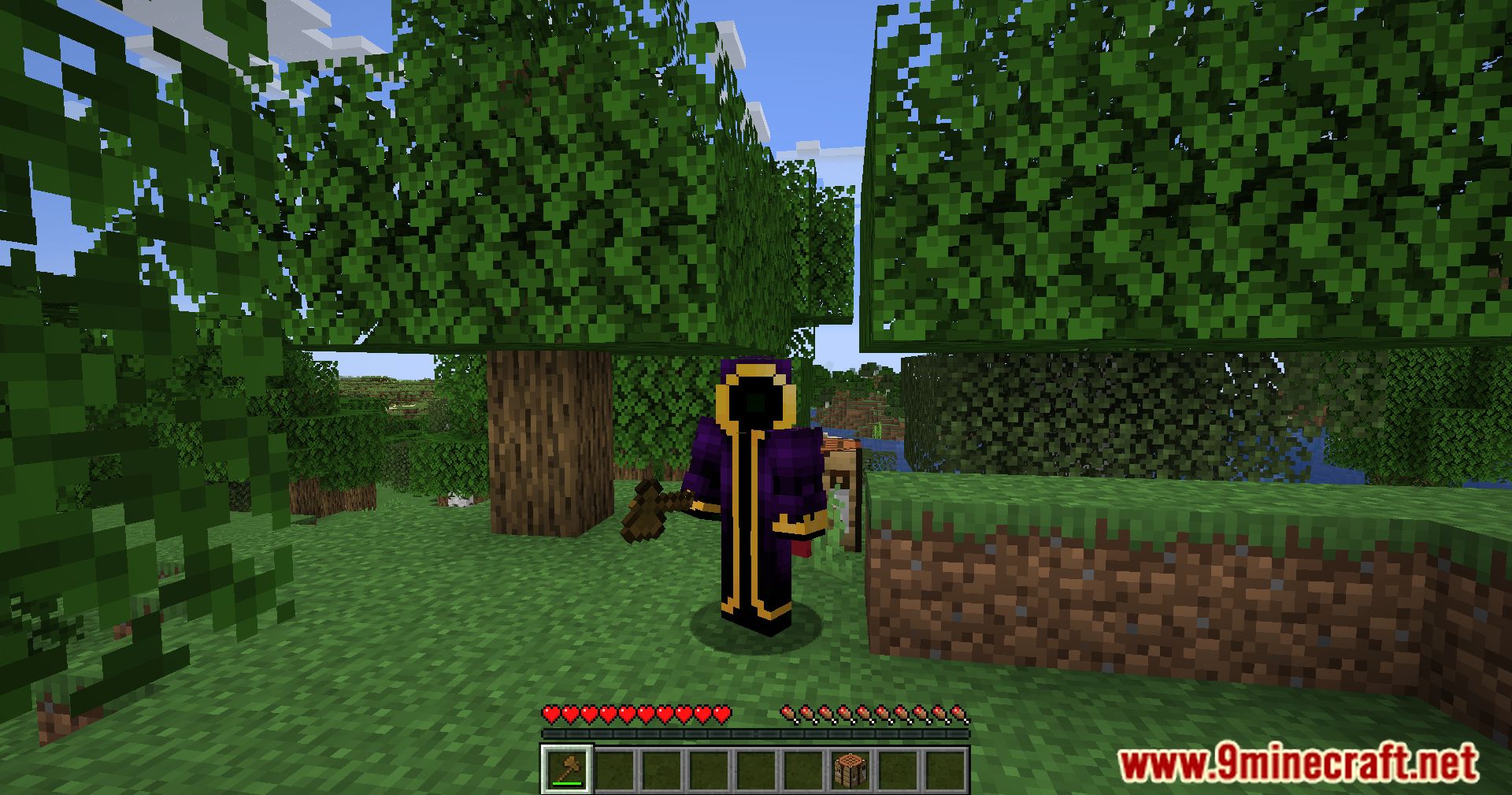
Screenshots:
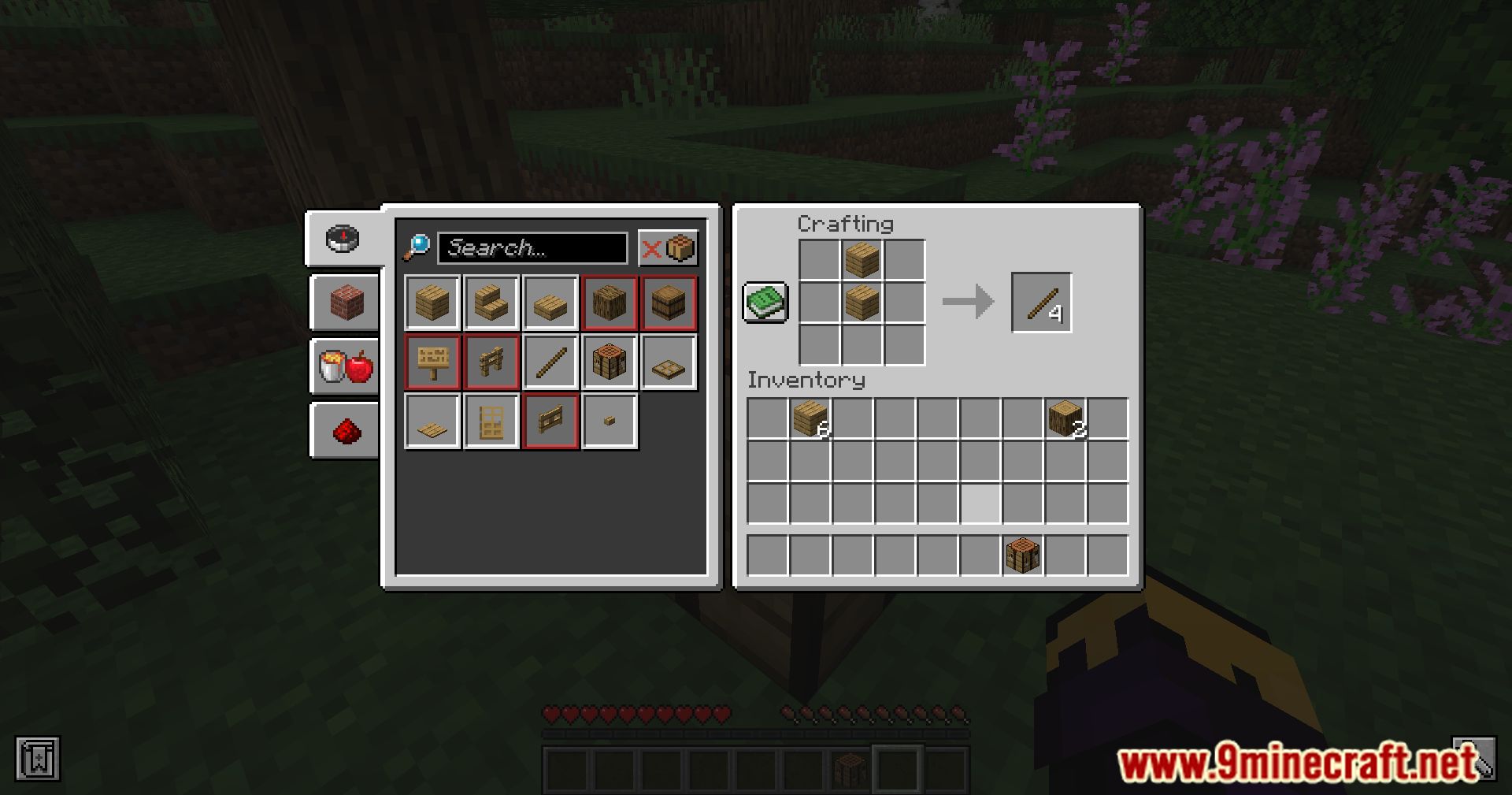
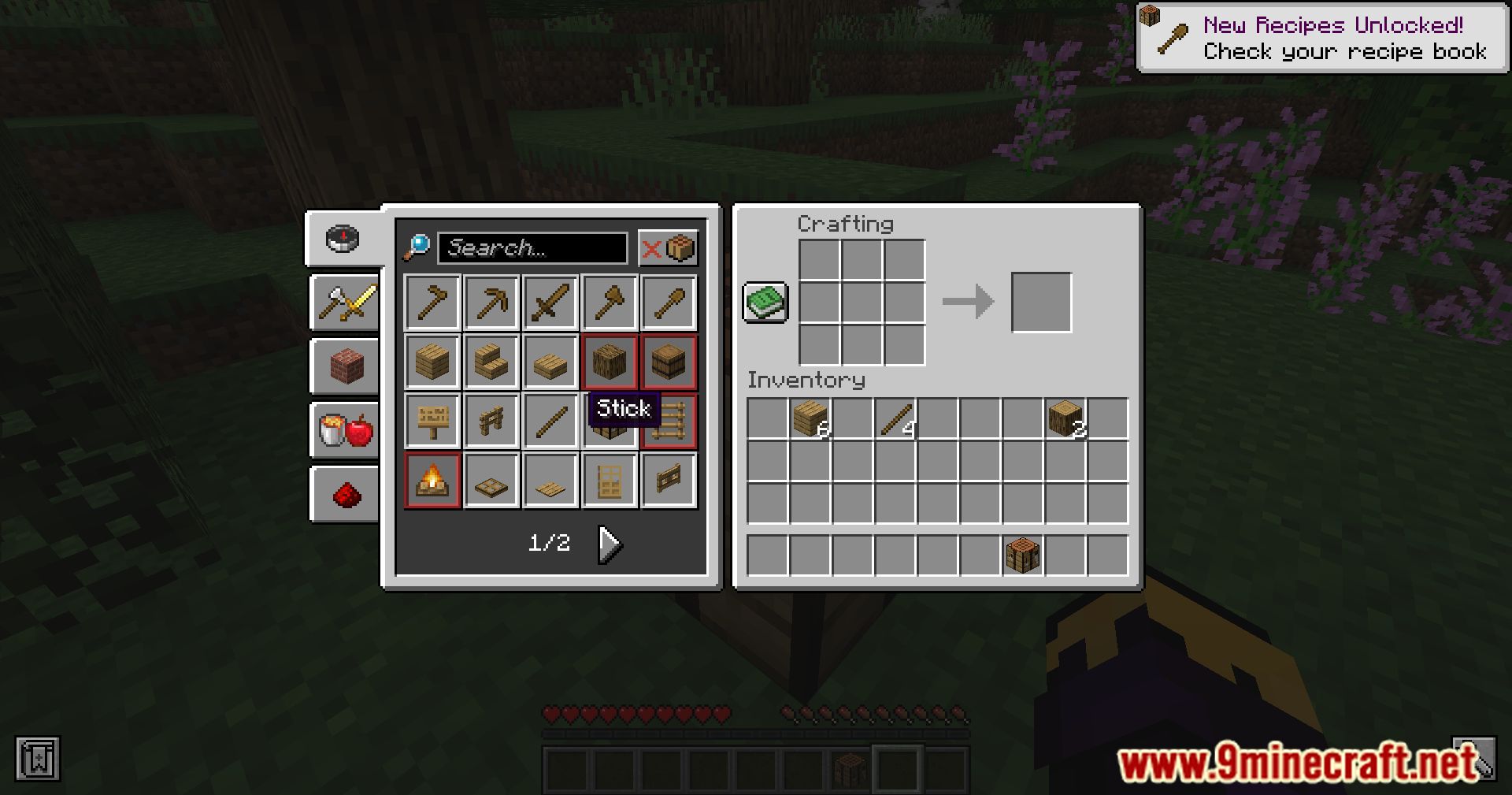
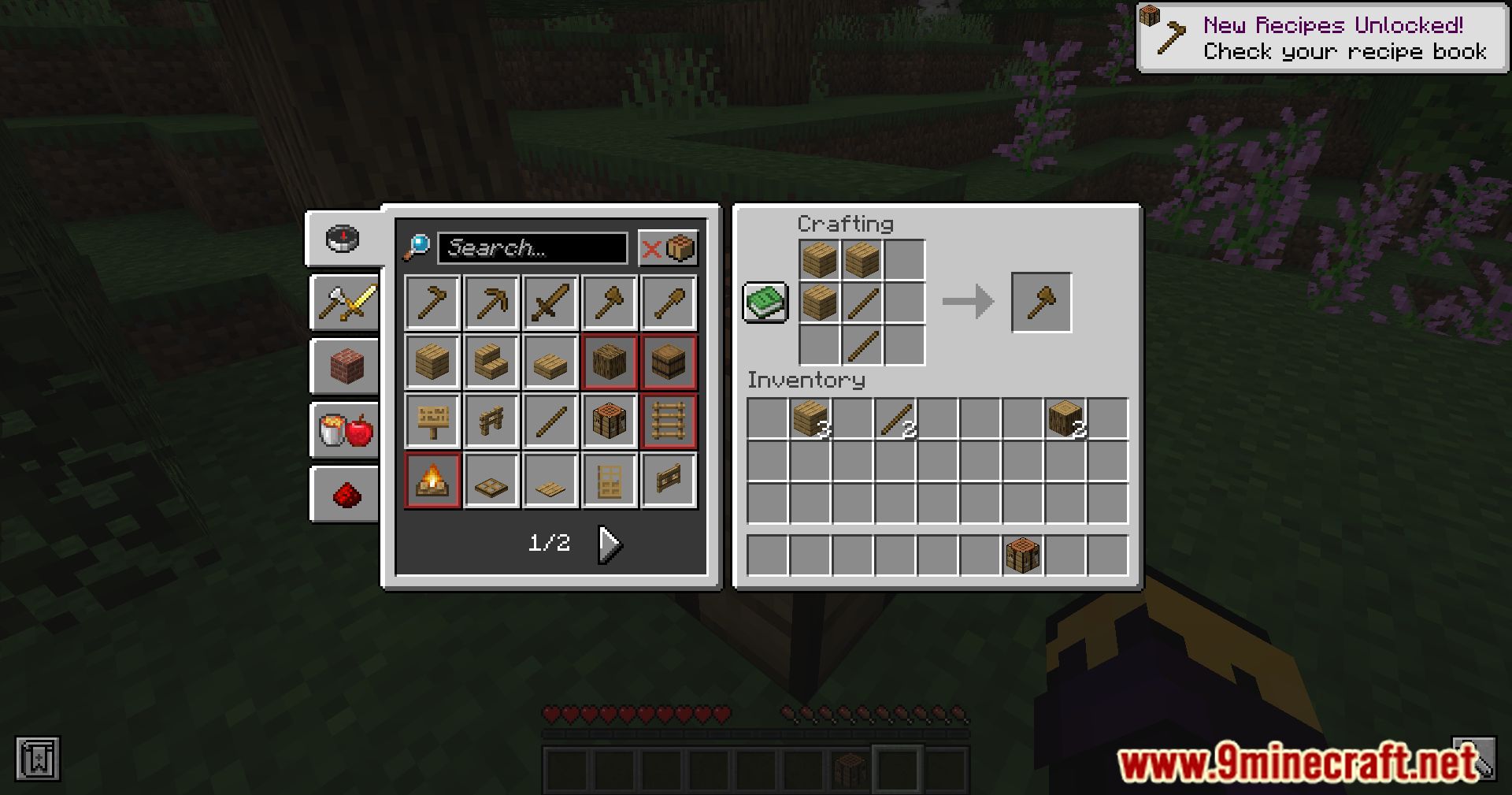
How to Install:
New to Minecraft? Follow our step-by-step guide to install Mods on your PC.View Guide


Recipe Cooldown Mod Download Links
For Minecraft
26.3,
26.2,
26.1.2
All Versions Covered
26.3
26.2
26.1.2
26.1.1
26.1
For Minecraft
26.2,
26.1.2,
26.1.1
All Versions Covered
26.2
26.1.2
26.1.1
26.1
For Minecraft 26.1.2, 26.1.1, 26.1
For Minecraft 1.17.1 –> 26.1
For Minecraft
1.21.11,
1.21.10,
1.21.9
All Versions Covered
1.21.11
1.21.10
1.21.9
1.21.8
1.21.7
1.21.6
1.21.5
1.21.4
1.21.3
1.21.2
1.21.1
1.21
1.20.6
1.20.5
1.20.4
1.20.3
1.20.2
1.20.1
1.20
1.19.4
1.19.3
1.19.2
1.19.1
1.19
1.18.2
1.18.1
1.18
1.17.1
1.17
For Minecraft 1.21.10, 1.21.9, 1.17.1
For Minecraft 1.17.1 –> 1.21.8
For Minecraft 1.17.1 –> 1.21.5
For Minecraft 1.17.1 –> 1.21.3
For Minecraft 1.17.1 –> 1.21.1
For Minecraft 1.17.1 –> 1.20.6
How do you handle updating your mods when a new Minecraft version drops?
16 responses · See the full results →
You May Also Like
Picked for this page
 Iron Jetpacks Mod (26.1.2, 1.20.1) – Fully Customizable FE Powered Jetpacks
 Simple Grinder Mod (26.3, 1.20.1) – Duplicate Your Diamonds And Minerals
 Axiom Mod (26.3, 1.20.1) – All-In-One Tool for Minecraft Editing
 Perfect Accuracy Mod (26.3, 1.20.1) – True Aim Mechanics
 Compact Storage Mod (26.2, 1.20.1) – Carry Everything You Find
 Enchantment Lore Mod (26.3, 1.20.1) – Readable Enchanted Books
 CTD Mint Mod (26.3, 1.20.1) – Simple Minecraft Currency System
 Dispenser Configurator Mod (26.3, 1.20.1) – Custom Item Functionality
 Nether Water Mod (26.2, 1.21.11) – Allows You To Place Water In The Nether
 Smelting Sand In A Blast Furnace Mod (26.2, 1.20.1) – Faster Smelting
 More Beautiful Fences and Gates Mod (1.21.11, 1.20.1) – Over 240 New Fences and 240 New Gates
 FeatherMorphClient Mod (26.1.2, 1.20.1) – Graphical User Interfaces and Key Bindings
Most viewed in Mods over the last 7 days
 Ala Industrial Mod (26.3) – Run Electric Power Grids and Automated Factories
 PleasureCraft Mod (26.3, 1.21.1) – Jenny Mod Remake for Fabric
 Jennycraft Mod (26.3, 1.20.1) – Virtual Girlfriend in Minecraft
 Fapcraft Mod (26.3, 1.12.2) – Comprehensive and Detailed Content
 Jenny Mod (Fapcraft) Official Complete Guide – How to use, Tutorial
 BangCraft Mod (1.20.1) – Jenny, Ellie and Elliot
 Fabric Loader (26.3, 1.20.1) – Fabric Installer for All Minecraft Versions
 The Shooting Star Demo Mod (26.3, 1.20.1) – Vaporize Terrain From Orbit
 Meteor Client Mod (26.3, 1.20.1) – Xray, HUD, Fly
 OptiFine HD (26.3, 1.20.1) – Run Faster, FPS Boost, Shaders Support
 Aristois Client Mod (1.21.4, 1.20.1) – World Class Minecraft Utility
 Prestige Client Mod (1.21.11, 1.21.4) – Powerful Ghost Features for Crystal & Sword PvP
More from Mods
 Not Just Sandwich Mod (26.3, 1.20.1) – Edibles, Sandwiches
 Waddles Mod (26.3, 1.20.1) – Make Icy Biomes Feel Alive
 Artemis’ Thin Logs Mod (26.3, 1.20.1) – Build Custom Trees and Detailed Wood
 Asterion Mod (26.3, 1.20.1) – Survive Ancient Mazes and Slay the Legendary Minotaur
 Passthrough Signs Mod (26.3, 1.20.1) – Right-Click Through Wall Signs
 Packing Tape Mod (26.3, 1.20.1) – Move Chests, Machines
 No XP Anvils Mod (26.3, 1.20.1) – Repair And Enchant Without XP
 Naruto Shippuden Mod (26.3, 1.16.5) – Immerse Yourself in The World of Ninja
 Araxer’s Bestiary Mod (26.3, 1.20.1) – Build an In-Game Encyclopedia of Every Mob
 Villagers Plus Mod (26.3, 1.20.1) – Expanded Villager Types and Villages
 Ore Excavation 9minecraft Mod (26.3) – Mine Ores and Chop Trees in a Single Swing
 Dirigo Mod (26.1.2, 1.21.1) – Walk Across Nether Lava Seas and Automate Animal

This post has no comments yet. Be the first — your comment will appear here.