
Reinforced Barrels Mod (1.21.11, 1.20.1) – Organize Massive Hoards

 0


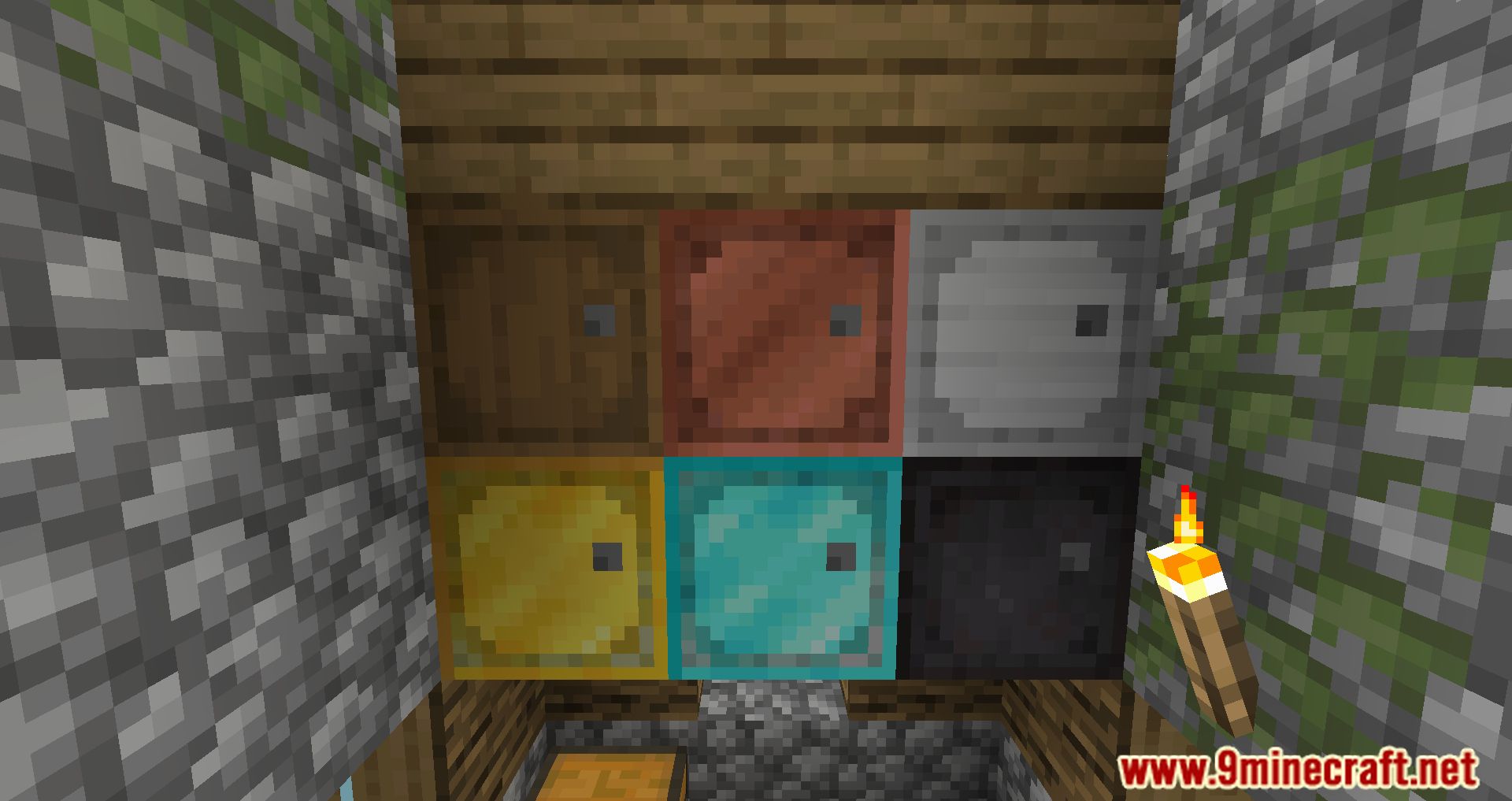
Reinforced Barrels Mod adds five upgraded storage barrels made from copper, iron, gold, diamond, and netherite. Each tier gives you more space, from 45 slots in a copper barrel up to 108 slots in diamond and netherite barrels. You upgrade each barrel step by step through crafting and smithing, and the netherite barrel resists blasts, fire, and lava. It also lets you switch the inventory menu between a single screen and a scroll screen. This mod works on both client and server and requires Fabric API.
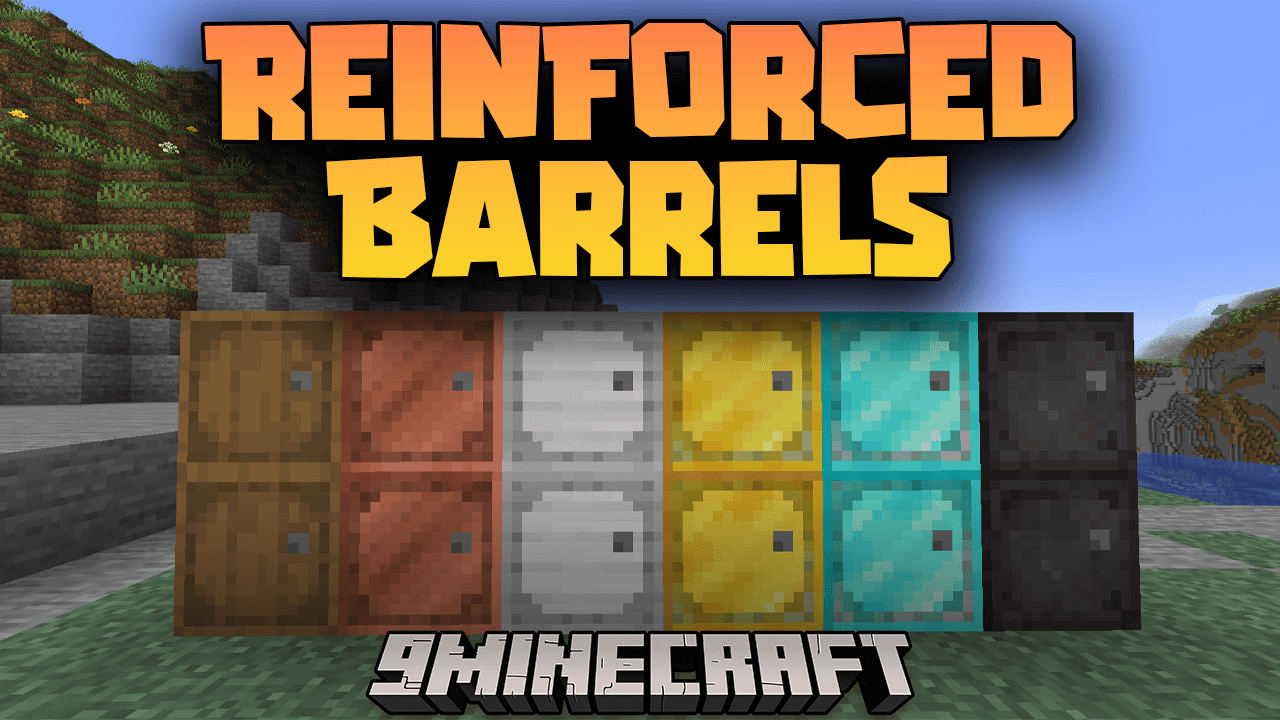
Features:
- Adds five upgraded storage barrels that work on both client and server.
- Uses a step-by-step upgrade path so each new tier builds on the barrel before it.
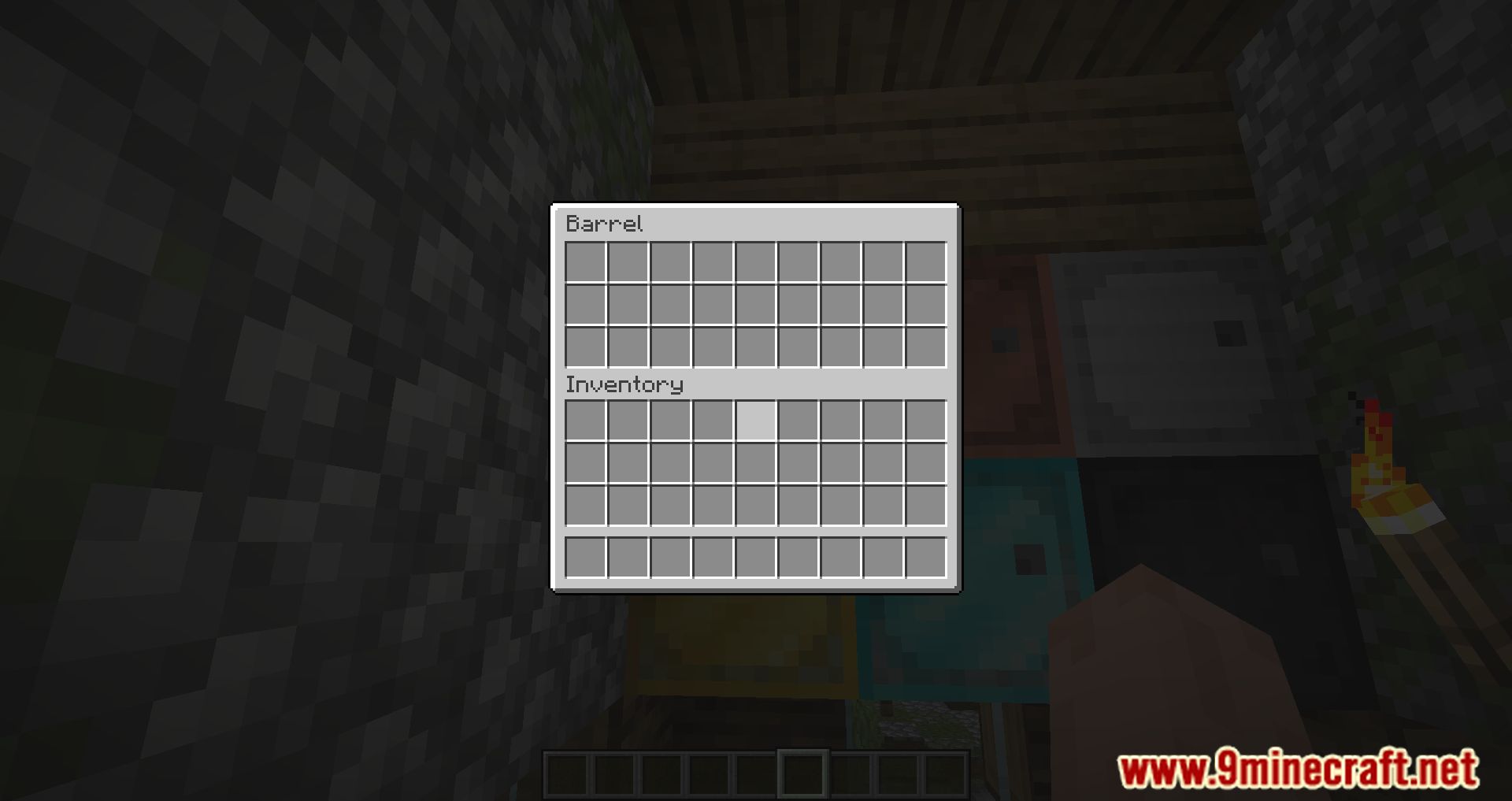
- Offers a single-screen layout and a scrollable layout for viewing your items.
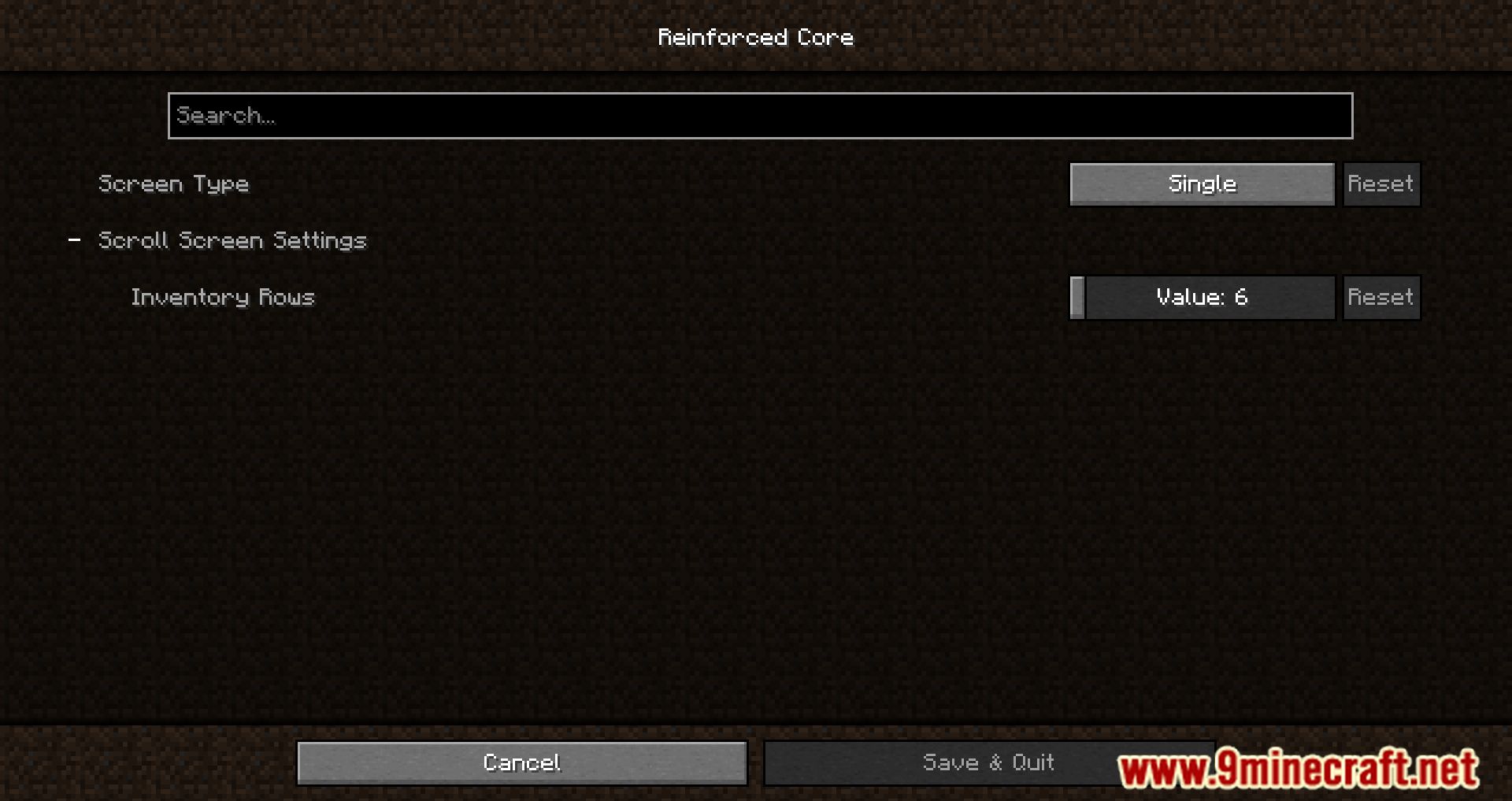
- Lets you set how many rows appear on the scroll screen, including 6-row and 9-row views.
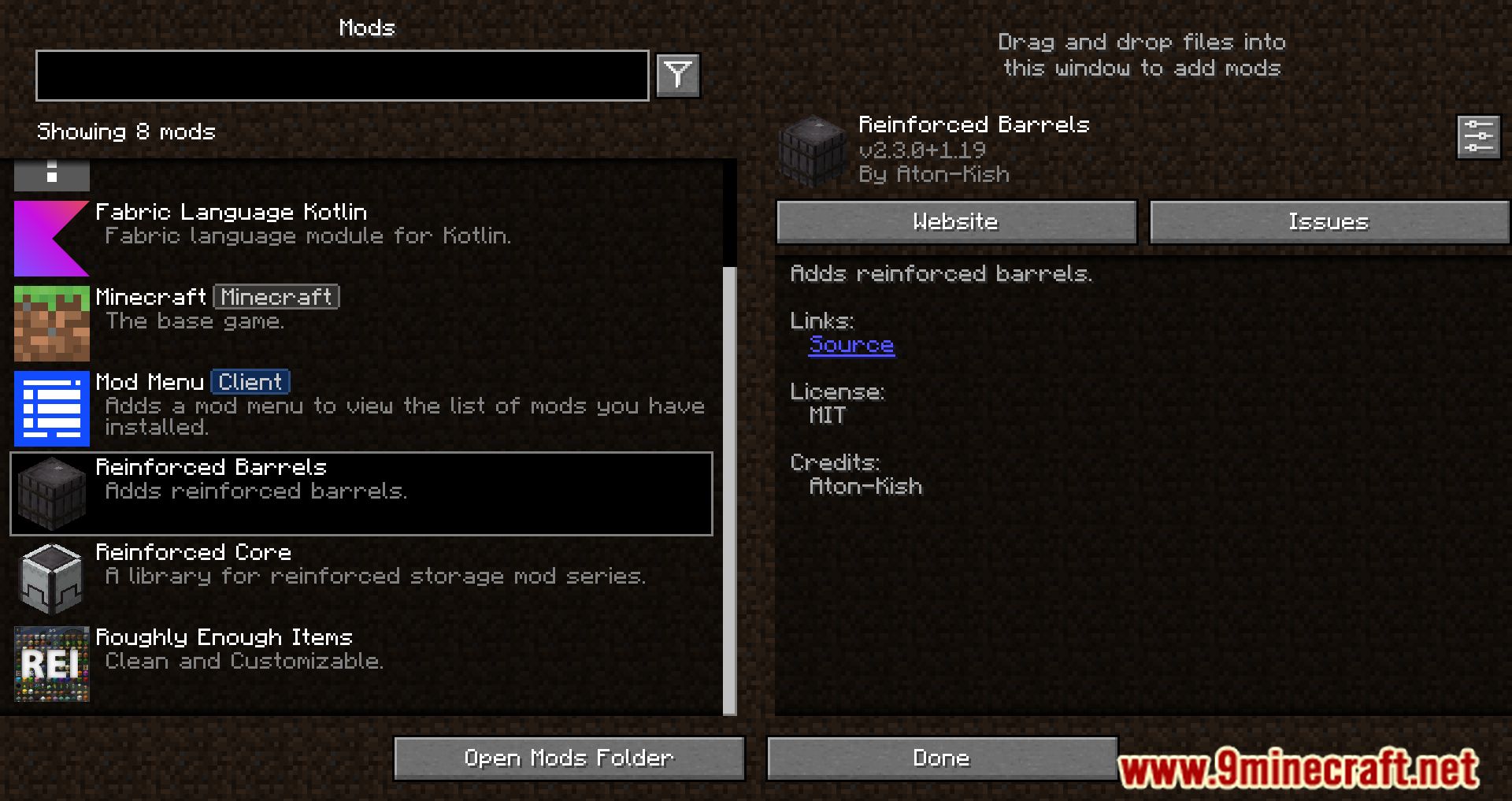
- Works with Mod Menu so you can change screen settings inside the game.
Barrel Tiers:
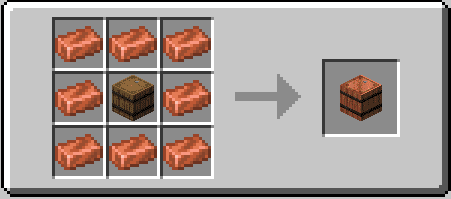
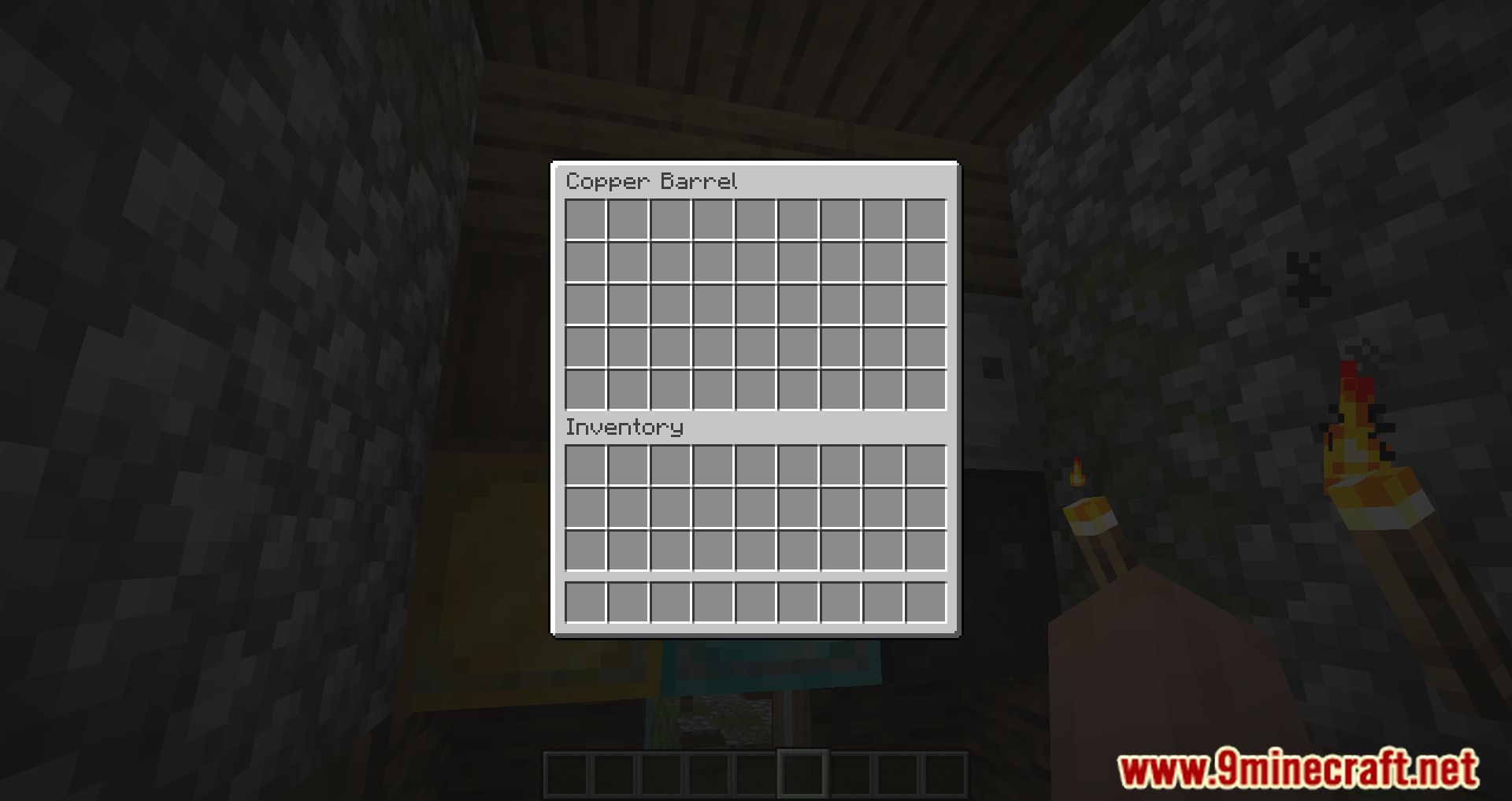
- Copper Barrel holds 45 inventory slots and is crafted with 8 copper ingots around 1 wooden barrel.
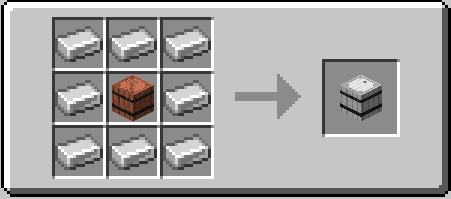
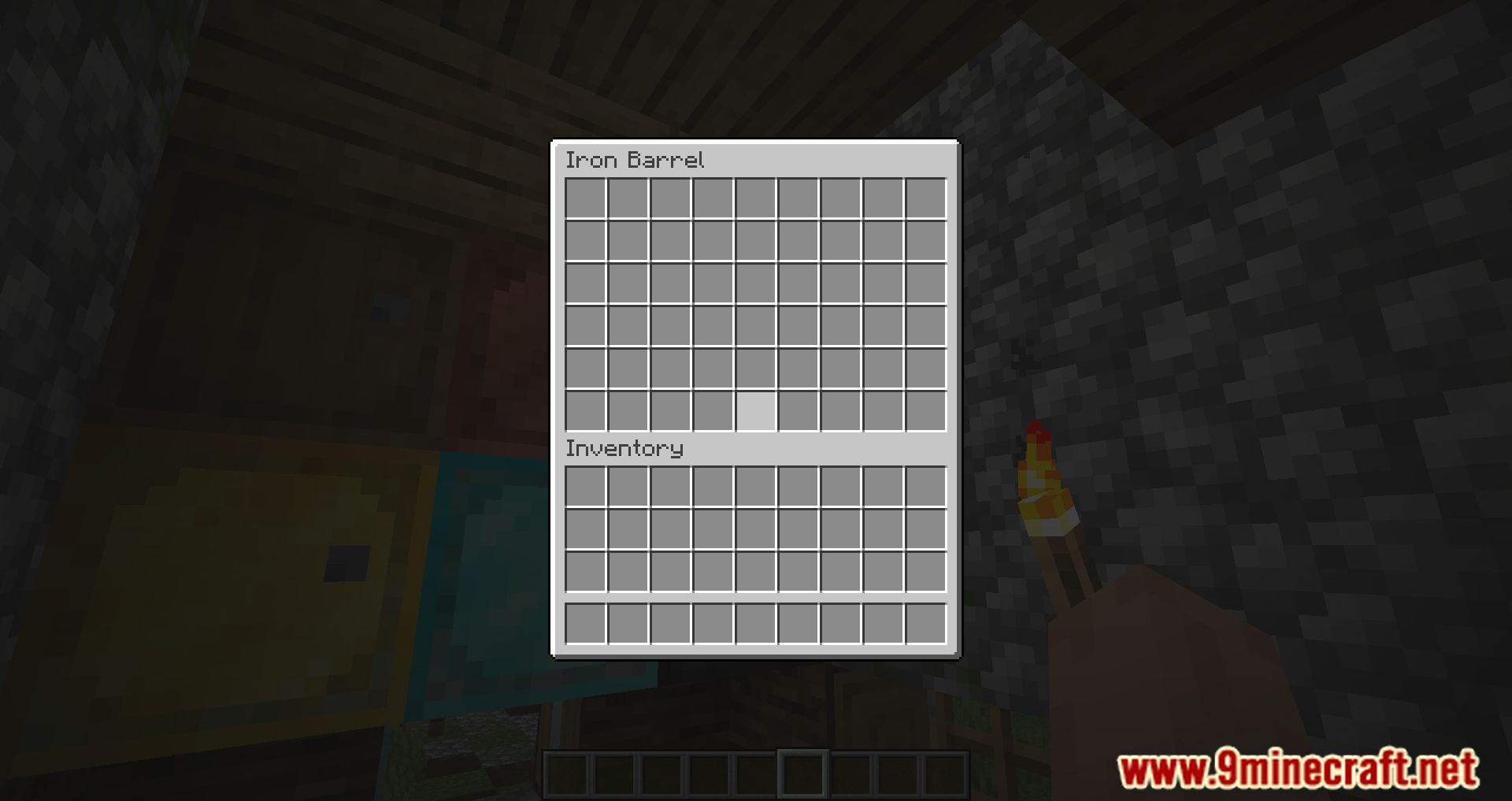
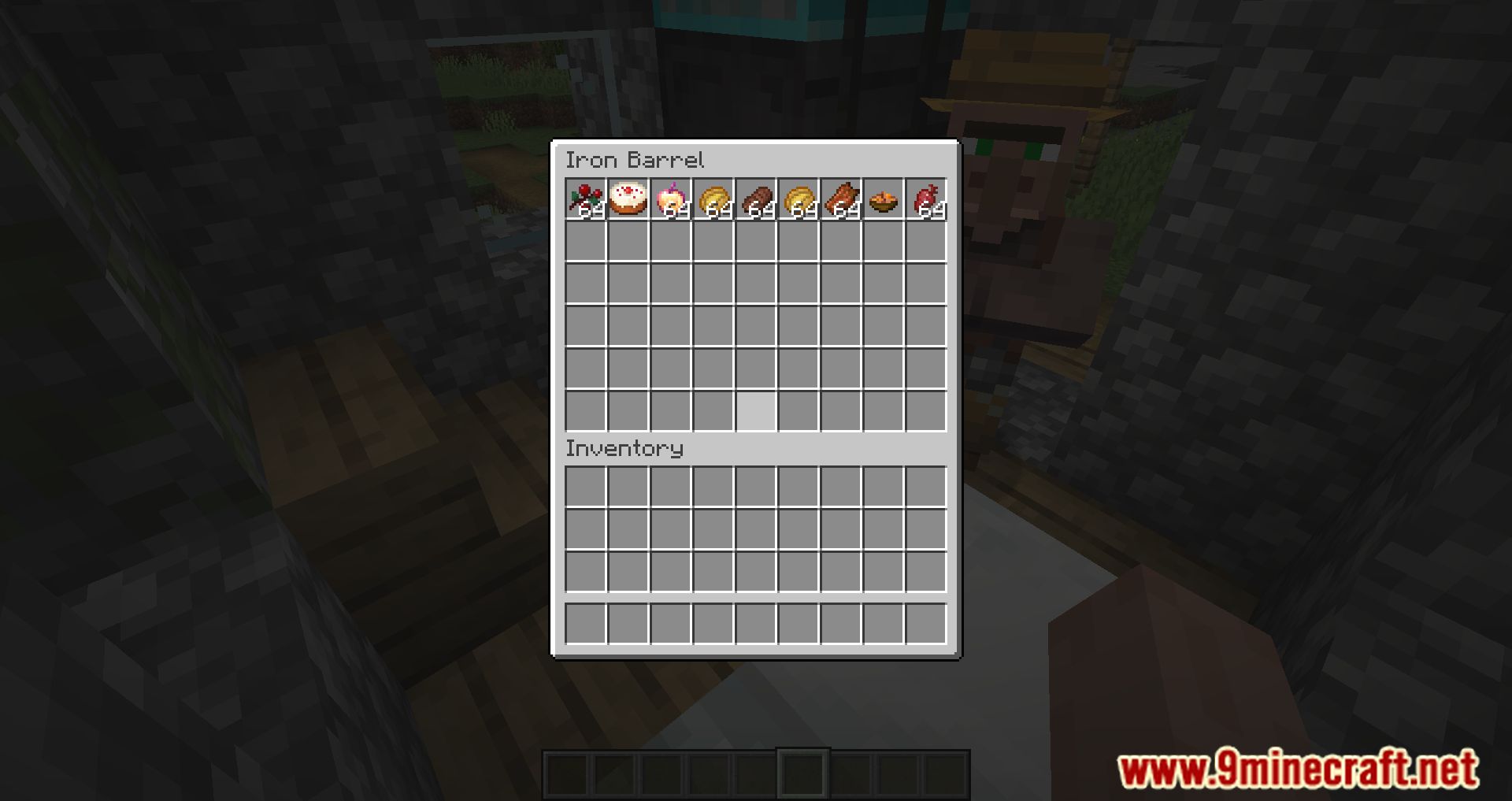
- Iron Barrel holds 54 inventory slots and is crafted by upgrading 1 copper barrel with iron ingots.
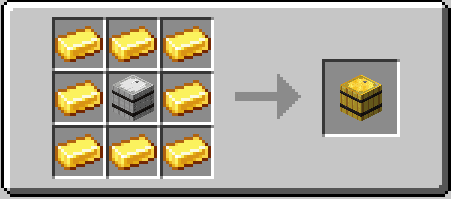
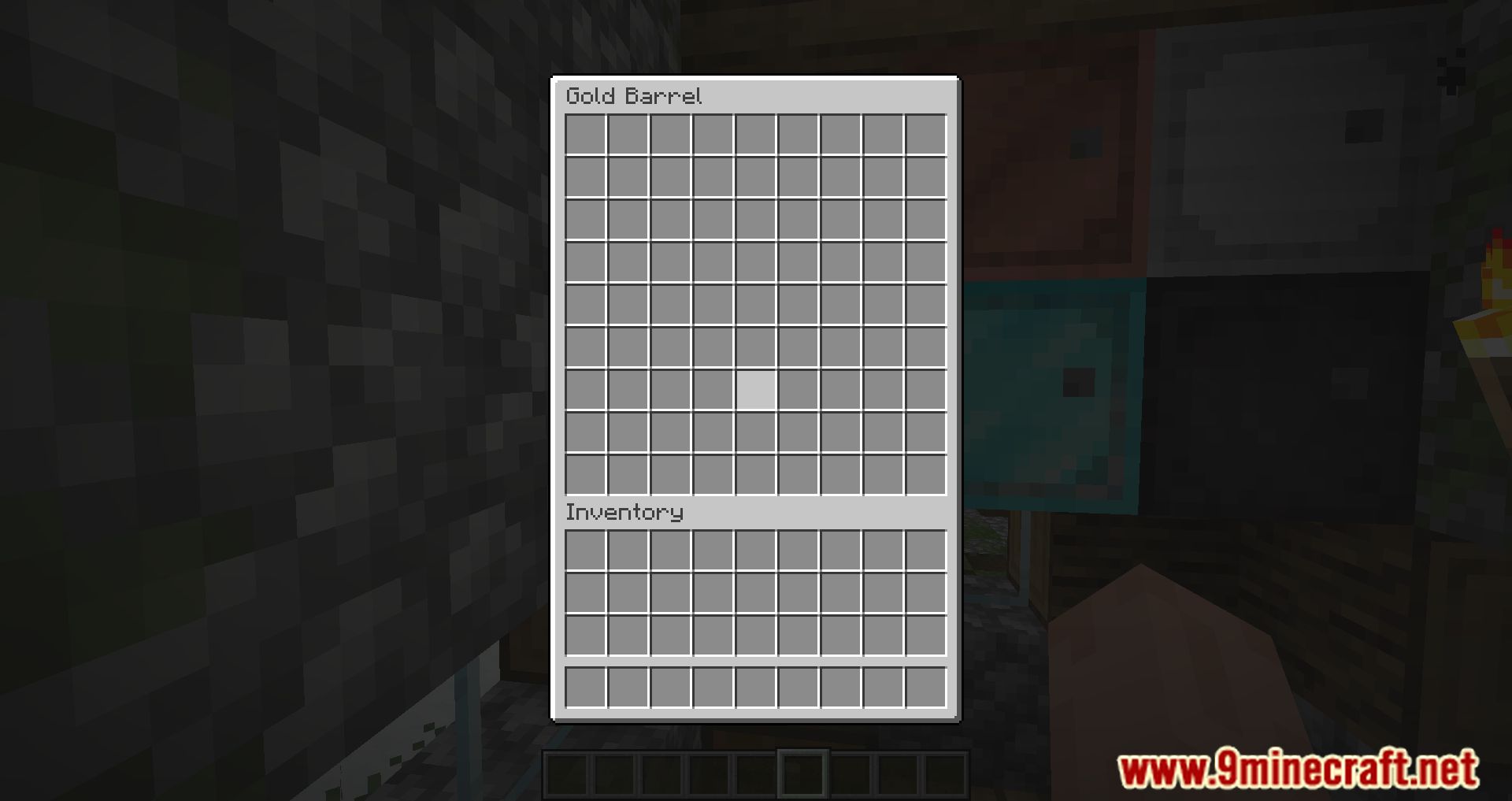
- Gold Barrel holds 81 inventory slots and is crafted with 8 gold ingots around 1 iron barrel.
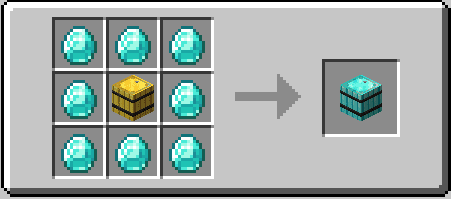
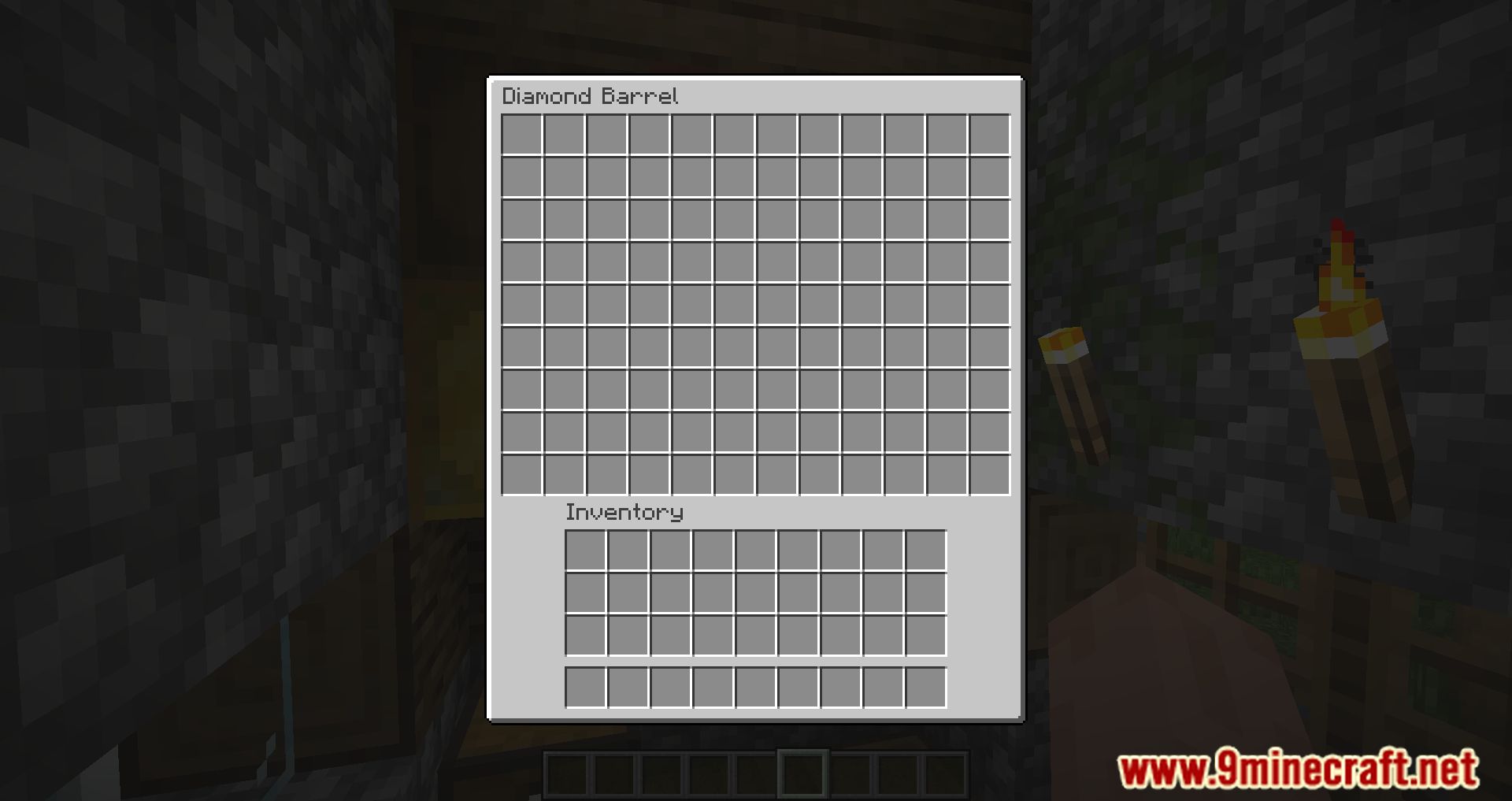
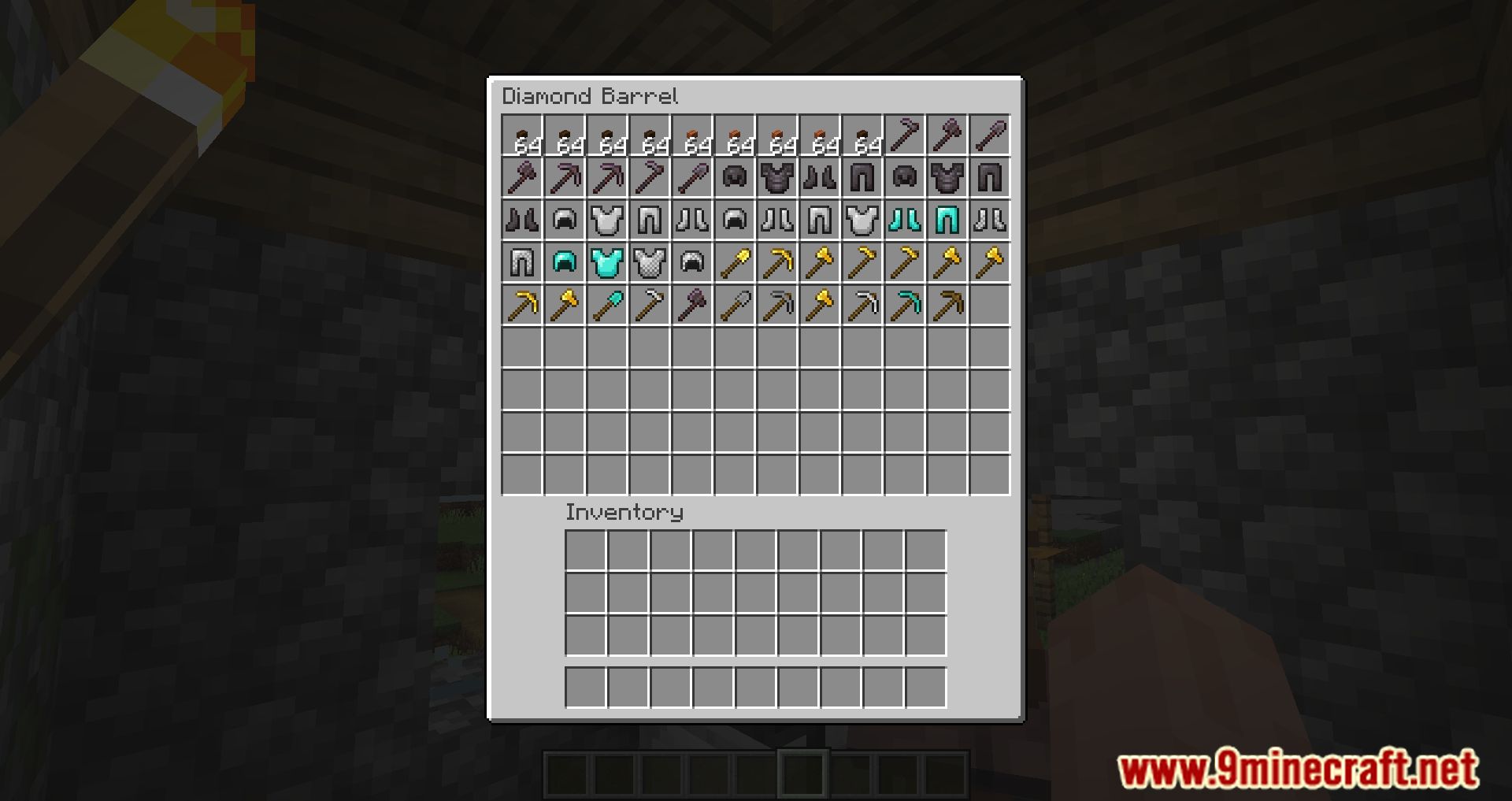
- Diamond Barrel holds 108 inventory slots and is crafted with 8 diamonds around 1 gold barrel.
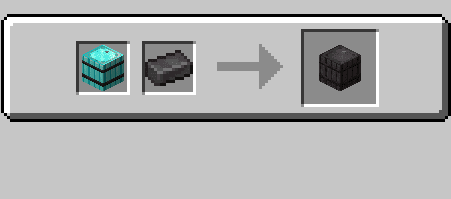
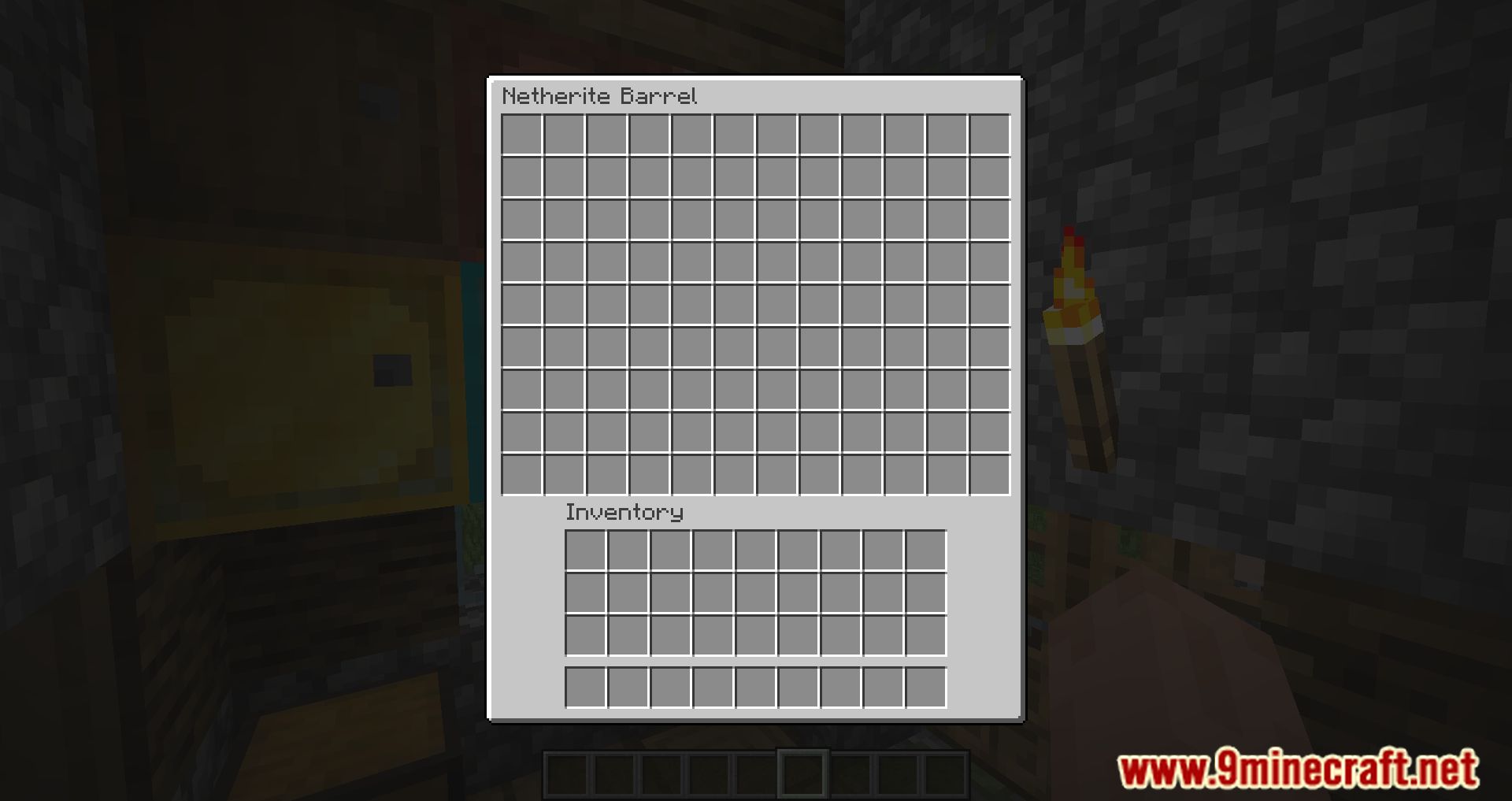
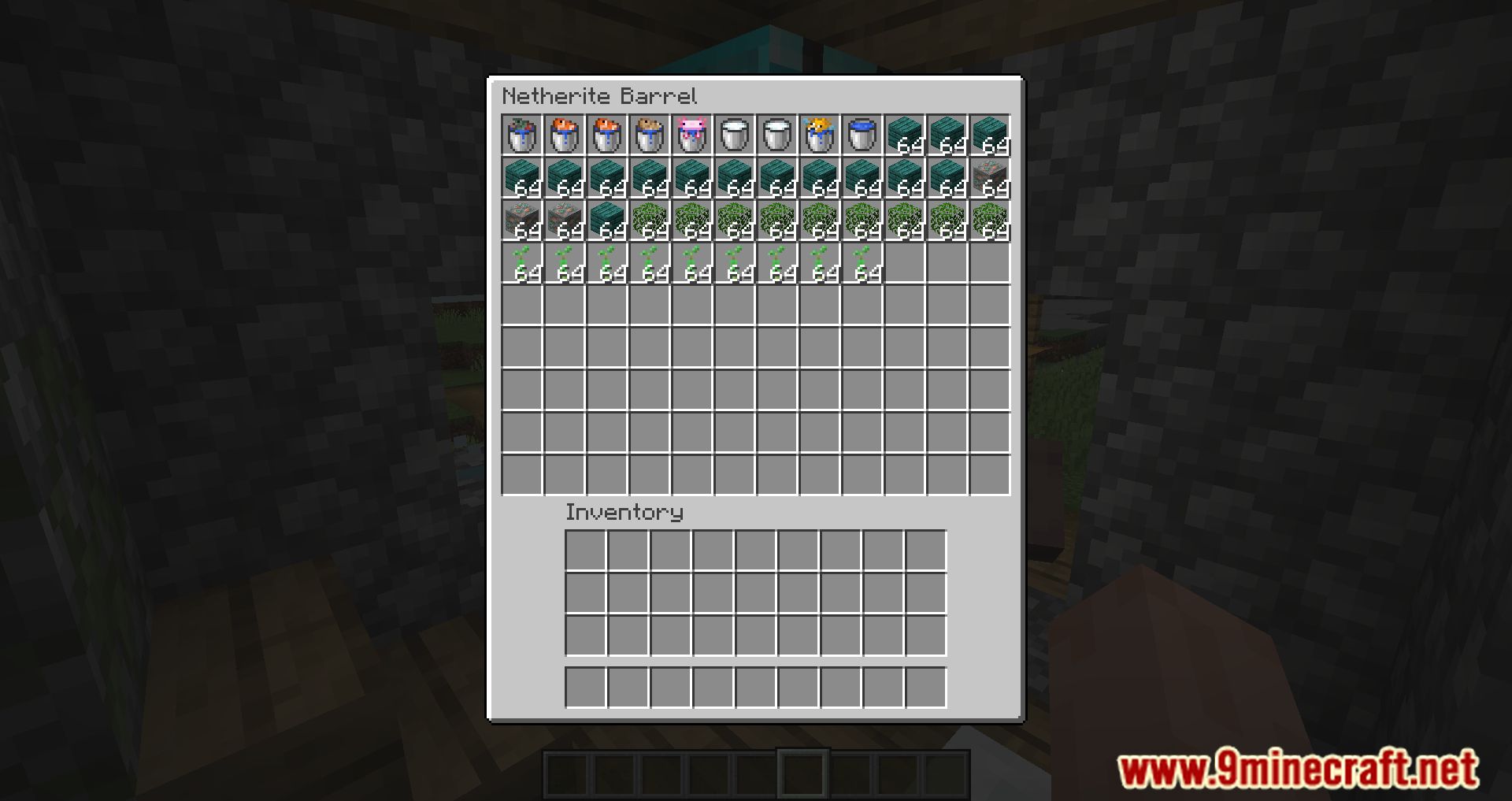
- Netherite Barrel holds 108 inventory slots, resists blasts, fire, and lava, and is made by smithing 1 diamond barrel with 1 netherite ingot.
Configuration:
You can change these settings through Mod Menu or directly in config/reinfcore.json.
screenType: Sets the inventory screen layout to"SINGLE"or"SCROLL"(default:"SINGLE").scrollScreen.rows: Sets the number of rows shown on the scroll screen using a whole number (default:6).
Crafting Recipes:
Screenshots:
How to Install:
New to Minecraft? Follow our step-by-step guide to install Mods on your PC.View Guide
Requirements:


Reinforced Barrels Mod Download Links
For Minecraft 1.17.1
Fabric version: Download from Server 1 – Download from Server 2
For Minecraft 1.18.2
Fabric version: Download from Server 1 – Download from Server 2
For Minecraft 1.19.2, 1.19.1, 1.19
Fabric version: Download from Server 1 – Download from Server 2
For Minecraft 1.19.3
Fabric version: Download from Server 1 – Download from Server 2
For Minecraft 1.19.4
Fabric version: Download from Server 1 – Download from Server 2
For Minecraft 1.20.1, 1.20
Fabric version: Download from Server 1 – Download from Server 2
For Minecraft 1.20.4, 1.20.3, 1.20.2
Fabric version: Download from Server 1 – Download from Server 2
For Minecraft 1.20.6
Fabric version: Download from Server 1 – Download from Server 2
For Minecraft 1.21.1, 1.21
Fabric version: Download from Server 1 – Download from Server 2
For Minecraft 1.21.3, 1.21.2
Fabric version: Download from Server 1 – Download from Server 2
For Minecraft 1.21.4
Fabric version: Download from Server 1 – Download from Server 2
For Minecraft 1.21.5
Fabric version: Download from Server 1 – Download from Server 2
For Minecraft 1.21.8, 1.21.7, 1.21.6
Fabric version: Download from Server 1 – Download from Server 2
For Minecraft 1.21.10, 1.21.9
Fabric version: Download from Server 1 – Download from Server 2
For Minecraft 1.21.11
Fabric version: Download from Server 1 – Download from Server 2
You May Also Like
Picked for this page
 Full Brightness Toggle Mod (26.3, 1.20.1) – Instantly Turn The Brightness
 Random Loot Mod (26.3, 1.20.1) – Get Loot Boxes Through Battles
 Metal Barrels Mod (26.1.2, 1.20.1) – Better than Iron Chest
 Tool Kit Mod (26.3, 1.20.1) – Improving the Vanilla Structure Blocks
 Husk Spawn Mod (26.3, 1.20.1) – Husks Spawn in Place of Zombie
 More Buckets Mod (26.1.2, 1.20.1) – Adding Bunch of Useful Buckets
 Simple Copper Pipes Mod (26.3, 1.20.1) – Pipes with Multiple Interesting Uses
 Crafting Slots Mod (26.1.2, 1.20.1) – Portable Crafting Table
 Ceiling Torch Mod (26.3, 1.20.1) – Makes Torches Placeable on The Upside Down
 DarkWooly Mod (26.3, 1.20.1) – Get Wool, Terracotta, Concrete from Sheep
 Silk Touch Budding Amethyst Mod (26.3, 1.20.1) – Obtain Budding Amethyst In Survival
 Hat List Mod (26.1.2, 1.20.1) – Always See The Hat Layer
Most viewed in Mods over the last 7 days
 Ala Industrial Mod (26.3) – Run Electric Power Grids and Automated Factories
 PleasureCraft Mod (26.3, 1.21.1) – Jenny Mod Remake for Fabric
 Jennycraft Mod (26.3, 1.20.1) – Virtual Girlfriend in Minecraft
 Fapcraft Mod (26.3, 1.12.2) – Comprehensive and Detailed Content
 Jenny Mod (Fapcraft) Official Complete Guide – How to use, Tutorial
 BangCraft Mod (1.20.1) – Jenny, Ellie and Elliot
 Fabric Loader (26.3, 1.20.1) – Fabric Installer for All Minecraft Versions
 The Shooting Star Demo Mod (26.3, 1.20.1) – Vaporize Terrain From Orbit
 Meteor Client Mod (26.3, 1.20.1) – Xray, HUD, Fly
 OptiFine HD (26.3, 1.20.1) – Run Faster, FPS Boost, Shaders Support
 Aristois Client Mod (1.21.4, 1.20.1) – World Class Minecraft Utility
 Prestige Client Mod (1.21.11, 1.21.4) – Powerful Ghost Features for Crystal & Sword PvP
More from Mods
 owo-lib 9minecraft Mod (26.3) – Run Your Favorite Mods Without Errors
 Moonlight 9minecraft Lib (26.3, 26.2) – Run Complex Mods Without Errors
 Load My Tags 9minecraft Mod (26.3) – Mix Mods Without Breaking Recipes
 Kambrik 9minecraft Mod (26.3) – Run Kotlin Mods Without Game Lag
 Fast Paintings 9minecraft Mod (26.3, 26.2) – Place Wall Art Exactly Where You Want It
 Bonsai Trees 9minecraft Mod (26.3, 26.2) – Automate Wood Farming in Tiny Pots
 Enhanced Block Entities 9minecraft Mod (26.3) – Build Lag-Free Storage Rooms
 Better Nether 9minecraft Mod (26.3, 26.2) – Survive Forever in the Nether
 BCLib 9minecraft Mod (26.3, 26.2) – Power Custom Nether and End Overhauls
 ForgedLoaderAPI Mod (1.19.2, 1.18.2) – Bring Ported Fabric Creations
 Shield System Mod (1.21.1) – Tank Heavy Monster Hits Without Losing Hearts
 Shin’s Tensura Race Models Mod (1.19.2) – Play As Unique 3D Anime Race

This post has no comments yet. Be the first — your comment will appear here.