
Resizing Potion Mod (1.12.2) – Crawl Into One-Block Gaps
 6,323
 0

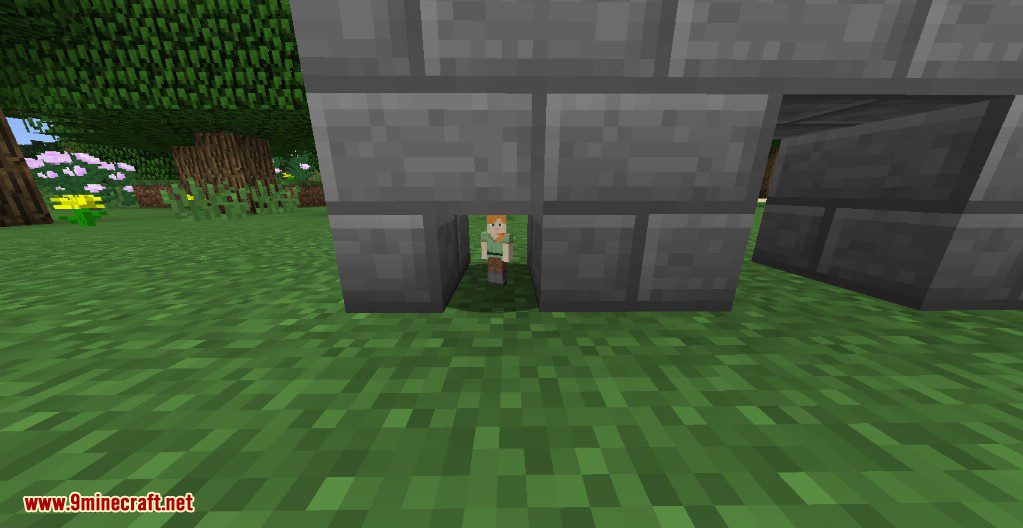
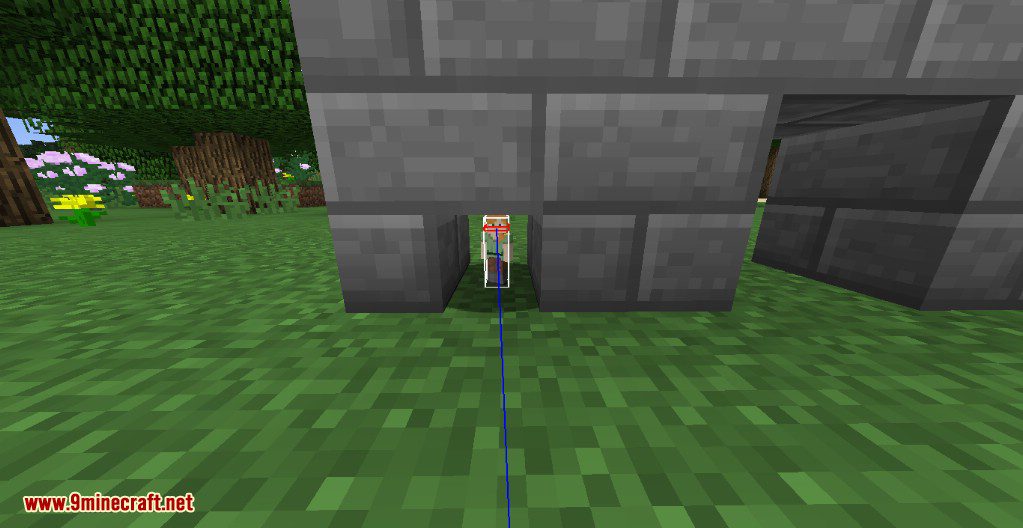
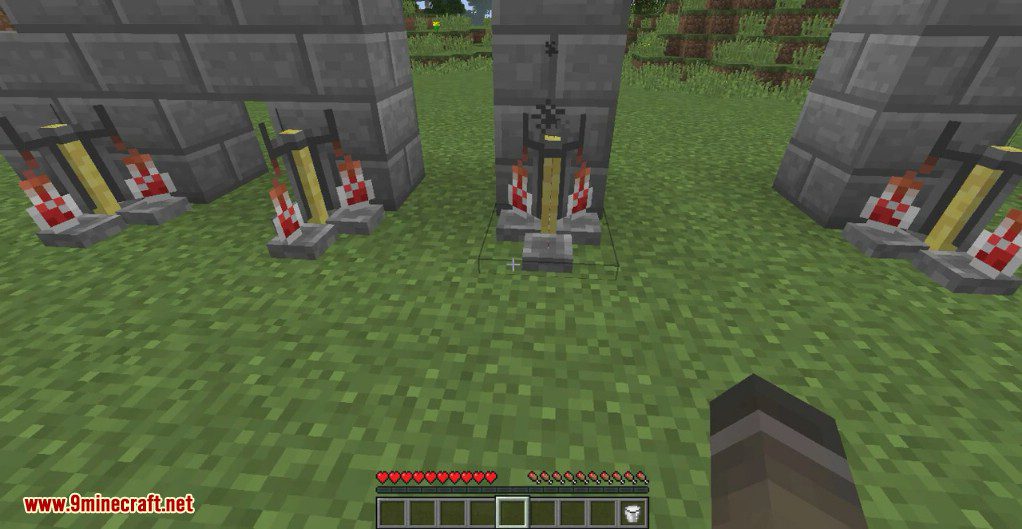
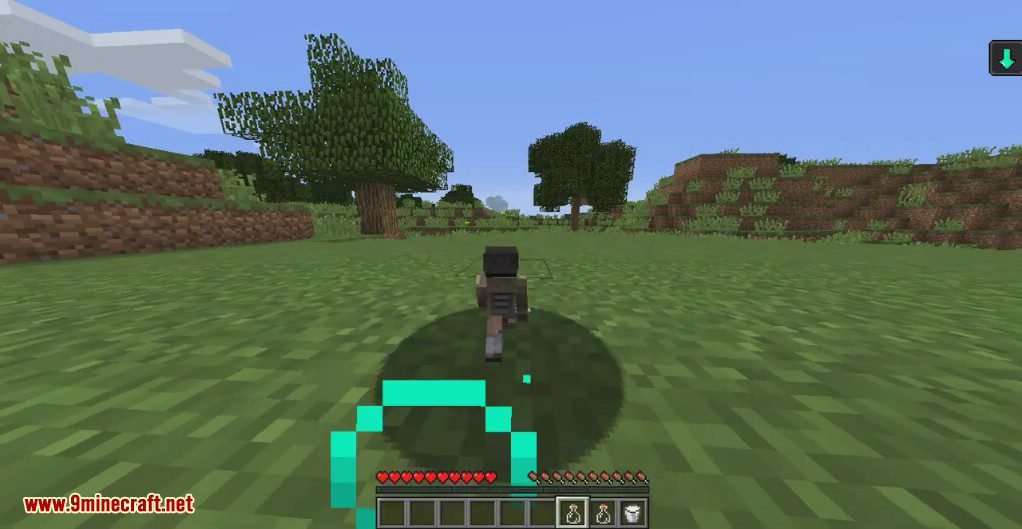
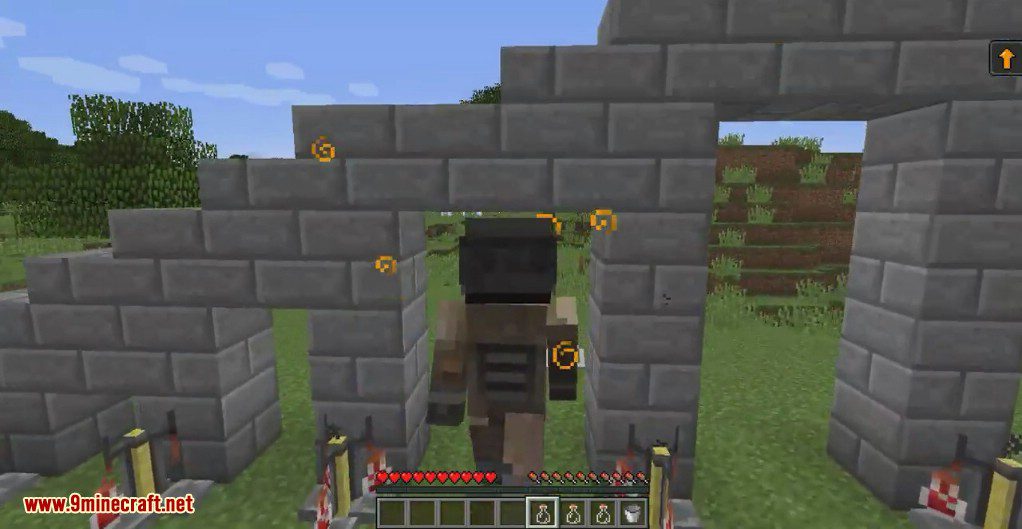
Resizing Potion Mod adds two new potions to Minecraft that change your player size. You can drink a Potion of Shrinking to become tiny and walk through one-block gaps, or drink a Potion of Growth to grow bigger. Changing your size also adjusts your hitbox, eye height, and player stats like speed, jump height, and attack damage. This mod needs Artemis Lib to run and works with Baubles to offer a trinket that keeps your potion effect active all the time.

Features:
- Adds the Potion of Growth to make your character bigger and the Potion of Shrinking to make your character smaller.
- Adjusts your hitbox and eye height to match your new size so tiny players can walk through one-block gaps.
- Changes your movement and combat stats depending on whether you grow or shrink, scaling with the potion amplifier level.
- Keeps size changes temporary while the potion lasts instead of setting a permanent player size.
- Works with the Baubles mod to add a trinket that keeps your potion effect active all the time.
Growth Potion Stats:
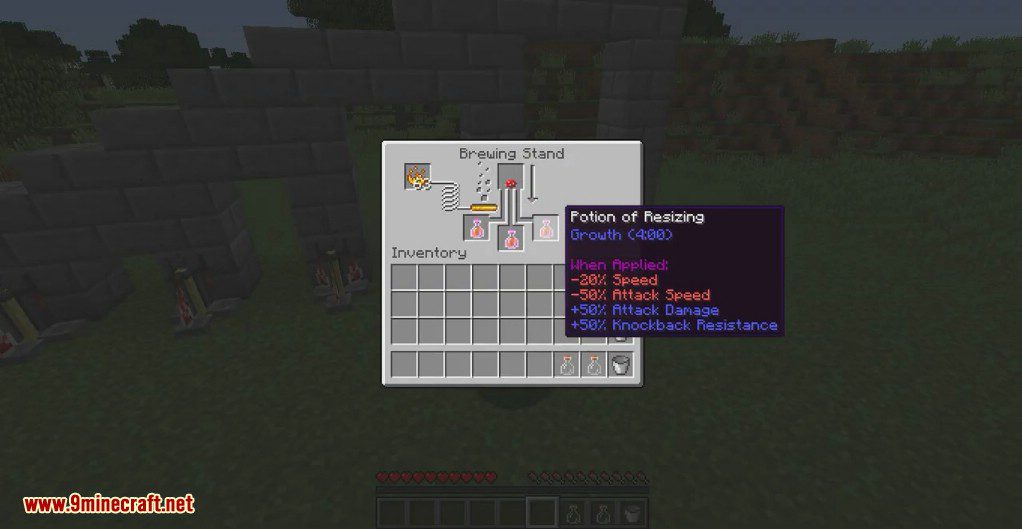
- Increases attack damage by 50% per amplifier level.
- Increases knockback resistance by 50% per amplifier level.
- Increases step height by 25% per amplifier level.
- Reduces movement speed by 20% per amplifier level.
- Reduces attack speed by 30% per amplifier level.
Shrinking Potion Stats:
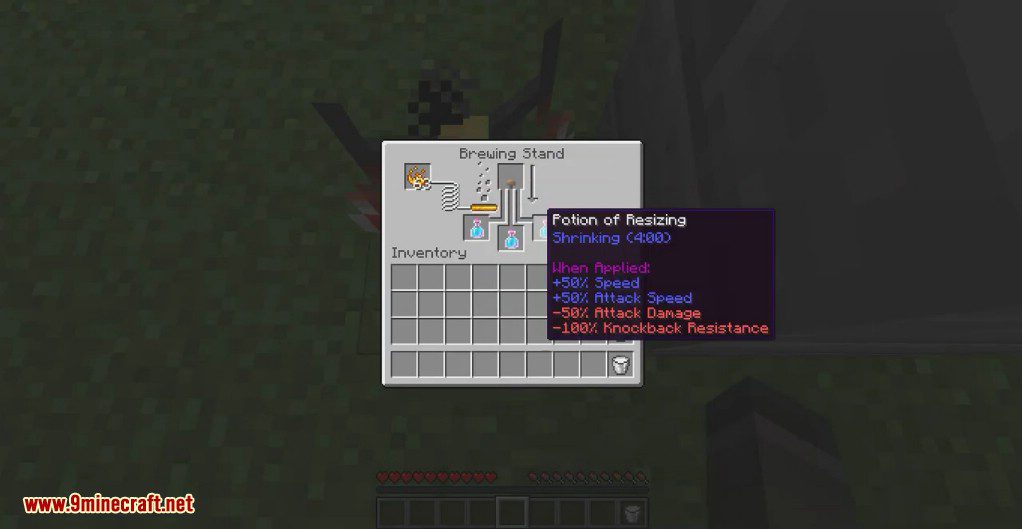
- Increases movement speed by 50% per amplifier level.
- Increases attack speed by 50% per amplifier level.
- Increases jump height by 250% per amplifier level.
- Gives you a wall climb ability at Shrinking II and higher.
- Reduces attack damage by 25% per amplifier level.
- Reduces knockback resistance by 50% per amplifier level.
- Reduces step height by 25% per amplifier level.
How to Use:
- Drink a Potion of Growth to grow bigger or a Potion of Shrinking to shrink down and fit through small one-block gaps.
- Use Shrinking II to climb walls, and avoid using even higher levels of the shrinking potion because collisions stop working and you fall forever.
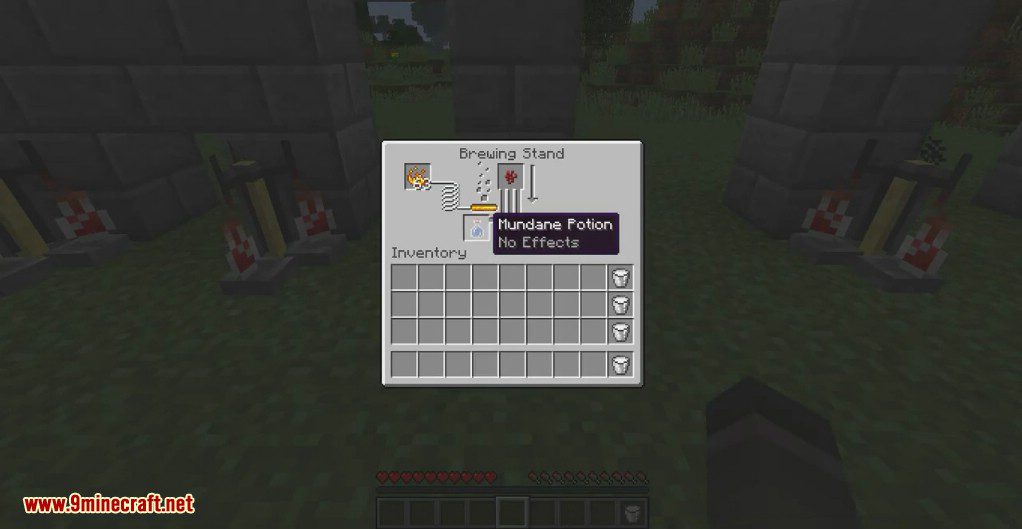
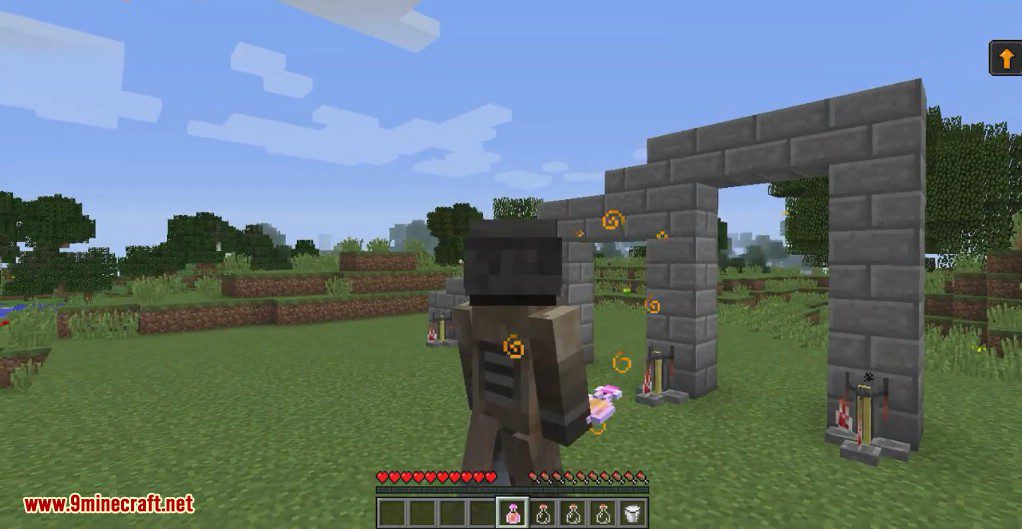
- If you also use the Baubles mod, craft an inert trinket and Right-click while you have your chosen potion effect to get a trinket that keeps that effect active all the time.
Screenshots:
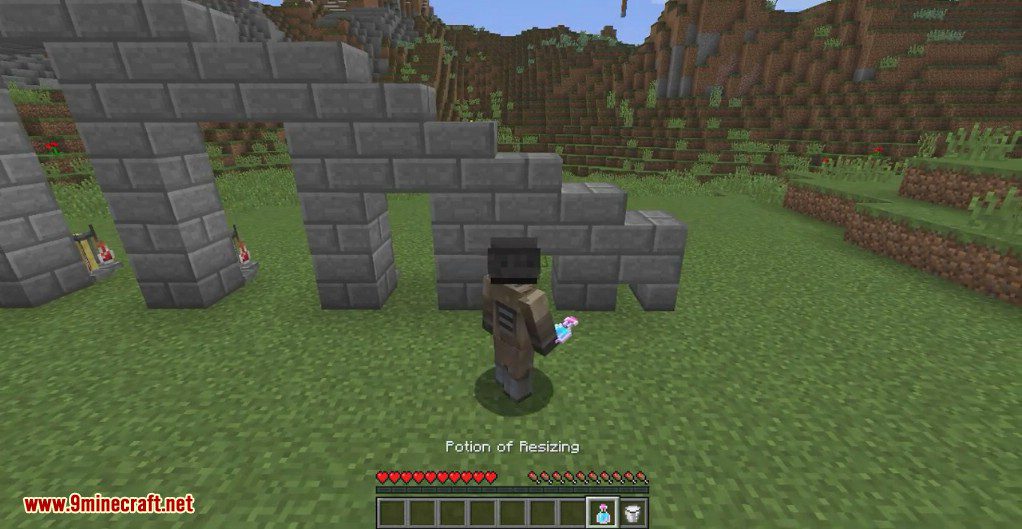
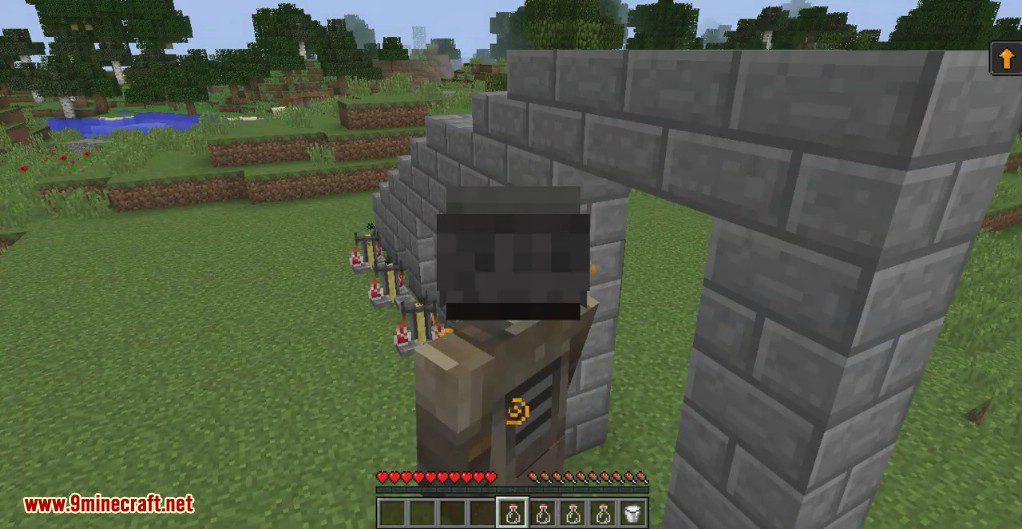
Normal Player No Hitbox
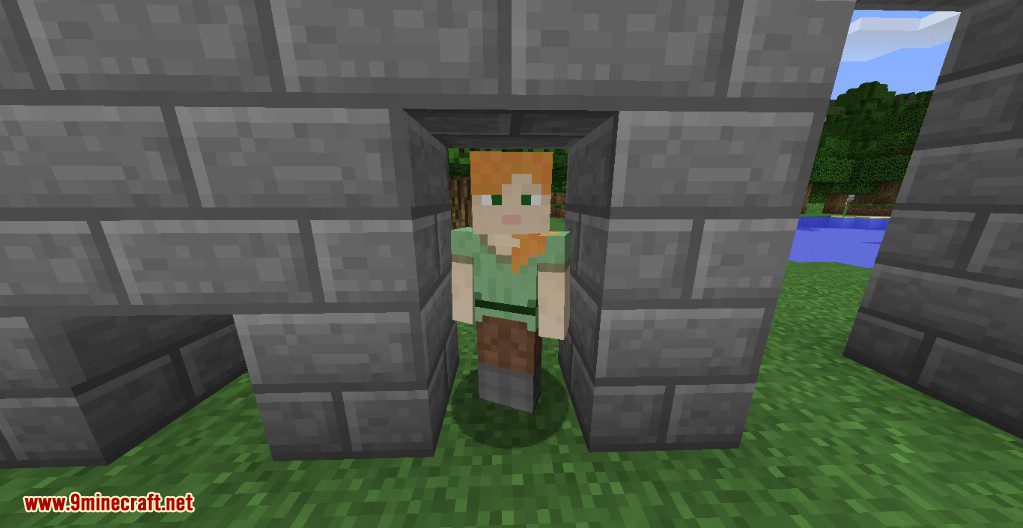
Normal Player With Hitbox
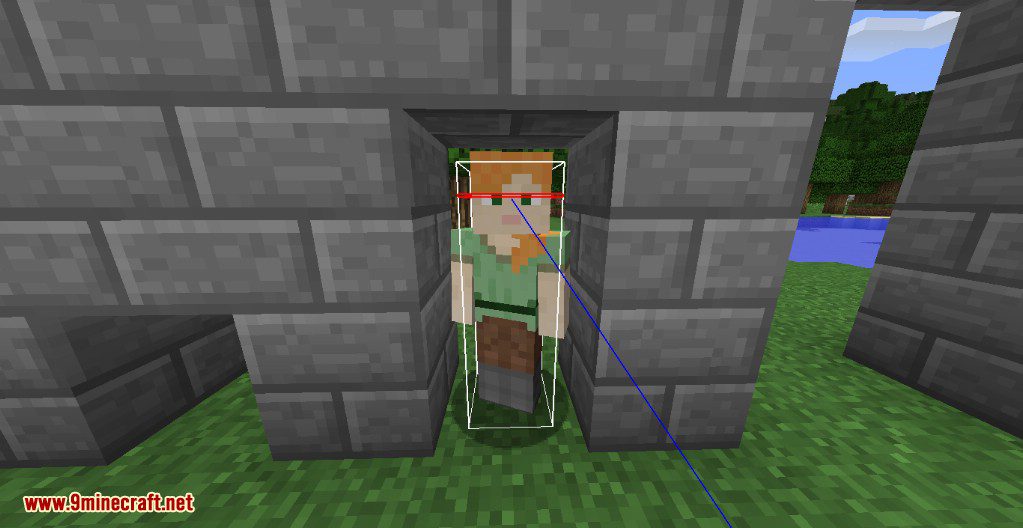
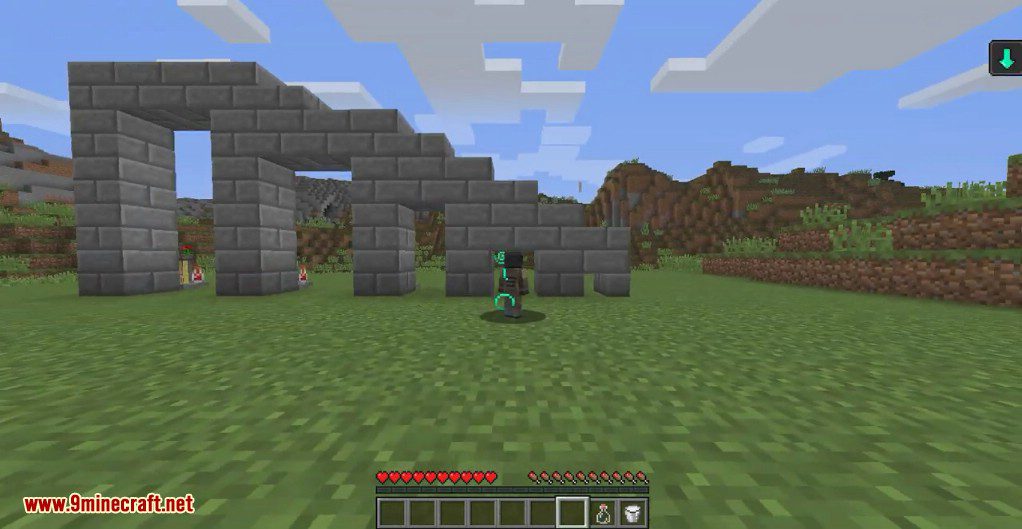
Shrinking 1 No Hitbox
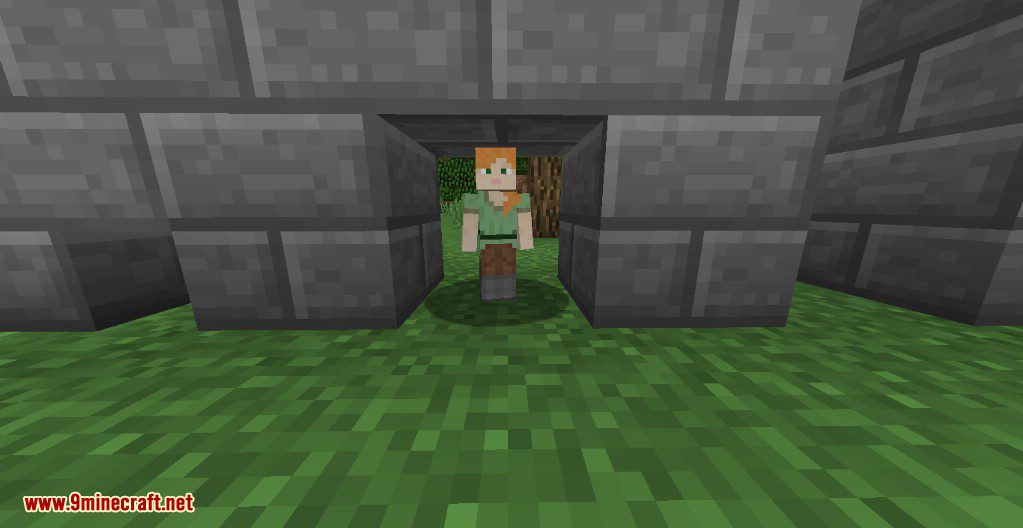
Shrinking 1 With Hitbox
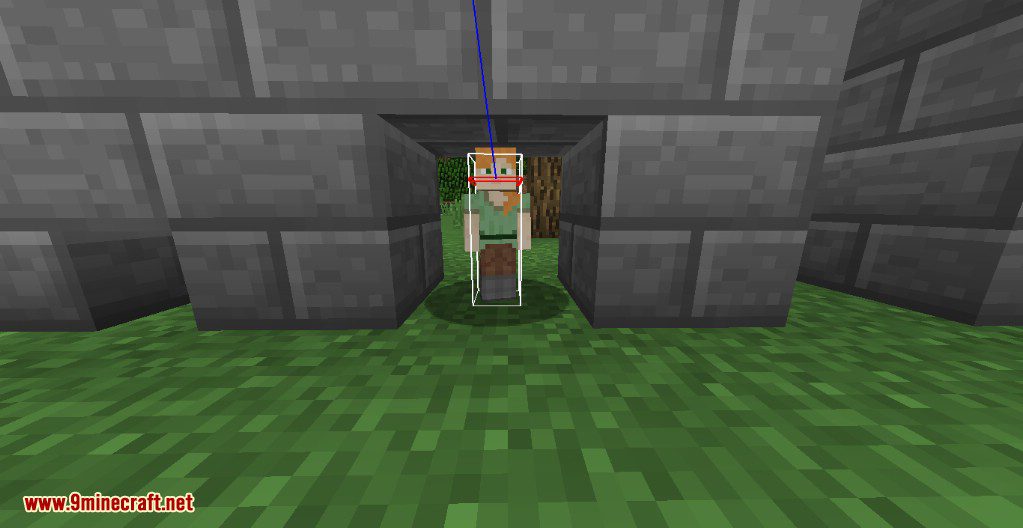
Shrinking 2 No Hitbox
Shrinking 2 With Hitbox
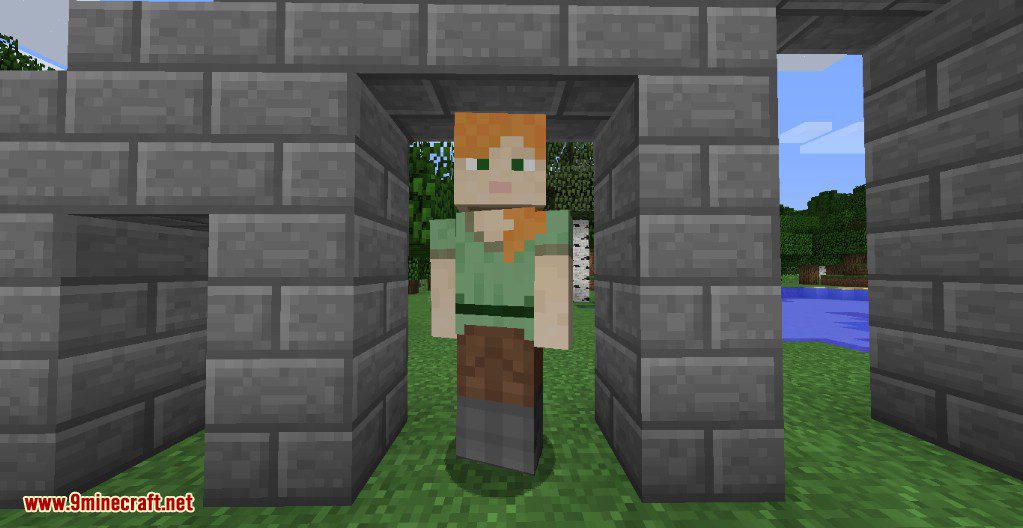
Growth 1 No Hitbox
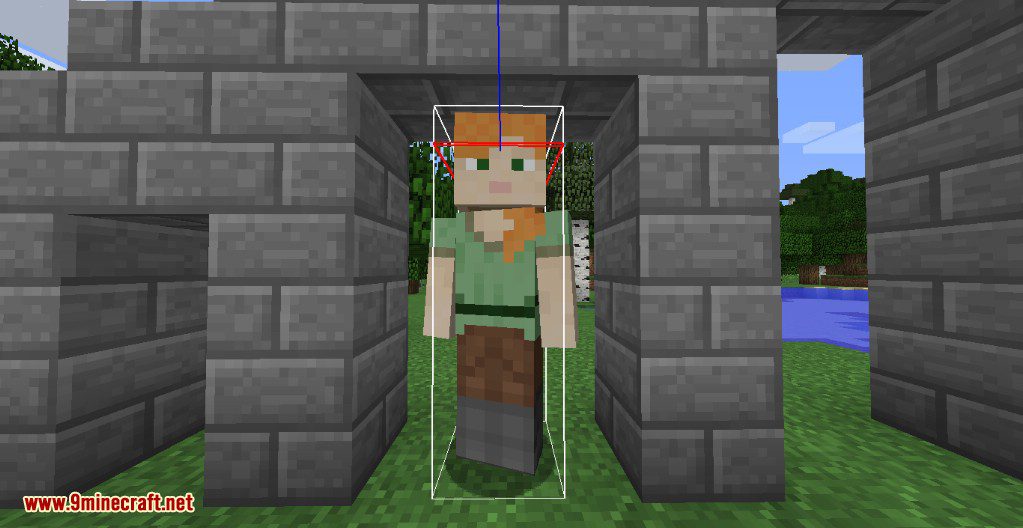
Growth 1 With Hitbox
Growth 2 No Hitbox
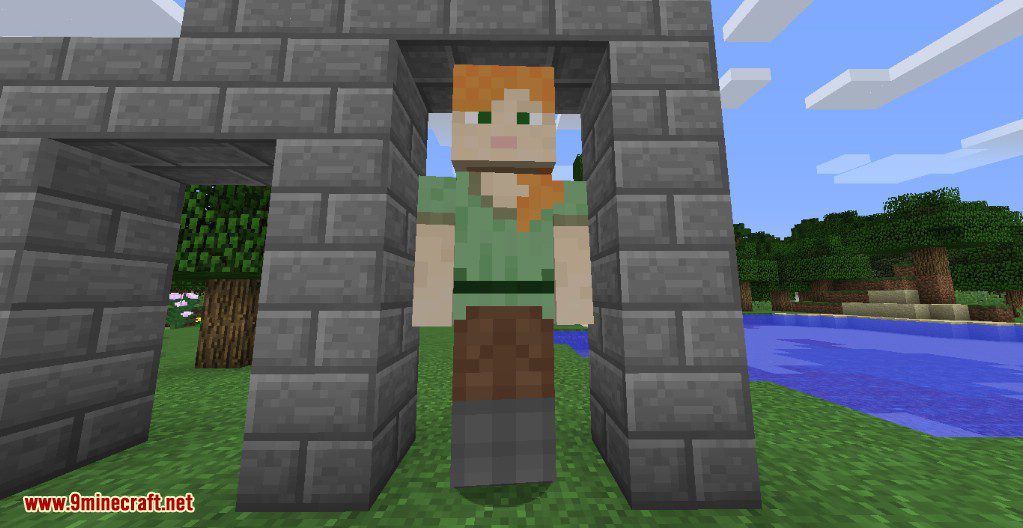
Growth 2 With Hitbox
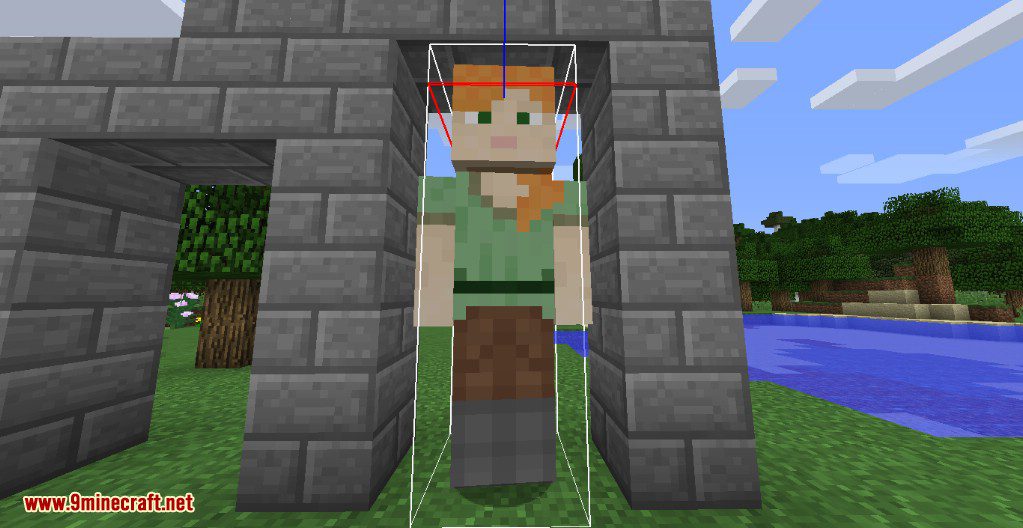
All Sizes No Hitbox
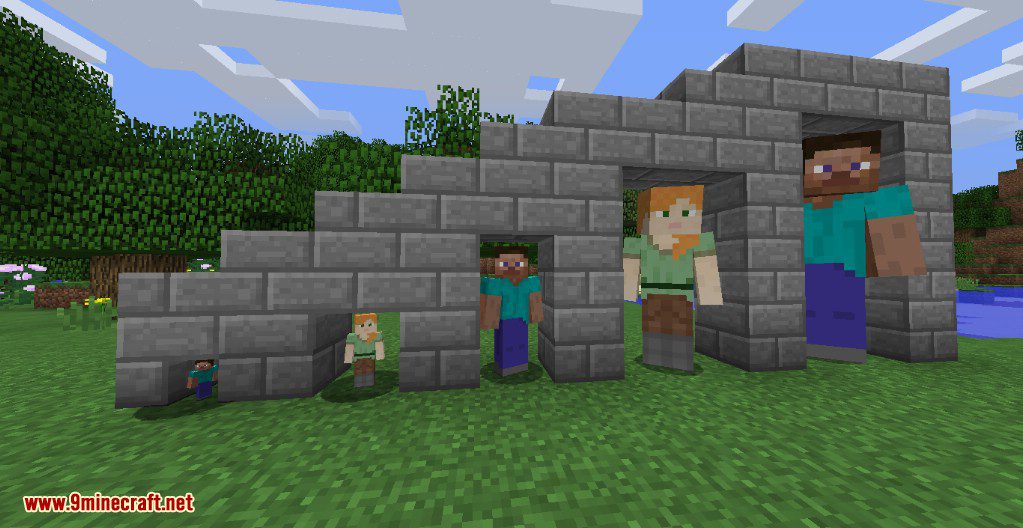
All Sizes With Hitbox

How to Install:
New to Minecraft? Follow our step-by-step guide to install Mods on your PC.View Guide
Resizing Potion Mod Download Links
For Minecraft 1.12.2
What do you do when a mod you love is abandoned by its creator?
19 responses · See the full results →
You May Also Like
Picked for this page
 Presence Footsteps Mod (26.3, 1.20.1) – New Walking Sounds
 Chisel Reborn Mod (26.3, 1.20.1) – Fabric Version of Chisel
 Raided Mod (26.3, 1.20.1) – More Advanced Raid Mechanics
 Accelerated Decay Mod (26.3, 1.20.1) – Faster Leaf Removal
 Heart Balance Mod (1.21.1, 1.20.1) – Health Pickups
 PandaLib Mod (1.21.11, 1.20.1) – Library for ThePandaOliver’s Mods
 Better Grassify Mod (26.3, 1.20.1) – Smoother, Faster, Prettier Grass
 Auto Lectern Mod (26.3, 1.21.1) – Skip the Villager Grind
 Ban Sleeping Mod (26.1.2, 1.20.1) – No More Sleeping
 Create Automotives Mod (26.1.2, 1.20.1) – Drive Steam Powered Vehicles
 Cataclysmic Crab Spawn Mod (1.20.1, 1.20) – Summon The Amethyst Crab
 Travelers Backpack Transmog Compat Mod (1.20.1, 1.20) – Transmog Support For Travelers Backpack
Most viewed in Mods over the last 7 days
 Ala Industrial Mod (26.3) – Run Electric Power Grids and Automated Factories
 PleasureCraft Mod (26.3, 1.21.1) – Jenny Mod Remake for Fabric
 Jennycraft Mod (26.3, 1.20.1) – Virtual Girlfriend in Minecraft
 Fapcraft Mod (26.3, 1.12.2) – Comprehensive and Detailed Content
 Jenny Mod (Fapcraft) Official Complete Guide – How to use, Tutorial
 BangCraft Mod (1.20.1) – Jenny, Ellie and Elliot
 Fabric Loader (26.3, 1.20.1) – Fabric Installer for All Minecraft Versions
 The Shooting Star Demo Mod (26.3, 1.20.1) – Vaporize Terrain From Orbit
 Meteor Client Mod (26.3, 1.20.1) – Xray, HUD, Fly
 OptiFine HD (26.3, 1.20.1) – Run Faster, FPS Boost, Shaders Support
 Aristois Client Mod (1.21.4, 1.20.1) – World Class Minecraft Utility
 Prestige Client Mod (1.21.11, 1.21.4) – Powerful Ghost Features for Crystal & Sword PvP
More from Mods
 Earth Platform Mod (1.21.1) – Travel Across Real Continents in a True Scale World
 Taunahi Mod (26.1.2) – Automate Daily Farming and Slayers in Hypixel Skyblock
 HORROR Fake Join Leave Messages Mod (1.20.1) – Trigger Creepy Chat Scares
 Bons Voyage Mod (1.20.1) – Teleport Across Biomes Through Hidden Waystones
 Orbital Railgun UPDATED Mod (26.3) – Flatten Giant Landscapes From Space
 Automobility Autoradio Mod (26.3, 26.1.2) – Trade Custom Mixtapes with Friends
 Towers of the Wild 9minecraft Mod (26.3, 26.2) – Climb Tall Towers for Loot
 Ender Storage 9minecraft Mod (26.3, 26.2) – Send Loot Back Home From Any Dimension
 Snad 9minecraft Mod (26.3, 26.2) – Build Faster Sugar Cane and Nether Wart Farms
 Together Forever Unofficial Mod (1.12.2) – Share Team Advancements
 GroovyDuvet Mod (1.21.11, 1.20.1) – Run Groovy Scripted Addons Without Game
 Swing Through Grass 9minecraft Mod (26.3, 26.2) – Fight Mobs Without Breaking Tall Grass

This post has no comments yet. Be the first — your comment will appear here.