


SBW Drone Warfare Mod (1.21.1, 1.20.1) – Pilot Combat Drones to Bomb Enemy Bases
 15
15
 0
0


🌐 Good news — we've translated this article into other languages!
Or pick the one you like:
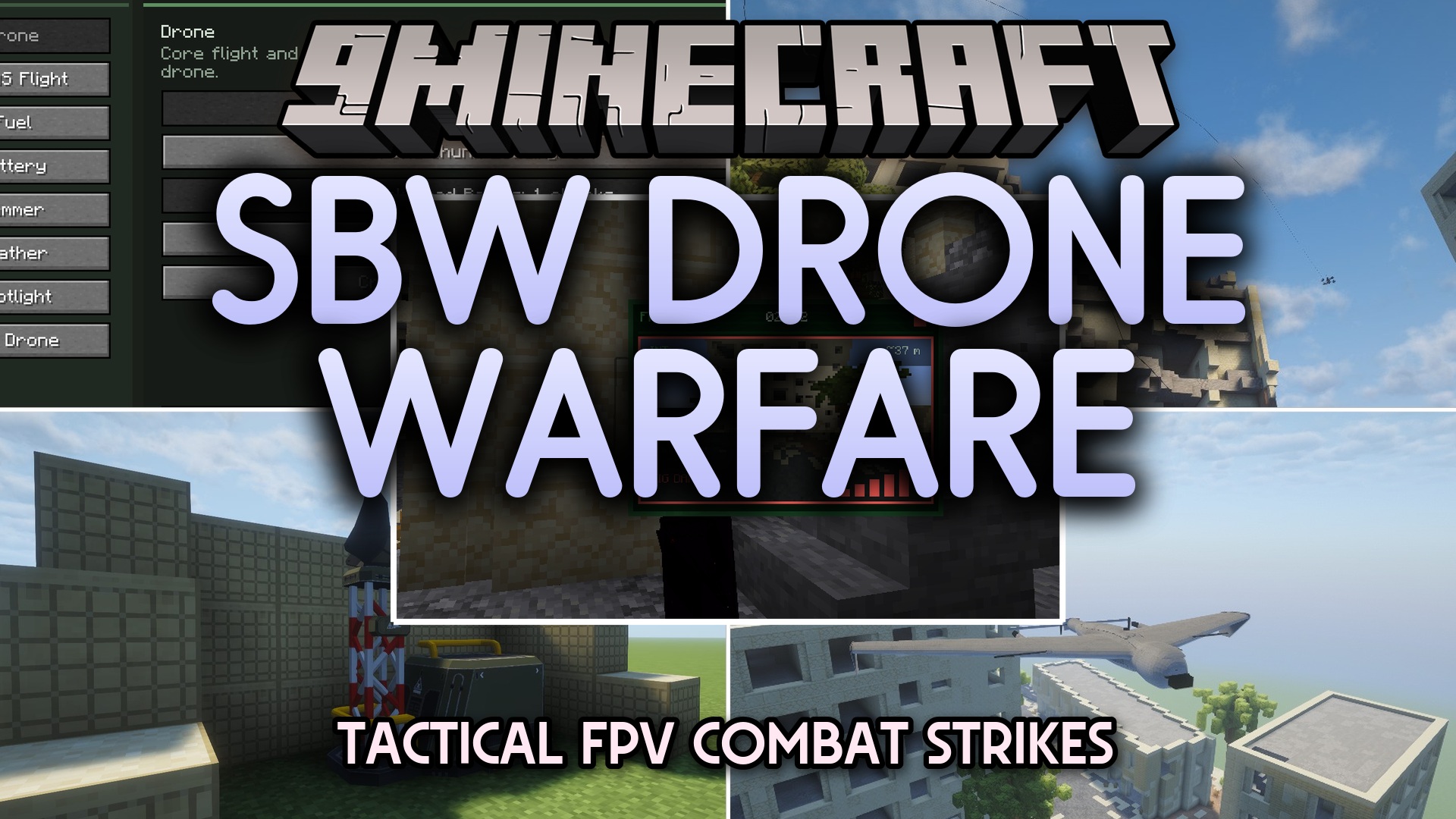
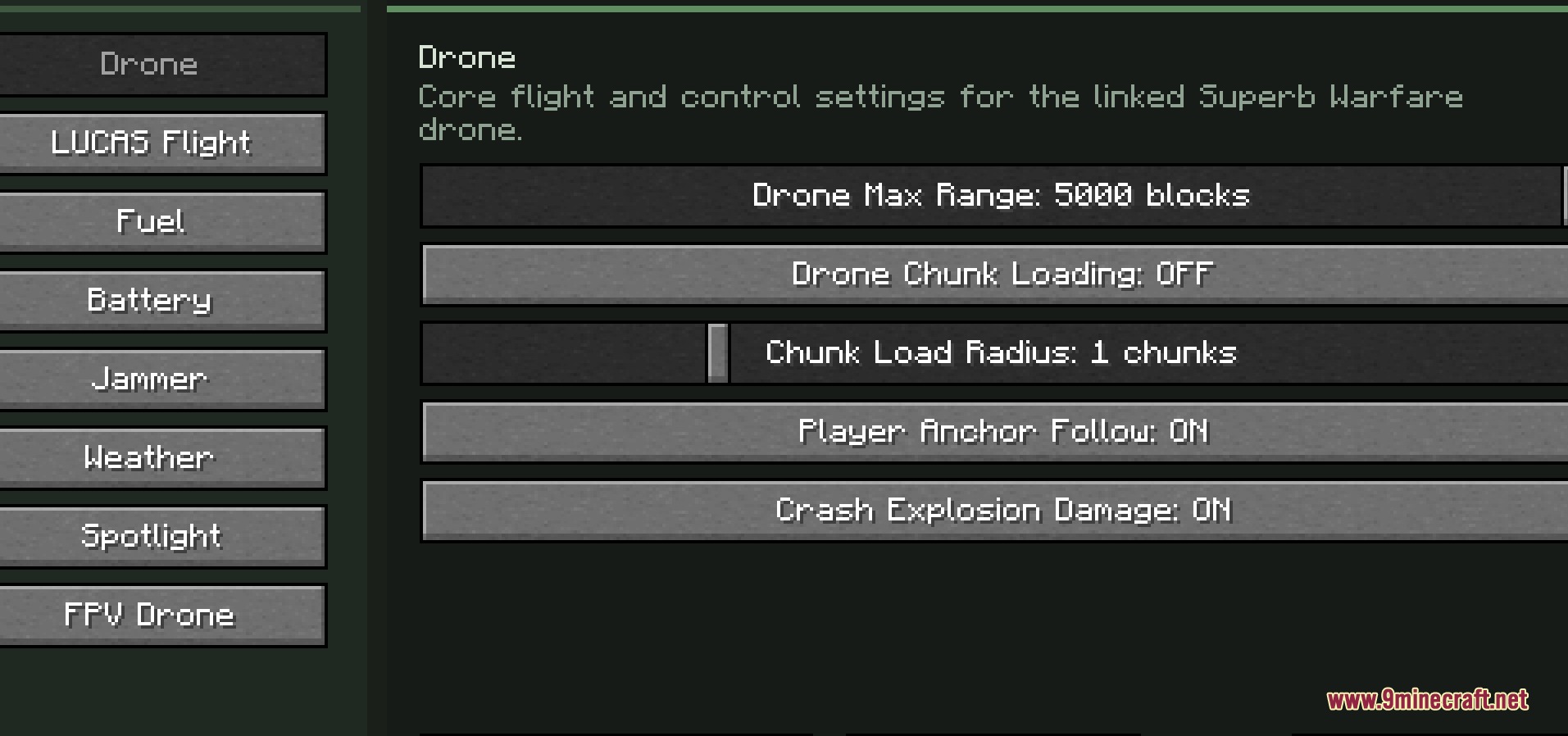
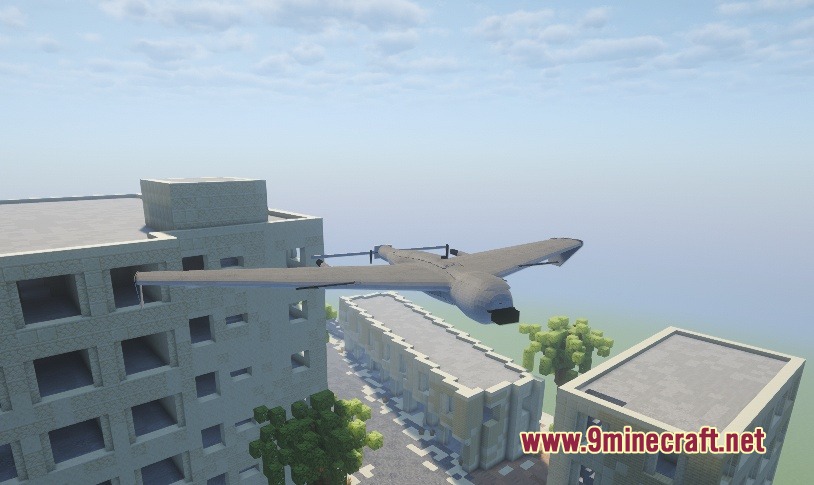
SBW Drone Warfare Mod extends Superb Warfare with advanced flying combat machines. This addon brings controllable scout drones, heavy bombers, and smart missiles into your world. You can spy on enemy bases from the sky or drop explosives on targets from far away. It also adds special defenses like nets and trackers to protect your base from enemy air attacks.
Features:
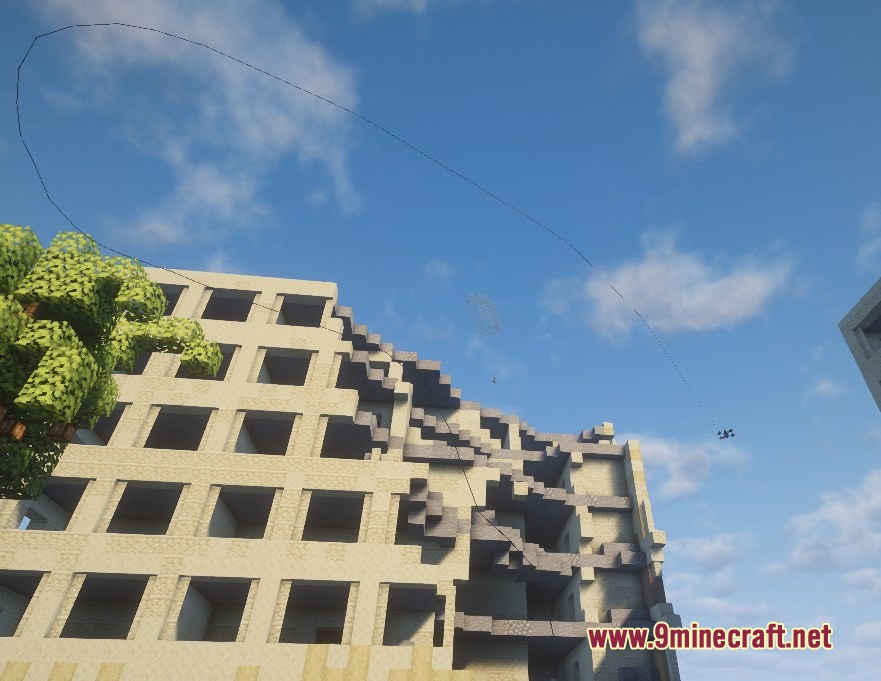
- Fiber-Optic Control: Lets you fly machines using a physical cable that trails behind them, making them harder to block or jam.
- Fuel System: Requires you to fill up larger attack aircraft with gasoline jerrycans before they can take off.
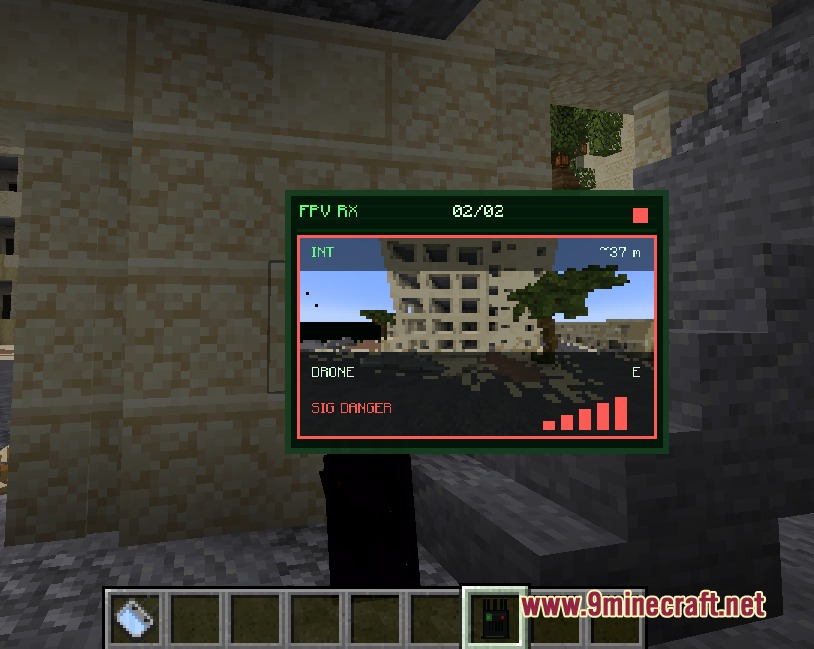
- Equips you with a special monitor and goggles to fly machines in first-person view.
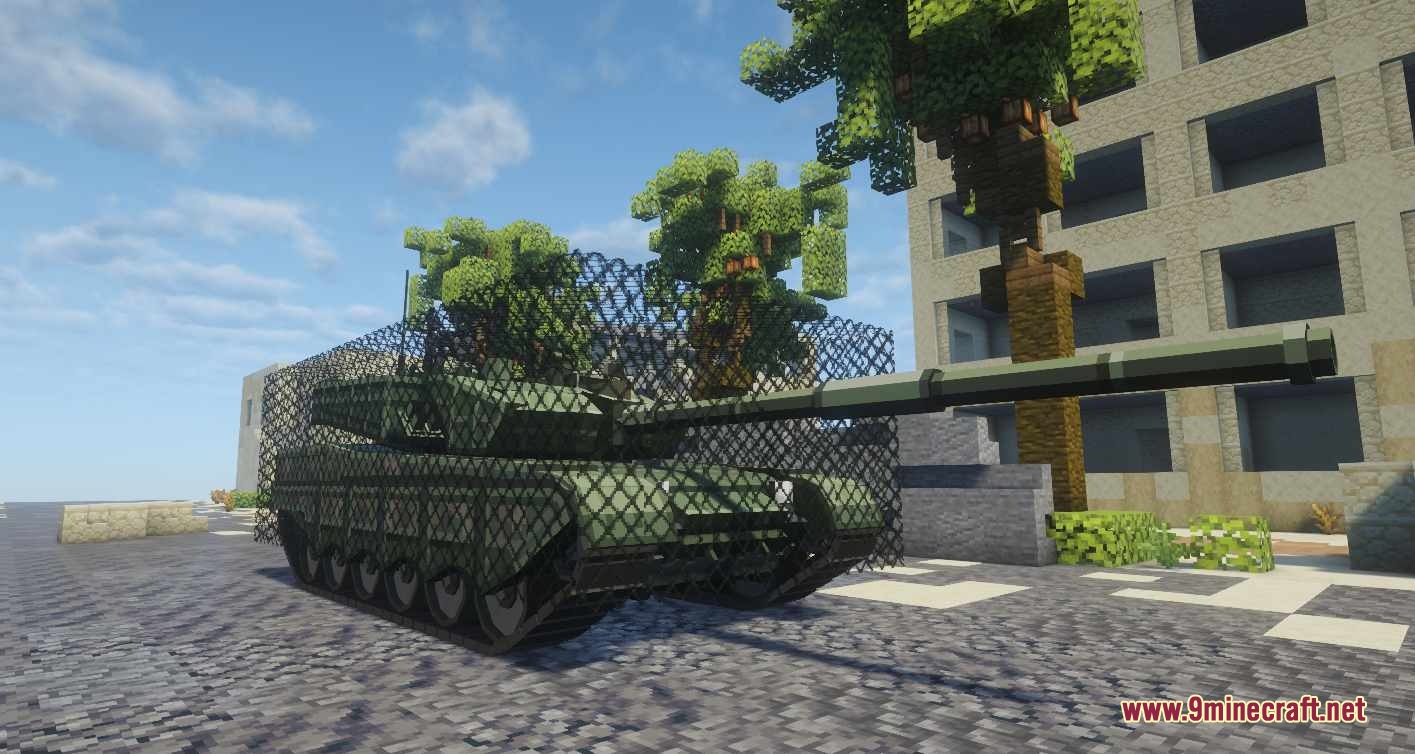
- Adds large protective nets that you can place quickly to guard your bases and ground vehicles from flying attacks.
- Gives each flying machine its own storage space to carry batteries, fuel, cargo, or explosives.
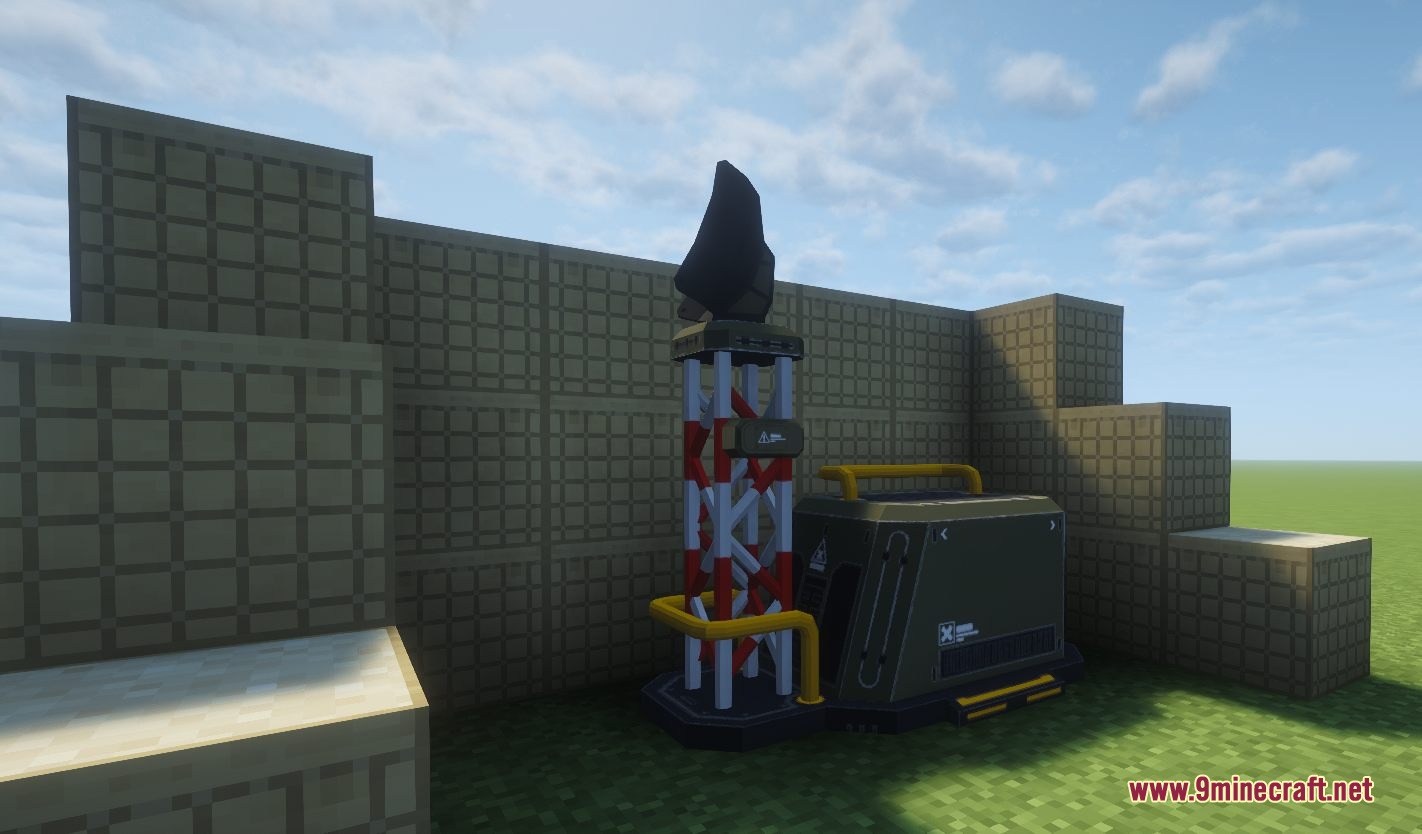
- Includes portable detectors that help you find hidden enemy units flying nearby.
- Allows transport models to pick up crates, move items across the map, and drop them at exact coordinates.
Drone Types:
- FPV Drone: A small, fast scout that uses batteries and breaks easily.
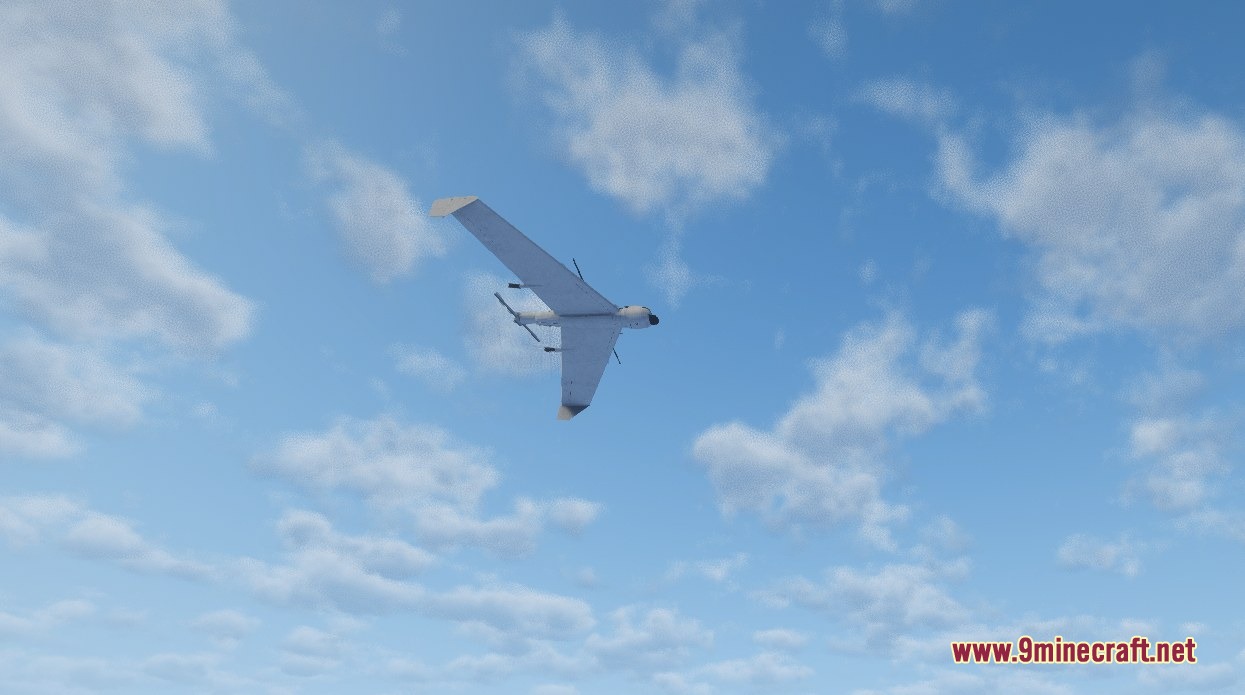
- LUCAS Drone: A fast airplane-style machine that acts as a flying bomb.
- Delivery Drone: A transport unit that safely moves extraction crates and items.
- Glide Bomb: A heavy explosive that you steer directly into a target.
- Heavy Bomber: A large, tough machine that drops mines, C4, and rockets from the sky.
- Geranium-2: A powerful kamikaze aircraft that destroys buildings and vehicles.
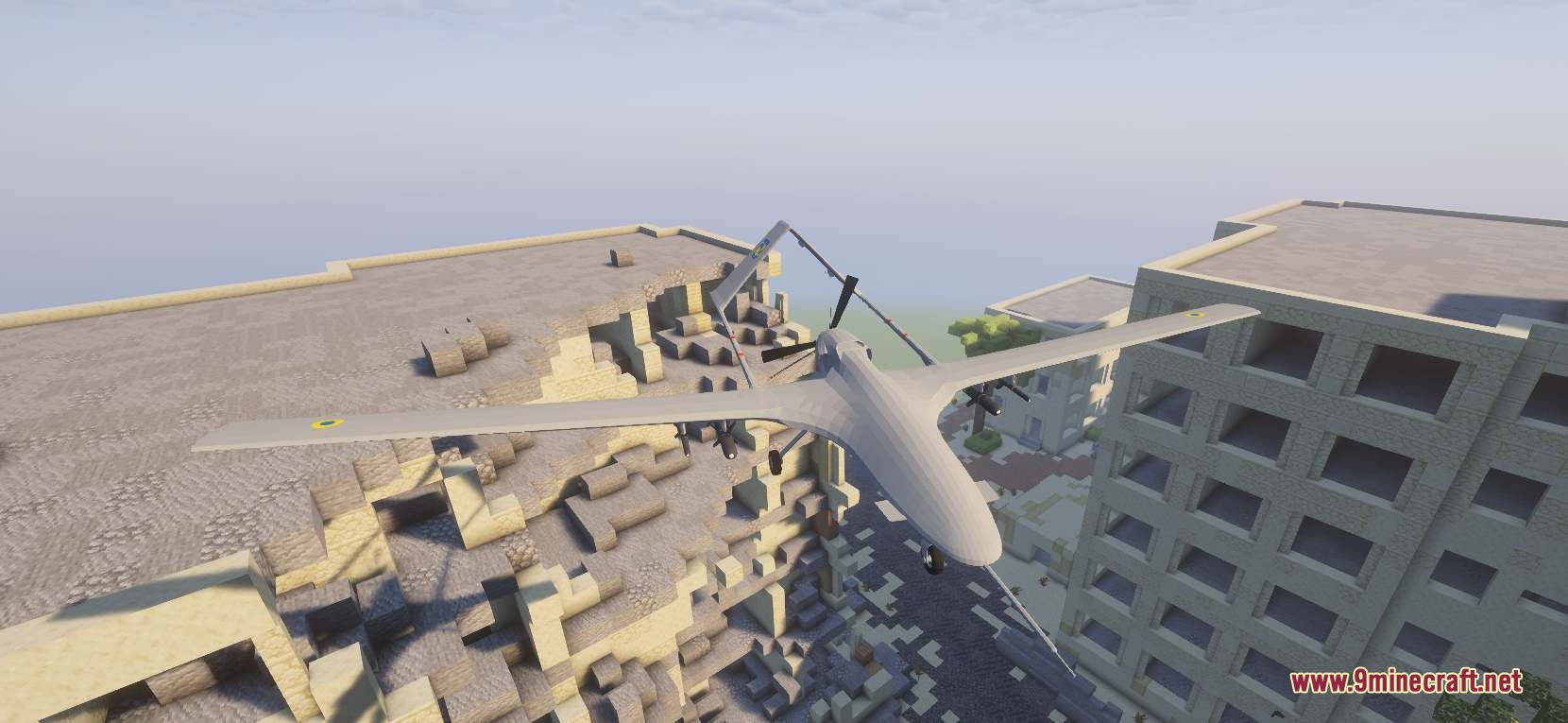
- Ukrainian Bayraktar TB2: A massive long-range plane that fires missiles and follows map waypoints.
How to Use:
- Put on the FPV Goggles and hold the Drone Monitor to fly scout machines in first-person view.
- Fill up large airplanes like the Bayraktar TB2 or Geranium-2 with gasoline before trying to start their engines.
- Attach a fiber-optic spool to your machine to keep control even when enemies try to block your wireless signal.
- Use the POS1 and POS2 tool to quickly build massive protective nets around your base without placing blocks one by one.
- Equip an extraction crate to the delivery drone and type in map coordinates to send supplies to your friends.
Screenshots:
How to Install:
New to Minecraft? Follow our step-by-step guide to install Mods on your PC.View Guide
Requirements:


SBW Drone Warfare Mod Download Links
For Minecraft 1.21.1, 1.21
For Minecraft 1.20.1, 1.20
Click to rate this post!
[Total: 1 Average: 5]
You May Also Like
















This post has no comments yet. Be the first — your comment will appear here.