
Sculk Farm Simple Schematic (1.21.x) – Compact AFK Sculk Block Generator

 0


Sculk Farm Simple Schematic gives players an easy way to gather sculk blocks without doing the hard work manually. This build uses an automatic stone generator to keep the farm running while you step away from the keyboard. It fits perfectly into small spaces and requires no extra mods to run in your vanilla world.
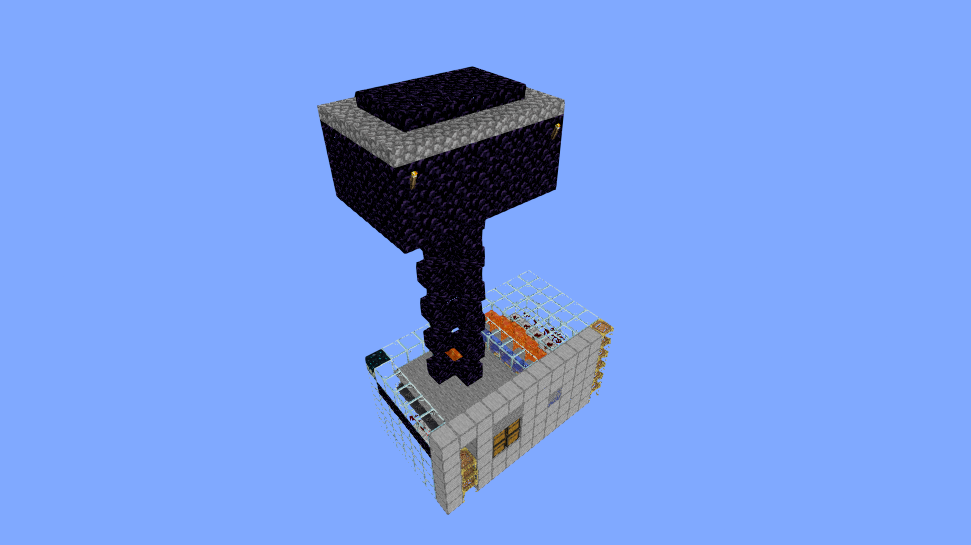
3D Preview & Editor:
Materials
20 types · 552 blocks
| Glass | 203 | Obsidian | 124 | Smooth Stone | 56 | |||
| Stone | 35 | Redstone Wire | 28 | Cobblestone Slab | 20 | |||
| Repeater | 16 | Water | 15 | Piston | 10 | |||
| Scaffolding | 9 | Hopper | 8 | Lava | 6 | |||
| Spawner | 5 | Chest | 4 | Stone Stairs | 4 | |||
| Wall Torch | 4 | Oak Wall Sign | 2 | Torch | 1 | |||
| Sculk Vein | 1 | Sculk Catalyst | 1 | |||||
How to place this schematic
.litematic This is a Litematica schematic. You place it with the Litematica mod, which shows the build as a ghost overlay you fill in.
| 1 | Install Litematica (plus MaLiLib) for your Minecraft version. |
| 2 | Put the .litematic file in .minecraft/schematics. |
| 3 | In game press M → Load Schematics, pick the file, then Load. |
| 4 | Position the ghost preview, then build it by hand — or turn on Easy Place to place blocks straight from your hotbar. |
About this build
| 1 | Equip a hoe enchanted with Efficiency 5, Silk Touch, and Unbreaking 3. |
| 2 | Stand in the designated AFK spot inside the farm. |
| 3 | Turn on your preferred autoclicker to continuously mine the blocks. |
| 4 | Collect the sculk blocks as the stone generator keeps the farm supplied. |
Features:
- Generates sculk blocks automatically using a built-in stone generator.
- Lets you farm blocks while away from the keyboard with the help of an autoclicker.
- Fits inside a compact 7 by 20 by 12 block area in your world.
- Uses exactly 552 blocks to build the entire structure.
- Works perfectly in vanilla Minecraft without needing any extra mods.
Schematic Specs:
 Minecraft1.21.x
 Dimensions7×20×12
 Total Blocks552
Sculk Farm Simple Schematic Download Links
For Minecraft 1.21.x
Click to rate this post!
[Total: 0 Average: 0]
You May Also Like
Picked for this page
 Mega Mob XP Farm Schematic (1.21.x) – Massive Monster Farm Build With Zero Redstone
 Autosmelter Carpet Dupe Schematic (1.21.x) – Automatic Furnace System With Infinite Fuel
 Castelo Schematic (1.21.x) – Large Vanilla Castle Build Blueprint
 End House Schematic (1.21.x) – Unfurnished End Base With Piston Door
 Tridnat Farm Schematic (1.21.x) – Giant Lake Farm Structure Build
 Zamek Boskie Buty Schematic (1.21.x) – Massive Dark Castle Litematic Build
 Kanye West Graduation Bear Schematic (1.21.x) – Classic Album Mascot Pixel Art Build
 Netherless Kelp Farm Schematic (1.21.x) – Compact Vanilla Kelp Farm Build
 Bee Green House Garden Apiary Schematic (1.21.x) – Ready To Build Vanilla Bee Farm
 Tramway Schematic (1.21.x) – Small Modern Tram Build For Your City Rails
 Santos FC Schematic (1.21.x) – Santos Futebol Clube Pixel Art Build
 Cursed Register Schematic (1.21.x) – Weird Subtick Redstone Machine Build
Most viewed in Schematics over the last 7 days
 Fastest Bonemeal Farm Donut Smp Schematic (1.21.x) – Fast Redstone Bonemeal Farm Build
 64 Module Cobblestone Farm Schematic (1.21.x) – Massive Automated Stone Gathering Build
 KelpFarmV9.9 Schematic (1.21.x) – Compact And Simple Seaweed Farm Build
 Villager Trading Hall Schematic (1.21.x) – Modern Shop Build For 48 Villagers
 Gold Farm Schematic (1.21.x) – Automatic Nether Roof Gold Farm
 Bamboss V2 800k Bamboo per Hour Schematic (1.21.x) – High Speed Automated Bamboo Farm Schematic
 Bamboo Farm Schematic (1.21.x) – Small Automated Redstone Bamboo Farm
 Best Railgun Tp Trap on Donutsmp Schematic (1.21.x) – Unescapable Multiplayer Redstone Trap Build
 Minutes End Base Before Spoke Null End Video Schematic (1.21.x) – Giant Unstable SMP End Base Schema
 Cobble Farm 50m per Hour Donut SMP Schematic – High Yield Cobblestone Generator Build
 Donut Smp Stash and Regear Schematic (1.21.x) – Large Storage And Regear Room Build
 36 Module Cobble Farm 18m per Hour Donut SMP Schematic (1.21.x) – Massive Automated Stone Generator
More from Schematics
 Crimson Witch Hut Schematic (1.21.x) – Magical Small Medieval Witch House Build
 Grand Medieval Castle Schematic (1.21.x) – Massive Red Roofed Medieval Fortress Build
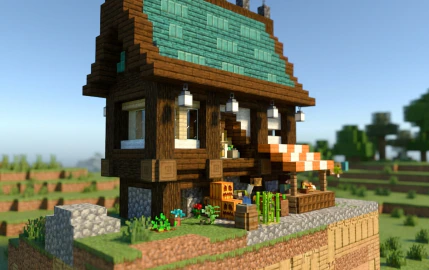 Medieval Riverside Cottage Schematic (1.21.x) – Cozy Medieval House With Market Stall
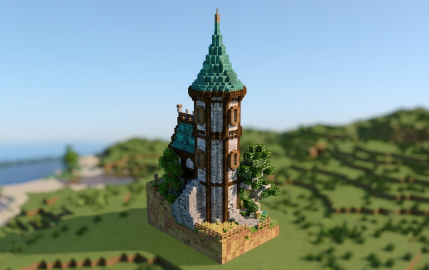 Medieval Wizard’s Tower Schematic (1.21.x) – Magical Medieval Tower For Your World
 Survival Starter Base Castle Schematic (1.21.x) – Complete Medieval Fortress with Built-in Farms
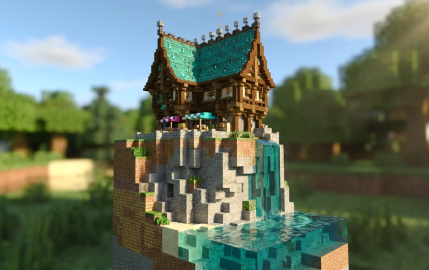 Medieval Waterfall House Schematic (1.21.x) – Scenic Cliffside Survival Base
 Text Poke 3d Schematic (1.21.x) – Large 3D Text Build for Custom Worlds
 Grand Medieval Manor Schematic (1.21.x) – Large Lord’s Home with Teal Roofs
 Medieval Castle House Schematic (1.20.x) – Detailed Stone And Wood Survival Base
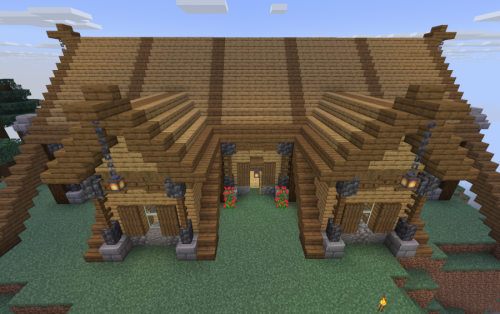 Long Viking Home Schematic (1.21.x) – Traditional Norse Survival House For Your World
 Minecraft Hera Greek Mythology Statue Free Schematic (1.19.x) – Giant Greek Goddess Statue
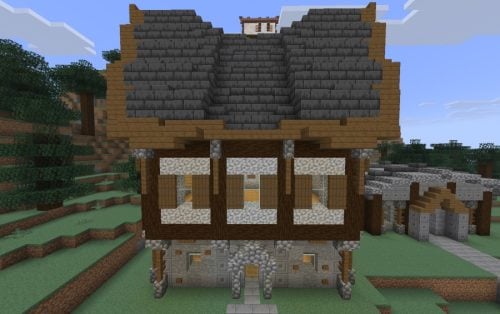 Medieval House by JustmeTheGamer Schematic (1.21.x) – A Cozy Two Story Medieval Home Schematic

This post has no comments yet. Be the first — your comment will appear here.