
Serene Shrubbery Mod (1.21.1, 1.20.1) – Cultivate Vibrant Gardens
 8,005
 0

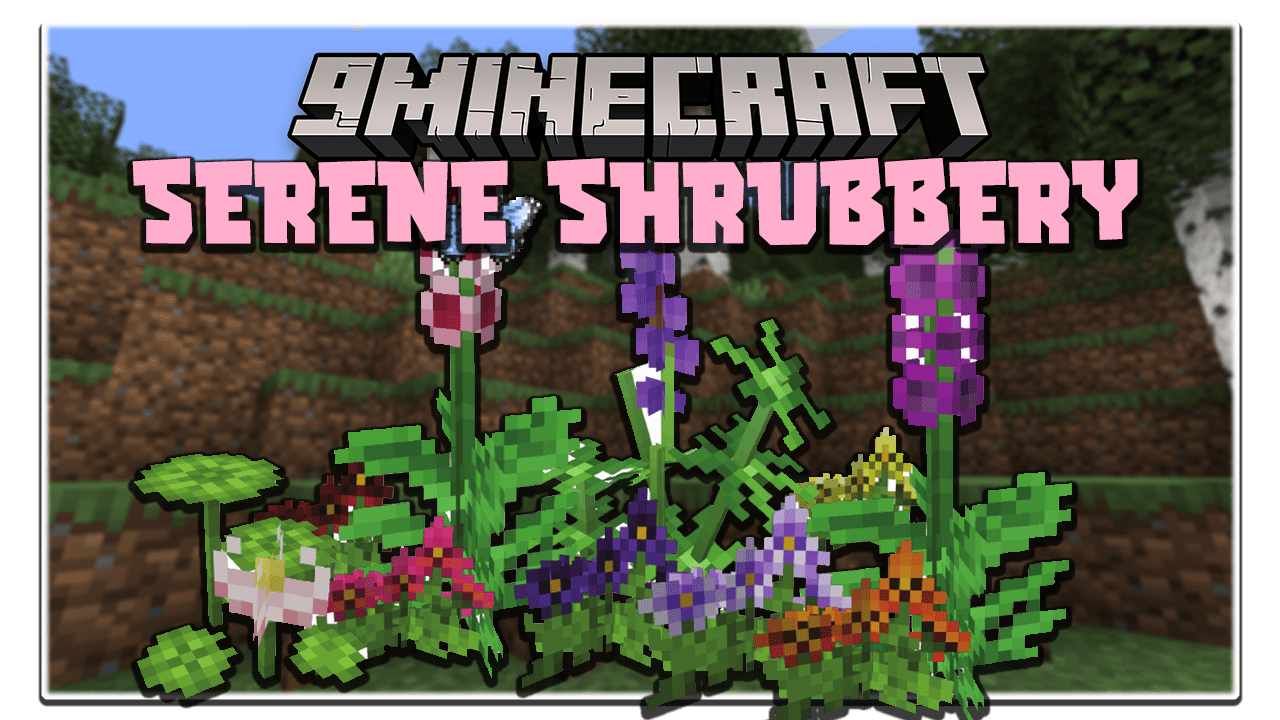
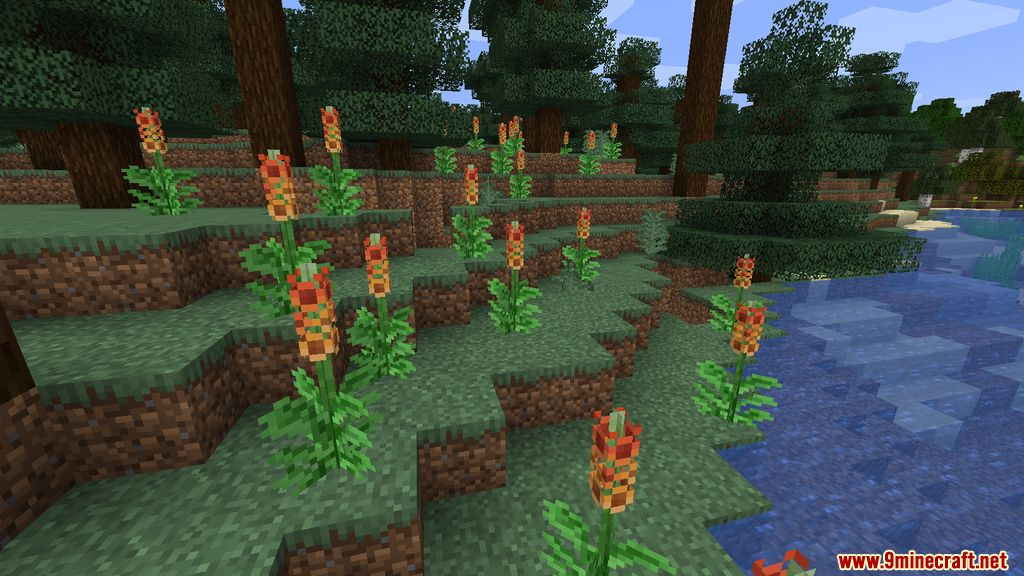
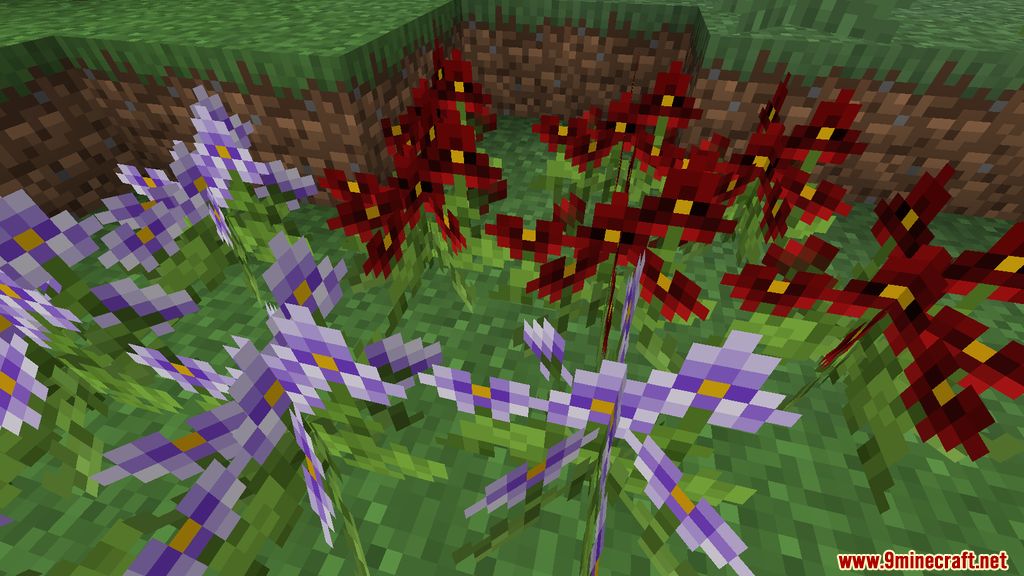
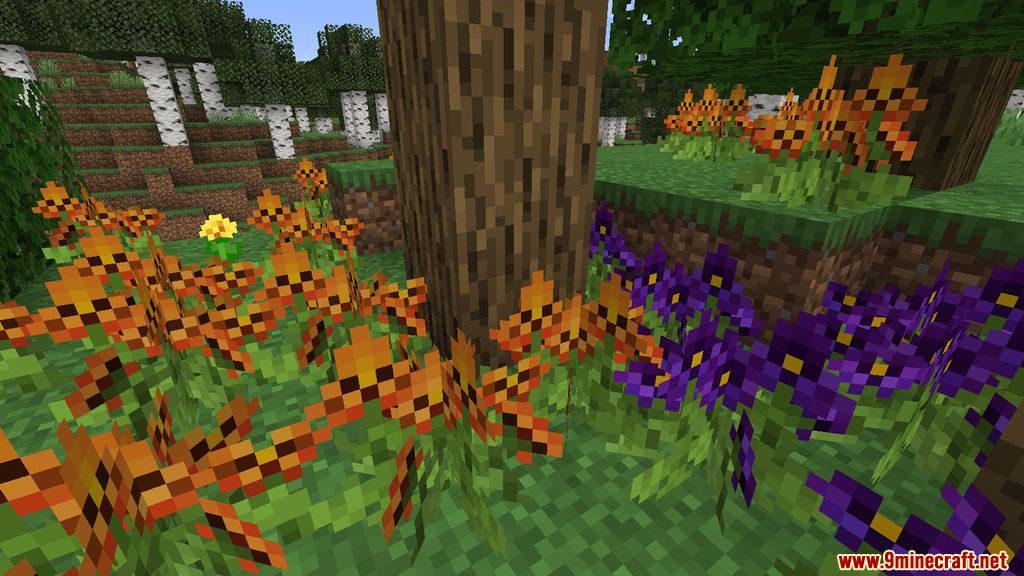
Serene Shrubbery Mod brings 10 new flower types to Minecraft so you can build lush, colorful gardens. Some of these flowers come in multiple color variants for you to collect across your world. You can breed flowers side by side to grow new colors and display Pansy flowers inside decorative Bloom Baskets. This mod adds simple plant and decoration features to brighten up your outdoor spaces.
Features:
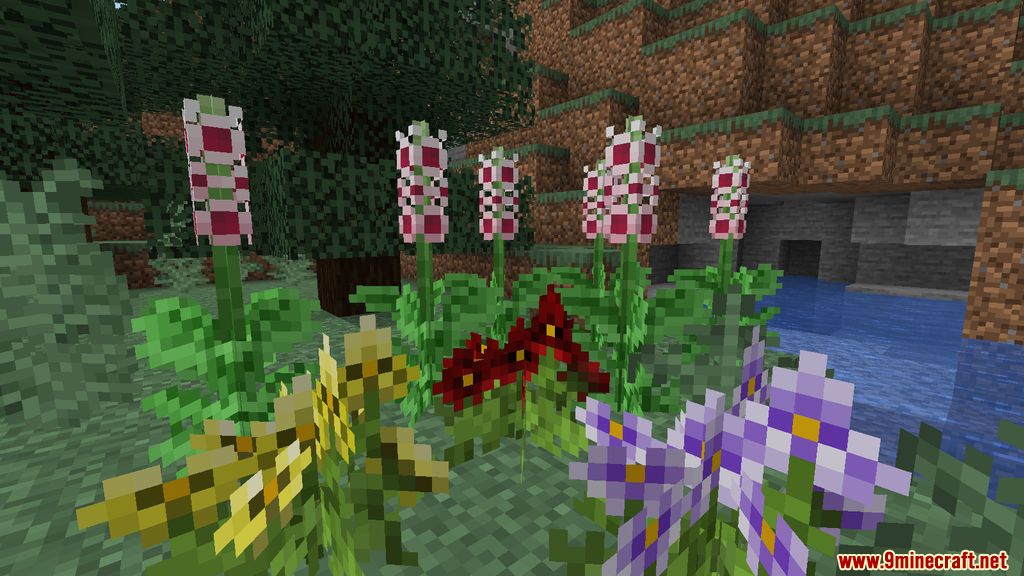
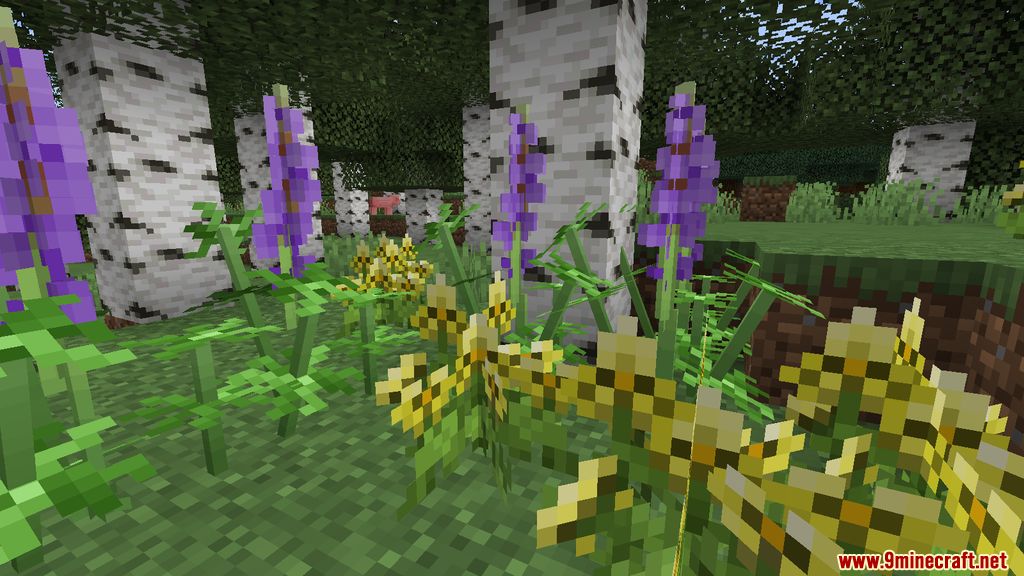
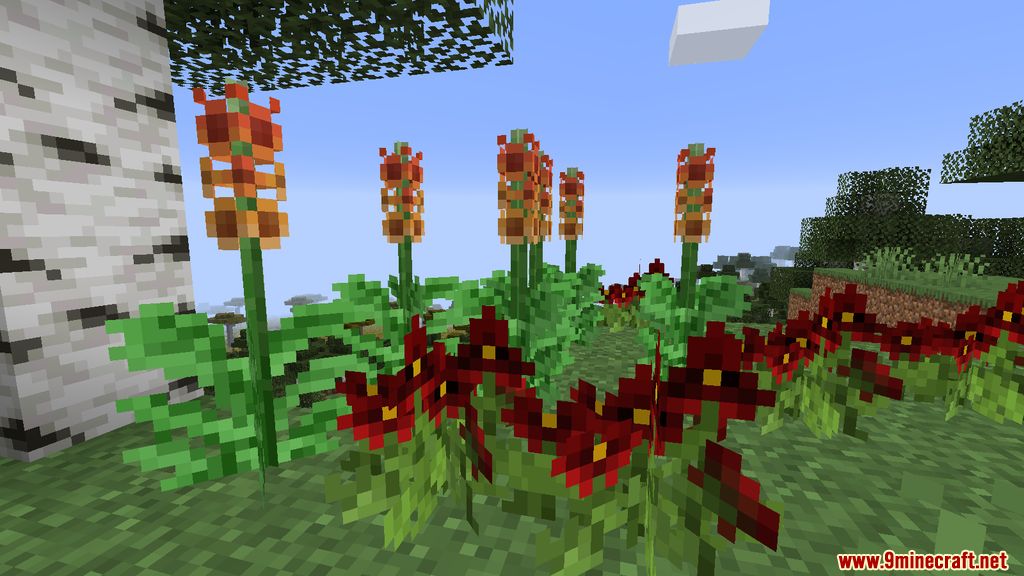
- 10 Flower Types: Adds ten new kinds of flowers, with multiple color variants on several types to collect and plant around your world.
- Flower Breeding: Lets you cross-pollinate certain flowers to grow new color variants by placing two or three flowers side by side and waiting.
- Bloom Baskets: Introduces a decorative block that works like a flower pot and holds Pansy flowers in all their color variants.
- Some flower breeding combinations need a light level below 4 to work, shown by a moon symbol on the breeding chart.
- You can craft a Bloom Basket with any three wooden planks, any dirt block, and three sticks across the top.
- Players can right-click a planted Bloom Basket with an empty hand to take the flower out, or use Shift + Right-click to pick up the basket with the flower still inside.
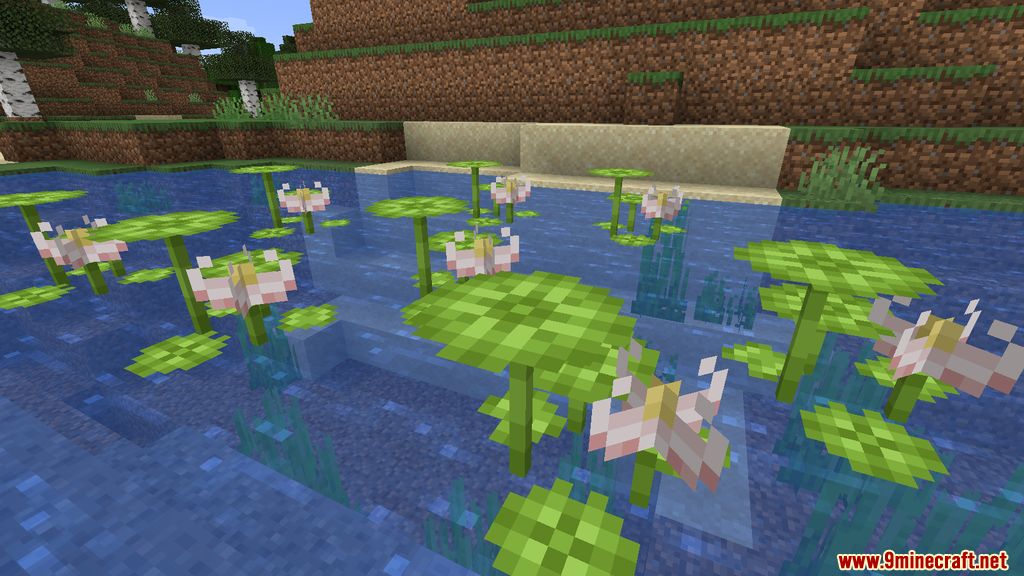
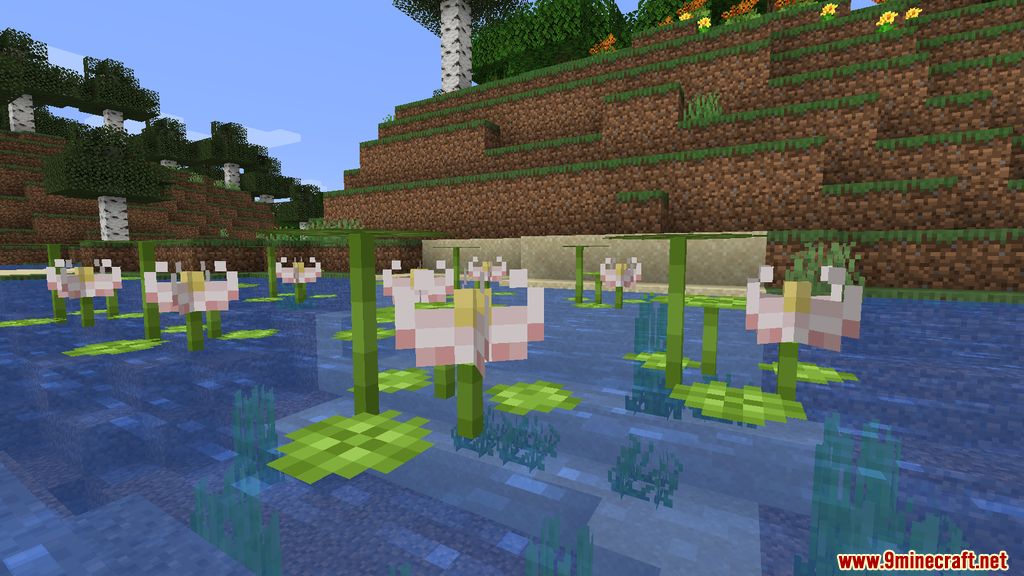
- Water lilies can be placed directly onto lily pads by right-clicking them on a pad.
How to Use:
- Place two or three flowers right next to each other on the ground and wait for them to cross-pollinate into new color variants.
- Keep the light level below 4 for flower breeding pairs marked with a moon symbol on the breeding chart so they can produce new colors.
- Hold a water lily and Right-click on a lily pad to place the water lily on top of it.
- Craft a Bloom Basket with any three wooden planks, any type of dirt, and three sticks on top to create a decorative planter.
- Put any color variant of a Pansy flower inside the Bloom Basket to display it like a flower pot.
- Right-click an occupied Bloom Basket with an empty hand to remove the flower planted inside.
- Use Shift + Right-click on an occupied Bloom Basket to pick up the basket with the flower still planted inside.
Screenshots:
How to Install:
New to Minecraft? Follow our step-by-step guide to install Mods on your PC.View Guide
Requirements:


Serene Shrubbery Mod Download Links
For Minecraft 1.21.1, 1.21
For Minecraft 1.20.4
For Minecraft 1.20.1, 1.20
For Minecraft 1.19.4
For Minecraft 1.19.2
For Minecraft 1.18.2
For Minecraft 1.16.5
Click to rate this post!
[Total: 1 Average: 5]
You May Also Like
Picked for this page
 Better Advancements Mod (26.3, 1.20.1) – New Advancements System
 Hole Filler Mod (26.3, 1.20.1) – Filling Holes and Automatic Terrain Building
 Absent by Design Mod (1.21.1, 1.20.1) – New Fences, Walls, Stairs, and Slabs
 TelePass Mod (26.2, 1.20.1) – Teleport to a Player Using a Compass
 LotTweaks Mod (1.21.11, 1.20.1) – Powerful Toolkit for Builders
 Despawning Eggs Hatch Mod (26.3, 1.20.1) – Charming Twist to The Game’s Mechanics
 Magic Vibe Decorations Mod (26.3, 1.20.1) – Magical Aesthetics
 DiaboloLib Mod (26.2, 1.20.1) – Library for Janoeo Project
 More Beautiful Fences and Gates Mod (1.21.11, 1.20.1) – Over 240 New Fences and 240 New Gates
 Moobloom’s Flower Cow Mod (26.3, 1.20.1) – Peaceful Vibes With Mooblooms
 Enchantment Disabler Mod (26.3, 1.20.1) – Precise Control Over Enchantments
 Confluence Music Mod (1.21.1) – Hear Nostalgic Soundtracks While Exploring
Most viewed in Mods over the last 7 days
 Ala Industrial Mod (26.3) – Run Electric Power Grids and Automated Factories
 PleasureCraft Mod (26.3, 1.21.1) – Jenny Mod Remake for Fabric
 Jennycraft Mod (26.3, 1.20.1) – Virtual Girlfriend in Minecraft
 Fapcraft Mod (26.3, 1.12.2) – Comprehensive and Detailed Content
 Jenny Mod (Fapcraft) Official Complete Guide – How to use, Tutorial
 BangCraft Mod (1.20.1) – Jenny, Ellie and Elliot
 Fabric Loader (26.3, 1.20.1) – Fabric Installer for All Minecraft Versions
 The Shooting Star Demo Mod (26.3, 1.20.1) – Vaporize Terrain From Orbit
 Meteor Client Mod (26.3, 1.20.1) – Xray, HUD, Fly
 OptiFine HD (26.3, 1.20.1) – Run Faster, FPS Boost, Shaders Support
 Aristois Client Mod (1.21.4, 1.20.1) – World Class Minecraft Utility
 Prestige Client Mod (1.21.11, 1.21.4) – Powerful Ghost Features for Crystal & Sword PvP
More from Mods
 The Graveyard Mod (26.3, 1.20.1) – Cemeteries in Minecraft
 Enhanced Overlay Mod (26.3, 1.21.11) – Remove Screen Clutter
 Flint Mod (1.21.11) – Run DiamondFire Community Addons Without Crashing
 Not Just Sandwich Mod (26.3, 1.20.1) – Edibles, Sandwiches
 Waddles Mod (26.3, 1.20.1) – Make Icy Biomes Feel Alive
 Artemis’ Thin Logs Mod (26.3, 1.20.1) – Build Custom Trees and Detailed Wood
 Asterion Mod (26.3, 1.20.1) – Survive Ancient Mazes and Slay the Legendary Minotaur
 Passthrough Signs Mod (26.3, 1.20.1) – Right-Click Through Wall Signs
 Packing Tape Mod (26.3, 1.20.1) – Move Chests, Machines
 No XP Anvils Mod (26.3, 1.20.1) – Repair And Enchant Without XP
 Naruto Shippuden Mod (26.3, 1.16.5) – Immerse Yourself in The World of Ninja
 Araxer’s Bestiary Mod (26.3, 1.20.1) – Build an In-Game Encyclopedia of Every Mob

This post has no comments yet. Be the first — your comment will appear here.