
Small House 2 Schematic (1.20.x) – Tall And Compact Vanilla Home Build

 0


Small House 2 Schematic gives you a ready-to-build home for your Minecraft world. It packs a tall and narrow design that fits perfectly into tight spaces. The build uses regular vanilla blocks, so you do not need any extra mods to load it. You get a complete structure with over a thousand blocks already placed for you.
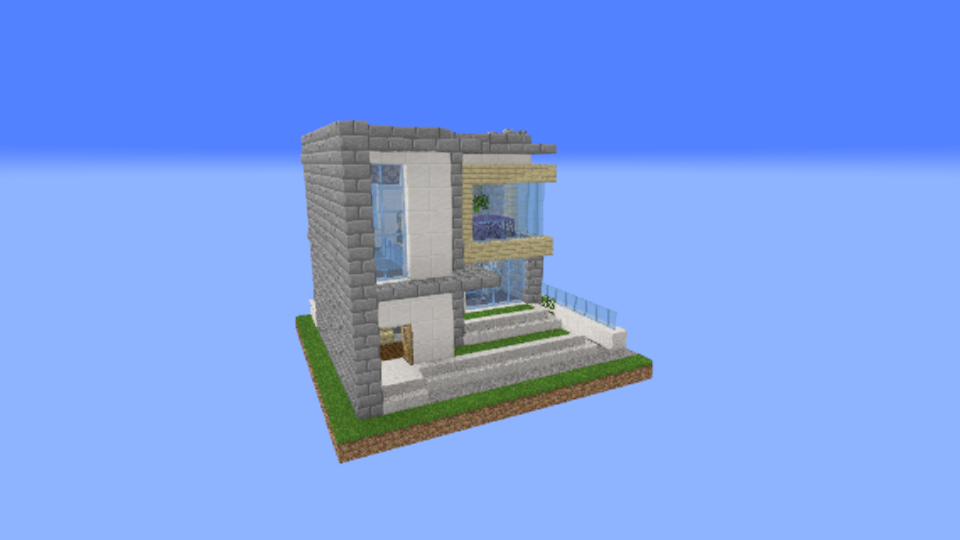
3D Preview & Editor:
Materials
27 types · 1,225 blocks
| Quartz Block | 239 | Stone Bricks | 200 | Stone | 167 | |||
| Light Blue Stained Glass Pane | 119 | Dark Oak Planks | 111 | Stone Brick Slab | 84 | |||
| Birch Planks | 70 | Gravel | 56 | Grass Block | 43 | |||
| Cobblestone Wall | 26 | Quartz Stairs | 25 | Birch Stairs | 21 | |||
| Chest | 9 | Flower Pot | 8 | Oak Door | 8 | |||
| Oak Leaves | 7 | Nether Brick Stairs | 6 | Dark Oak Slab | 6 | |||
| Red Bed | 4 | Light Gray Carpet | 3 | Gray Carpet | 3 | |||
| Redstone Lamp | 3 | Glowstone | 2 | Stone Brick Stairs | 2 | |||
| Furnace | 1 | Oak Trapdoor | 1 | Dark Oak Stairs | 1 |
How to place this schematic
.schem This is a WorldEdit schematic. It pastes instantly on a server or single-player world that has WorldEdit (or FastAsyncWorldEdit).
| 1 | Install WorldEdit — as a plugin on the server, or as a mod for single player. |
| 2 | Drop the .schem file into plugins/WorldEdit/schematics (server) or config/worldedit/schematics (client). |
| 3 | Run //schem load <file name>. |
| 4 | Stand where you want it and run //paste. Add -a to skip air blocks. |
Features:
- Adds a complete house build directly into your world without needing to place blocks one by one.
- Uses exactly 1,225 blocks to create the full structure.
- Takes up a small 16 by 16 footprint on the ground but reaches 46 blocks high.
- Works completely with normal Minecraft blocks, meaning you do not need to download extra mods.
- Fits well in crowded cities or small plots because of its tall shape.
- Comes as a standard .schem file that loads easily into your favorite building tools.
Schematic Specs:
 Minecraft1.20.x
 Dimensions16×46×16
 Total Blocks1,225
Small House 2 Schematic Download Links
For Minecraft 1.20.x
Click to rate this post!
[Total: 0 Average: 0]
You May Also Like
Picked for this page
 Pokémon Temple Arena Japanese Litematica Schematic (1.21.x) – Large Asian Fortress With Fighting Rin
 Oozing Slime Farm Snow Farm Schematic (1.21.x) – Compact Combined Slime And Snow Farm Build
 Small House 8 Schematic (1.20.x) – Vanilla Survival Starter Home Build
 Blacksmith Tower Schematic (1.20.x) – Tall Vanilla Building Blueprint For Villages
 Medium House 6 Schematic (1.20.x) – Ready To Use Vanilla House Build
 Bombtruck Schematic (1.20.x) – Large Vanilla Bomb Truck Build For Your World
 Small House 5 Schematic (1.20.x) – A Simple Vanilla Survival Home
 Small House 11 Schematic (1.20.x) – Tall And Compact Vanilla Home Build
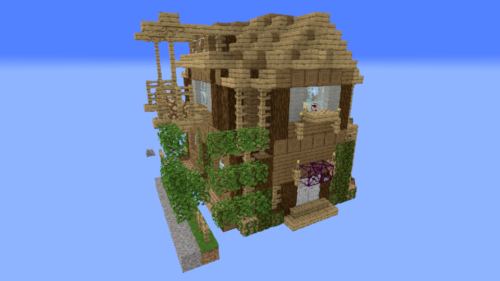 Cottage House Schematic (1.20.x) – Cozy Vanilla Home Build For Your World
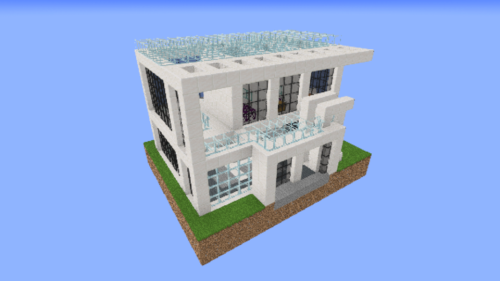 Small House 10 Schematic (1.20.x) – A Compact Vanilla Home Blueprint For Players
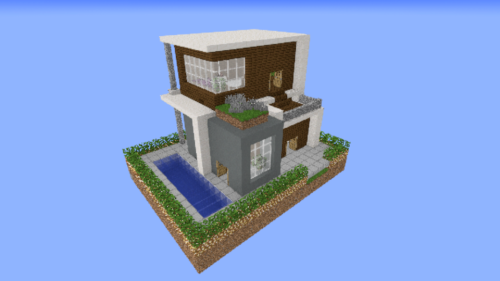 Small House 9 Schematic (1.20.x) – Compact Vanilla House Build Schematic
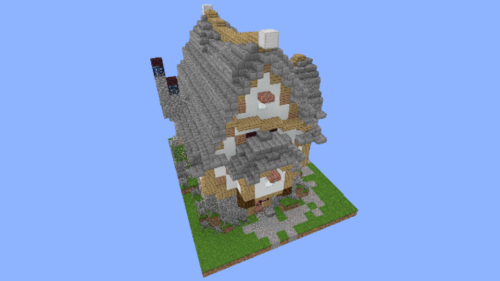 Medium House 4 Schematic (1.20.x) – Vanilla Medium House Build For Your World
Most viewed in Schematics over the last 7 days
 Fastest Bonemeal Farm Donut Smp Schematic (1.21.x) – Fast Redstone Bonemeal Farm Build
 KelpFarmV9.9 Schematic (1.21.x) – Compact And Simple Seaweed Farm Build
 64 Module Cobblestone Farm Schematic (1.21.x) – Massive Automated Stone Gathering Build
 Gold Farm Schematic (1.21.x) – Automatic Nether Roof Gold Farm
 Villager Trading Hall Schematic (1.21.x) – Modern Shop Build For 48 Villagers
 Minutes End Base Before Spoke Null End Video Schematic (1.21.x) – Giant Unstable SMP End Base Schema
 Best Railgun Tp Trap on Donutsmp Schematic (1.21.x) – Unescapable Multiplayer Redstone Trap Build
 Bamboo Farm Schematic (1.21.x) – Small Automated Redstone Bamboo Farm
 36 Module Cobble Farm 18m per Hour Donut SMP Schematic (1.21.x) – Massive Automated Stone Generator
 Bamboss V2 800k Bamboo per Hour Schematic (1.21.x) – High Speed Automated Bamboo Farm Schematic
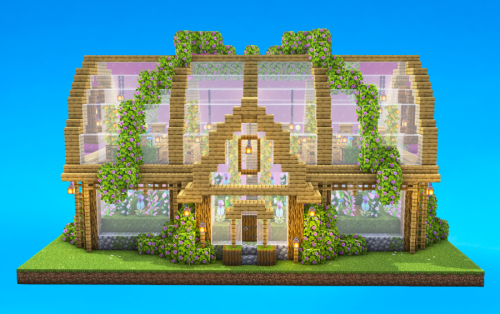 Greenhouse Schematic (1.21.x) – Beautiful Two Story Botanical Glass House
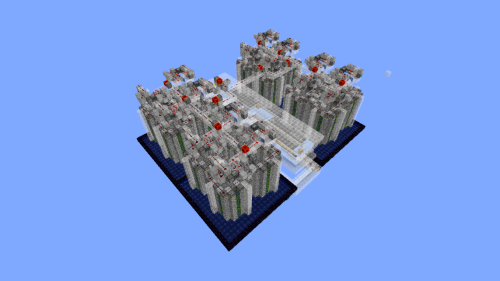 Cobble Farm 50m per Hour Donut SMP Schematic – High Yield Cobblestone Generator Build
More from Schematics
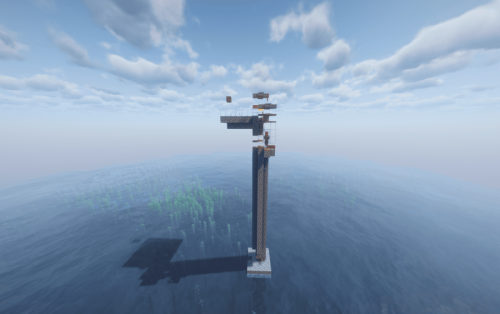 Easy and Compact Raid Farm and 26 Java Schematic (1.21.x) – Build a Small and Efficient Raid Farm
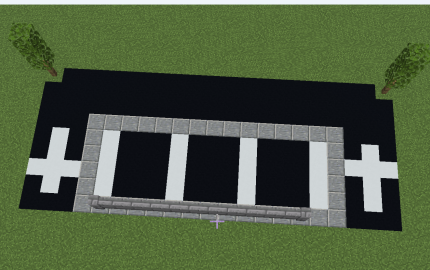 Small Parking Schematic (1.21.x) – Modern Parking Lot With Small Trees
 Asian Cherry Blossom Sword Nether Portal Schematic (1.21.x) – Beautiful Asian Style Sword Portal Bui
 Castle by PinkMullet Schematic (1.21.x) – Build a Massive Vanilla Castle
 1000 Patreon Members Cake Download Free Schematic (1.21.x) – A Massive Celebration Cake For Minecraf
 Dark Greek Temple Schematic (1.21.x) – Small Deepslate Temple For Greek Districts
 Small Dark Medieval Tower Schematic (1.21.x) – Simple Gothic Tower For Medieval Towns
 Pale Oak Tree Nether Portal Schematic (1.21.x) – Spooky Nether Portal Inside a Pale Oak Tree
 Outdoor Decorations Pack Schematic (1.21.x) – Medieval and Spooky Outdoor Decor Builds
 Street Lamps Pack Schematic (1.21.x) – Six Unique Designs for Medieval Districts
 Pirate House 5 Schematic (1.21.x) – Cozy Tropical Beach House Schematic Build
 Medieval Bank Schematic (1.21.x) – Grand Medieval Bank for Roleplay Worlds

This post has no comments yet. Be the first — your comment will appear here.