


Solo Leveling Custom GUI (26.1.2, 1.20.1) Resource Pack – Adds Solo Leveling Anime Menus
 70
70
 0
0
 1 week ago
 mc_projects
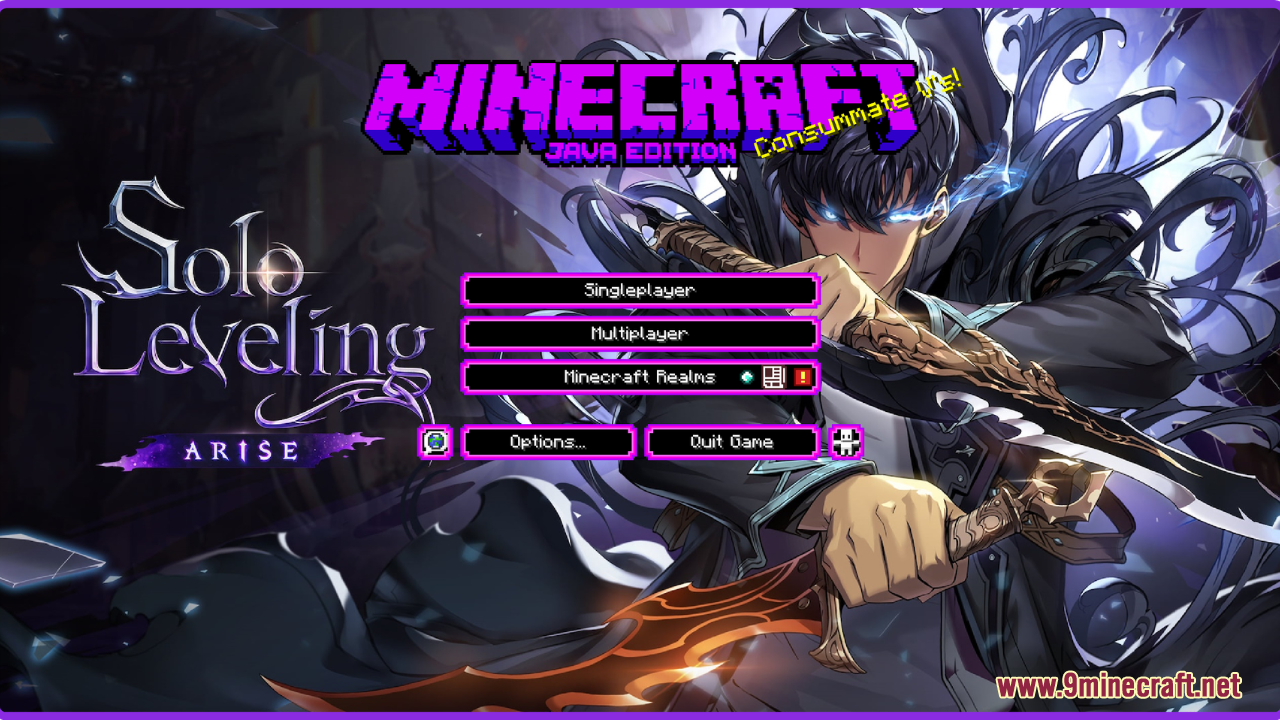
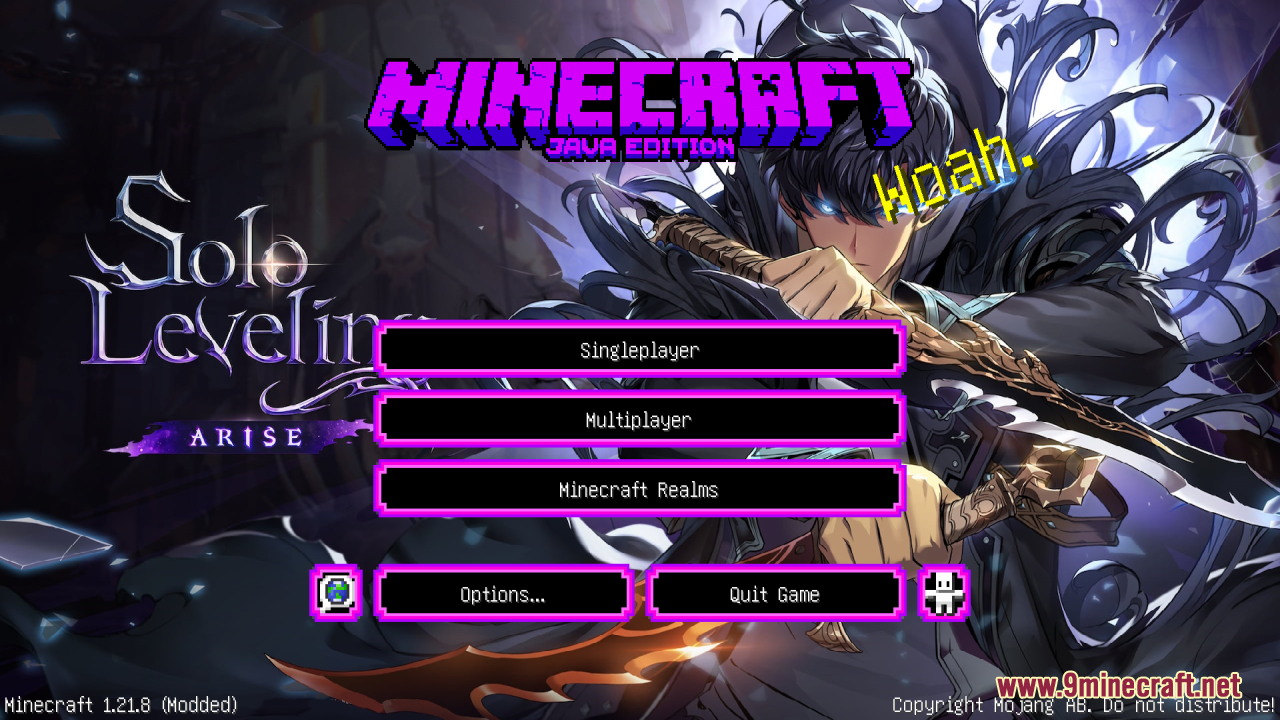
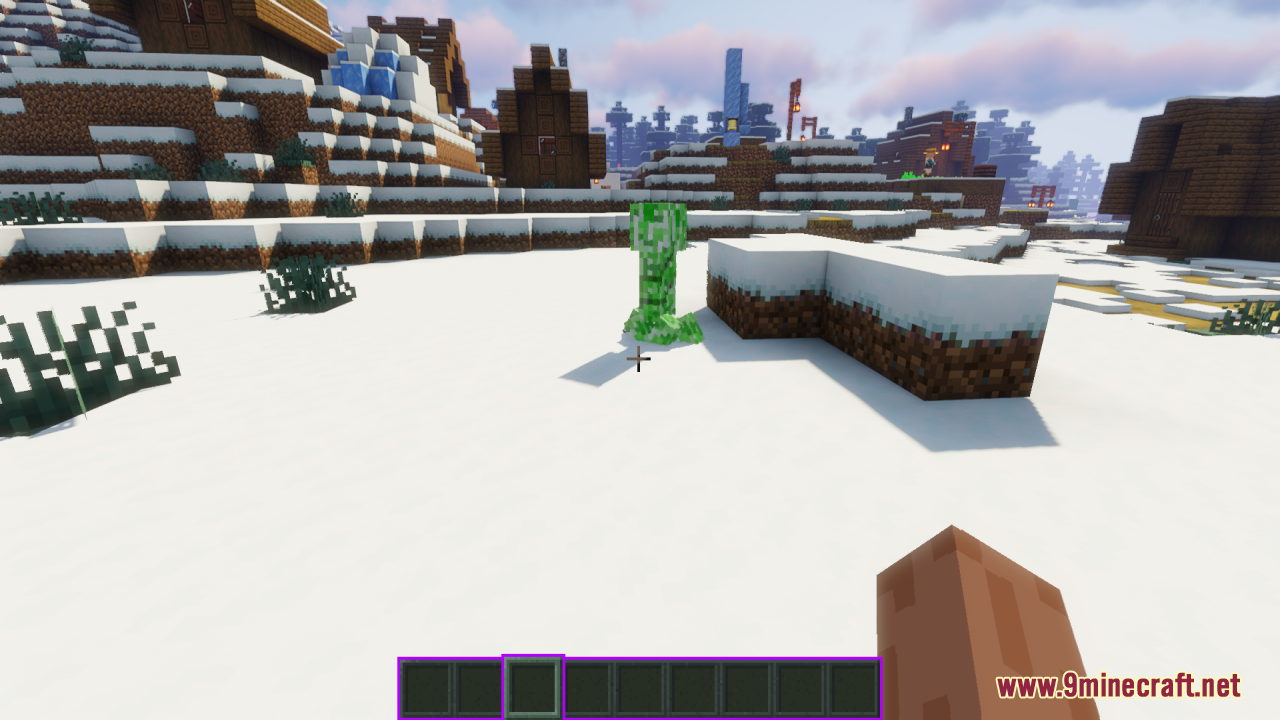
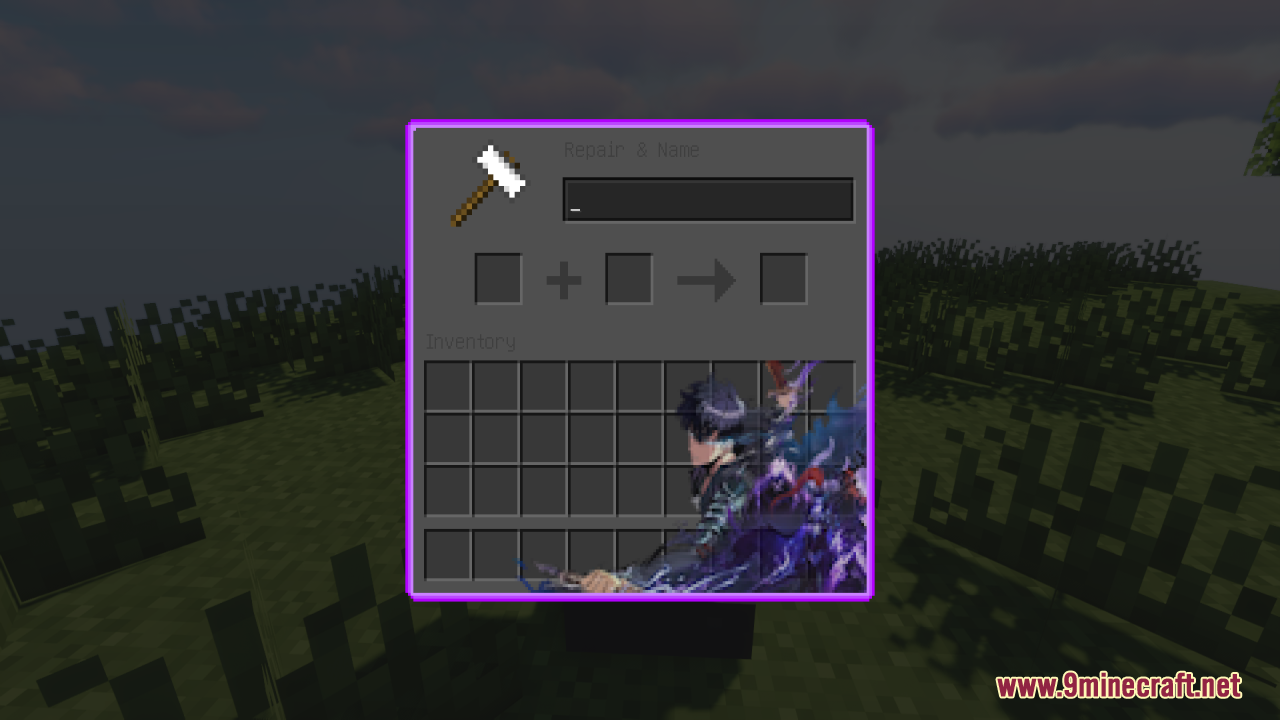
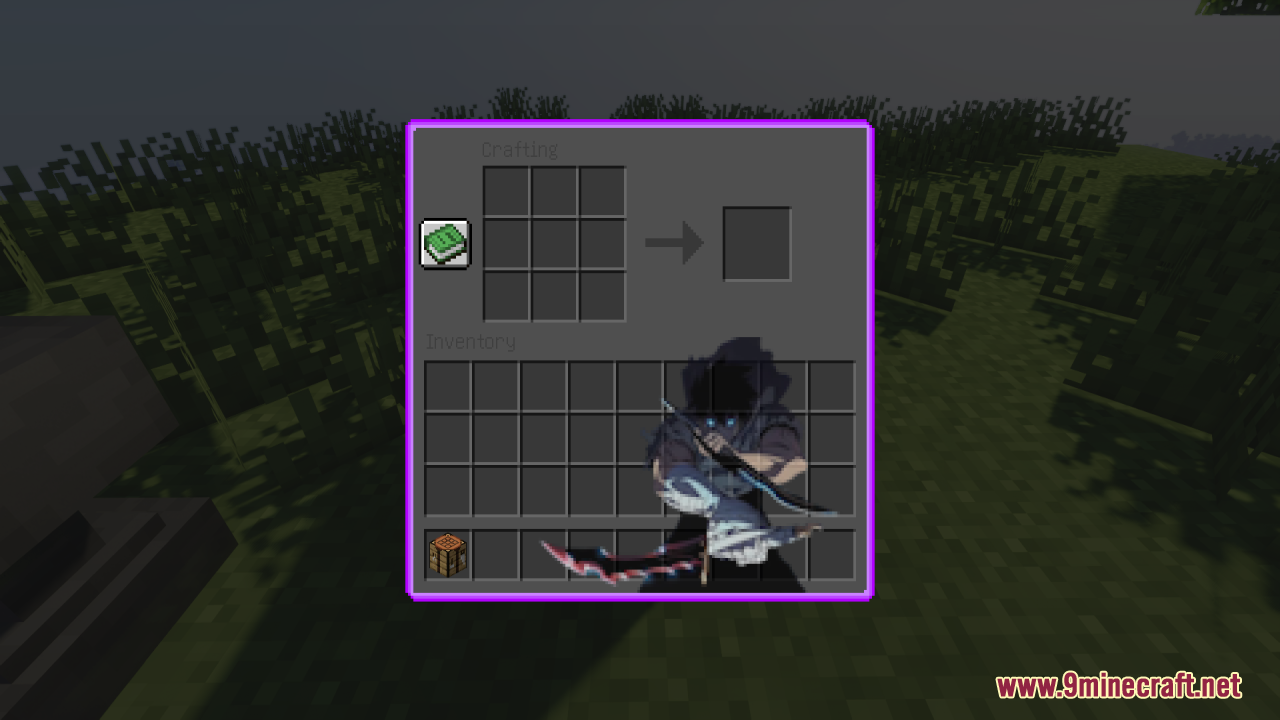
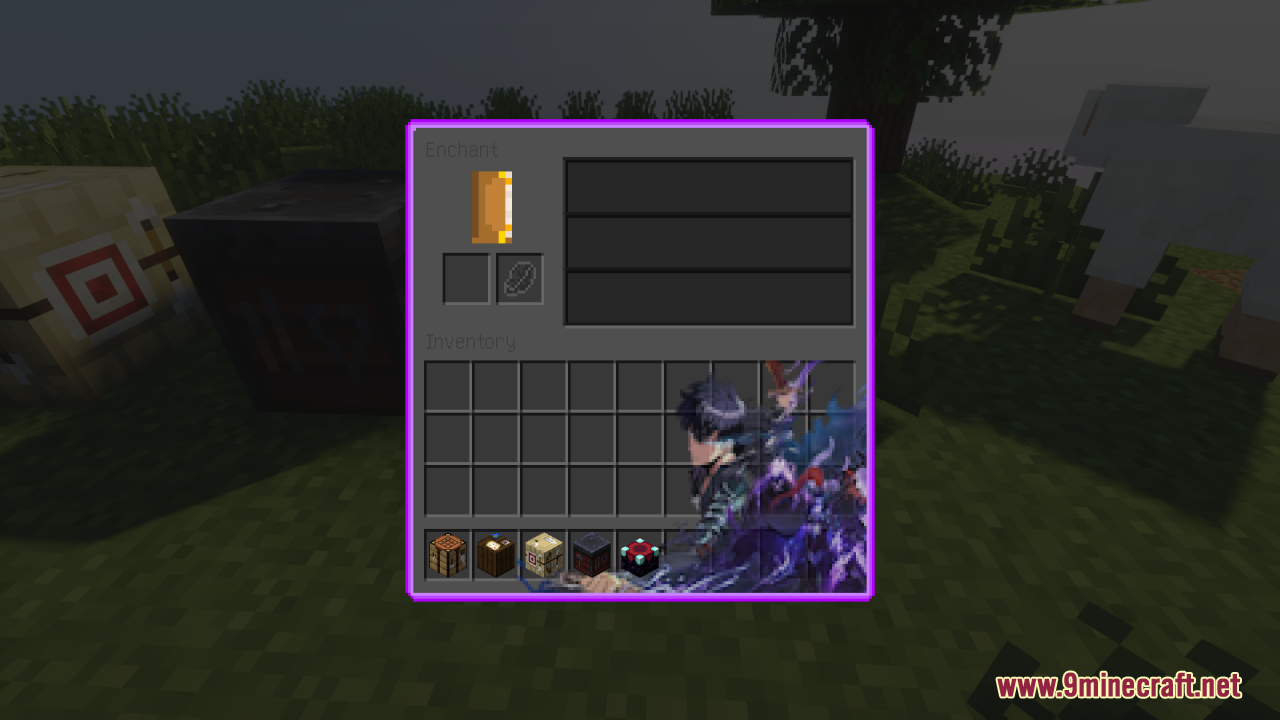
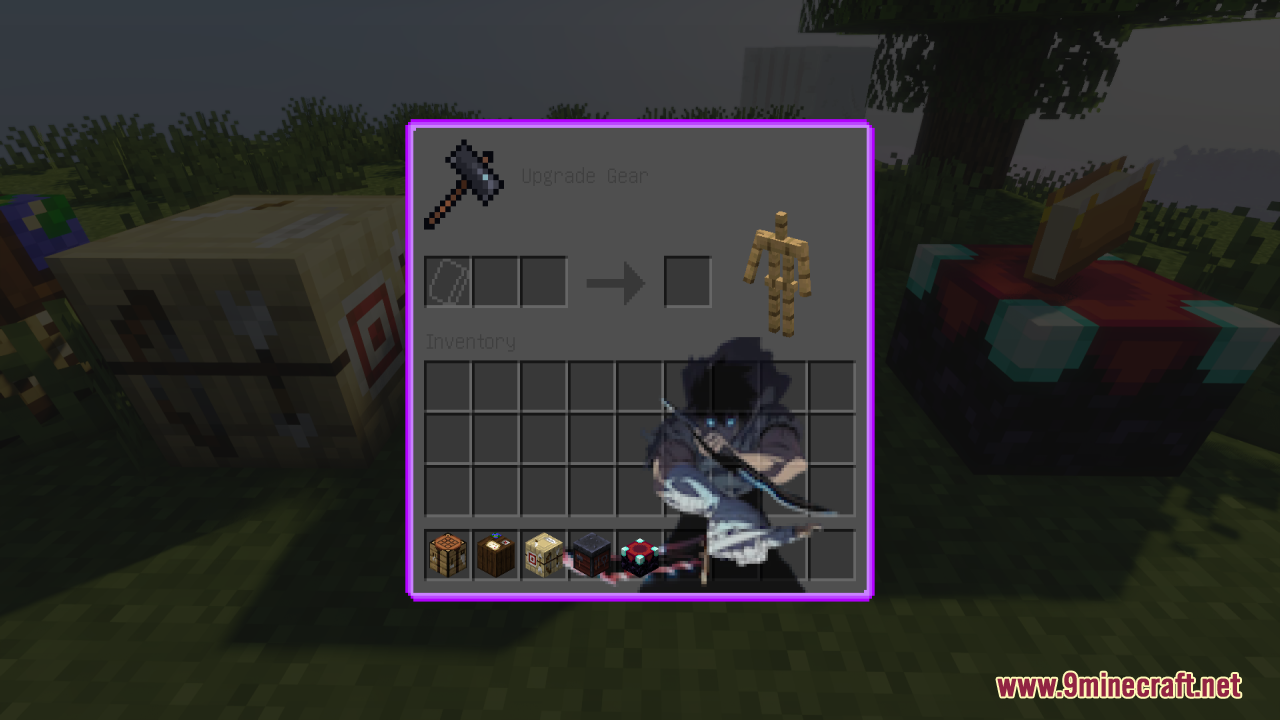
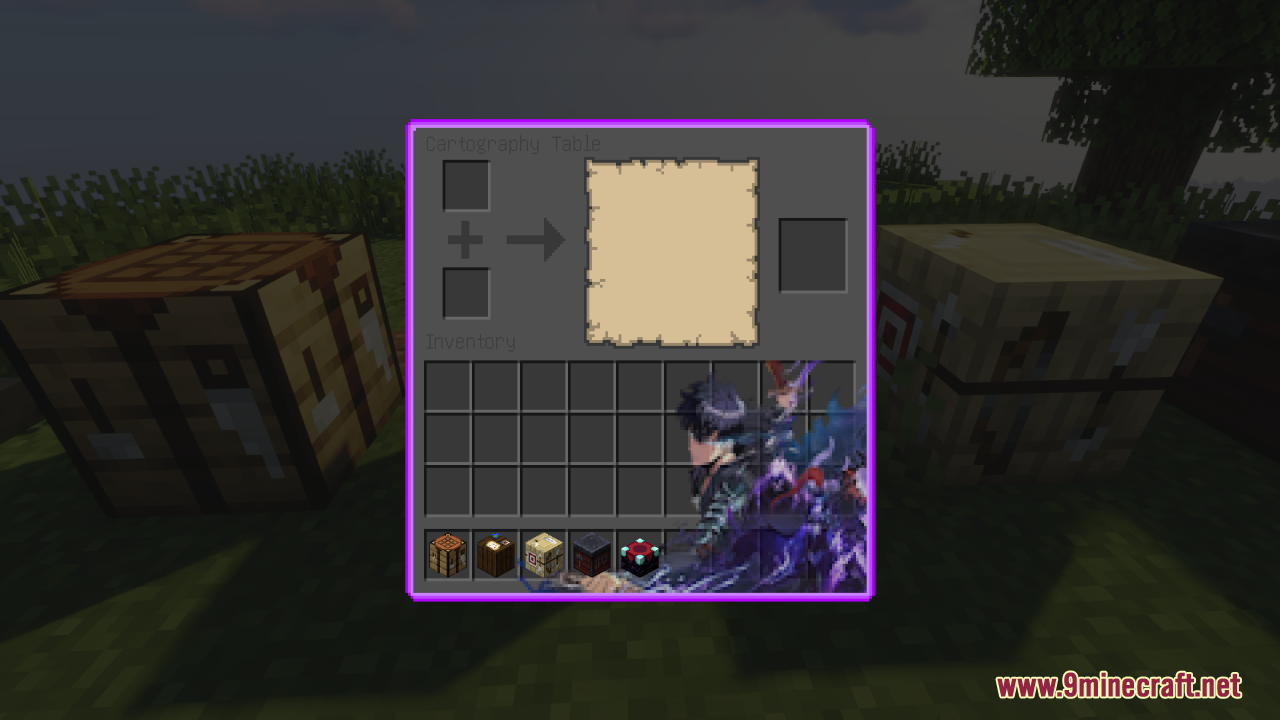
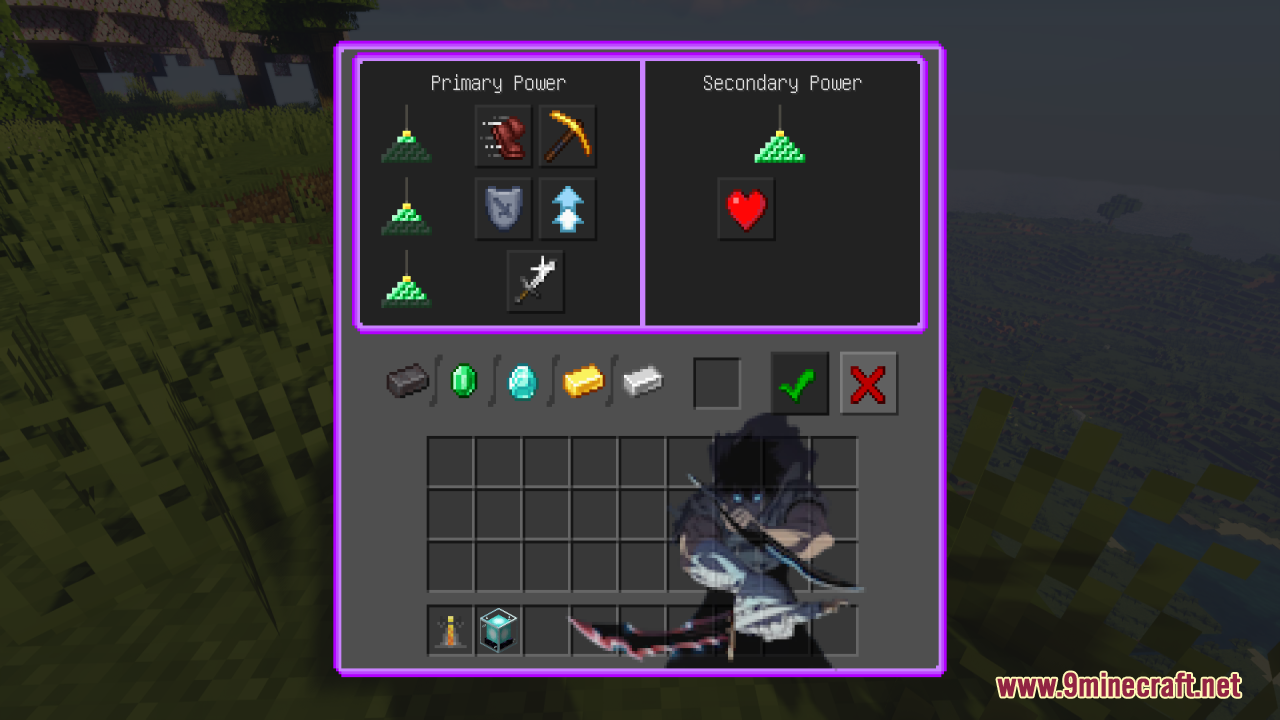
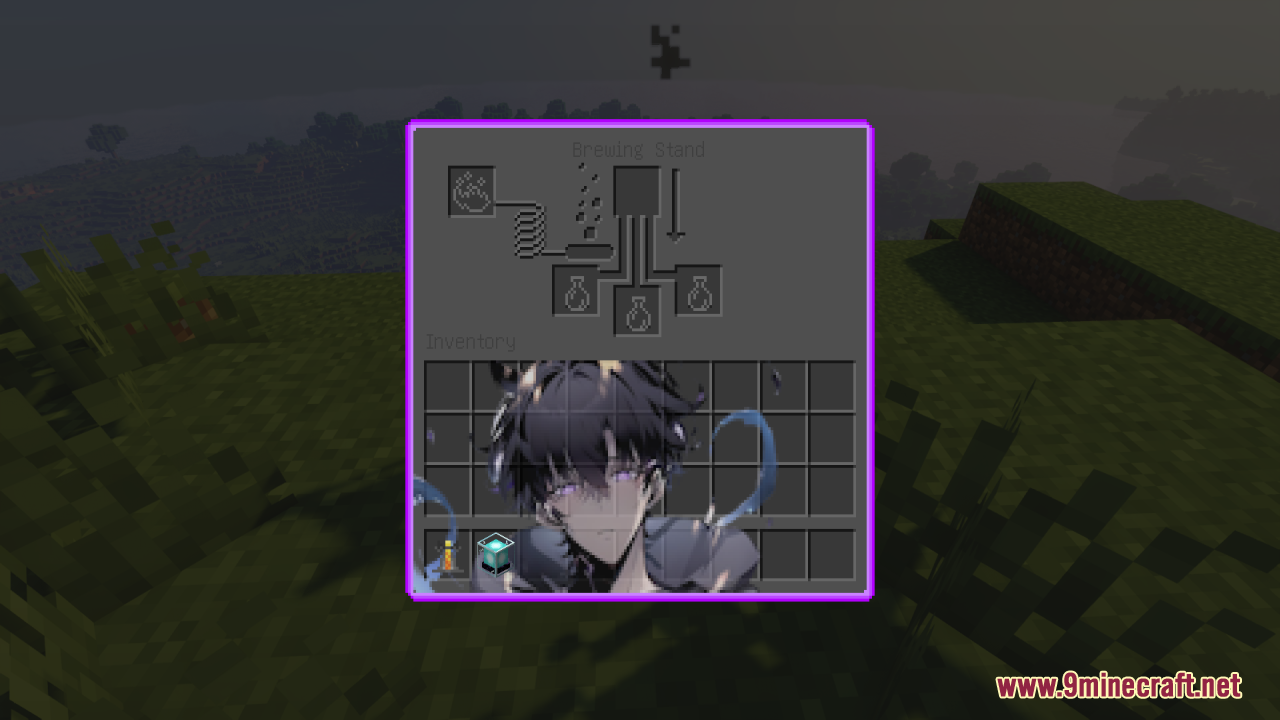
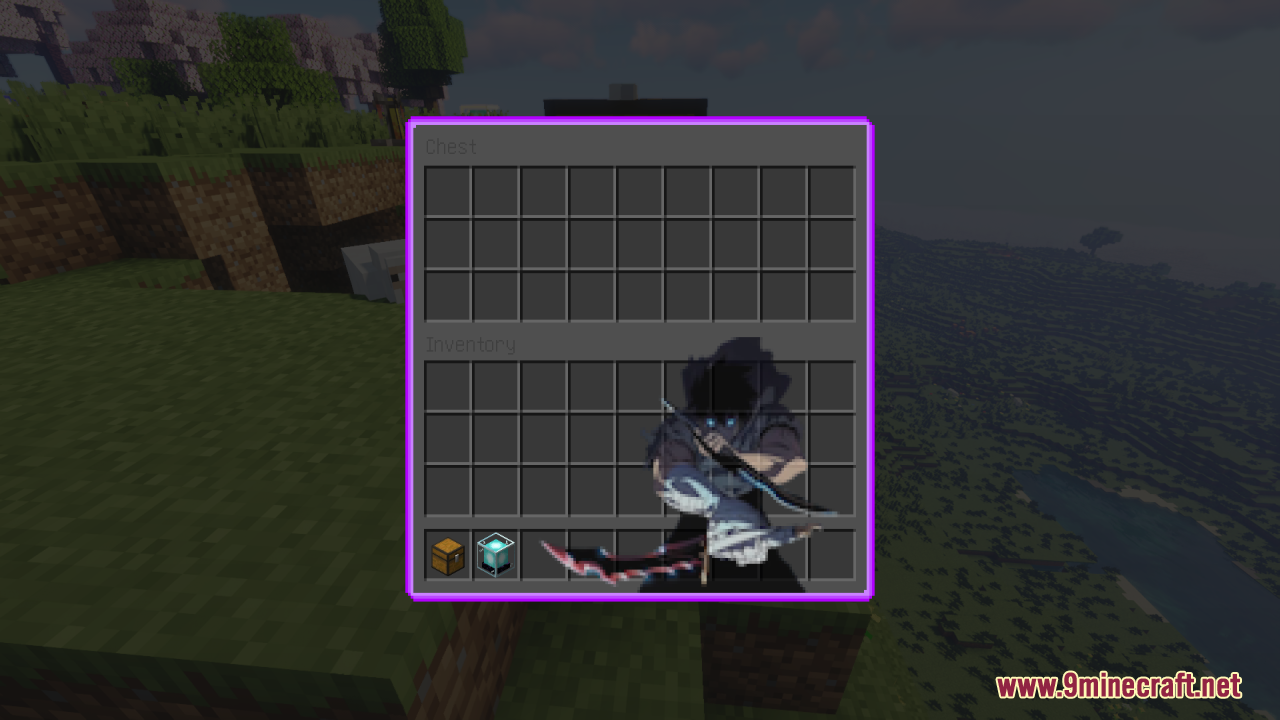
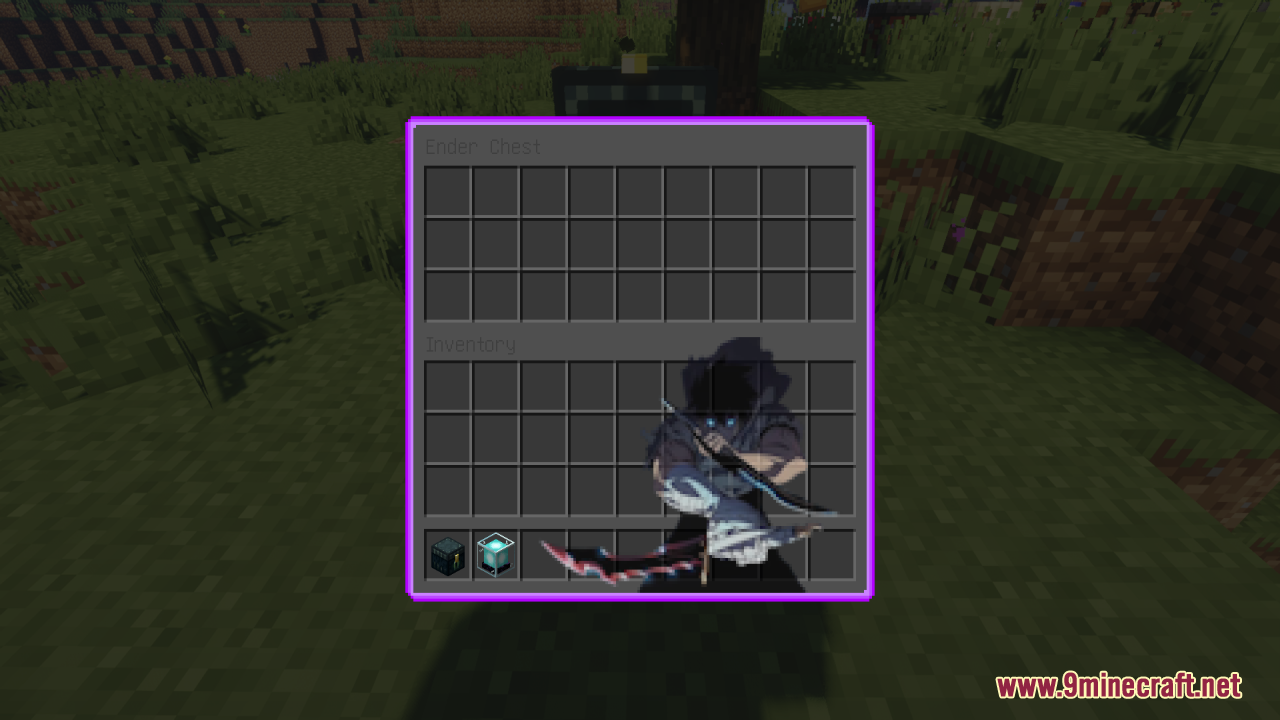
Solo Leveling Custom GUI Resource Pack changes your game menus to match the “Solo Leveling” anime. It only updates the menus and your hotbar. This means you can use it together with other resource packs by putting it at the top of your list. All the screens use dark black and purple colors. You will see different pictures inside every single menu you open.
Features:
- Solo Leveling Theme: Changes your game screens to look like the famous anime show.
- Purple and Black Colors: All the menus use a dark and cool color style.
- Unique Pictures: Every block menu has a different picture inside it.
- Works With Other Packs: It only changes menus, so you can still use other block texture packs at the same time.
- Custom Hotbar: Changes the look of your item bar at the bottom of the screen.
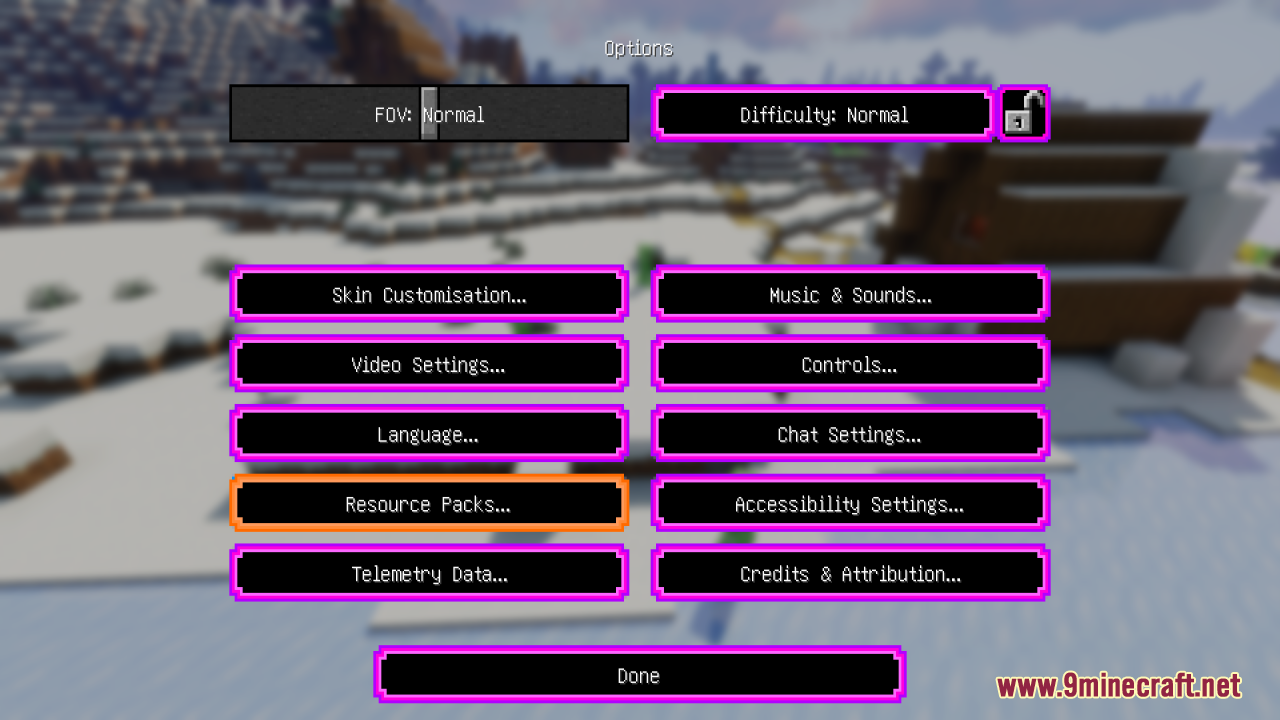
- Updated Options Menu: Gives a new look to your game settings screen.
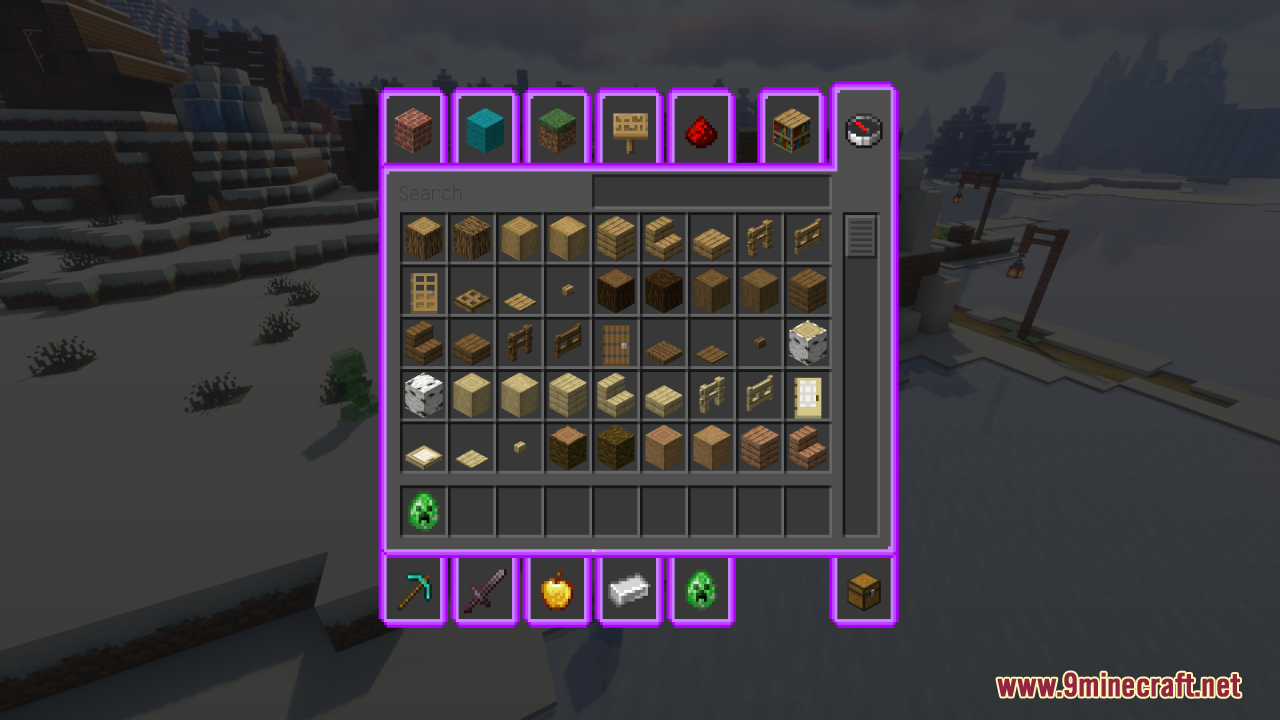
- New Creative Menu: Changes the screen where you find all items in creative mode.
- Crafting Table Screen: Adds anime art to your crafting grid.
- Blast Furnace: Updates the melting and cooking screens.
- Anvil Menu: Changes the screen used for fixing and naming tools.
- Brewing Stand: Gives a new style to the potion-making screen.
- Hopper and Beacon: Updates the menus for these special blocks.
- Villager Trading: Changes the screen when you buy or sell items with villagers.
Screenshots:
How to Install:
New to Minecraft? Follow our step-by-step guide to install Resource Packs on your PC.View Guide
Solo Leveling Custom GUI Resource Pack Download Links
Click to rate this post!
[Total: 2 Average: 5]













