


Sonic Bridge Link Plugin (26.2, 1.21.11) – Share Custom Jukebox Music
 0
0
 0
0

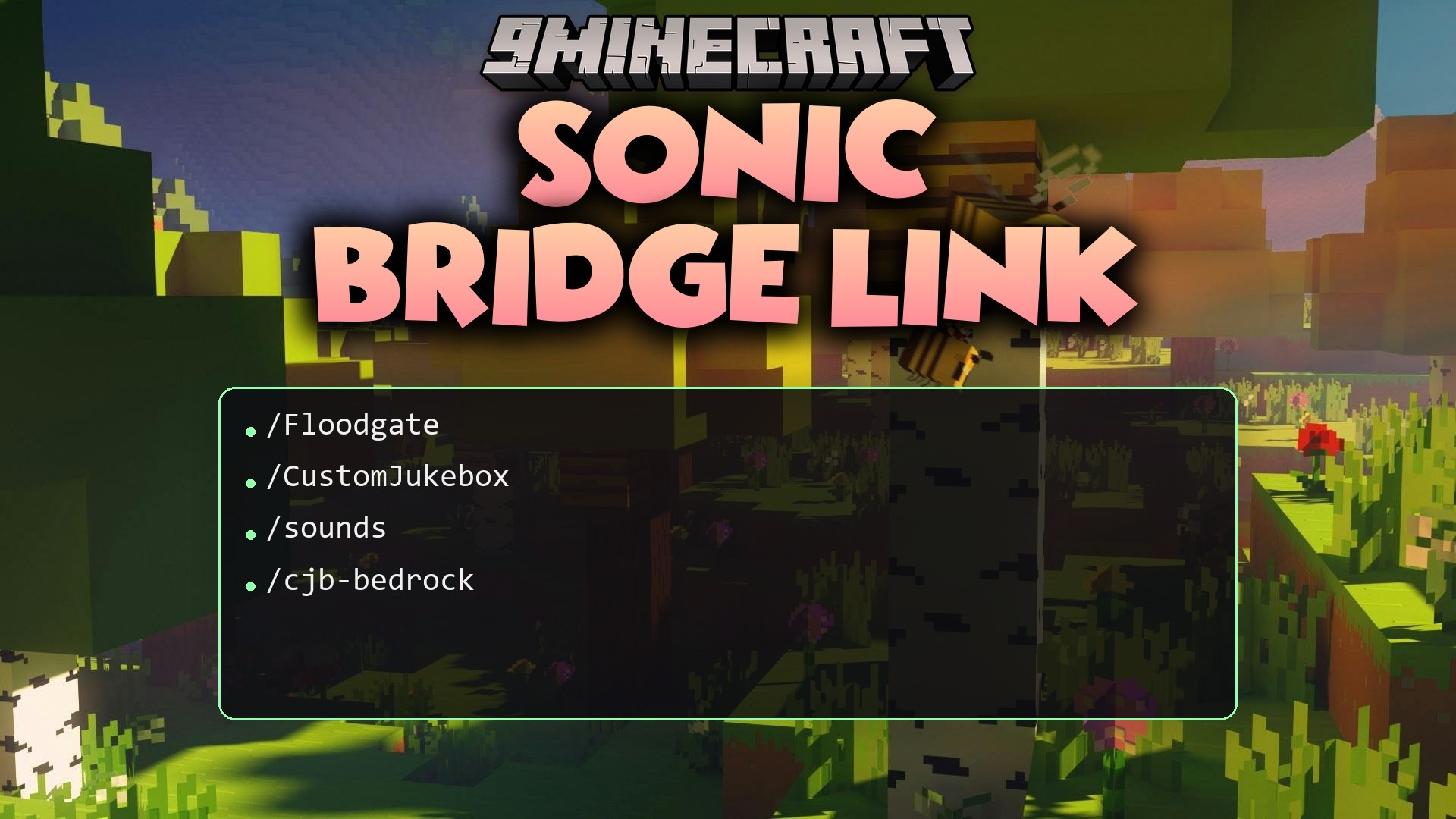
Sonic Bridge Link Plugin adds Bedrock Edition compatibility for BS-CustomJukebox on cross-play servers. It connects through Geyser and Floodgate so players joining from mobile, consoles, and Windows can hear custom music discs inserted into jukeboxes. Bedrock users can also view custom disc textures in their hands and inventories. Java Edition audio and visuals remain completely untouched.
Features:
- Sound Bridging: Plays custom disc audio to nearby Bedrock users whenever a disc is placed into a jukebox.
- Pack Generator: Creates a ready-to-use Bedrock resource pack directly from your existing music files with a single command.
- Custom Item Textures: Displays unique disc textures to Bedrock players through the Geyser item system.
- Leaves standard Java playback completely unchanged with zero performance impact.
- Safely logs a warning message instead of crashing if bridge dependencies are missing.
How to Use:
- Put your sound files inside the
plugins/CustomJukebox/sounds/folder. - Run
/cjb-bedrock generateto build the Bedrock resource pack. - Move the newly generated
.mcpackfile into your Geyserpacks/folder. - Restart the server so Bedrock players can download the pack and listen to music.
Commands:
/cjb-bedrock generate: Creates the Bedrock resource pack from custom discs./cjb-bedrock reload: Reloads the plugin settings./cjb-bedrock status: Displays plugin status and dependency details./cjb-bedrock help: Shows a list of available commands.
Permissions:
customjukebox.bedrock.admin: Grants access to all administrative commands (default for server operators).
How to Install:
New to Minecraft? Follow our step-by-step guide to install Plugins on your PC.View Guide
Requirements:
BS CustomJukebox Required
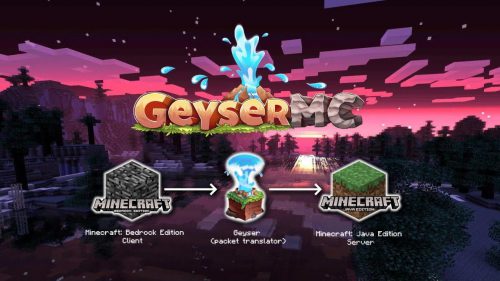
BS-CustomJukebox Required
Geyser-Spigot Required
Floodgate Required
Sonic Bridge Link Plugin Download Links
For Minecraft
26.2,
26.1.2,
26.1.1
All Versions Covered
26.2
26.1.2
26.1.1
26.1
1.21.11
1.21.10
1.21.9
1.21.8
1.21.7
1.21.6
1.21.5
1.21.4
All Versions Covered
26.2
26.1.2
26.1.1
26.1
1.21.11
1.21.10
1.21.9
1.21.8
1.21.7
1.21.6
1.21.5
1.21.4
Click to rate this post!
[Total: 0 Average: 0]
You May Also Like




This post has no comments yet. Be the first — your comment will appear here.