


Soundboard Plus Mod (26.2, 1.21.11) – Play Custom Sounds to Friends Over Voice

 0
0 

Soundboard Plus Mod adds a fully functional soundboard for Simple Voice Chat. It extends the voice mod by letting you play audio files directly into your microphone stream so other players can hear them. This mod gives you an in-game menu to organize, play, and even download audio clips or music while playing on servers with friends.
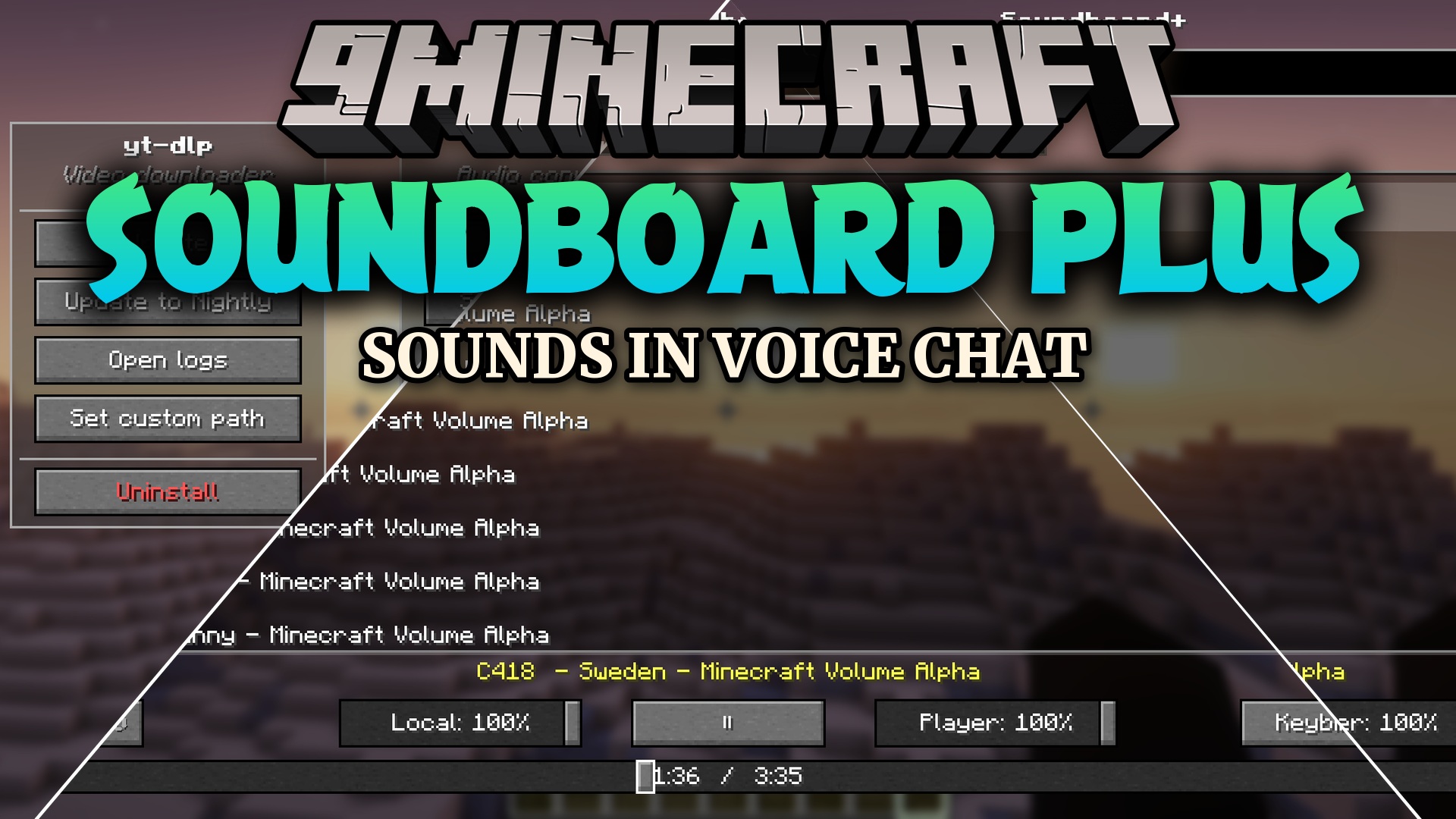
Features:
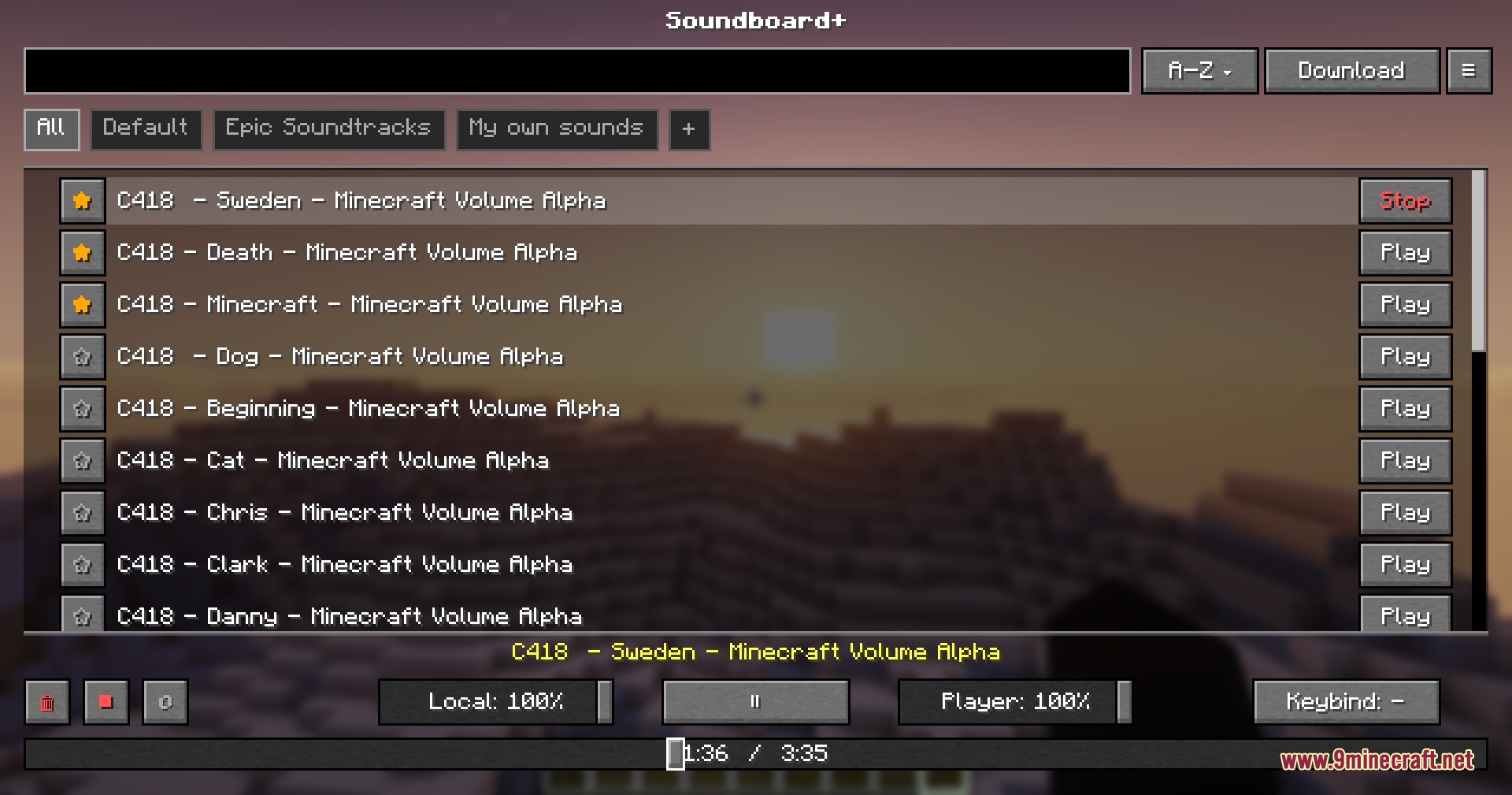
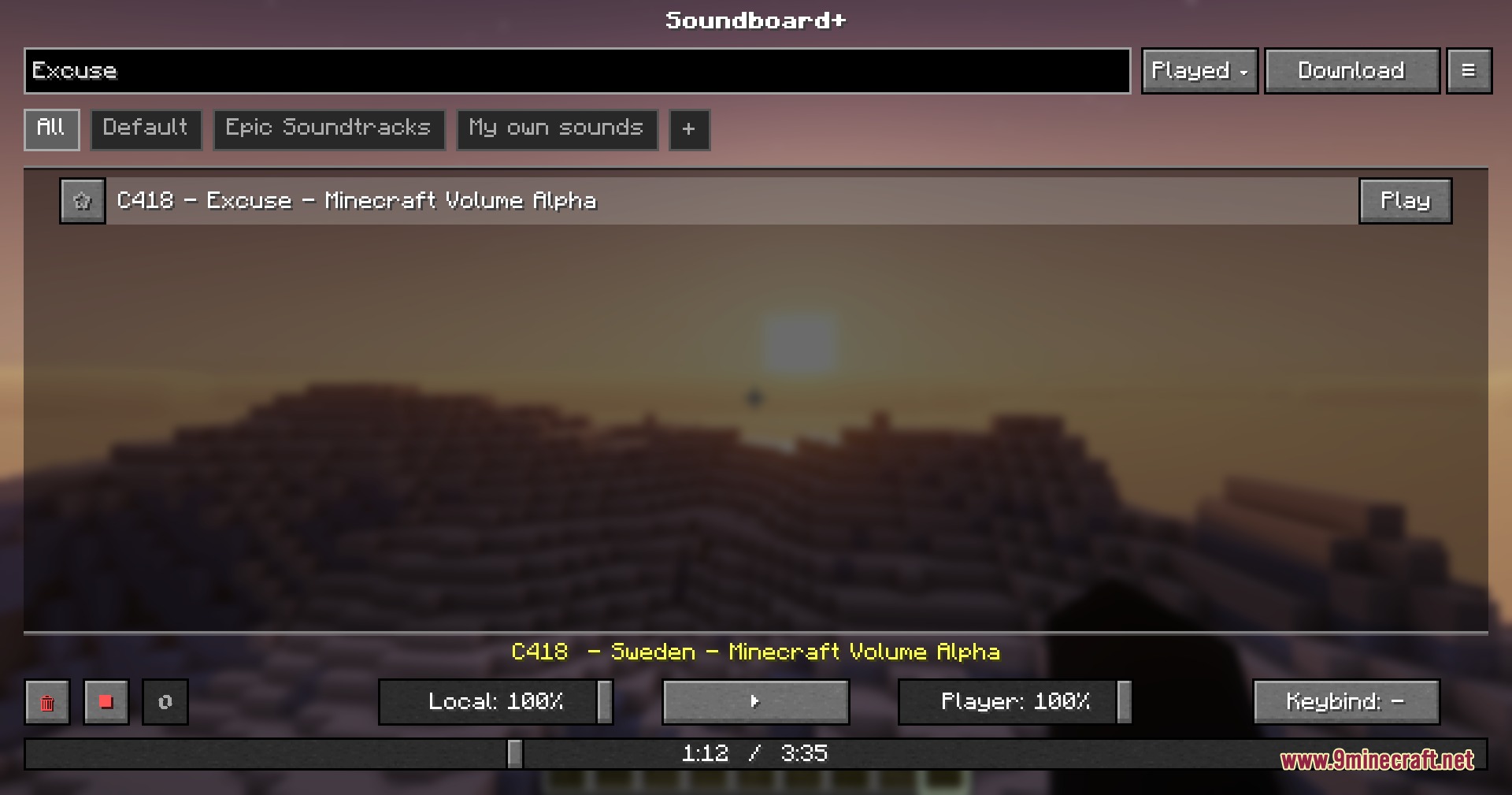
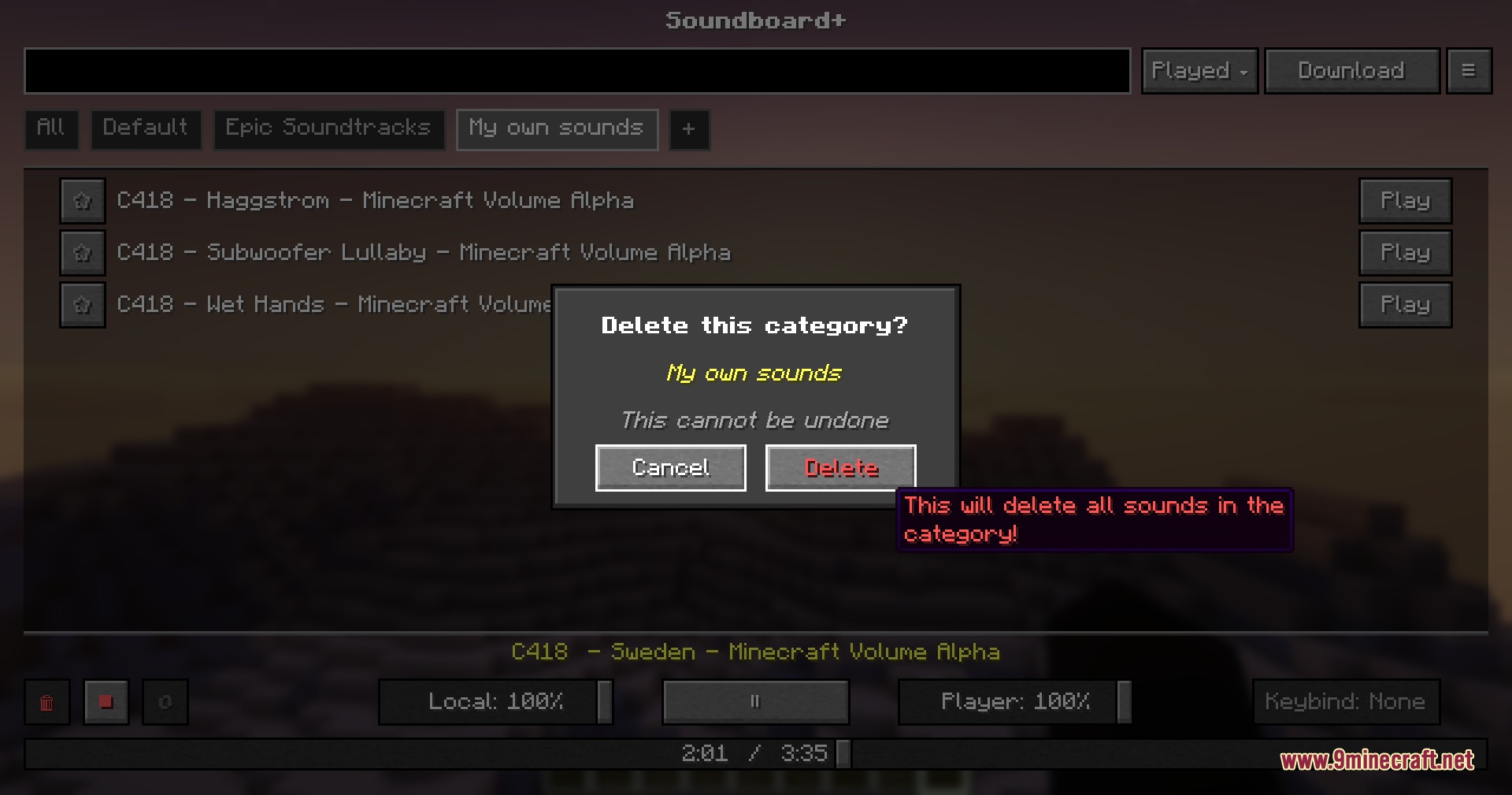
- In-Game Menu: Gives you an easy screen to browse, organize, and play all your sounds without leaving the game.
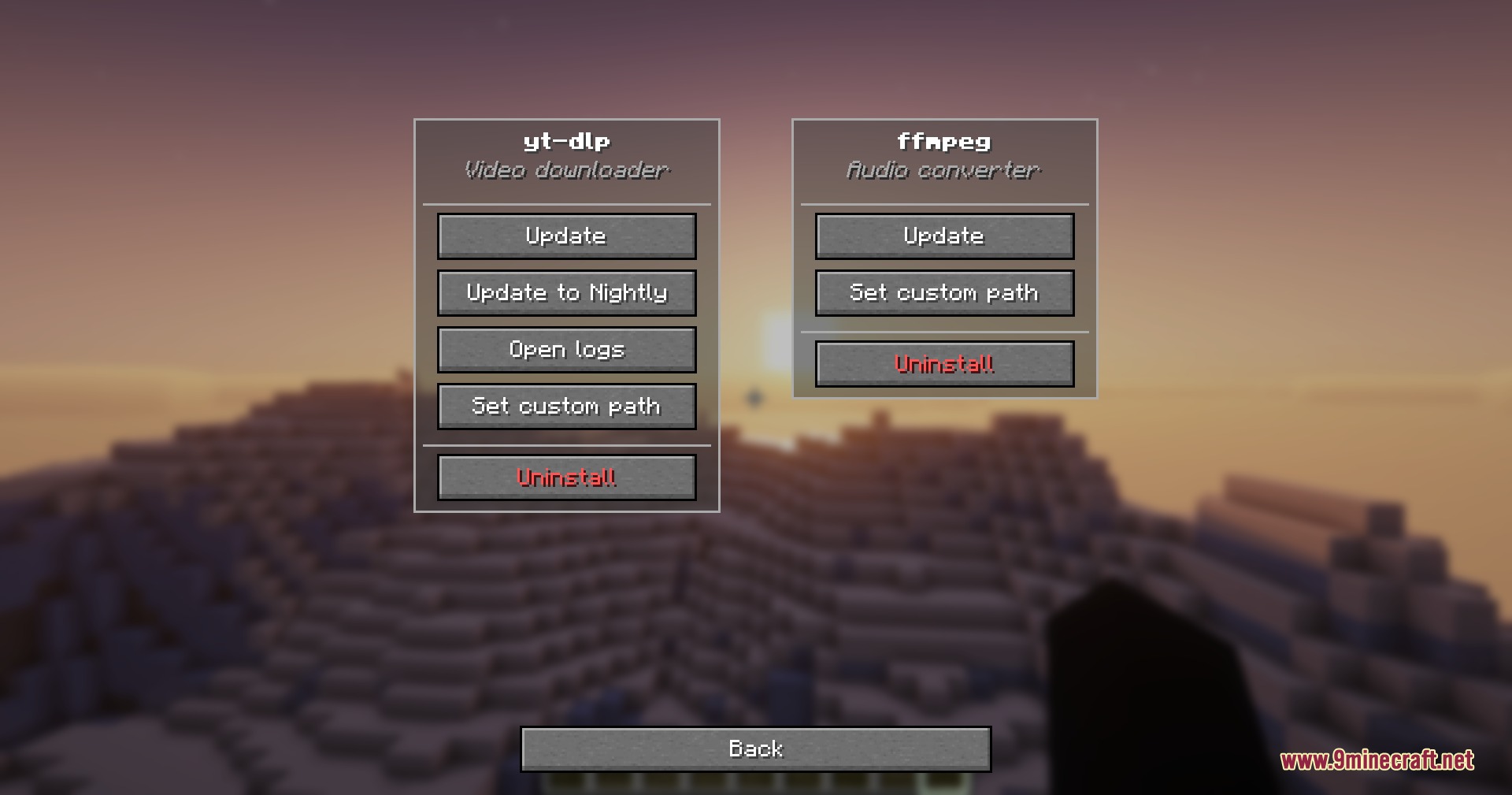
- Online Downloader: Lets you grab audio directly from YouTube, TikTok, and other sites using the built-in downloading tool.
- Includes separate volume sliders so you can change how loud the sound is for you compared to everyone else.
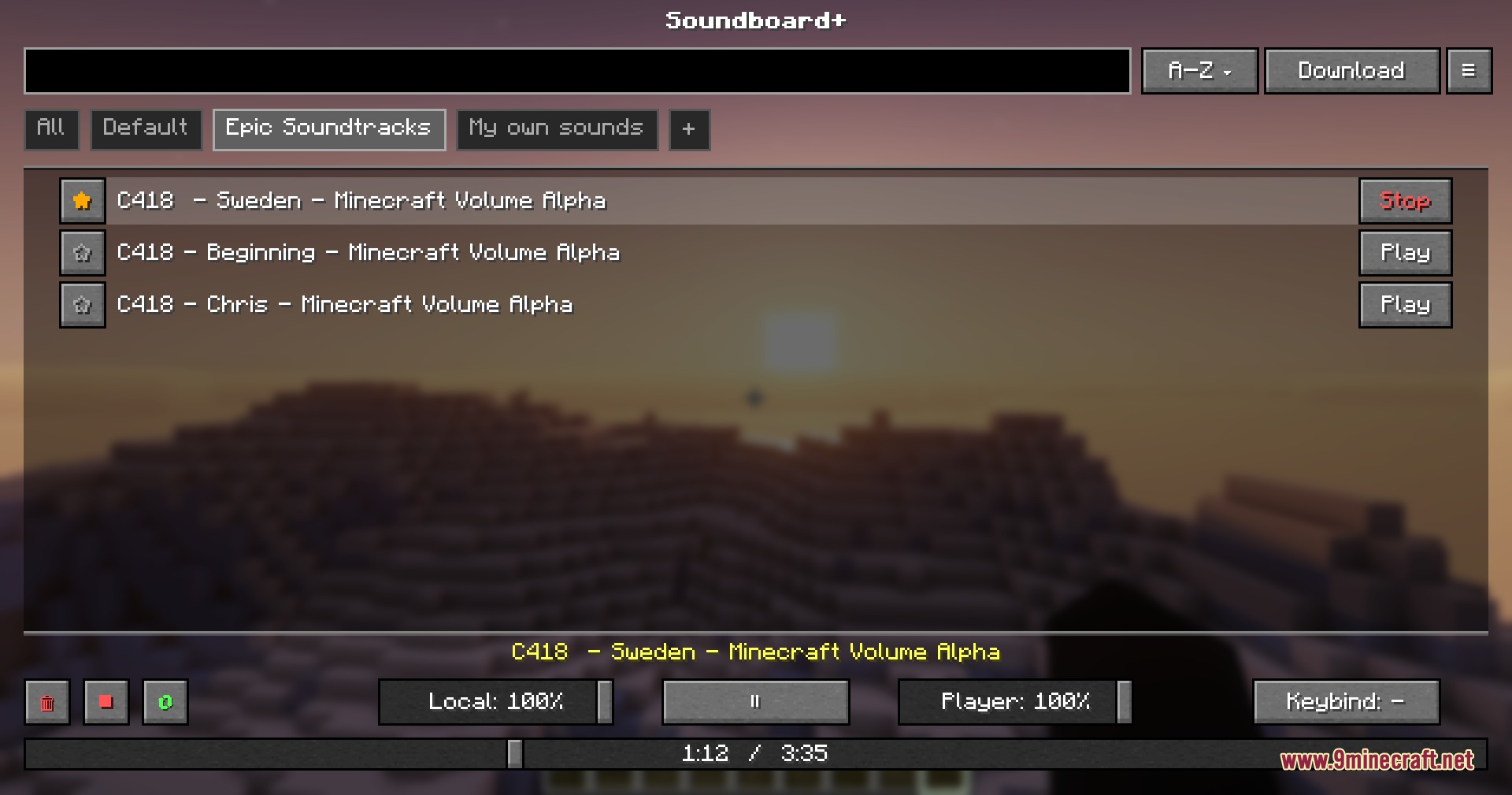
- Sorts your audio clips into different categories to keep everything neat and easy to find.
- Allows you to set up specific keyboard shortcuts to play your favorite sounds instantly.
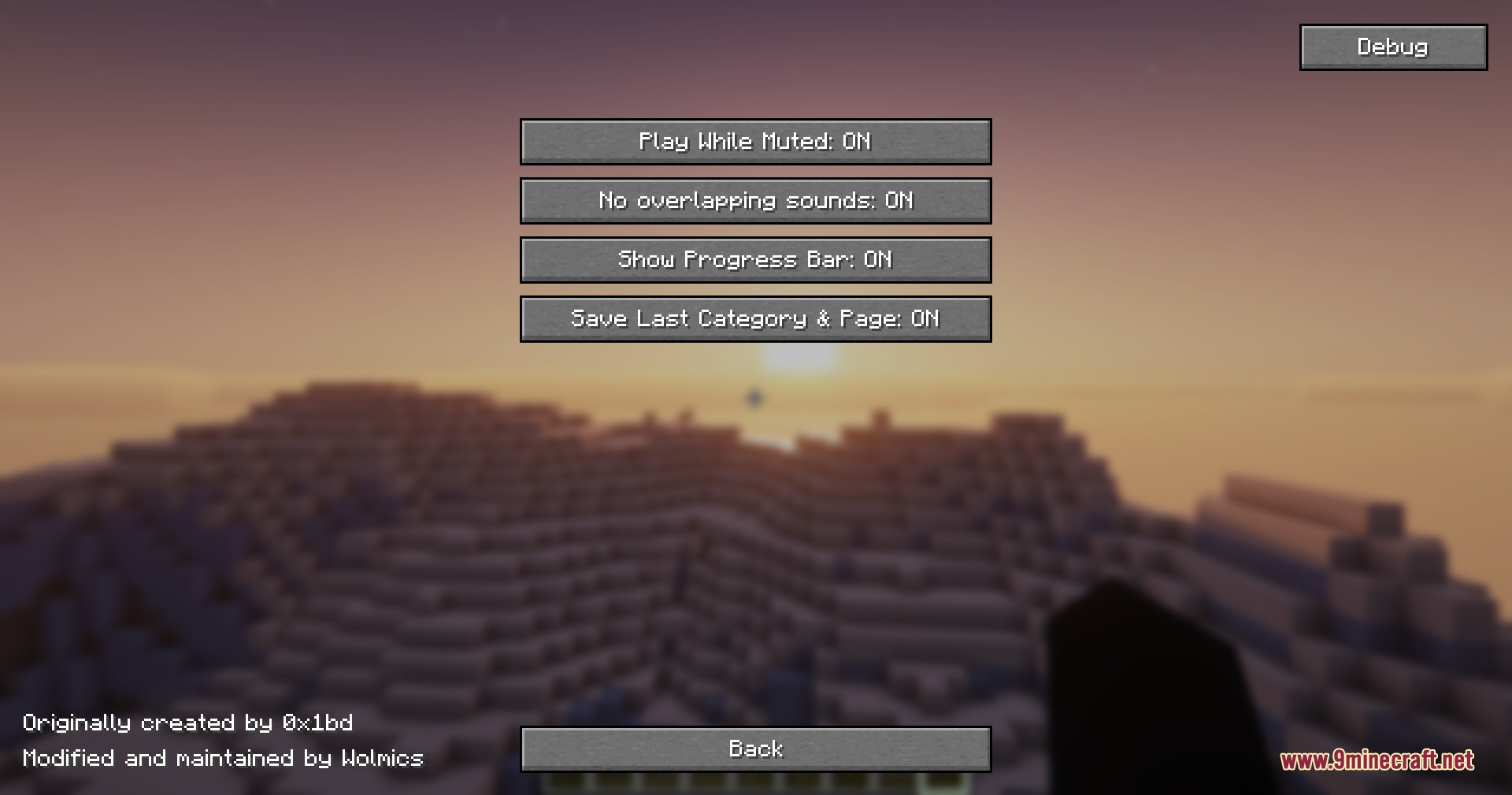
- Adds a visual progress bar while a sound plays so you know exactly when it will end.
- Gives you full control to play, pause, or loop sounds on repeat.
- Shows small pop-up notifications on your screen when a download finishes.
How to Use:
- Place your audio files into the soundboard folder inside your game files, or download them using the in-game menu.
- Join a world or server that has the voice chat mod installed.
- Press J to open the main menu screen.
- Click the play button next to any sound to send it through your microphone.
Screenshots:
How to Install:
New to Minecraft? Follow our step-by-step guide to install Mods on your PC.View Guide
Requirements:



Soundboard Plus Mod Download Links
For Minecraft 26.2
For Minecraft 26.1.2, 26.1.1, 26.1
For Minecraft 1.21.11
Click to rate this post!
[Total: 0 Average: 0]
You May Also Like











This post has no comments yet. Be the first — your comment will appear here.