
Spatial GUI Forge Mod (1.20.1) – Manage Items in Third Person
 100
 0

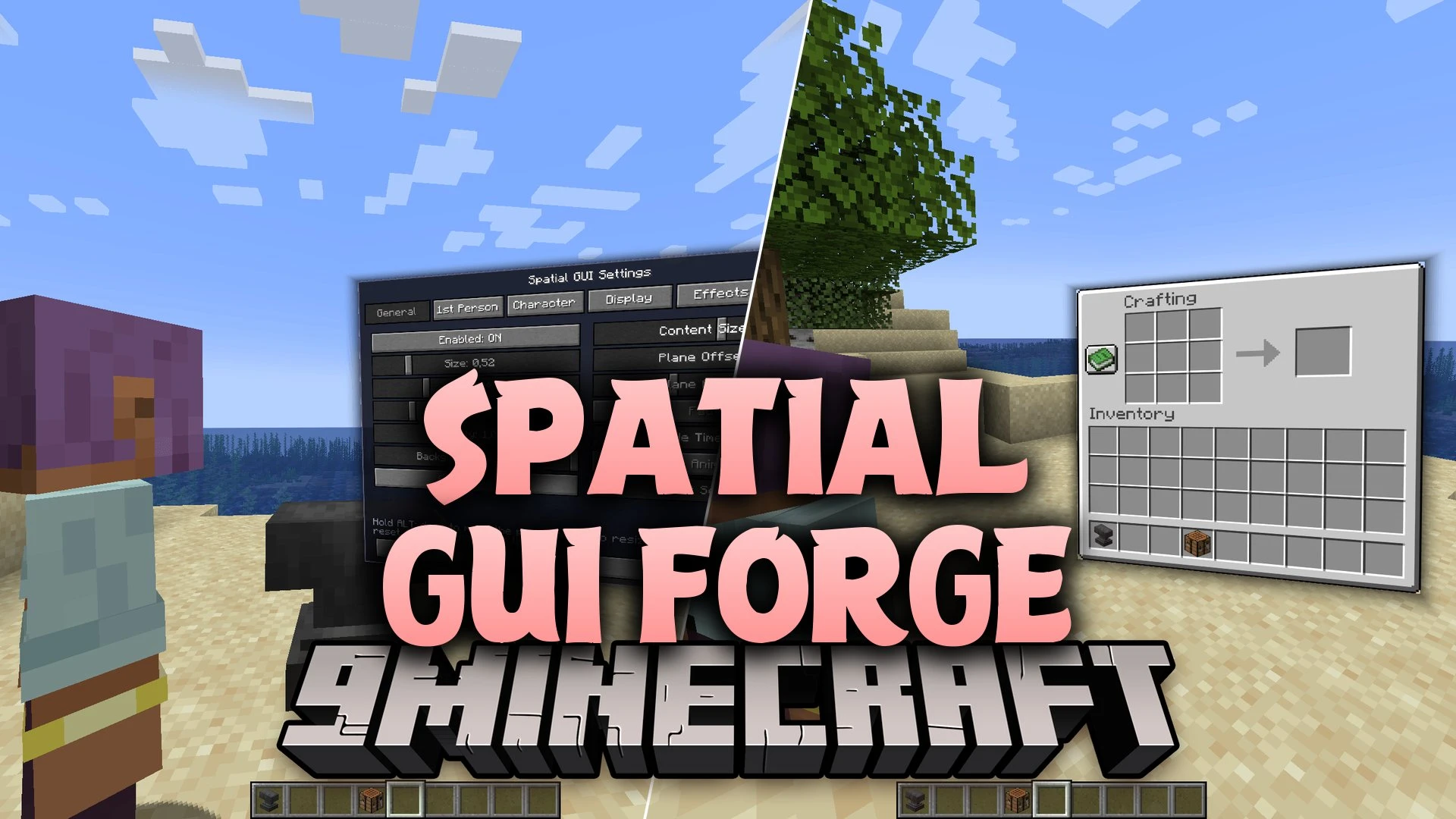
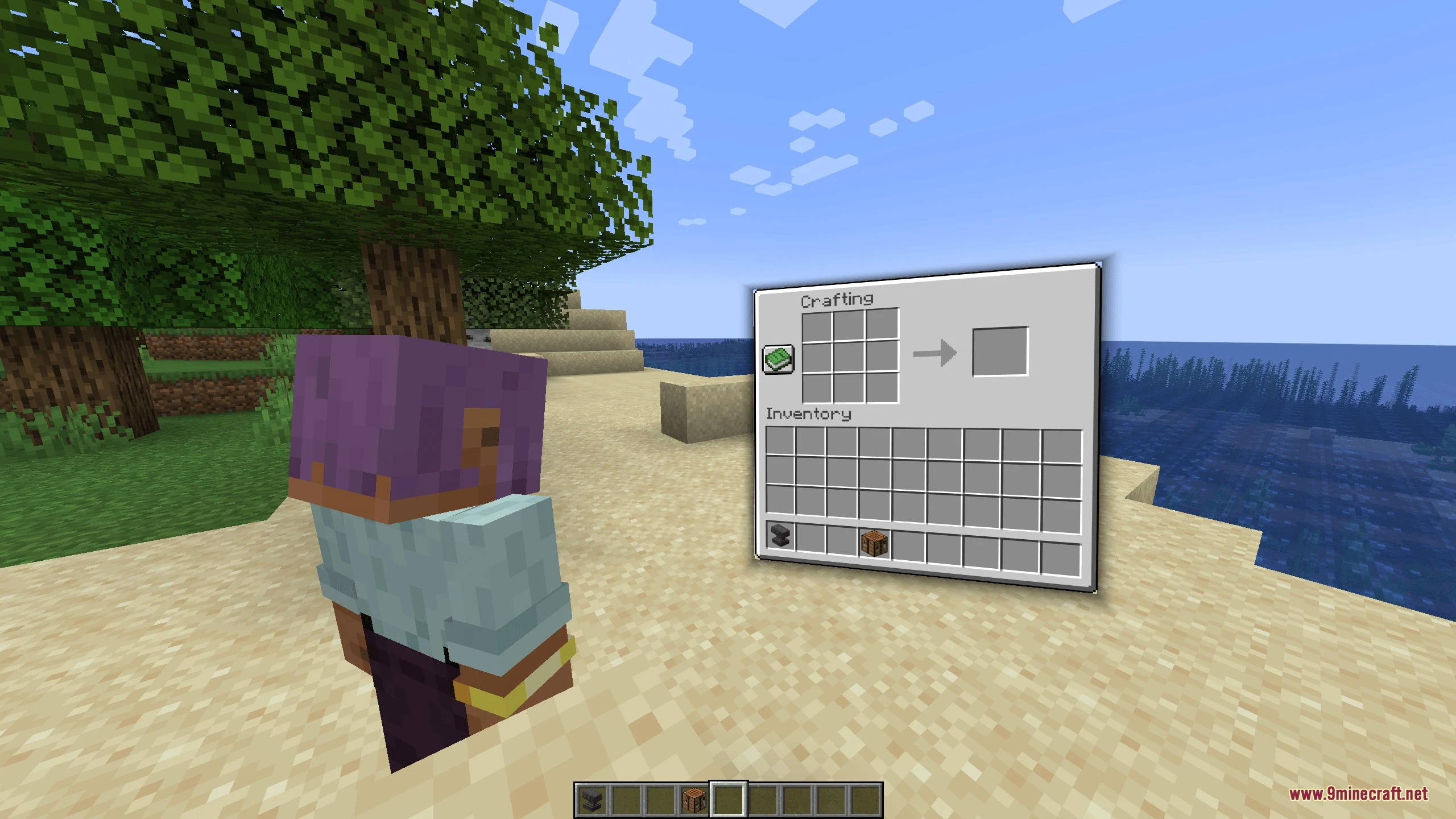
Spatial GUI Forge Mod ports Spatial GUI to the Forge loader, turning flat menu screens into floating 3D panels in the game world. When you open a chest, furnace, or player inventory, the camera swings around to show your character standing beside the menu panel. The visual change gives no unfair gameplay advantage and only alters how interface screens are drawn. You can customize the look with shadows and glowing edges or reposition panels directly on your screen. It works purely on the client side, letting you join multiplayer worlds without server requirements.
Features:
- Turns flat inventory menus and container windows into 3D panels that float in front of you.
- Shifts the camera to a third-person view showing your character standing right next to open interfaces.
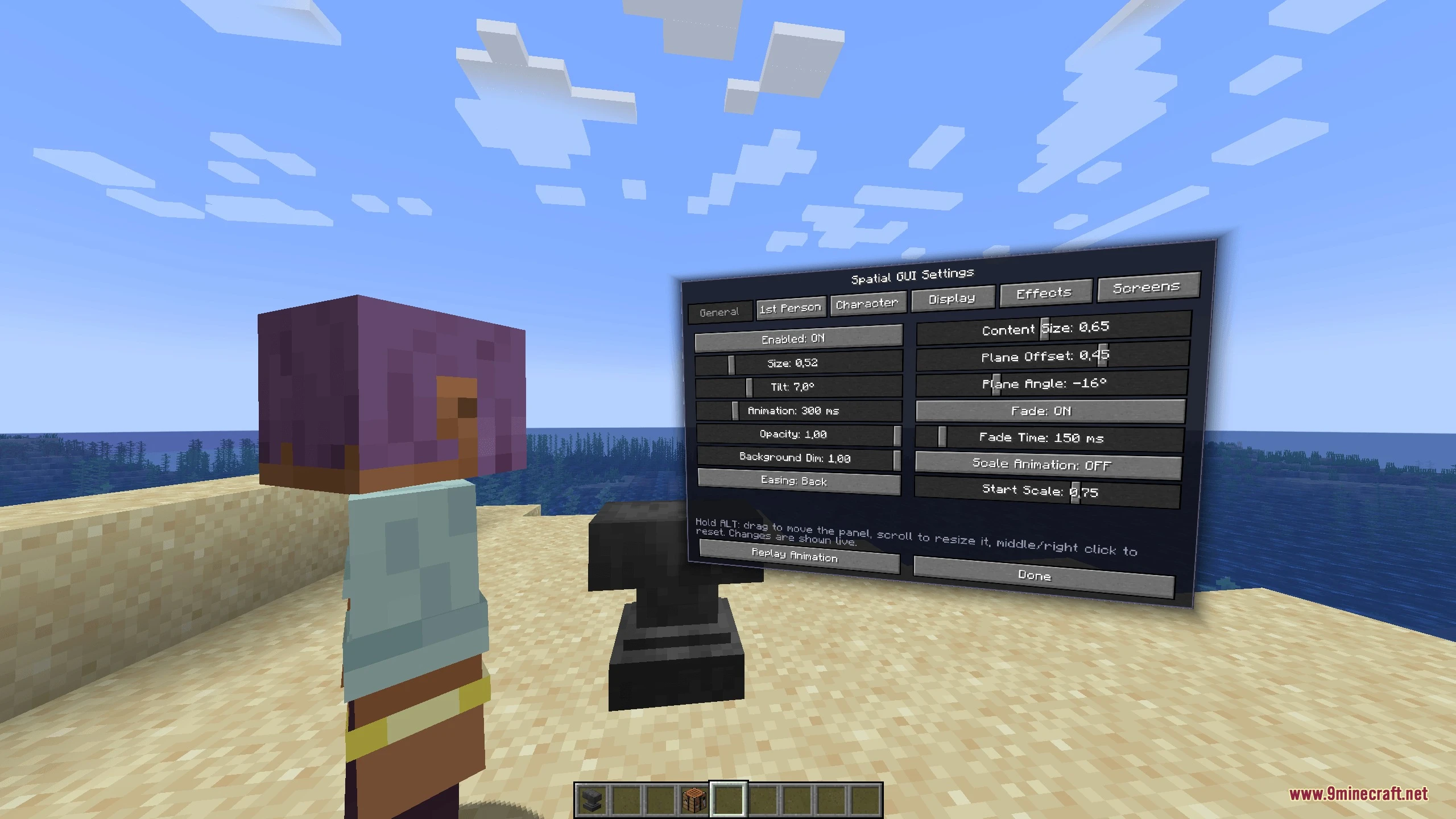
- Lets you hold ALT to drag panels across the screen or scroll the mouse wheel to resize them.
- Includes smooth opening and closing animations with custom scaling and fade effects.
- Adds drop shadows and customizable glowing rims around open interface panels.
- Works across crafting tables, furnaces, anvils, brewing stands, chests, shulker boxes, and villager trading menus.
- Provides first-person viewing choices to rotate panels or hide hotbars, hands, and shields.
- Runs entirely client-side, making it usable across multiplayer servers.
How to Use:
- Open your inventory or any container block in the world.
- Press F8 to open the in-game settings menu and customize visual options.
- Press F9 to toggle the floating 3D screen effect on or off.
- Hold ALT while an interface is open to reposition or resize the screen panel.
Screenshots:
How to Install:
New to Minecraft? Follow our step-by-step guide to install Mods on your PC.View Guide
Requirements:

Spatial GUI Forge Mod Download Links
For Minecraft 1.20.1, 1.20
Click to rate this post!
[Total: 0 Average: 0]
You May Also Like
Picked for this page
 Compact Storage Mod (26.2, 1.20.1) – Carry Everything You Find
 Roughly Enough Items Server Component Mod (26.3, 1.20.1)
 High-Speed Rail Mod (26.2, 1.20.1) – Transforming Minecart Travel
 Command Keys Mod (26.3, 1.20.1) – Send Pre-Written Messages & Commands
 Fish N’ Ships Mod (1.21.1, 1.20.1) – Build Massive Ships to Haul Cargo
 Biome Spy Mod (26.1.2, 1.20.1) – Speeds Up Biome Searching
 Stained Lenses Mod (1.20.1) – Turn Your Spyglass Into a Tactical Multi-Tool
 Create Stellaris Mod (1.21.1) – Build Space Rockets with Mechanical Assembly
 Endless Inventory Mod (26.3, 1.20.1) – Never Run Out of Bag Space
 Tumbler and Torsion Mod (1.21.1, 1.20.1) – Protect Your Chests and Pick Any Lock
 ChunkAPI Mod (1.7.10) – Clean World Data Saving Across Modded Chunks
 BoomLib Mod (26.1.2, 1.20.1) – Run Linked Additions Smoothly Without Startup
Most viewed in Mods over the last 7 days
 Ala Industrial Mod (26.3) – Run Electric Power Grids and Automated Factories
 PleasureCraft Mod (26.3, 1.21.1) – Jenny Mod Remake for Fabric
 Jennycraft Mod (26.3, 1.20.1) – Virtual Girlfriend in Minecraft
 Fapcraft Mod (26.3, 1.12.2) – Comprehensive and Detailed Content
 Jenny Mod (Fapcraft) Official Complete Guide – How to use, Tutorial
 BangCraft Mod (1.20.1) – Jenny, Ellie and Elliot
 Fabric Loader (26.3, 1.20.1) – Fabric Installer for All Minecraft Versions
 The Shooting Star Demo Mod (26.3, 1.20.1) – Vaporize Terrain From Orbit
 Meteor Client Mod (26.3, 1.20.1) – Xray, HUD, Fly
 OptiFine HD (26.3, 1.20.1) – Run Faster, FPS Boost, Shaders Support
 Aristois Client Mod (1.21.4, 1.20.1) – World Class Minecraft Utility
 Prestige Client Mod (1.21.11, 1.21.4) – Powerful Ghost Features for Crystal & Sword PvP
More from Mods
 GTNH’s Forgelin Mod (1.7.10) – Play Kotlin-Powered Mods on Minecraft 1.7.10
 Nodeflow Mod (26.1.2, 1.21.1) – Wire Custom Redstone Logic on Visual Graph
 Winter Client Mod (1.21.11) – Survive Ruthless PvP on Anarchy Servers
 LARP Client Mod (1.21.11) – Dominate Crystal PvP on Anarchy Servers
 Berlin Client Mod (1.21.11) – Hunt Stashes and Win Crystal Fights
 Kaleidoscope Cookery Refabricated Mod (26.3, 1.20.1) – Cook Hearty Meals
 Minecraft MusicBox Mod (1.21.12) – Play Your Favorite Songs While Mining and Building
 MTR Navigation Mod (1.21.1) – Plan Railway Trips and Never Miss a Train Stop
 TheHouse Mod (1.21.11) – Host Casino Tables and Track Every Bet in Real Time
 CinematicInteractions Mod (1.21.1) – Watch Your Hands Work at Every Crafting Table
 Earth Platform Mod (1.21.1) – Travel Across Real Continents in a True Scale World
 Taunahi Mod (26.1.2) – Automate Daily Farming and Slayers in Hypixel Skyblock

This post has no comments yet. Be the first — your comment will appear here.