
Sugar Cane Farm V1 Schematic (1.21.x) – Large Scale Automatic Sugar Cane Farm
 78
 0


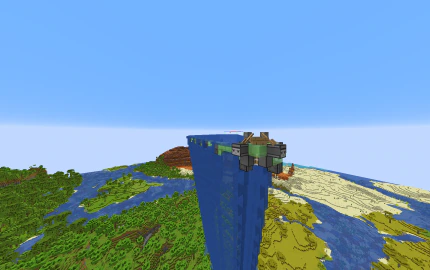
Sugar Cane Farm V1 Schematic features a flying machine that harvests sugar cane automatically across a large area. This build uses hopper minecarts to collect every item and drop them into storage chests. It works well for players who need lots of sugar or paper in their survival world. This build works best in singleplayer and you can turn the machine on or off using a simple lever.
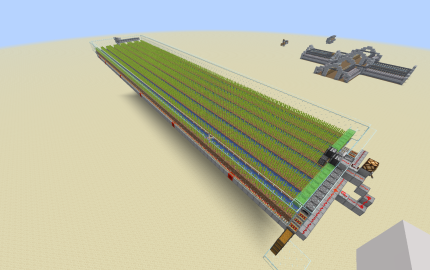
3D Preview & Editor:
How to place this schematic
.litematic This is a Litematica schematic. You place it with the Litematica mod, which shows the build as a ghost overlay you fill in.
| 1 | Install Litematica (plus MaLiLib) for your Minecraft version. |
| 2 | Put the .litematic file in .minecraft/schematics. |
| 3 | In game press M → Load Schematics, pick the file, then Load. |
| 4 | Position the ghost preview, then build it by hand — or turn on Easy Place to place blocks straight from your hotbar. |
Features:
- Uses a flying machine to break crops across a wide area.
- Lever-controlled system lets you start or stop the farm at any time.
- Hopper minecarts run under the ground to pick up every item.
- Storage chests are included to hold all the harvested sugar cane.
- Works with standard Minecraft blocks and redstone.
Schematic Specs:
 Minecraft1.21.x
 Dimensions24×11×98
 Total Blocks7,324
 Top Blocks Used
Powered Rail 1,760Smooth Stone 1,722Dirt 1,132Sugar Cane 1,132Glass 668
How to Play:
- Place the build in a flat area that is at least 98 blocks long.
- Flip the lever to start the flying machine.
- Wait for the machine to move across the farm and break the crops.
- Keep your render distance at 3 or higher so the machine keeps moving.
- Collect your items from the chests at the end of the line.
Sugar Cane Farm V1 Schematic Download Links
For Minecraft 1.21.x
Click to rate this post!
[Total: 0 Average: 0]
You May Also Like
Picked for this page
 Bamboo Farm Schematic (1.21.x) – Small Automated Redstone Bamboo Farm
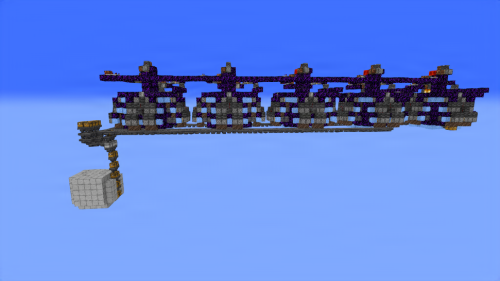 5 Module Overworld Basalt Farm with Auto Smelter for Donutsmp Schematic (1.21.x) – Automatic Overwor
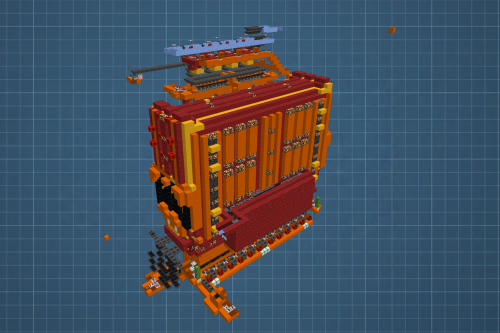 18 Module Mcdonalds Farm Schematic (1.21.x) – Fully Automatic Sea Pickle Farm Build
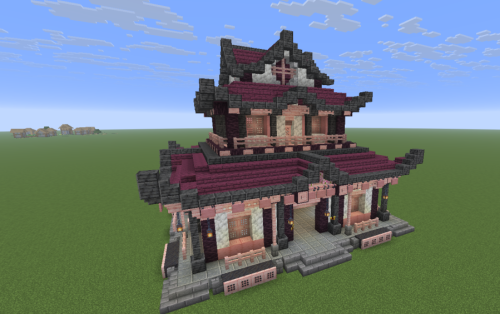 Japanese House Schematic (1.21.x) – Medium Traditional Asian Home Build
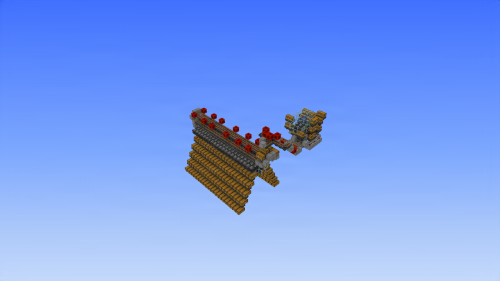 Automatic Kelp Farm V3 by 1fachJonaz Schematic (1.21.x) – Efficient Redstone Build for Automatic Kel
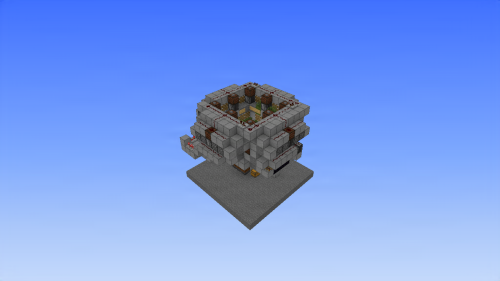 Fast Bone Meal Farm Fixed Now It Gives Bone Meal Credits Kreeperman1 Schematic (1.21.x) – Efficient
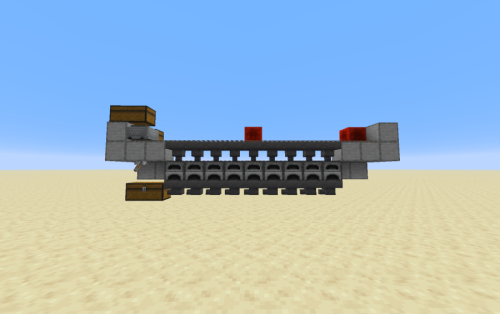 Super Smelter Expandable Schematic (1.21.x) – Fast And Compact Redstone Furnace Machine
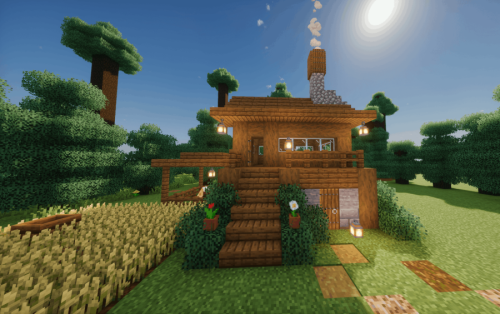 Cozy Spruce Log House Schematic (1.21.x) – Medium Survival Starter Build For Java
 Simple Stone Tower Schematic (1.21.x) – Classic Stone Watchtower For Your Minecraft Base
 Stone House 1 Schematic (1.20.x) – Simple Stone House Build For Your World
 Cursed Register Schematic (1.21.x) – Weird Subtick Redstone Machine Build
 Birch Tree Farm Schematic (1.20.x) – Simple Manual Birch Wood Farm Build
Most viewed in Schematics over the last 7 days
 Fastest Bonemeal Farm Donut Smp Schematic (1.21.x) – Fast Redstone Bonemeal Farm Build
 64 Module Cobblestone Farm Schematic (1.21.x) – Massive Automated Stone Gathering Build
 KelpFarmV9.9 Schematic (1.21.x) – Compact And Simple Seaweed Farm Build
 Villager Trading Hall Schematic (1.21.x) – Modern Shop Build For 48 Villagers
 Gold Farm Schematic (1.21.x) – Automatic Nether Roof Gold Farm
 Bamboss V2 800k Bamboo per Hour Schematic (1.21.x) – High Speed Automated Bamboo Farm Schematic
- Bamboo Farm Schematic (1.21.x) – Small Automated Redstone Bamboo Farm
 Best Railgun Tp Trap on Donutsmp Schematic (1.21.x) – Unescapable Multiplayer Redstone Trap Build
 Minutes End Base Before Spoke Null End Video Schematic (1.21.x) – Giant Unstable SMP End Base Schema
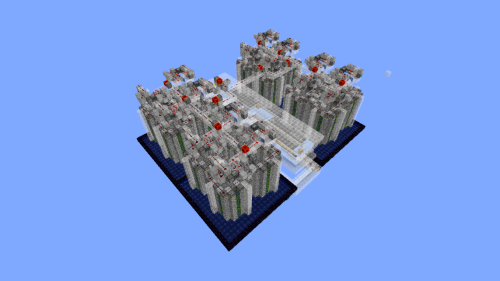 Cobble Farm 50m per Hour Donut SMP Schematic – High Yield Cobblestone Generator Build
 Donut Smp Stash and Regear Schematic (1.21.x) – Large Storage And Regear Room Build
 36 Module Cobble Farm 18m per Hour Donut SMP Schematic (1.21.x) – Massive Automated Stone Generator
More from Schematics
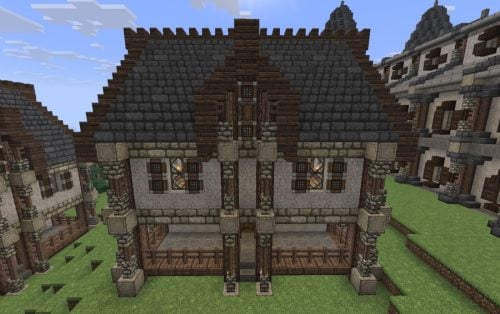 Survival Home Schematic (1.21.x) – Spacious Empty House For Survival Players
 SpicyT 1 Year Cake Schematic (1.21.x) – A Giant Spicy Birthday Cake Statue
 Free Neomarinus TheVividSeaDragon Schematic (1.19.x) – Massive Blue and Pink Sea Dragon Build
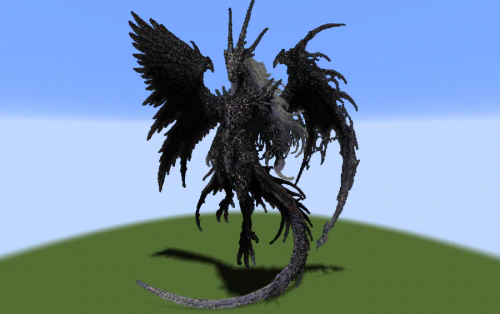 Free Noctiseraph the Fallen Twin Winged Dragon Schematic (1.19.x) – Massive Dark Fantasy Dragon Stat
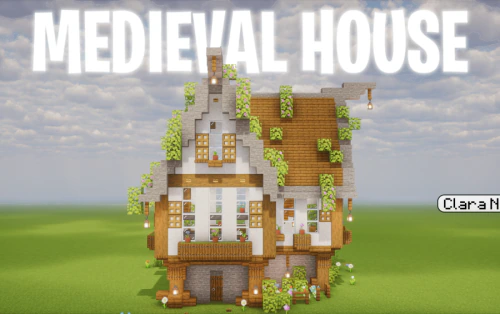 Medieval House Free Schematic (1.21.x) – Classic Medieval Survival Home Building Plan
 Ultra Compact Full Adder V1.2 Schematic (1.21.x) – Tiny Redstone Logic Gate Schematic
 Minecraft Shenron Dragon Statue Free Schem Schematic (1.19.x) – Massive Dragon Ball Statue Build Sch
 Pale White Mansion Schematic (1.21.x) – Victorian Gothic Manor For Your World
 Copper Mud Tower Schematic (1.21.x) – A Medieval Tower With Oxidized Copper Roof
 Super Smelter 64 Furnaces V2 Schematic (1.21.x) – Fast And Compact Redstone Smelting System
 Gold Farm Overworld Only Schematic (1.21.x) – Efficient Overworld Gold Farming System
 DonutSMP Flooder Machine Size Fixed Giant Schematic (1.21.x) – Giant Flooding Machine for Minecraft

This post has no comments yet. Be the first — your comment will appear here.