
Super Factory Manager Mod (26.1.2, 1.20.1) – Script Your Whole Factory

 0


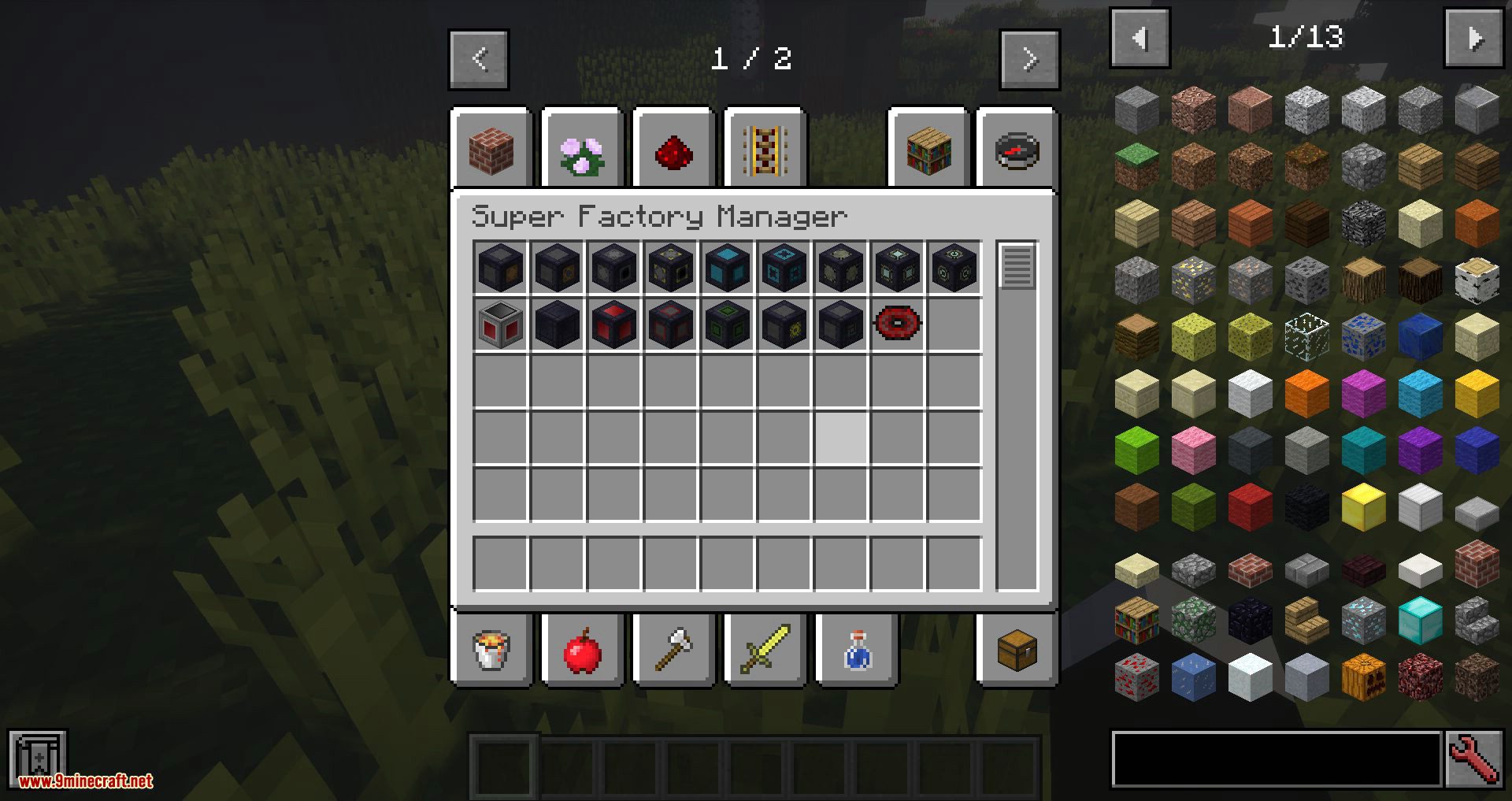
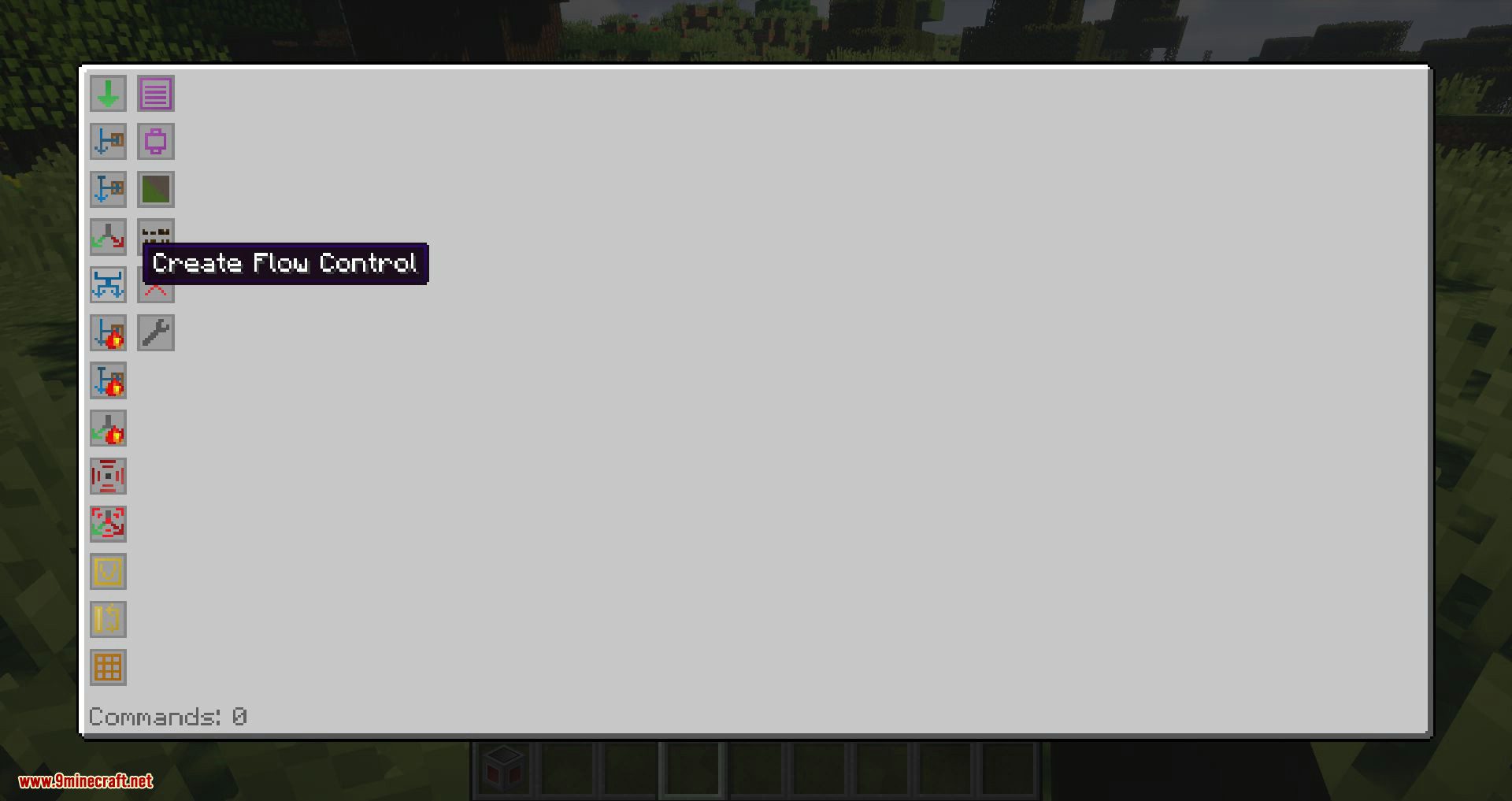
Super Factory Manager Mod modernizes Steve’s Factory Manager for fast and accurate resource automation. It connects your machines and chests into one central network so you can control everything from a single block. Instead of old flowchart menus, this mod uses a custom scripting language to run your factory rules. It moves items, liquids, and energy cleanly across your whole base.

Features:
- Replaces old flowchart menus with a custom scripting language for building automation setups.
- Connects chests and machines together into one network using a central manager block and Inventory Cables.
- Moves items, blocks, liquids, and energy to the exact machine or inventory you choose.
- Stores your scripts on a Program Disk that shows warnings and errors when you hover over it.
- Includes a Label Gun so you can tag blocks in the world and link them directly to your program.
- Detects Redstone signal levels and directions to run actions based on specific conditions.
- Handles everything from basic item sorters to button-triggered machines and automatic armor equippers.
How to Use:
- Get one Factory Manager, one Program Disk, one Label Gun, and optional Inventory Cables.
- Place the Factory Manager in the world and connect it to your inventories using Inventory Cables.
- Open the manager menu and put the Program Disk inside.
- Paste your script into the menu using the screen buttons or by pressing Ctrl+V.
- Hover your mouse over the disk to check for any program warnings or errors.
- Hold the Label Gun in your hand and Shift + Right-click the manager to load the labels from your script.
- Hold Shift and use the Scroll wheel to change your active label, then Right-click blocks in the world to add or remove labels. You can also open the Right-click menu to type a custom label.
- Right-click the manager without holding Shift to save your labels to the Program Disk and start running your program.
Screenshots:

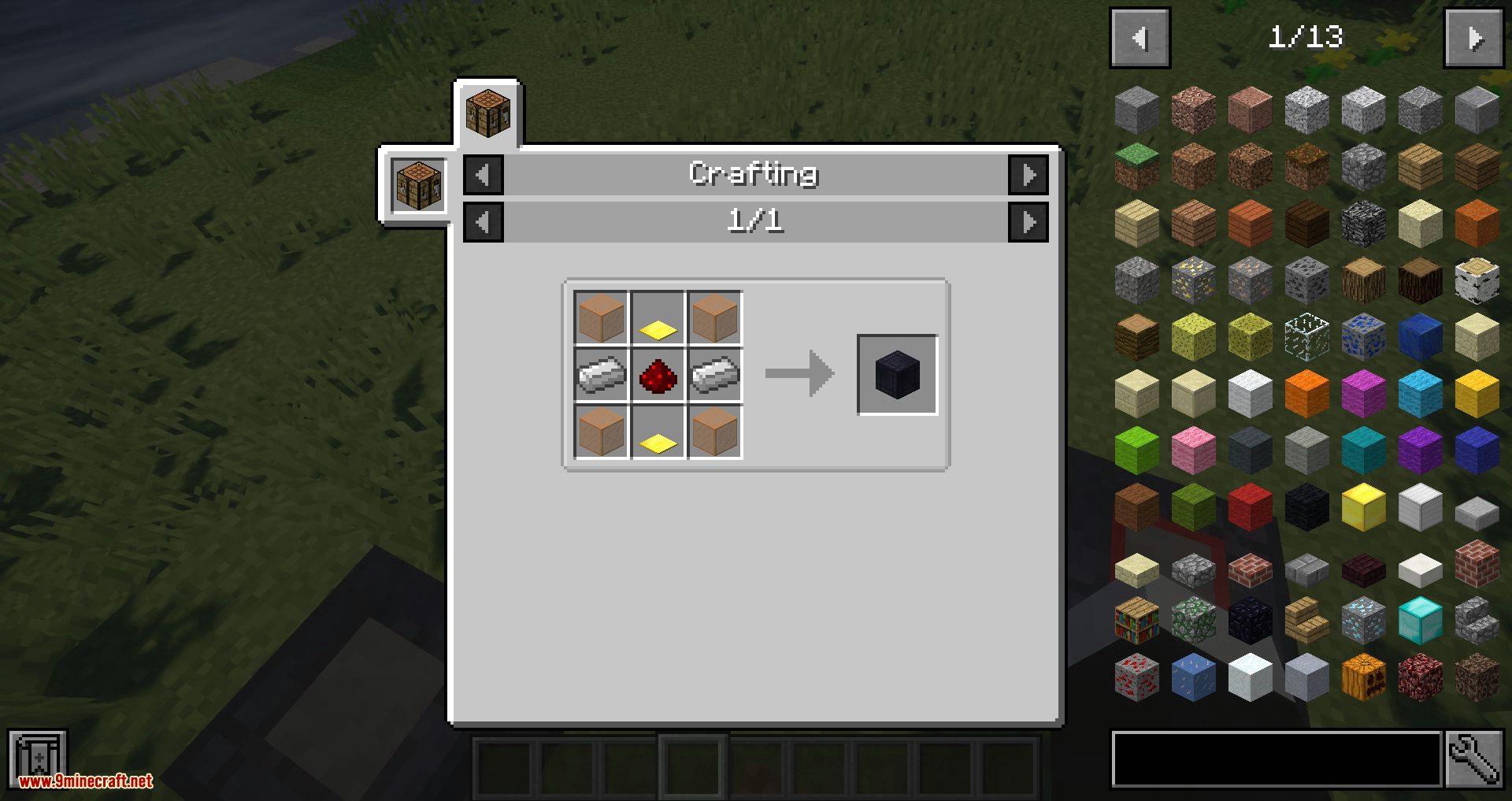
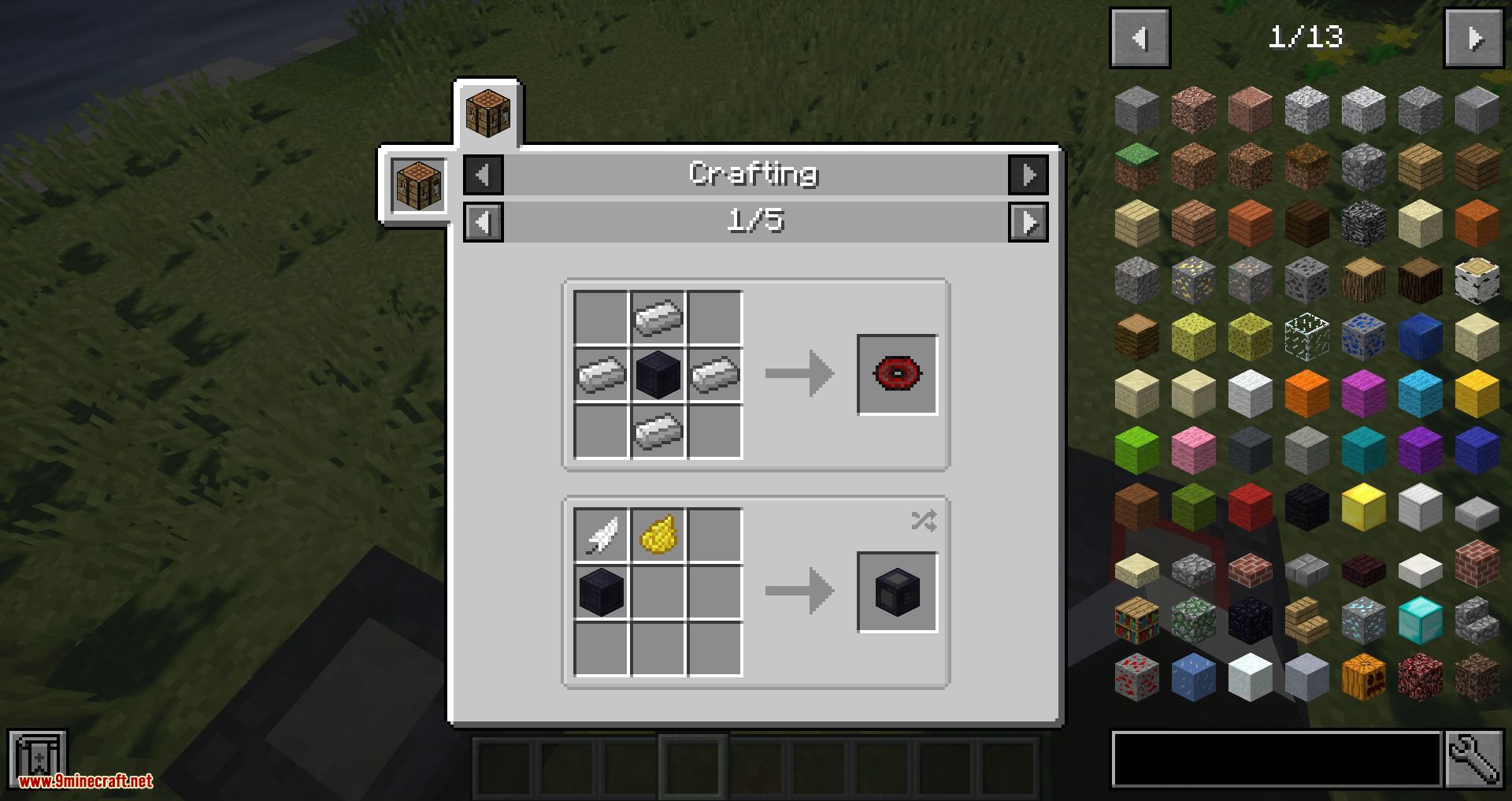
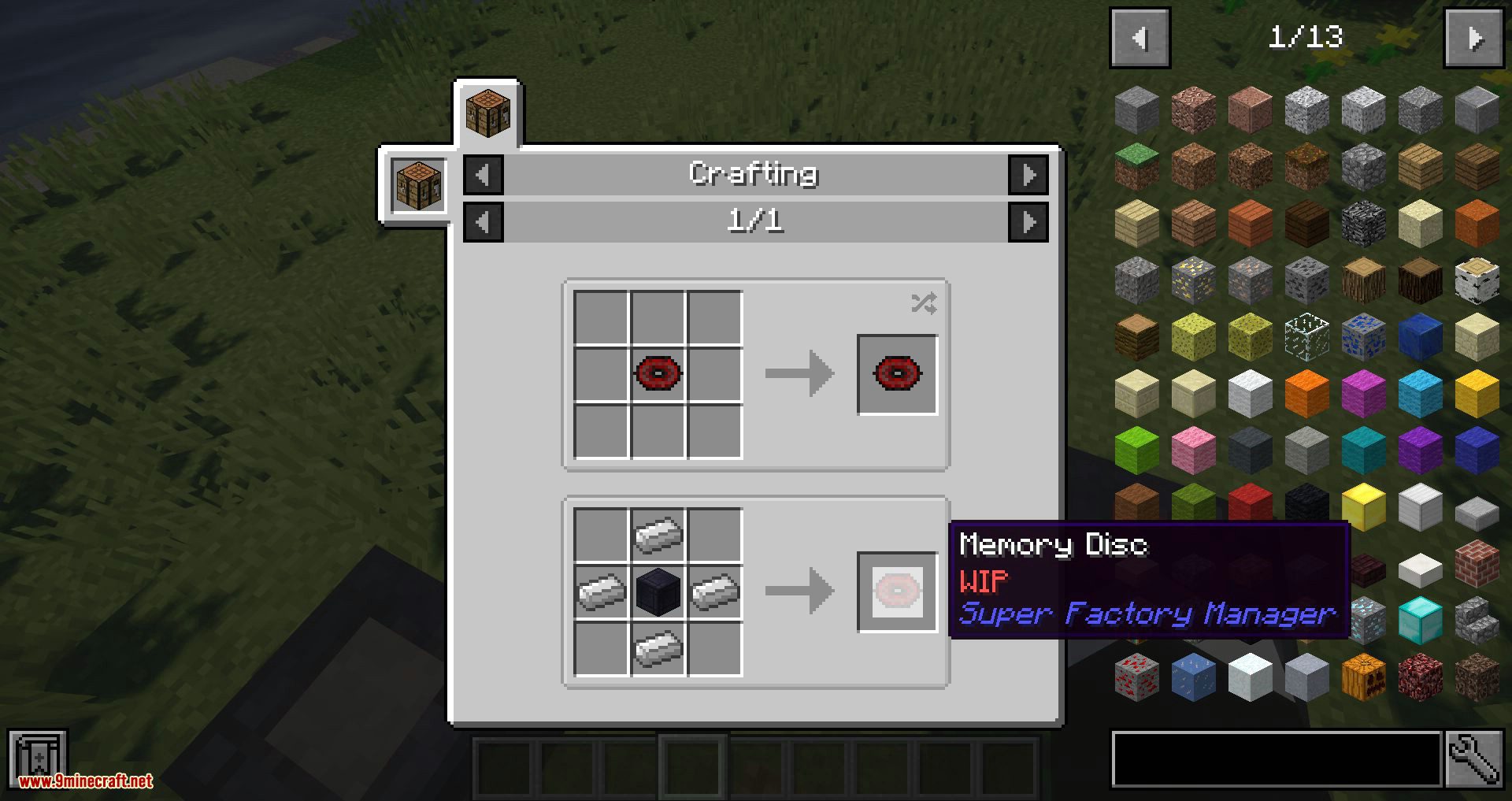
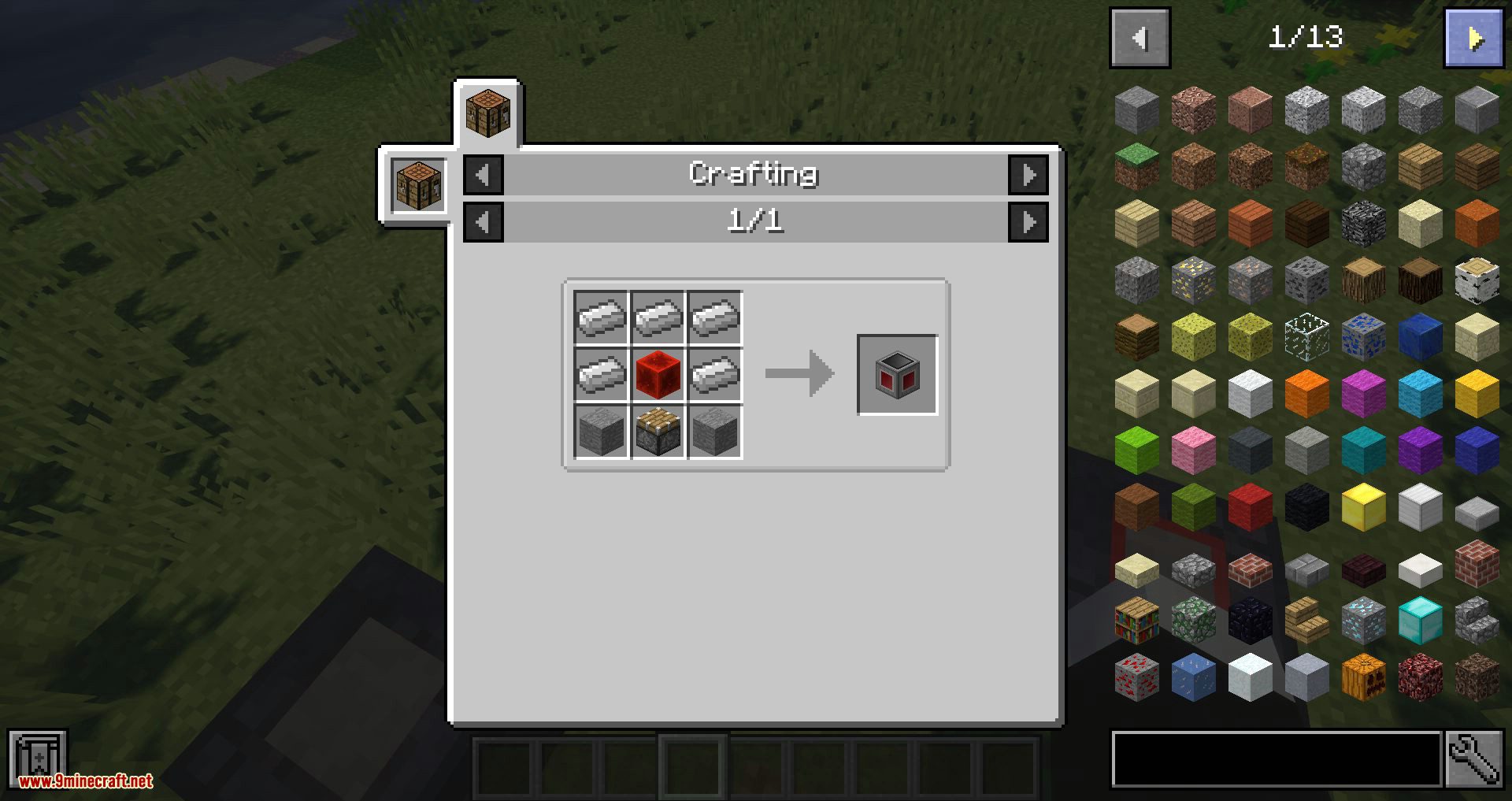
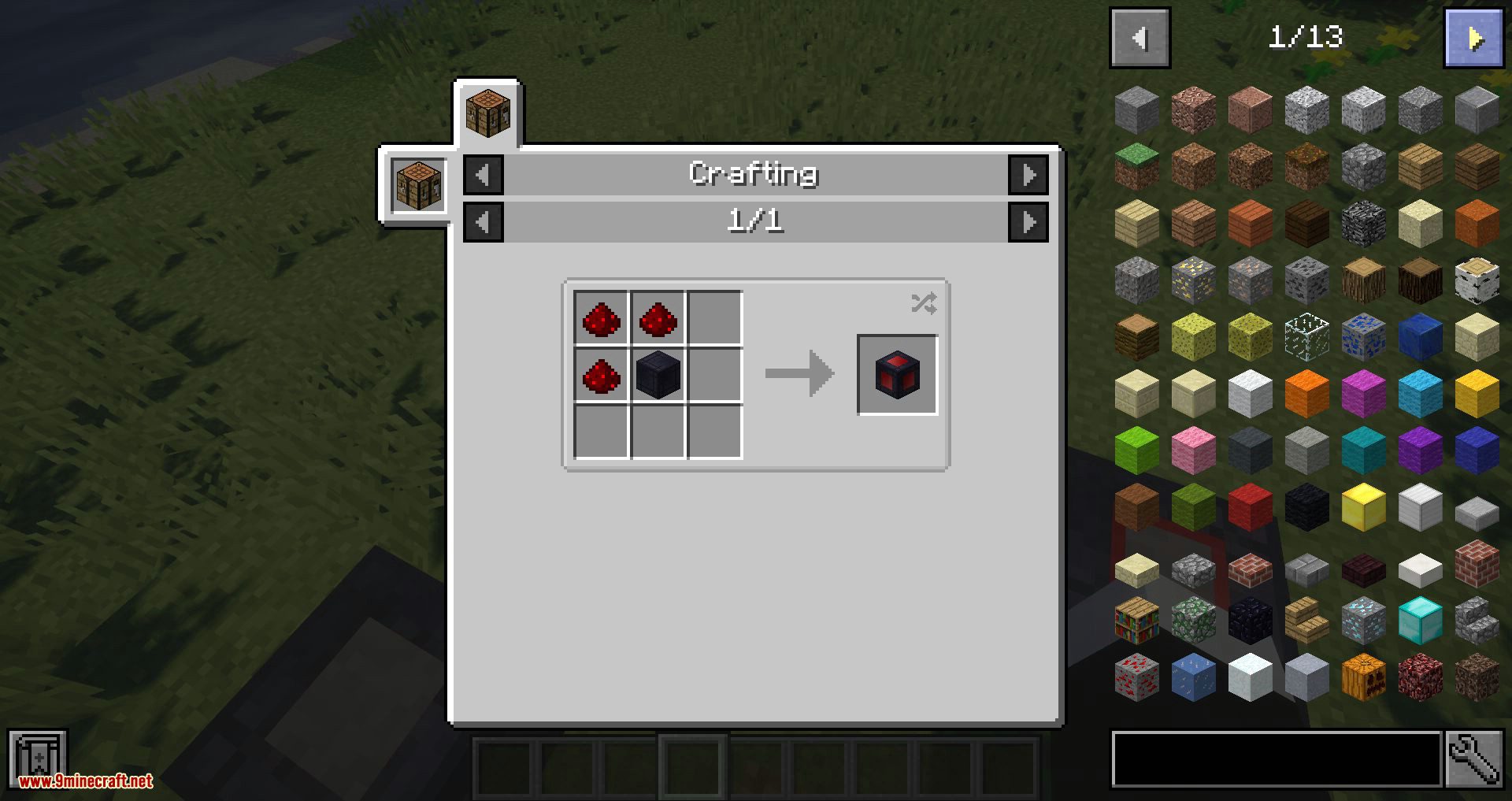
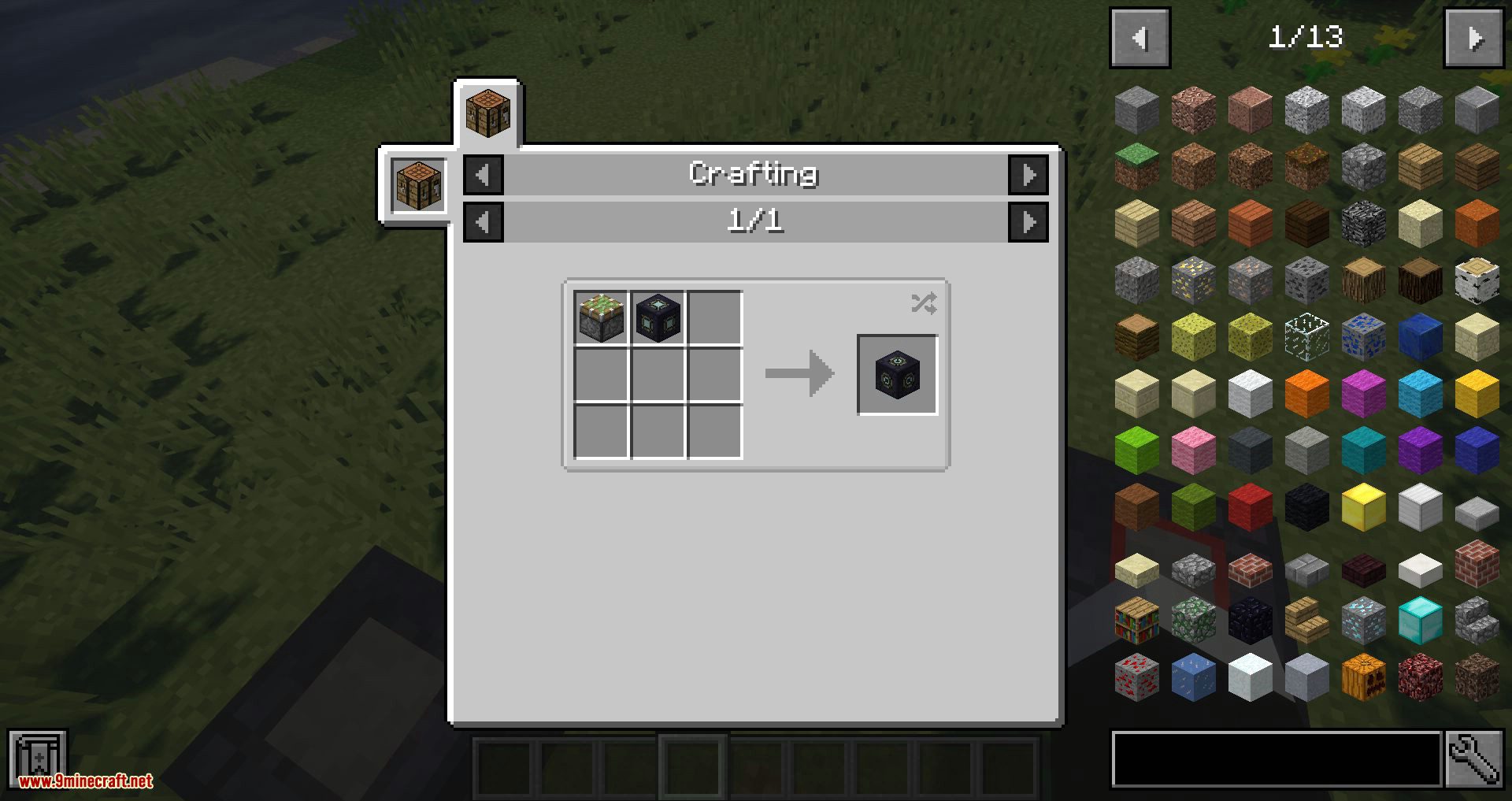

How to Install:
New to Minecraft? Follow our step-by-step guide to install Mods on your PC.View Guide
Requirements:


Super Factory Manager Mod Download Links
For Minecraft 26.1.2, 26.1.1, 26.1
For Minecraft
1.21.11,
1.21.10,
1.21.9
All Versions Covered
1.21.11
1.21.10
1.21.9
1.21.8
1.21.7
1.21.6
1.21.5
1.21.4
All Versions Covered
1.21.11
1.21.10
1.21.9
1.21.8
1.21.7
1.21.6
1.21.5
1.21.4
For Minecraft 1.21.1, 1.21
For Minecraft 1.20.4
For Minecraft 1.20.2
For Minecraft 1.20.1, 1.20
For Minecraft 1.19.4
For Minecraft 1.19.2
For Minecraft 1.19.1
For Minecraft 1.19
For Minecraft 1.18.2
For Minecraft 1.18.1
For Minecraft 1.16.5, 1.16.4
For Minecraft 1.12.2
Click to rate this post!
[Total: 1 Average: 5]
QUICK MINECRAFT SURVEY · ONE TAP
Mods & Modpacks
Which Minecraft version do you spend the most time playing with mods?
17 responses · See the full results →
You May Also Like
Picked for this page
 Falling Tree Mod (26.3, 1.20.1) – Making The Trees Fall in One Cut
 Additional Enchanted Miner Mod (26.2, 1.20.1) – Advanced Machines
 Mouse Wheelie Mod (26.2, 1.20.1) – Great Replacement for Inventory Tweaks
 Extended Crafting Mod (26.1.2, 1.20.1) – Some New Ways to Craft Items
 Item Scroller Mod (26.3, 1.20.1) – Moving Items in Inventory GUIs
 Applied Energistics 2 Mod (26.3, 1.20.1) – Advanced Technology
 Together Forever Mod (26.2, 1.20.1) – Synchronize All Team Members
 Extended AE Mod (26.1.2, 1.20.1) – Some QoL Contents for AE2
 Tech Reborn Mod (26.3, 1.20.1) – Build Your Own Tech Empire
 Common Capabilities Mod (26.3, 1.20.1) – Shared Forge Capabilities
 Ocean Villager Trader Mod (26.3, 1.20.1) – Custom Trades and Treasures
 Litematica Server Paster Mod (26.3, 1.20.1) – Paste Tile Entity with Litematica
Most viewed in Mods over the last 7 days
 Ala Industrial Mod (26.3) – Run Electric Power Grids and Automated Factories
 PleasureCraft Mod (26.3, 1.21.1) – Jenny Mod Remake for Fabric
 Jennycraft Mod (26.3, 1.20.1) – Virtual Girlfriend in Minecraft
 Fapcraft Mod (26.3, 1.12.2) – Comprehensive and Detailed Content
 Jenny Mod (Fapcraft) Official Complete Guide – How to use, Tutorial
 BangCraft Mod (1.20.1) – Jenny, Ellie and Elliot
 Fabric Loader (26.3, 1.20.1) – Fabric Installer for All Minecraft Versions
 The Shooting Star Demo Mod (26.3, 1.20.1) – Vaporize Terrain From Orbit
 Meteor Client Mod (26.3, 1.20.1) – Xray, HUD, Fly
 OptiFine HD (26.3, 1.20.1) – Run Faster, FPS Boost, Shaders Support
 Aristois Client Mod (1.21.4, 1.20.1) – World Class Minecraft Utility
 Prestige Client Mod (1.21.11, 1.21.4) – Powerful Ghost Features for Crystal & Sword PvP
More from Mods
 Multitools and More Mod (26.3, 1.20.1) – Clear Your Hotbar and Travel
 Luxium Let There Be Light Mod (1.20.1) – Stunning Lighting on Low-End Computers
 Soulscraft Tarnished Legacy Mod (1.21.1) – Hunt Relics to Forge Dark Fantasy
 Fetzi’s Displays Mod (26.1.2, 1.20.1) – Turn Rare Gear and Weapons
 Primal Plushies Paleo Pals Mod (1.21.1, 1.20.1) – Decorate Your Base
 Ipla Mod (26.3, 1.20.1) – Showcase Your Favorite Items
 MesdagPortLib Mod (1.20.1) – Run Modern Minecraft Mechanics on Older Versions
 Hellion’s API Mod (1.21.11, 1.21.1) – Play Hellion Series Addons Without Crashes
 Terrestria Mod (26.3, 1.20.1) – Highly Detailed Biomes
 Tre’s Tack Library Mod (1.20.1) – Outfit Your Horses with Fully Detailed Tack
 YDM’s coreX Library Mod (1.20.1) – Loot RPG Gear with Random Names
 Gunpowder Recipe Mod (26.3, 1.20.1) – Gunpowder is Craftable

This post has no comments yet. Be the first — your comment will appear here.