
Survival Displays Data Pack (26.3, 1.21.11) – Move, Rotate and Resize Decor
 0
0
 0
0

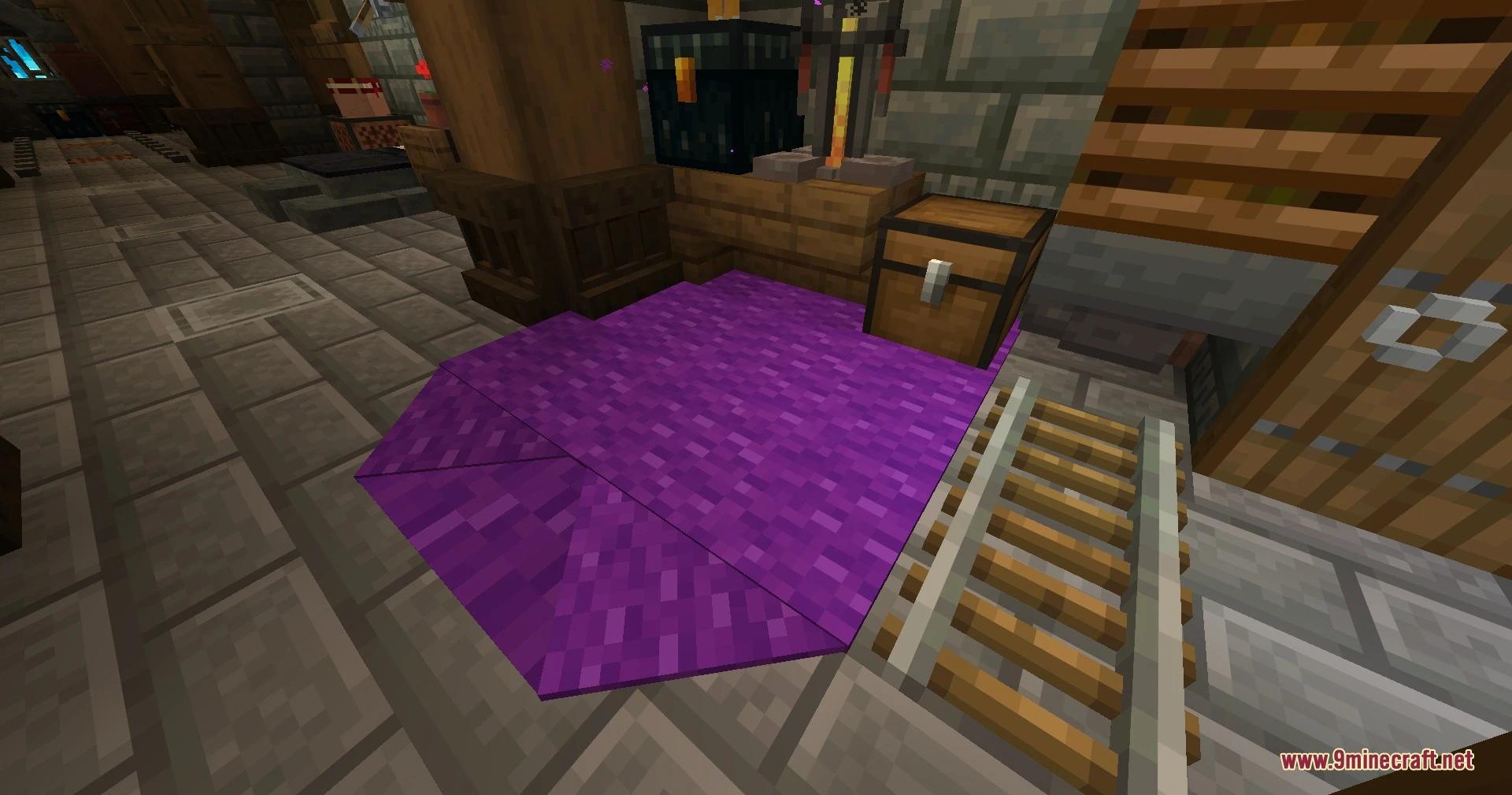
Survival Displays Data Pack lets you create and edit item, block and text displays directly in survival mode. You do not need extra programs, mods, resource packs or creative mode. The pack works in multiplayer too. Your decorations stay fully working even after you remove the data pack.
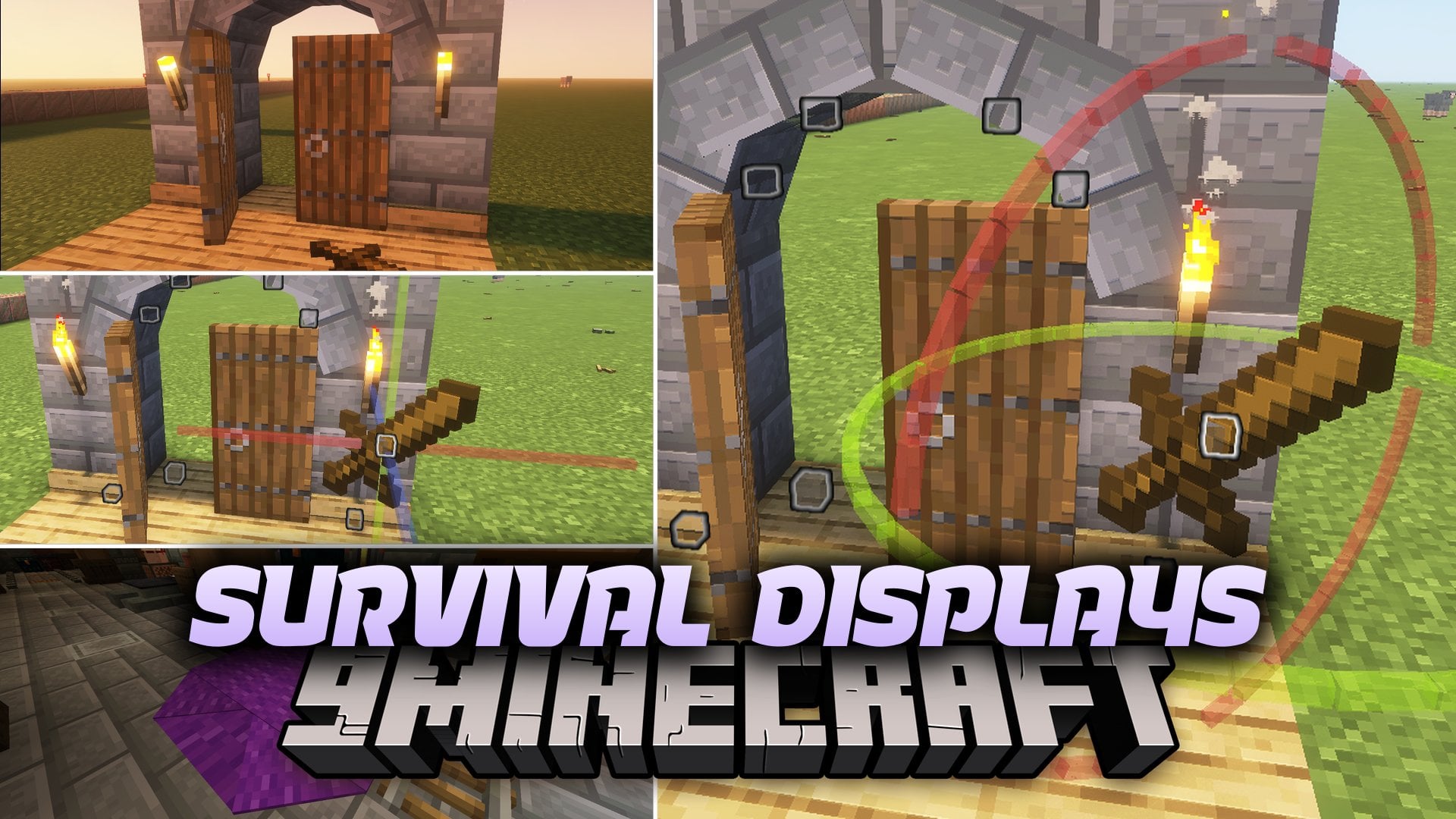
Features:
- Survival Editing: Create and edit item, block and text displays without leaving survival mode.
- Wand Tool: Turns a Breeze rod into a tool that you use to pick and change displays.
- Move, Rotate and Scale: Lets you change the position, angle and size of each display.
- Chat Menu: Shows clickable buttons in the chat, with different options for item displays and block displays.
- Works with no third-party programs, no mods and no resource packs.
- Supports multiplayer, so friends can build together.
- Keeps all your decorations working even after you delete the data pack.
- Includes 4 advancements and 114 loot tables.
How to Use:
- Hold a Breeze rod in your hand.
- Click the “Get Wand” button in the chat to turn the rod into a tool.
- Select an item, block or text display with the wand.
- Use the chat menu to move, rotate or scale it.
Screenshots:
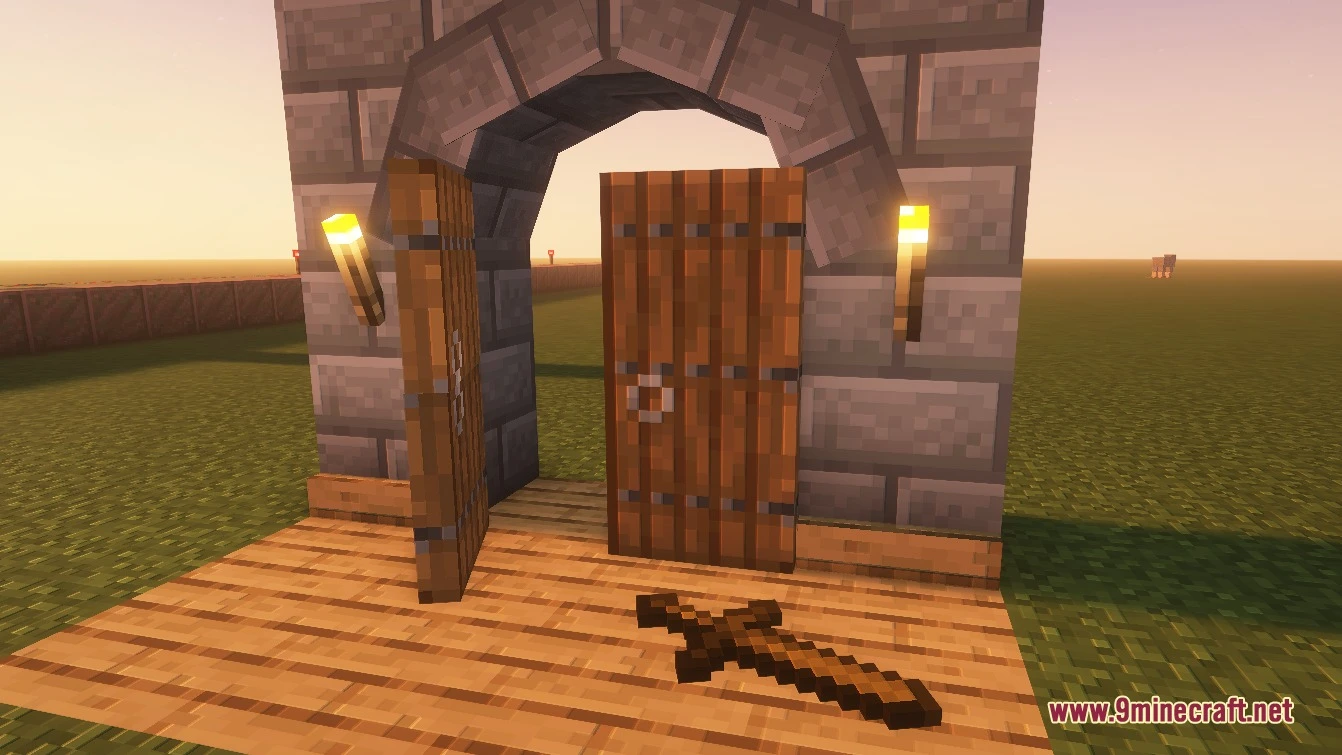
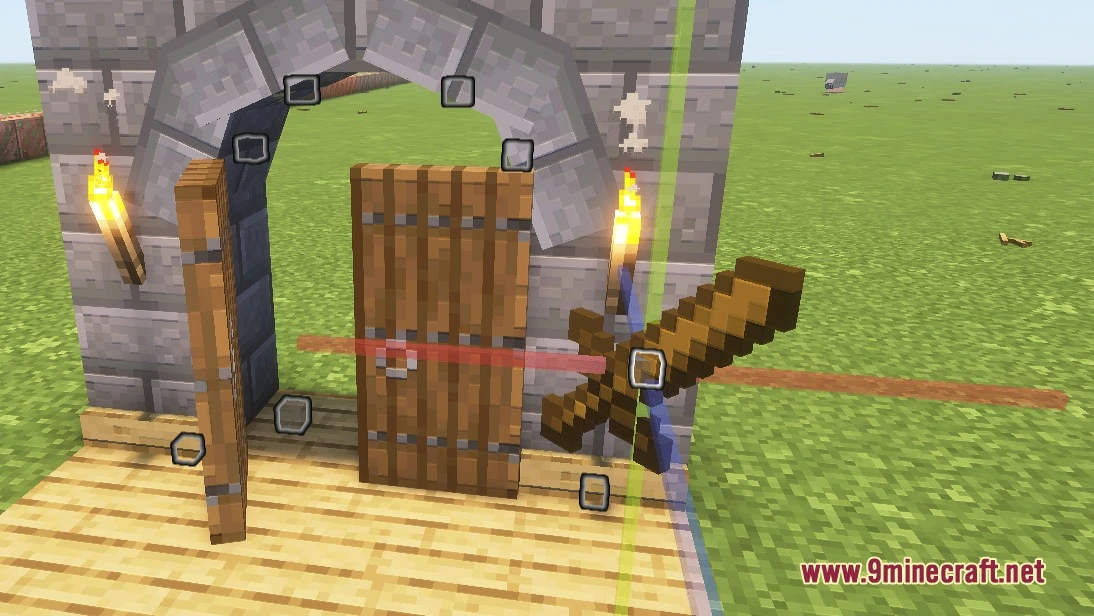
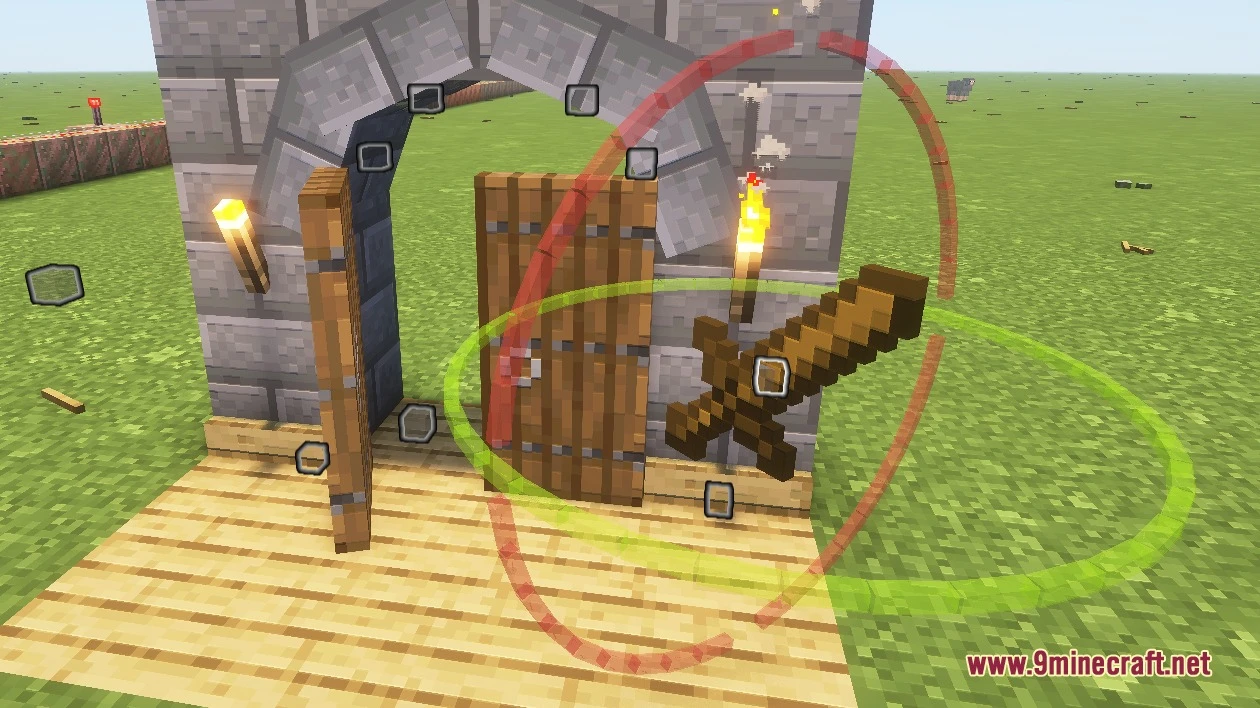
How to Install:
New to Minecraft? Follow our step-by-step guide to install Data Packs on your PC.View Guide
Survival Displays Data Pack Download Links
For Minecraft 26.3
For Minecraft
26.2,
26.1.2,
26.1.1
All Versions Covered
26.2
26.1.2
26.1.1
26.1
1.21.11
1.21.10
1.21.9
All Versions Covered
26.2
26.1.2
26.1.1
26.1
1.21.11
1.21.10
1.21.9
For Minecraft
1.21.8,
1.21.7,
1.21.6
All Versions Covered
1.21.8
1.21.7
1.21.6
1.21.5
All Versions Covered
1.21.8
1.21.7
1.21.6
1.21.5
Click to rate this post!
[Total: 0 Average: 0]
You May Also Like
Picked for this page
 Vanilla Refresh Data Pack (26.2, 1.20.1) – 30+ Quality Of Life Features
 Craftable Uncraftable Objects Data Pack (26.3, 1.20.1)
 Blazeand Cave’s Advancements Pack Hardcore Version Data Pack (26.3, 1.20.1)
 Crop & Kettle Data Pack (26.3, 1.21.11) – Farm Fresh Crops and Cook Feasts
 Reg’s More Foods by Regfunkid Data Pack (26.3, 1.21.1)
 Enchantology Data Pack (26.3, 1.21.1) – Loot Rare Books to Unlock 50 New
 Waterfall Particles Data Pack (26.3, 1.20.1) – Splashing Water Mist
 Debris of Fortune Data Pack (26.3, 1.20.1) – Multiply Netherite Drops
 Localized Fishing Tables Data Pack (26.3, 1.20.1) – Catch Rare Treasures
 Farmer’s Cutting Biomes O’ Plenty Data Pack (1.21.11, 1.20.1)
 S Ilvers Dynamic Durations Library DDL Data Pack (26.3, 1.21.1)
 Sculk Vials Xp Tome Data Pack (26.3, 1.21.1) – Bank Your Levels Before Risky
Most viewed in Data Packs over the last 7 days
 Unlimited Enchantments Data Pack (26.3, 1.21.1) – Break the Level Cap
 True Ending 9minecraft Data Pack (26.3) – Fight a Multi-Phase Ender Dragon
 Omni Cut Better Wood Copper and Stone Cutter Data Pack (26.3, 1.20.1)
 Auto Aim Data Pack (1.21.11, 1.20.1) – Aiming Assistant
 All Items Advancements Data Pack (26.3, 1.21.11) – Collect Every Item
 Dark Rewards Change Item Rewards Data Pack (26.3, 1.20.1)
 World Generator Ocean Only Water World Data Pack (1.21.11, 1.21.1)
 God Armor Back Data Pack (26.1.2, 1.21.1) – Unleash The Ultimate Armor
 Simply One Block Data Pack (26.3, 1.21.11) – Mine One Infinite Block
 Tree Trimmer Data Pack (26.3, 1.20.1) – Chop Trees Faster, Right From The Ground
 Superflat Dimensions Data Pack (1.21.10, 1.20.1) – All Dimensions, but Flat
 Weird and Powerful Weapons Data Pack (26.3, 1.21.11) – Wield Bizarre Gear
More from Data Packs
 Display Hearts DH Data Pack (1.21.11, 1.21.1) – Track Teammate Health
 RCT Custom Series Failrun Data Pack (1.21.1) – Defeat Tough Trainers
 Elytras Begone Data Pack (1.21.11, 1.21.1) – Keep Your Survival Adventures
 Consistent Jungle Leaves Data Pack (1.21.11, 1.21.1) – Never Run Out of Jungle
 Mooshroom Energy Data Pack (26.2, 1.21.11) – Brew Tasty Energy Drinks
 Enhanced Allays Data Pack (26.3, 1.21.1) – Loyal Flying Helpers That Chop Wood
 Philip’s Ruins by PhilipModDev Data Pack (1.21.11, 1.20.1)
 Nice Villager Type Changer Data Pack (1.21.11, 1.20.1)
 Enchant Everything Data Pack (26.3, 1.20.1) – Forge Overpowered Gear
 Unbreakable Enchantment Data Pack (26.1.2, 1.21.1) – Mine Forever
 Saddle Recipe Backport Data Pack (1.21.11, 1.20.1) – Ride Wild Horses Right
 Terralith Islands Data Pack (26.2, 1.20.1) – Bridge the Open Void

This post has no comments yet. Be the first — your comment will appear here.