


Colorwheel Mod (1.21.1, 1.20.1) – ลง Shaders ให้กับเครื่องจักร Create

 0
0 

🌐 คุณกำลังอ่านบทความนี้ในภาษา ไทย ต้องการเปลี่ยนไหม?
📖 อ่านต้นฉบับภาษาอังกฤษหรือเลือกภาษาที่คุณต้องการ:
Colorwheel Mod ช่วยทำให้มอด Flywheel และ Iris ทำงานร่วมกันได้ ซึ่งจะช่วยให้คุณสามารถใช้ shaders ในขณะที่เล่นมอด Create ได้ (ปกติ Create จะใช้ Flywheel ในการเรนเดอร์) ตอนนี้คุณสามารถมองเห็นเครื่องจักรสุดเจ๋งจาก Create พร้อมกับแสงสีและเอฟเฟกต์ที่สวยงามจาก shader packs โปรดของคุณได้แล้ว โดยที่ไม่เสียประสิทธิภาพในการเล่นเกมไป
คุณสมบัติ:
- ทำให้คุณสามารถใช้ Flywheel และ Iris shaders ร่วมกันได้ใน Minecraft
- เล่นกับเครื่องจักรจากมอด Create พร้อมเพลิดเพลินไปกับกราฟิก shader ที่สวยงาม
- ปรับปรุงประสิทธิภาพ ช่วยให้เล่นเกมได้ลื่นไหลแม้จะเปิดเครื่องจักรจำนวนมากและใช้ shaders อยู่
- มีโหมด fallback เพื่อพยายามทำให้ shaderpacks ที่ไม่รองรับสามารถใช้งานได้
- ใช้งานได้ทันทีกับ shaderpacks ยอดนิยมมากมาย เช่น Complementary, Solas และ Bliss
- มีการสนับสนุนแพตช์สำหรับ shaders อื่นๆ เช่น BSL และ Photon ผ่านมอดแยก Colorwheel-Patcher
วิธีใช้งาน:
- หลังจากติดตั้งมอดแล้ว ให้ไปที่การตั้งค่าของ shaderpack
- หาตัวเลือก “Entity Shadows” หรือ “Block Entity Shadows”
- ตรวจสอบให้แน่ใจว่าได้เปิดใช้งาน (Enabled) การตั้งค่าเหล่านี้แล้ว
- สิ่งนี้จะช่วยให้สิ่งประดิษฐ์จากมอด Create สามารถแสดงแสงและเงาได้อย่างถูกต้อง
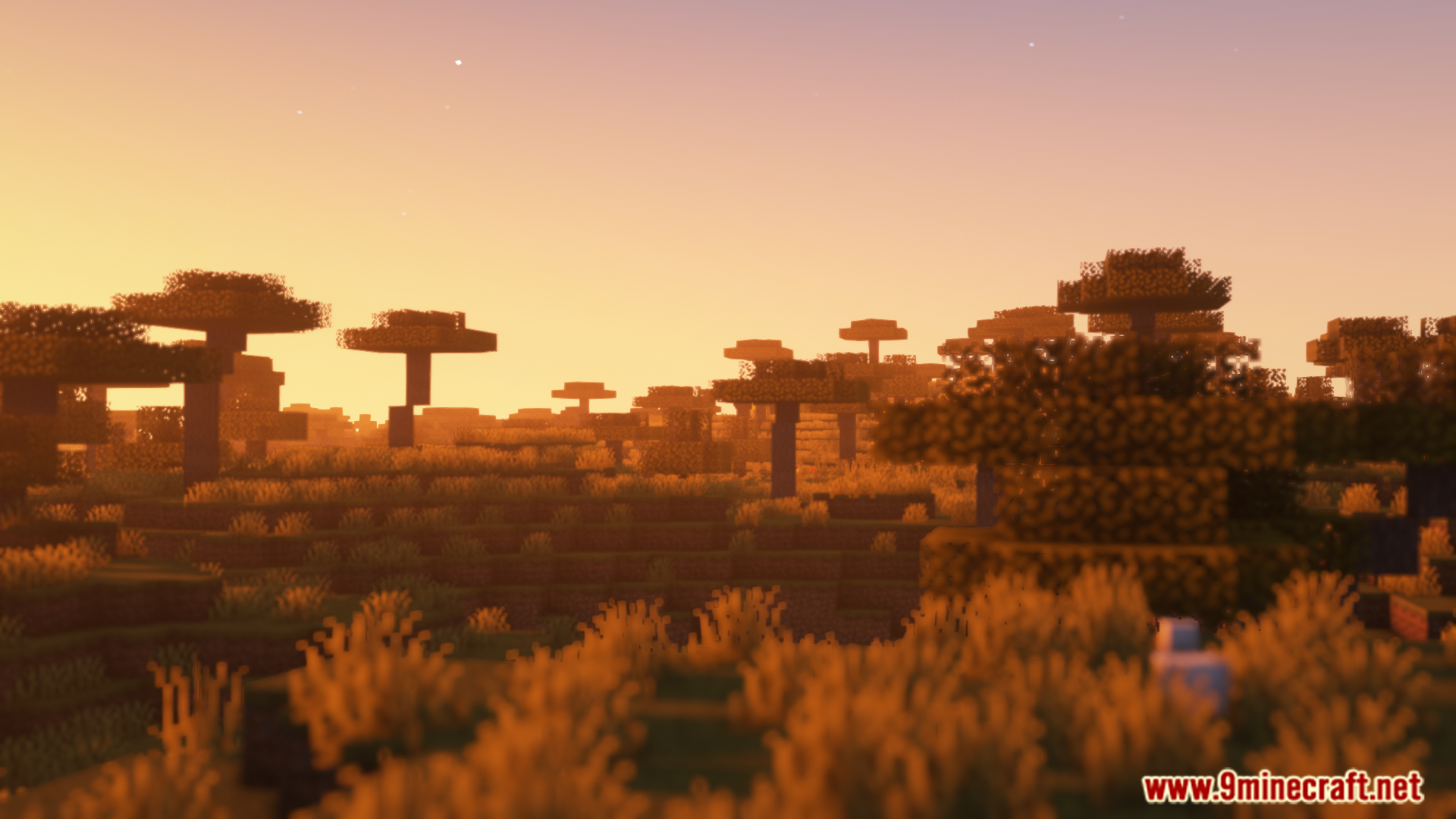
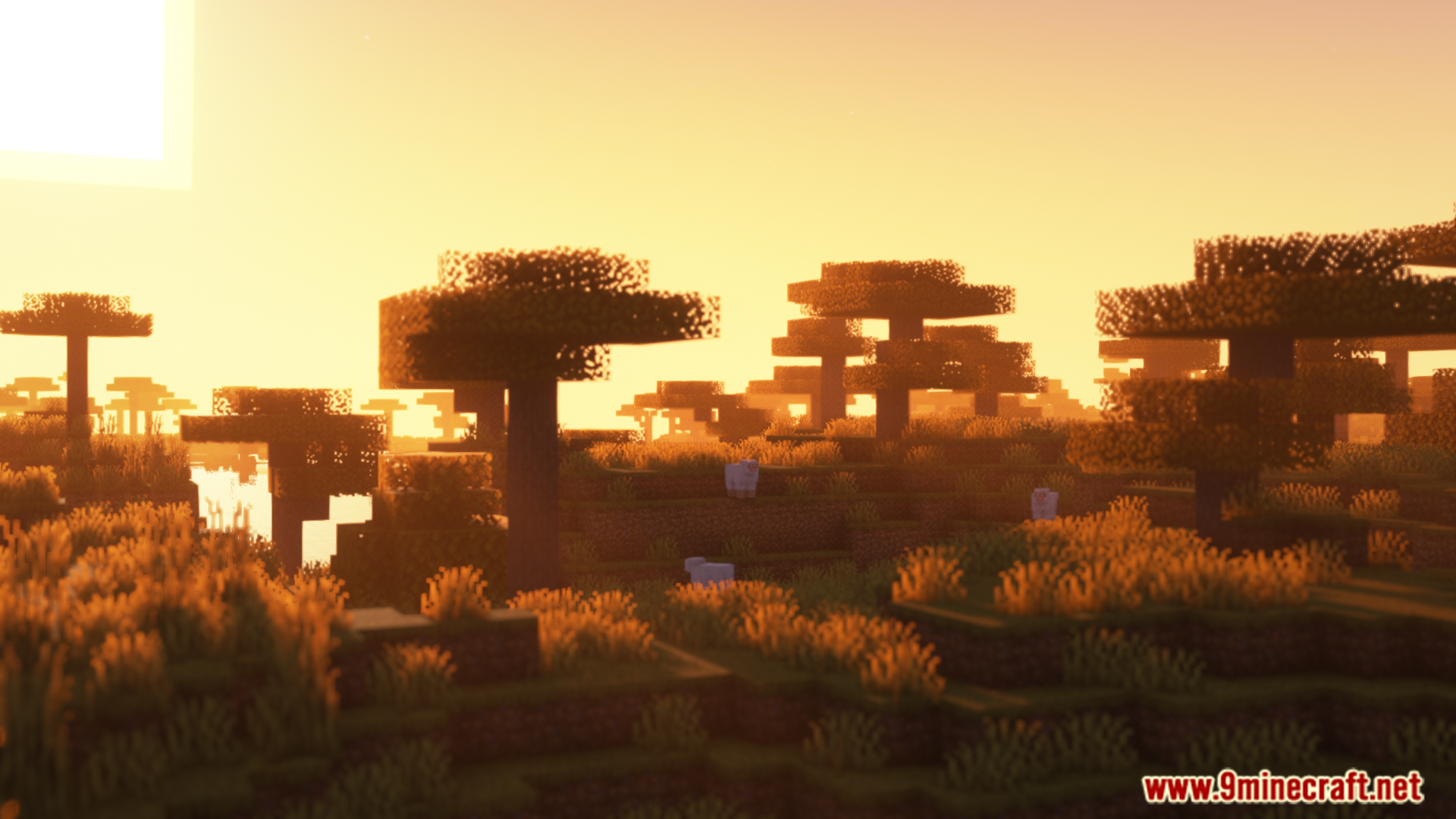
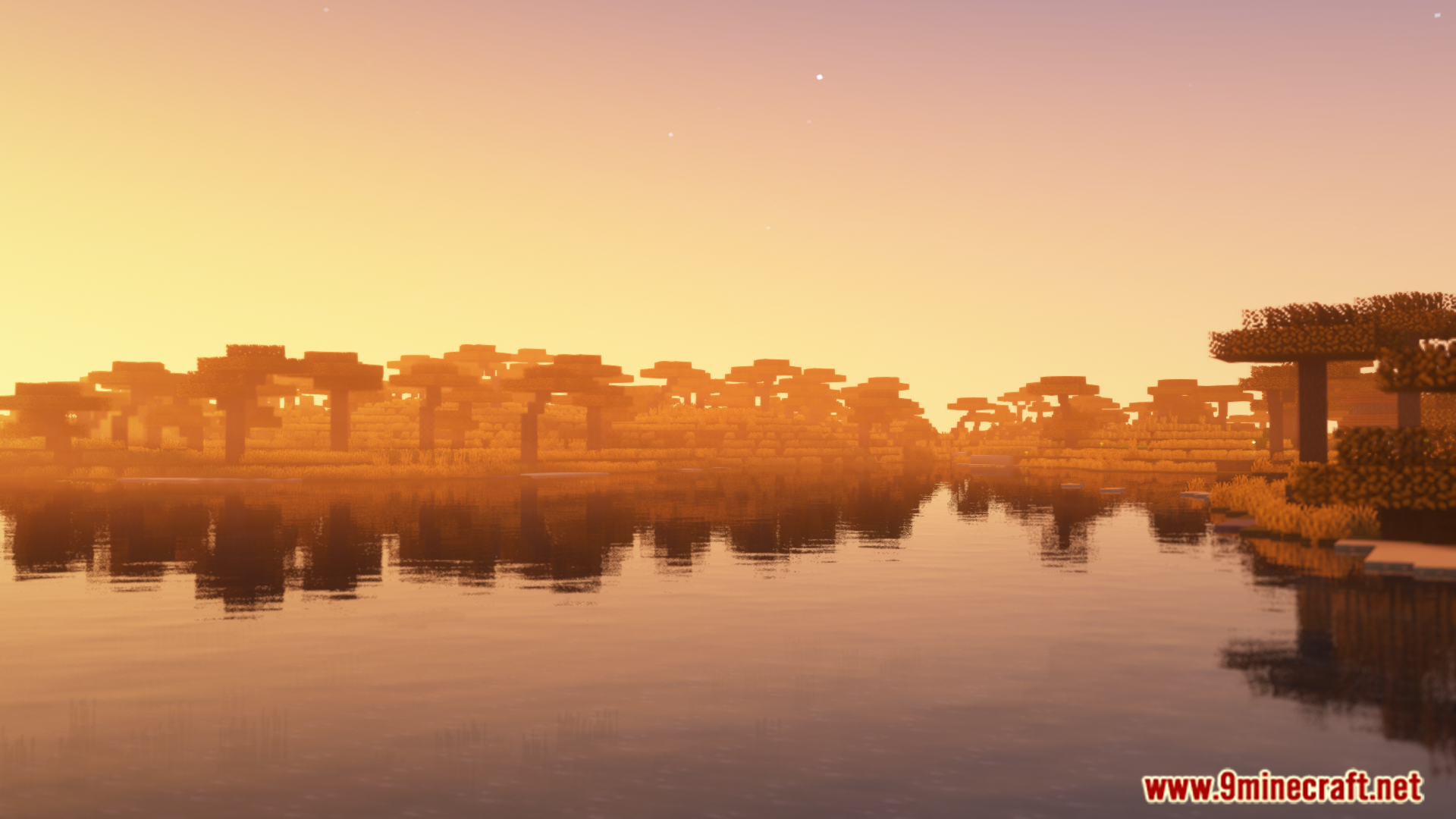
ภาพตัวอย่าง:
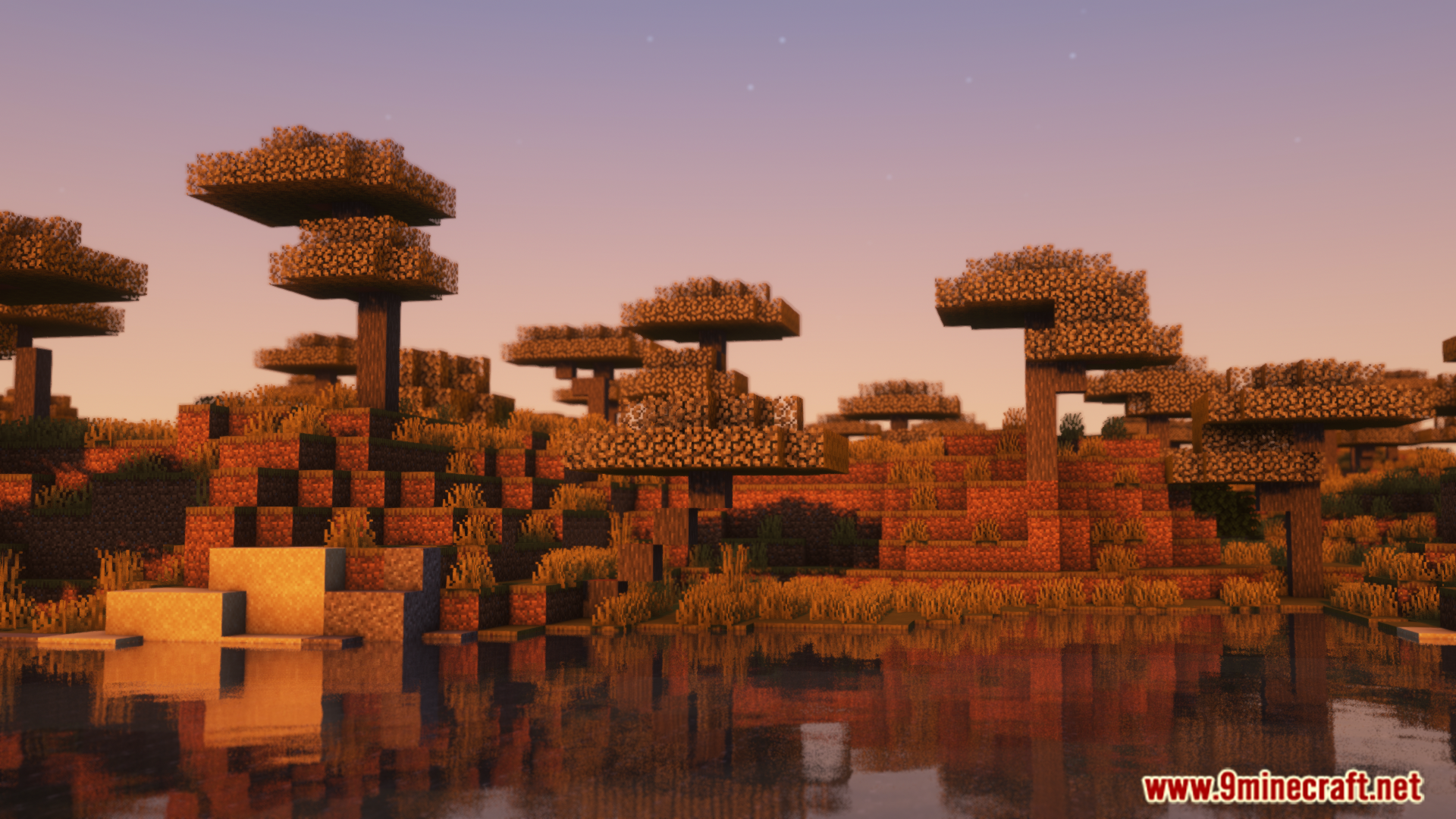
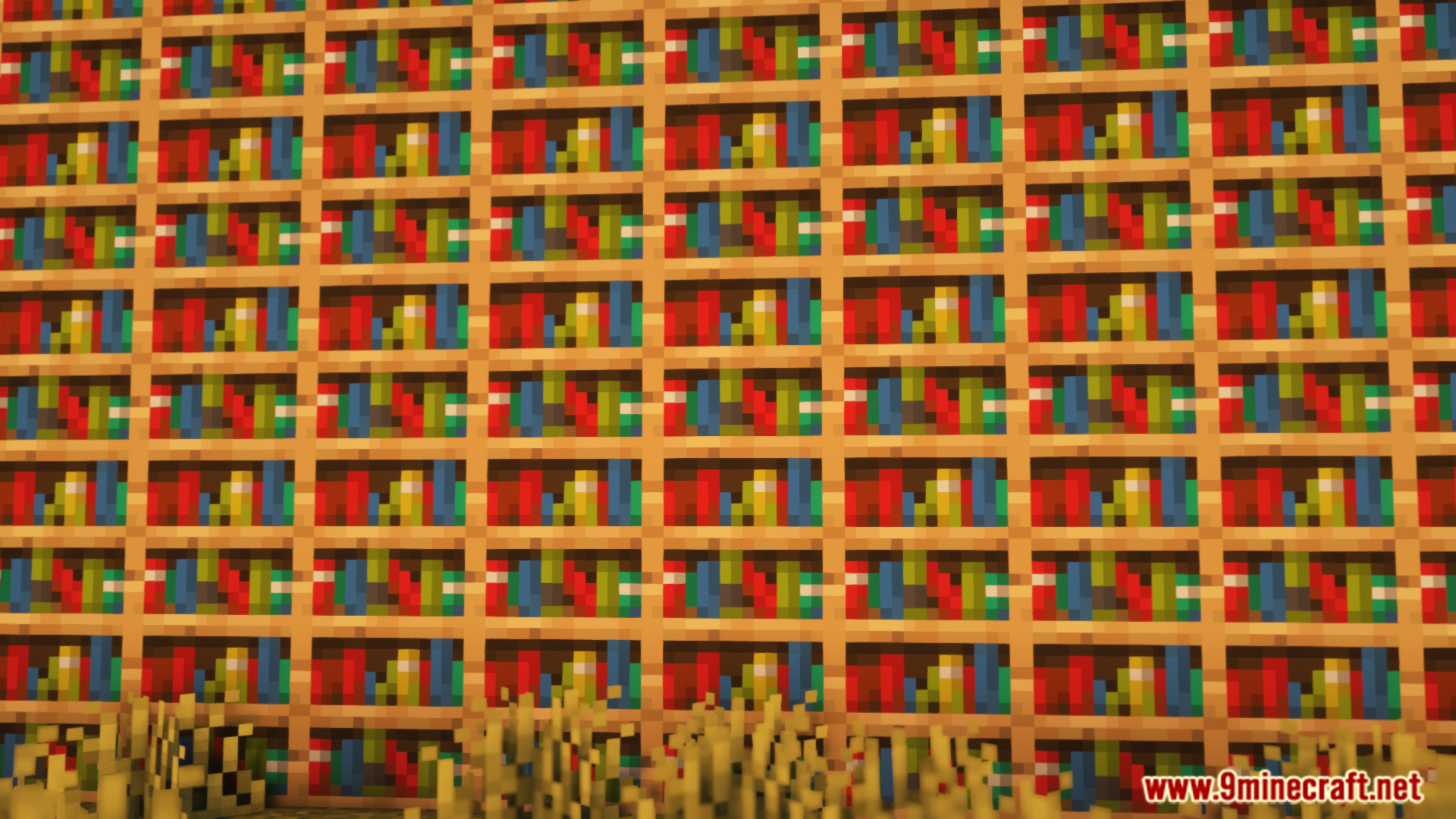
วิธีติดตั้ง:
เพิ่งเริ่มเล่น Minecraft ใช่ไหม? ทำตามคู่มือทีละขั้นตอนของเราเพื่อติดตั้ง Mods บน PC ของคุณดูคู่มือ


Colorwheel Mod Download Links
For Minecraft 1.21.1, 1.21
NeoForge version: Download from Server 1 – Download from Server 2
Fabric version: Download from Server 1 – Download from Server 2
For Minecraft 1.20.1, 1.20
Forge version: Download from Server 1 – Download from Server 2
Fabric version: Download from Server 1 – Download from Server 2
คลิกเพื่อให้คะแนนโพสต์นี้!
[Total: 0 Average: 0]
คุณอาจชอบสิ่งเหล่านี้




โพสต์นี้ยังไม่มีความคิดเห็น มาเป็นคนแรก — ความคิดเห็นของคุณจะปรากฏที่นี่