The Speedrunner Mod (1.21.11, 1.20.1) – Speedrun-Focused Gameplay Overhaul
 2,646
2,646
 0
0
 January 7, 2026
 Dillon8775
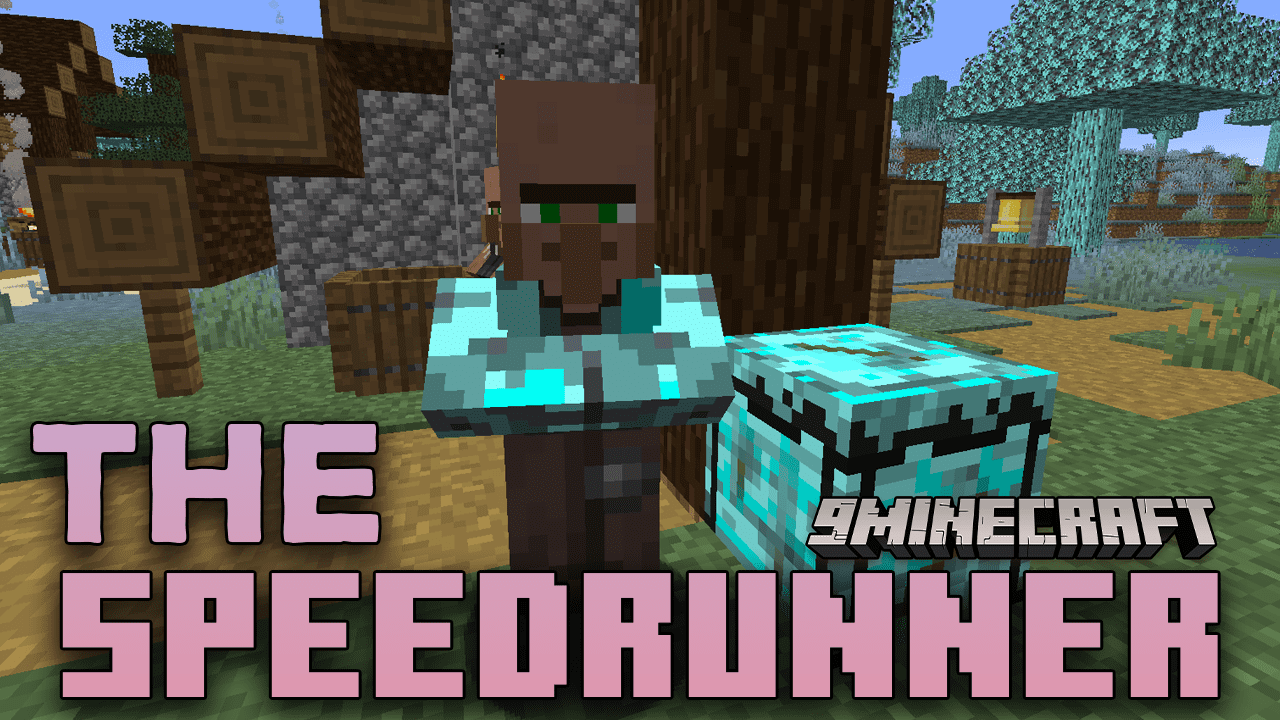
The Speedrunner Mod is a gameplay overhaul designed to make Minecraft speedrunning faster, easier, and more exciting. The mod adds powerful tools, unique items, and teleportation mechanics that significantly reduce grinding and travel time. It also reworks world generation, structures, loot, and bosses to better support fast-paced progression. With multiple difficulty modes ranging from casual to extreme, Speedrunner Mod is suitable for both new players and experienced speedrunners.
Features:
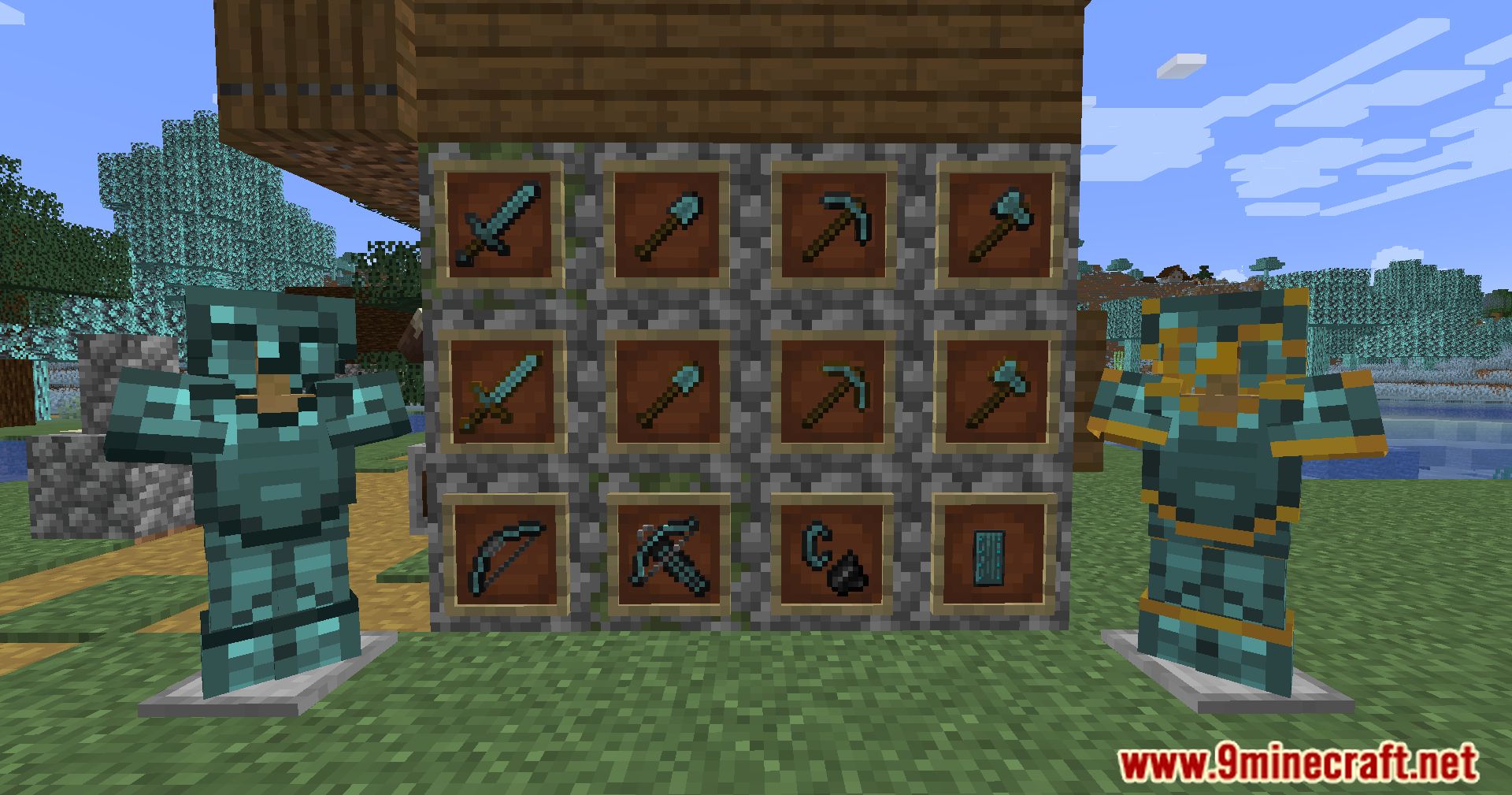
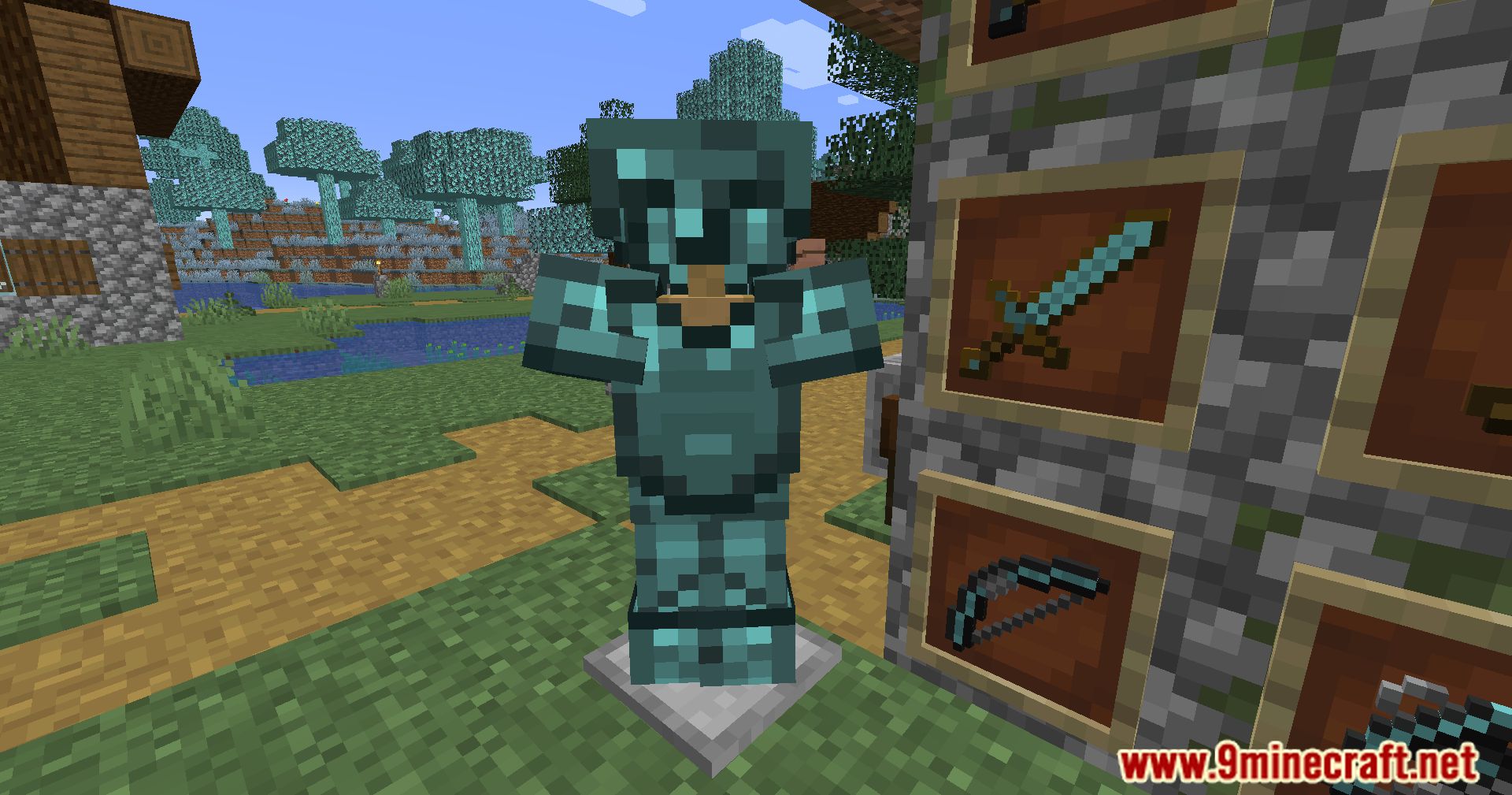
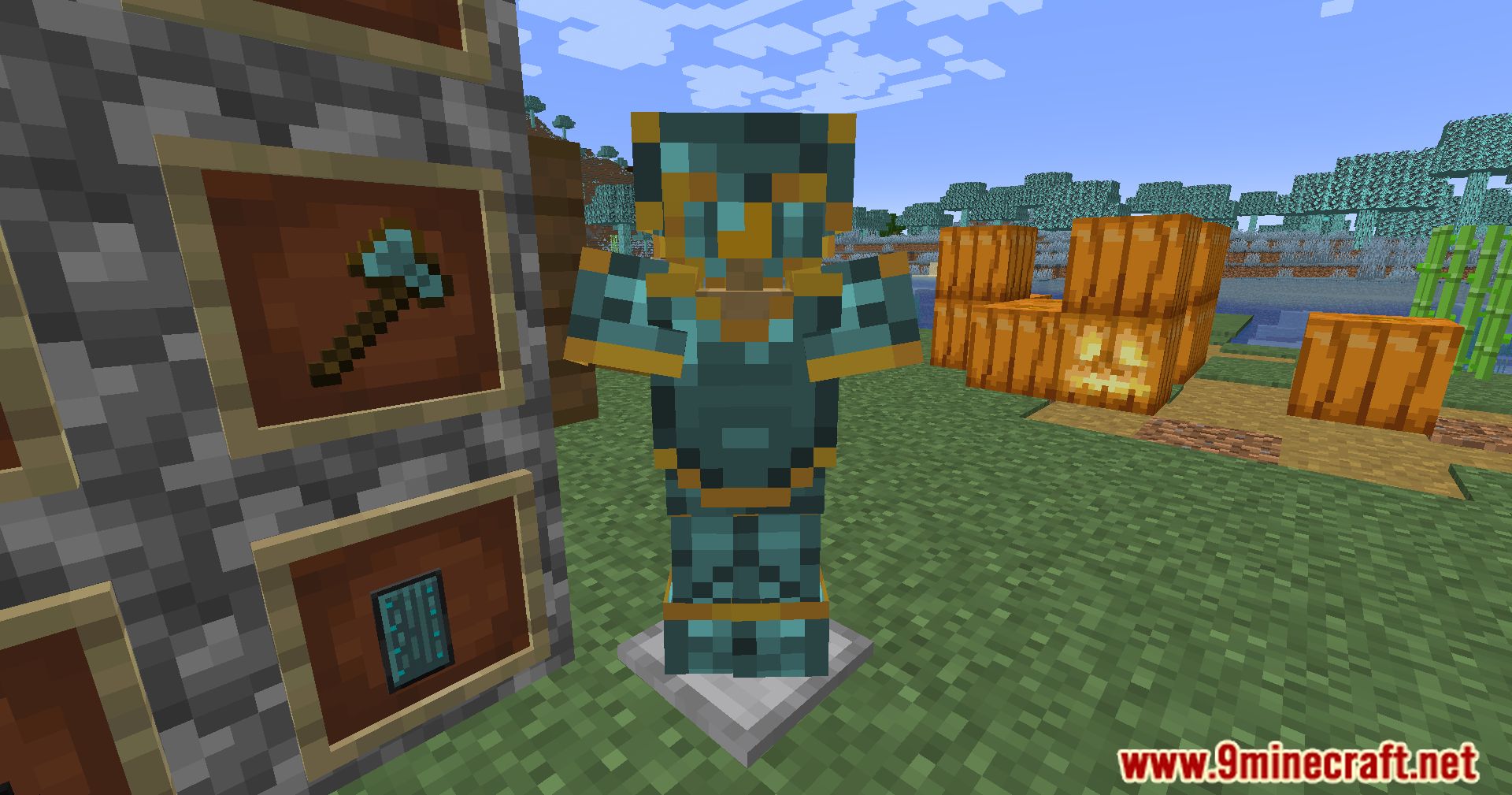
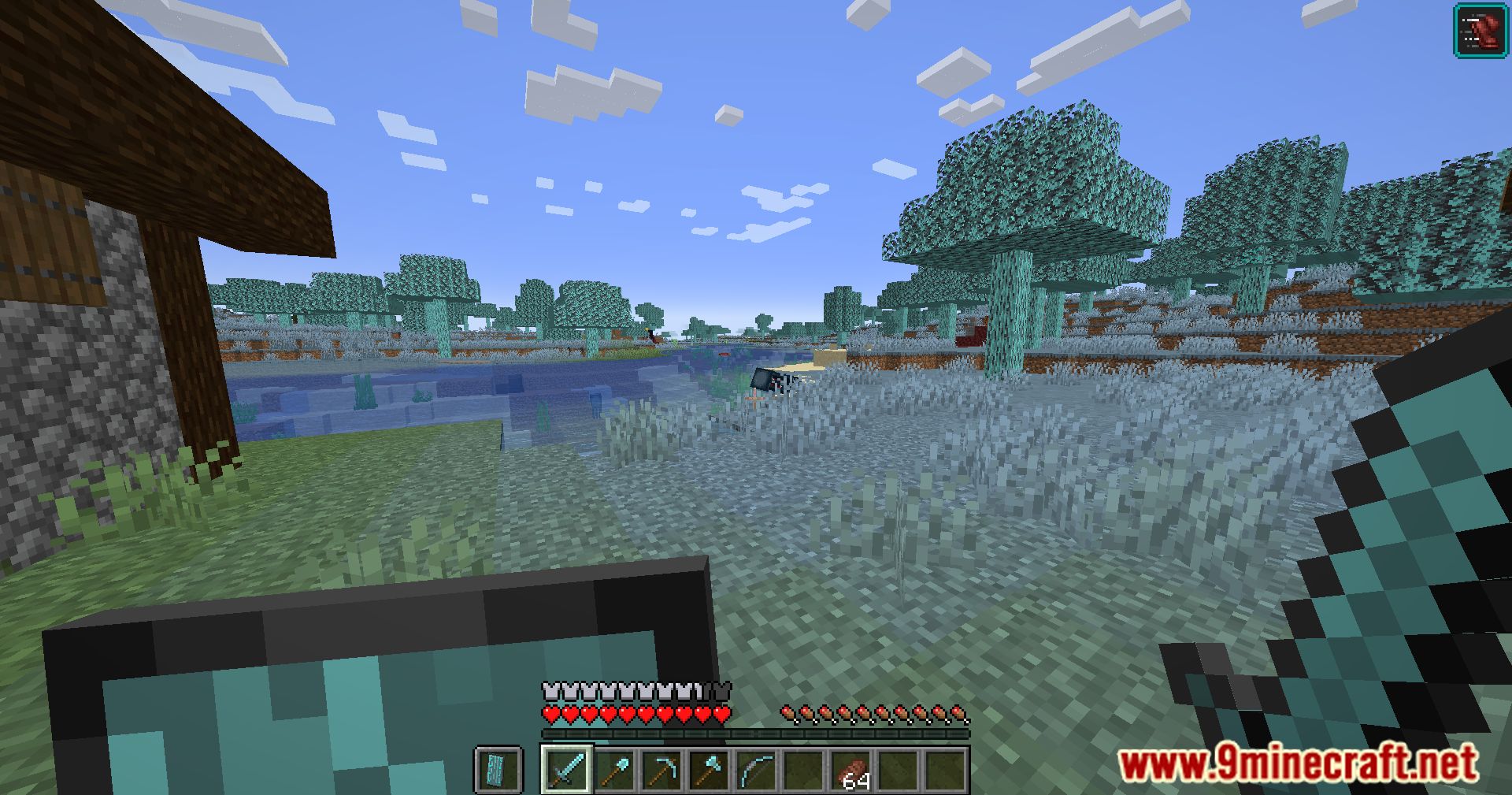
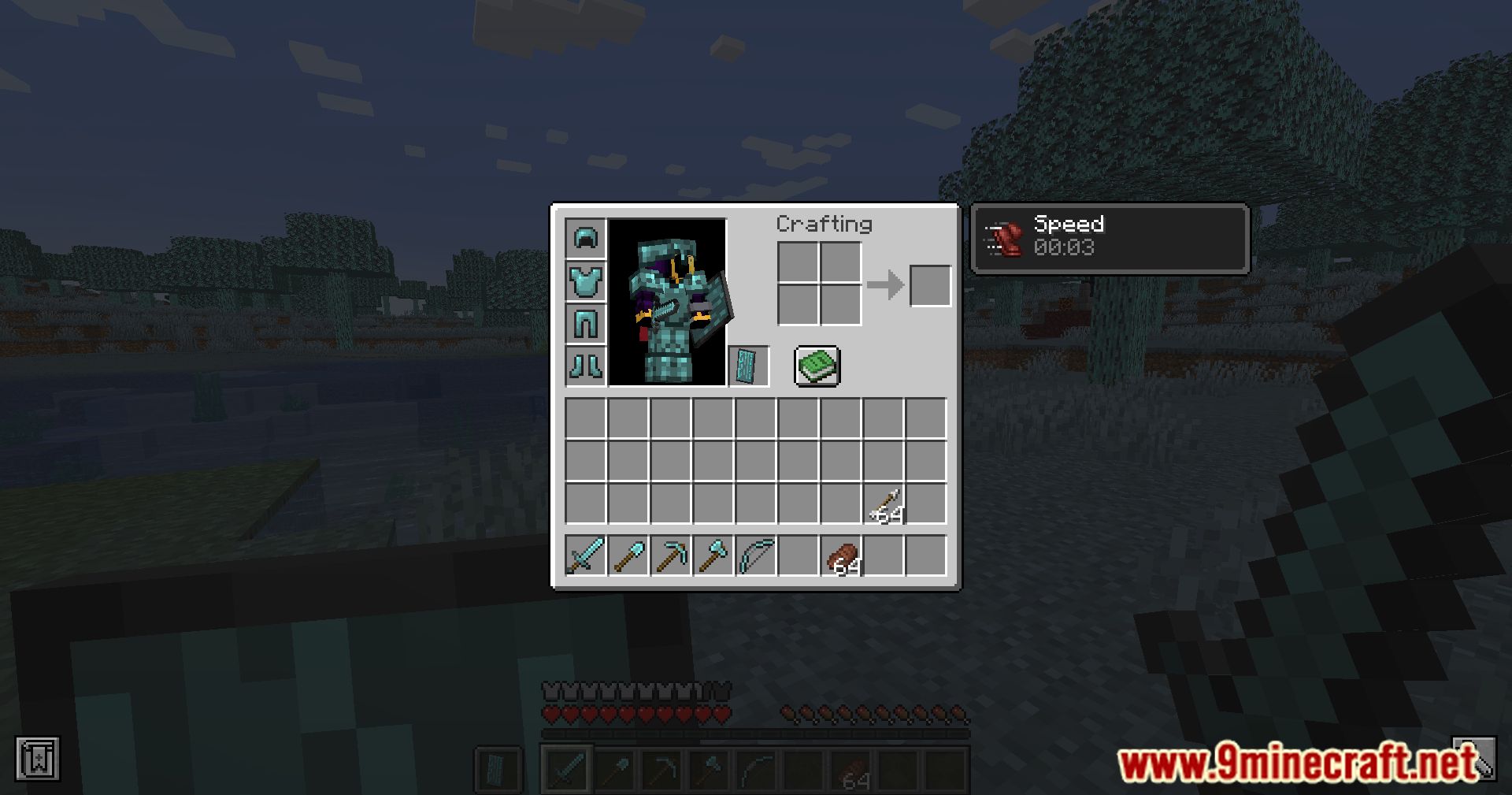
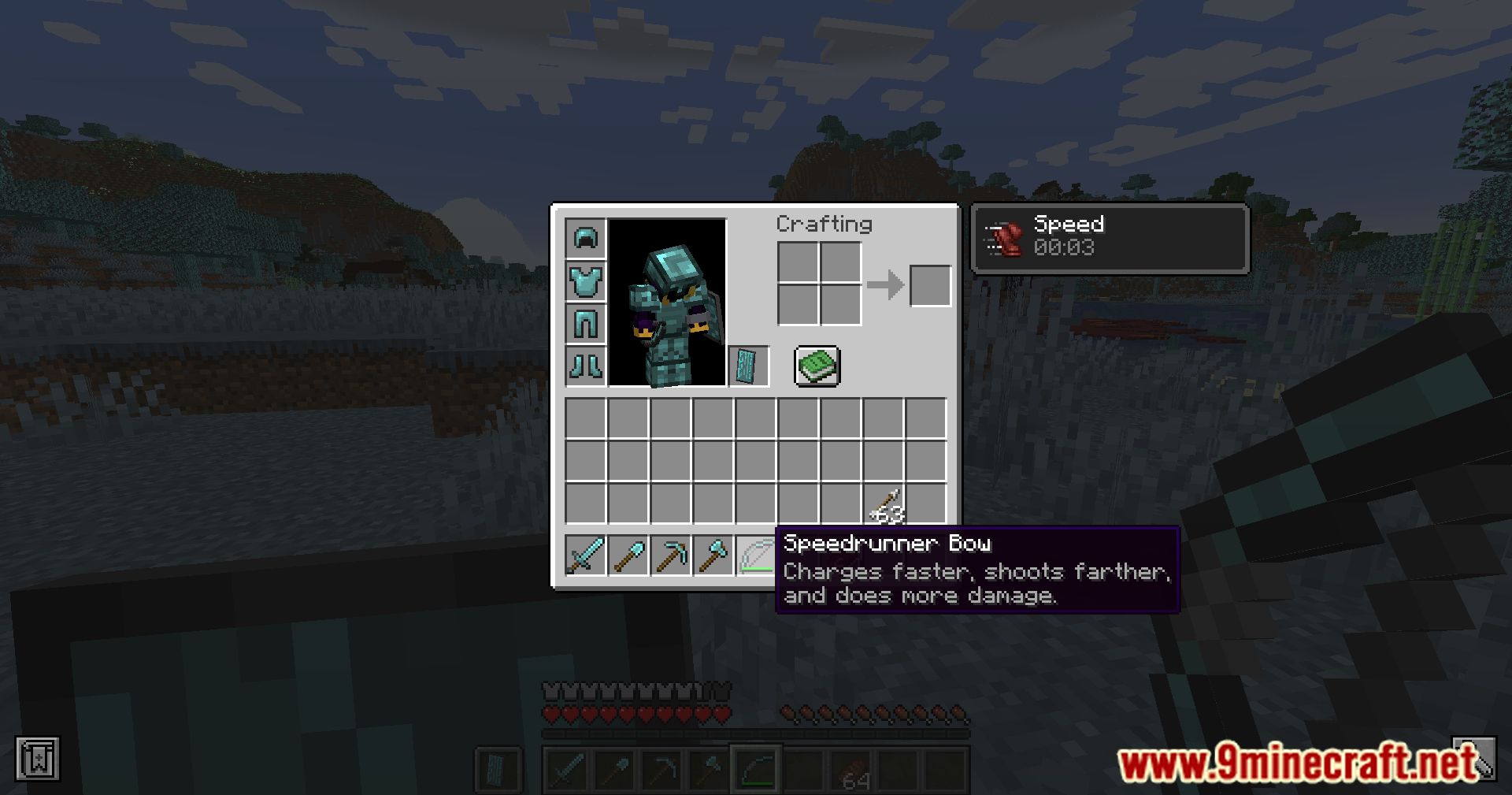
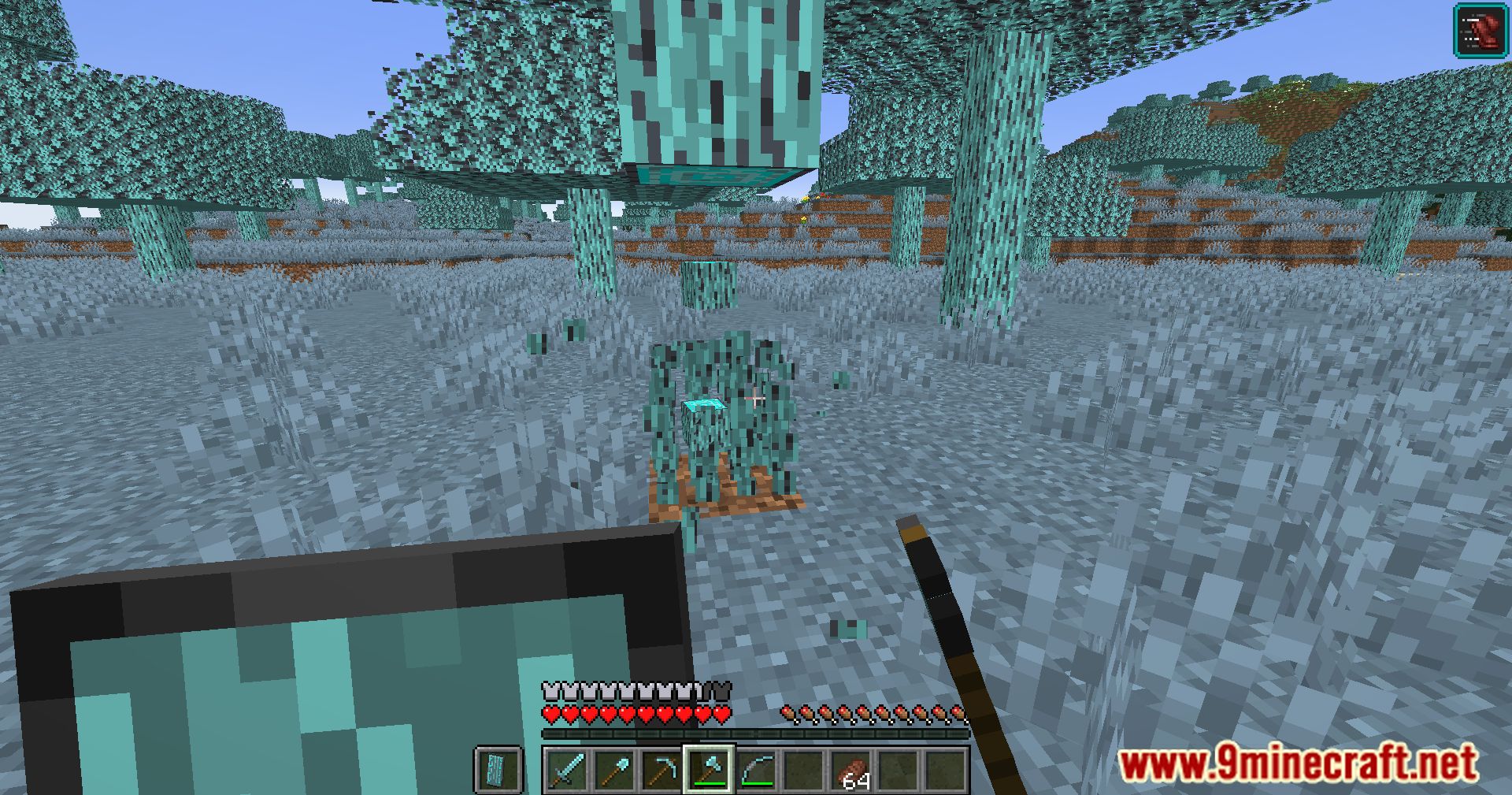
- Speedrunner Equipment
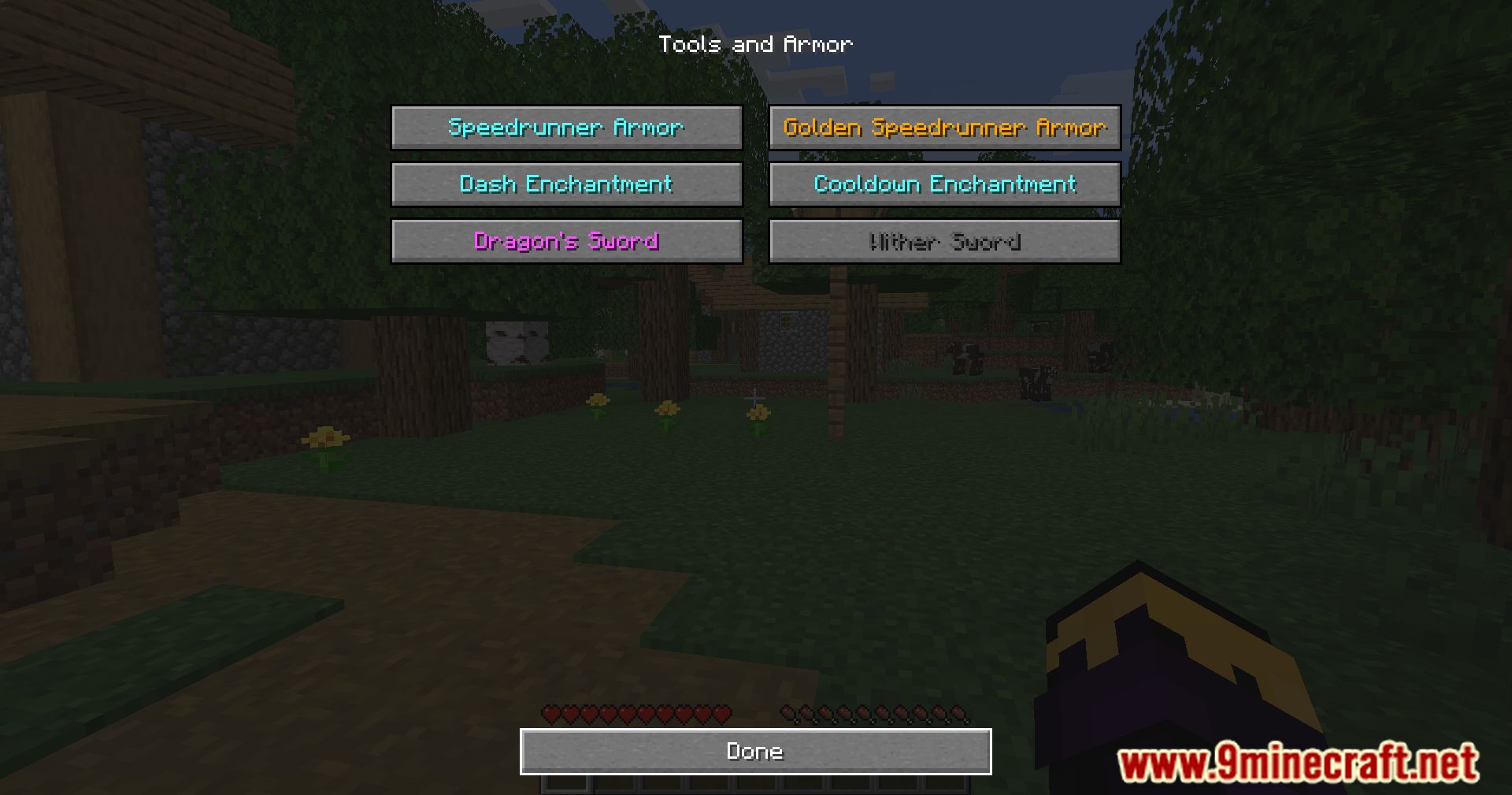
- Tools, weapons, and armor stronger than iron but weaker than diamond
- Faster mining and attack speed than iron and diamond
- Golden Speedrunner gear works like gold (piglin-safe) but is stronger and faster
- Unique Items
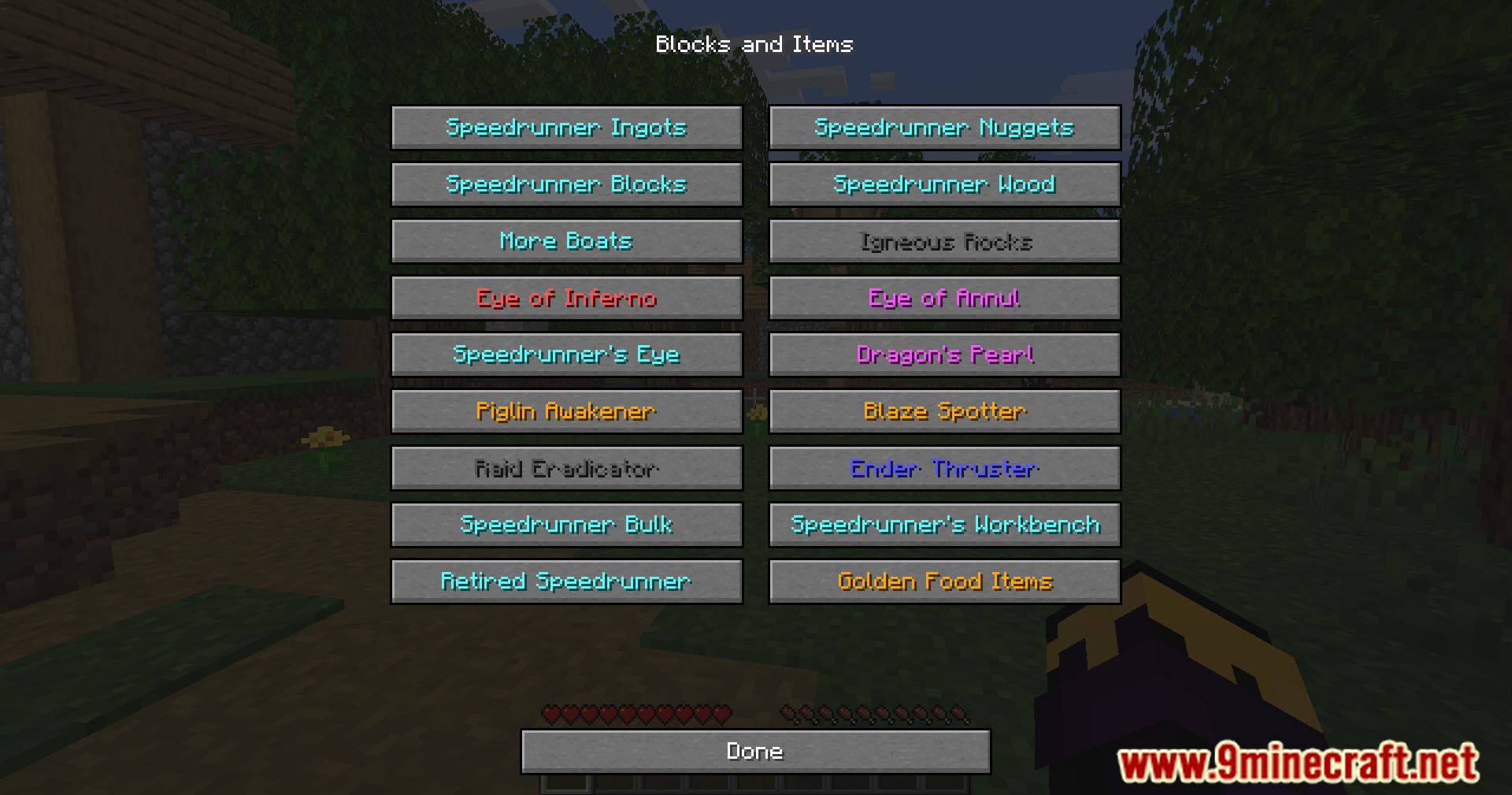
Speedrunner Boots– Faster movement in lava and water, prevents sculk detectionSpeedrunner Totem– Stacks to 3, works anywhere in inventory, stronger effectsInfiniPearl™– High durability ender pearl, no damage on useDragon's Sword– Instantly kills the Ender DragonRaid Eradicator– Eliminates nearby raiders (requires wearing a totem)
- Eyes & Teleportation
Eye of Inferno– Locates Nether Fortresses and BastionsEye of Annul– Teleports directly to a Stronghold portal roomSpeedrunner's Eye– Shows exact distance to all overworld structuresEnder Thruster– Teleports player to surface or highest air block
- World & Gameplay Enhancements
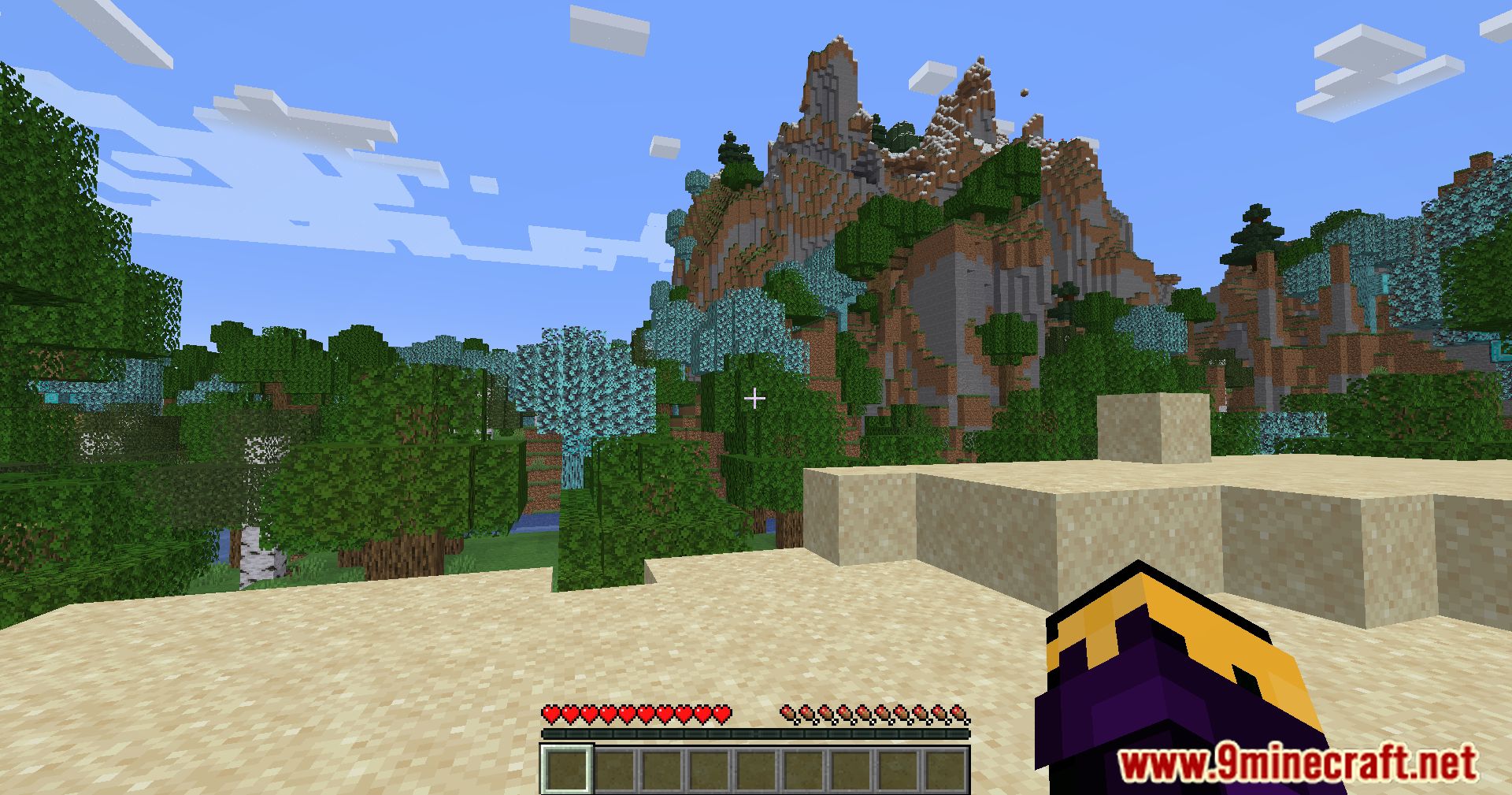
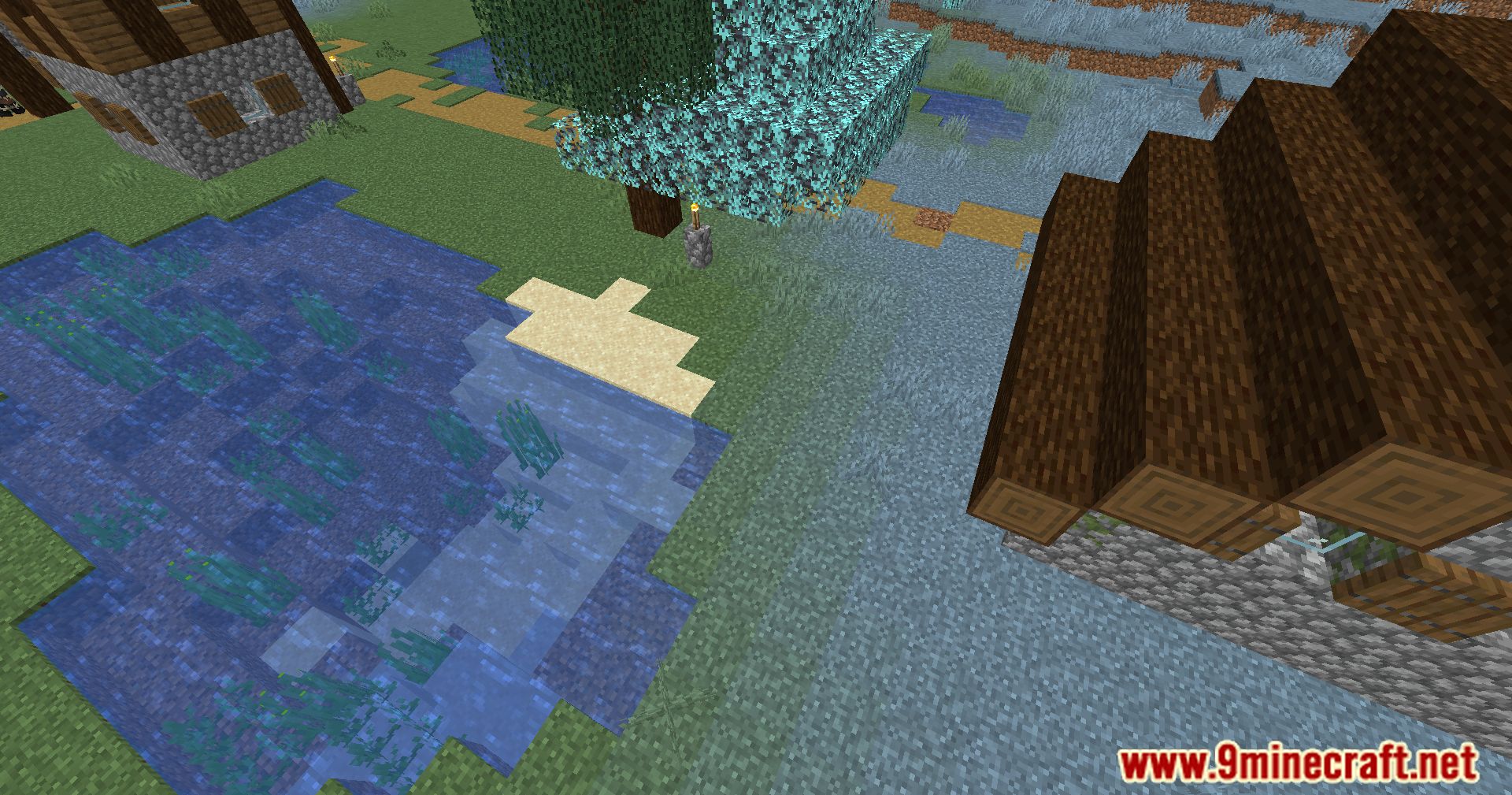
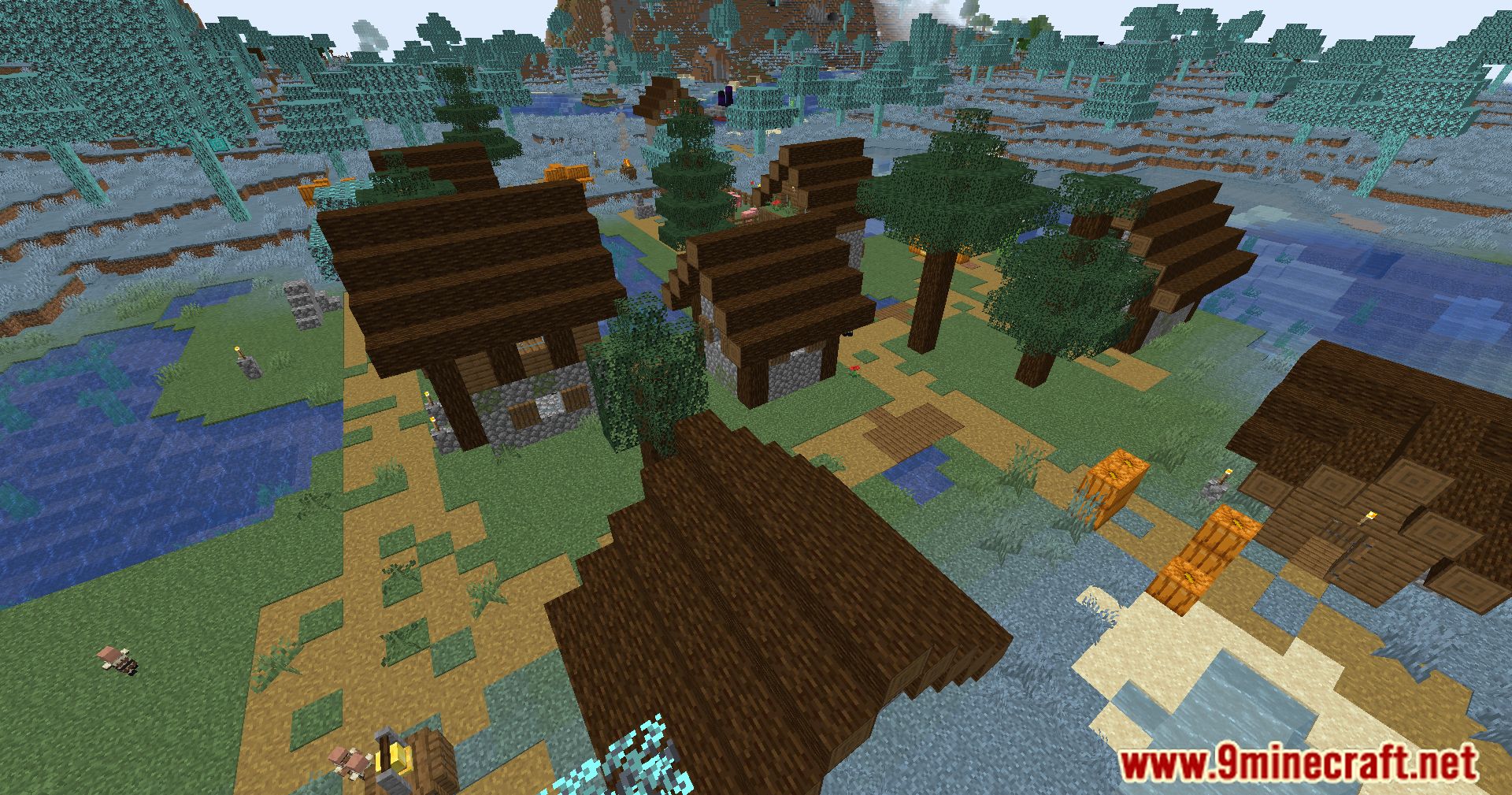
- More common structures and ores
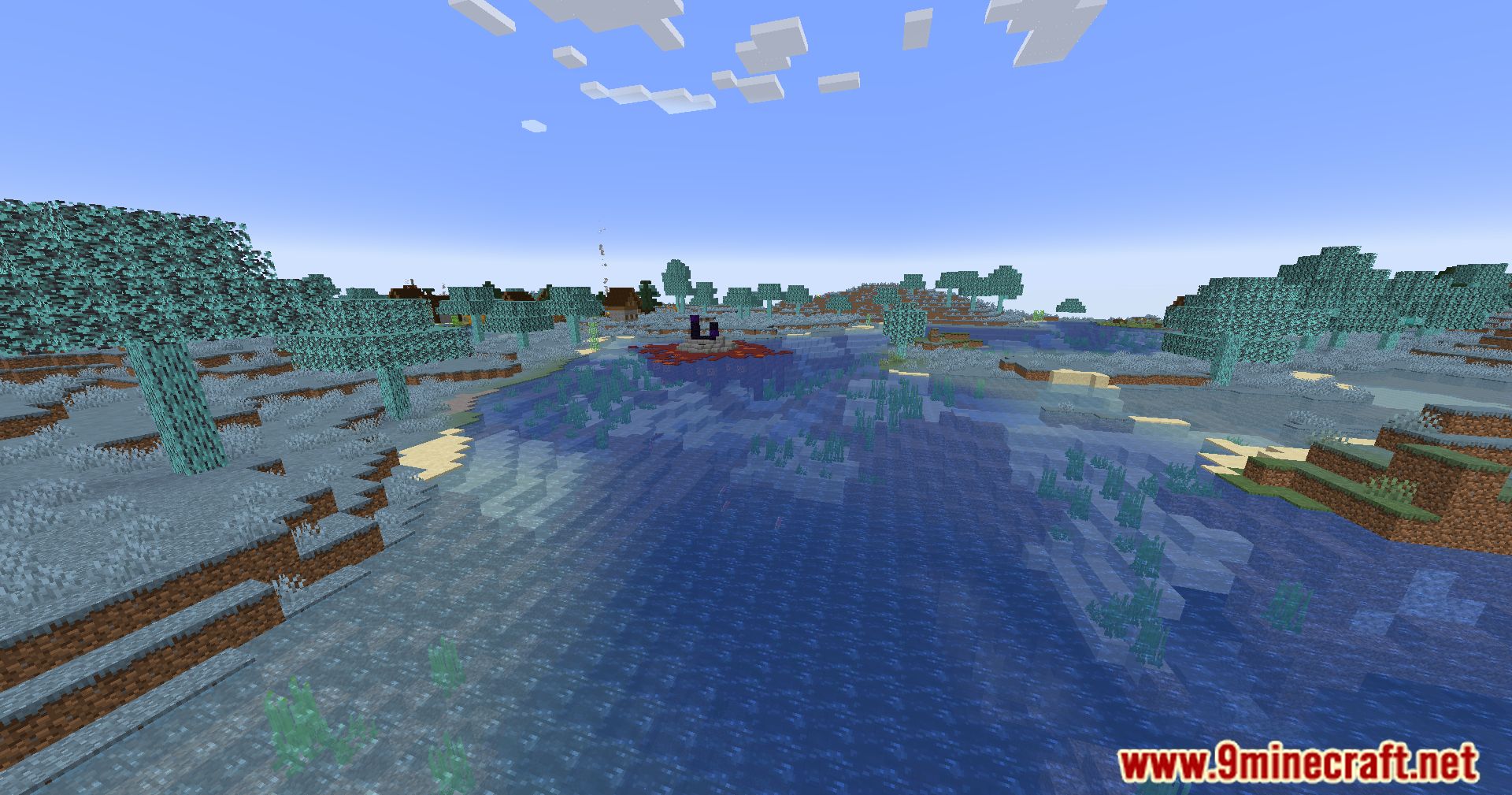
- Modified Strongholds and Nether Fortresses
- Water can be placed in the Nether
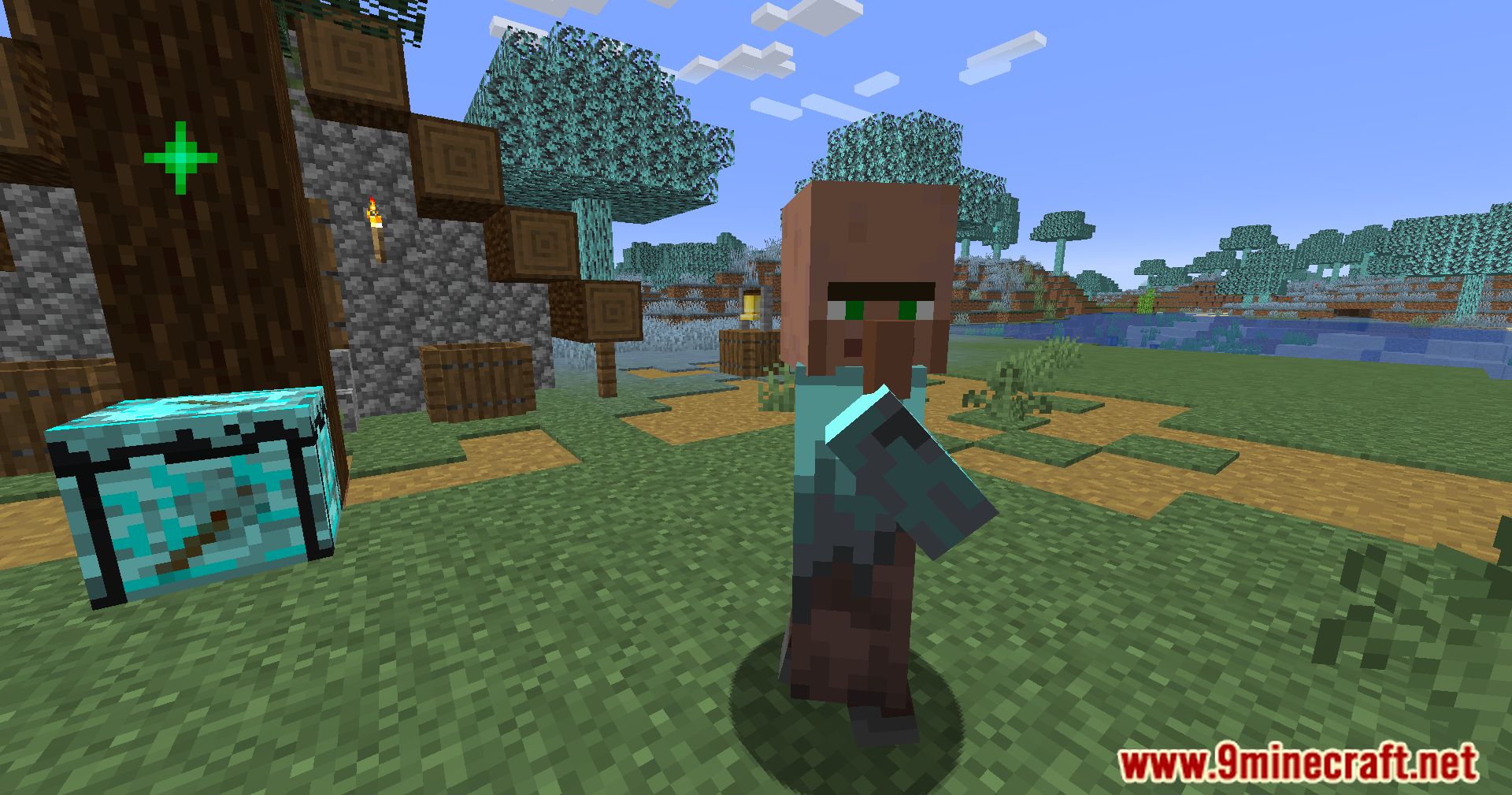
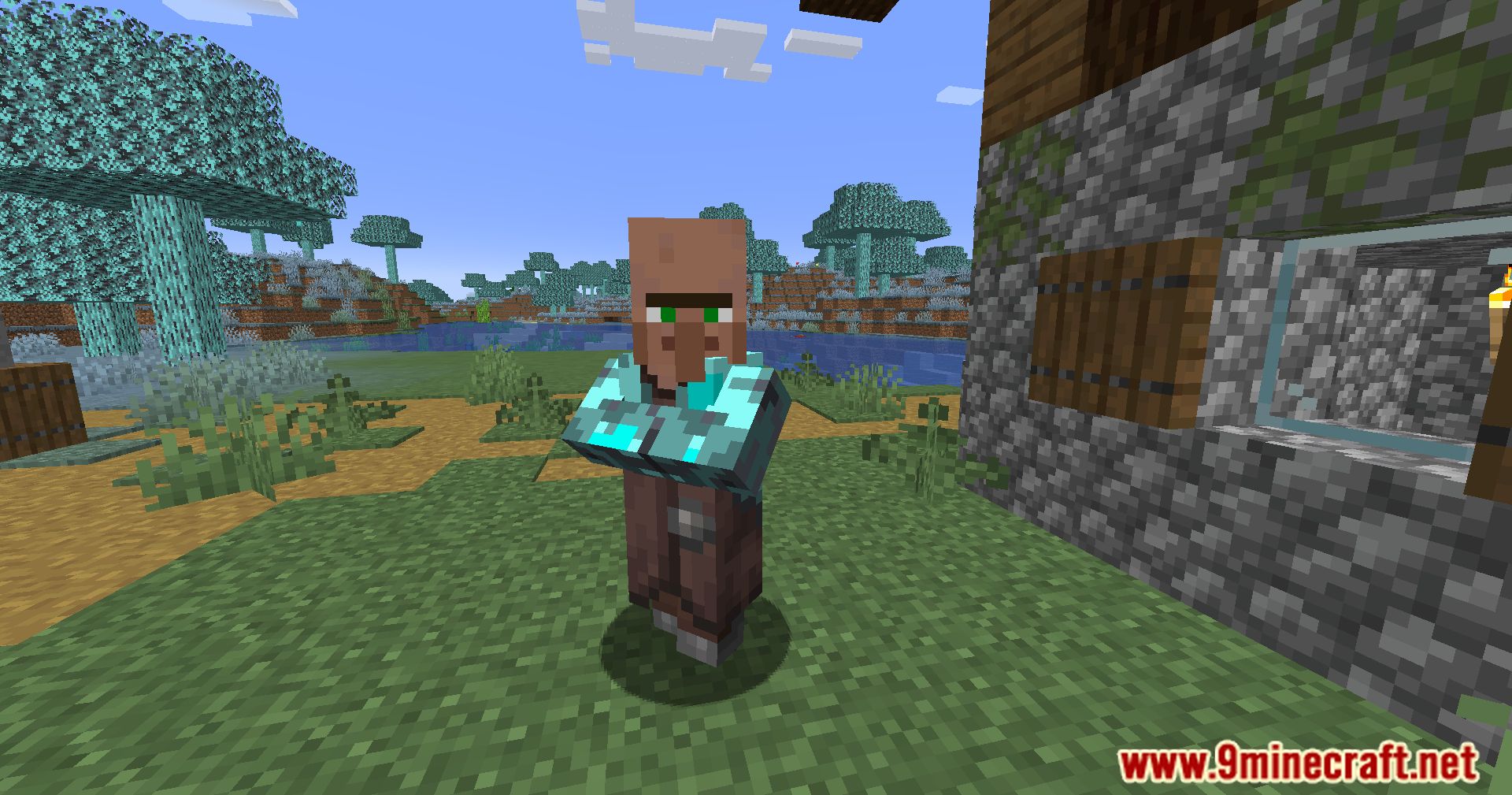
- Better loot tables and villager trades
- Auto world reset and fast world creation
- Game Modes
- Easy – All features enabled
- Balanced – Overpowered items restricted
- Doom – Extreme difficulty with custom bosses and mechanics
How to Use:
- Choosing a Mode
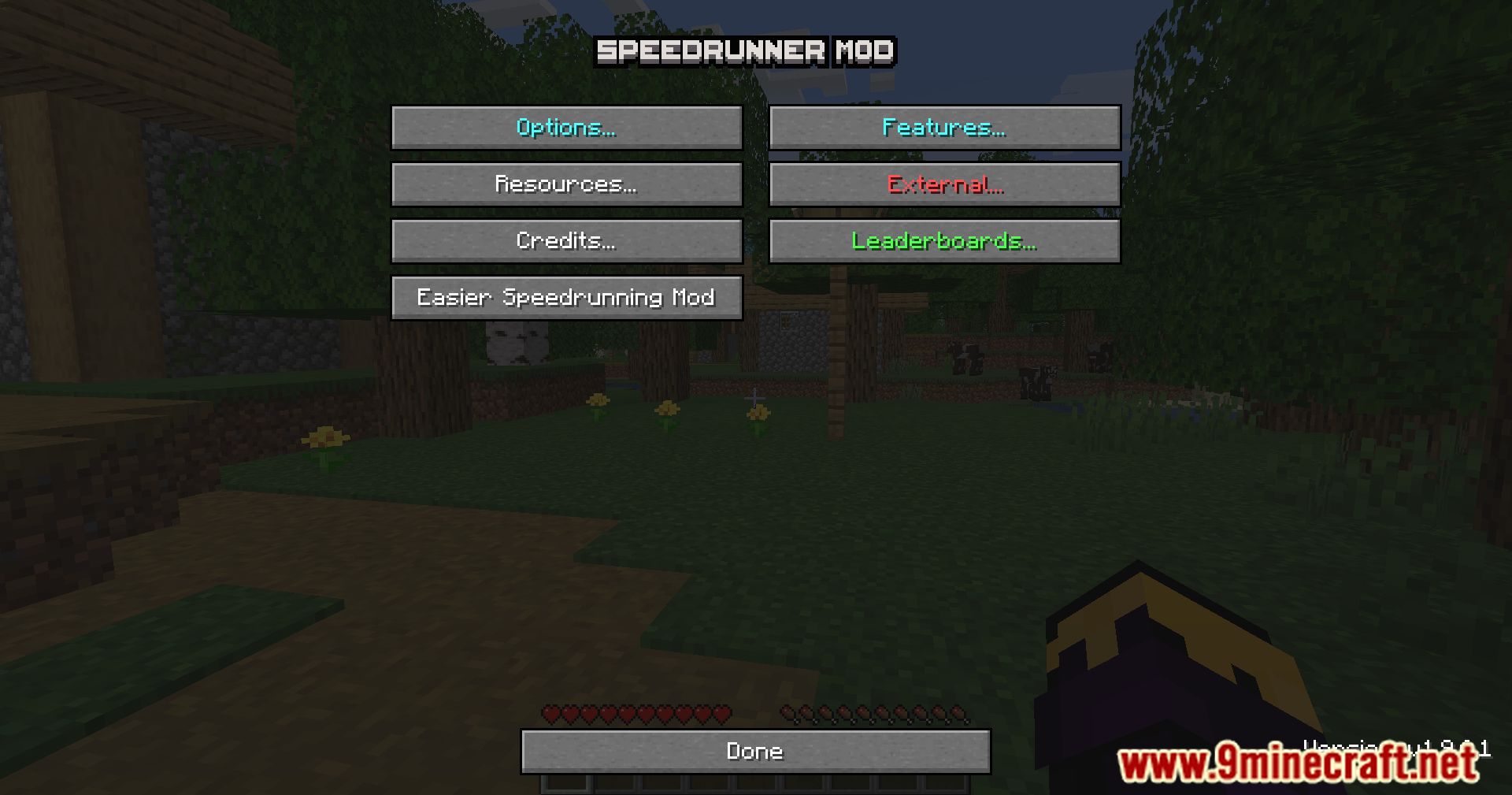
- Select
Easy,Balanced, orDoommode in the mod options - Server and client modes must match to join multiplayer worlds
- Select
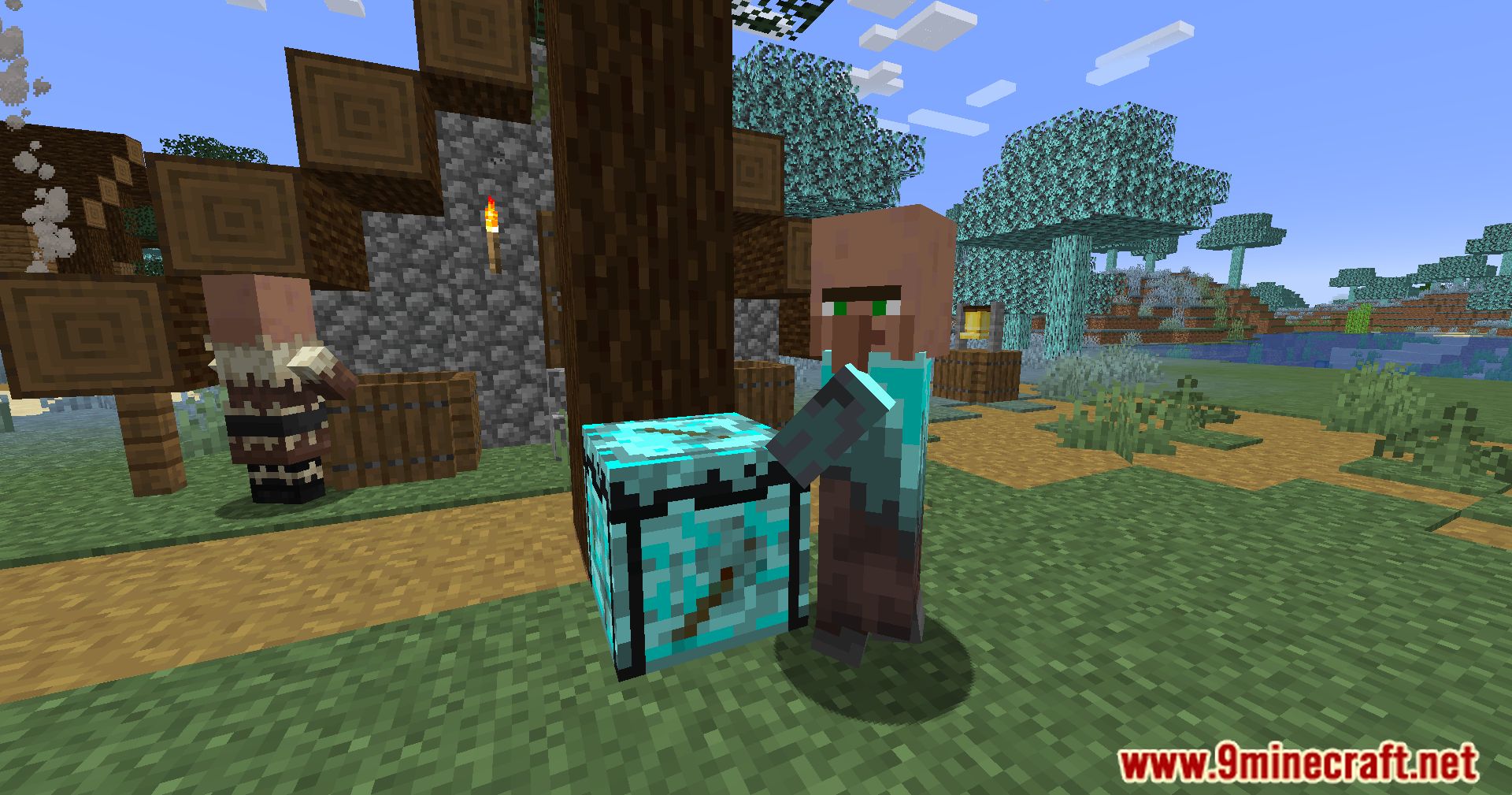
- Using the Speedrunner’s Workbench
- Place a Speedrunner’s Workbench to unlock enchantment transfer
- Insert the enchanted item in slot 1
- Insert the target item in slot 2
- Costs experience levels and reduces output durability
- Teleport & Utility Items
- Right-click eyes and teleport items to activate their effects
- Some items only work in specific modes or conditions
- Tutorial Mode
- Can be enabled on first launch or via mod options
- Guides players step-by-step based on the selected mode
- Progress can be reset at any time
Configuration Options:
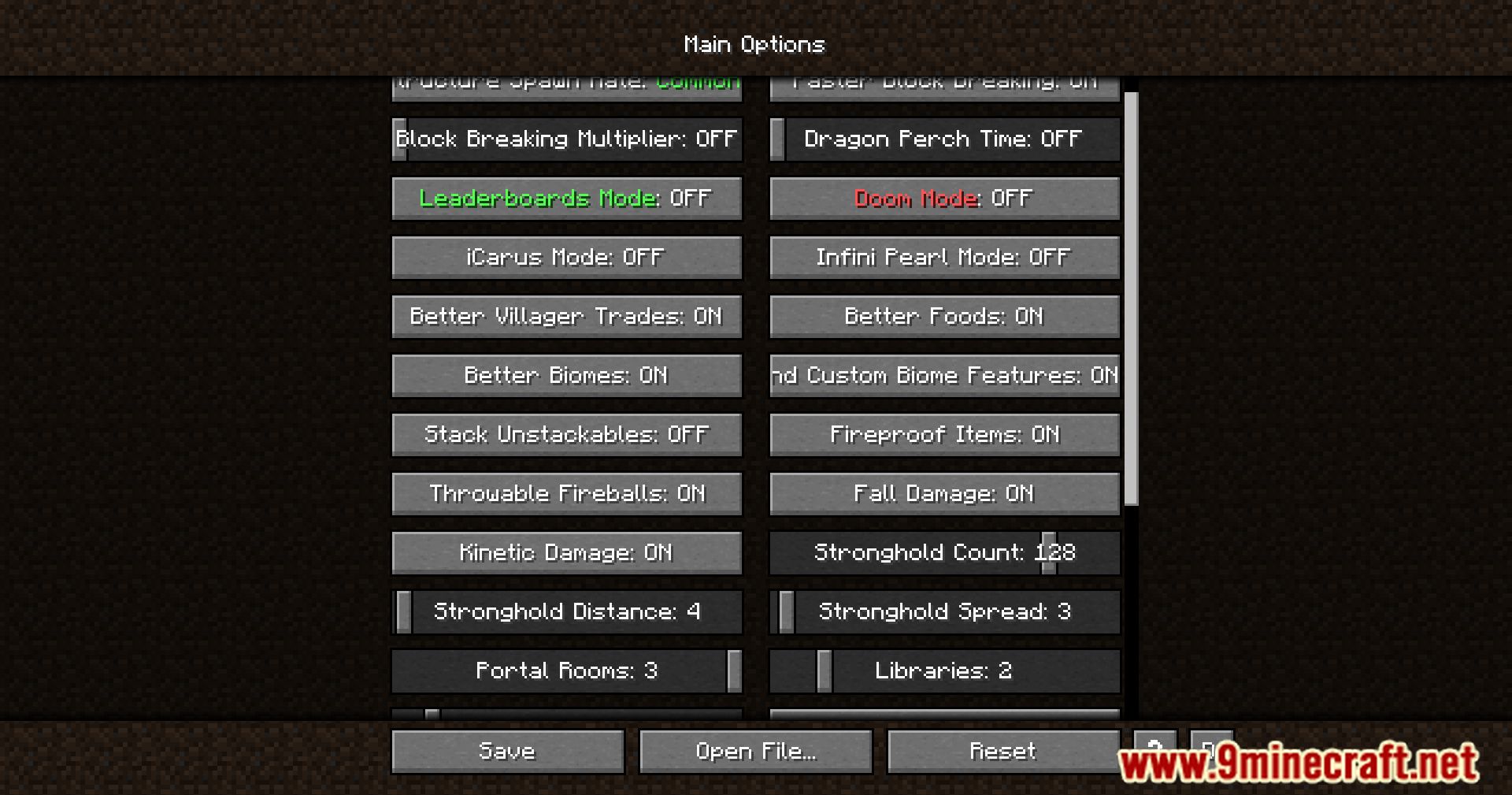
- General Settings
- Enable or disable individual features
- Toggle lava boats, nether water, better foods, faster spawners, and more
- World Generation
- Adjust structure spawn frequency
- Control stronghold count, size, distance, and Y-level
- Enable or disable Speedrunner-specific biomes
- Combat & Difficulty
- Modify mob damage, health, and spawn rates
- Configure Doom Mode-exclusive mechanics
- Control boss behavior and special effects
- Anvils & Enchantments
- Remove the
Too Expensive!limit - Allow enchantments above vanilla max levels
- Set a custom anvil cost cap
- Remove the
- Configuration Files
- Stored as
.jsonfiles in.minecraft/config - Only edit
currentValuefields - Most options can be changed in-game
- Server configs can be synced using
/syncoptions
- Stored as
Screenshots:
Crafting Recipes:
Recommend that you should install Just Enough Items (for mods using Forge) or Roughly Enough Items (for mods using Fabric) to view the full recipes included in this mod.
Requires:
How to install:
Click the following link to view details: How to Install Mods for Minecraft Java Edition on PC: A Beginner Guide
The Speedrunner Mod Download Links
For Minecraft 1.16.5
Fabric version: Download from Server 1 – Download from Server 2
For Minecraft 1.17.1
Fabric version: Download from Server 1 – Download from Server 2
For Minecraft 1.18.1
Fabric version: Download from Server 1 – Download from Server 2
For Minecraft 1.18.2
Fabric version: Download from Server 1 – Download from Server 2
For Minecraft 1.19
Fabric version: Download from Server 1 – Download from Server 2
For Minecraft 1.19.1
Fabric version: Download from Server 1 – Download from Server 2
For Minecraft 1.19.2
Fabric version: Download from Server 1 – Download from Server 2
For Minecraft 1.19.3
Fabric version: Download from Server 1 – Download from Server 2
For Minecraft 1.19.4
Fabric version: Download from Server 1 – Download from Server 2
For Minecraft 1.20.1, 1.20
Fabric version: Download from Server 1 – Download from Server 2
For Minecraft 1.20.2
Fabric version: Download from Server 1 – Download from Server 2
For Minecraft 1.20.4
Fabric version: Download from Server 1 – Download from Server 2
For Minecraft 1.21.1, 1.21
Fabric version: Download from Server 1 – Download from Server 2
For Minecraft 1.21.3
Fabric version: Download from Server 1 – Download from Server 2
For Minecraft 1.21.4
Fabric version: Download from Server 1 – Download from Server 2
For Minecraft 1.21.5
Fabric version: Download from Server 1 – Download from Server 2
For Minecraft 1.21.8, 1.21.7, 1.21.6
Fabric version: Download from Server 1 – Download from Server 2
For Minecraft 1.21.10, 1.21.9
Fabric version: Download from Server 1 – Download from Server 2
For Minecraft 1.21.11
Fabric version: Download from Server 1 – Download from Server 2
You May Also Like