
Third Person Maps Mod (1.21.1, 1.20.1) – Check Your Map in Third Person Mode
 2,421
 0


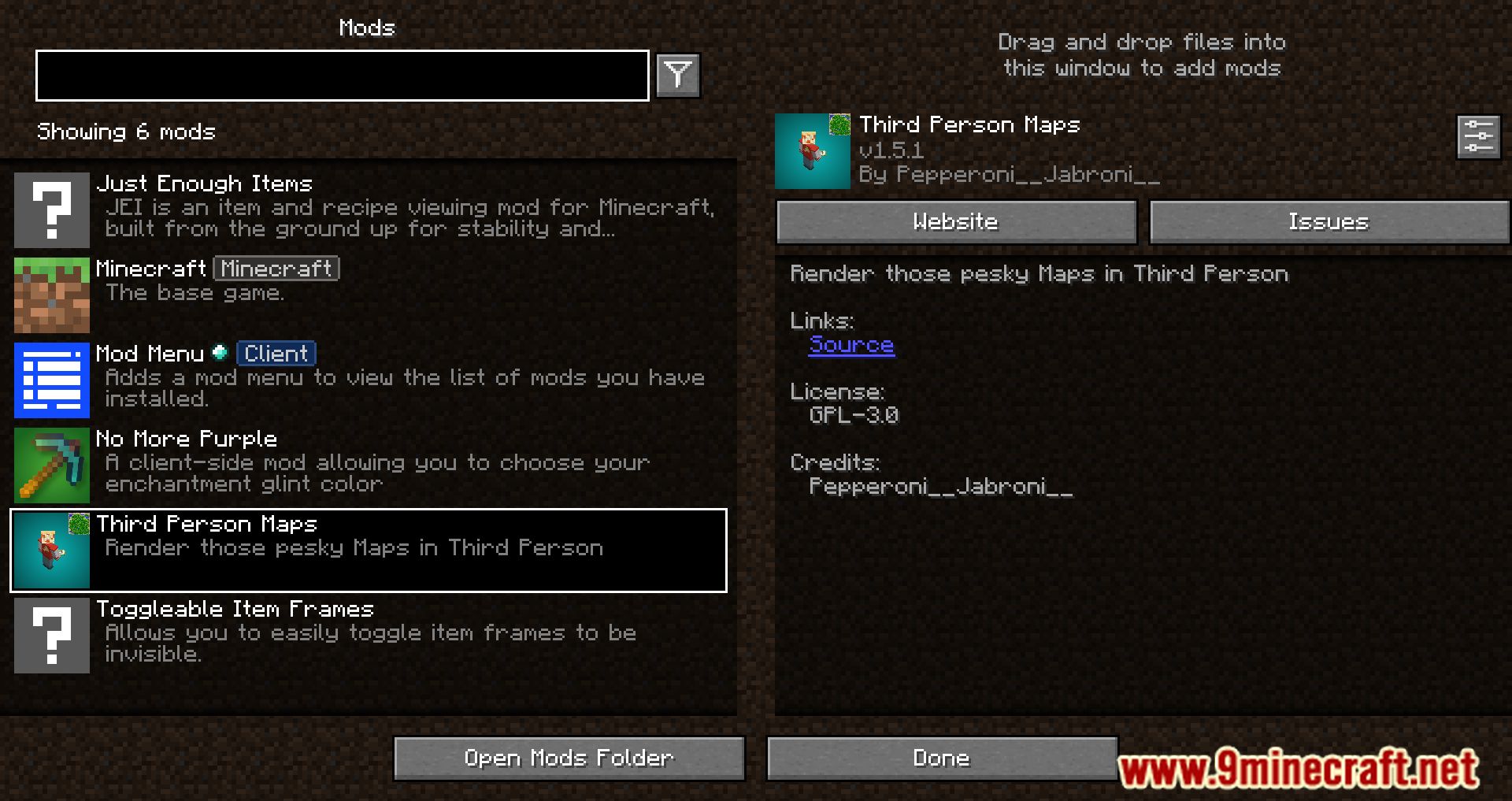
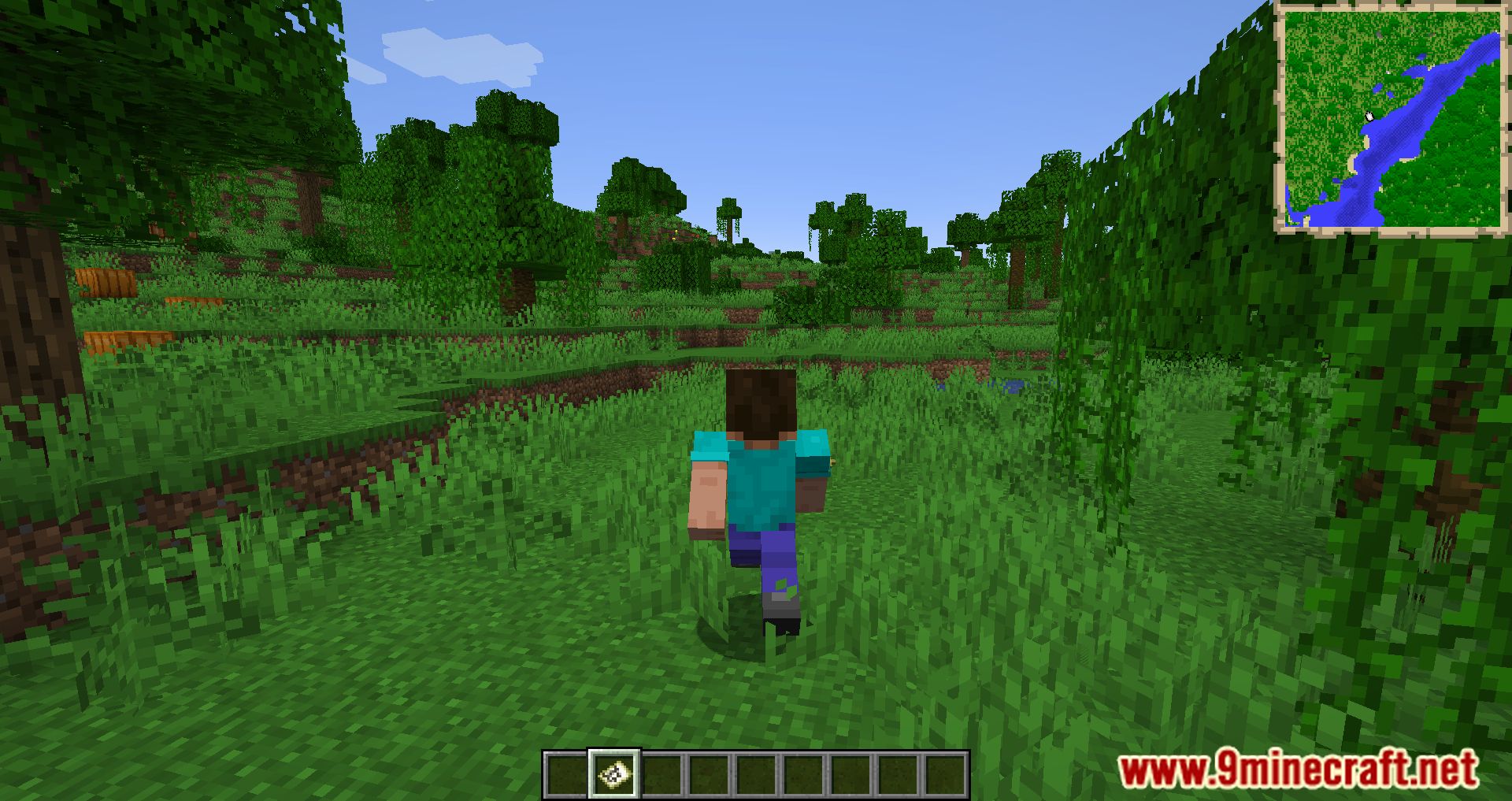
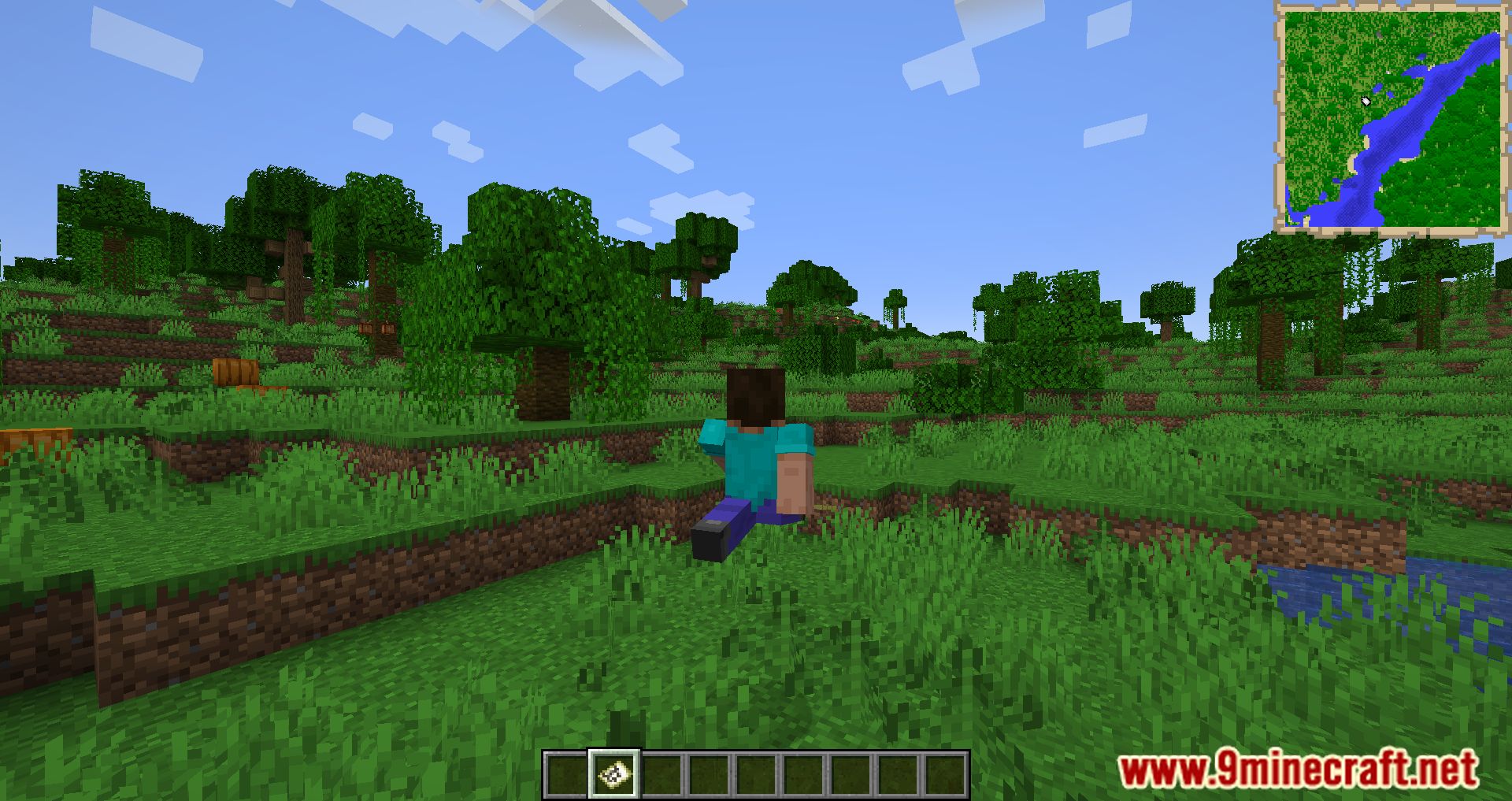
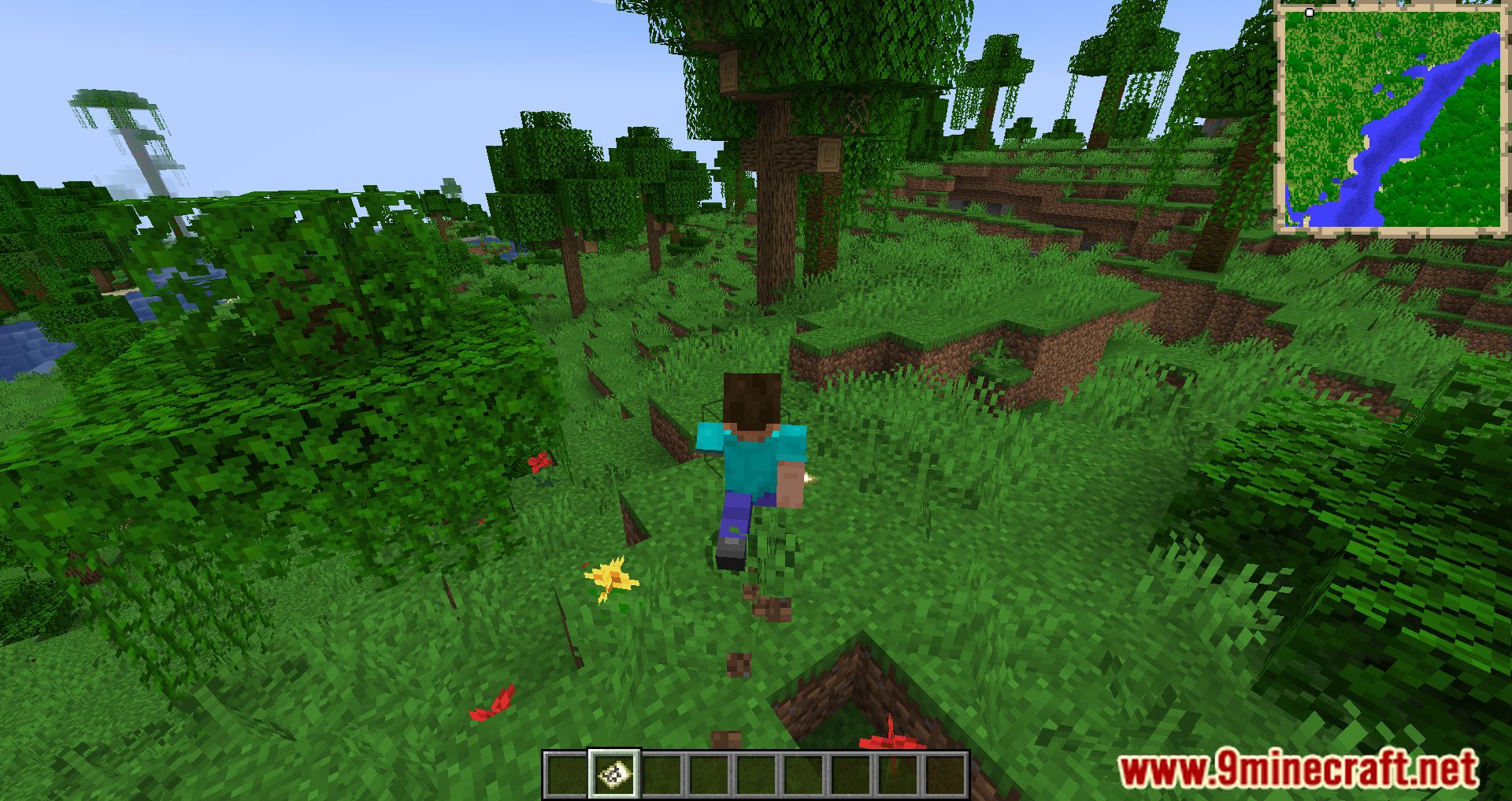
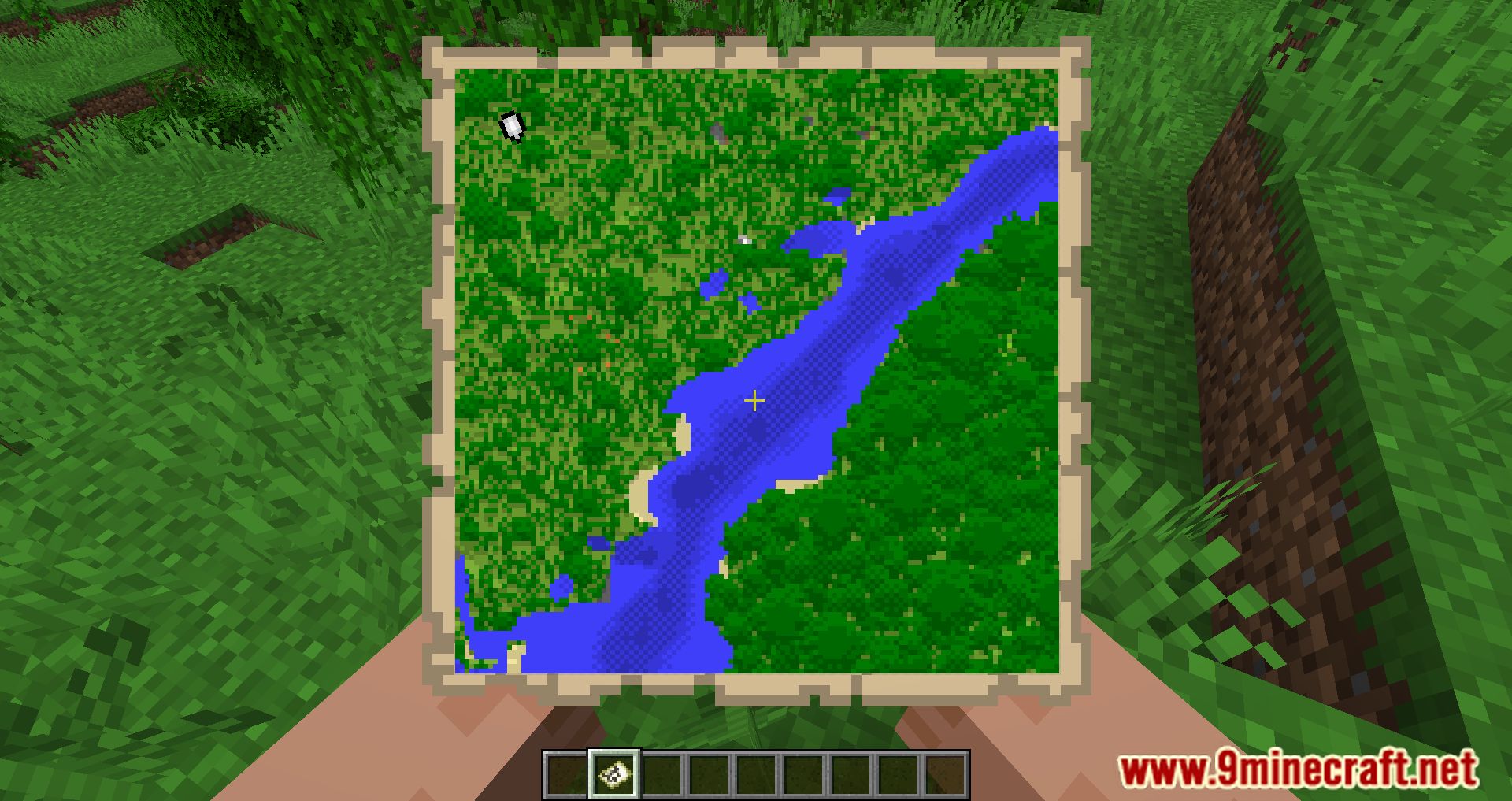
Third Person Maps Mod shows Minecraft maps right on your screen while you play in third-person view. Normally you switch to first person to check a map, so this mod puts the map HUD in the corner of your screen instead. It updates in real time as you explore, works in either hand, and supports maps at any scale or exploration stage. This client-side mod runs with Fabric API and Cloth Config, and it also lets you adjust the map size and position through the config file or Mod Menu.

Features:
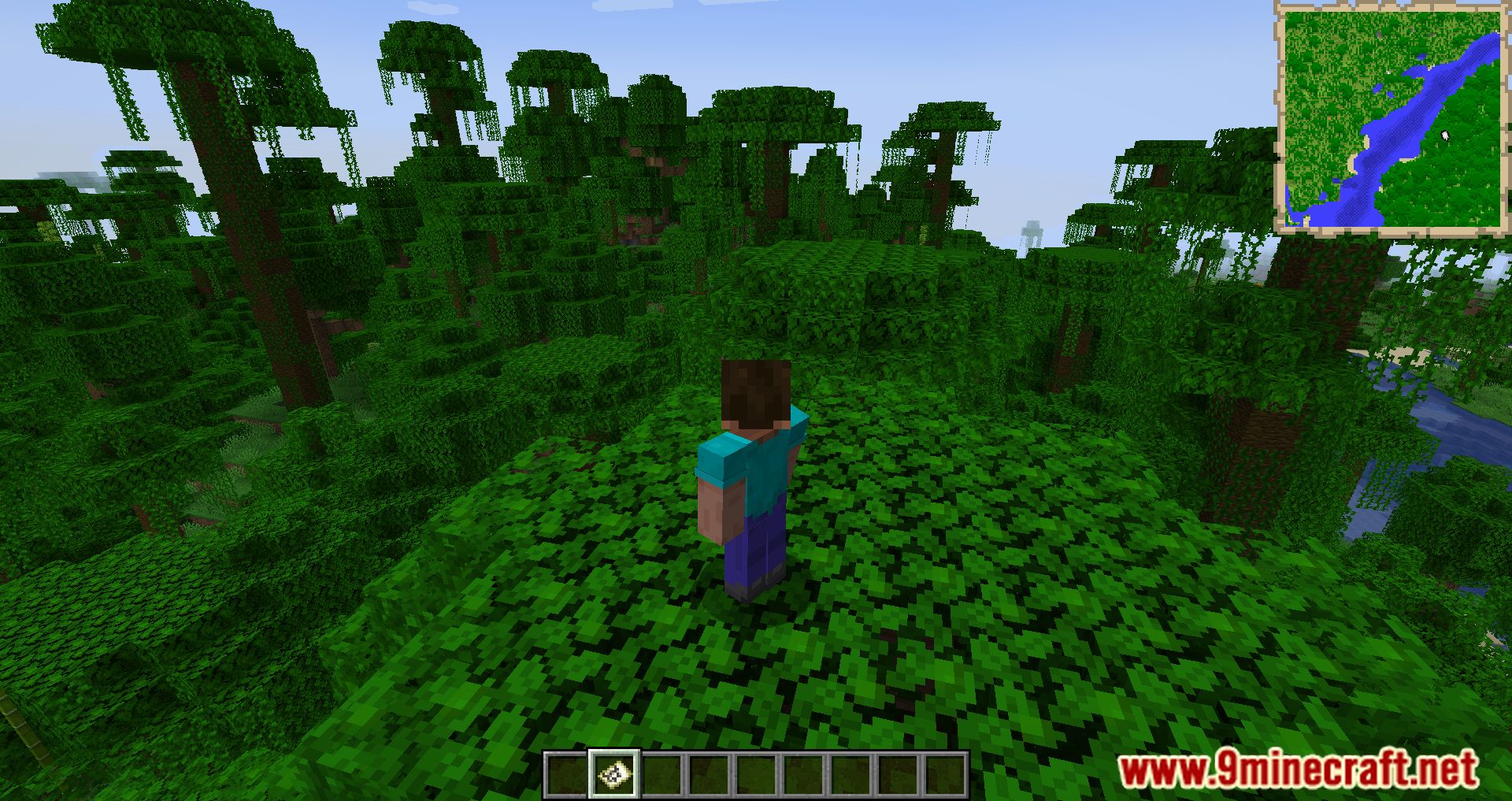
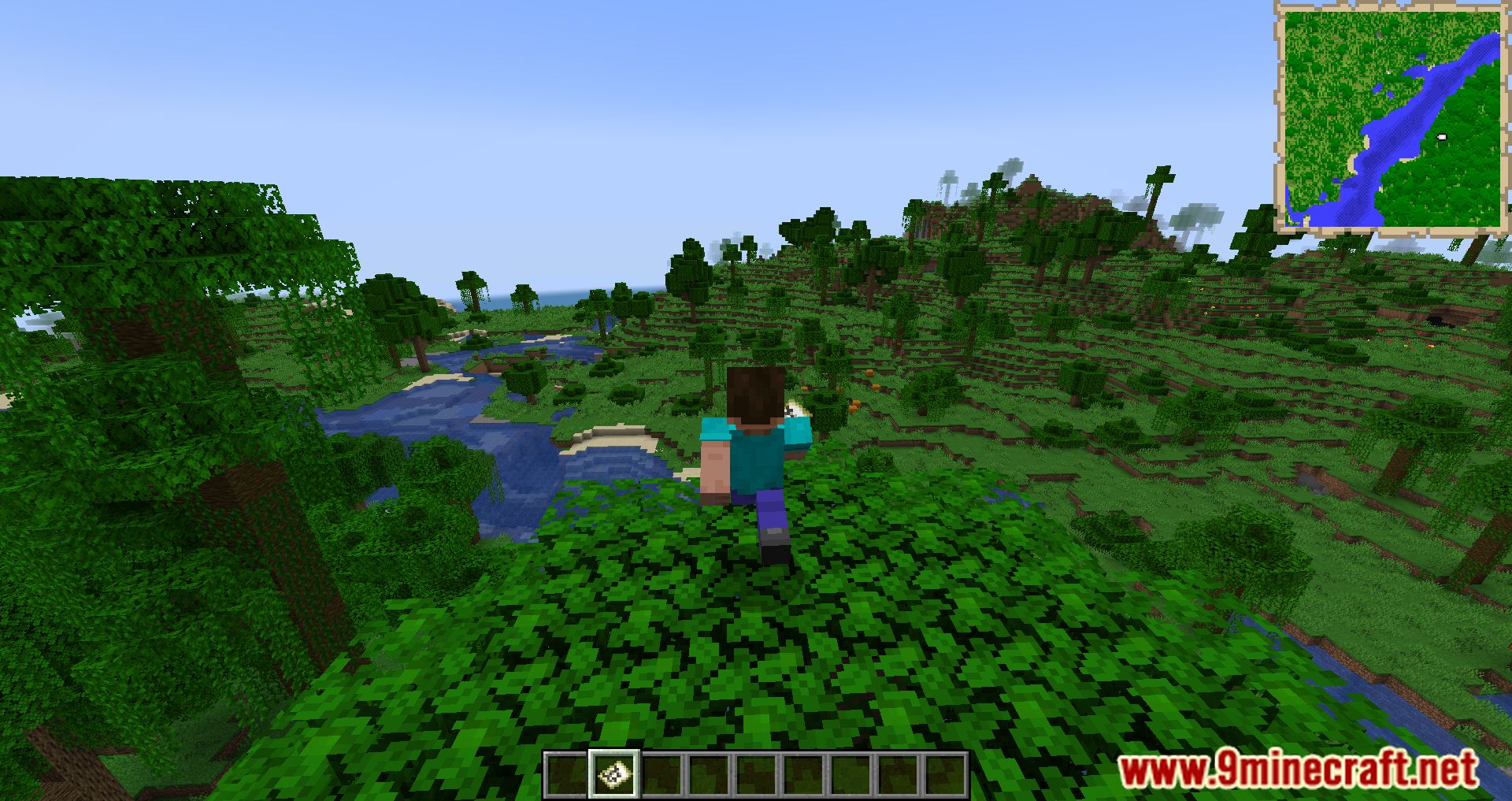
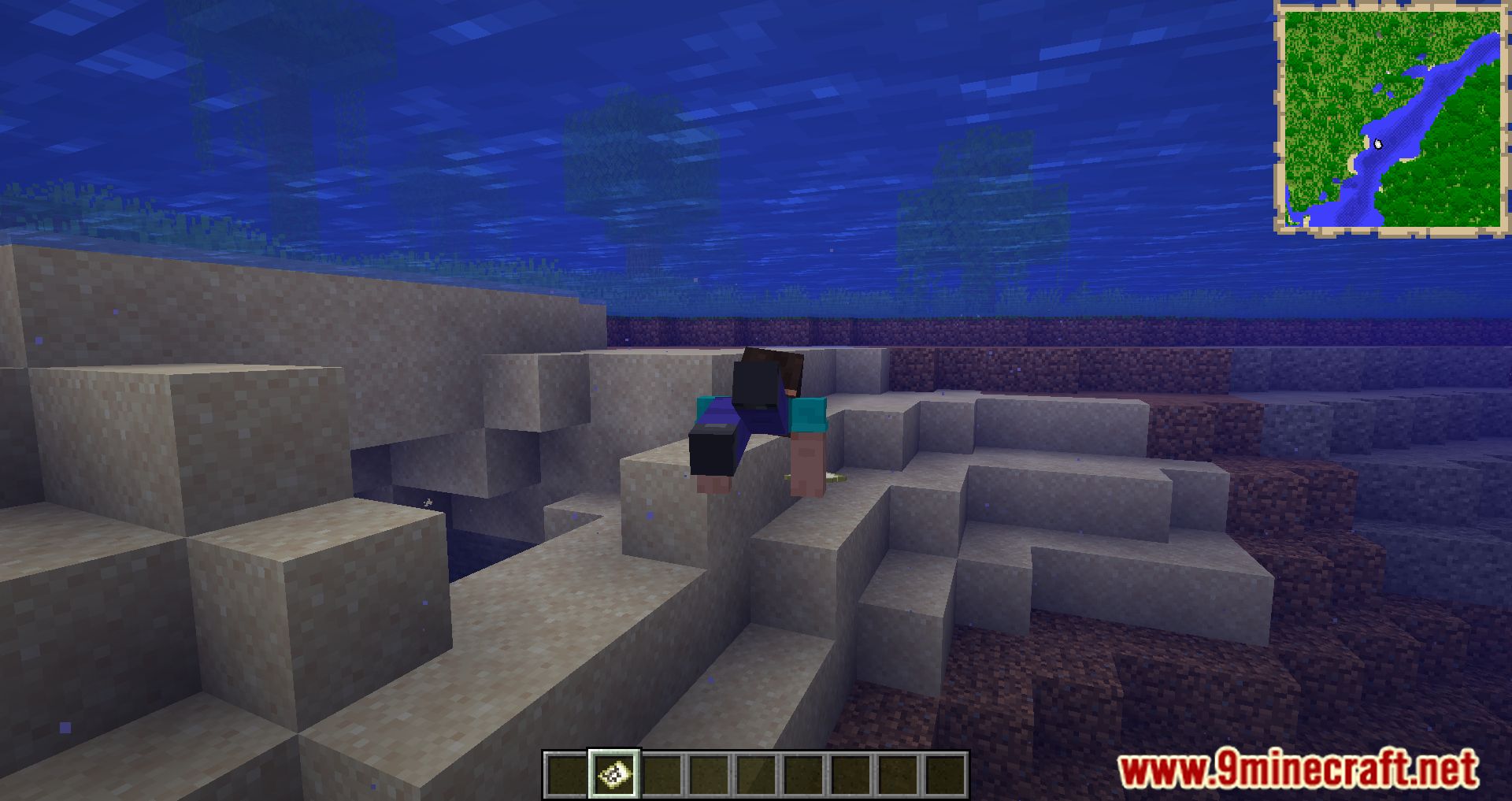
- On-Screen Map HUD: Shows held maps in the upper left or right corner of your screen while you play in third-person mode.
- Real-Time Updates: Updates your map live as you explore the world, just like in first-person view.
- Works with maps held in either your left hand or your right hand.
- Supports maps at any scale, including maps that are not fully explored yet.
- Plays nicely with potion effects on screen while you explore.
- Lets you set a custom map scale and adjust the map position through the config file or in-game with Mod Menu.
- Runs completely on the client side, so it works on multiplayer servers.
How to Use:
- Hold a Minecraft map in either your left hand or your right hand.
- Switch to third-person view; the map appears in the upper corner of your screen and updates in real time as you move.
- To change the map scale or position, edit the file in your config folder or open Mod Menu to change the settings in-game.
Screenshots:
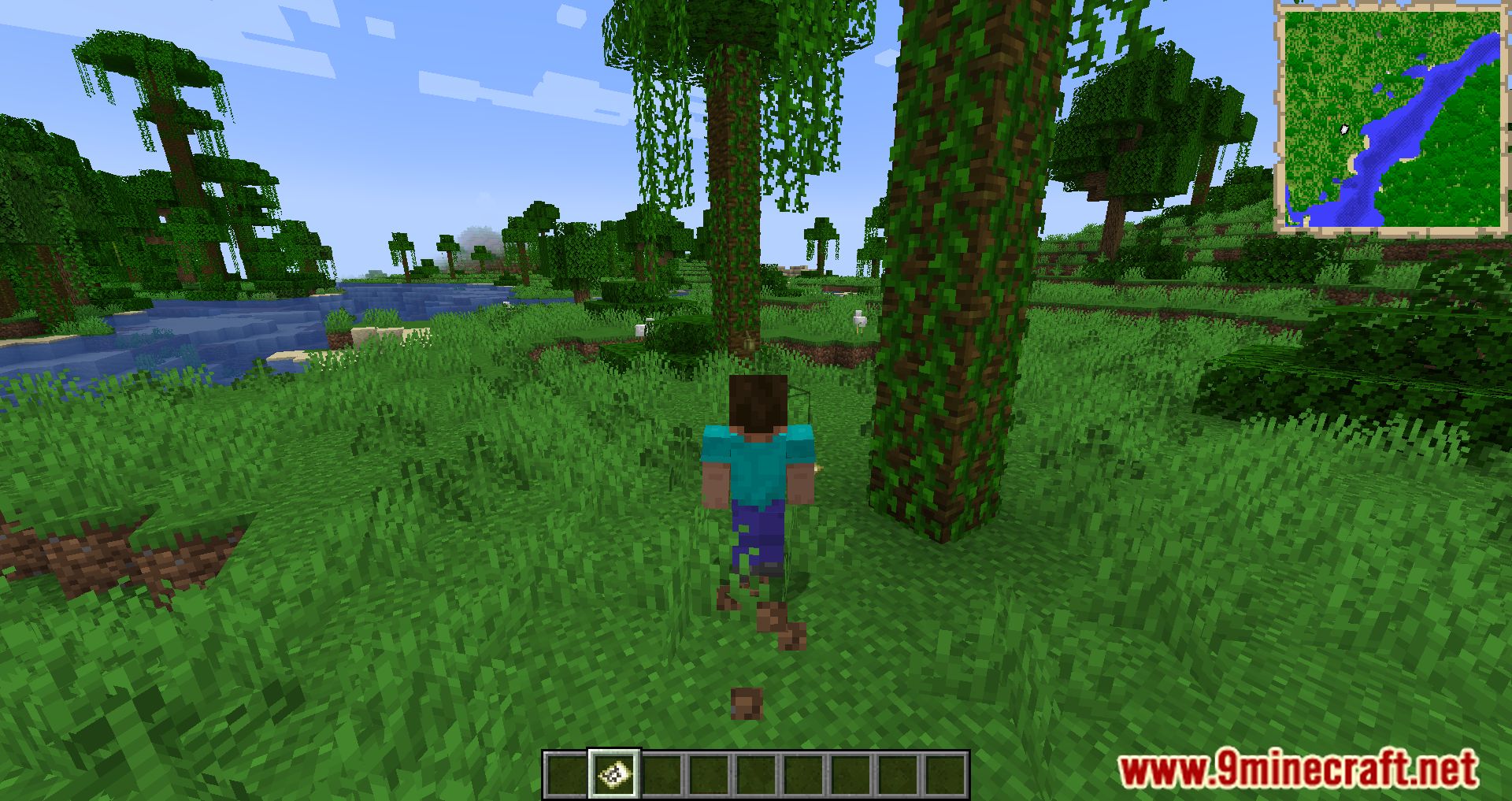
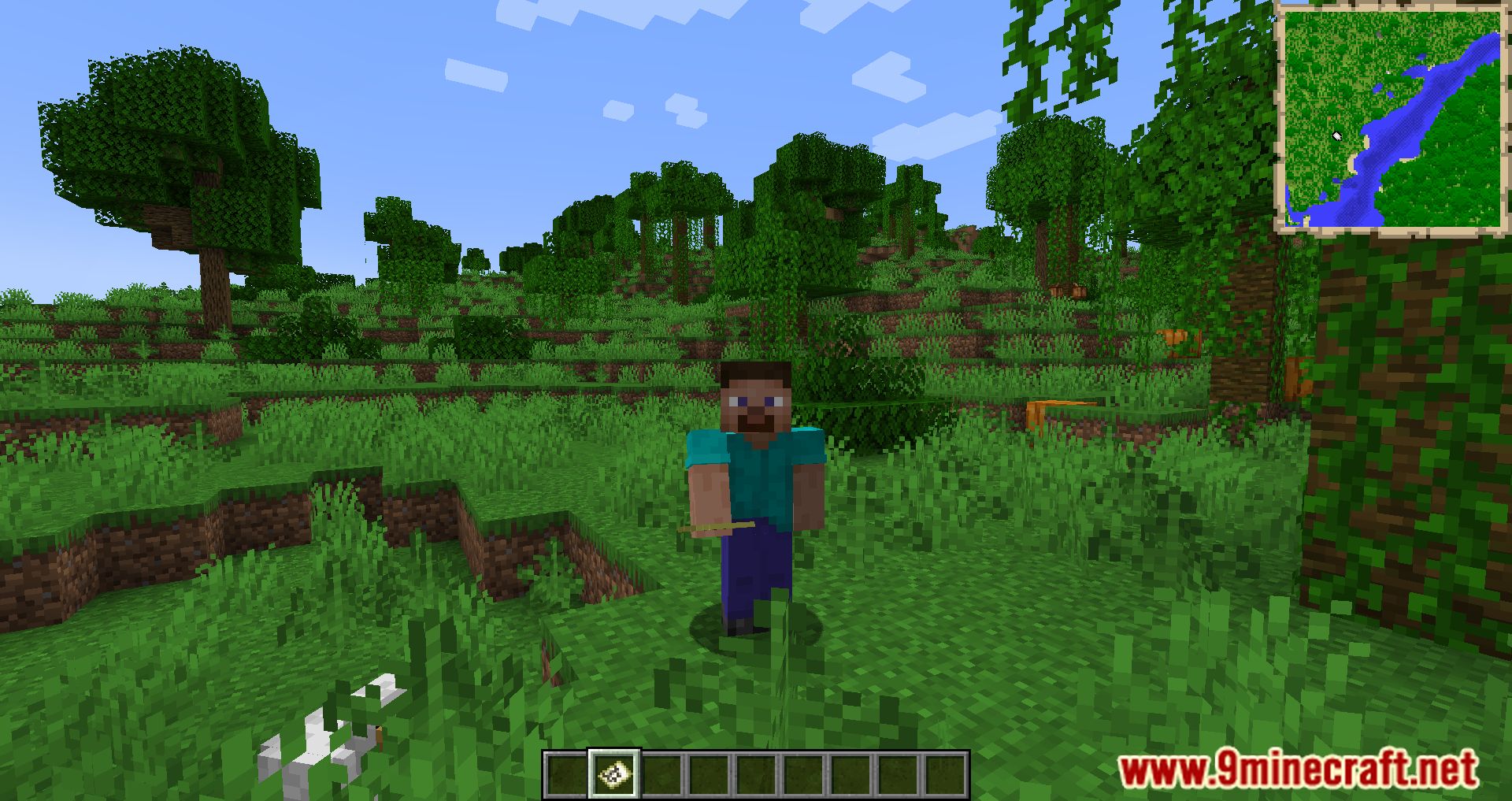
How to Install:
New to Minecraft? Follow our step-by-step guide to install Mods on your PC.View Guide
Requirements:


Third Person Maps Mod Download Links
For Minecraft 1.21.1, 1.21
Fabric version: Download from Server 1 – Download from Server 2
For Minecraft 1.20.4
Fabric version: Download from Server 1 – Download from Server 2
For Minecraft 1.20.1, 1.20
Fabric version: Download from Server 1 – Download from Server 2
For Minecraft 1.19.4
Fabric version: Download from Server 1 – Download from Server 2
For Minecraft 1.19.1, 1.19
Fabric version: Download from Server 1 – Download from Server 2
For Minecraft 1.18.2, 1.18.1
Fabric version: Download from Server 1 – Download from Server 2
You May Also Like
Picked for this page
 Tree Harvester Mod (26.3, 1.20.1) – Auto-Planting Tree Chopper
 Air Hop Mod (26.3, 1.20.1) – Make Jumping More Fun
 Better Clouds Mod (26.3, 1.20.1) – Realistic Sky
 DefaultSettings Mod (26.3, 1.20.1) – Preserve Local Settings
 Enhanced Celestials Mod (1.21.1, 1.20.1) – Blood, Blue, Harvest Moons
 Exposure Mod (1.21.1, 1.20.1) – Expose Your Film, Print Your Photos
 Tschipcraft’s More Mobs Mod (26.3, 1.20.1) – Humanoid Mobs
 Day Count Mod (26.3, 1.20.1) – A Day Counter HUD
 Advanced Shulkerboxes Mod (26.2, 1.20.1) – Improved Function of Shulker Box
 Shared Health Mod (26.3, 1.20.1) – Linked Player Health System
 Poly Weather Mod (26.3, 1.21.1) – Change How the Weather Looks
 Ducky Updater Lib Mod (26.3, 1.20.1) – Check Mod Updates From Modrinth
Most viewed in Mods over the last 7 days
 Ala Industrial Mod (26.3) – Run Electric Power Grids and Automated Factories
 PleasureCraft Mod (26.3, 1.21.1) – Jenny Mod Remake for Fabric
 Jennycraft Mod (26.3, 1.20.1) – Virtual Girlfriend in Minecraft
 Fapcraft Mod (26.3, 1.12.2) – Comprehensive and Detailed Content
 Jenny Mod (Fapcraft) Official Complete Guide – How to use, Tutorial
 BangCraft Mod (1.20.1) – Jenny, Ellie and Elliot
 Fabric Loader (26.3, 1.20.1) – Fabric Installer for All Minecraft Versions
 The Shooting Star Demo Mod (26.3, 1.20.1) – Vaporize Terrain From Orbit
 Meteor Client Mod (26.3, 1.20.1) – Xray, HUD, Fly
 OptiFine HD (26.3, 1.20.1) – Run Faster, FPS Boost, Shaders Support
 Aristois Client Mod (1.21.4, 1.20.1) – World Class Minecraft Utility
 Prestige Client Mod (1.21.11, 1.21.4) – Powerful Ghost Features for Crystal & Sword PvP
More from Mods
 Far Lands Traveler Mod (26.1.2) – Survive the Long Trek to the Edge of the World
 Beli’s SkyLyrics Mod (1.21.11) – Sing Along to Desktop Tracks Projected in the Night Sky
 Explainstone and Songmelyn Mod (1.21.1) – Broadcast Custom Music Across Your Base
 Rockstar Shaders Mod (26.3) – Cast Ray-Traced Light Across Vast Distant Horizons
 ERYDON Mod (1.20.1) – Design Grand Courtyards with Carved Marble Pillars
 Infinity Bound Mod (1.21.1) – Snap Away Enemies with Legendary Superhero Gear
 Legacy Gecko Lib Fabric Mod (1.16.5) – Power Animated Creatures in Modpacks
 The Man from the Shadow Horror Mod (1.20.1) – Fight Hallucinations to Survive
 Shade & Saturation Slider Mod (26.2, 1.21.11) – Make Every Biome Vibrant
 Cataclysm X Yung’s Better Nether Fortresses Compat Mod (1.21.1, 1.20.1)
 Patchouli 9minecraft Mod (26.3) – Read Mod Guides Without Leaving Minecraft
 Paintings ++ 9minecraft Mod (26.3) – Pick the Exact Painting You Want

This post has no comments yet. Be the first — your comment will appear here.