
Thut Essentials Mod (1.20.1, 1.19.2) – Protect Your Territory and Warp Anywhere
 18,777
 0


Thut Essentials Mod adds core server commands and a built-in land claiming system to Forge. It brings together home teleports, server warps, teleport requests, custom player names, team management, custom ranks, team alliances, and chunk or subchunk protection. Players can save home spots, return to their last death or warp point, form teams with friends, and control land rules for blocks, item frames, explosions, and mobs. Server admins also get tools for staff chat, private message spying, server rules, wilderness restriction permissions, and anvil-renamed toggle items for single blocks or NPCs.

Features:
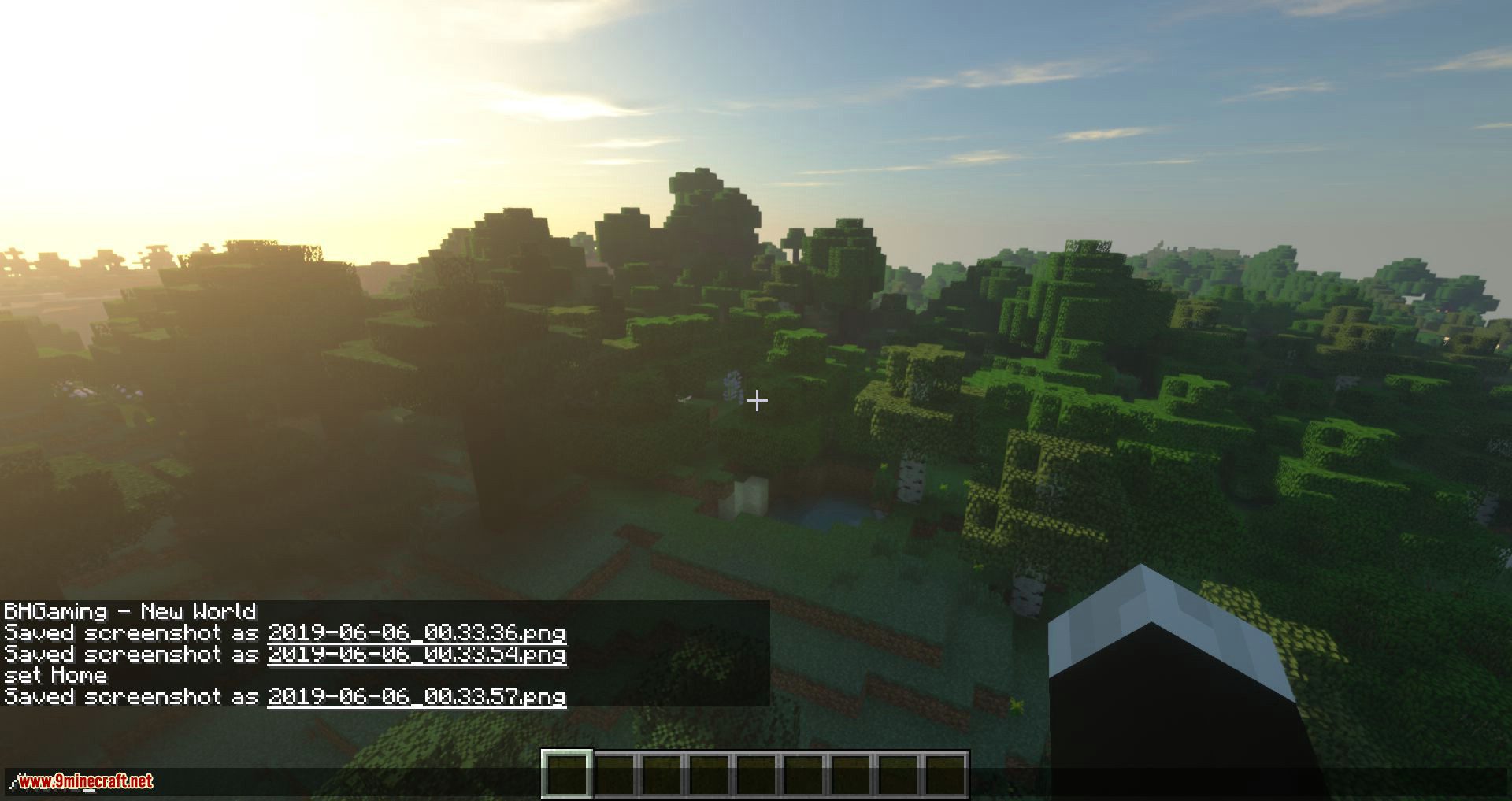
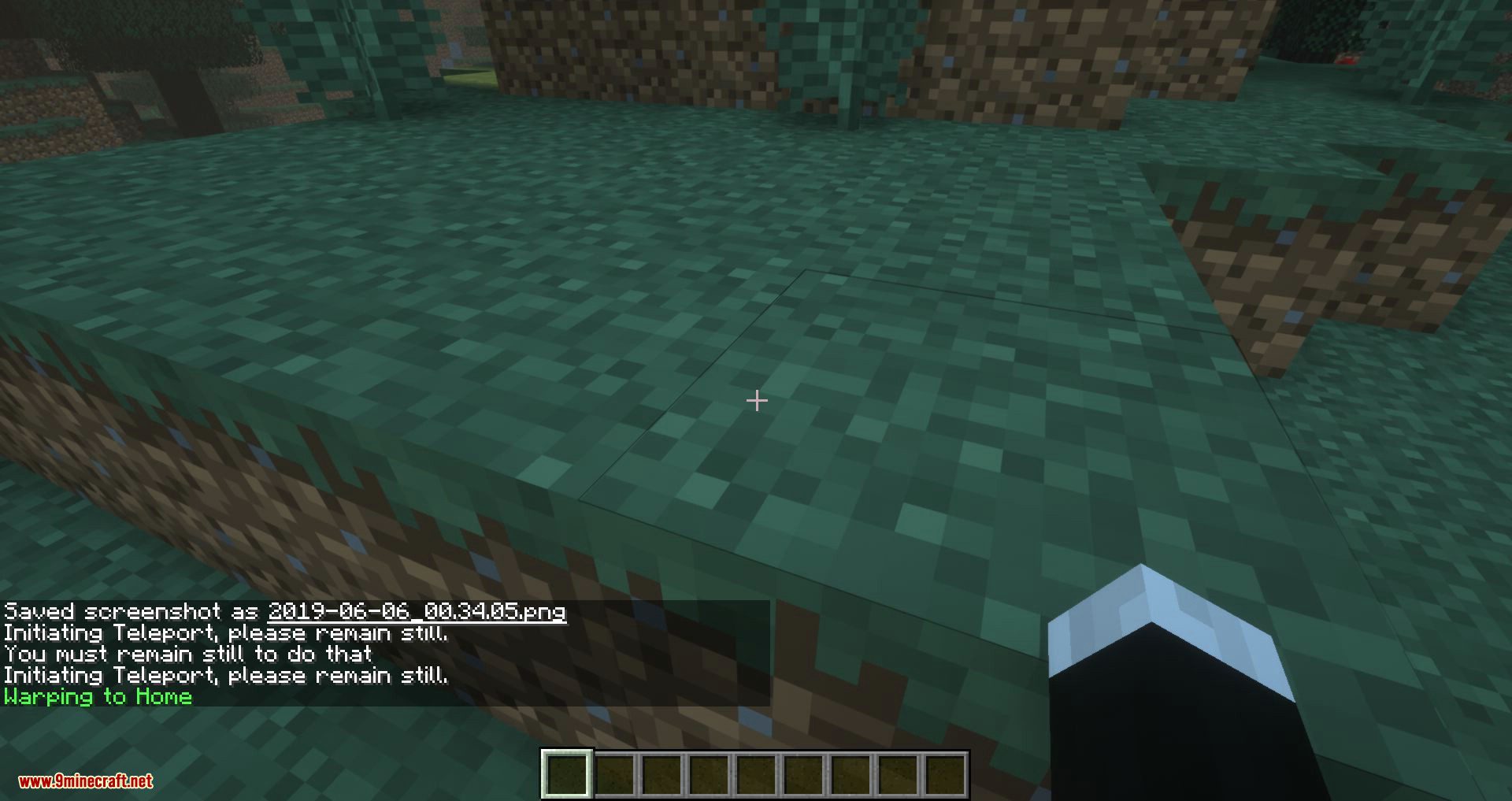
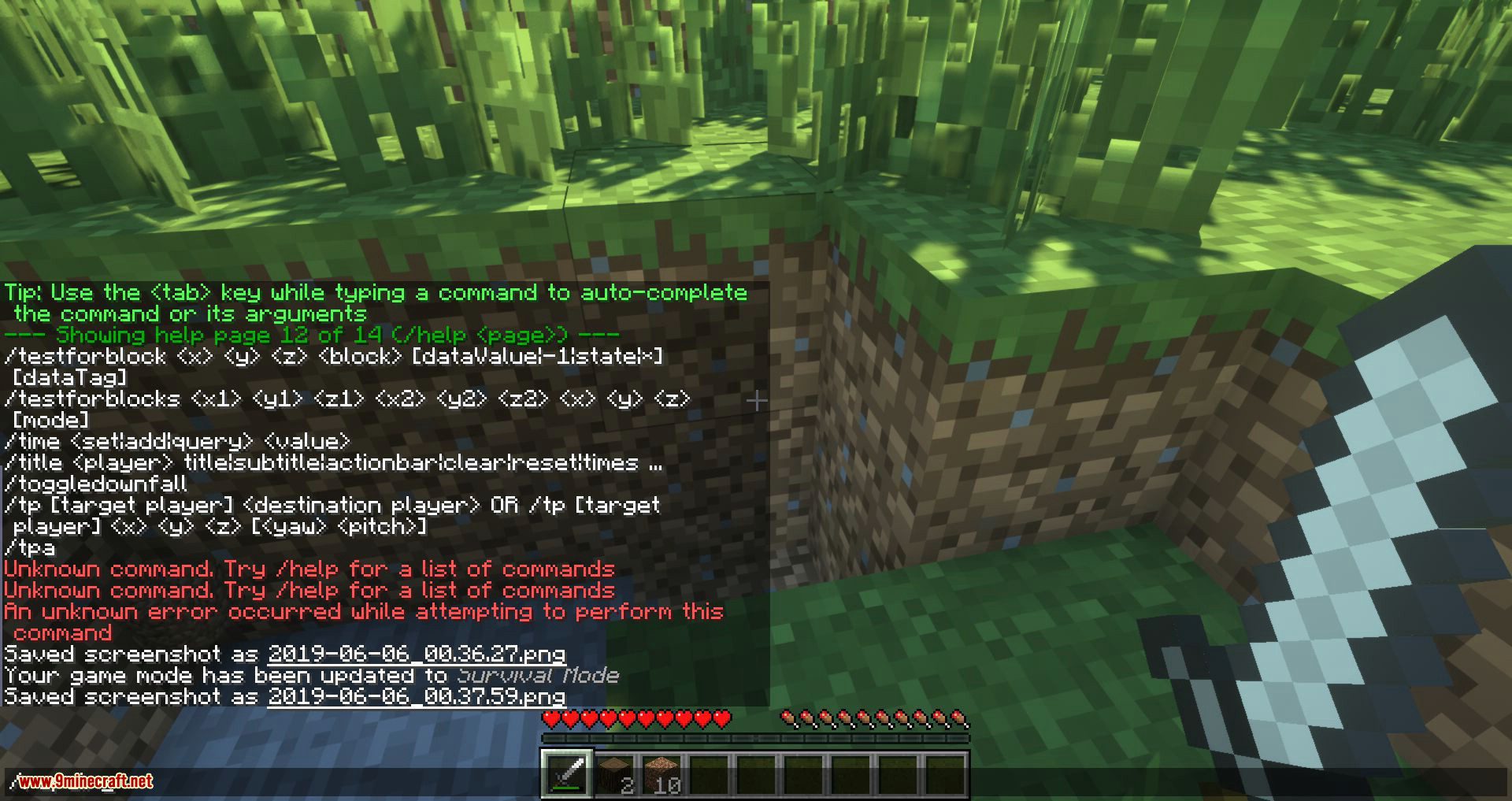
- Home and Teleport Commands: Lets players save homes, list or delete them, warp to world spawn, jump back to their last death or warp spot, use server warps, and send or accept teleport requests.
- Built-in Land Claiming: Protects full chunks, single subchunks matching the blue outlines in F3+G, or vertical subchunk columns above and below your spot.
- Team Management and Ranks: Lets players form teams, send clickable chat invites, assign team admins, set a team home, talk in team chat, and build custom ranks with partial admin powers.
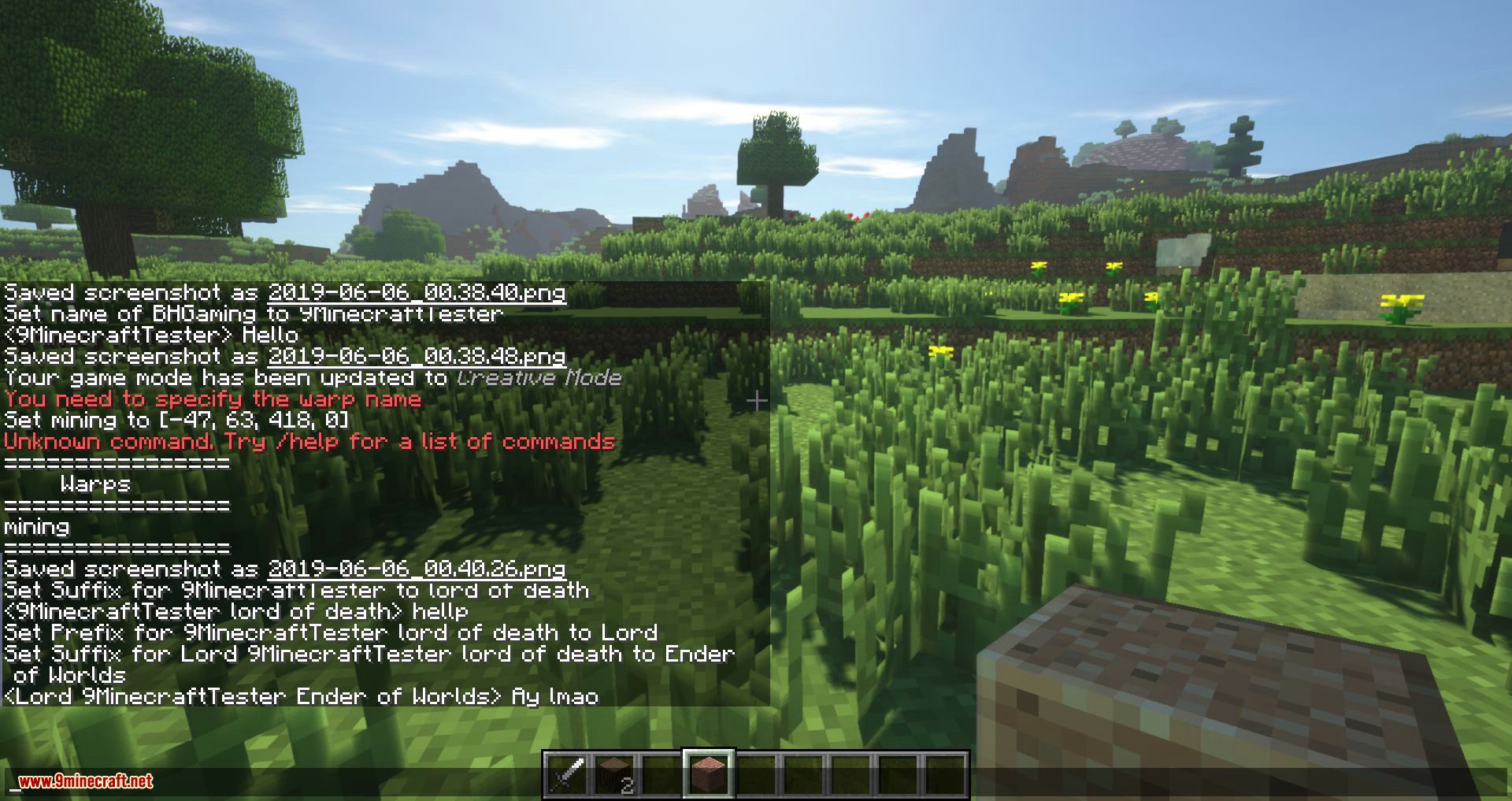
- Chat and Server Tools: Supports custom player nicknames, name prefixes and suffixes, private staff chat, operator private message spying, and in-game server rule lists.
- Lets players toggle flight mode, set walk or fly speed for specific players, fully heal and feed themselves or others, and repair the item in their hand.
- Shows particle outlines around claimed land so players can see territory borders clearly.
- Lets operators auto-claim full chunks as they walk, reload team and land data from save files, and force-add players to any team.
- Checks who owns the subchunk you stand in and prints your current claim usage and allowance.
- Restricts actions in unclaimed wilderness using server permission keys for breaking blocks, placing blocks, using items, using blocks, and entering unowned areas.
Team Land Permission Options:
public: Toggles whether any player can right-click items, blocks, or mobs on team land.any_place: Toggles whether any player can place blocks on team land.any_break: Toggles whether any player can break blocks on team land.frames: Toggles special protection for item frames.fake_players: Toggles whether fake players from other mods, such as block placers or breakers, can act freely.reserve: Keeps an empty team from being removed, useful for server spawns or town areas (requires OP).no_player_damage: Makes players immune to all damage while on team land (requires OP).no_npc_damage: Protects NPCs such as villagers from damage on team land (requires OP).friendly_fire: Toggles whether team members can hurt each other (requires OP).no_mob_spawn: Toggles whether mobs can spawn inside team land (requires OP).no_explosions: Stops explosions from damaging claimed land while still letting setups like TNT cannons fire (requires OP).prefix [text]: Adds a team prefix to the start of every team member’s name.enter [text]: Sets the message shown when someone enters your team’s land.exit [text]: Sets the message shown when someone leaves your team’s land.deny [text]: Sets the message shown when an action is blocked on your land.home: Sets your current spot as the team home.
Team Relation Permissions:
public: Grants right-click interaction permission to one chosen allied team.place: Lets one chosen allied team place blocks on your land.break: Lets one chosen allied team break blocks on your land.ally: Marks another team with an alliance flag.
Custom Rank Permissions:
editMessages: Lets rank members change land entry, exit, and deny messages.claim: Lets rank members claim land for the team.unclaim: Lets rank members unclaim team land.prefix: Lets rank members edit the team prefix.sethome: Lets rank members set the team home.invite: Lets rank members invite new players to the team.kick: Lets rank members remove players from the team.
Anvil Block Permission Toggles:
public toggle: Rename an item at an anvil to toggle public interaction rules on a specific block (not case sensitive).protect toggle: Rename an item at an anvil to mark a specific NPC as invulnerable (not case sensitive).break toggle: Rename an item at an anvil to toggle block breaking permission on a specific block (not case sensitive).place toggle: Rename an item at an anvil to toggle block placing permission on a specific block (not case sensitive).
Commands:
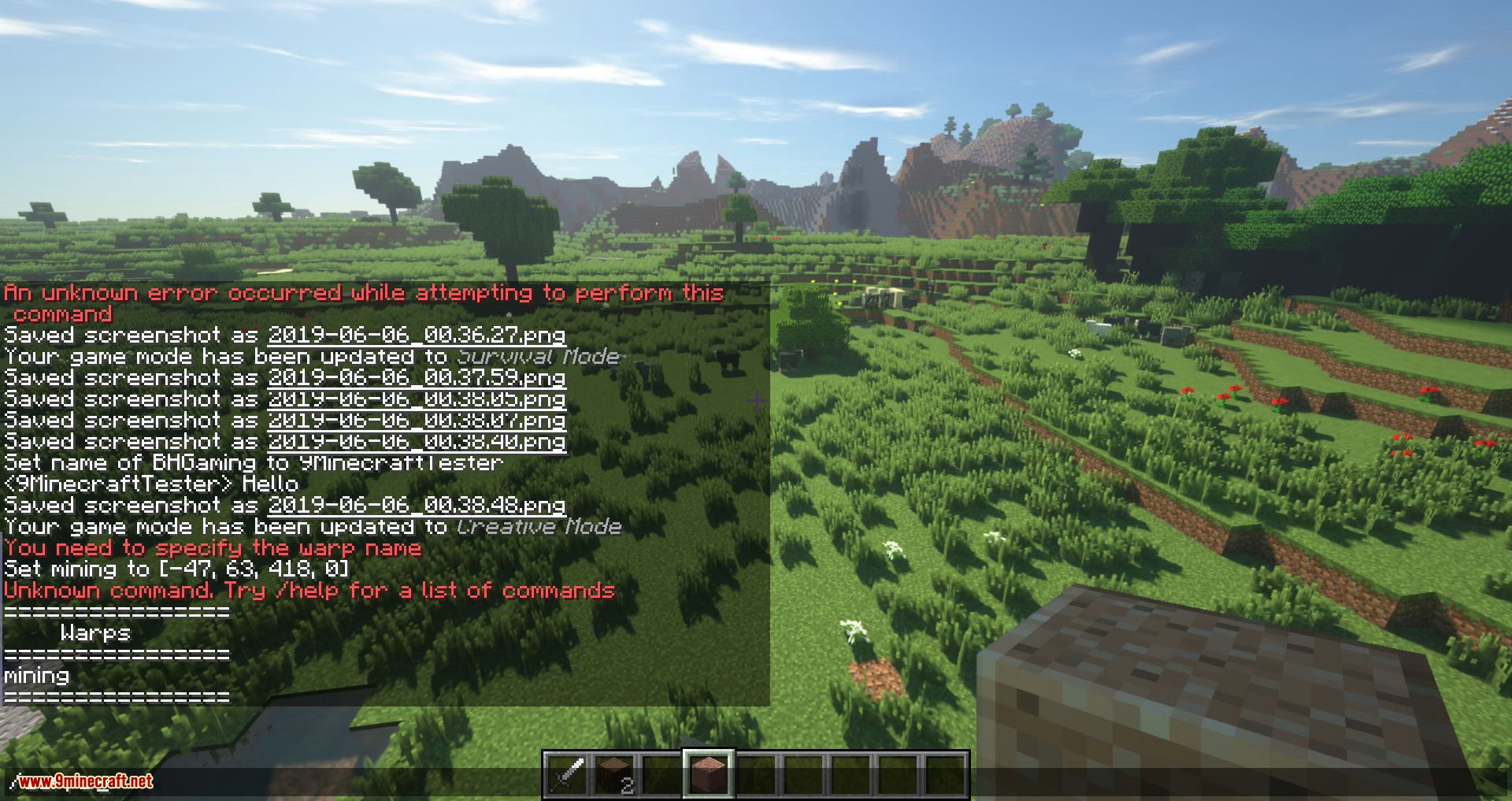
/spy: Lets operators view all private messages./staff: Opens private staff chat (also supports/scand/staff !add <names>)./sethome: Saves your current spot as your home./home: Teleports you to your saved home./delhome: Deletes a saved home./homes: Lists all saved homes for a player./back: Teleports you back to your last death spot or warp./nick: Changes your display name./prefix: Changes the prefix before a player name./suffix: Changes the suffix after a player name./fly: Toggles fly mode for your player./heal: Fully heals and feeds yourself or other players./repair: Repairs the item in your hand./spawn: Teleports you to the world spawn point./speed: Sets walk or fly speed for a specific player./rules: Displays the server rules./addrule: Adds a new server rule./delrule: Removes a server rule./warp: Teleports you to a chosen server warp./warps: Lists all warps on the server./setwarp: Creates a server warp point./delwarp: Deletes a chosen warp./tpa: Sends a teleport request to another player./tpaccept: Accepts an incoming teleport request./tptoggle: Turns receiving teleport requests on or off./create_team [team_name]: Creates a new team with that name and adds you to it./delete_team: Deletes your current team (requires team admin)./add_team_admin [player]: Assigns a player as an admin for your team (requires team admin)./remove_team_admin [player]: Removes a player from your team’s admin list (requires team admin)./list_team_admins: Lists all admins for your current team./team_invite [player]: Invites a player to your team and sends them a chat alert (requires team admin)./team_invites: Displays your team invites so you can click one to join./join_team [team]: Joins a team if you have an invite or OP access./leave_team: Leaves your current team and moves you back to the default team./add_to_team [team] [player]: Force-adds a player to a chosen team (requires OP)./kick_team_member [player]: Kicks a player from your team (requires team admin)./edit_team [option]: Changes team land permissions, messages, prefix, or team home (requires team admin; some options require OP)./team_relations [options]: Manages team alliances and shared land rules usinglist,relations [team],relations_all,set [team] [perm], orunset [team] [perm](requires team admin)./edit_ranks [options]: Manages custom team ranks usinglist_ranks,list_members [rank],add_rank [rank],del_rank [rank],add_perm [rank] [perm],del_perm [rank] [perm],set_rank [rank] [player], orrem_rank [rank] [player]./land_owner: Shows the owner of the subchunk you are standing in./claim: Claims the full chunk column you are standing in./claim here: Claims only your current subchunk./claim up: Claims your current subchunk and all subchunks above it./claim down: Claims your current subchunk and all subchunks below it./claim auto: Auto-claims each full chunk as you walk into it (requires OP)./claim check: Prints your current claim usage and allowance./unclaim: Unclaims your land./unclaim here: Unclaims your current subchunk./unclaim up: Unclaims your current subchunk and all subchunks above it./unclaim down: Unclaims your current subchunk and all subchunks below it./unclaim everything: Unclaims all of your team’s land./team_chat [message]: Sends a chat message to all members of your team./my_team: Shows which team you belong to./team_home: Teleports you to your team’s home./team_members [team_name]: Lists all members in a chosen team./reload_teams: Reloads teams and land data from save files (requires OP)./show_land: Toggles particle outlines around claimed land./team_teams: Prints a list of all team names.
Configuration:
landEnabled: Set this config value totrueto turn on land claiming if it is disabled by default.thutessentials.land.break.unowned: Controls whether players can break blocks in unclaimed land.thutessentials.land.place.unowned: Controls whether players can place blocks in unclaimed land.thutessentials.land.useitem.unowned: Controls whether players can use items in unclaimed land.thutessentials.land.useblock.unowned: Controls whether players can use blocks in unclaimed land.thutessentials.land.enter.unowned: Controls whether players can enter unclaimed land.
How to Use:
- Set
landEnabledtotruein the Thut Essentials Mod config file if land claiming is turned off on your server. - Stand at your base and type
/sethometo save your home point, then type/homeanytime to teleport back or/backto return to your last death spot or warp. - Type
/warpsto see available server warps and use/warpto travel there, or send a teleport request to another player with/tpaso they can accept using/tpaccept. - Type
/create_team [team_name]to start a team, invite friends with/team_invite [player], and tell them to run/team_invitesto click the invite in chat and join. - Promote full team admins with
/add_team_admin [player], or build custom ranks by running/edit_ranks add_rank [rank], adding permissions with/edit_ranks add_perm [rank] [perm], and assigning members with/edit_ranks set_rank [rank] [player]. - Press F3 + G to show chunk and subchunk borders, then stand inside the area you want to protect and type
/claimfor the full chunk or/claim here,/claim up, or/claim downfor subchunks. - Type
/show_landto display particle borders around claimed areas,/land_ownerto see who owns your current subchunk, and/claim checkto view your claim allowance. - Run
/edit_team [option]with options likepublic,any_place,any_break,frames,home,enter [text], orexit [text]to customize your team’s land rules and messages. - Share permissions with another group by typing
/team_relations set [team] [perm]usingpublic,place,break, orally. - Rename an item at an anvil to
public toggle,break toggle,place toggle, orprotect toggle(not case sensitive) to toggle permissions on a single block or make an NPC invulnerable.
Screenshots:

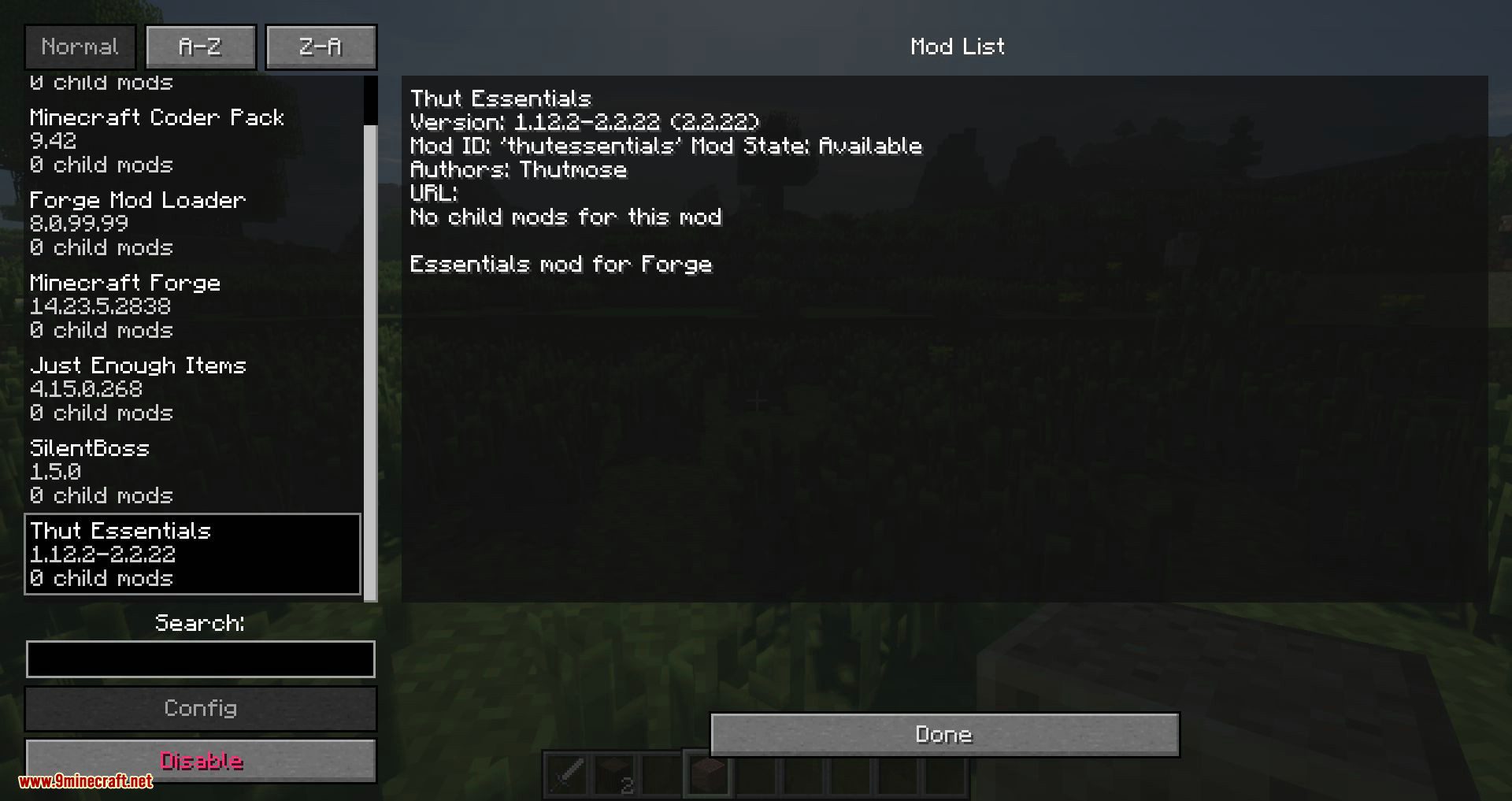
How to Install:
New to Minecraft? Follow our step-by-step guide to install Mods on your PC.View Guide
Thut Essentials Mod Download Links
For Minecraft 1.12.2
Forge version: Download from Server 1
For Minecraft 1.15.2
Forge version: Download from Server 1
For Minecraft 1.16.5
Forge version: Download from Server 1
For Minecraft 1.17.1
Forge version: Download from Server 1
For Minecraft 1.18.1
Forge version: Download from Server 1
For Minecraft 1.18.2
Forge version: Download from Server 1
For Minecraft 1.19.2
Forge version: Download from Server 1
For Minecraft 1.20.1
Forge/NeoForge version: Download from Server 1 – Download from Server 2
Which performance or optimization mod do you rely on the most?
44 responses · See the full results →
You May Also Like
Picked for this page
 Potion Rings Mod (26.3, 1.21.1) – Simple Bauble Rings with Potion Effects
 YUNG’s API (26.3, 1.21.11) – Explore Better Structures
 Mob Sunscreen Mod (26.2, 1.20.1) – Prevent Mobs from Burning in Sunlight
 Nature’s Compass Mod (26.3, 1.20.1) – Find Any Biome
 Advanced Finders Mod (26.3, 1.20.1) – New Compasses
 Towers of the Wild Modded Mod (26.2, 1.20.1) – Multiple Dimensions & Planets
 Auto Tools Mod (26.3, 1.20.1) – Smart Mining & Combat Helper
 StorageBox Mod (26.3, 1.20.1) – Store A Large Number of One Item
 Spice of Life Carrot Edition Mod (26.3, 1.20.1) – Turn Food Into More Health
 BlossomLib Mod (26.3, 1.20.1) – Library for Blossom-Series Mods
 SmitherZ Mod (1.21.1, 1.20.1) – Custom Gem Enhancements
 Skill Exp Notifier Mod (26.3, 1.20.1) – Configurable XP Popups
Most viewed in Mods over the last 7 days
 Ala Industrial Mod (26.3) – Run Electric Power Grids and Automated Factories
 PleasureCraft Mod (26.3, 1.21.1) – Jenny Mod Remake for Fabric
 Jennycraft Mod (26.3, 1.20.1) – Virtual Girlfriend in Minecraft
 Fapcraft Mod (26.3, 1.12.2) – Comprehensive and Detailed Content
 Jenny Mod (Fapcraft) Official Complete Guide – How to use, Tutorial
 BangCraft Mod (1.20.1) – Jenny, Ellie and Elliot
 Fabric Loader (26.3, 1.20.1) – Fabric Installer for All Minecraft Versions
 The Shooting Star Demo Mod (26.3, 1.20.1) – Vaporize Terrain From Orbit
 Meteor Client Mod (26.3, 1.20.1) – Xray, HUD, Fly
 OptiFine HD (26.3, 1.20.1) – Run Faster, FPS Boost, Shaders Support
 Aristois Client Mod (1.21.4, 1.20.1) – World Class Minecraft Utility
 Prestige Client Mod (1.21.11, 1.21.4) – Powerful Ghost Features for Crystal & Sword PvP
More from Mods
 Gunpowder Recipe Mod (26.3, 1.20.1) – Gunpowder is Craftable
 Villager Timetable Mod (26.3, 1.20.1) – Master Villager Schedules
 Artemis Laboratory Blocks Mod (26.3, 1.20.1) – Lab Blocks And Dynamic Decorations
 Fabric ORM Jimmer Mod (26.3, 1.20.1) – Prevent Sudden Server Crashes
 Cafe Core Mod (26.2, 1.21.1) – Bypass Anvil Limits and Tame Pets in Seconds
 GTNH’s Forgelin Mod (1.7.10) – Play Kotlin-Powered Mods on Minecraft 1.7.10
 Nodeflow Mod (26.1.2, 1.21.1) – Wire Custom Redstone Logic on Visual Graph
 Winter Client Mod (1.21.11) – Survive Ruthless PvP on Anarchy Servers
 LARP Client Mod (1.21.11) – Dominate Crystal PvP on Anarchy Servers
 Berlin Client Mod (1.21.11) – Hunt Stashes and Win Crystal Fights
 Kaleidoscope Cookery Refabricated Mod (26.3, 1.20.1) – Cook Hearty Meals
 Minecraft MusicBox Mod (1.21.12) – Play Your Favorite Songs While Mining and Building

This post has no comments yet. Be the first — your comment will appear here.