


TickrateChanger Mod (1.12.2, 1.11.2) – Master Time in Your World
 10,798
 0
0

🌐 Good news — we've translated this article into other languages!
Or pick the one you like:
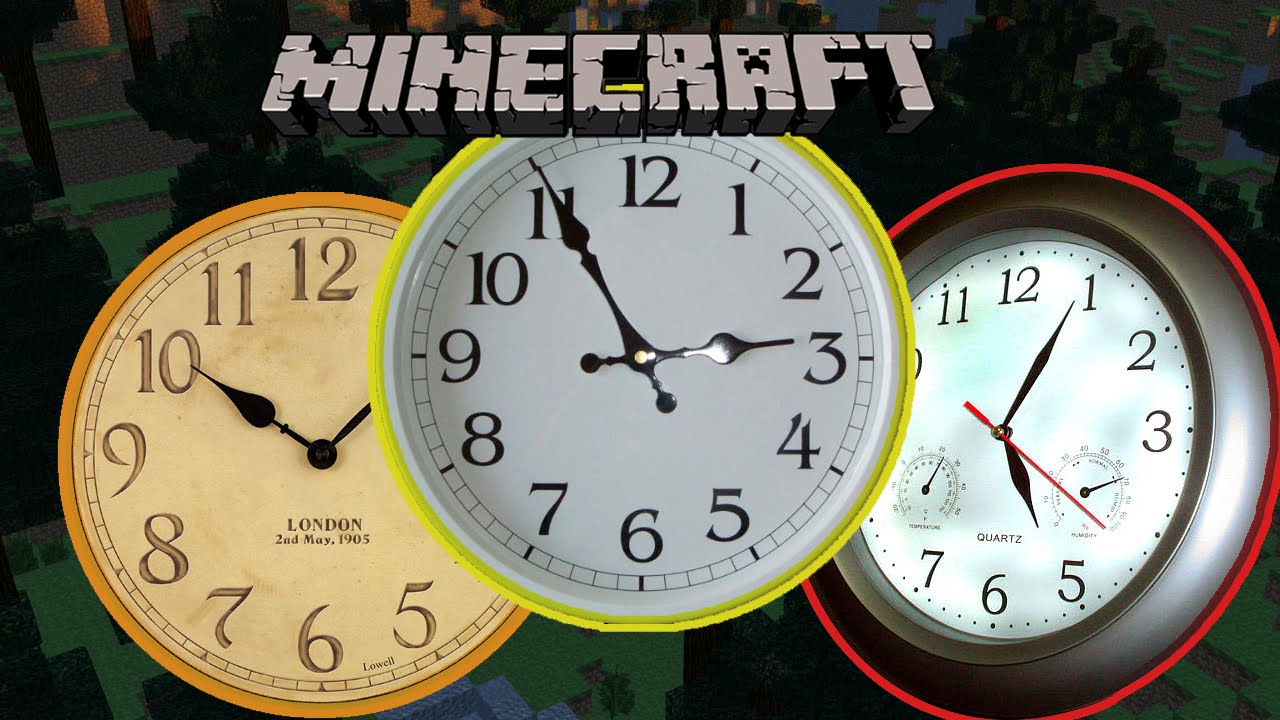
TickrateChanger Mod lets you change the speed of your Minecraft game. You can adjust the client and server tickrate to make everything move in slow motion or speed it all up. This gives you full control over the game’s pacing for fun, testing, or creating videos.
For everyone:
- /tickrate [ticks per second] – Changes the server & client tickrate
- /tickrate [ticks per second] server – Changes the server tickrate
- /tickrate [ticks per second] client – Changes the client tickrate
- /tickrate [ticks per second] [player name] – Changes the [player name]’s tickrate
For Administration/Mapping: (command block, computercraft, …)
- /tickrate setdefault [ticks per second] – Changes the server & client default tickrate
- /tickrate setdefault [ticks per second] –dontsave – Changes the server & client default tickrate without saving in the config file
- /tickrate setdefault [ticks per second] –dontupdate – Changes the server & client default tickrate without updating clients
- /tickrate setdefault [ticks per second] –dontupdate –dontsave – Changes the server & client default tickrate without saving in the config file and updating clients (this will only affect players that join the server after using this command)
- /tickrate setmap [ticks per second] – Changes the map tickrate
- /tickrate setmap [ticks per second] –dontupdate – Changes the map tickrate without updating clients
For help:
- /tickrate – Shows current tickrate of the server, client, map and the default tickrate.
- /tickrate help – Shows command examples
Features:
- Change the tickrate for the entire server.
- Adjust your own client’s tickrate, which also affects sound speed.
- Set a specific tickrate for any individual player using a command.
- Create slow-motion effects or timelapses for videos.
- Customize game speed for unique modpacks or adventure maps.
- Build faster by increasing the tickrate to place blocks more quickly.
- Slow down the game to easily test complex mechanics or redstone builds.
Commands:
/tickrate [ticks per second]– Changes both the server and your client’s tickrate./tickrate [ticks per second] server– Changes only the server’s tickrate./tickrate [ticks per second] client– Changes only your client’s tickrate./tickrate [ticks per second] [player name]– Changes the tickrate for a specific player.
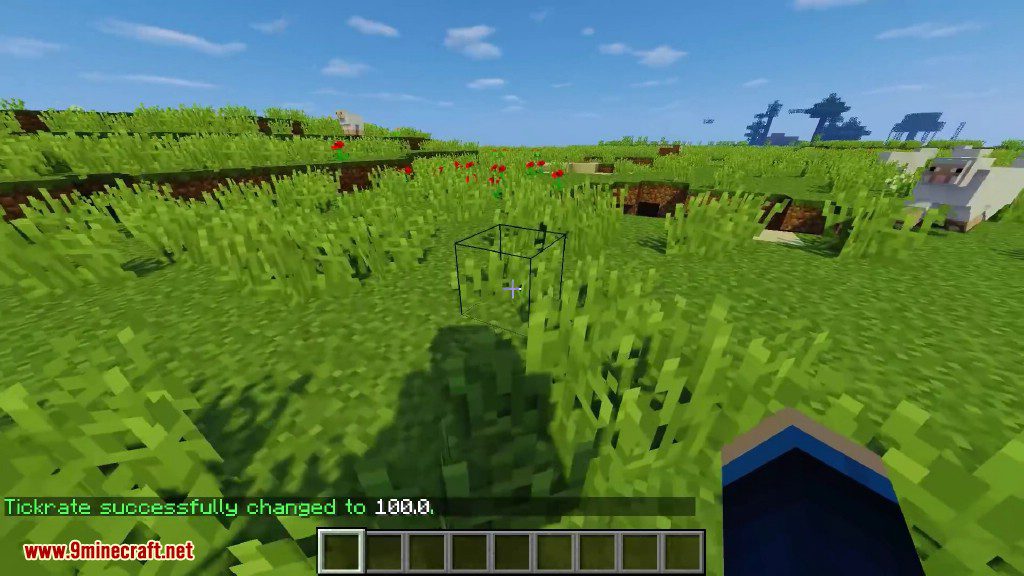
Screenshots:


How to Install:
New to Minecraft? Follow our step-by-step guide to install Mods on your PC.View Guide
TickrateChanger Mod Download Links
For Minecraft 1.7.10
For Minecraft 1.8.0
For Minecraft 1.8.9
For Minecraft 1.9.0
For Minecraft 1.9.4
For Minecraft 1.10.2
For Minecraft 1.11
For Minecraft 1.11.2
For Minecraft 1.12
For Minecraft 1.12.2
Click to rate this post!
[Total: 2 Average: 5]
You May Also Like


















This post has no comments yet. Be the first — your comment will appear here.