
TIS-3D Mod (1.20.4, 1.20.1) – Automate Builds with Code

 0


TIS-3D Mod brings low-tech, programmable computers inspired by TIS-100 into Minecraft. It expands small programmable modules into 3D multi-block machines built from controllers, casings, and specialized parts like execution, redstone, stack, infrared, terminal, and ROM modules. You can write assembly-style code in a vanilla Book and Quill or a Code Bible to automate redstone builds, create music machines, or run larger programs. The mod also includes an in-game manual to explain all computer rules and pairs well with JEI for checking crafting recipes.
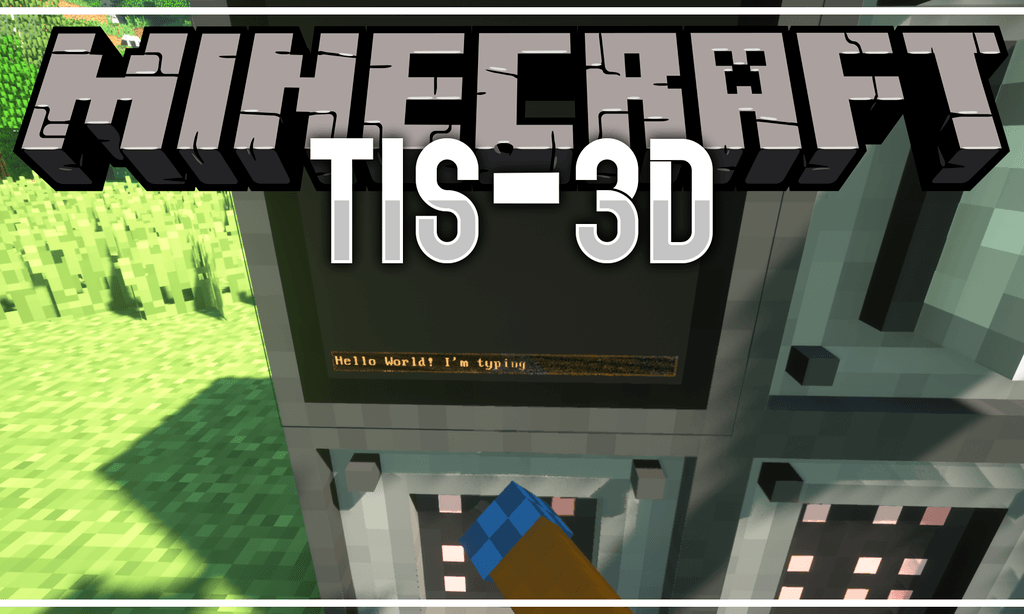
Overview
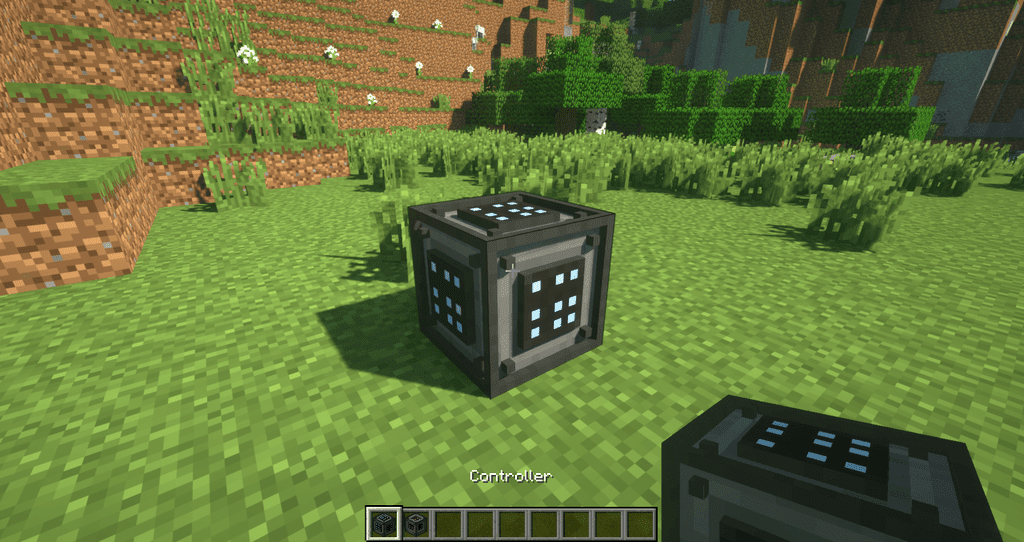
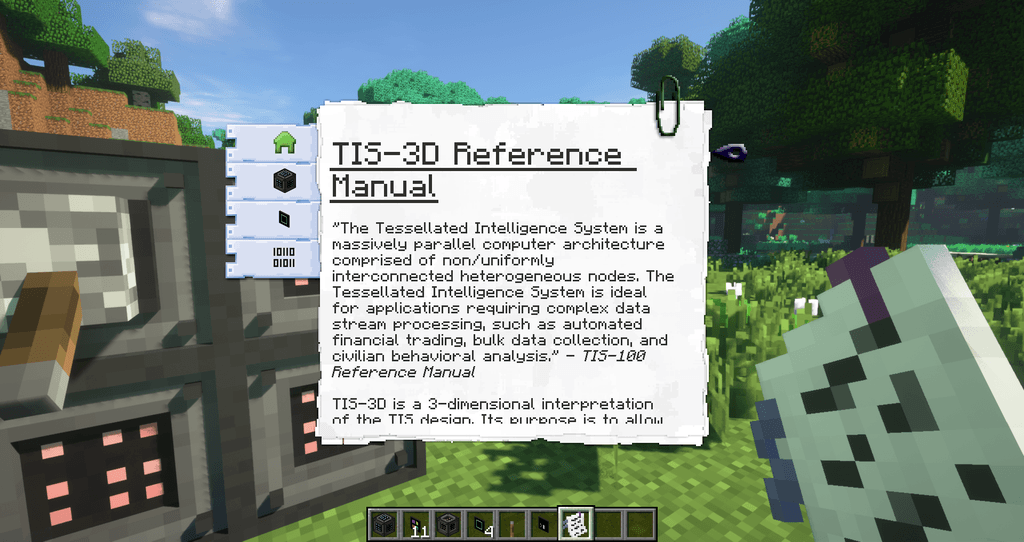
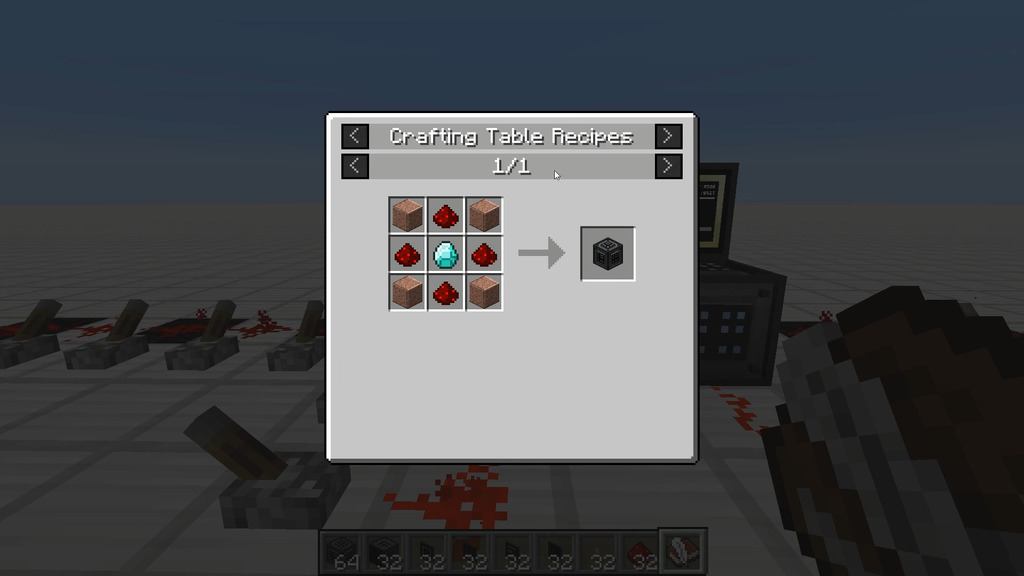
To get started, craft a controller and a few casings. For looking up recipes I strongly recommend grabbing JEI. To get a copy of the in-game manual, use a book on a placed controller (i.e. right click the block with the vanilla book in hand). You should find all the further information you require in the manual.
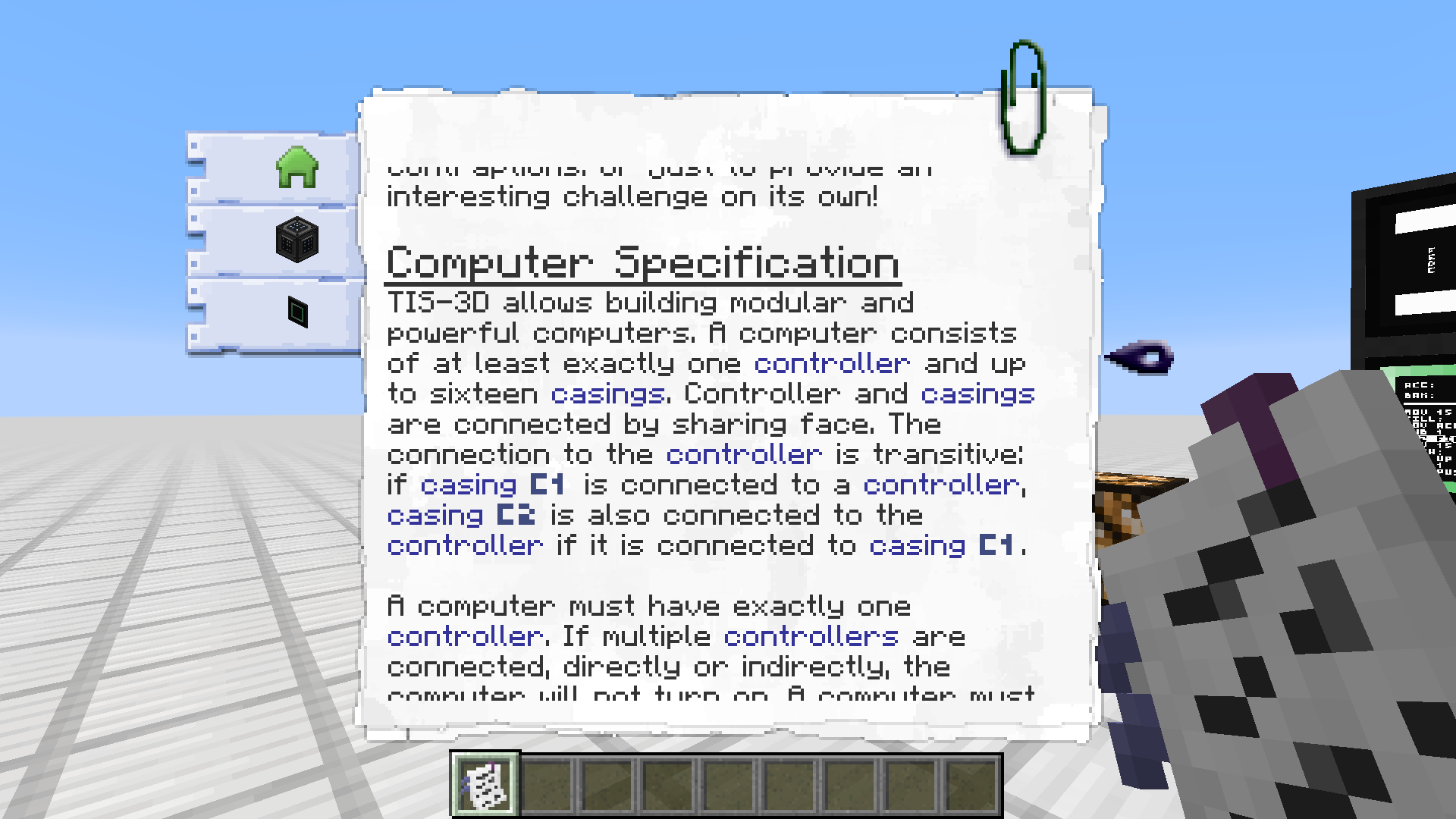
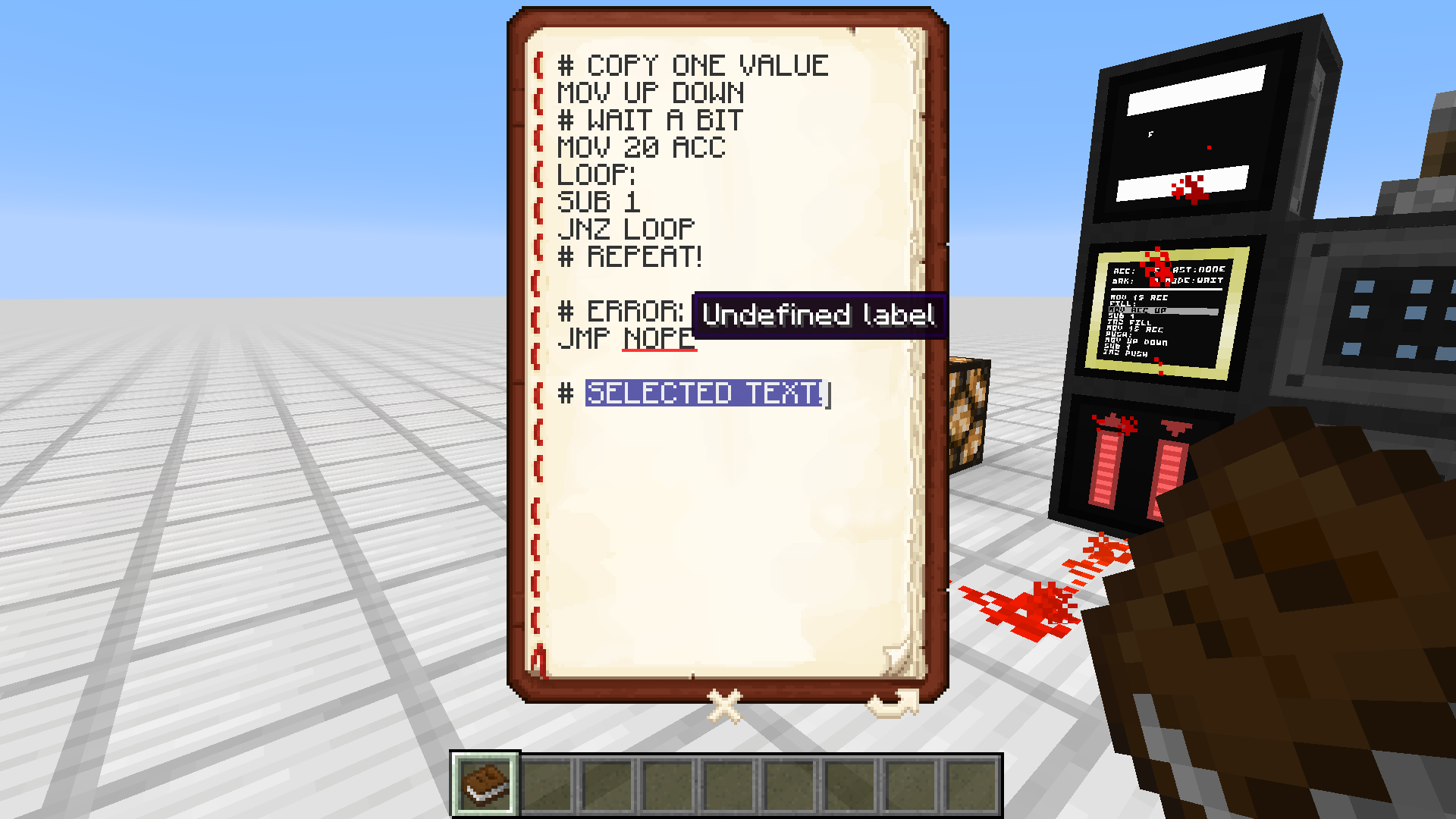
Programming TIS-3D Computers
To program a TIS-3D computer, you can either use a vanilla Book & Quill or the TIS-3D Code Bible. To install a program from one of the two onto an execution module, simply use the book on the installed module (i.e. right-click it while holding the book in hand). When using the Book & Quill, each book will be treated as one long program, i.e. all pages will be concatenated when the program is installed on an execution module. When using the Code Bible, each page is treated as an individual program, and the program on the currently selected page will be installed on the module. You can also copy programs from execution modules back into the Code Bible by using it on an execution module while sneaking.
What now?
So what do you actually do with the mod? Have fun with it! Use it as a means of automating things you’d otherwise automate using complicated redstone circuitry. Create a music machine. Design a machine-code interpreter and run even larger programs (programmed into a ROM module). Go nuts!
Features:
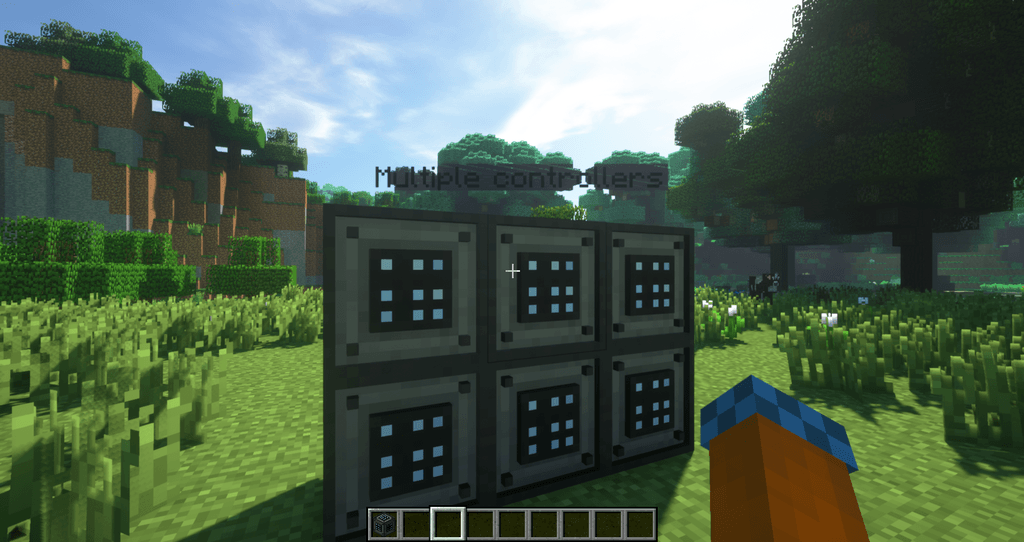
- 3D Multi-Block Computers: Connect controller blocks and casings in three dimensions to build flexible computer setups out of different modules.
- Flexible Code Books: Write one long program across every page of a vanilla Book and Quill, or use the Code Bible to store a separate program on each page.
- Built-In Manual: Includes an in-game reference manual that explains how computers and modules work.
- Lets you copy programs from an installed execution module back into a Code Bible.
- Helps you automate tasks instead of building messy redstone circuits, create music machines, or build a machine-code interpreter.
Computer Modules:
- Execution Module: Runs custom programs written in an assembly language based on TIS-100, along with extra quality-of-life instructions.
- Redstone Module: Reads and sends redstone signals so your computer can interact with blocks and contraptions in the world.
- Stack Module: Provides small data storage for your computer.
- Infrared Module: Sends data wirelessly between separate computers without wires.
- Terminal Module: Adds basic text input and output to your setup.
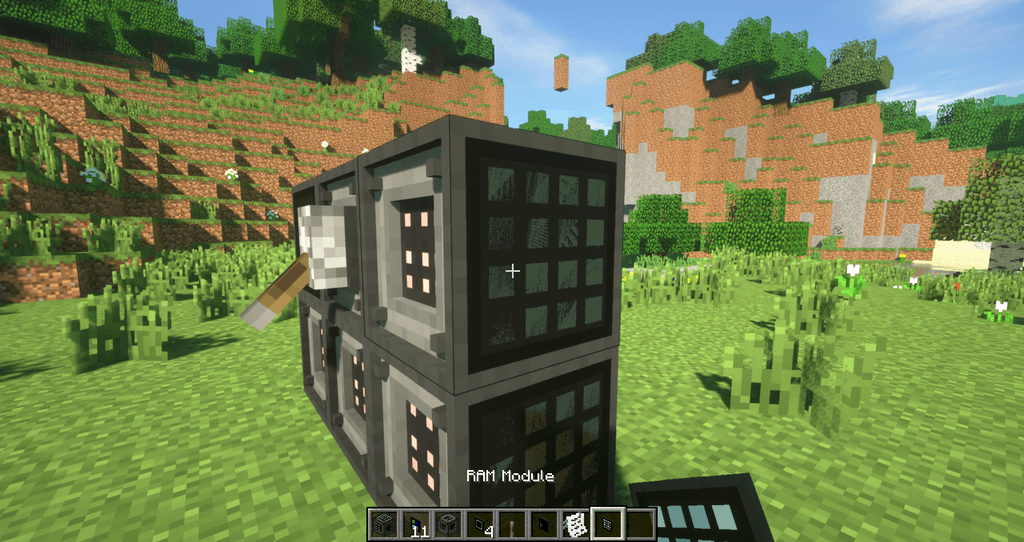
- ROM Module: Holds larger programs, such as code run by a machine-code interpreter.
How to Use:
- Craft a controller block and several casing blocks; installing JEI makes it easy to look up all crafting recipes.
- Place the controller on the ground and Right-Click it while holding a vanilla book to get the in-game manual.
- Place casings around the controller and insert the modules you want to use in your computer.
- Write your assembly program in a vanilla Book and Quill (all pages join into one long program) or in a Code Bible (each page holds one separate program).
- Hold your book and Right-Click an installed execution module to load your code onto it; with a Code Bible, this loads the currently selected page.
- Hold Sneak and Right-Click an execution module with a Code Bible to copy the module’s existing program back into the book.
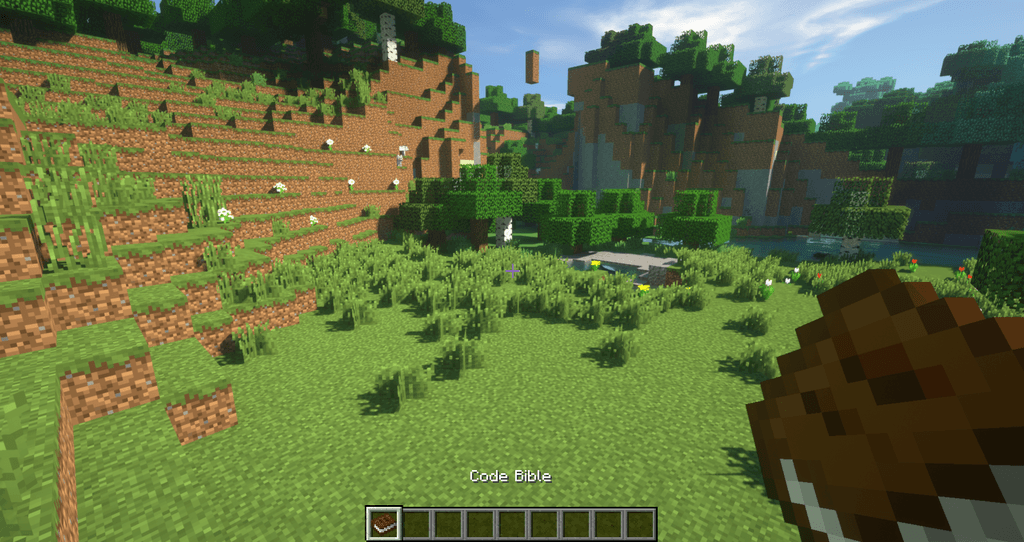
Screenshots:
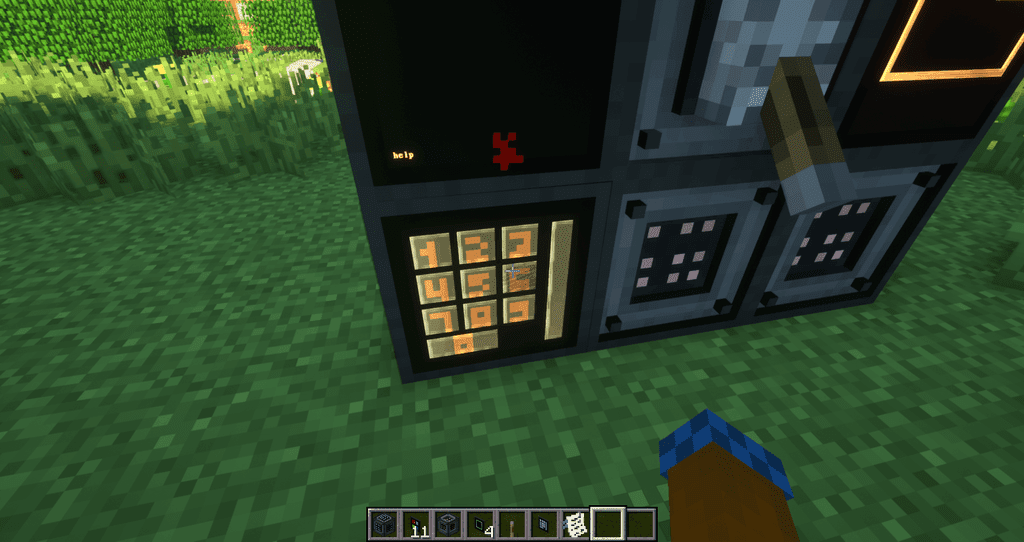
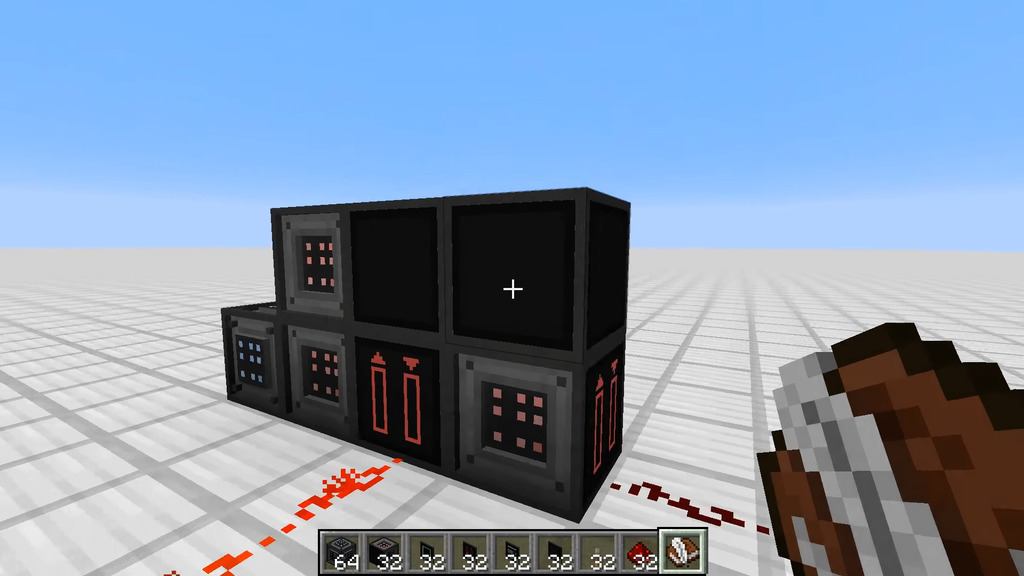
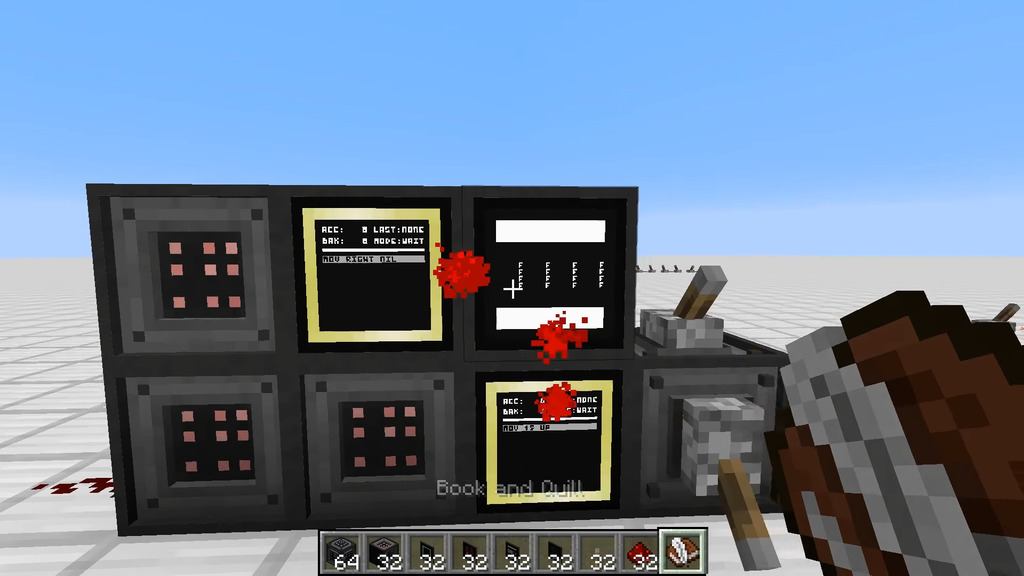
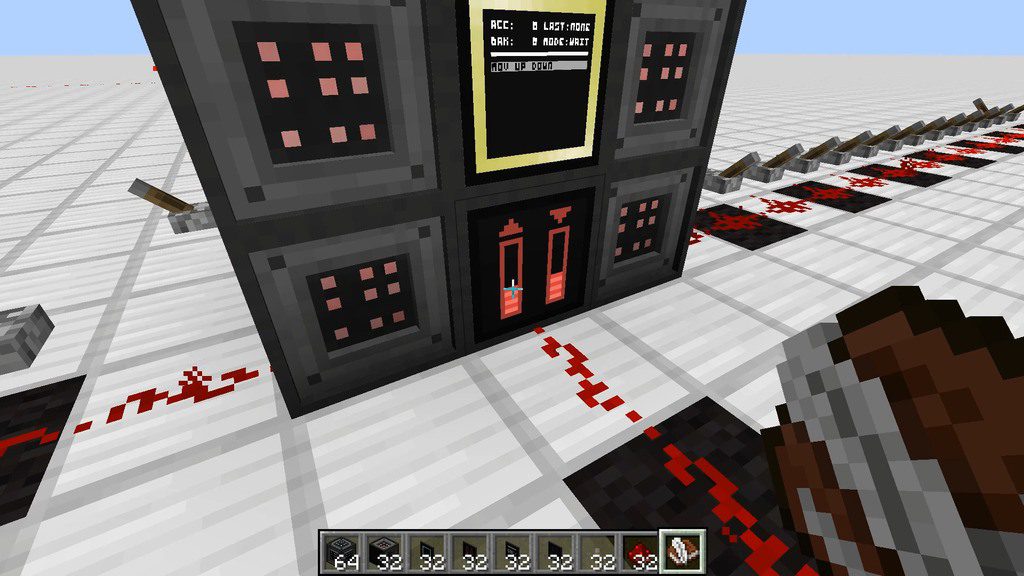
How to Install:
New to Minecraft? Follow our step-by-step guide to install Mods on your PC.View Guide
TIS-3D Mod Download Links
For Minecraft 1.7.10
Forge version: Download from Server 1
For Minecraft 1.12.2
Forge version: Download from Server 1
For Minecraft 1.15.2
Fabric version: Download from Server 1
For Minecraft 1.16.5
Forge version: Download from Server 1
Fabric version: Download from Server 1
For Minecraft 1.17.1
Forge version: Download from Server 1
For Minecraft 1.18.2
Forge version: Download from Server 1
For Minecraft 1.19
Forge version: Download from Server 1
For Minecraft 1.19.2
Forge version: Download from Server 1 – Download from Server 2
Fabric version: Download from Server 1 – Download from Server 2
For Minecraft 1.19.3
Forge version: Download from Server 1 – Download from Server 2
Fabric version: Download from Server 1 – Download from Server 2
For Minecraft 1.20.1, 1.20
Forge version: Download from Server 1 – Download from Server 2
Fabric version: Download from Server 1 – Download from Server 2
For Minecraft 1.20.4
Forge version: Download from Server 1
Fabric version: Download from Server 1
NeoForge version: Download from Server 1
What type of storage system do you look for first in a modded world?
24 responses · See the full results →
You May Also Like
Picked for this page
 Iris Shaders Mod (26.3, 1.20.1) – Optifine for Fabric, Shaders Core
 GeckoLib Mod (26.3, 1.20.1) – Powerful Animation and Rendering Engine
 Applied Energistics 2 Mod (26.3, 1.20.1) – Advanced Technology
 Integrated Terminals Mod (26.3, 1.20.1) – Manage Integrated Dynamics Networks
 OpenBlocks Elevator Mod (26.3, 1.20.1) – Fastest Elevator Ever
 Cyclops Core (26.3, 1.20.1) – Library for Kroeser’s Mods
 Project Red Mod (1.21.1, 1.20.1) – Run Redstone Up Your Walls
 Compact Machines Mod (1.21.8, 1.20.1) – Build a Factory in a Block
 Fancy Health Bar Mod (26.3, 1.20.1) – Visual Feedback For Damage
 Iron Tanks Mod 1.12.2, 1.11.2 (Expanding Buildcraft Tanks) (26.2, 26.1.2)
 Kits Mod (26.3, 1.20.1) – Configurable Kits For Servers
 Moss Fix Mod (1.21.1, 1.20.1) – Enables Moss Growth Beneath Transparent Blocks
Most viewed in Mods over the last 7 days
 Ala Industrial Mod (26.3) – Run Electric Power Grids and Automated Factories
 PleasureCraft Mod (26.3, 1.21.1) – Jenny Mod Remake for Fabric
 Jennycraft Mod (26.3, 1.20.1) – Virtual Girlfriend in Minecraft
 Fapcraft Mod (26.3, 1.12.2) – Comprehensive and Detailed Content
 Jenny Mod (Fapcraft) Official Complete Guide – How to use, Tutorial
 BangCraft Mod (1.20.1) – Jenny, Ellie and Elliot
 Fabric Loader (26.3, 1.20.1) – Fabric Installer for All Minecraft Versions
 The Shooting Star Demo Mod (26.3, 1.20.1) – Vaporize Terrain From Orbit
 Meteor Client Mod (26.3, 1.20.1) – Xray, HUD, Fly
 OptiFine HD (26.3, 1.20.1) – Run Faster, FPS Boost, Shaders Support
 Aristois Client Mod (1.21.4, 1.20.1) – World Class Minecraft Utility
 Prestige Client Mod (1.21.11, 1.21.4) – Powerful Ghost Features for Crystal & Sword PvP
More from Mods
 Tre’s Tack Library Mod (1.20.1) – Outfit Your Horses with Fully Detailed Tack
 YDM’s coreX Library Mod (1.20.1) – Loot RPG Gear with Random Names
 Gunpowder Recipe Mod (26.3, 1.20.1) – Gunpowder is Craftable
 Villager Timetable Mod (26.3, 1.20.1) – Master Villager Schedules
 Artemis Laboratory Blocks Mod (26.3, 1.20.1) – Lab Blocks And Dynamic Decorations
 Fabric ORM Jimmer Mod (26.3, 1.20.1) – Prevent Sudden Server Crashes
 Cafe Core Mod (26.2, 1.21.1) – Bypass Anvil Limits and Tame Pets in Seconds
 GTNH’s Forgelin Mod (1.7.10) – Play Kotlin-Powered Mods on Minecraft 1.7.10
 Nodeflow Mod (26.1.2, 1.21.1) – Wire Custom Redstone Logic on Visual Graph
 Winter Client Mod (1.21.11) – Survive Ruthless PvP on Anarchy Servers
 LARP Client Mod (1.21.11) – Dominate Crystal PvP on Anarchy Servers
 Berlin Client Mod (1.21.11) – Hunt Stashes and Win Crystal Fights

This post has no comments yet. Be the first — your comment will appear here.