


Tower Crane Schematic (1.21.x) – Massive Industrial Crane for Building Sites

 0
0 

Tower Crane Schematic provides a tall construction crane for your Minecraft world. It lets you build a realistic structure using the Create mod for your industrial areas. This build stands 48 blocks high and covers a wide area with its long arm. It uses over 900 blocks to create a detailed look that fits any modern city. You can use this schematic to make your building projects look more professional and active.
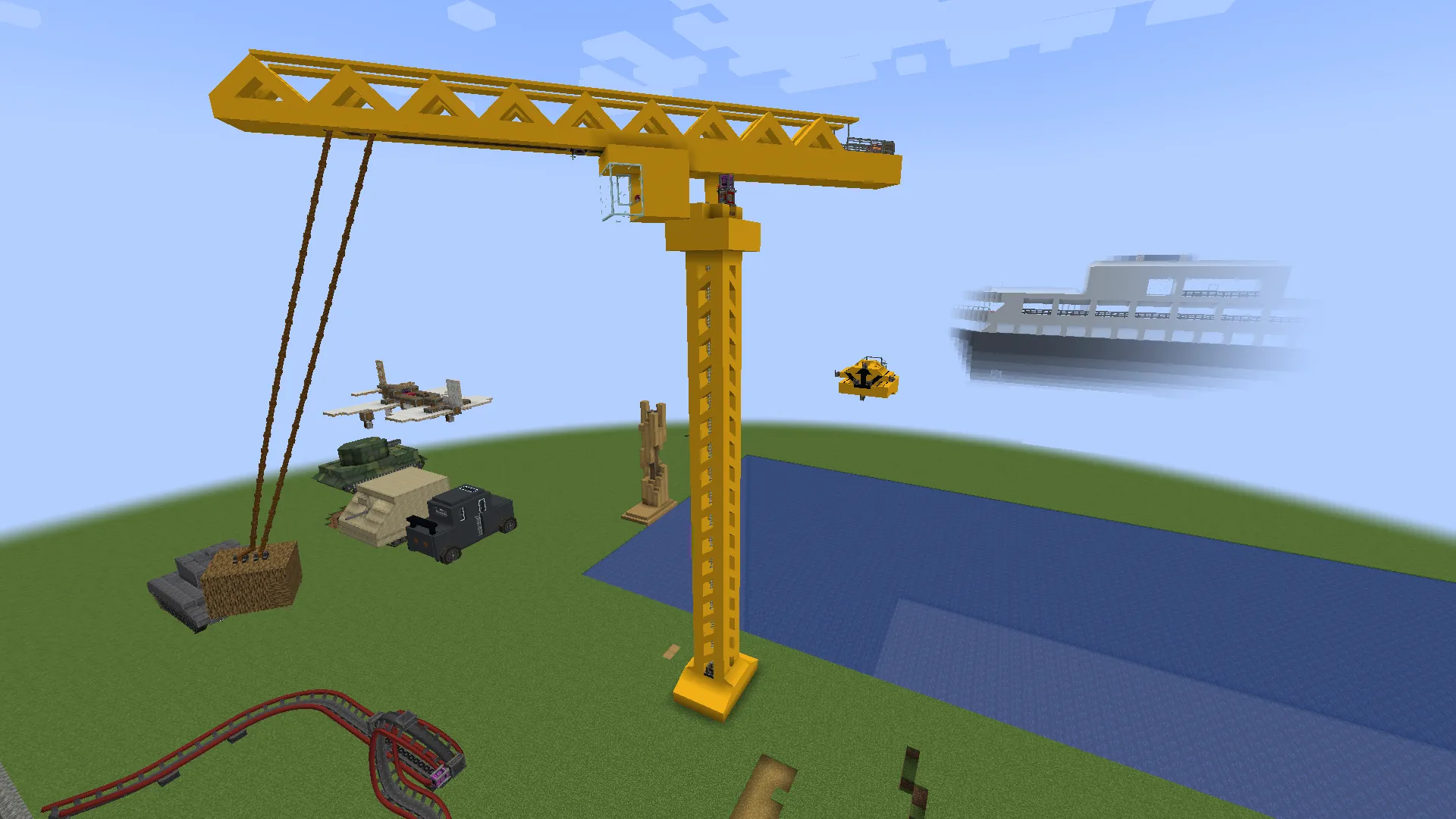
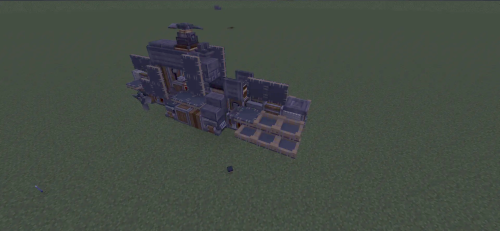
3D Preview:
Features:
- Industrial Design: Adds a realistic tower crane that looks great in city maps.
- Stands 48 blocks tall to tower over your other buildings.
- Uses exactly 902 blocks for a complete and detailed construction.
- Fits into a 41x48x6 space in your world.
- Requires the Create mod and other specific addons to function properly.
- Provides a pre-made design so you do not have to build from scratch.
Schematic Specs:
 Minecraft1.21.x
 Create Mod6.0.10
 Dimensions41×48×6
 Total Blocks902
 Top Blocks Used
Yellow Concrete 775Copycat Slope Layer 159Copycat Slope 108Copycat Panel 70Andesite Ladder 43
How to Use:
- Load the schematic file into your Minecraft schematics folder.
- Use the Schematic Table in the Create mod to select the crane.
- Place the blue outline in your world where you want the crane to stand.
- Fill a chest with the 902 required blocks or use a Schematicannon.
- Wait for the build to finish and avoid breaking the top section to keep it stable.
Requirements:

Tower Crane Schematic Download Links
For Minecraft 1.21.x
Click to rate this post!
[Total: 0 Average: 0]
You May Also Like

This post has no comments yet. Be the first — your comment will appear here.