
Trims On Tools Mod (1.21.1, 1.20.1) – Match Your Gear Style with Custom Smithing

 0


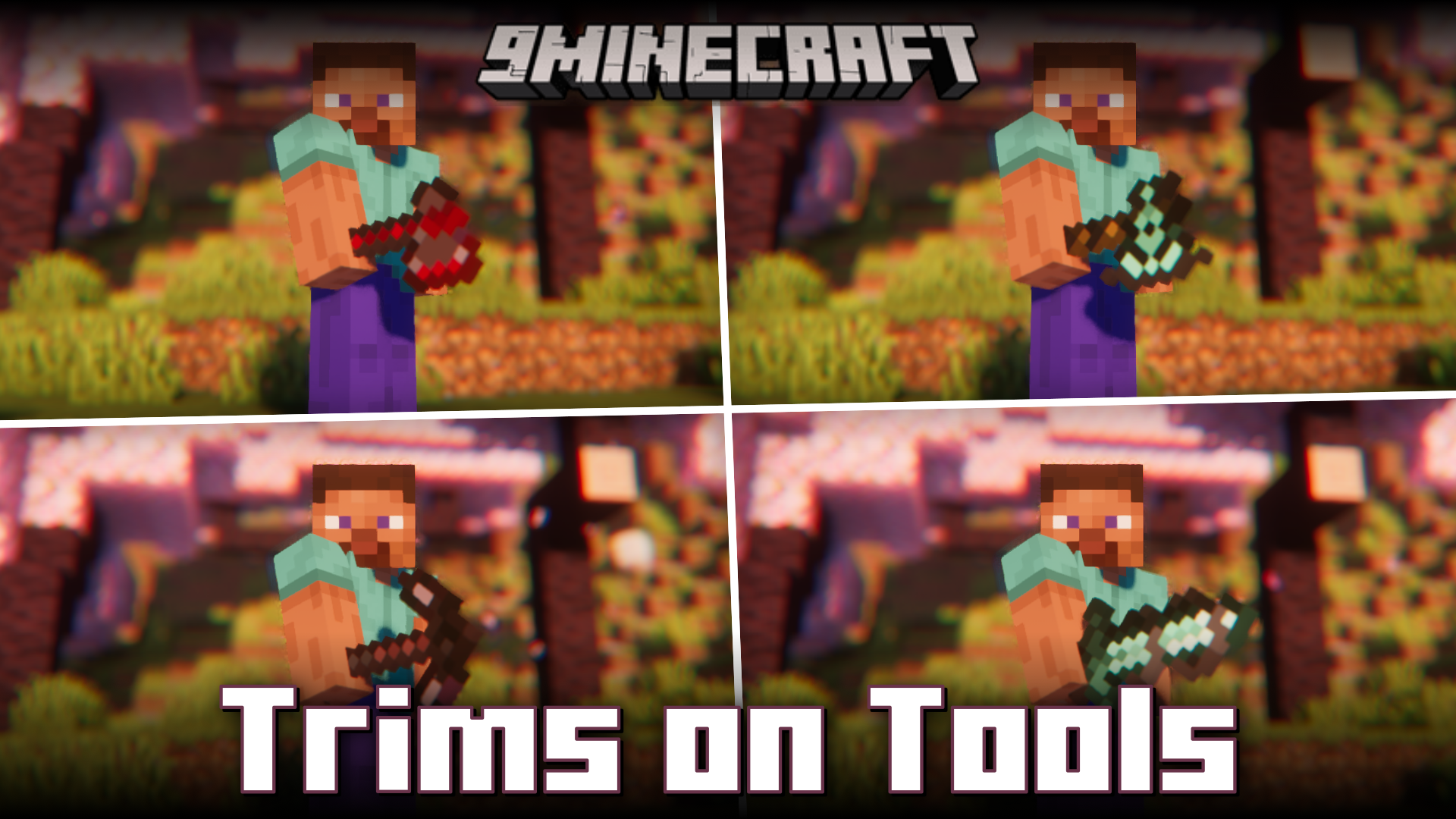
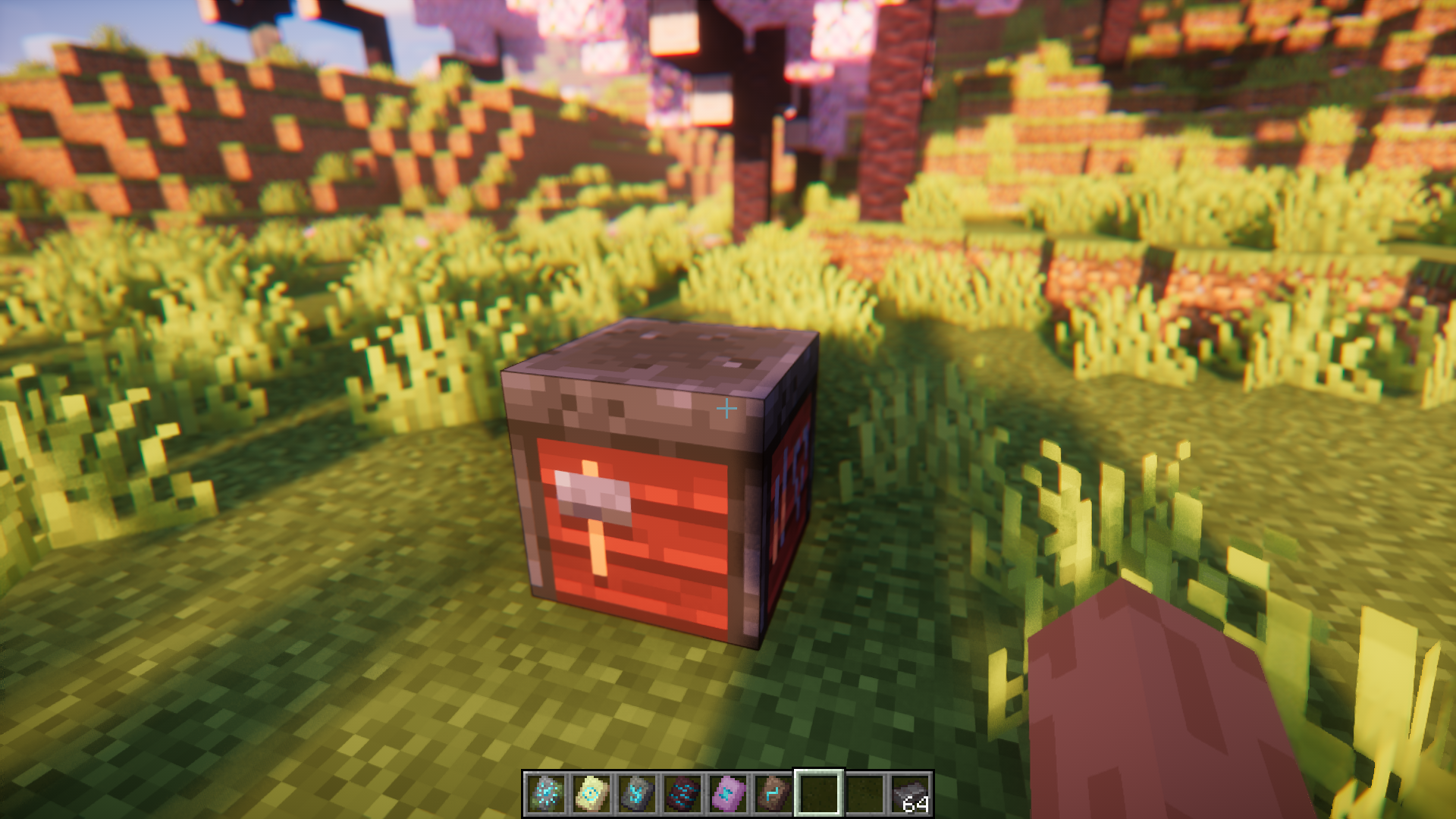
Trims On Tools Mod lets you put cool armor trims onto all vanilla tools and weapons in the game. It brings the familiar smithing table customization to swords, pickaxes, axes, shovels, hoes, and shears. You can easily style your gear using the exact same vanilla process used for armor pieces.
Requires:
Features:
- Adds support for applying any armor trim to pickaxes, axes, shovels, swords, hoes, and shears.
- Introduces a new smithing template that makes your trims glow in the dark when combined with glow ink sacs.
- Supports Biomes O’ Plenty and Elytra Trims right out of the box.
- Allows full gear customization to match your personal playstyle and aesthetic.
How to Use:
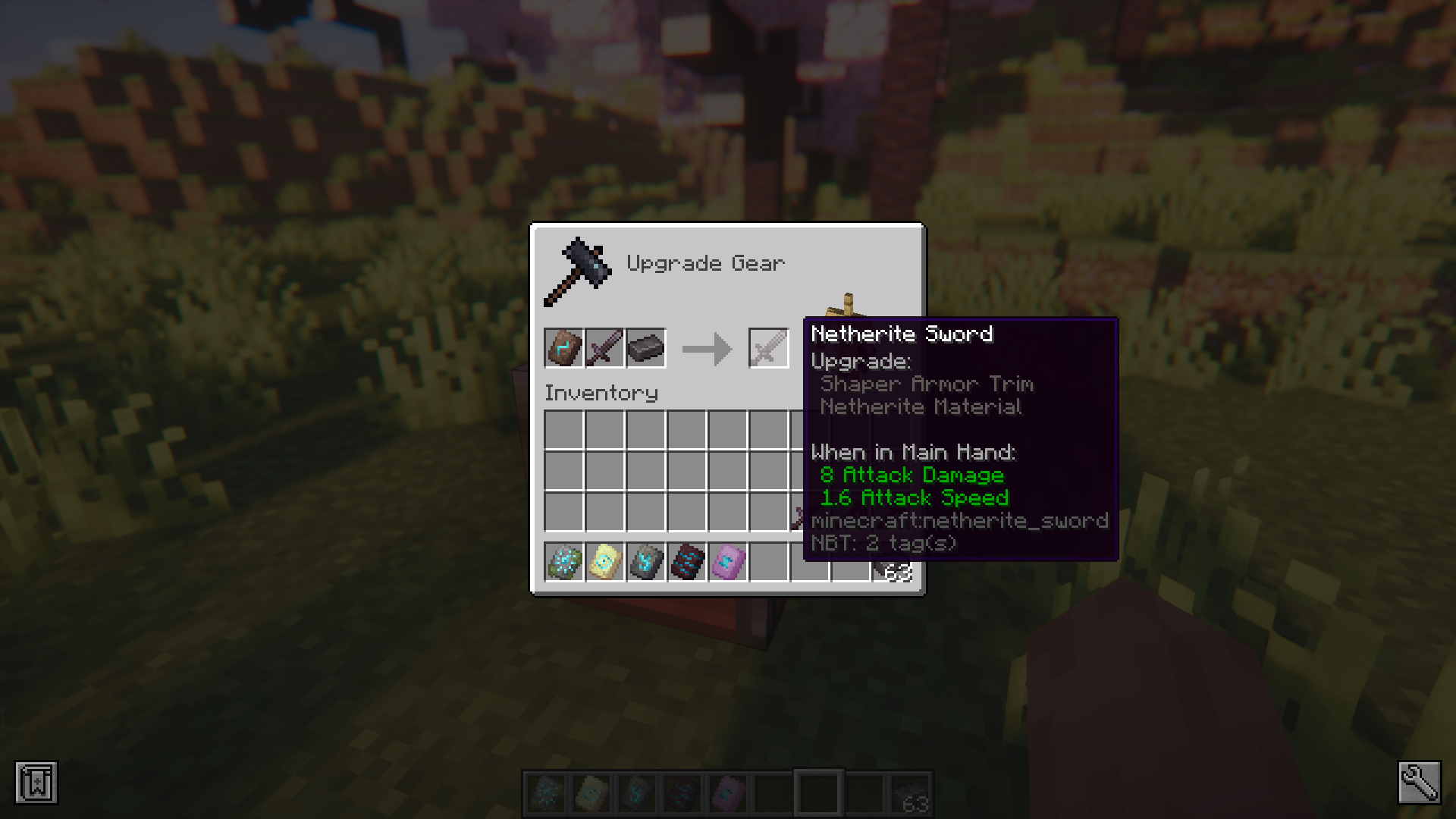
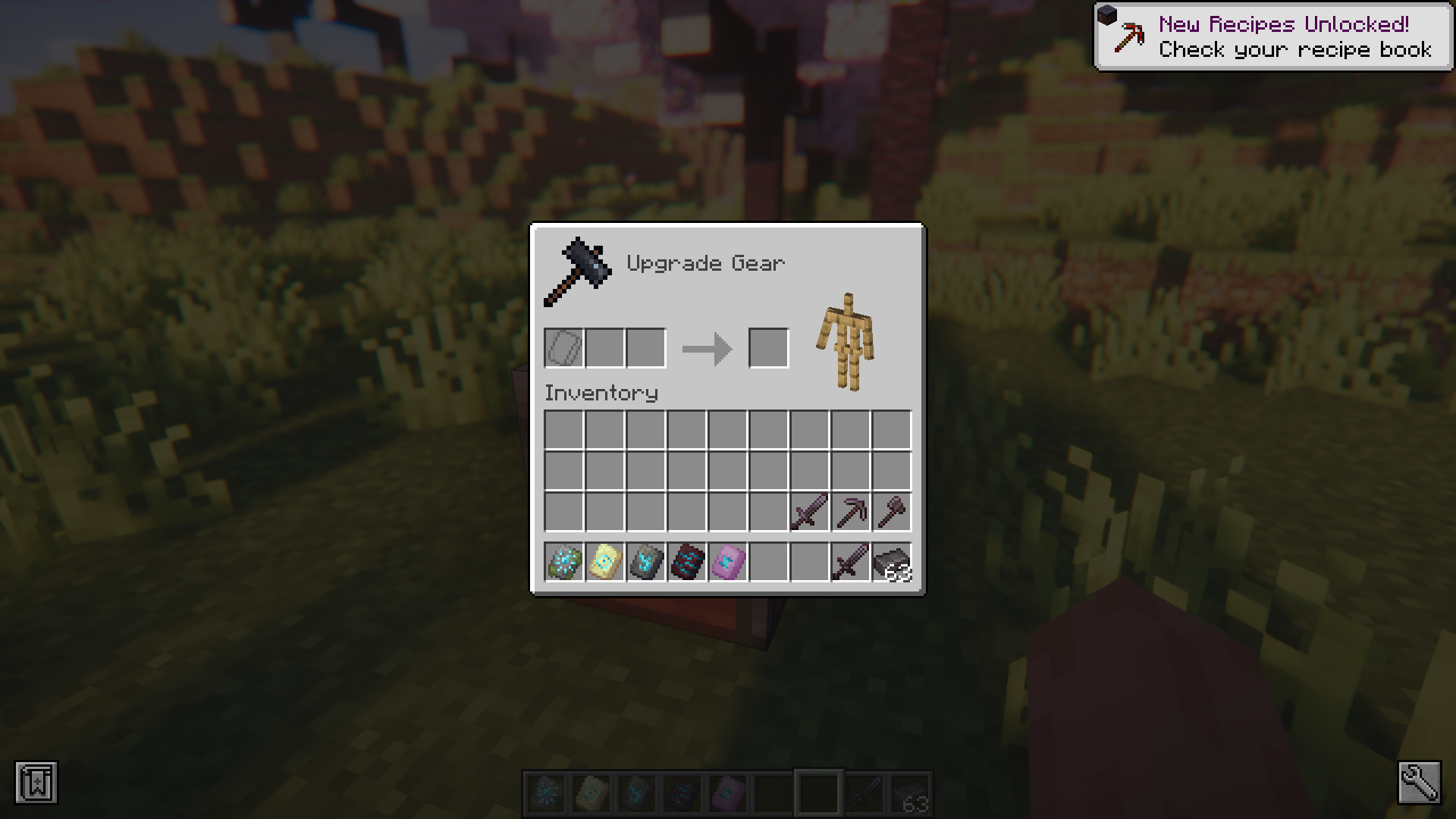
- Open a smithing table interface.
- Place your tool or weapon into the upgrade slot.
- Insert your preferred armor trim and material to customize your gear.
- Combine your trimmed item with a glow ink sac to make it glow in the dark.
Screenshots:




How to Install:
New to Minecraft? Follow our step-by-step guide to install Mods on your PC.View Guide
Trims On Tools Mod Download Links
For Minecraft 1.21.1, 1.21
NeoForge version: Download from Server 1 – Download from Server 2
For Minecraft 1.20.1
Forge/NeoForge version: Download from Server 1 – Download from Server 2
Click to rate this post!
[Total: 0 Average: 0]
You May Also Like
Picked for this page
 Ears Mod (26.3, 1.20.1) – Snouts/Muzzles, Tails, Horns, Wings
 Simple Voice Chat Enhanced Groups Mod (26.3, 1.20.1) – Optimizing Multiplayer Communication
 Loot Integrations Moog’s Voyager, Soaring, End, Nether Structures Mod (26.3, 1.20.1)
 First Join Message Mod (26.3, 1.20.1) – Custom Welcome Messages
 Armor Set Bonuses Mod (1.21.1, 1.20.1) – Configurable Armor Sets
 Player Ladder Mod (1.21.11, 1.20.1) – Allows Riding or Picking Up Players
 VillEdit Mod (1.21.11, 1.21.1) – Create and Edit Custom Villagers
 Villainous Fish AI Mod (1.21.1, 1.20.1) – Fishes React to Disturbance!
 Custom Name Tags Mod (1.21.10, 1.20.1) – Server Side Name Tag Customization
 The Occult Mod (1.21.1, 1.20.1) – Trade Curses for Powerful New Abilities
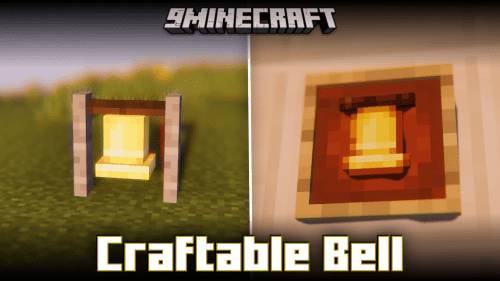 Craftable Bell Mod (26.3, 1.20.1) – Adds A Crafting Recipe For Bells
 TaCZ Bleeding Mod (1.20.1) – Bandage Your Wounds Before You Bleed Out
Most viewed in Mods over the last 7 days
 Ala Industrial Mod (26.3) – Run Electric Power Grids and Automated Factories
 PleasureCraft Mod (26.3, 1.21.1) – Jenny Mod Remake for Fabric
 Jennycraft Mod (26.3, 1.20.1) – Virtual Girlfriend in Minecraft
 Fapcraft Mod (26.3, 1.12.2) – Comprehensive and Detailed Content
 Jenny Mod (Fapcraft) Official Complete Guide – How to use, Tutorial
 BangCraft Mod (1.20.1) – Jenny, Ellie and Elliot
 Fabric Loader (26.3, 1.20.1) – Fabric Installer for All Minecraft Versions
 Meteor Client Mod (26.3, 1.20.1) – Xray, HUD, Fly
 The Shooting Star Demo Mod (26.3, 1.20.1) – Vaporize Terrain From Orbit
 OptiFine HD (26.3, 1.20.1) – Run Faster, FPS Boost, Shaders Support
 Aristois Client Mod (1.21.4, 1.20.1) – World Class Minecraft Utility
 Prestige Client Mod (1.21.11, 1.21.4) – Powerful Ghost Features for Crystal & Sword PvP
More from Mods
 Vaskars Opus Faction War Quests & Bosses Mod (1.21.11, 1.20.1)
 Multitools and More Mod (26.3, 1.20.1) – Clear Your Hotbar and Travel
 Luxium Let There Be Light Mod (1.20.1) – Stunning Lighting on Low-End Computers
 Soulscraft Tarnished Legacy Mod (1.21.1) – Hunt Relics to Forge Dark Fantasy
 Fetzi’s Displays Mod (26.1.2, 1.20.1) – Turn Rare Gear and Weapons
 Primal Plushies Paleo Pals Mod (1.21.1, 1.20.1) – Decorate Your Base
 Ipla Mod (26.3, 1.20.1) – Showcase Your Favorite Items
 MesdagPortLib Mod (1.20.1) – Run Modern Minecraft Mechanics on Older Versions
 Hellion’s API Mod (1.21.11, 1.21.1) – Play Hellion Series Addons Without Crashes
 Terrestria Mod (26.3, 1.20.1) – Highly Detailed Biomes
 Tre’s Tack Library Mod (1.20.1) – Outfit Your Horses with Fully Detailed Tack
 YDM’s coreX Library Mod (1.20.1) – Loot RPG Gear with Random Names

This post has no comments yet. Be the first — your comment will appear here.