
Vanilla Changes Model – Brings 3D Details and Smooth Block Animations
 3
 0


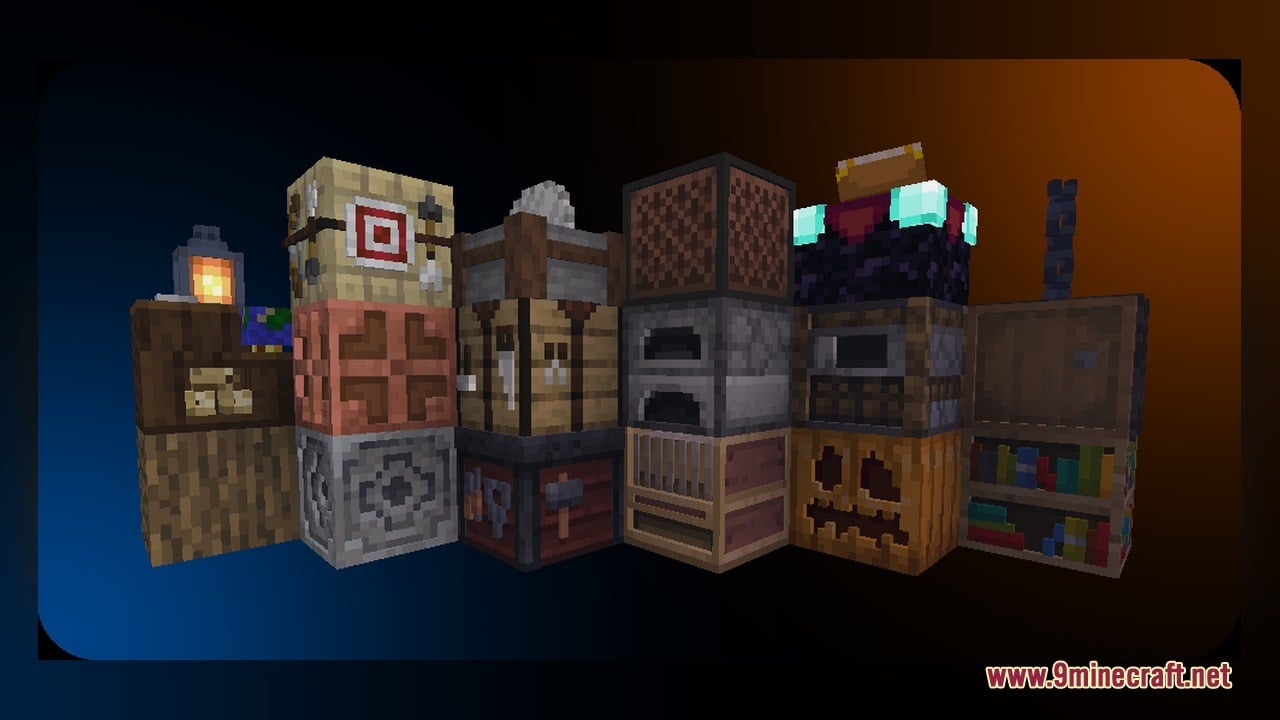
Vanilla Changes Model refreshes classic blocks with cleaner visuals, better consistency, and small 3D details. It stays true to Minecraft’s original style while upgrading 531 models and 5,992 textures. Everyday blocks like doors, rails, barrels, and beehives get natural visual touches and smooth animated textures without losing their classic feel.
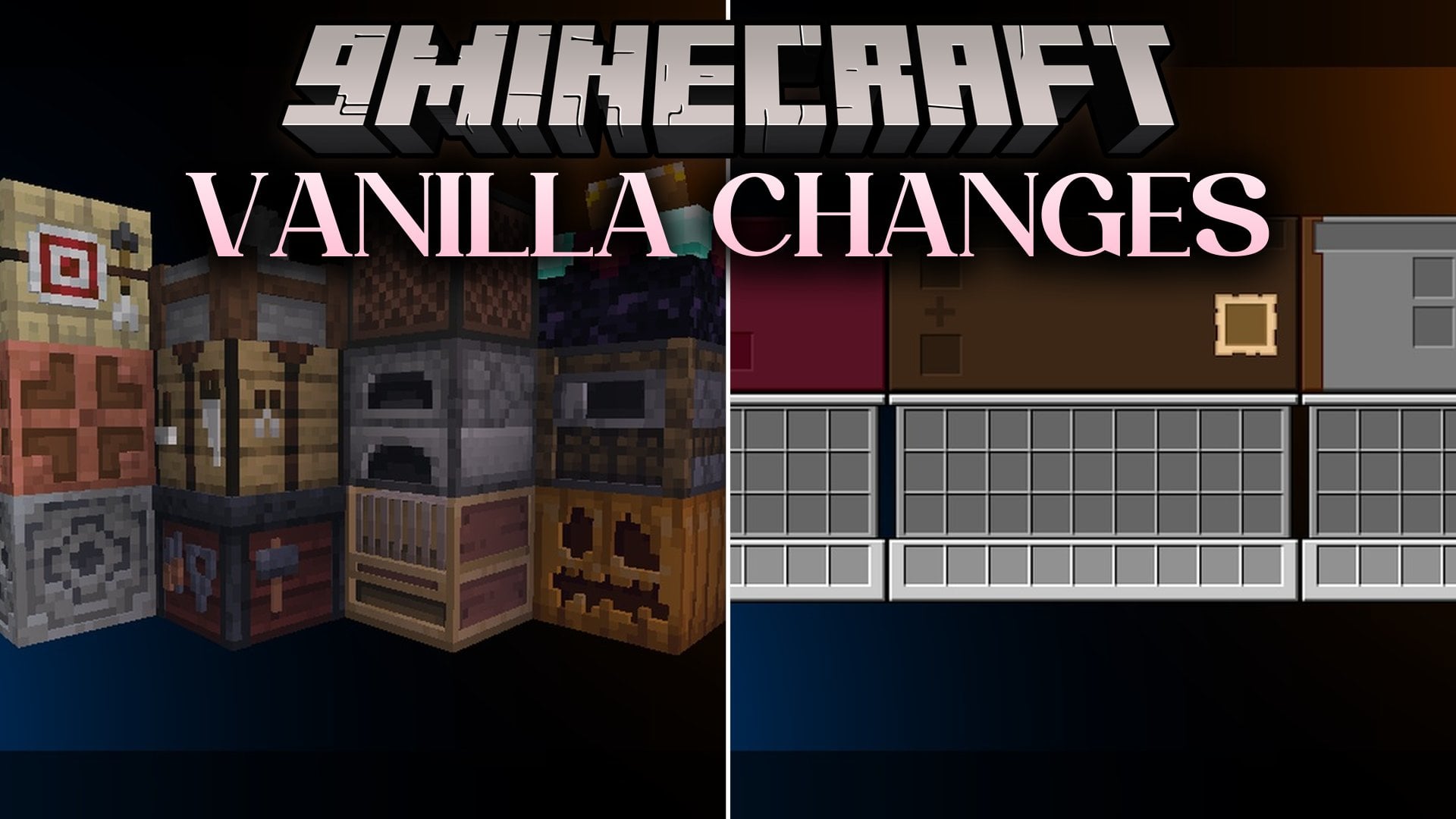
Features:
- 531 Custom 3D Models: Upgrades classic blocks with extra depth and small visual details that fit the base game.
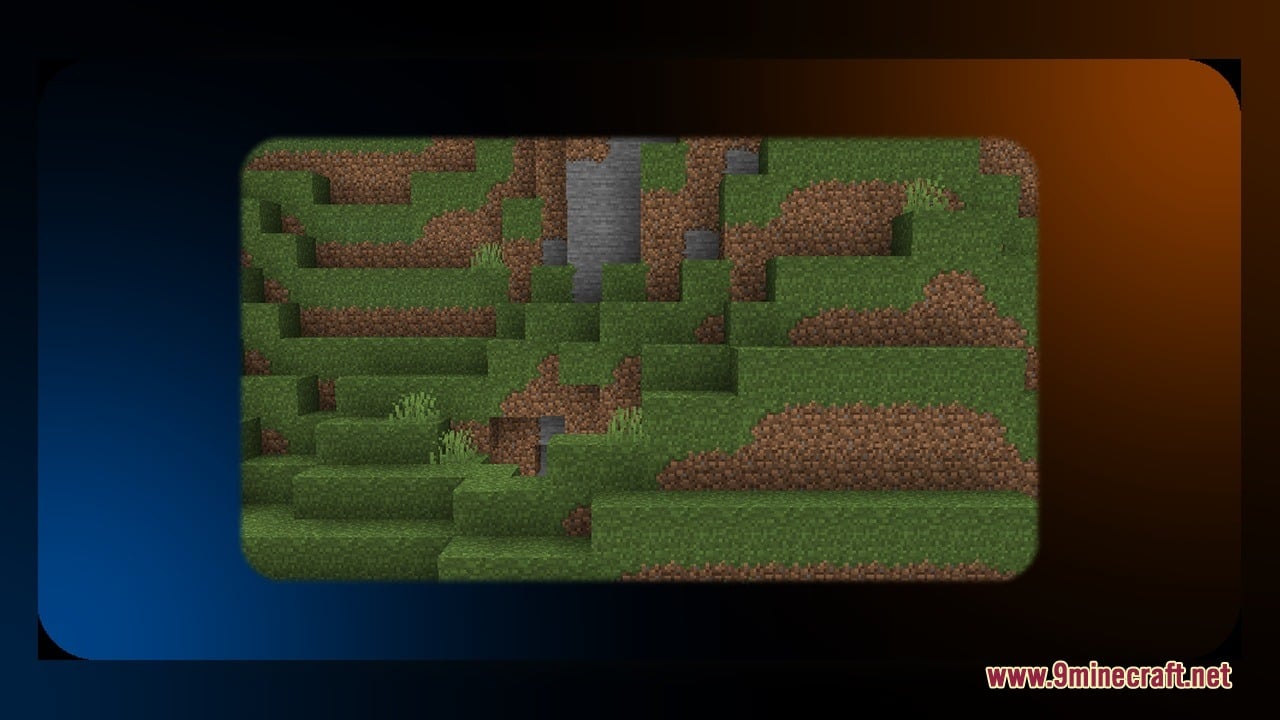
- 5,992 Clean Textures: Repaints thousands of surfaces for better visual consistency across your world, including animated textures.
- Gives acacia and bamboo doors and trapdoors detailed 3D parts for both open and closed states.
- Changes barrels so you can see clear visual differences when the lid opens and closes.
- Updates beehives with distinct visual stages as they slowly fill up with honey.
- Improves activator rails with cleaner textures for flat, sloped, and powered states.
- Adds crisp 3D shapes to anvils and amethyst clusters.
Updated Block Groups:
- Doors and Trapdoors: Acacia and bamboo doors and trapdoors with separate top, bottom, left, right, and open models.
- Utility and Storage: Anvils, barrels with open states, and beehives with four filling stages plus full honey visuals.
- Rails and Crystals: Flat and raised activator rails with powered states, along with underground amethyst clusters.
How to Use:
- Place the pack into your resourcepacks folder and turn it on from the in-game Options menu.
- Chop acacia or bamboo wood to craft doors and trapdoors, then right-click them to see how the 3D hinges and panels move when opened and closed.
- Craft a barrel from planks and slabs, place it down, and open your storage to watch the top lid change into its open model.
- Build a beehive with planks and honeycombs near flowers, then watch the front of the block change across four filling stages as bees make honey.
- Lay down activator rails on flat ground and slopes, then power them with a redstone torch to see the lit and unlit animated textures.
- Craft an anvil from iron or find an underground amethyst geode to inspect the updated 3D shapes on anvils and amethyst clusters up close.
Requirements:
- A Minecraft version that handles animated textures (1.21.3 to 26.1).
Screenshots:
Vanilla Changes Model Download Links
Click to rate this post!
[Total: 0 Average: 0]
You May Also Like
Picked for this page
 Pixel Perfection Fidelity Model – Brings Cozy Medieval 3D Models to Blocks
 Quadral Model – Brings Vivid Colors and 31 Custom 3D Models to Vanilla
 Pixel-Tree Model – Transforms Everyday Vanilla Blocks with Detailed 3D Shapes
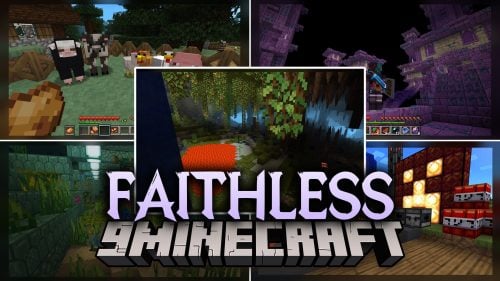 Faithless Model – Adds 698 Custom 3D Models While Keeping the Vanilla Look
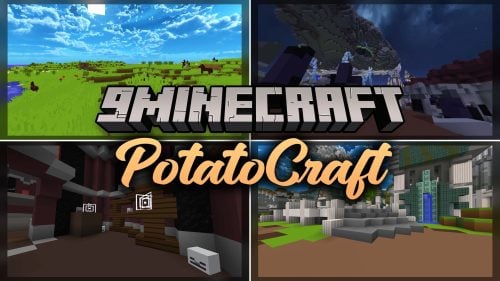 PotatoCraft Model – Brings Clean 3D Blocks and Transparent PvP Menus
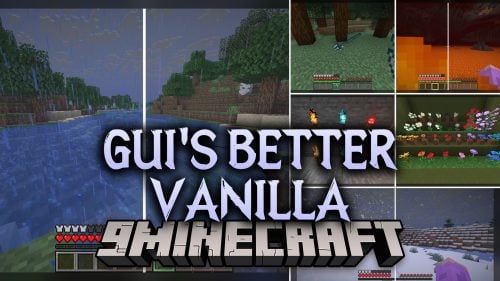 Gui’s Better Vanilla Model – Brings Animated 3D Torches and Plants
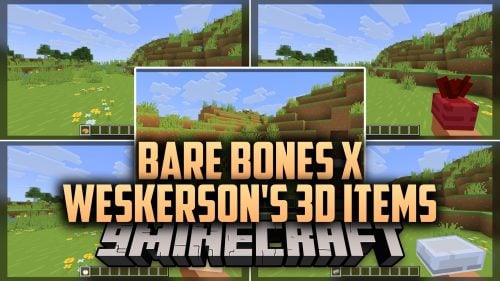 Bare Bones X Weskerson’s 3D Items Model – Brings Clean Animated 3D Redstone
 Brush & Juice Model – Brings Animated 3D Redstone and Mechanical Blocks
 Aurin’s ShinobiCraft Icons Model – Brings 3D Elemental Ninja Powers
 New Faithful Overlays Model – Brings Smooth Grass and Path Transitions
 Nexus Model – Brings Animated 3D Spawn Eggs and Smooth Shader Visuals
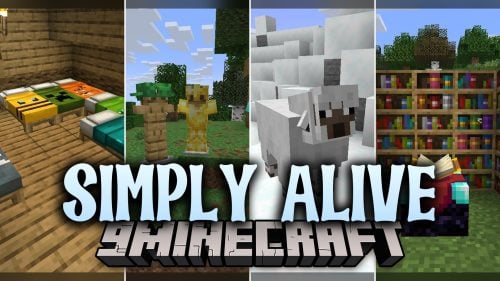 Simply Alive Model – Brings Animated 3D Blocks and Capybara Totems
Most viewed in Models over the last 7 days
 Jenny Mod Skin Pack Mega Collection – 310+ Characters
 The Most Complete Collection of Jenny Mod Resources – Models, Animations, Structures,…
 Albedo Rework Jenny Mod Model
 Power Model – Custom Girl for PleasureCraft Mod
 Galath Rework Model – Custom Girl for PleasureCraft Mod
 100+ Custom Animations For Jenny Mod
 Ram Model – Custom Girl for PleasureCraft Mod
 750 Models Addon for Yes Steve Model Mod
 Femboy Ellie Rework Jenny Mod Model
 Ellie Rework Jenny Mod Model
 Alex Model – Custom Girl for PleasureCraft Mod
 Steve (Jenny & Zoey) Pack Jenny Mod Model
More from Models
 Cinnamon Model – Adds 894 Custom 3D Models to Blocks and Plants
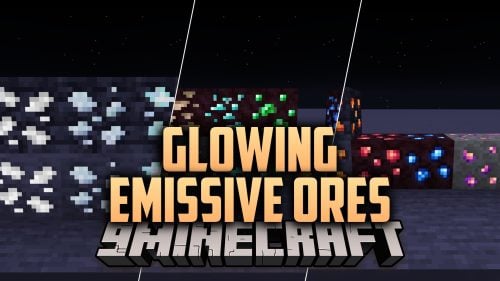 Glowing Emissive Ores Model – Brings Animated 3D Crystals to Dark Caves
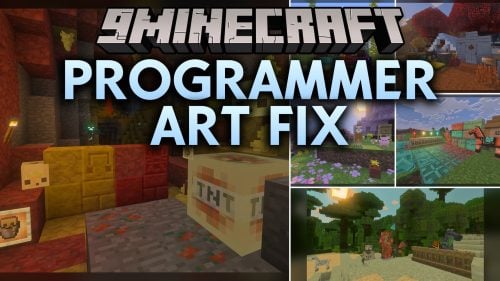 Programmer Art Fix Model – Fixes Repeaters, Comparators, and Brewing Stands
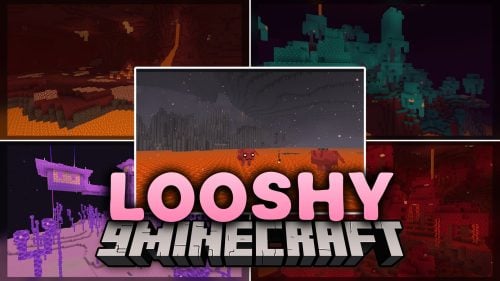 Looshy Model – Adds 30 Custom 3D Models to Redstone, Torches, and Lanterns
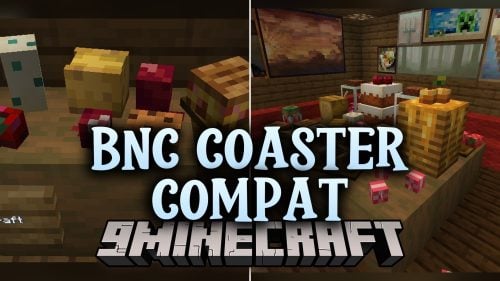 BnC Coaster Compat Model – Adds Hand-Made 3D Food Models to Coasters
 Rb’s Legendary Model – Adds 286 Custom 3D Models to Blocks and Items
 Human Era Villagers & Illagers X Fresh Animations Model
 The PäRail Trains Model – Adds Drivable Commuter Trains to Rail Networks
 Moonlit Model – Adds Soft Glowing Gear and Custom 3D Copper Lanterns
 New Default Model – Adds Thousands of 3D Block Models with Animated Fire
 S.O.M Model – Adds 118 Custom 3D Models for Leaves, Redstone and Nether Plants
 Excalibur Model – Adds Medieval 3D Models to Spawn Eggs and Steel Bars

This post has no comments yet. Be the first — your comment will appear here.