
Viewmodel Changer Mod (26.3, 1.20.1) – Customize Your Hand and Weapon Positions
 62,962
 0


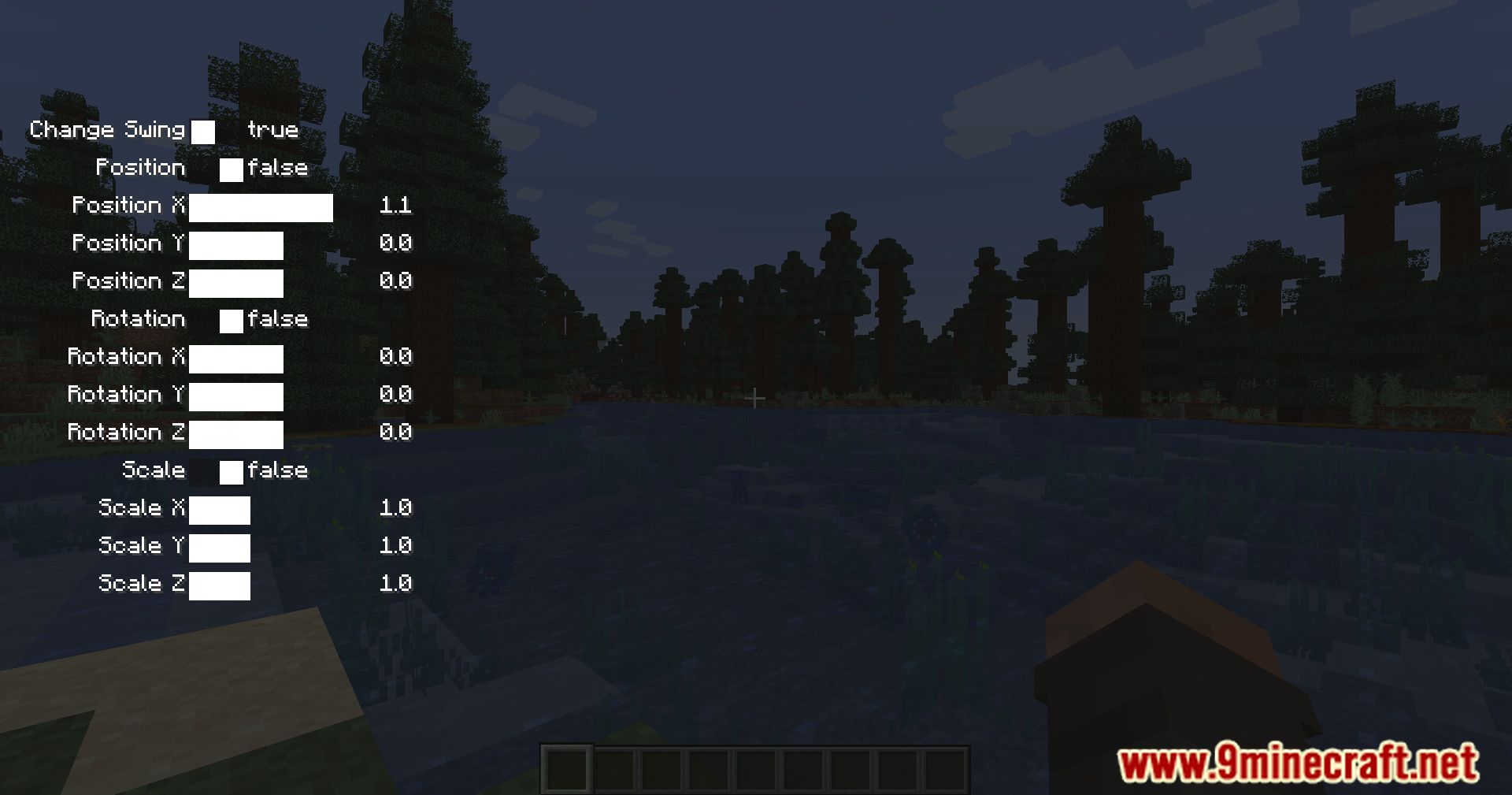
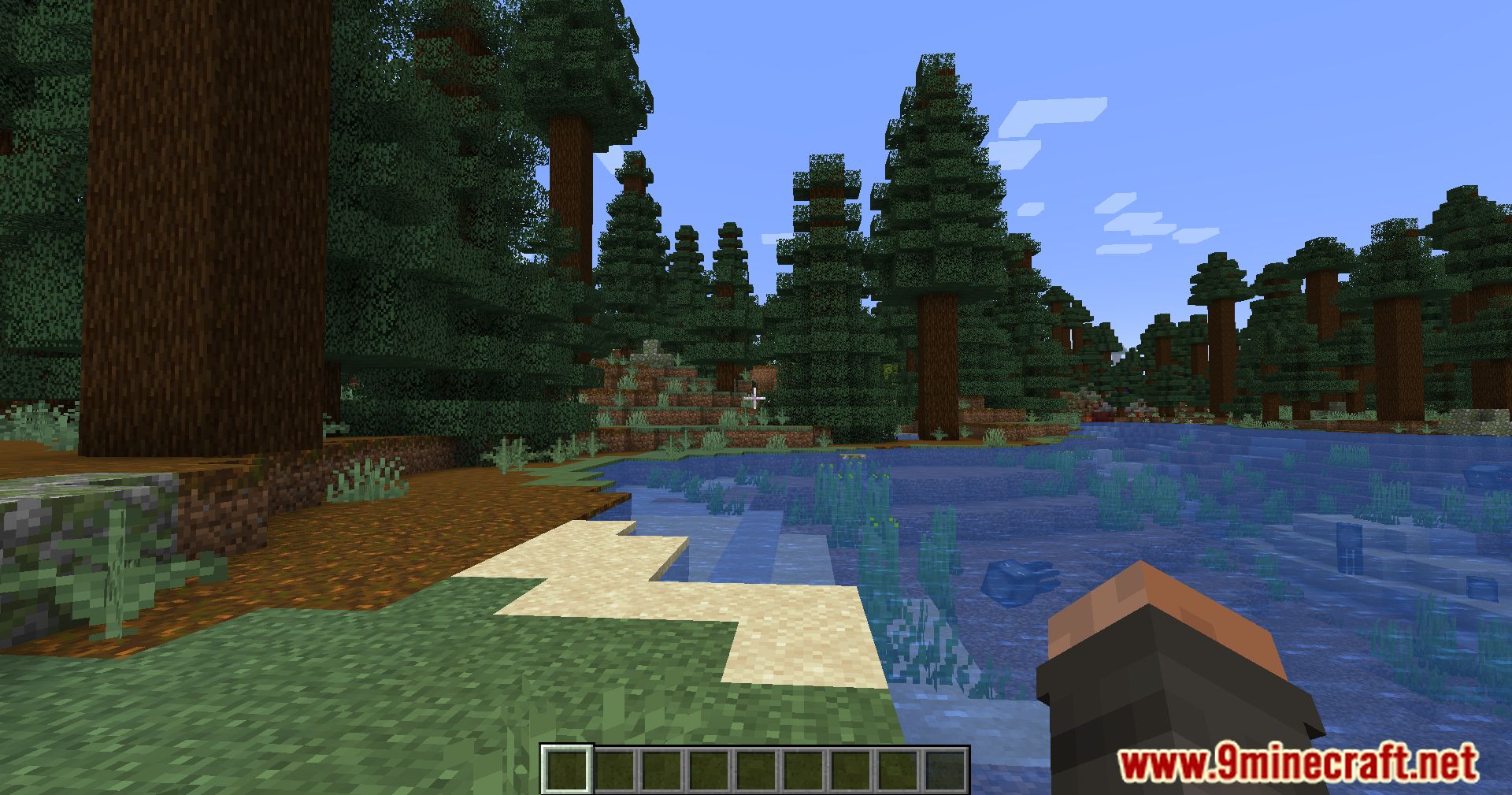
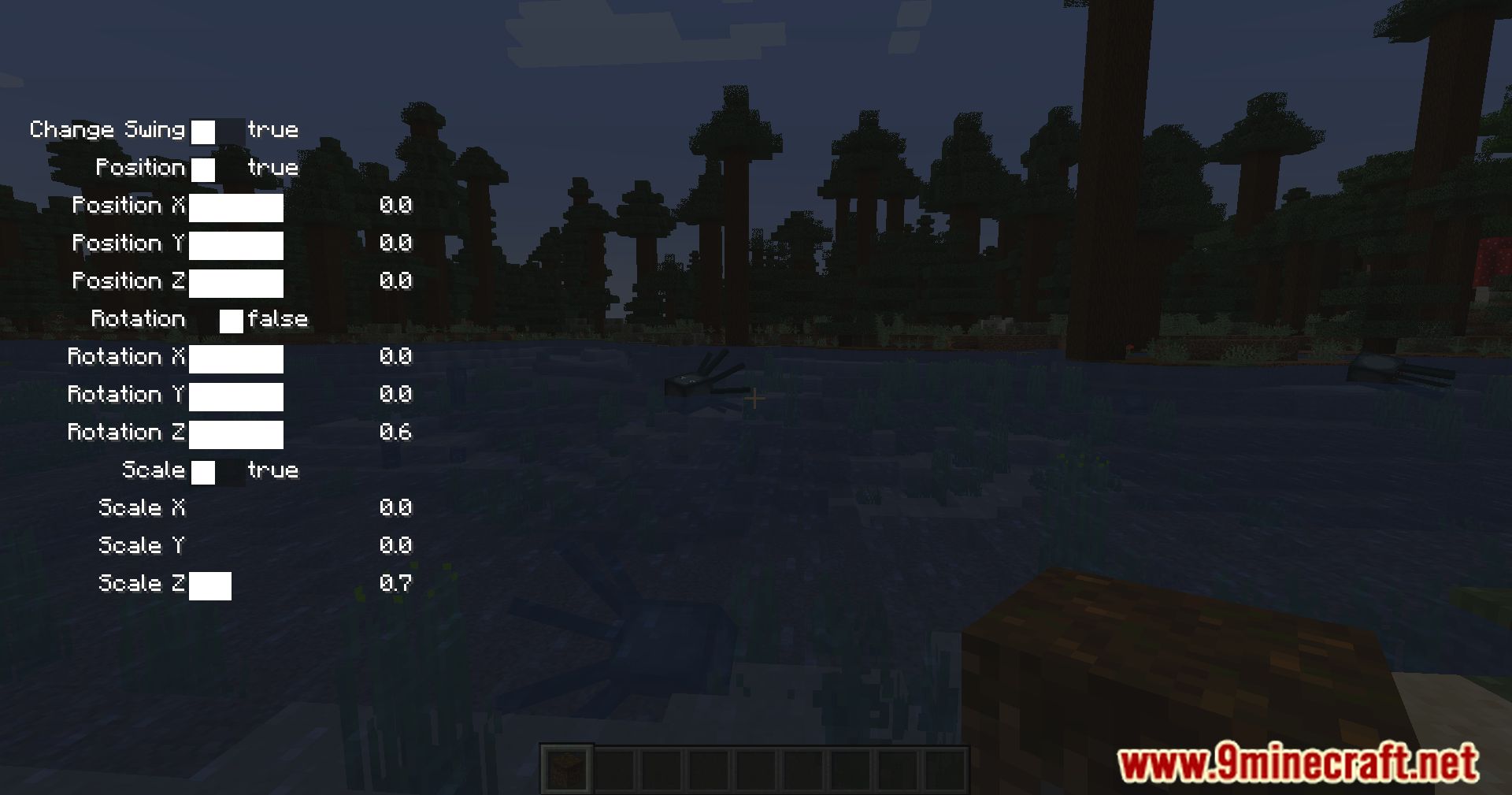
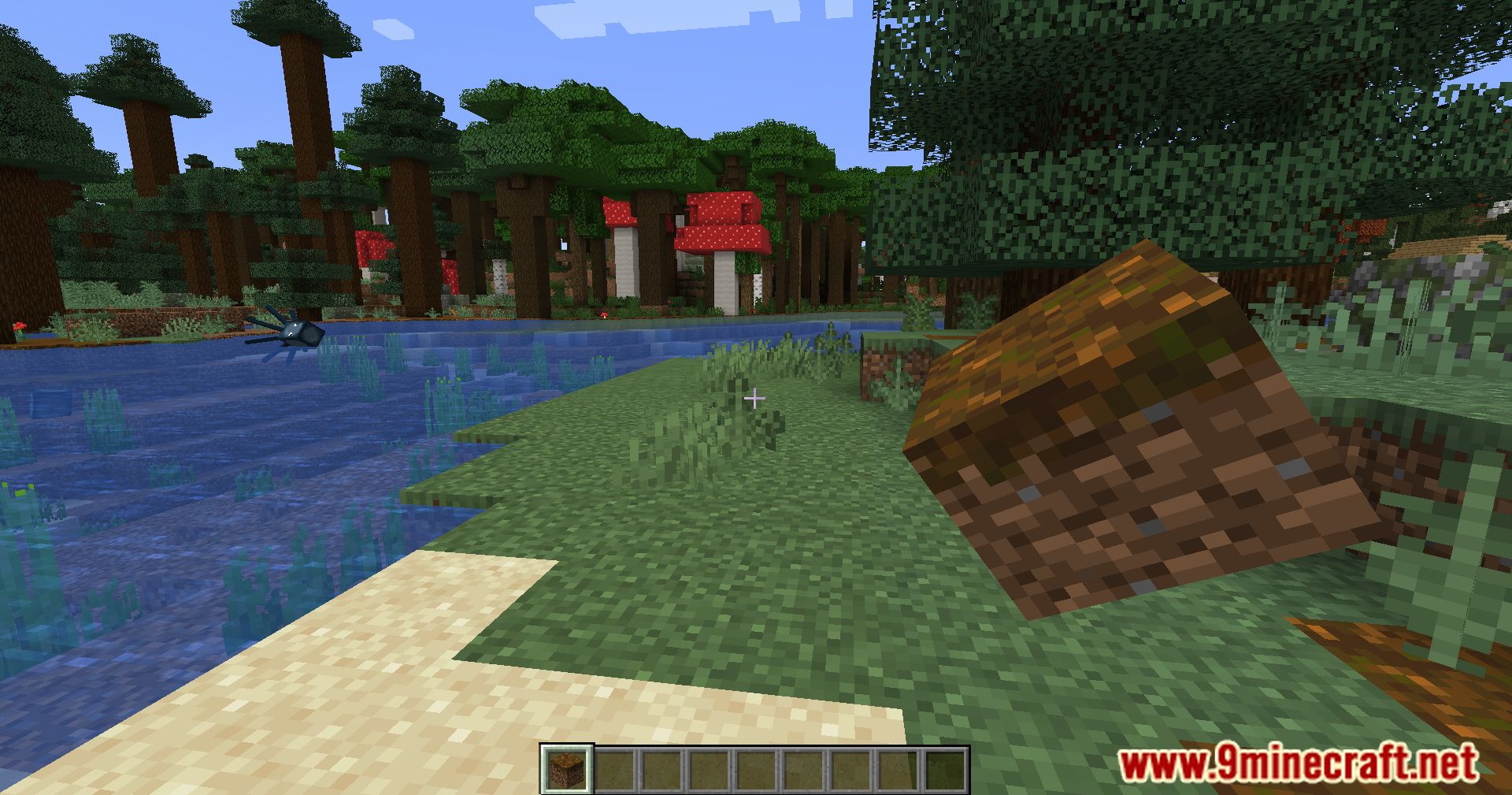
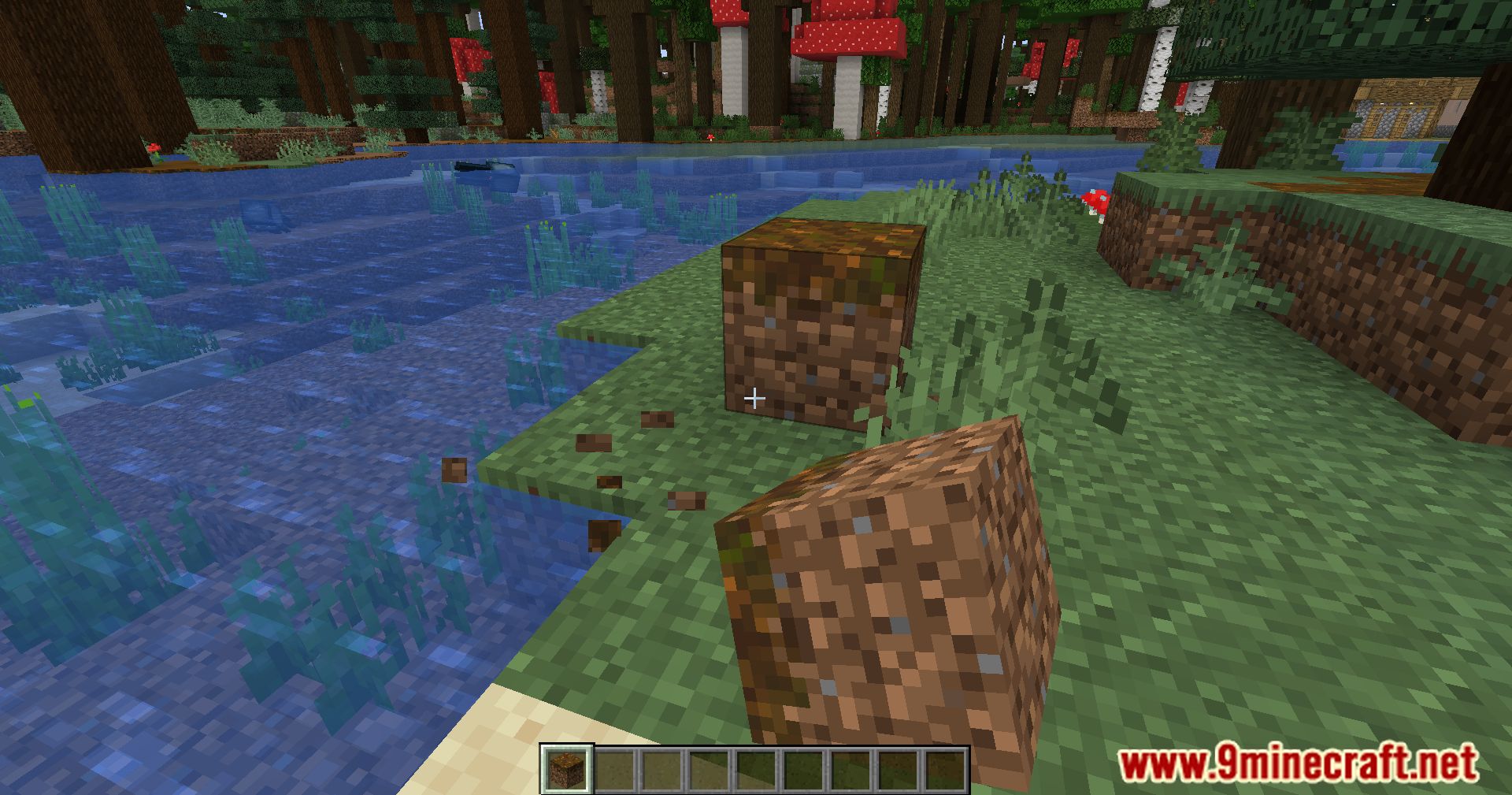
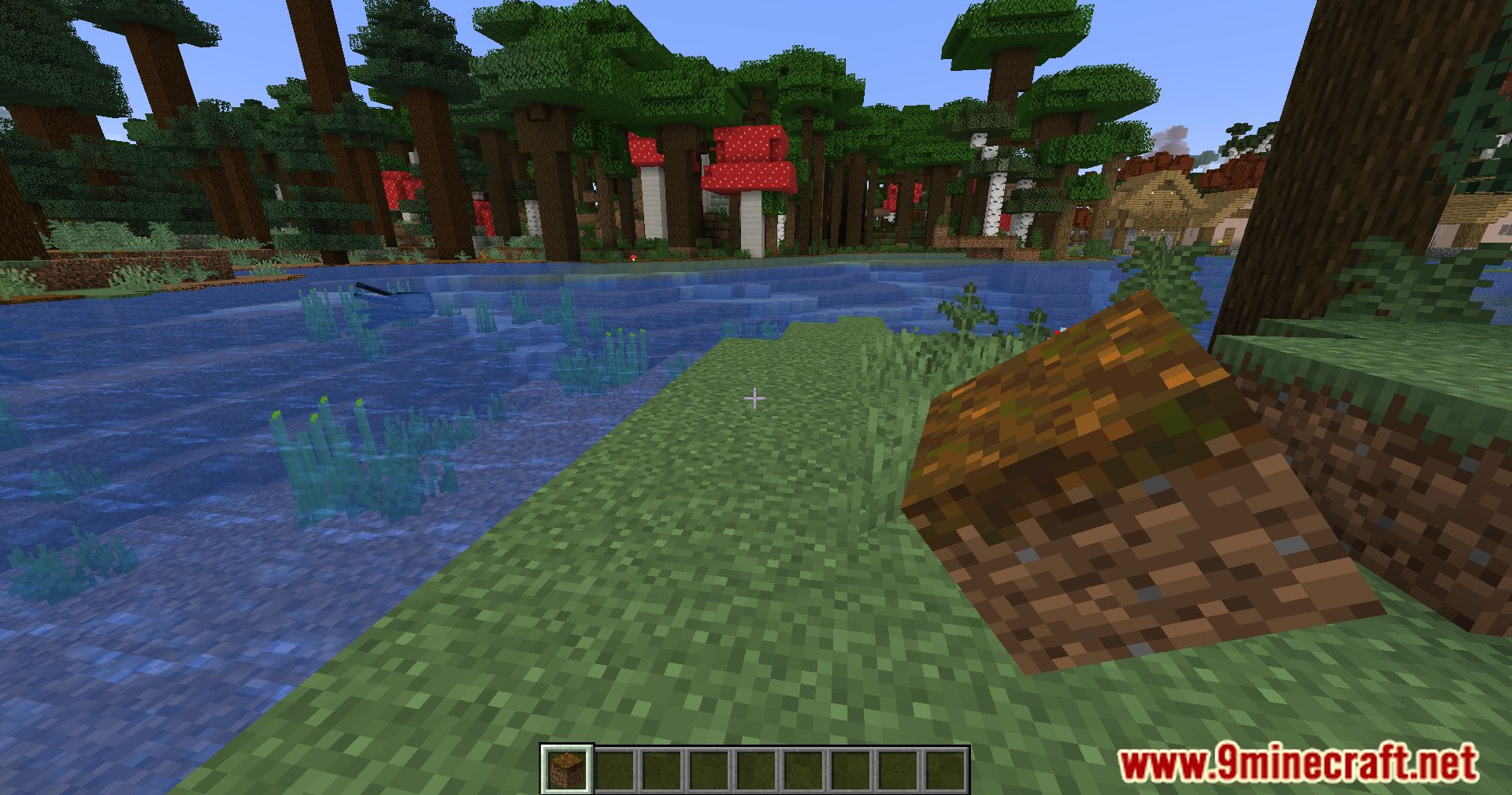
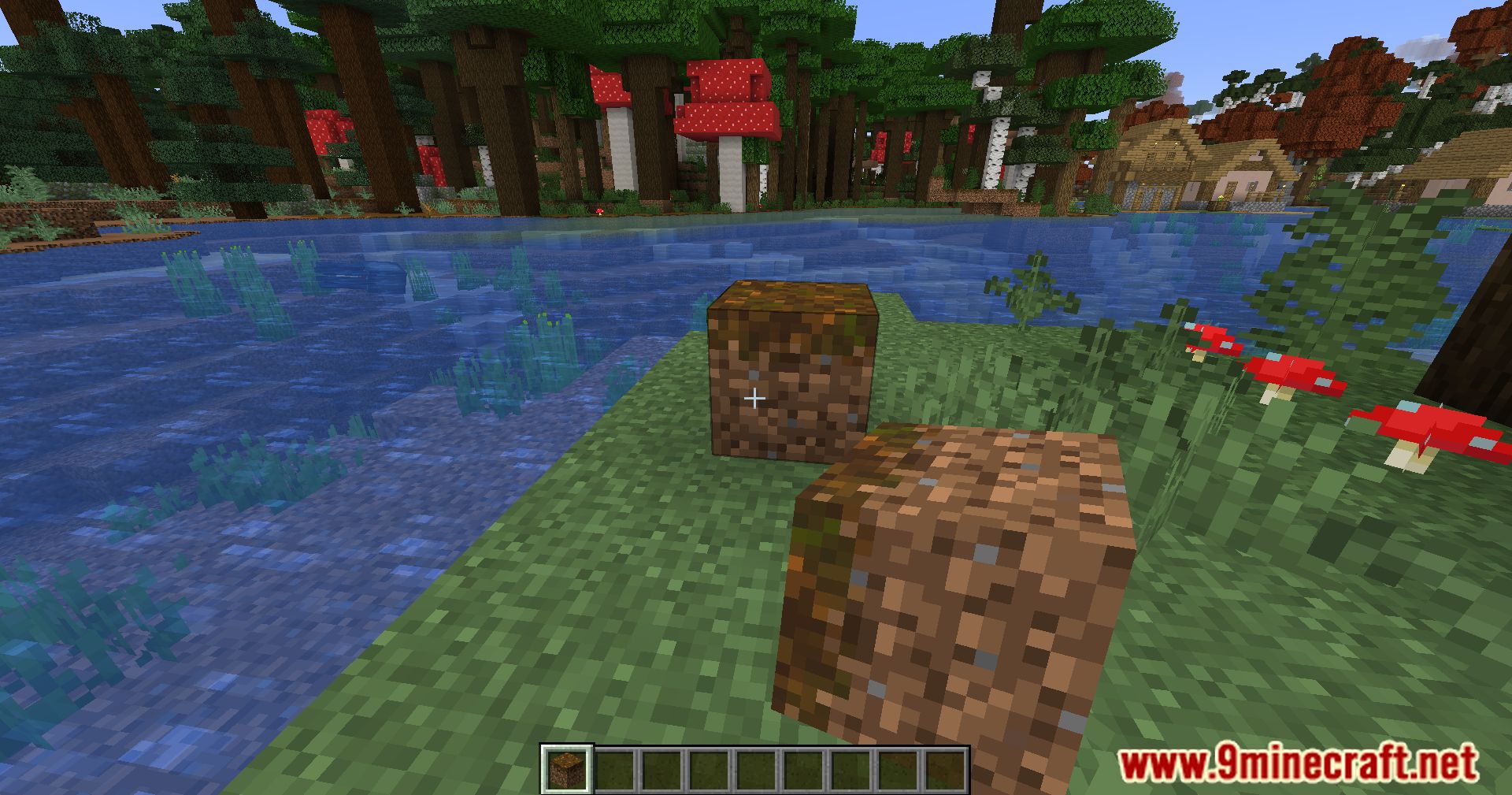
Viewmodel Changer Mod gives you the ability to change your in-game view model. It adds an intuitive settings menu filled with adjustable controls to personalize how items appear on your screen.
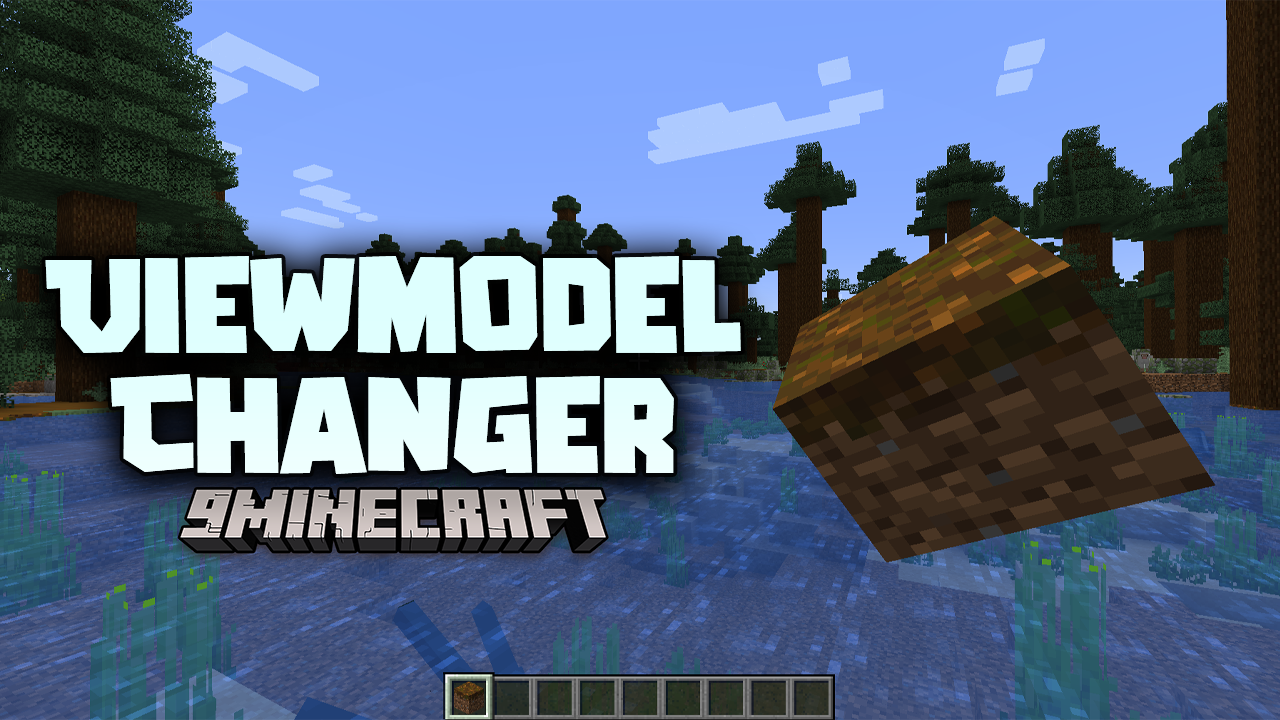
Features:
- Access the settings menu by pressing the BACKSLASH key.
- Use sliders to adjust view model values by scrolling the mouse wheel or clicking on specific spots.
- Toggle options easily by clicking on switches to change settings.
How to Use:
- Press the BACKSLASH key to open the Viewmodel Settings menu.
- Click on switches or adjust sliders to change your view model settings.
- Change the keybind in the game controls if you want to use a different key for the menu.
Screenshots:
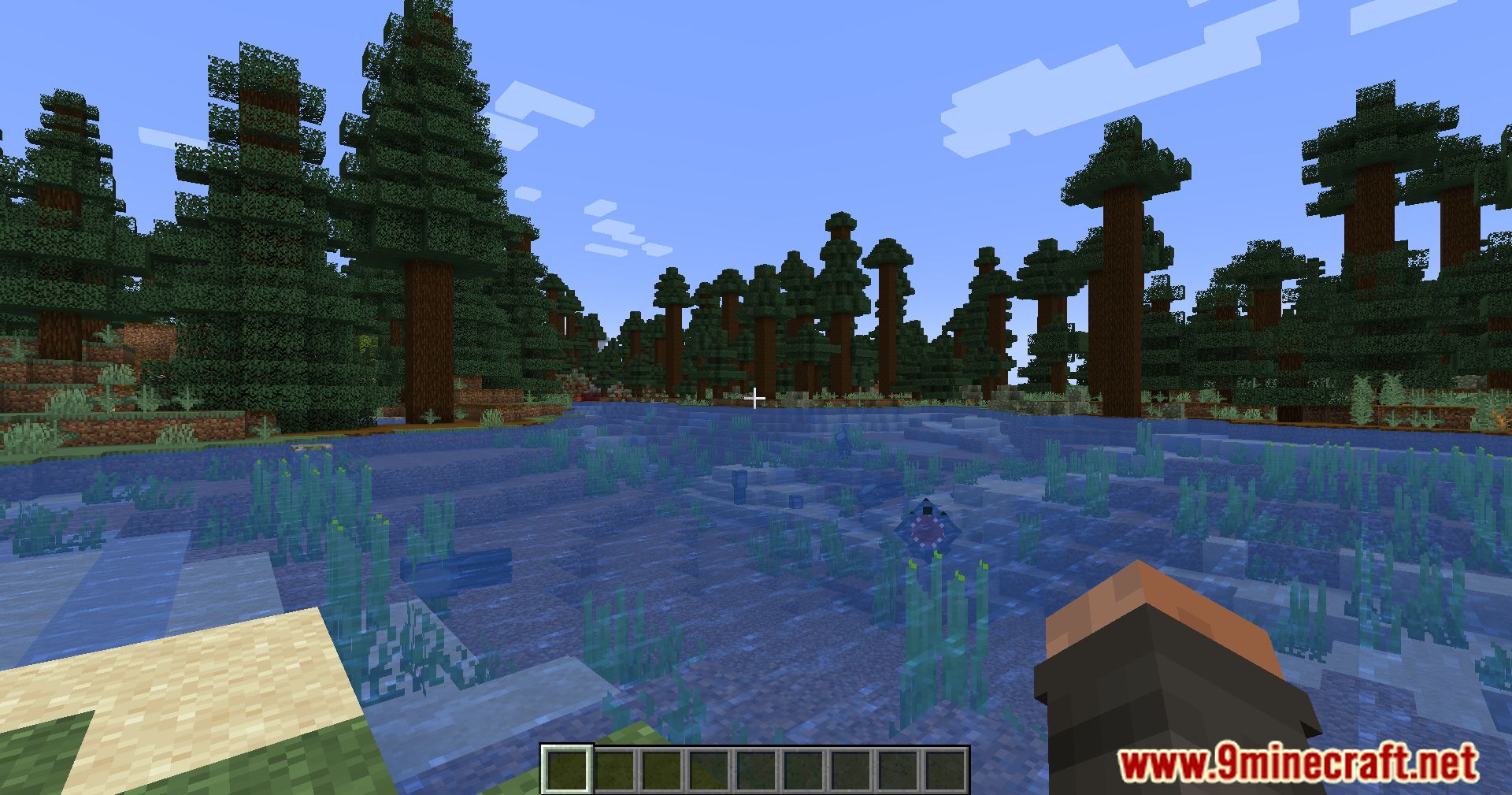
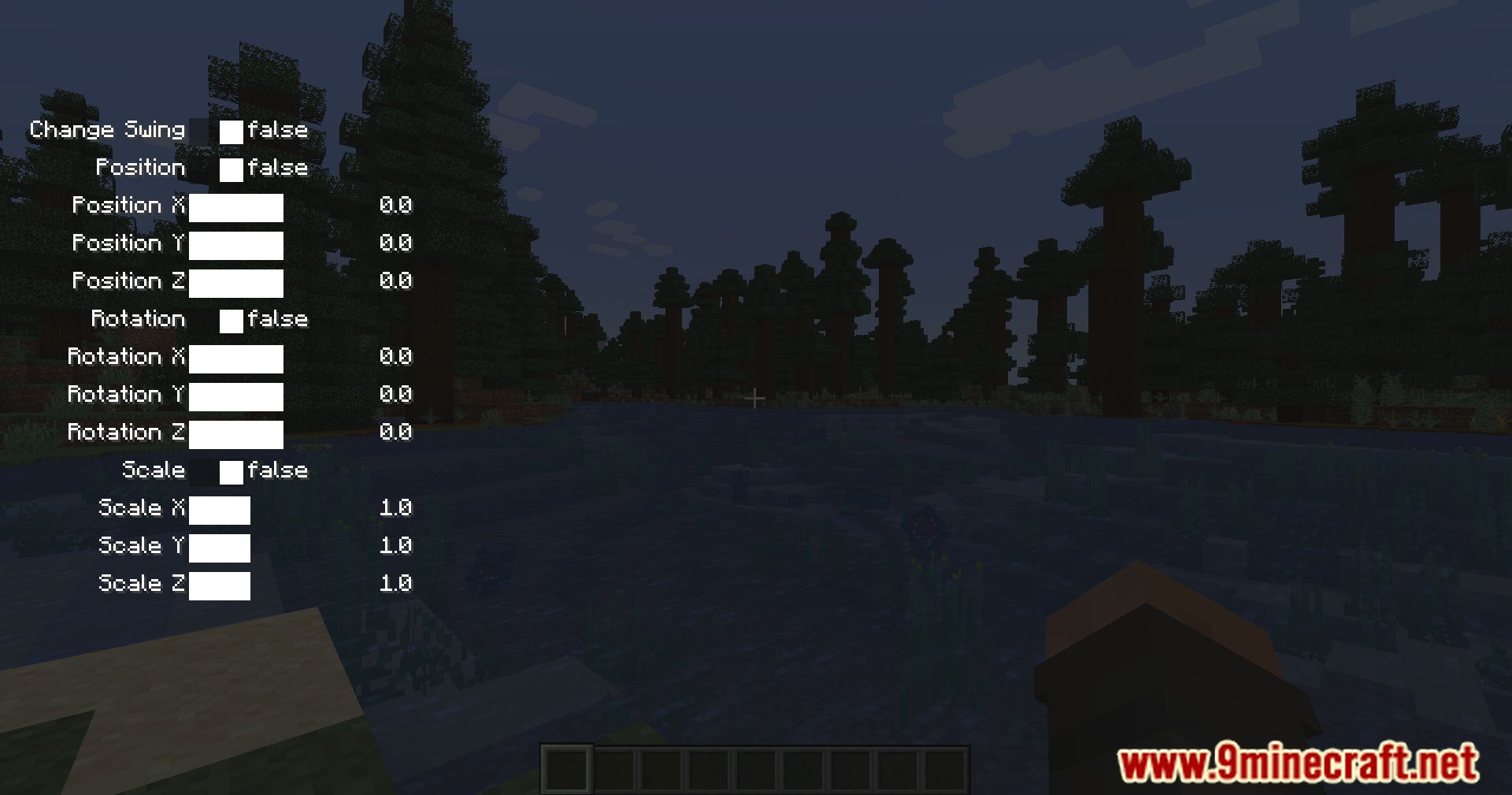
How to Install:
New to Minecraft? Follow our step-by-step guide to install Mods on your PC.View Guide


Viewmodel Changer Mod Download Links
For Minecraft 26.3
For Minecraft 26.2
For Minecraft 26.1.2, 26.1.1, 26.1
For Minecraft 1.21.11
For Minecraft 1.21.8, 1.21.7, 1.21.6
For Minecraft 1.21.5
For Minecraft 1.21.4
For Minecraft 1.21.1, 1.21
For Minecraft 1.20.1, 1.20
For Minecraft 1.20
For Minecraft 1.19.4
For Minecraft 1.19.3
For Minecraft 1.19.2
For Minecraft 1.18.2
For Minecraft 1.17.1
For Minecraft 1.16.5
Click to rate this post!
[Total: 18 Average: 2.9]
You May Also Like
Picked for this page
 Pufferfish’s Skills Mod (26.3, 1.20.1) – Level Up Your Abilities
 Stray Spawn Mod (26.3, 1.20.1) – Spawn Strays Naturally
 Infinite Night Vision Mod (26.1.2, 1.20.1) – Always-On Night Vision
 Toggle Item Frames Mod (1.21.11, 1.20.1) – The Art of Visibility
 Difficulty Lock Mod (26.3, 1.20.1) – Set Default Difficulty
 Controlling Mod (26.3, 1.20.1) – The Ability to Search for Keybinds
 Boids Mod (26.3, 1.20.1) – Boids Simulation for Flocking Fish
 Vectorientation Mod (26.3, 1.20.1) – Improve Minecraft’s Visuals
 Ductwork Mod (26.2, 1.20.1) – Streamline Item Movement
 Multiple Server Lists Mod (1.20.1) – Server Organization
 ComBit Mod (26.3, 1.20.1) – Customize Combat Like Never Before
 Round’s Invisible Frames Mod (26.3, 1.20.1) – Hide the Frame
Most viewed in Mods over the last 7 days
 Ala Industrial Mod (26.3) – Run Electric Power Grids and Automated Factories
 PleasureCraft Mod (26.3, 1.21.1) – Jenny Mod Remake for Fabric
 Jennycraft Mod (26.3, 1.20.1) – Virtual Girlfriend in Minecraft
 Fapcraft Mod (26.3, 1.12.2) – Comprehensive and Detailed Content
 Jenny Mod (Fapcraft) Official Complete Guide – How to use, Tutorial
 BangCraft Mod (1.20.1) – Jenny, Ellie and Elliot
 Fabric Loader (26.3, 1.20.1) – Fabric Installer for All Minecraft Versions
 The Shooting Star Demo Mod (26.3, 1.20.1) – Vaporize Terrain From Orbit
 Meteor Client Mod (26.3, 1.20.1) – Xray, HUD, Fly
 OptiFine HD (26.3, 1.20.1) – Run Faster, FPS Boost, Shaders Support
 Aristois Client Mod (1.21.4, 1.20.1) – World Class Minecraft Utility
 Prestige Client Mod (1.21.11, 1.21.4) – Powerful Ghost Features for Crystal & Sword PvP
More from Mods
 Multitools and More Mod (26.3, 1.20.1) – Clear Your Hotbar and Travel
 Luxium Let There Be Light Mod (1.20.1) – Stunning Lighting on Low-End Computers
 Soulscraft Tarnished Legacy Mod (1.21.1) – Hunt Relics to Forge Dark Fantasy
 Fetzi’s Displays Mod (26.1.2, 1.20.1) – Turn Rare Gear and Weapons
 Primal Plushies Paleo Pals Mod (1.21.1, 1.20.1) – Decorate Your Base
 Ipla Mod (26.3, 1.20.1) – Showcase Your Favorite Items
 MesdagPortLib Mod (1.20.1) – Run Modern Minecraft Mechanics on Older Versions
 Hellion’s API Mod (1.21.11, 1.21.1) – Play Hellion Series Addons Without Crashes
 Terrestria Mod (26.3, 1.20.1) – Highly Detailed Biomes
 Tre’s Tack Library Mod (1.20.1) – Outfit Your Horses with Fully Detailed Tack
 YDM’s coreX Library Mod (1.20.1) – Loot RPG Gear with Random Names
 Gunpowder Recipe Mod (26.3, 1.20.1) – Gunpowder is Craftable

This post has no comments yet. Be the first — your comment will appear here.