
Enhanced Model – Brings 3D Depth and Animated Textures to Vanilla Blocks

 0


Enhanced Model refreshes vanilla Minecraft with 134 custom 3D models and 4,522 texture files. This pack adds extra depth to everyday nature and building blocks and keeps the classic style of the game. Birch logs, cave plants, brick walls, copper torches, and chorus plants get detailed 3D shapes alongside animated textures. Even individual block states, like tilted dripleaves or flower growth stages, shift between distinct 3D shapes during gameplay.
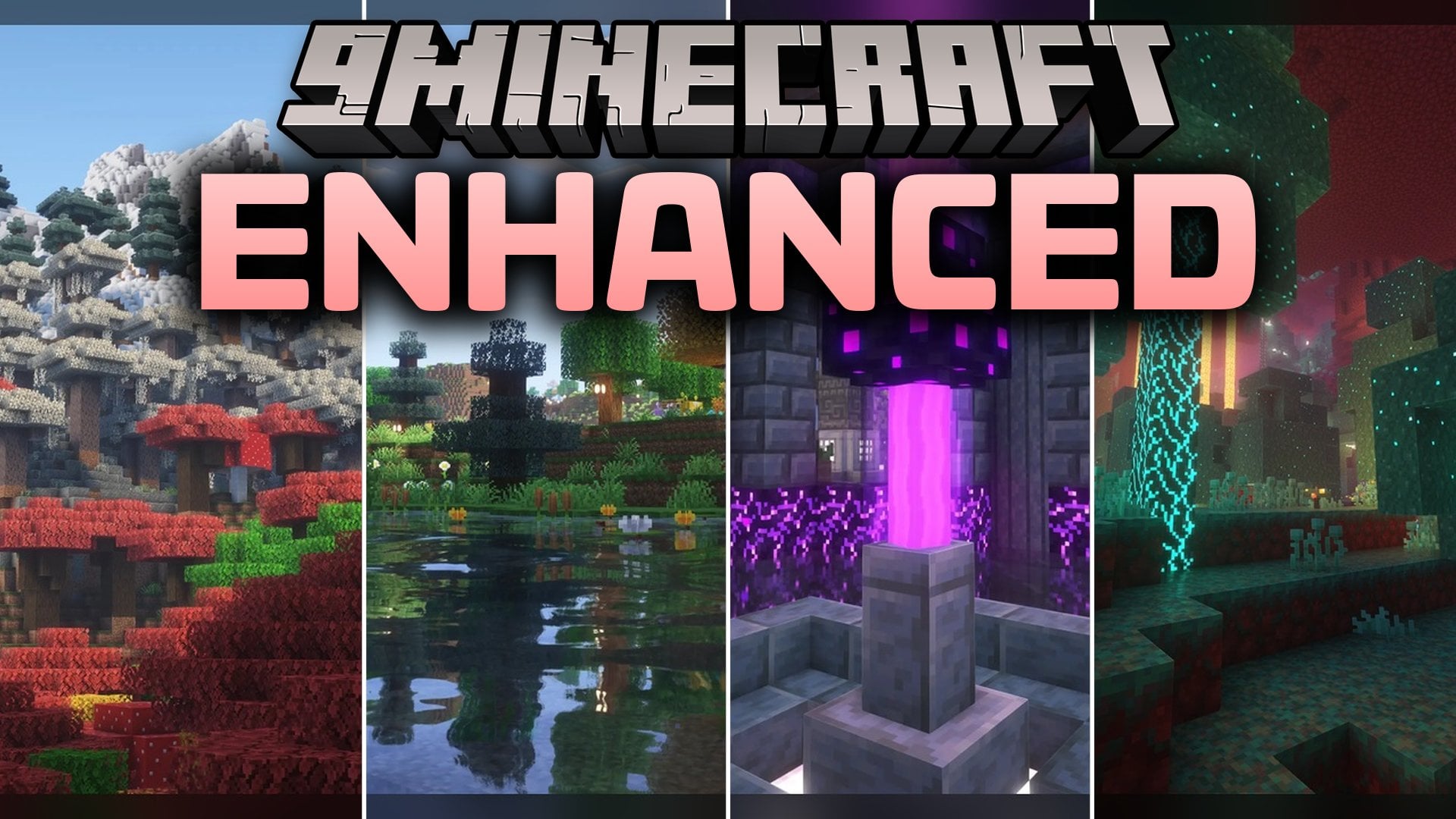
Features:
- 3D Vanilla Upgrade: Replaces flat vanilla geometry with 134 custom 3D models across natural and building blocks.
- Animated Visuals: Packs in 4,522 texture files along with animated textures that bring subtle motion to blocks.
- Gives birch logs detailed 3D bark and adds three mushroom-covered birch log variations.
- Rebuilds brick walls with custom posts, standard sides, tall wall sides, alternate side pieces, and cross corners.
- Changes big dripleaf plants with separate 3D models for partial tilt and full tilt states.
- Updates chorus plants and chorus flowers with custom shapes for all five growth stages plus dead flowers.
- Restyles colored leaves and adds custom copper torch models both in your inventory and when placed in the world.
How to Use:
- Place the pack file inside your
resourcepacksfolder, press Esc in-game, open Options and Resource Packs, and move Enhanced Model to the active column. - Walk through a birch forest to inspect birch tree trunks for the three mushroom-covered birch log models and look up at colored leaves.
- Find big dripleaf inside a lush cave and step onto a leaf pad to watch its 3D model bend from a partial tilt into a full tilt.
- Craft brick walls from smelted clay bricks and connect them in corners and tall stacks to see the wall posts, cross pieces, and side variants change shape.
- Hold a copper torch in your hand to view its custom inventory model, then place it on a block to see the placed 3D torch and animated textures.
- Visit the outer End islands to look at multi-sided chorus plants and watch chorus flowers change models from stage zero to stage four and finally to a dead flower.
Requirements:
- Requires a Minecraft version that runs animated textures natively.
Screenshots:
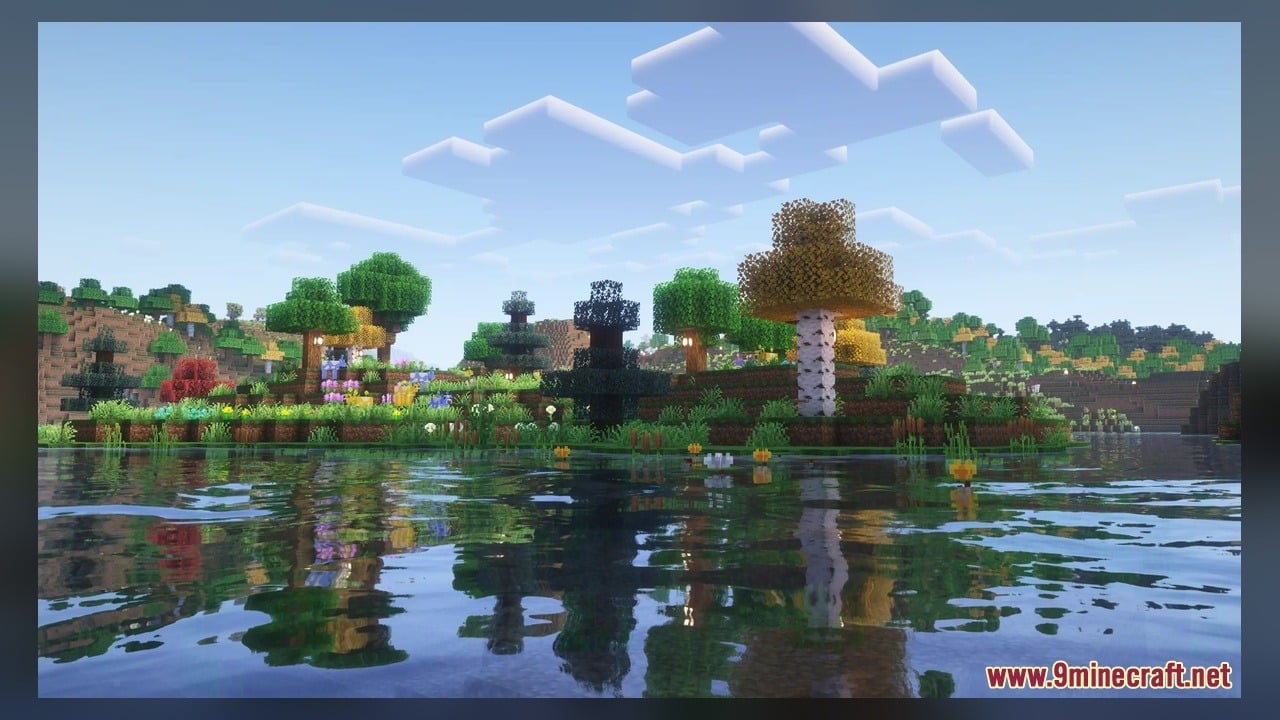
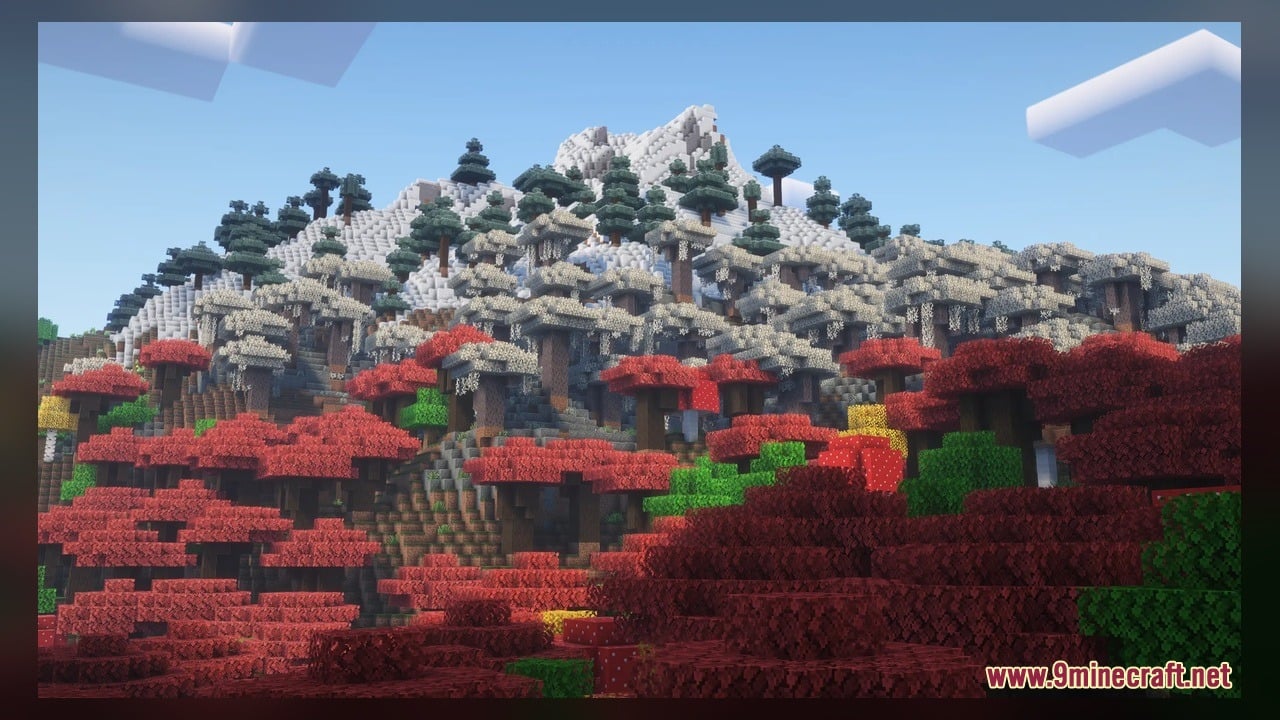
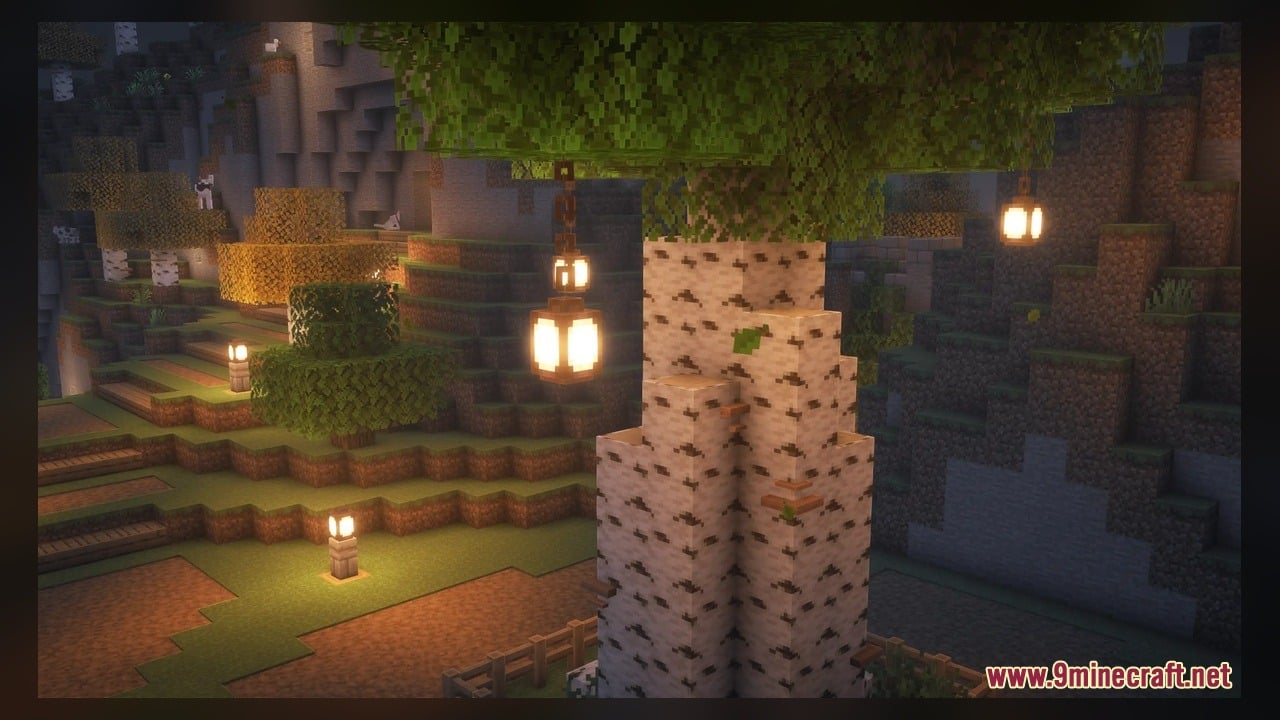
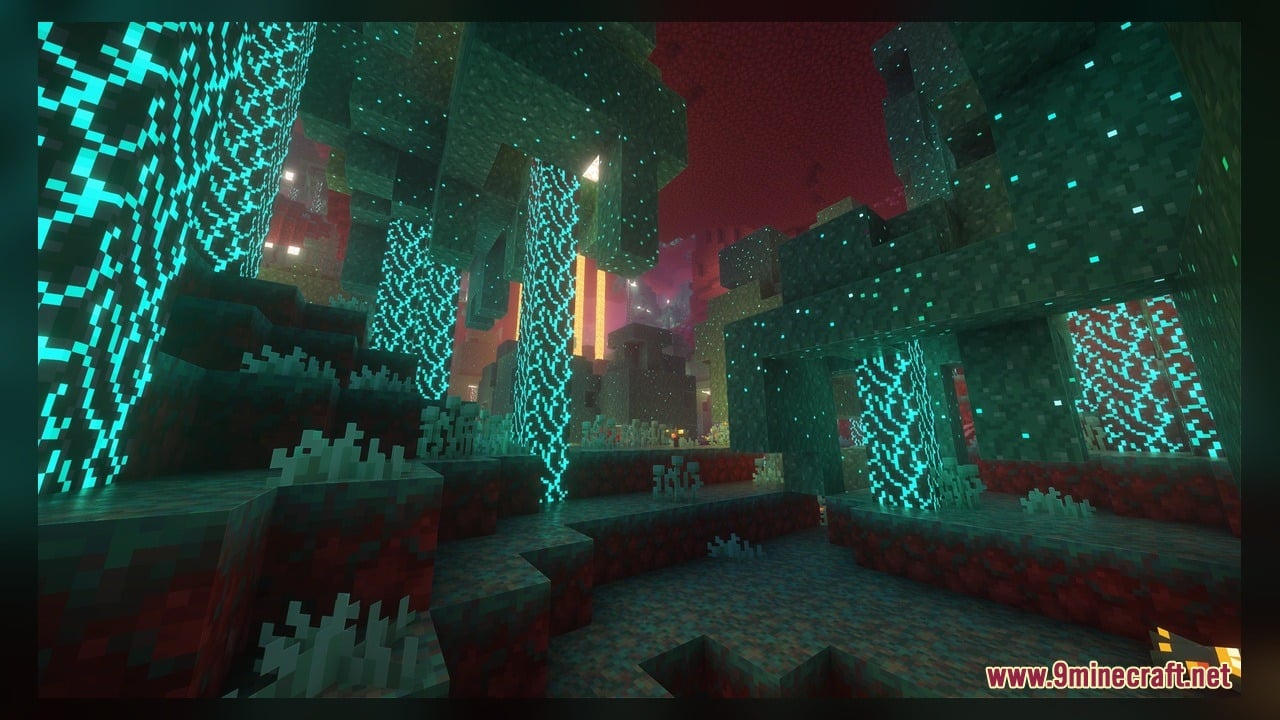
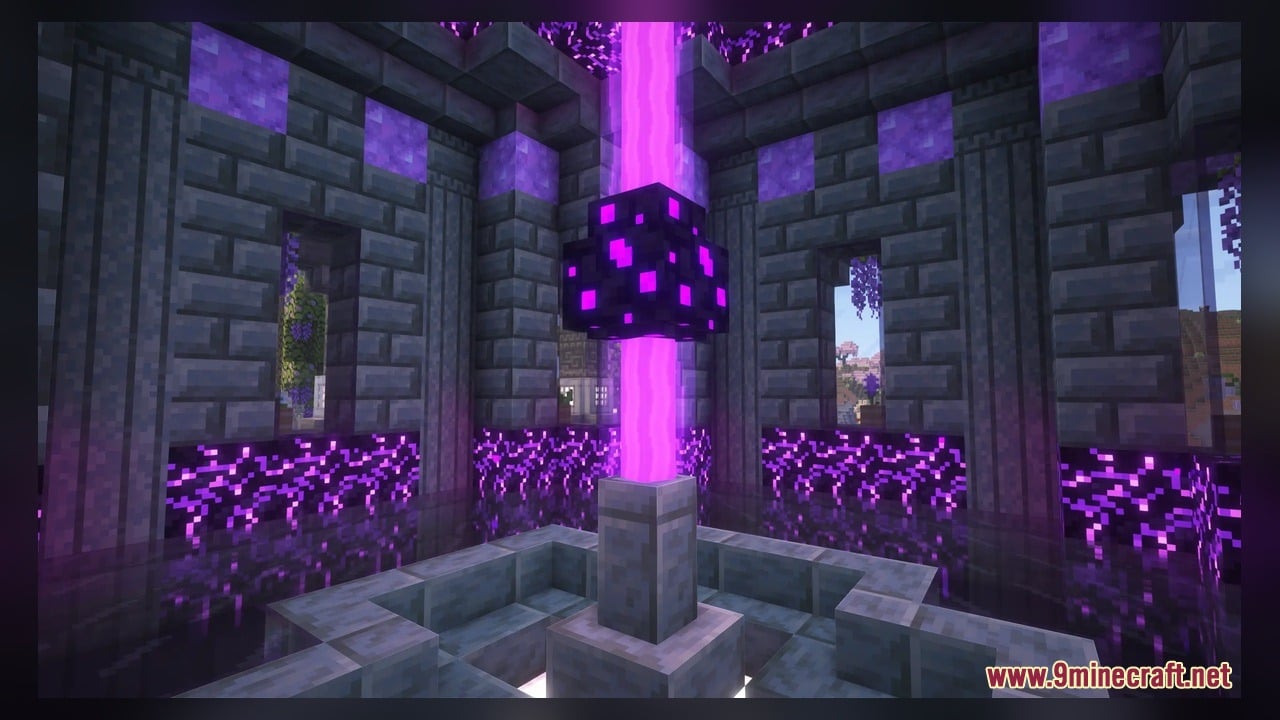
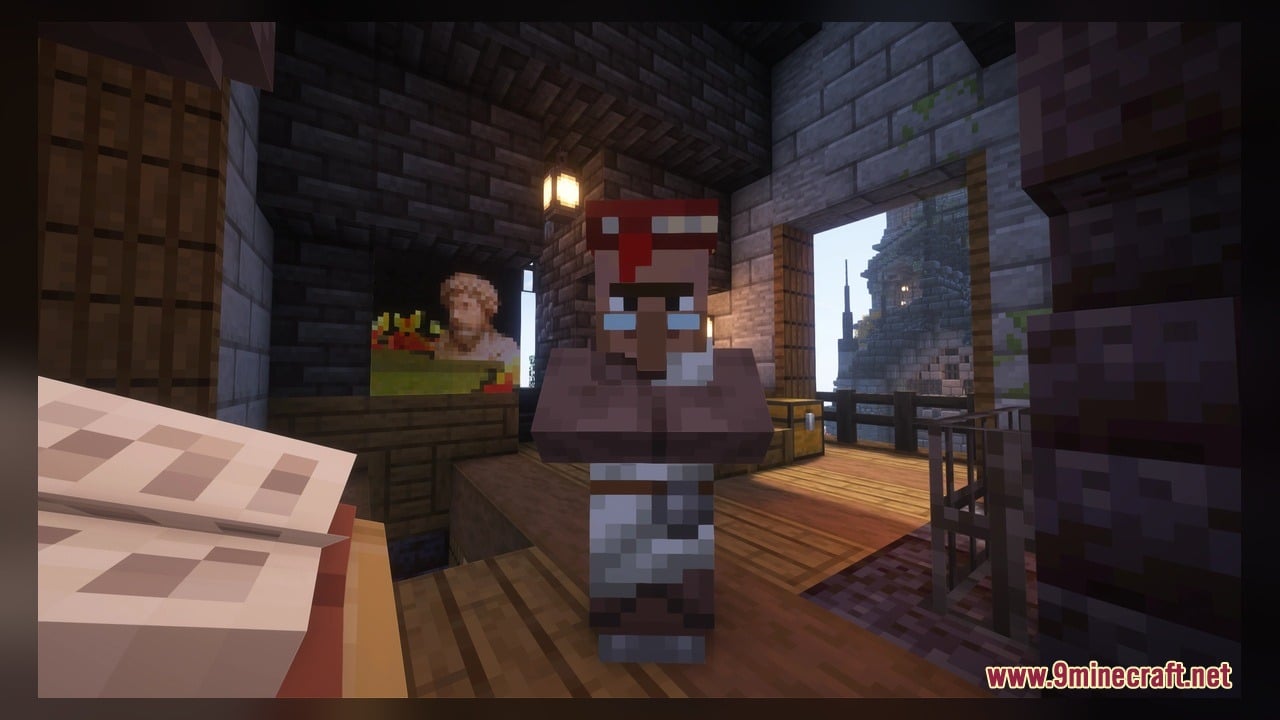
Enhanced Model Download Links
Click to rate this post!
[Total: 0 Average: 0]
You May Also Like
Picked for this page
 Better Blue Netherite Model – Transforms Ancient Debris Into Bright Blue Ores
 Rb’s Legendary Model – Adds 286 Custom 3D Models to Blocks and Items
 Cpvp-yxusuf05mai-anime-sky Model – Transforms Crystal PvP with Anime Skies
 Olaf’s Enhanced 3D Model – Adds Real Depth to Flat Vanilla Blocks
 Looshy Model – Adds 30 Custom 3D Models to Redstone, Torches, and Lanterns
 Pixel Perfection Fidelity Model – Brings Cozy Medieval 3D Models to Blocks
 Faithless Model – Adds 698 Custom 3D Models While Keeping the Vanilla Look
 Pixel-Tree Model – Transforms Everyday Vanilla Blocks with Detailed 3D Shapes
 Quadral Model – Brings Vivid Colors and 31 Custom 3D Models to Vanilla
 Ice Cream Model – Adds Geometric 3D Shapes to Classic Vanilla Blocks
 ReProgrammer Model – Brings Programmer Art Style to Newer Blocks and Items
 Gui’s Better Vanilla Model – Brings Animated 3D Torches and Plants
Most viewed in Models over the last 7 days
 Jenny Mod Skin Pack Mega Collection – 310+ Characters
 The Most Complete Collection of Jenny Mod Resources – Models, Animations, Structures,…
 Albedo Rework Jenny Mod Model
 Power Model – Custom Girl for PleasureCraft Mod
 Galath Rework Model – Custom Girl for PleasureCraft Mod
 100+ Custom Animations For Jenny Mod
 750 Models Addon for Yes Steve Model Mod
 Ram Model – Custom Girl for PleasureCraft Mod
 Femboy Ellie Rework Jenny Mod Model
 Ellie Rework Jenny Mod Model
 Alex Model – Custom Girl for PleasureCraft Mod
 Steve (Jenny & Zoey) Pack Jenny Mod Model
More from Models
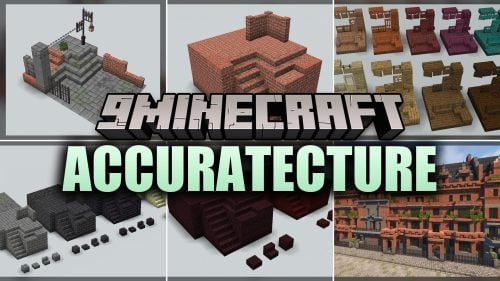 Accuratecture Model – Brings Animated 3D Depth to Classic Blocks
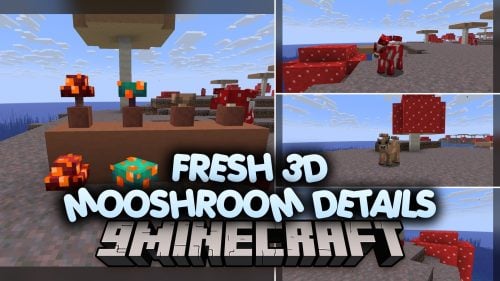 Fresh 3D Mooshroom Details Model – Brings Dimensional Mushrooms to Cattle
 Epic Swords Model – Equips Animated Fantasy Blades for Dual Wielding Combat
 Blockier Model – Brings Detailed 3D Shapes to Classic Vanilla Blocks
 Mage CustomModel Boss Model – Unleashes Epic Magical Boss
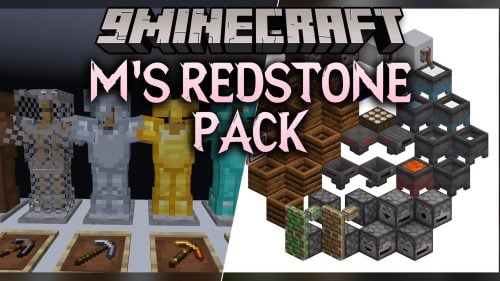 M’s Redstone Model – Brings Animated 3D Indicators to Redstone Components
 Strings & Things Model – Adds Cozy Fairy Lights and Festive Garlands
 MaskyEnchantedItems Model – Transforms Enchanted Weapons Into 3D Gear
 Lushier Forests Model – Brings Dense 3D Foliage to Vanilla Woodlands
 Visible Tripwires Model – Adds Bright Wool Cords to Spot Traps
 Ghastling Baby Model – Adds Adorable Flying Pet
 AE-Light-UI Multi-module Model – Brings Animated Futuristic Storage Cells

This post has no comments yet. Be the first — your comment will appear here.