
Portland Transit Model – Brings TriMet S700 Trains to Rail Networks

 0


Portland Transit Model adds a TriMet livery of the S700 (Type 6) train for Minecraft Transit Railway 4. This resource pack brings TriMet MAX light rail vehicles into your rail network. It comes with six texture files and five Blockbench source models for players who want to open and edit the train in Blockbench.
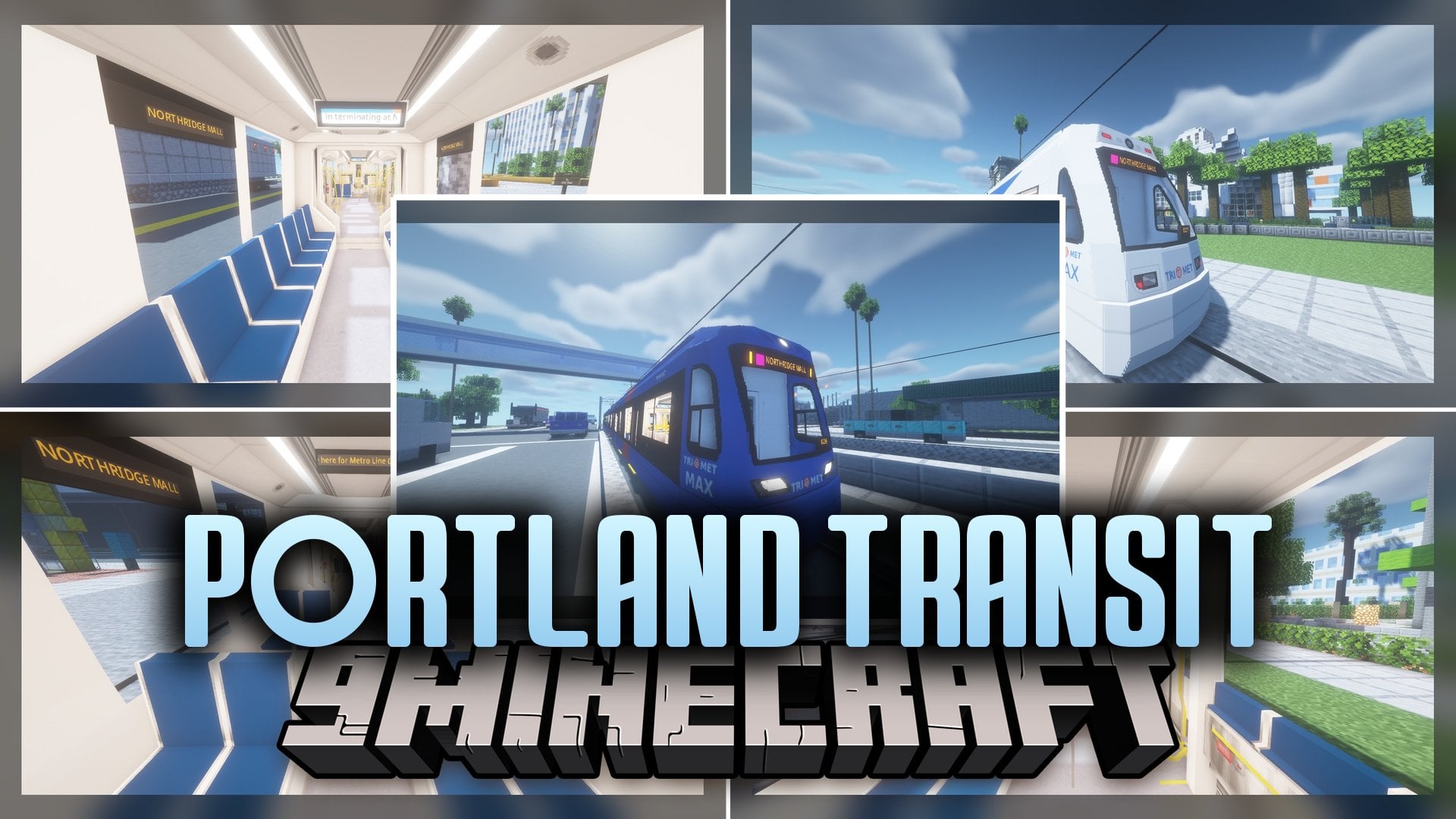
Features:
- Adds the S700 (Type 6) train livery for Minecraft Transit Railway 4.
- Brings TriMet MAX light rail vehicles to your transit lines.
- Includes six texture files for the train model.
- Packs five Blockbench source models that you can edit using Blockbench.
How to Use:
- Download the pack from the links below.
- Put the .zip into your
.minecraft/resourcepacksfolder. Do not unzip it. - Open Minecraft and go to Options, then Resource Packs.
- Move the pack to the right-hand column and press Done.
- The new models replace their items as soon as the pack loads.
Requirements:
- Blockbench, only if you want to edit the included source models
Screenshots:
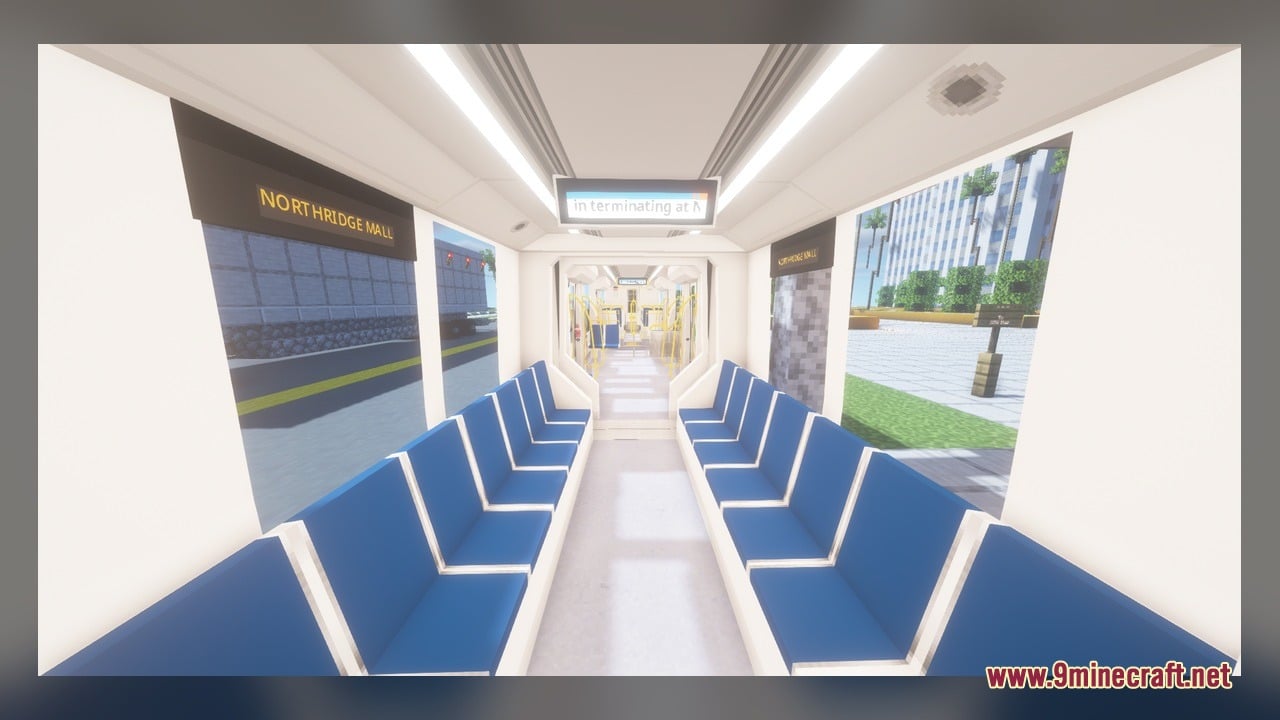
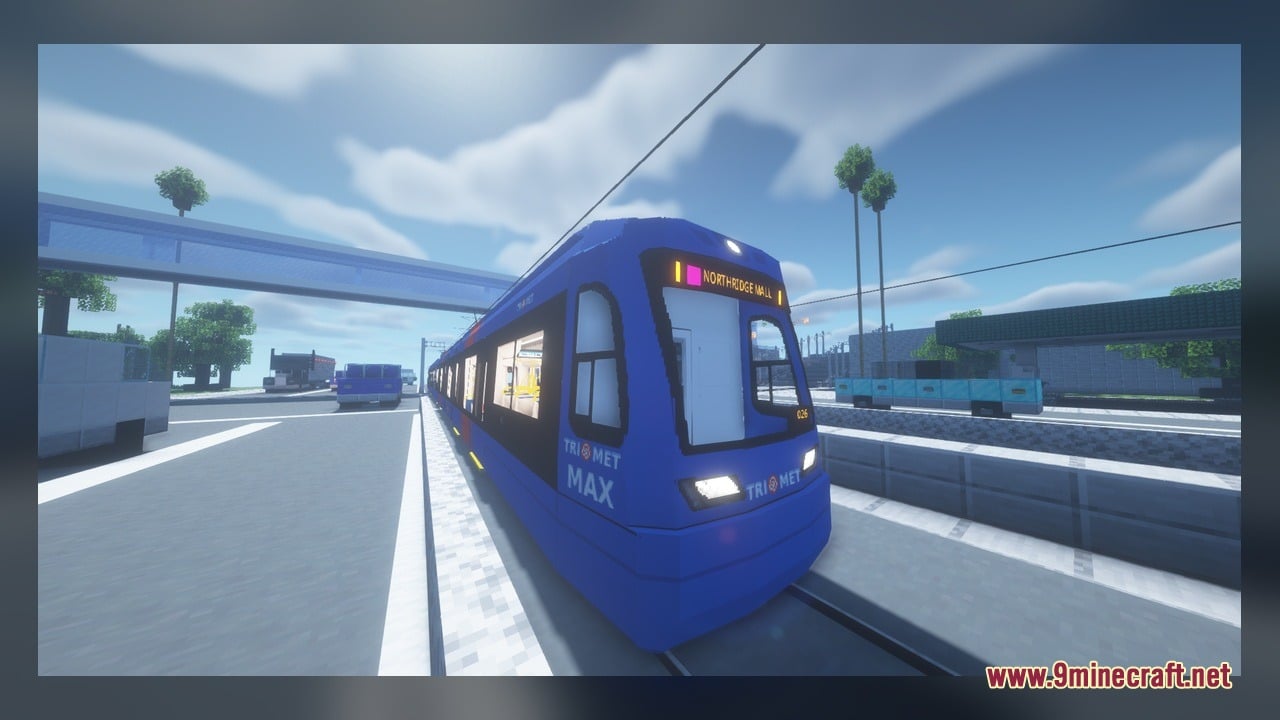
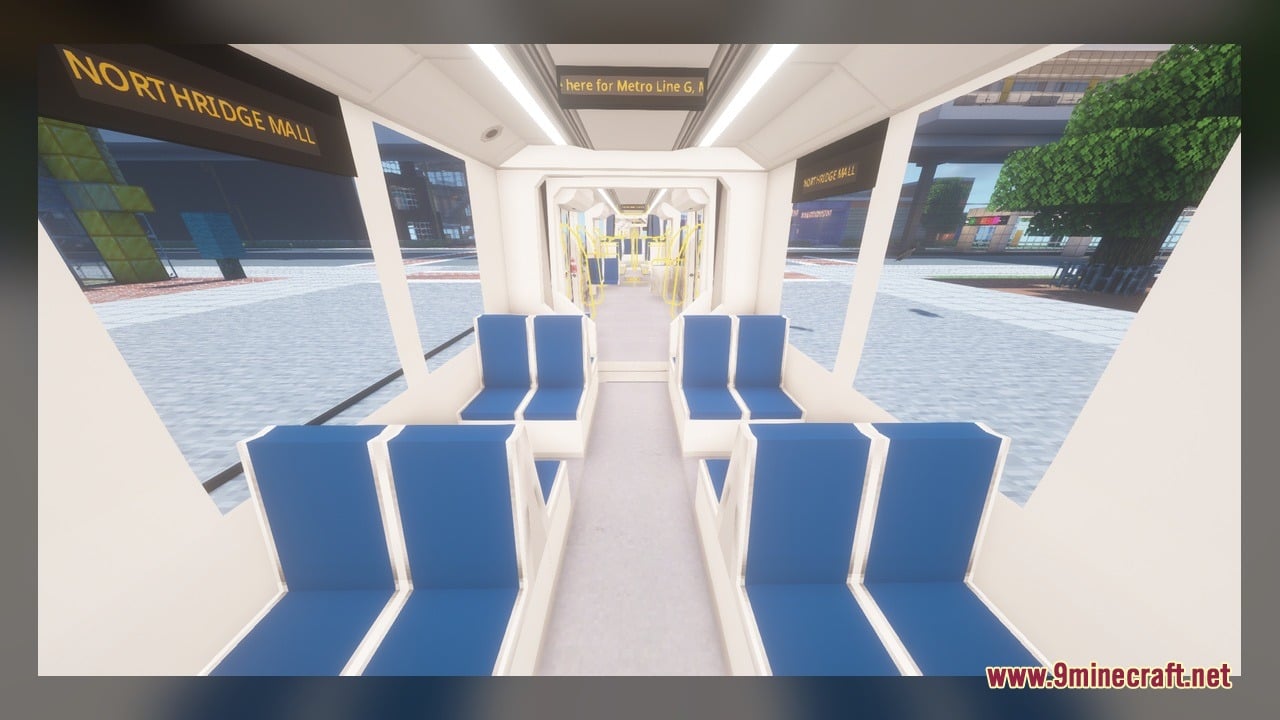
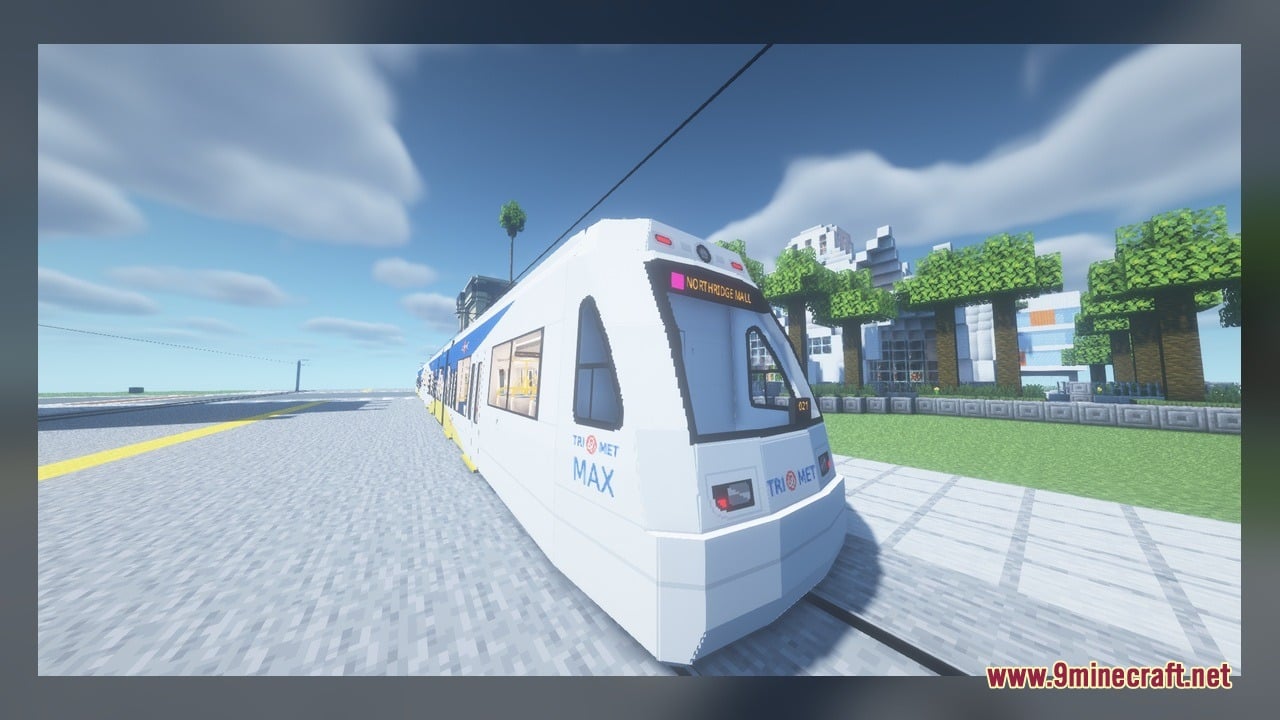
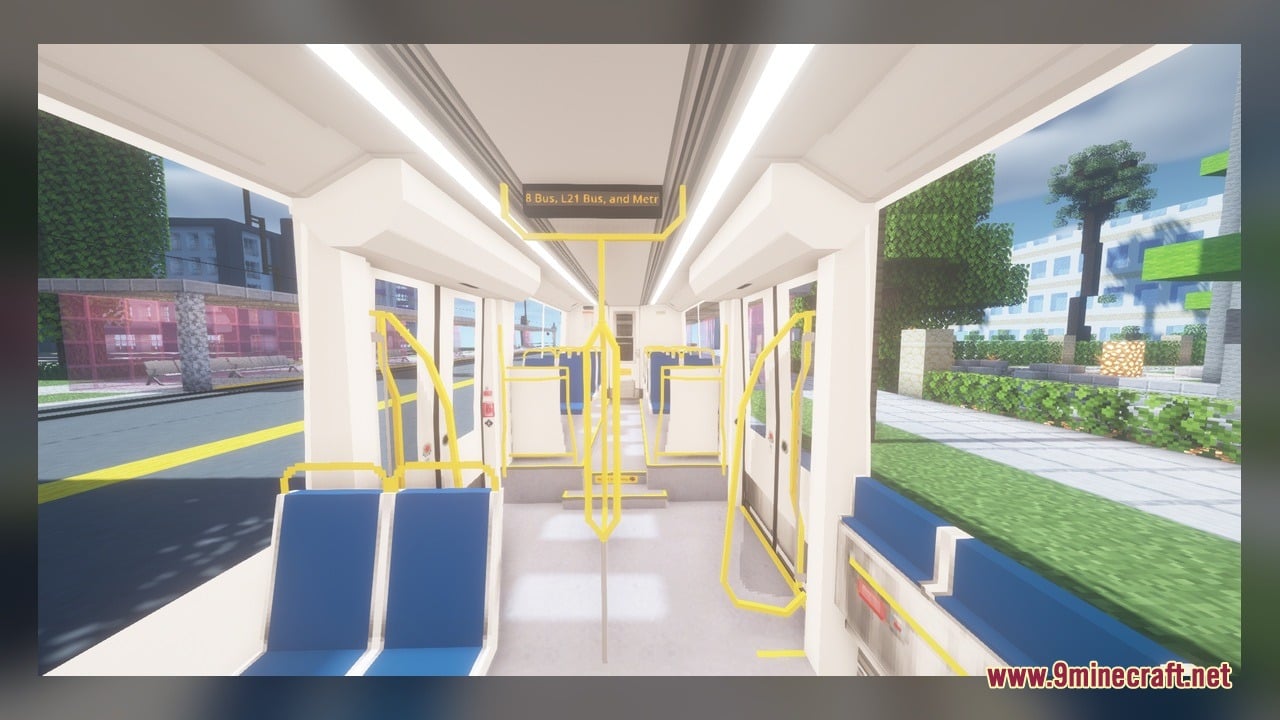
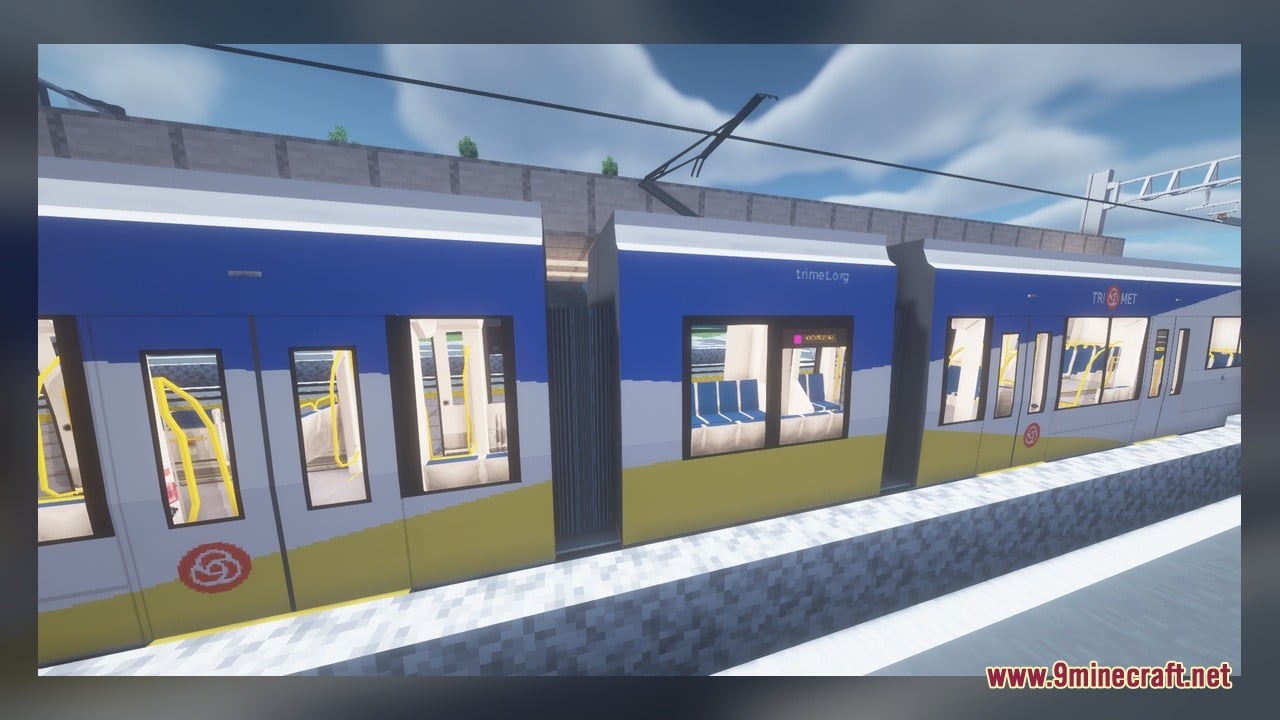
Portland Transit Model Download Links
Click to rate this post!
[Total: 0 Average: 0]
You May Also Like
Picked for this page
 MTR RENFE Extension Model – Brings Spanish Passenger Trains to Railways
 SMRT Trains Model – Brings Authentic Seoul Subway Trains to Custom Rails
 CMG PP Model – Transforms Create Machinery Into Tactical Military Equipment
 The Crustarax Model – Unleashes Coastal Mercenary Boss
 Overly Realistic Base Resources Model – Brings Custom 3D Block Overlays
 Flat Face Trains Model – Adds Classic Korean Commuter Trains to Tracks
 JR East E235 Series Model – Brings Tokyo Commuter Trains to Railways
 Quadral Model – Brings Vivid Colors and 31 Custom 3D Models to Vanilla
 Gui’s Better Vanilla Model – Brings Animated 3D Torches and Plants
 Bare Bones X Weskerson’s 3D Items Model – Brings Clean Animated 3D Redstone
 Aurin’s ShinobiCraft Icons Model – Brings 3D Elemental Ninja Powers
 American Bus Model – Brings US and Canadian Transit Vehicles to MTR4
Most viewed in Models over the last 7 days
 Jenny Mod Skin Pack Mega Collection – 310+ Characters
 The Most Complete Collection of Jenny Mod Resources – Models, Animations, Structures,…
 Albedo Rework Jenny Mod Model
 Power Model – Custom Girl for PleasureCraft Mod
 Galath Rework Model – Custom Girl for PleasureCraft Mod
 100+ Custom Animations For Jenny Mod
 Ram Model – Custom Girl for PleasureCraft Mod
 750 Models Addon for Yes Steve Model Mod
 Femboy Ellie Rework Jenny Mod Model
 Ellie Rework Jenny Mod Model
 Alex Model – Custom Girl for PleasureCraft Mod
 Steve (Jenny & Zoey) Pack Jenny Mod Model
More from Models
 Excalibur Model – Adds Medieval 3D Models to Spawn Eggs and Steel Bars
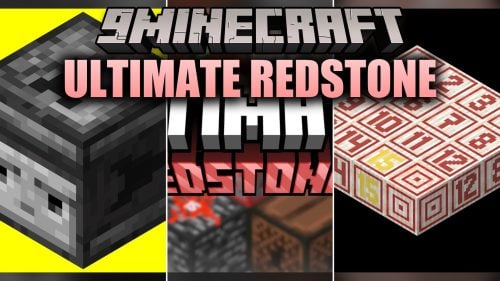 Ultimate Redstone Model – Brings Animated 3D Parts to Redstone Machines
 Spinky’s Christmas Chests Leaves Model – Brings Layered Leaves and Presents
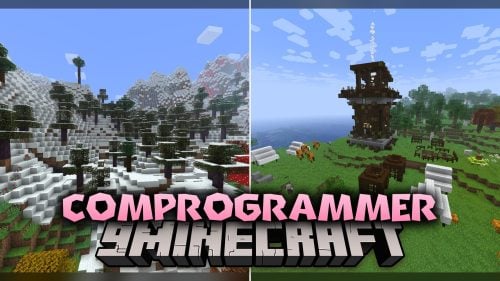 Comprogrammer Model – Transforms Modded Worlds with Retro Blocky Models
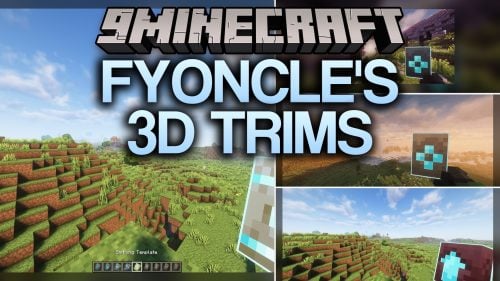 Fyoncle’s 3D Trims Model – Transforms Smithing Templates Into Carved Tablets
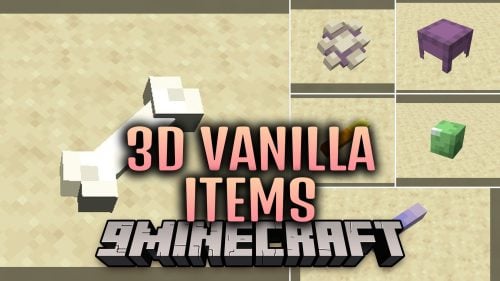 3D Vanilla Items Model – Transforms Flat Inventory Items Into 3D Shapes
 Crimson Curse Infection Model – Transforms Blocks Into Living Nether Terrors
 Ricecooker Trains Model – Adds Seoul Subway Trains to Rail Networks
 Bucket Buddies Model – Transforms Flat Buckets Into Cute Animated Critters
 Scythes Vanilla Model – Brings Sharp Harvesting Weapons Across Every Tier
 Better Blue Netherite Model – Transforms Ancient Debris Into Bright Blue Ores
 3D Ores Model – Transforms Flat Cave Minerals Into Sculpted Crystal Formations

This post has no comments yet. Be the first — your comment will appear here.