


VoxelMap X Seedmapper Mod (26.1.2) – Find Rare Structures and Hidden Ores Instantly

 0
0 

🌐 Good news — we've translated this article into other languages!
Or pick the one you like:
VoxelMap X Seedmapper Mod combines a classic minimap with powerful scanning tools to help you explore your world. This map system lets you locate rare structures, track down specific loot in chests, and highlight hidden ores right on your screen.
Features:
- Built-in Seed Mapping: Locates biomes, slime chunks, and structures directly from your game client without needing outside websites.
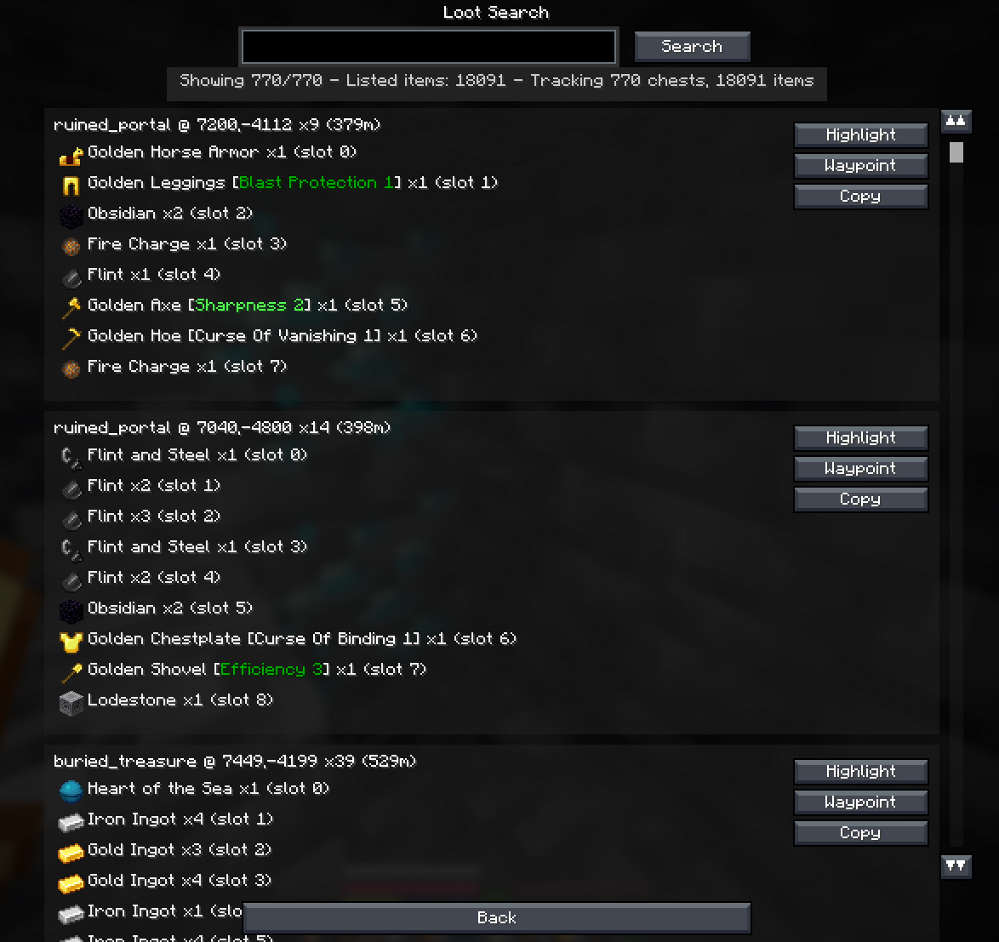
- Advanced Loot Finder: Searches through chests across the map for specific items or enchantments you want to find.
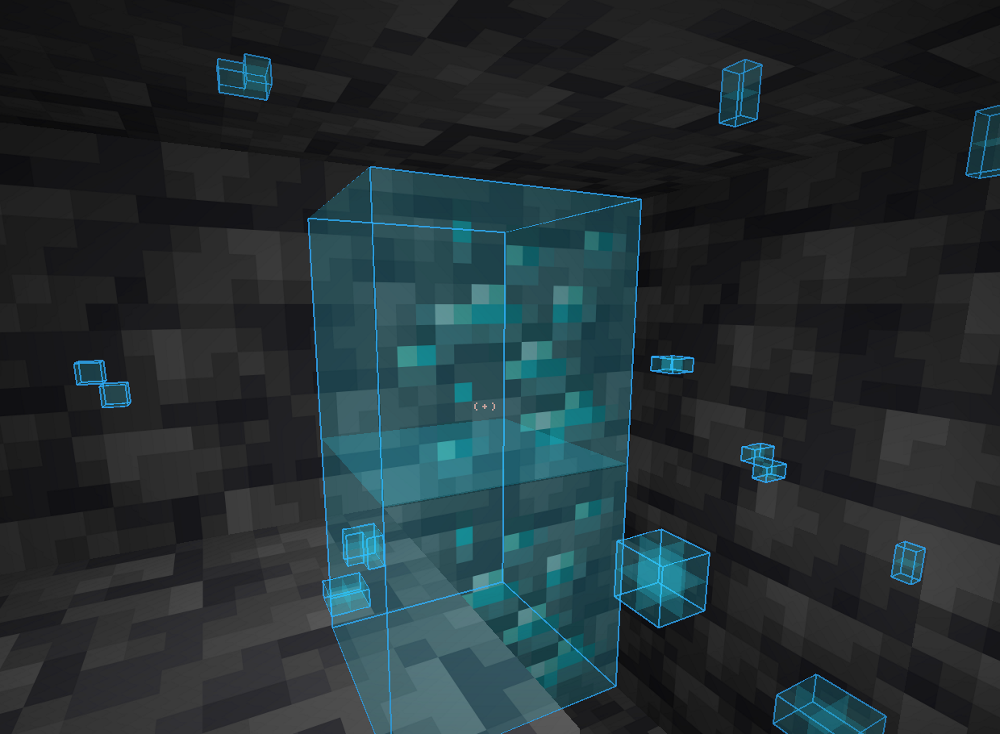
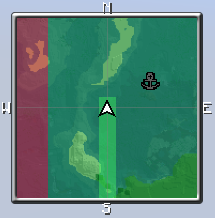
- Block Highlighting: Draws colorful outlines around ores, caves, and canyons so you can see them through walls.
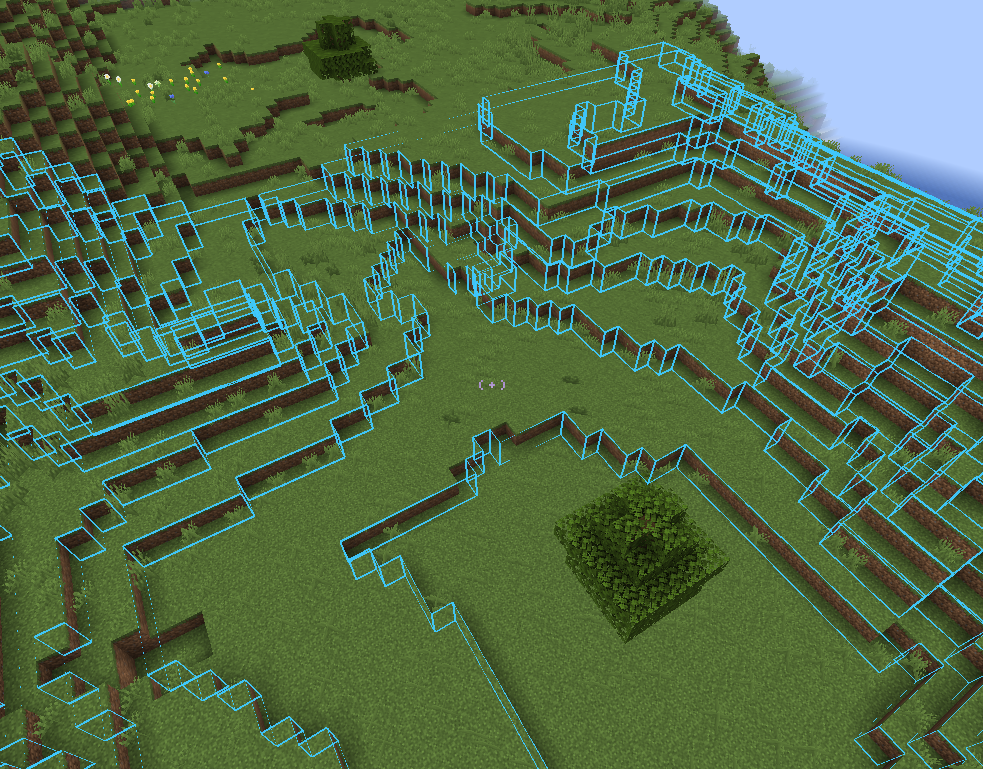
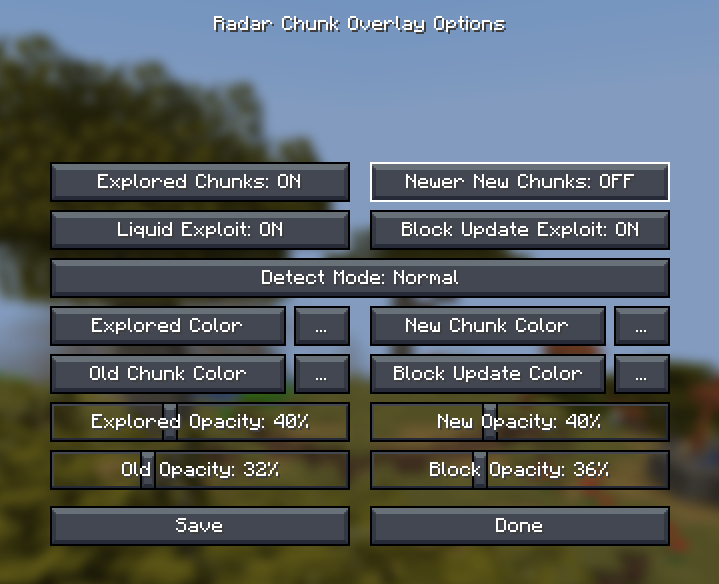
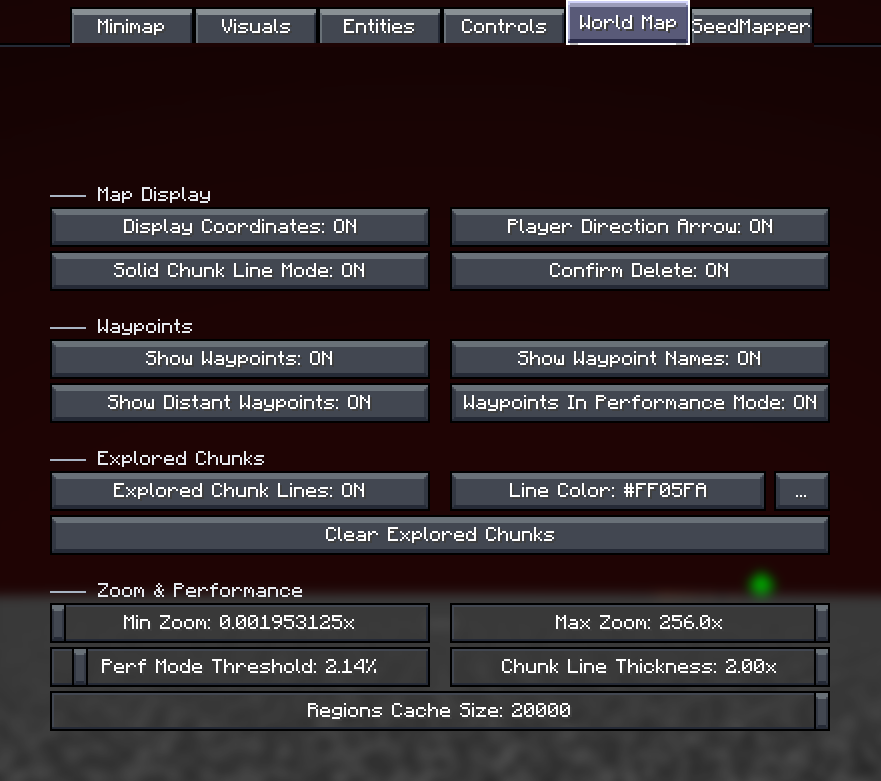
- Tracks where you have already traveled and highlights brand-new chunks on your map.
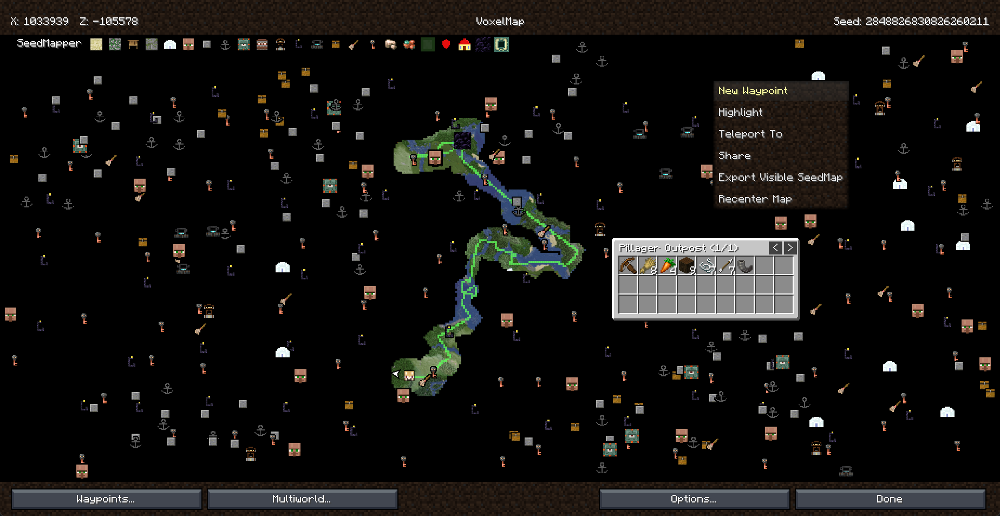
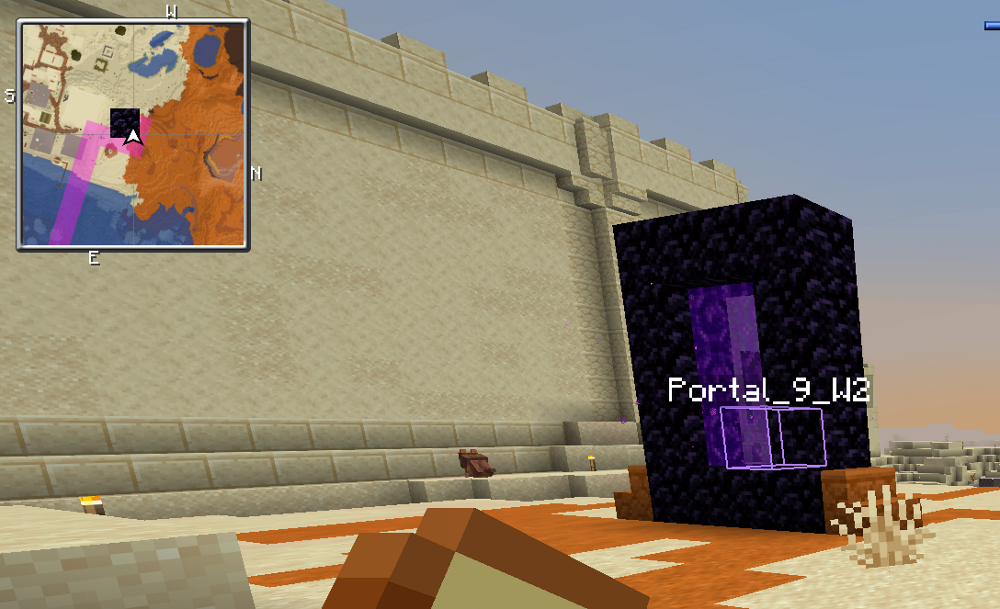
- Adds helpful icons to your fullscreen map showing exactly where portals and outposts are located.
- Imports your old waypoints from other popular map mods so you do not lose your saved locations.
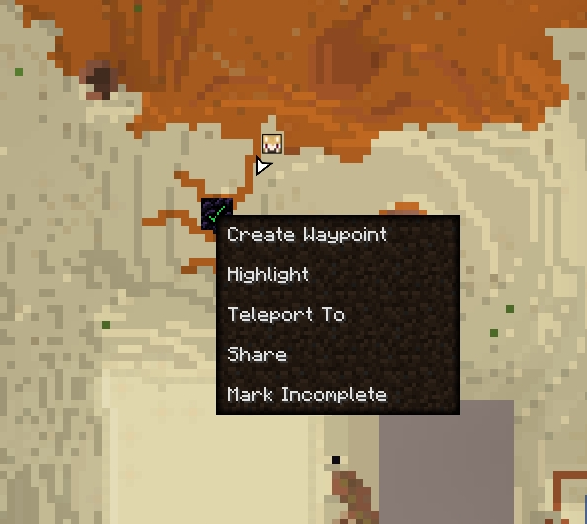
- Lets you click on map icons to instantly create waypoints or check what items are inside a structure.
Map Improvements:
- Displays structure borders and new chunks right on your corner minimap.
- Includes a performance mode for the fullscreen map when you zoom out really far.
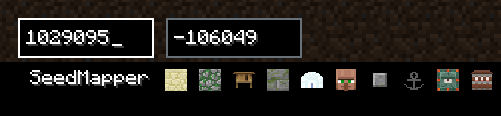
- Lets you type in specific coordinates to jump your map view to anywhere in the world.
Visual Overlays:
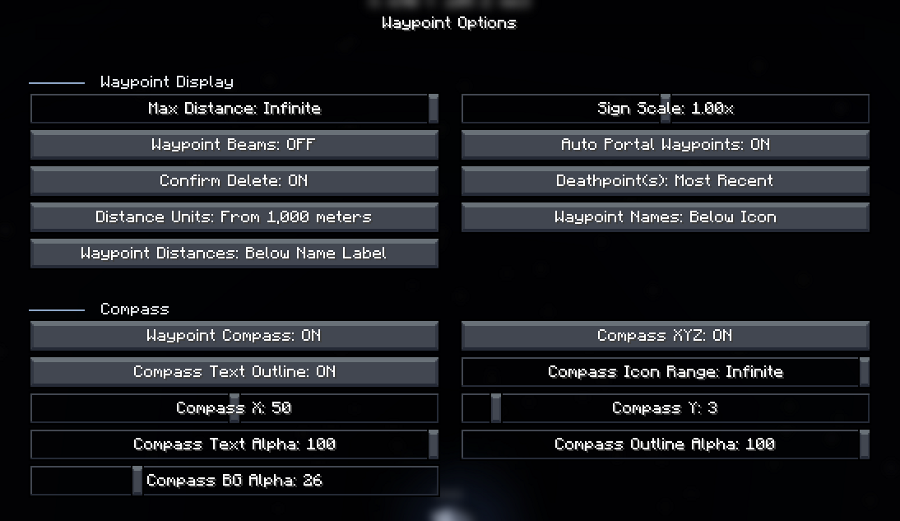
- Marks Nether portals, End portals, and End gateways automatically as you find them.
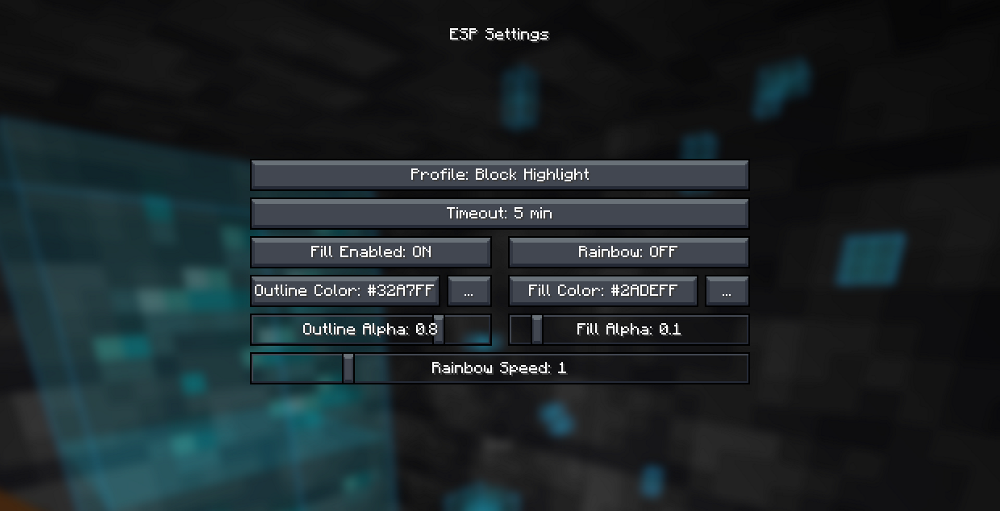
- Provides custom settings to change the color and thickness of block highlights.
- Turns off highlights automatically when you walk close to your target.
Commands:
/seedmap help– Shows a list of all available mapping commands./seedmap locate structure <feature_id>– Finds the nearest structure of your choice./seedmap locate biome <biome_name>– Points you toward a specific biome./seedmap locate orevein <iron|copper>– Locates large underground ore veins./seedmap locate slime– Finds chunks where slimes can spawn./seedmap locate loot <text>– Searches for specific items in nearby chests./seedmap highlight ore <block>– Draws a box around specific ores near you./seedmap highlight clear– Removes all visual highlights from your screen.
How to Use:
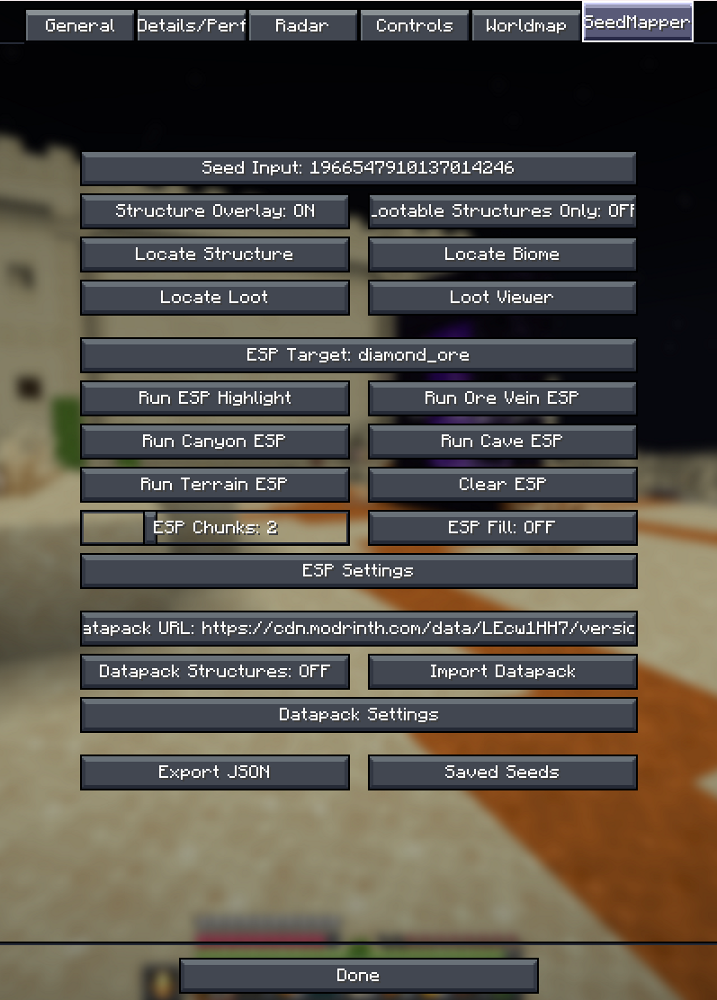
- Open your main map menu to access the new locator settings tab.
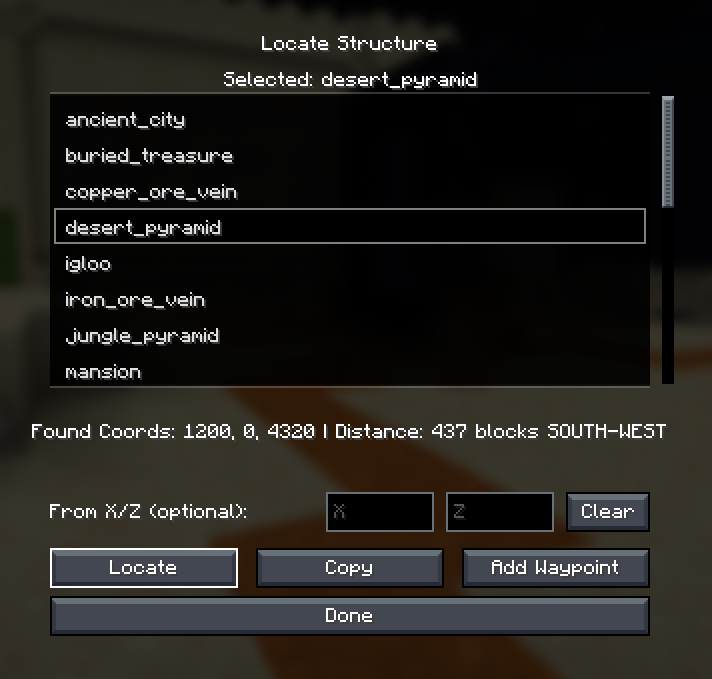
- Use the locate commands or the menu to pick a structure, biome, or ore you want to find.
- Check your minimap or fullscreen map to see the new icons and markers pointing to your target.
- Open the loot viewer screen to search for specific items, then click the results to highlight the exact chest on your map.
Screenshots:
How to Install:
New to Minecraft? Follow our step-by-step guide to install Mods on your PC.View Guide
Requirements:


VoxelMap X Seedmapper Mod Download Links
For Minecraft 26.1.2, 26.1.1, 26.1
Click to rate this post!
[Total: 0 Average: 0]
You May Also Like














This post has no comments yet. Be the first — your comment will appear here.