


Yuushya Modelling Mod (1.21.1, 1.20.1) – Full Control Over Blocks
 857
857
 0
0


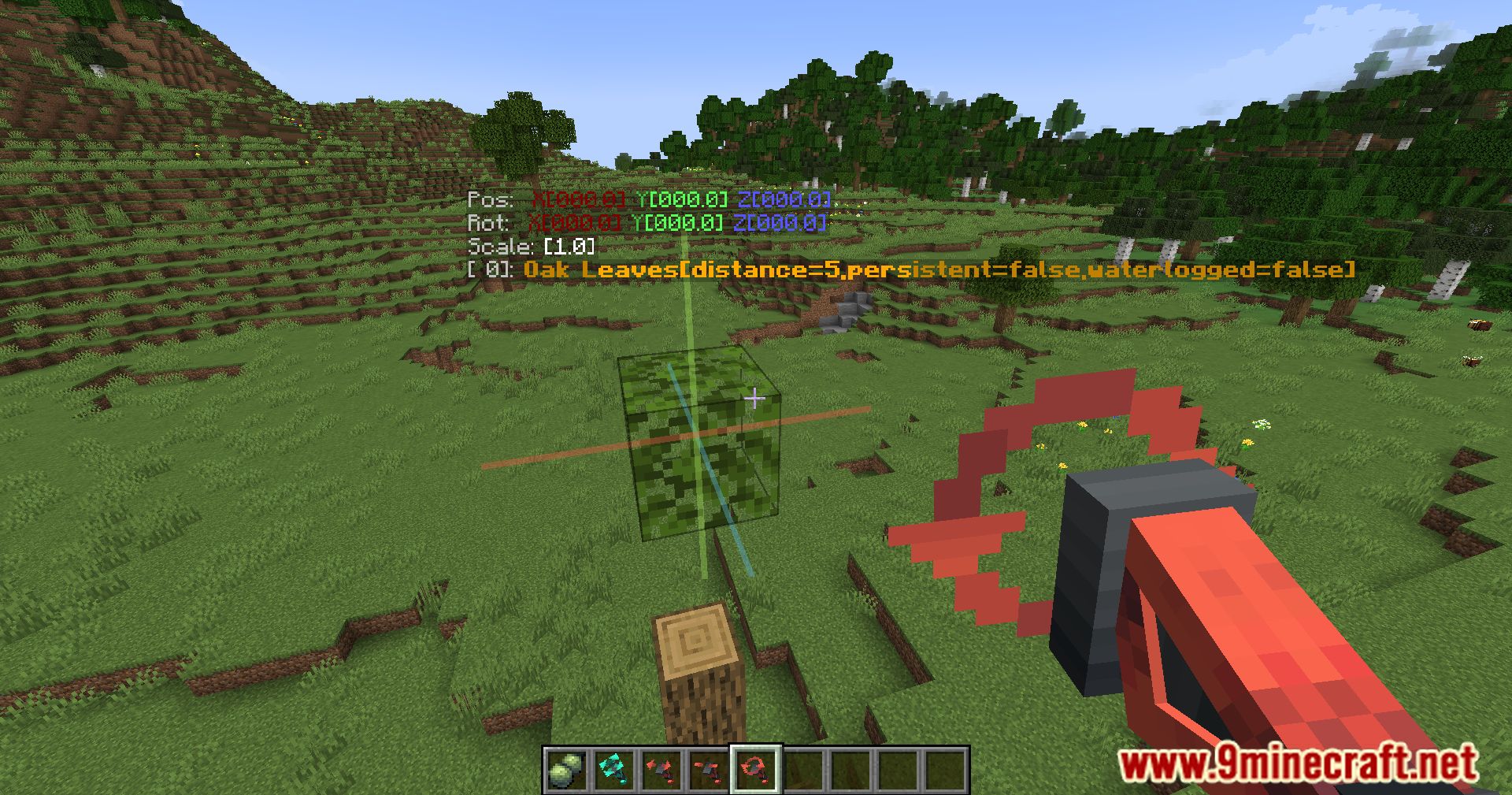
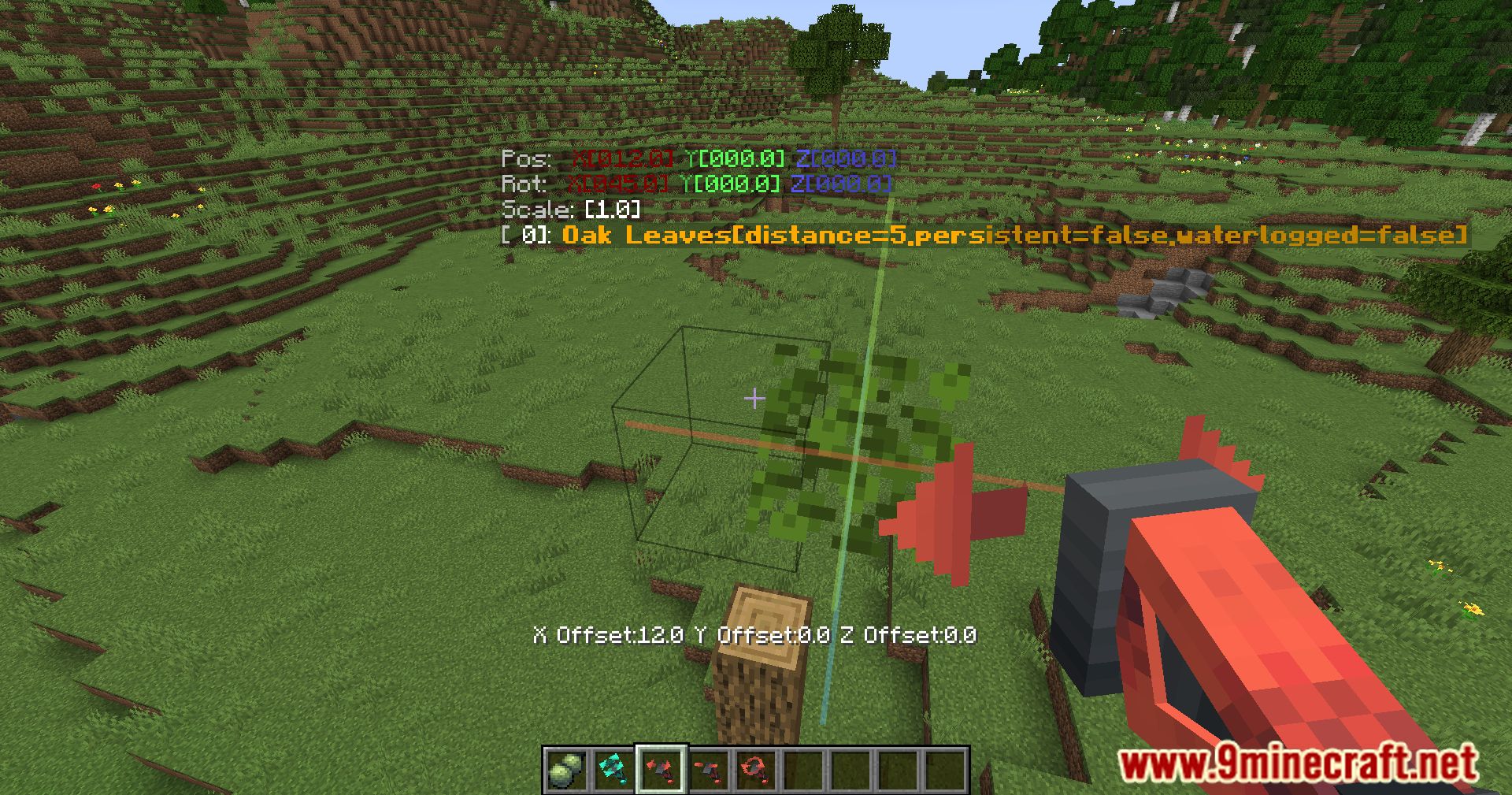
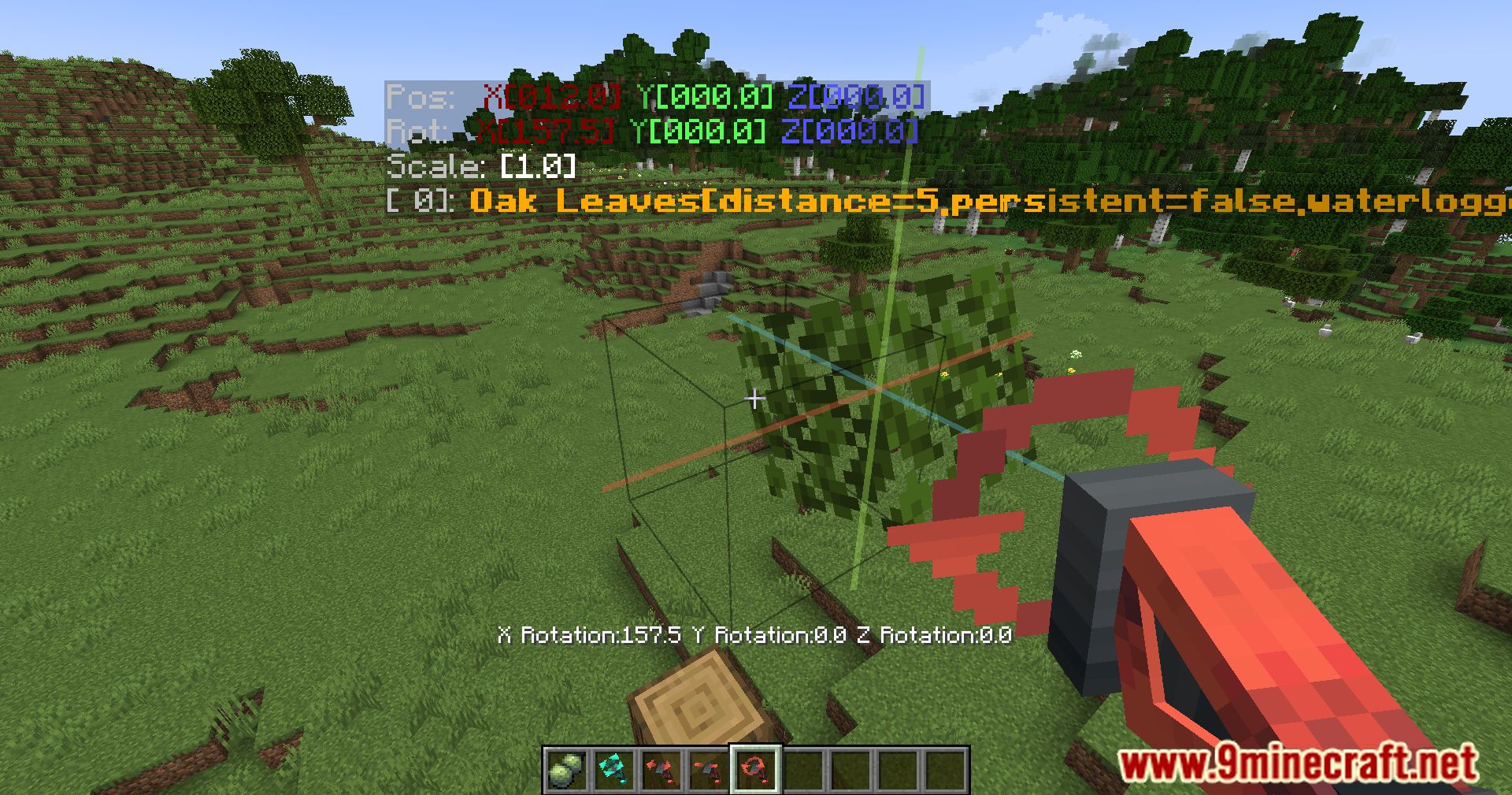
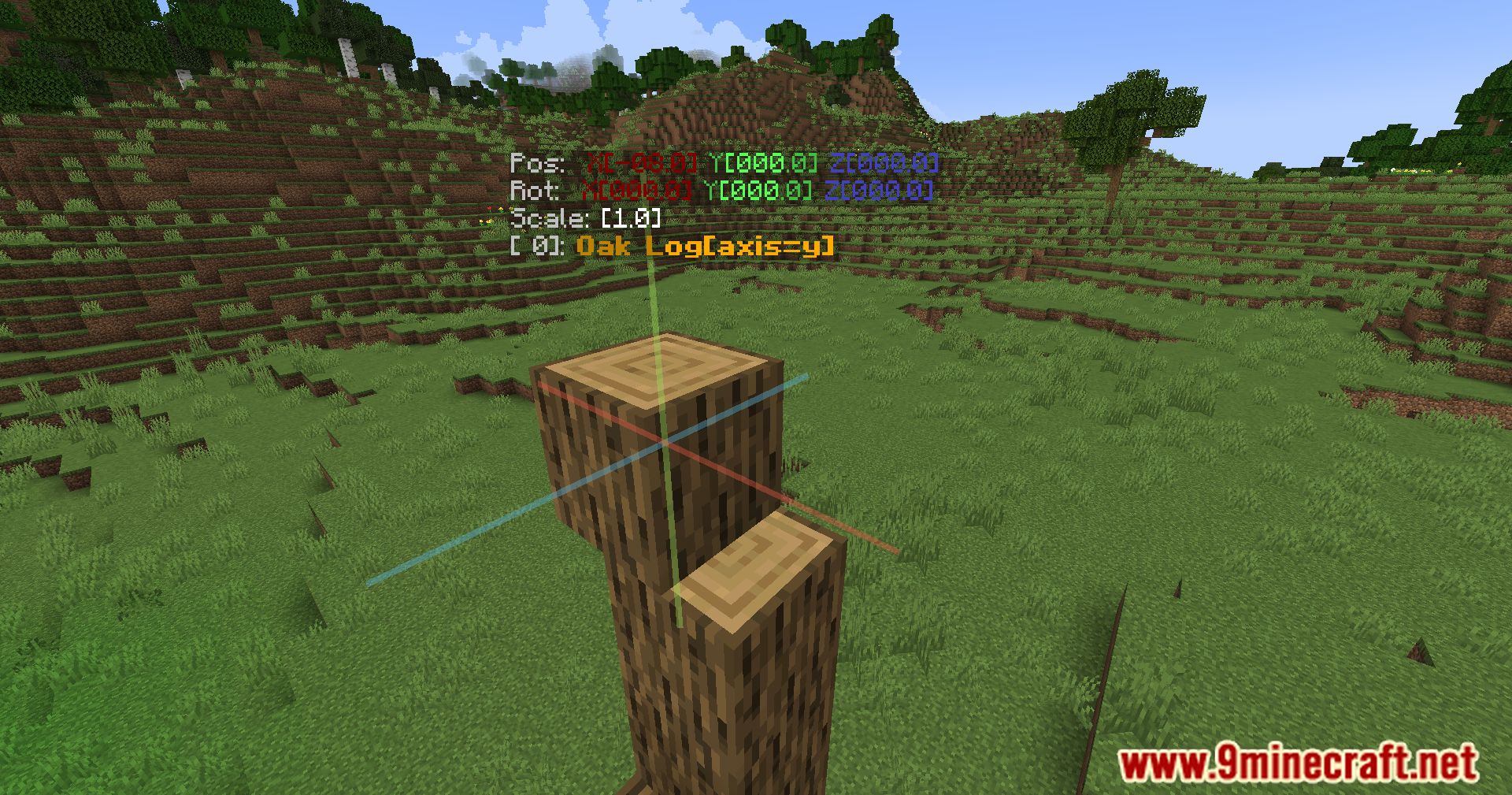
Yuushya Modelling Mod introduces advanced building tools to Minecraft, similar to those found in 3D modeling software. It allows players to freely move, rotate, resize, and even merge blocks, offering unprecedented control over block manipulation. These features apply not only to vanilla blocks but also to blocks from other mods, making it versatile for decoration, furniture, and more.
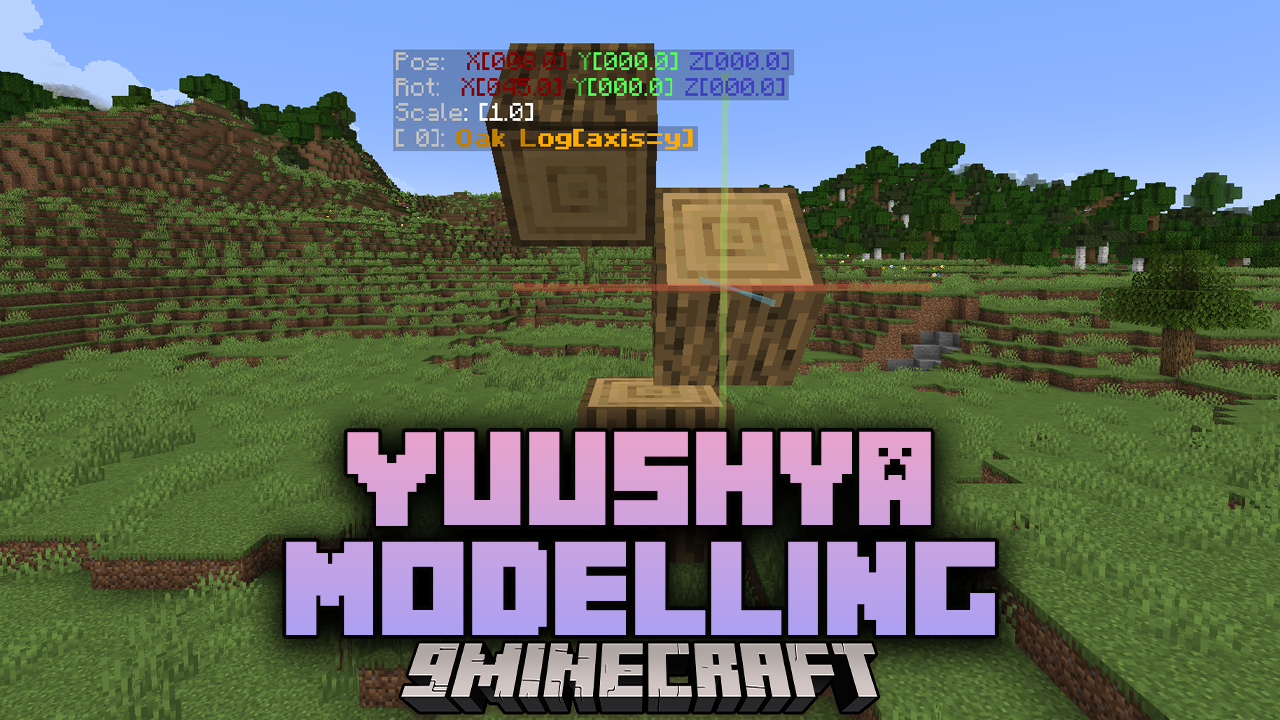
Features:
Overview
- Scope: Features and user guidance for Townscape block-modeling – basic workflow, special functions, survival usage, and available tools.
- Purpose: Make block models and decorative blocks easily in creative and survival modes, with extra behaviors and helpers.
Block Modeling – Basic
- Model placement: Place and rotate block models in the world.
- Orientation and axis control: Align models to block faces and world axes.
- Preview placement: Show a ghost or preview of the model before confirming placement.
- Adjustments: Fine-tune position, rotation, and scale so models fit precisely.
- Texture mapping: Assign textures and choose texture variants for placed models.
- Quick-edit controls: Hotkeys or UI shortcuts for symmetry, mirroring, and undo/redo of recent placements.
Block Modeling – Special Functions
- Conditional placement: Models can change shape or variant depending on surrounding blocks or player interaction (for example, corner vs. edge pieces).
- Interactive parts: Support for clickable or activatable elements such as doors, gates, and moving parts.
- Multi-block assemblies: Group multiple models into a single structure or connected set that behaves as one unit.
- Stateful models: Models have internal states or appearances that change with in-game conditions (powered or unpowered, open or closed, damaged states).
- Auto-tiling and smart textures: Automatically select the correct texture or orientation based on neighbors.
- Variants and palettes: Provide alternative model and texture variants that can be selected during or after placement.
Block Modeling – Survival
- Item acquisition: Rules for obtaining modeling items and blocks in survival (crafting, loot, or drops).
- Cost and durability: Survival balance for tool durability, material consumption, and usage limits.
- Restrictions: Conditions and permissions required for placing or editing models in survival environments.
- Physical behavior: How placed models respond to gravity, support loss, and typical block physics.
- Recovery: What happens when models are broken and how items are recovered or lost.
Block Modeling – Tools
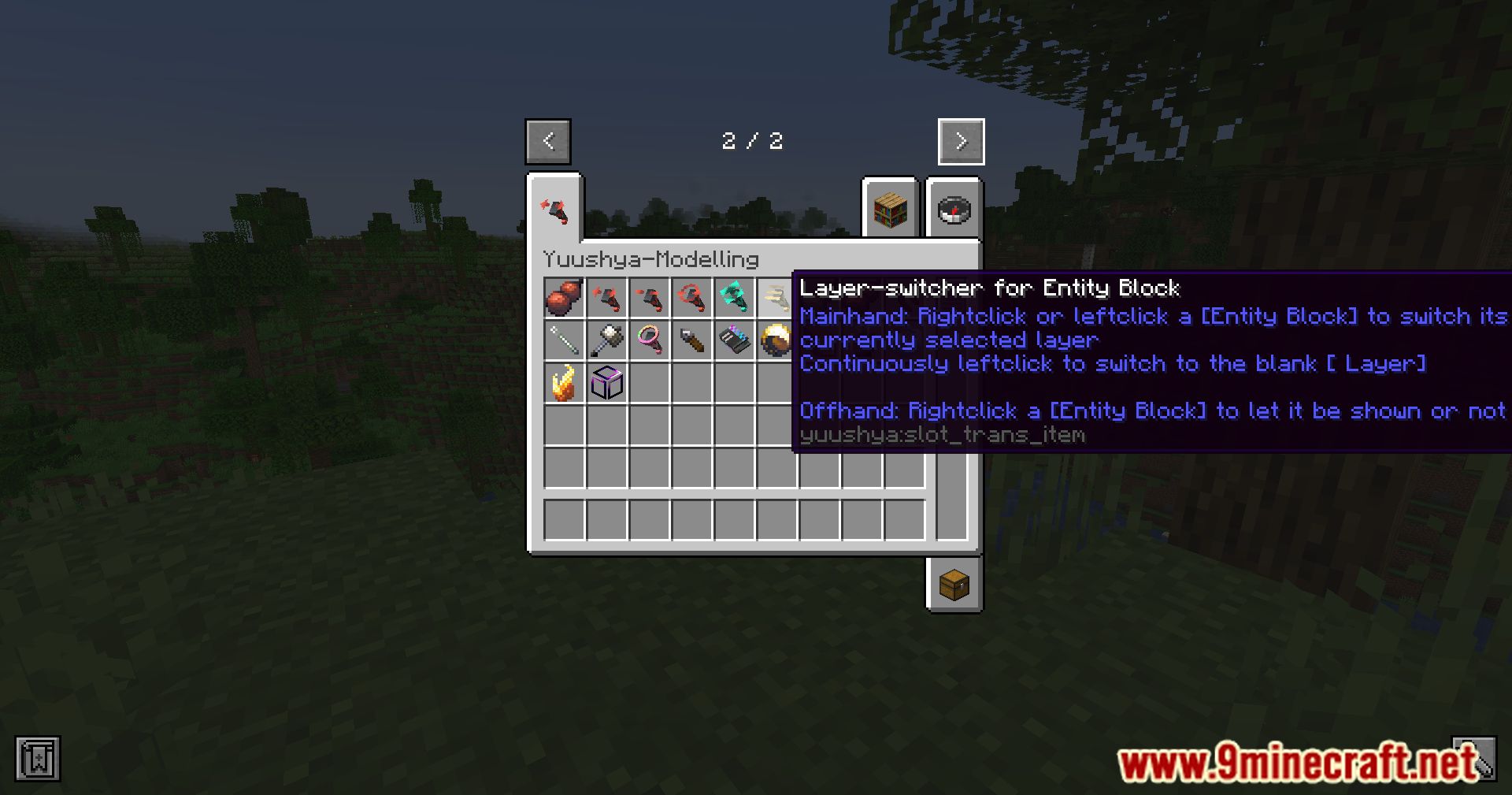
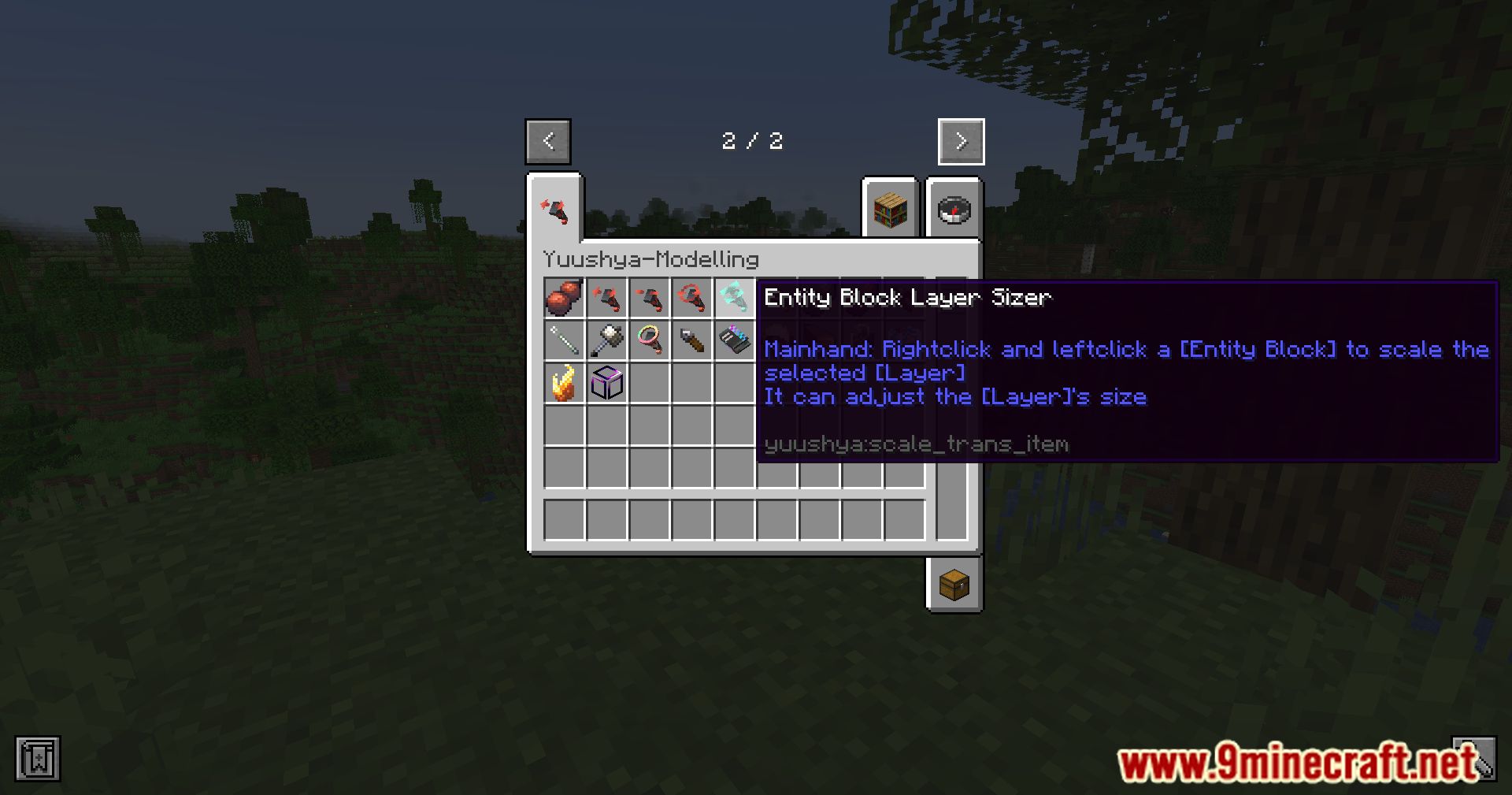
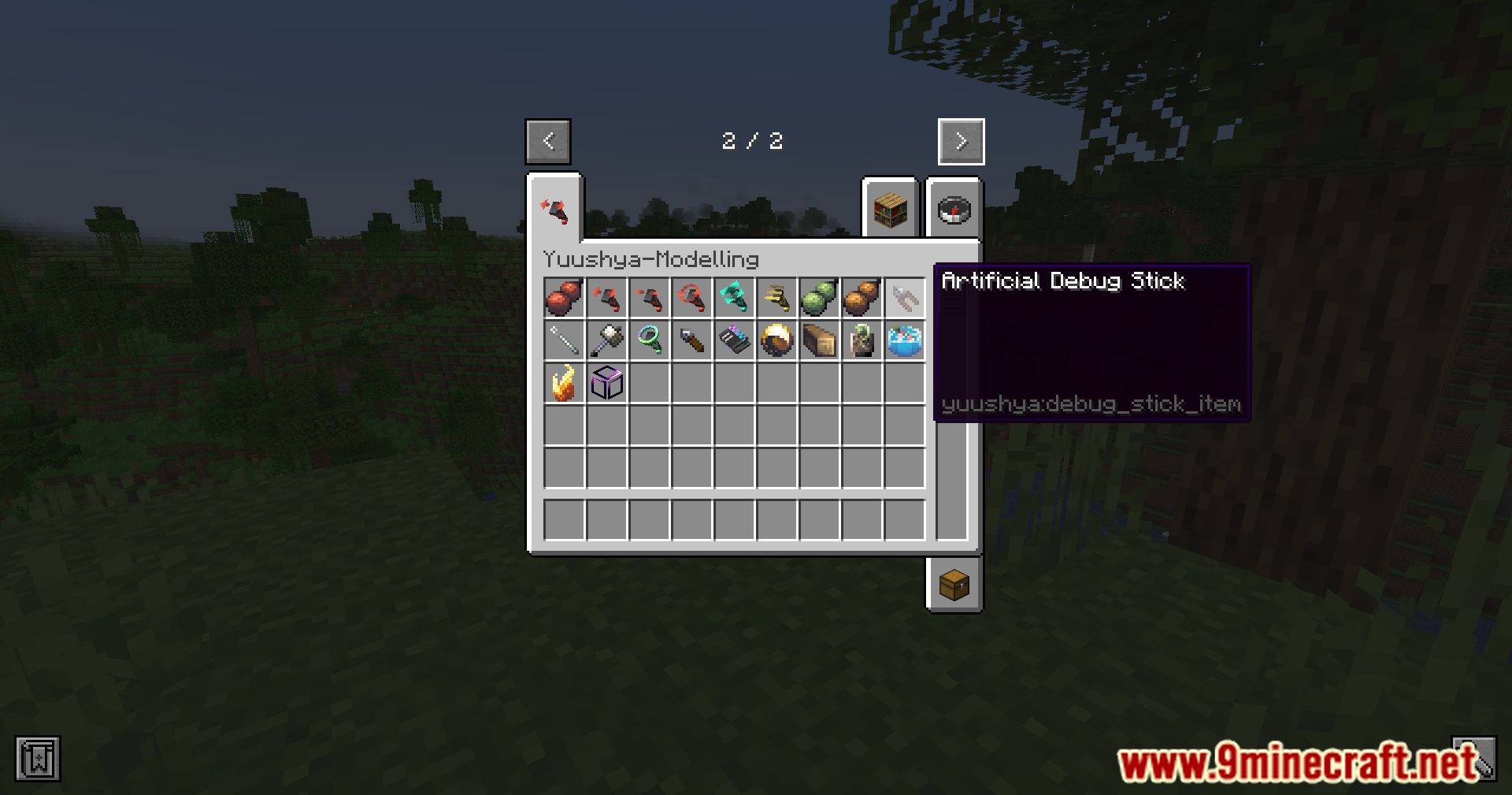
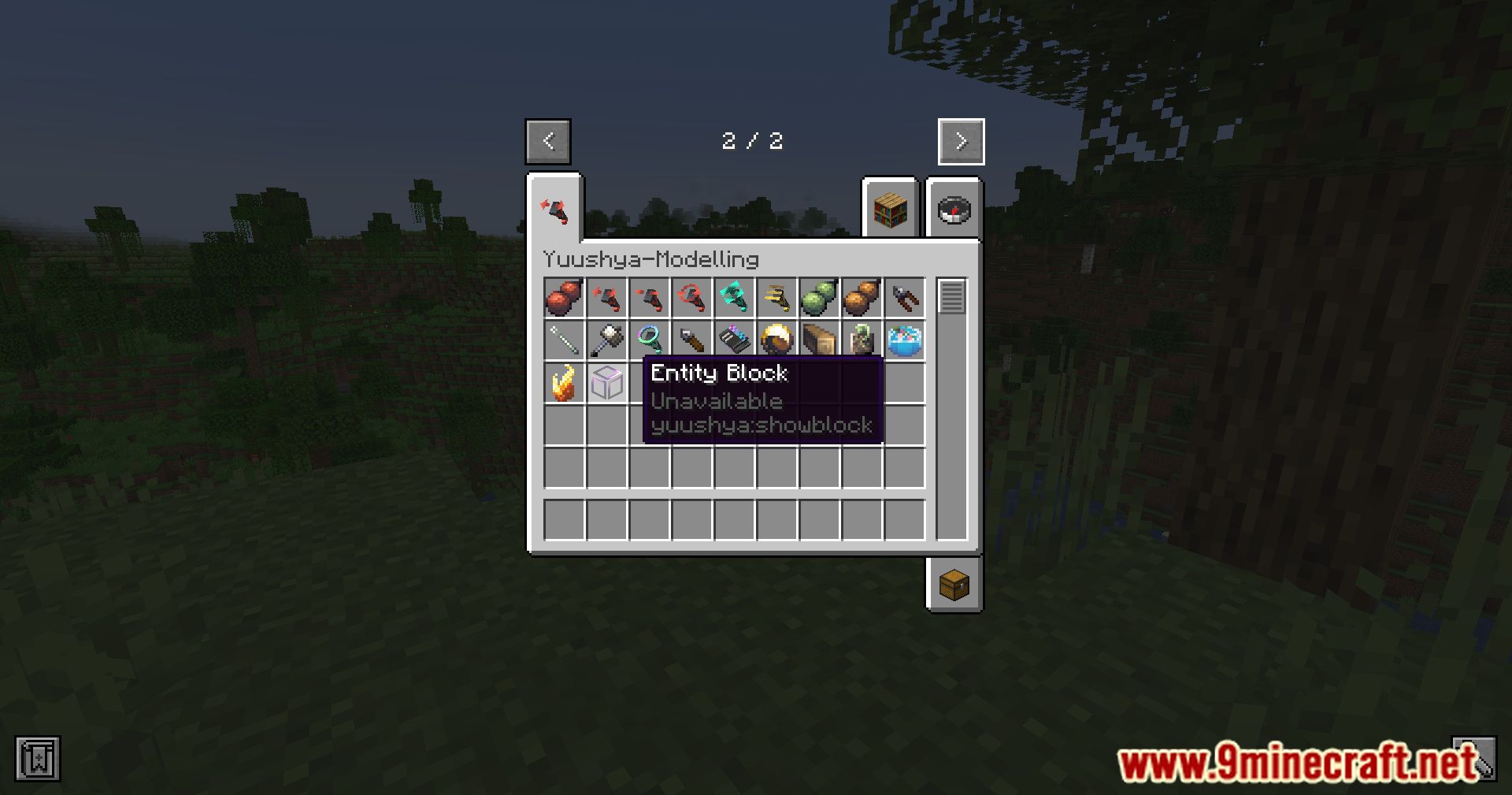
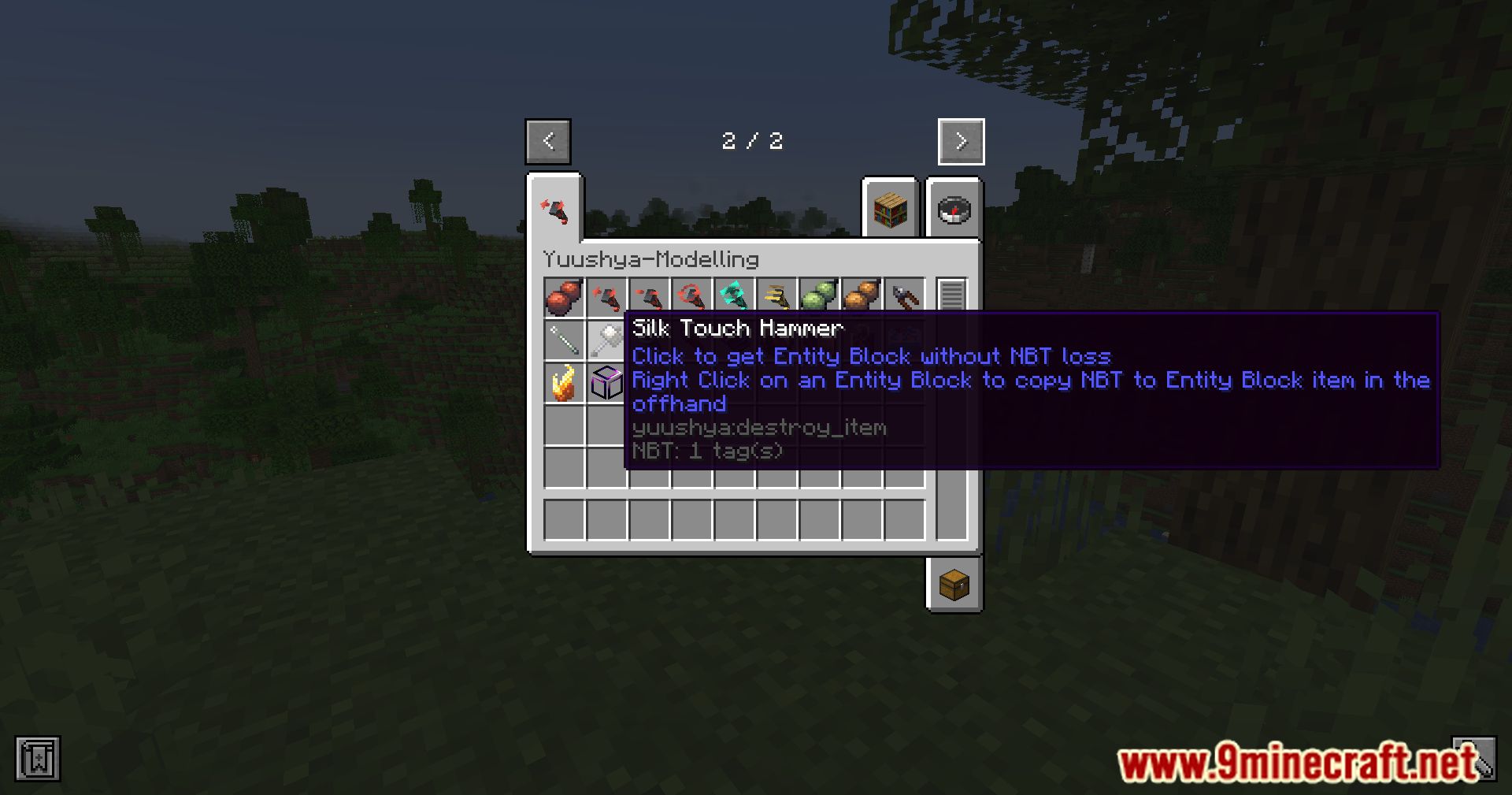
- Toolset overview: Main tools such as placement tools, rotation tools, mirror tools, palette tools, and selection tools.
- Controls and GUI: Hotkeys and panels for switching modes, selecting variants, and adjusting precision.
- Brush and area tools: Tools for filling or applying the same model across multiple blocks quickly.
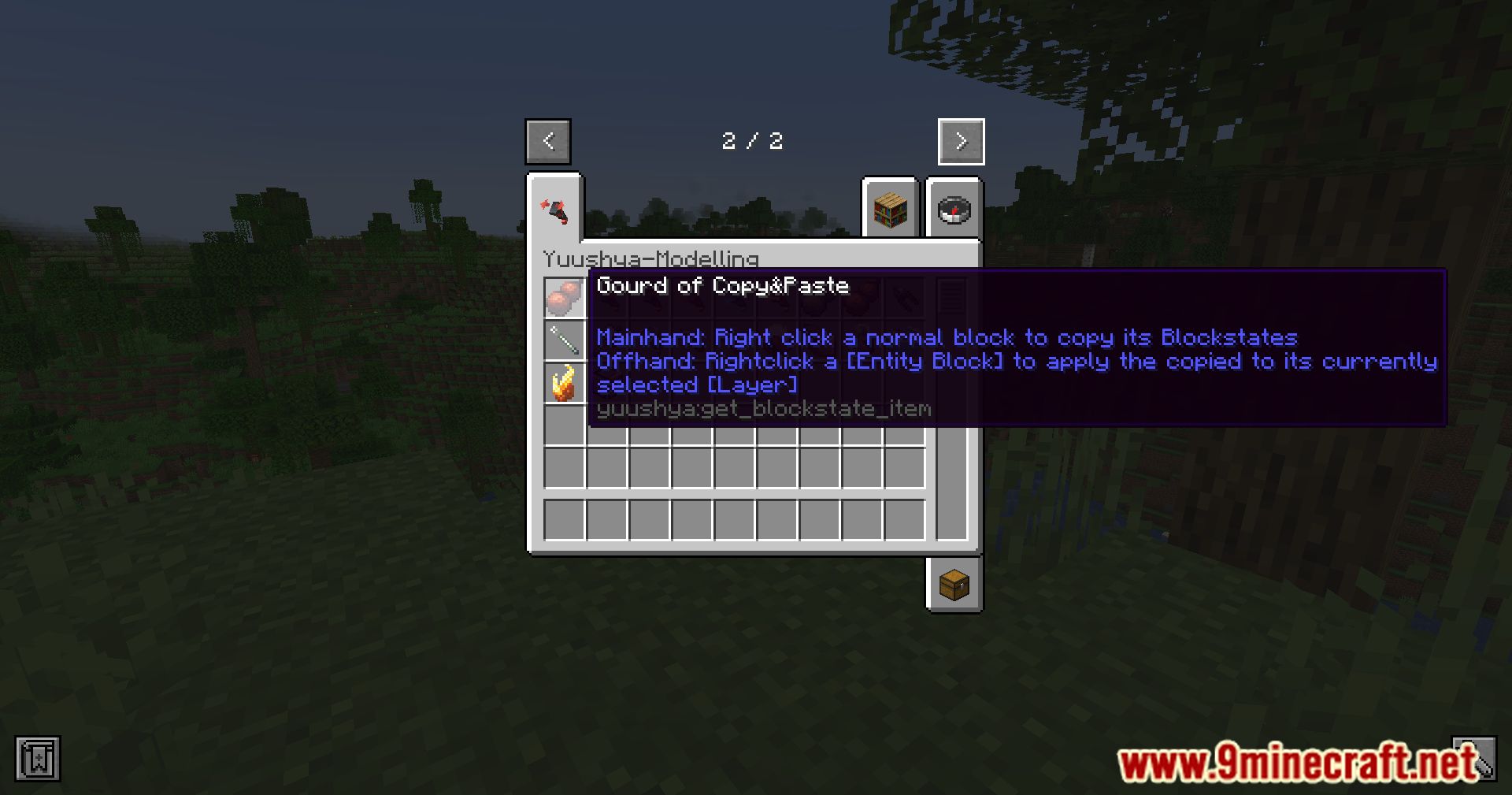
- Copy, paste, and rotate: Functions to copy existing structures, rotate or mirror them, and place them elsewhere.
- Undo and redo: History controls for reverting or reapplying recent actions.
- Resource pack integration: Handling of custom models and textures provided by external resource packs.
- Configurable behavior: Options for grid size, snapping, default variants, and other tool preferences.
Notes
- Focus: Only core features are listed; minor UI hints, small examples, and decorative descriptions are omitted.
Screenshots:
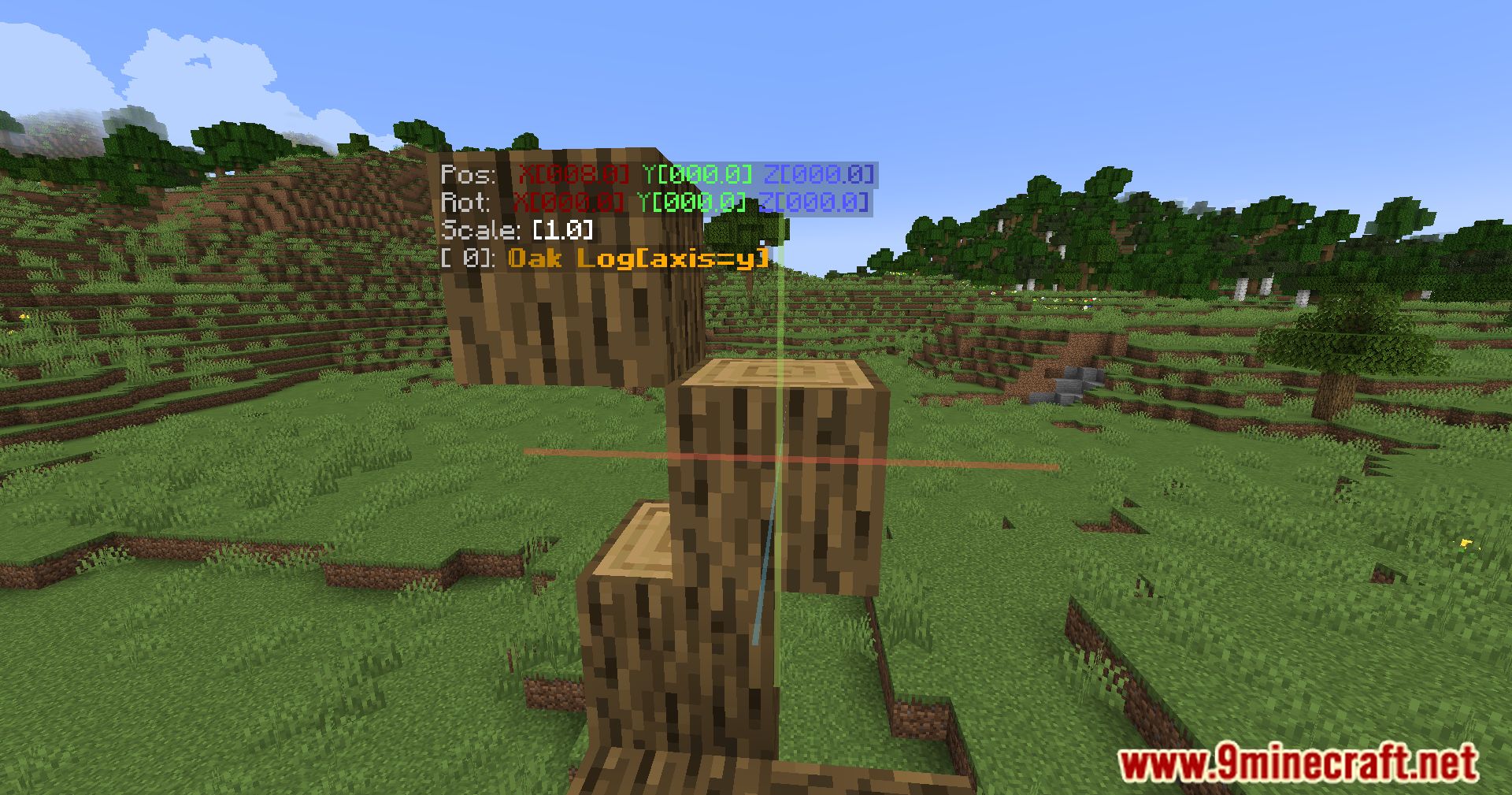
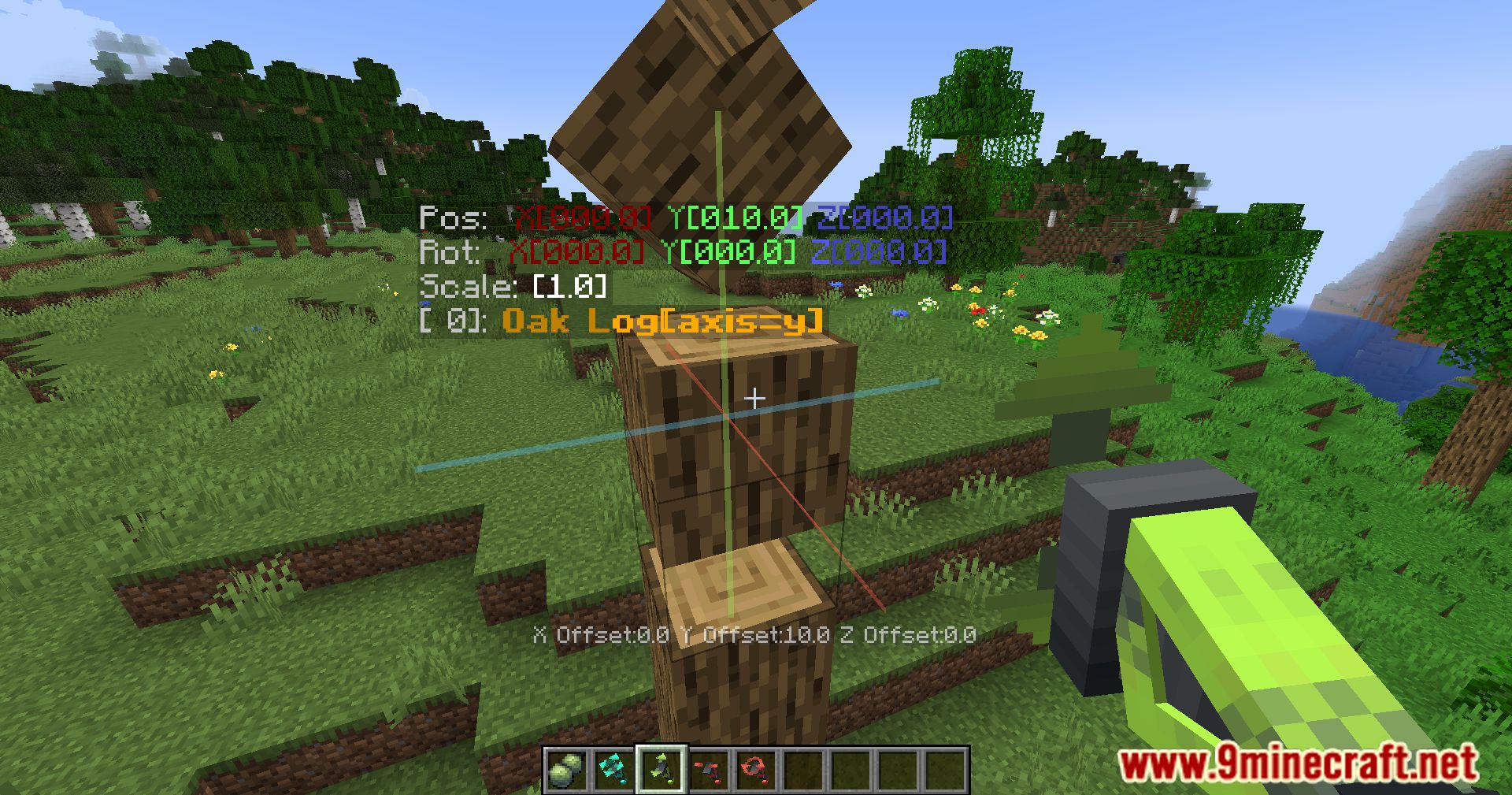
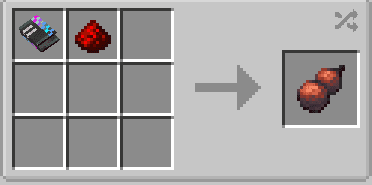
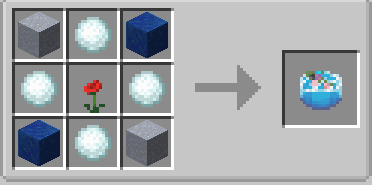
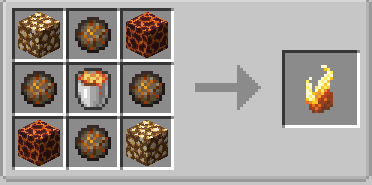
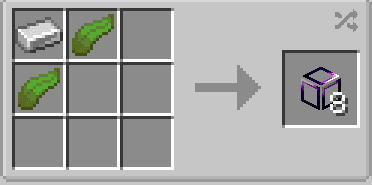
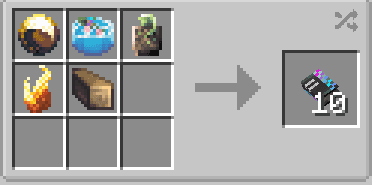
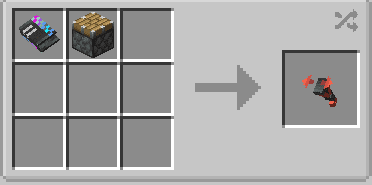
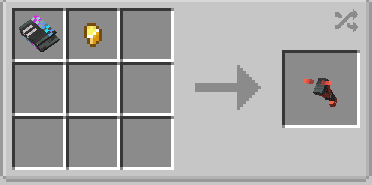
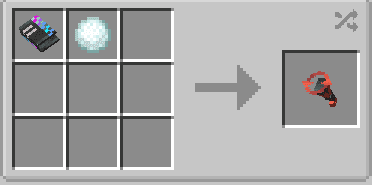
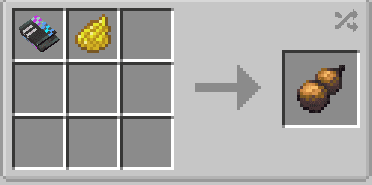
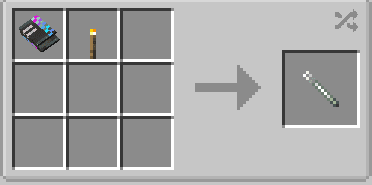
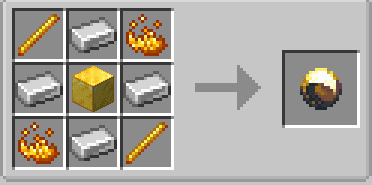
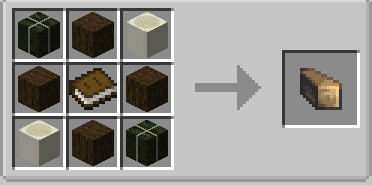
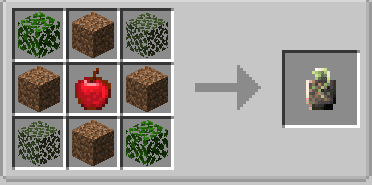
Crafting Recipes:
How to Install:
New to Minecraft? Follow our step-by-step guide to install Mods on your PC.View Guide

Yuushya Modelling Mod Download Links
For Minecraft 1.16.5
Forge Version: Download from Server 1 – Download from Server 2
Fabric Version: Download from Server 1 – Download from Server 2
For Minecraft 1.18.2
Forge Version: Download from Server 1 – Download from Server 2
Fabric Version: Download from Server 1 – Download from Server 2
For Minecraft 1.19.2
Forge Version: Download from Server 1 – Download from Server 2
Fabric Version: Download from Server 1 – Download from Server 2
For Minecraft 1.19.4
Forge Version: Download from Server 1 – Download from Server 2
Fabric Version: Download from Server 1 – Download from Server 2
For Minecraft 1.20.1
Forge/NeoForge Version: Download from Server 1 – Download from Server 2
Fabric Version: Download from Server 1 – Download from Server 2
For Minecraft 1.20.4
Fabric Version: Download from Server 1 – Download from Server 2
NeoForge Version: Download from Server 1 – Download from Server 2
For Minecraft 1.20.6
Fabric Version: Download from Server 1 – Download from Server 2
NeoForge Version: Download from Server 1 – Download from Server 2
For Minecraft 1.21.1, 1.21
Fabric Version: Download from Server 1 – Download from Server 2
NeoForge Version: Download from Server 1 – Download from Server 2
You May Also Like



This post has no comments yet. Be the first — your comment will appear here.